

Mimic Chest Generator
Describe a chest and get a printable mimic monster
Describe it in one sentence. About 2–3 min later you download a printable mimic monster as STL or 3MF, ready to print. No 3D skills needed.
Make printable mimic monster
Describe a chest and get a printable mimic monster. The prompts and settings are already done for you.
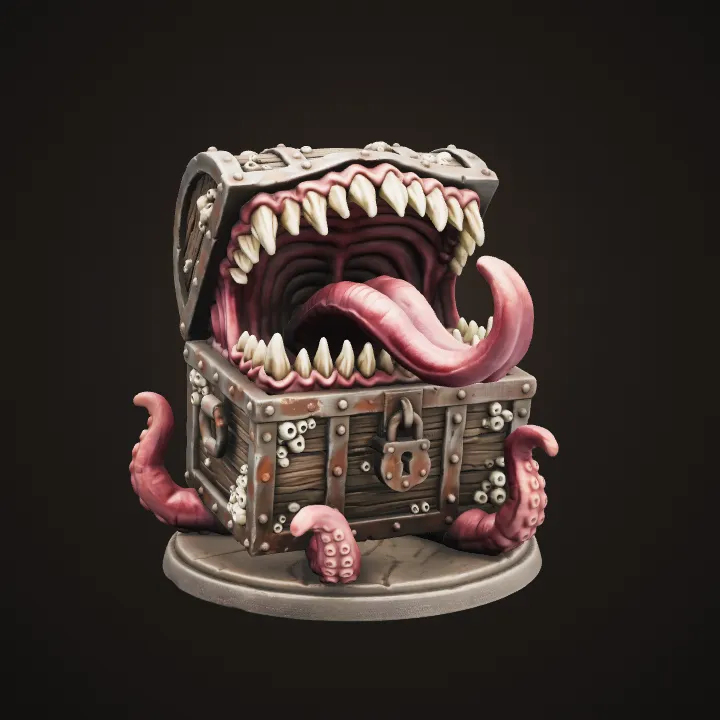
The design's soft shading stays in the colours, so the model looks painted and finished, on screen and in a full-colour print.
~2–3 min · 25 mm mini or display piece · STL & 3MF · free to try
Made with this template
The card in the corner shows what went in.


Each example is an actual run of this template at Standard quality, made from a typed idea or a sketch.
From idea to file in about 2–3 min
Type what you want, then wait while 2 AI steps run. Nothing to set up.
- 1Typed“An old pirate chest covered in barnacles”YouYou describe it
Or upload a sketch of your chest
- Image Studio2
 AIAI draws your idea
Image Studio designs the chest as a solid mimic on a round base, with teeth, tongue and tentacles kept thick and attached so nothing breaks off in printing.
- Image to 3D3AIAI builds it in 3D
Image to 3D (Prism 3.1) builds the mimic with Fast textures and Standard mesh quality.
- STL 3MF OBJ4YoursYou download the file
As STL, 3MF or OBJ. You can use it however you like.
Print it at home or order it
Open the STL in your slicer, or upload it to a print service if you don't have a printer.
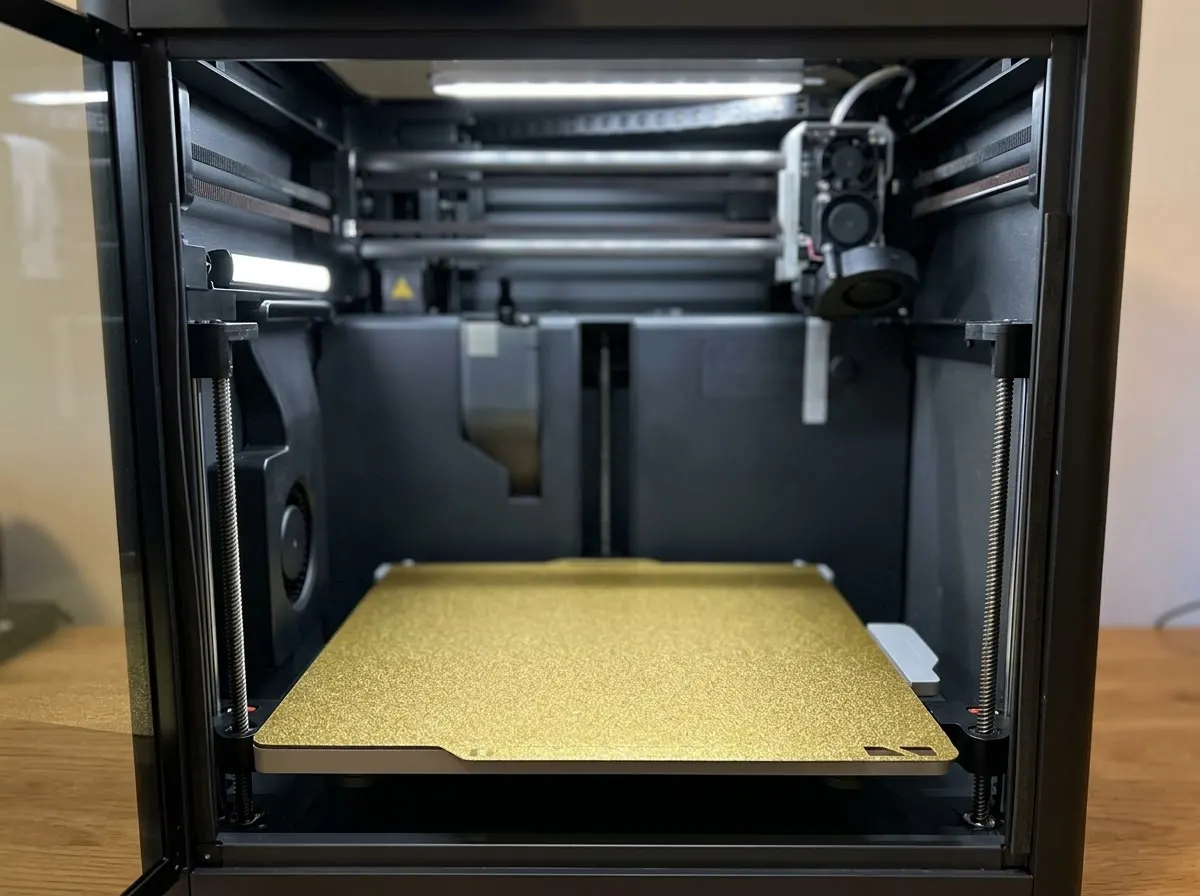
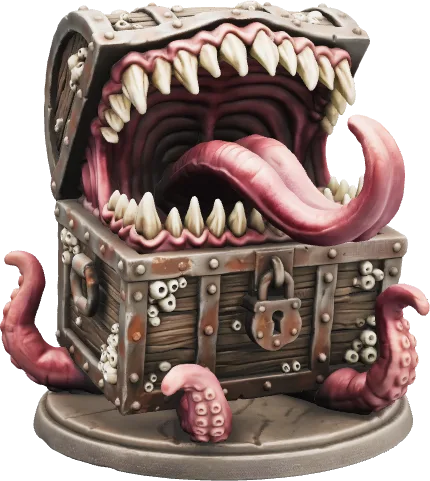
Any FDM or resin printer works. Open the file in your slicer and press print.
Upload the STL to an online print service or a local print shop and get it delivered.
Birthdays, weddings, a thank-you for a teacher. Nobody else will have the same one.
Print in grey and paint it, or print in colour if your printer can.
How this template works
Every adventurer has opened the wrong chest. Image Studio designs your mimic, from a sleeping disguise to a full tongue-lashing attack, then Image to 3D builds it ready to print.
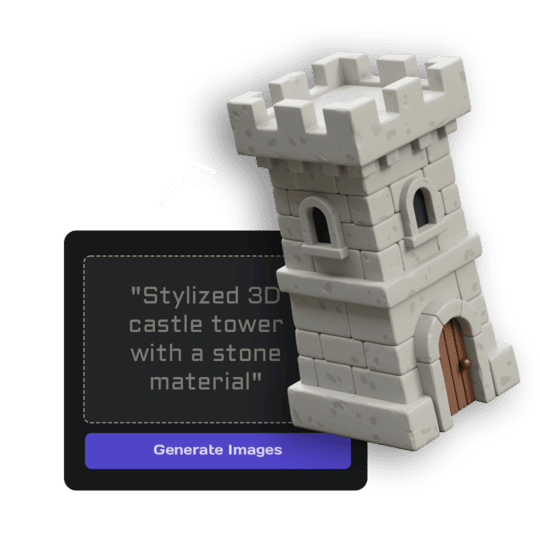 1Open Image StudioStep 1 · Image Studio
Design the mimic
Image Studio designs the chest as a solid mimic on a round base, with teeth, tongue and tentacles kept thick and attached so nothing breaks off in printing.
Nano Banana 2.1 (text) or GPT Image 2.5 Flare (sketch) · 1K
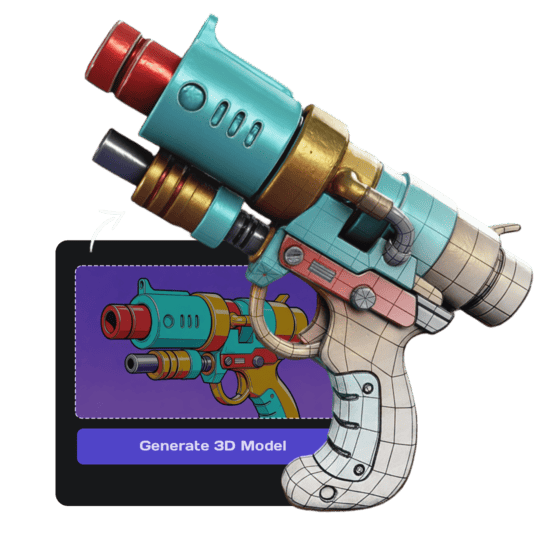 2Open Image to 3DStep 2 · Image to 3D
Build the 3D model
Image to 3D (Prism 3.1) builds the mimic with Fast textures and Standard mesh quality.
Prism 3.1 · Fast textures · Standard mesh · Soft shading
Do it yourself for more control
- Scale it to a 25 mm base for the table, or 8-12 cm wide as a desk piece.
- Print the Disguised one next to a normal chest and let your players choose.
- Pick Grey primer and paint it yourself: a dark wash makes the teeth pop.
Miniatures, terrain and props for your table.
Every D&D template, with real examples and tips for printing and playing.
What is 3D AI Studio?
3D AI Studio is a web app that makes 3D models, images and sounds with AI. It runs in your browser, so there is nothing to install.
A template is a saved recipe. It runs a fixed set of AI tools with settings we've already tested, so all you add is a photo or a sentence.
- Step 1Image Studio
Draws a picture from a sentence or a sketch.
- Step 2Image to 3D
Turns a single picture into a textured 3D model.
What you need
- One sentence or a sketchNo prompt skills needed
- 3D software or skillsNot needed. It all happens in the browser
- A 3D printerOptional. You can order the print online
- A free accountSign up with Google or email
Sign up for free and make your first one right away. Downloading the files is part of the paid plans.
The mimic is attacking: the lid flung wide open like huge jaws lined with rows of sharp jagged teeth, a long thick tongue curling out over the front edge, two or three short thick tentacles gripping the base, menacing.
The mimic is waking up: the lid open a hand's width like a grinning mouth with a row of teeth along the gap, one big eye peering out from the keyhole, the tip of a thick tongue resting over the front edge.
The mimic is still disguised: the lid closed so it looks almost like an ordinary chest, only small teeth along the lid seam, a half-closed eye hidden in the wood grain and a tongue tip peeking out give it away.
The files you get
Open it in a slicer such as Bambu Studio, PrusaSlicer or Cura, then press print.
Best for Bambu Lab and Prusa printers.
Opens in Blender and almost every 3D app.
How to describe it
- Describe the chest, not the monster: "a royal chest with gold trim and rubies".
- Add one twist: barnacles, ice, moss, chains.
- Try all three moods on the same chest for a set.
Good to know: Very thin tentacles, coins and loose teeth are thickened or joined to the body so they print; add drool and gems with paint.
Run this template from Claude, ChatGPT or Cursor
Connect the 3D AI Studio MCP to your AI assistant and paste the brief into the chat. It runs the same steps with the same prompts and settings, shows you the result in the conversation and saves it to your library.
- Connect the MCP once in your account settings. It's included in every paid plan.
- Copy the brief and swap the example in the first line for your own.
- Paste it into a new chat. Your assistant runs every step and shows you each result.
generate_image_nano_2_1upload_imageedit_image_gptgenerate_prism_3_1convert_modelget_generationshow_generationUse the 3D AI Studio MCP to run the "Mimic Chest" template (https://www.3daistudio.com/templates/mimic-chest) for me.
My idea: An old pirate chest covered in barnacles
Mood: Attacking
Chest: Wooden
Size: Game miniature
Finish: Painted
Follow these steps in order. The prompts and settings are the template's own, so use them word for word and only put my idea where it says {MY IDEA}.
1. Design the mimic
Call generate_image_nano_2_1 with aspect_ratio "1:1", resolution "1K", output_format "png" and this prompt:
"""
Chest: {MY IDEA}. A single mimic, the classic fantasy monster disguised as a treasure chest, designed for 3D printing: a solid chunky chest-shaped body standing on a round flat base, the lid hinged at the back like jaws, every tooth, tongue and tentacle thick and sturdy and attached to the body (no thin loose parts, nothing floating), the chest's wood, metal bands, lock and hinges crisply sculpted. Painted in rich colours like a finished display miniature with washes and edge highlights. The entire mimic and base visible with generous empty margin, centered, three-quarter front view from slightly above. Isolated on a seamless pure white (#FFFFFF) background, soft even studio lighting, no shadows on the background, no coins or objects around it unless described, no text. Mood: the mimic is attacking: the lid flung wide open like huge jaws lined with rows of sharp jagged teeth, a long thick tongue curling out over the front edge, two or three short thick tentacles gripping the base, menacing. Light and surfaces: soft, even, diffuse studio light from the front, and at most a soft satin sheen: no mirror-like gloss, no bright white hot spots or glare, and no reflections of lights, windows or surroundings. Chest: built as a classic wooden treasure chest with dark iron bands, studs and a heavy lock.
"""
If I want to start from a sketch or reference image instead, call upload_image so I can hand it over, then call edit_image_gpt with the upload in images, quality "low", output_format "png" and this prompt:
"""
Turn the chest in the reference image into a mimic, keeping its design, materials and colours. A single mimic, the classic fantasy monster disguised as a treasure chest, designed for 3D printing: a solid chunky chest-shaped body standing on a round flat base, the lid hinged at the back like jaws, every tooth, tongue and tentacle thick and sturdy and attached to the body (no thin loose parts, nothing floating), the chest's wood, metal bands, lock and hinges crisply sculpted. Painted in rich colours like a finished display miniature with washes and edge highlights. The entire mimic and base visible with generous empty margin, centered, three-quarter front view from slightly above. Isolated on a seamless pure white (#FFFFFF) background, soft even studio lighting, no shadows on the background, no coins or objects around it unless described, no text. Mood: the mimic is attacking: the lid flung wide open like huge jaws lined with rows of sharp jagged teeth, a long thick tongue curling out over the front edge, two or three short thick tentacles gripping the base, menacing. Light and surfaces: soft, even, diffuse studio light from the front, and at most a soft satin sheen: no mirror-like gloss, no bright white hot spots or glare, and no reflections of lights, windows or surroundings. Chest: built as a classic wooden treasure chest with dark iron bands, studs and a heavy lock.
"""
2. Build the 3D model
Call generate_prism_3_1 with the task_id of the image from step 1 in images, texture_model "3.5", texture_quality "fast", geometry_quality "standard", pbr false, lighting_removal false.
3. Export
Export it for printing: call convert_model on the 3D model with output_format "3mf" (or "stl" if I ask for it), plus max_size and unit "cm" if I gave you a print size.
After each generation call, keep polling get_generation with its task_id until it completes, then show me the result with show_generation before you start the next step.Or automate it with the API
The same tools are available through the 3D AI Studio API. Call them from your own code to make hundreds at once, build them into your app or run them in your pipeline.
Mimic Chest: questions & answers
3D AI Studio is a web app that makes 3D models, images and sounds with AI. It runs in your browser, so there is nothing to install. A template is a saved recipe. It runs a fixed set of AI tools with settings we've already tested, so all you add is a photo or a sentence.
Game miniature size sits on a 25 mm base like a Medium creature; Display piece is designed to print at about 10 cm. Scale either in your slicer.
Yes. It's yours to print, paint and drop on the table when someone gets greedy.
Yes, the display size prints great on FDM. The 25 mm mini shows the teeth best in resin.
Sign up for free and make your first one right away. Downloading the files is part of the paid plans.
Describe a chest and get a printable mimic monster
Similar templates
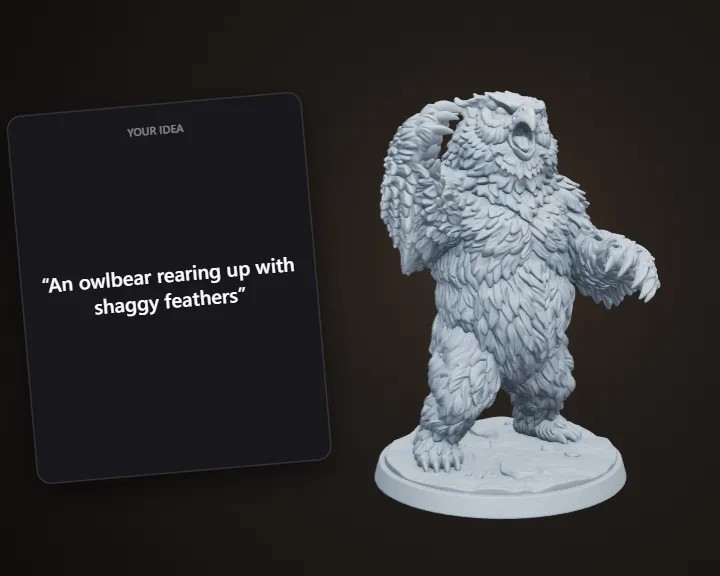 Monster MiniatureDescribe a monster and get a printable tabletop miniature
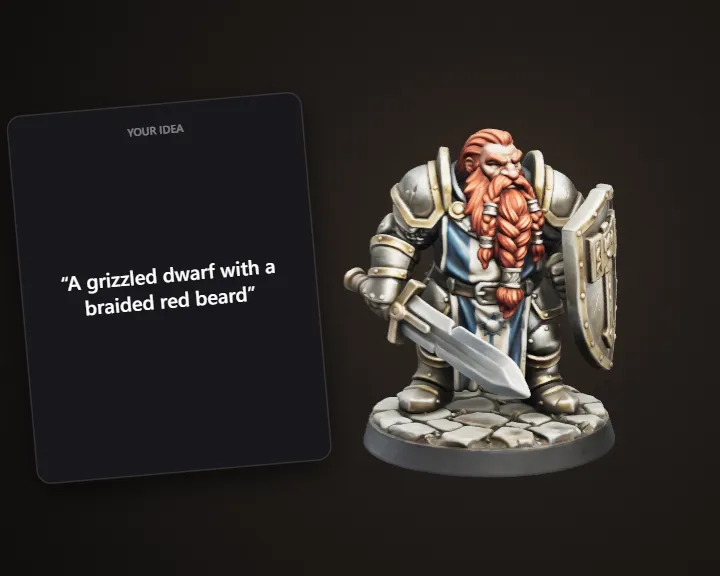 D&D Character MiniatureBuild your D&D character as a printable miniature
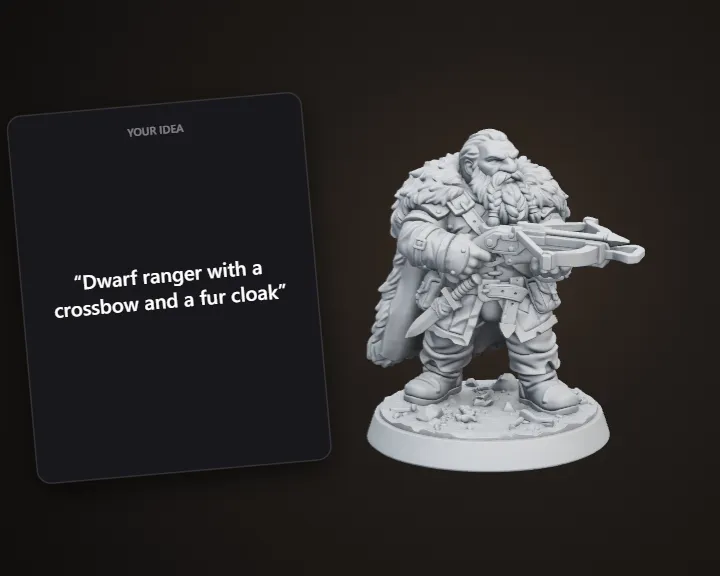 Tabletop MiniatureDescribe a hero and get a printable 32 mm miniature
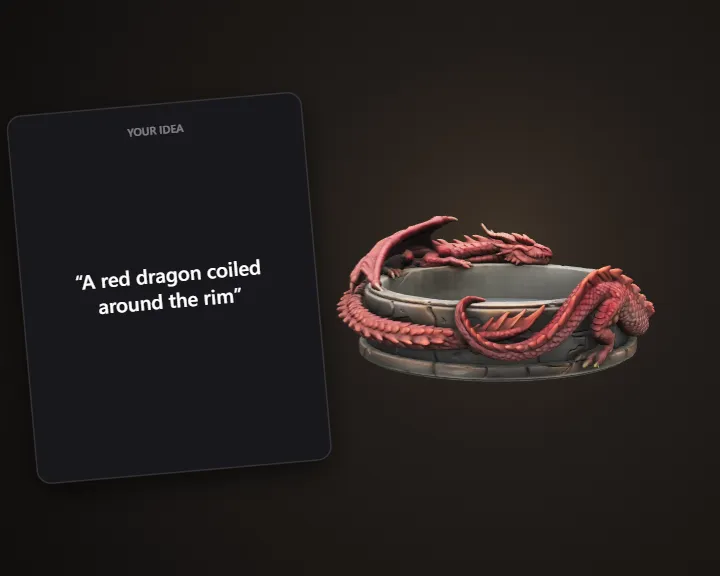 D&D Dice TrayPick a theme and get a 3D printable dice tray
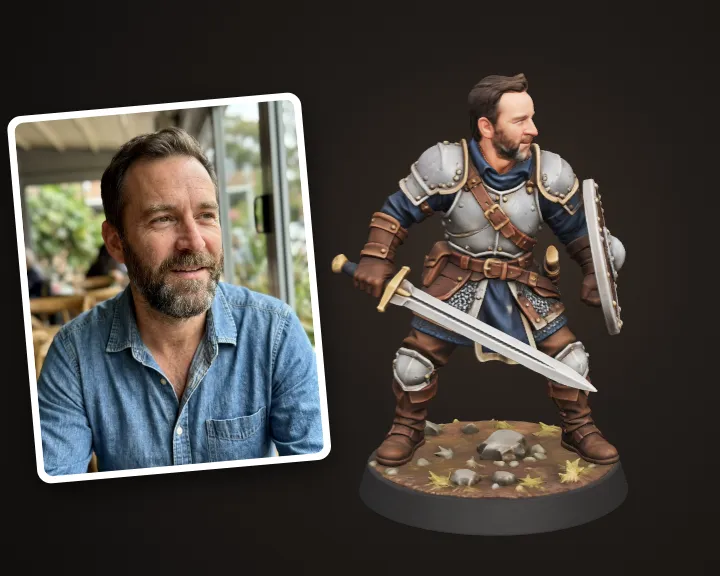 Hero Miniature of YouTurn your photo into a 32 mm tabletop hero miniature
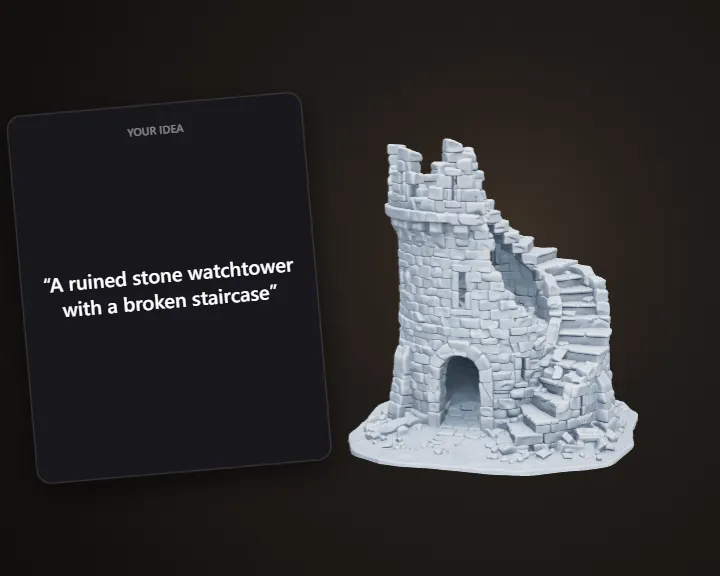 Tabletop TerrainDescribe a scene piece and get printable terrain
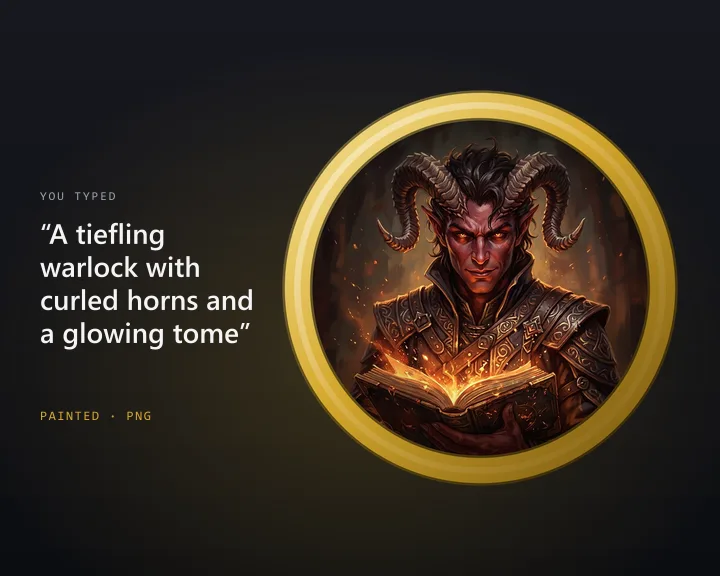 D&D Token MakerTurn a character into a round token for online play
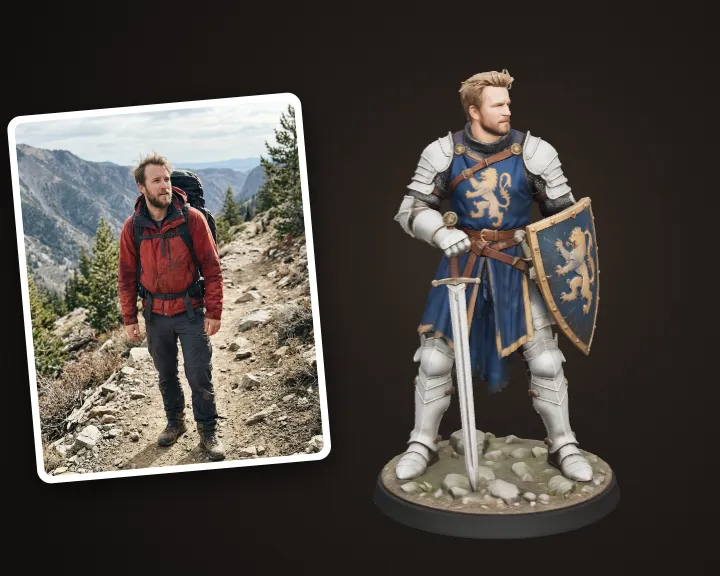 Fantasy Warrior of YouTurn your photo into a fantasy warrior figurine