
Build 3D generation workflows on a visual node canvas
Flow is a node-based AI canvas for 3D. Connect prompts, images, 3D generators, mesh tools, texturing, and export into one pipeline, then run it with a single click. No install, no GPU, no setup.
A real workflow you can open and inspect
Every screenshot here is the actual product. Click any of them to zoom in and explore the nodes, connections, and outputs.
An interactive flow, right here on the page
This is a real node graph rendered with the same engine the app uses. Drag the nodes, pan around, and follow the connections from prompt to export.
Describe it. The agent builds the flow.
Just describe the workflow you want to build and our AI agent wires it up for you, live on the canvas. No nodes to drag, no setup.
You will be asked to sign in if needed. Your prompt is kept and the build starts right after.
Production-ready assets, start to finish
Flow chains the same generation models that creators use every day. Here is a taste of what comes out the other end.
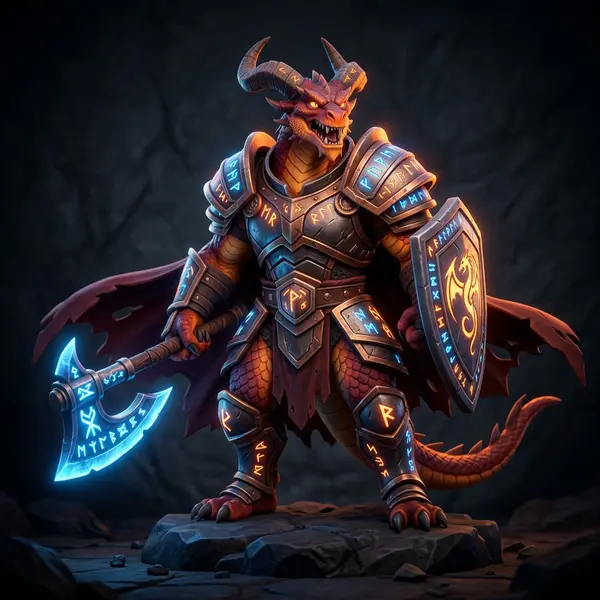

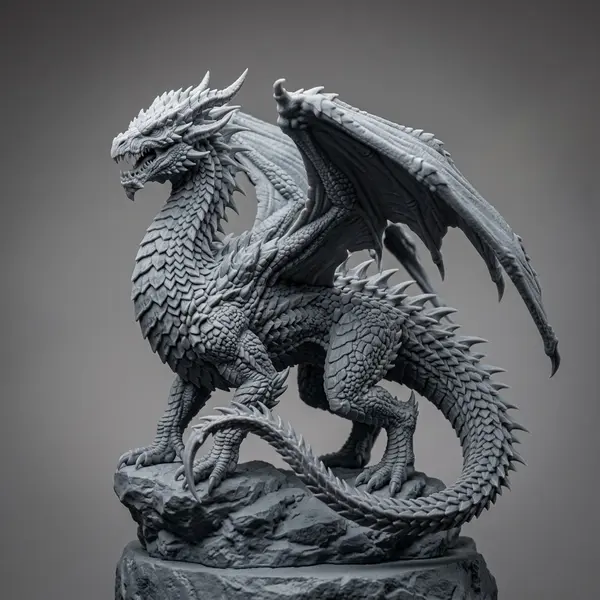

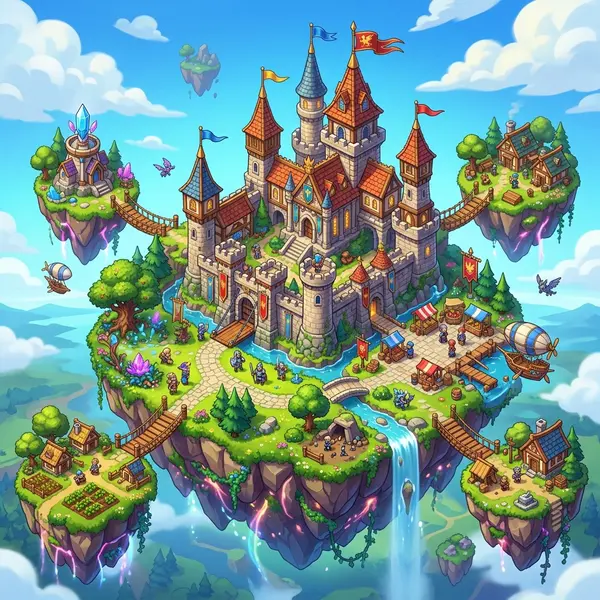



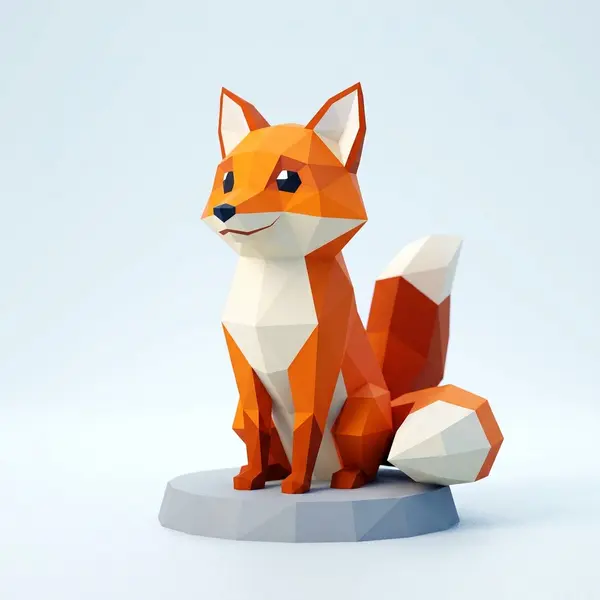
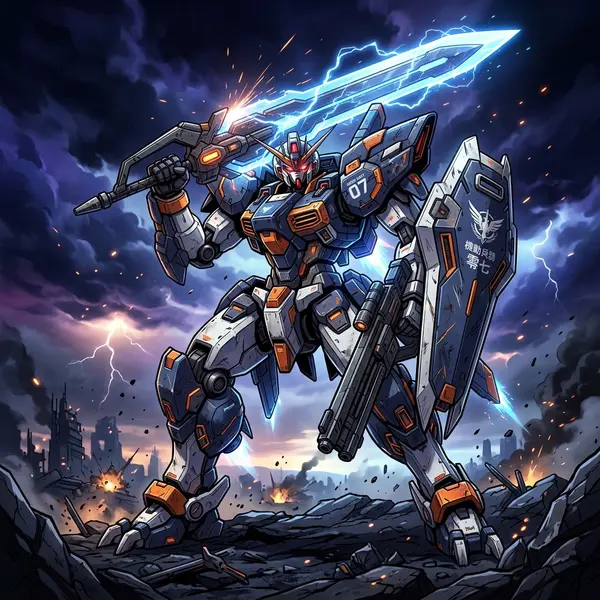
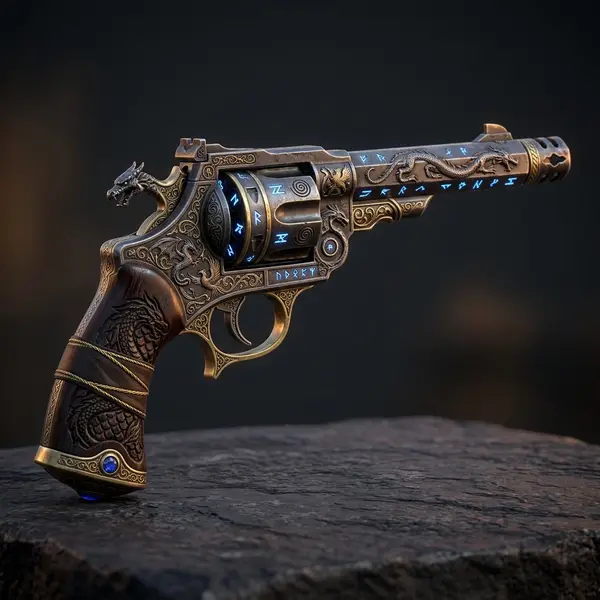
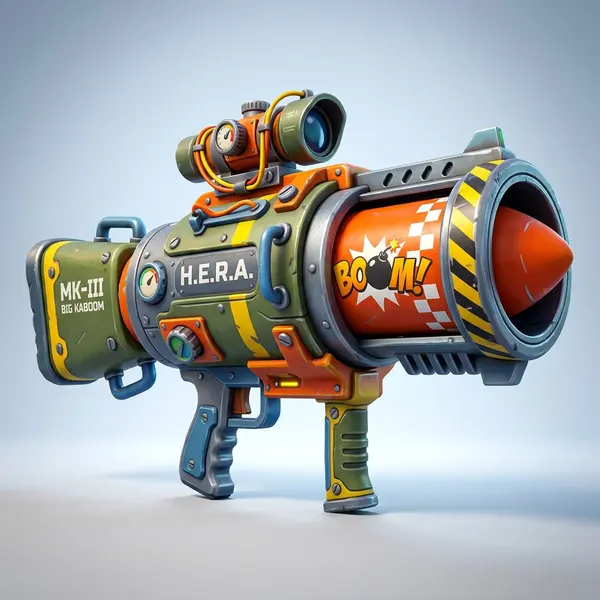


From inputs to export in three moves
A node-based workflow keeps the whole 3D process on one canvas, so it is easy to understand, repeat, and refine.
Add nodes to the canvas
Press the spacebar or drag from any output to open the node menu, then drop in inputs, generators, and tools.
Generate and watch it run
Connect a generator and run it. Nodes show their live state while the model works, right on the canvas.
Run the flow and collect outputs
Run the whole graph at once and gather every result in the outputs panel, ready to download or reuse.
Real nodes for a real 3D pipeline
Each node does one job well. Mix and match them to build the exact workflow you want.
3D generation node
Turn a prompt or image into a textured 3D model with leading models built in.
Multi-image node
Feed several reference images into one generation for tighter control.
Moodboard node
Collect references and styles to steer the look of your results.
Optimize image node
Clean up and upscale images before sending them into 3D.
Pose changer node
Adjust a character pose before generating the final model.
Split into parts node
Break a model or grid into parts to process each one separately.
Input nodes
Text prompts, reference images, sketches, and seeds feed the start of any workflow.
Generation nodes
Text-to-3D and image-to-3D powered by leading models like Hunyuan3D and Tripo.
Mesh nodes
Remesh, reduce polygons, and clean up geometry without leaving the canvas.
Texture nodes
Generate and project PBR materials, swap textures, and re-texture a mesh.
Logic nodes
Branch, switch, and route results so one graph can produce many variations.
Export nodes
Output to GLB, FBX, OBJ, and more, ready for your engine or DCC tool.
Example flows, straight from the canvas
These are real graphs built in Flow. Click any one to inspect how the nodes connect.
Remove background, then generate 3D
Drop in an image, strip the background, and route the clean cutout straight into a 3D generation node.
Render multiple views from one model
Generate a 3D model, then render it from several angles to use as references or turnaround sheets.
Render, combine, edit, and split a grid
Chain render views into a grid, edit the grid as one image, then split it back out into separate results.
A complete multi-step flow
Inputs, generation, editing, and export wired into one connected graph you can run end to end.
The power of a node graph, without the setup
Node-based tools are flexible but usually mean local installs, custom nodes, and a GPU. Flow gives you the same visual control in the browser, focused on 3D.
Runs in your browser
No install, no custom nodes to manage, no Python environment to break. Open a tab and start building.
No local GPU needed
Generation runs on our infrastructure. Heavy 3D models run the same on a laptop or a workstation.
Built for 3D, not just images
Mesh, texture, and export nodes are first-class, so the whole 3D pipeline lives on one canvas.
Top models, already wired in
Hunyuan3D, Tripo, and more are available as nodes. No downloads, no version juggling.
An assistant that builds graphs
Describe what you want and the AI assistant lays out the nodes for you, ready to run or refine.
Reusable by design
Save a workflow as a template and reuse it for every new asset, so good setups compound over time.
Related tools and guides
Dive deeper into specific workflows or compare Flow with the tools you already know.
Build your first 3D workflow
Open the canvas, drop in a prompt or an image, and wire up a pipeline that turns ideas into 3D models. No install, no GPU required.