
Build an image-to-3D workflow, not just a one-off conversion
Flow turns image-to-3D into a reusable node pipeline. Wire background cleanup, generation, remesh, texturing, and export into one graph, then run it for every new reference and save it as your own custom flow. Just need a single model from one image? The Image to 3D tool does that in one click.
Describe it and attach later. The agent builds the flow.
Just describe the workflow you want to build and our AI agent wires it up for you, live on the canvas. No nodes to drag, no setup.
You will be asked to sign in if needed. Your prompt is kept and the build starts right after.
Image, generate, refine, export
This is a live Flow graph. Follow the wires from a reference image through generation and refinement to a finished 3D model.
What an image-to-3D workflow adds over a one-shot tool
An image-to-3D workflow turns a reference picture into a finished model through a series of connected nodes rather than a single conversion. You clean the input by removing its background, send it into an image-to-3D node, remesh for clean topology, apply PBR textures, and export, all on one canvas. A photo-to-3D pipeline like this gives you control over each step and a result that is ready to use, not raw geometry.
If you just need one model from one image, the dedicated Image to 3D tool handles it in one click. An image-to-3D node workflow is for everything beyond that: feed several angles with multi-image to 3D for a more accurate model, adjust a pose before generating, hit a specific polygon budget, or save the graph as a reusable custom flow you run for every new product shot. Flow runs the whole pipeline in the browser, with no GPU required.
More than a one-shot image-to-3D button
A workflow keeps cleanup, generation, remesh, texturing, and export in one place, so you can iterate and reuse.
Clean the input first
Remove the background and tidy the image so the generator gets a clean subject, all in the same graph.
Image to 3D
Feed a photo, product shot, or concept art into an image-to-3D node and get matching geometry with materials.
Use multiple references
Combine several reference images into one generation for tighter control over the result.
Remesh and clean up
Run the model through remesh to get clean, lower-poly topology that is ready for production.
Texture and refine
Apply PBR materials and refine the surface, so the export is a finished asset, not raw geometry.
Export anywhere
Send the model to an export node for GLB, FBX, or OBJ, ready for your engine, DCC tool, or printer.
Image-to-3D recipes you can reuse
Each is a node chain that starts from a reference image and ends in a finished model. Wire it once, save it, then drop in the next image.
Photo to clean 3D
A reusable image-to-3D recipe that cleans both the input and the topology. Save it and reuse it for every product shot.
Multi-view to 3D
Feed several angles for a more accurate model, then texture it in the same flow without exporting halfway.
Concept art to game asset
Lift a concept into a game-ready mesh and hit your polygon budget, all from the reference.
Pose, then generate
Adjust a character pose before generating, so the 3D model comes out in the stance you need.
From image to finished asset
Drop in and clean the image
Add an image node, remove the background, and route the clean cutout into the pipeline.
Generate the 3D model
Connect the image to an image-to-3D node and run it. The model appears inside the node as it finishes.
Remesh, texture, export
Clean the topology, apply materials, and export a finished asset in the format you need.
Real image-to-3D graphs
Multi-image input
Feed several references into one generation for more control.
A full image-to-3D pipeline
Inputs, generation, editing, and export wired into one runnable graph.
Production-ready assets, start to finish
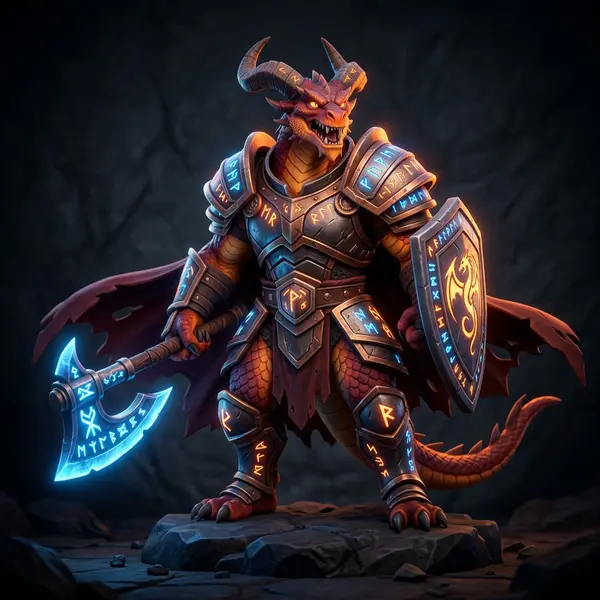
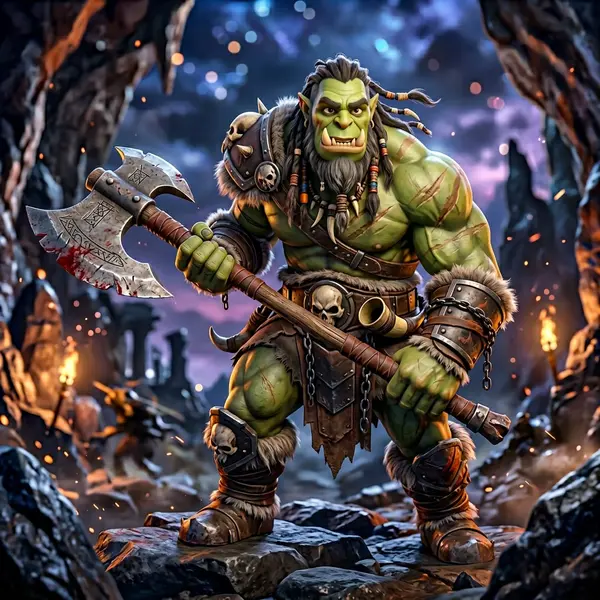
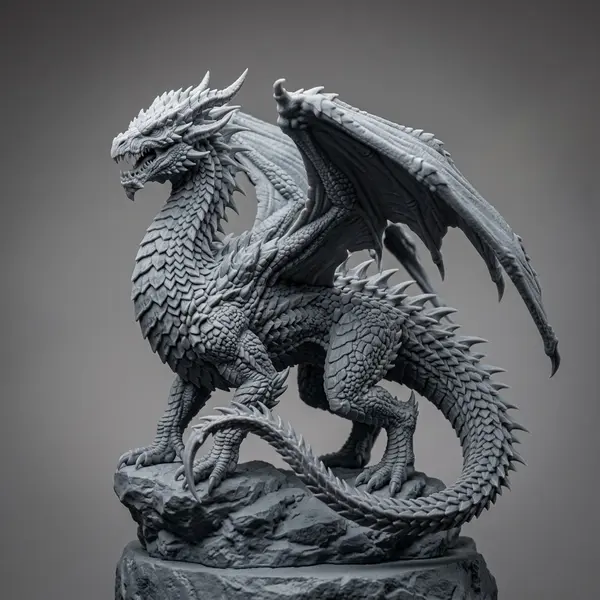
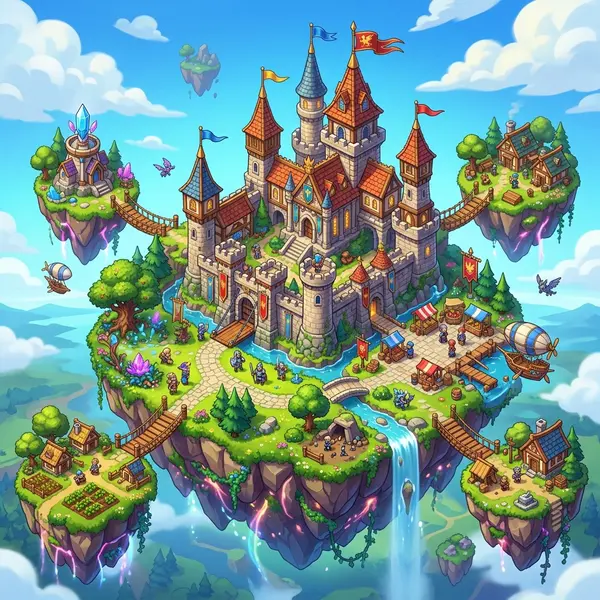
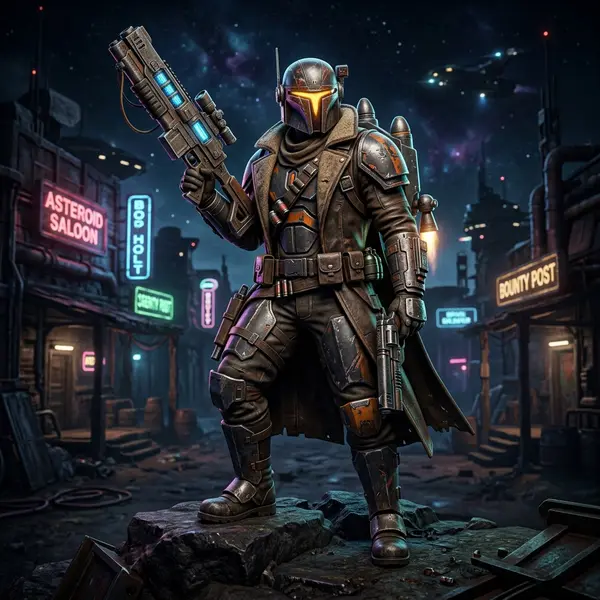
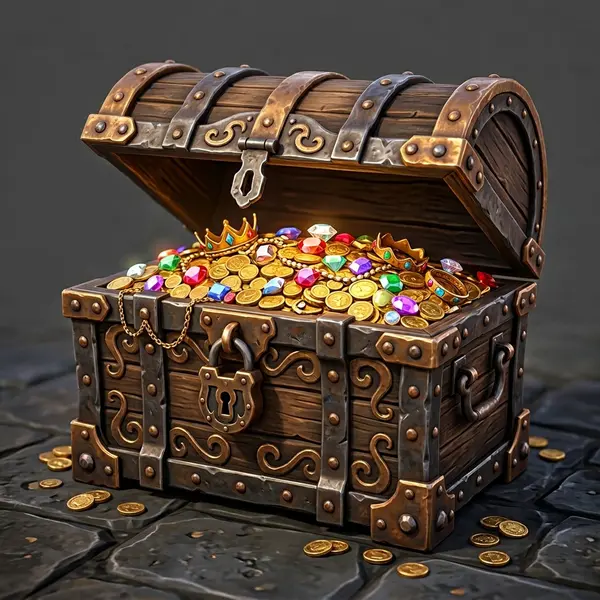
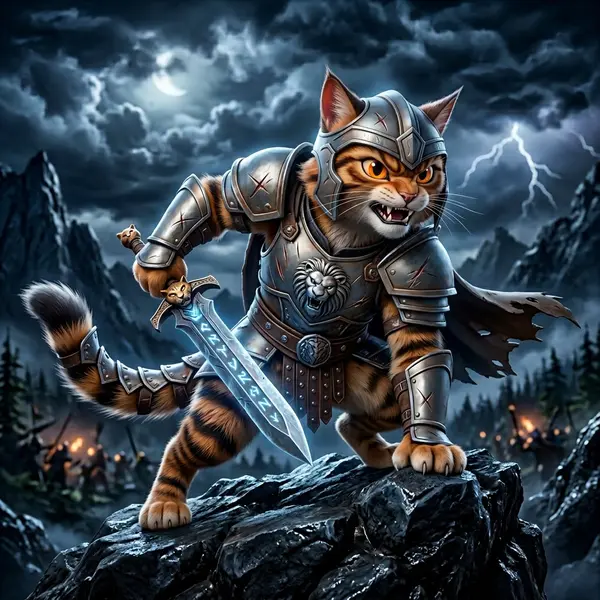
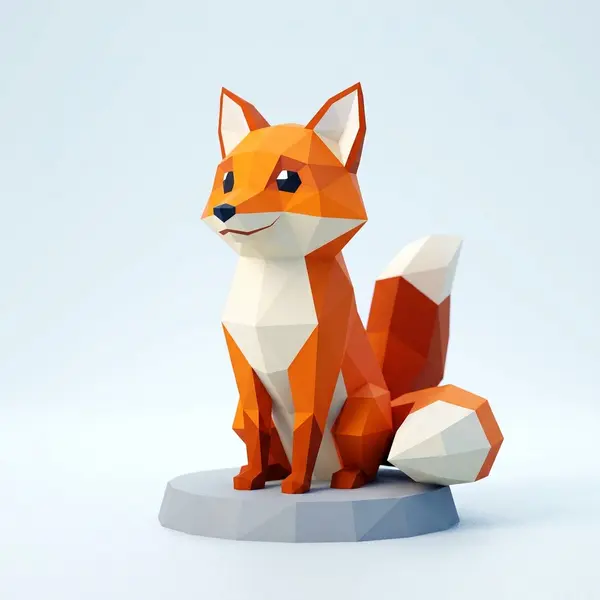
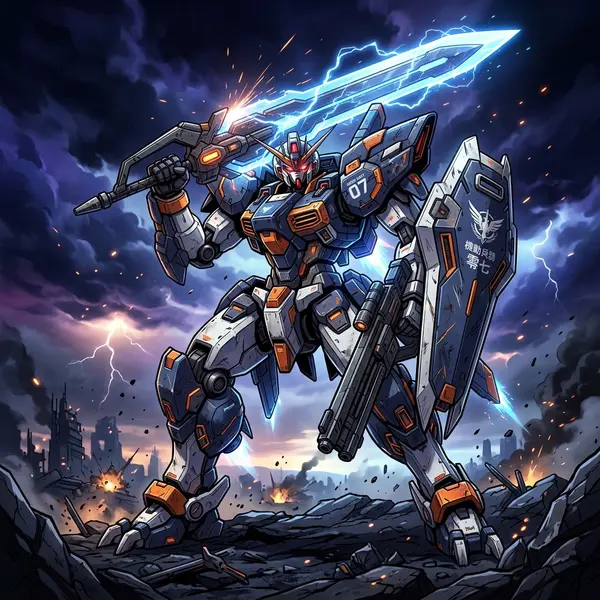
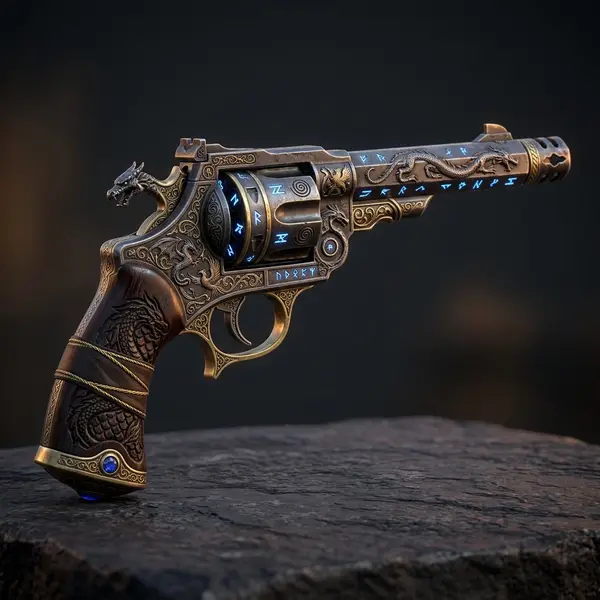
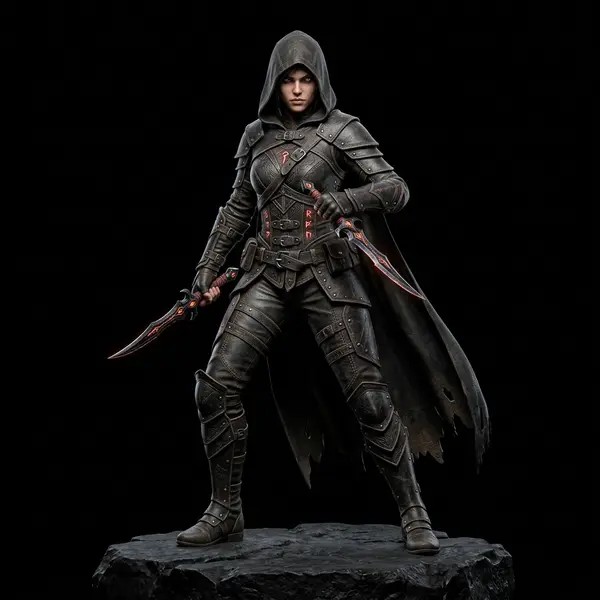
Flow chains the same generation models creators use every day. Here is a taste of what comes out the other end.

Related tools and guides
Build your image-to-3D workflow
Open the canvas, drop in a reference image, and wire it into a pipeline that returns a clean, textured 3D model. No install, no GPU required.