
Automate 3D asset creation. Build once, run forever.
Wire your 3D pipeline together on a visual canvas, save it as a template, and run it on demand. No manual steps between generation and export, no GPU, nothing to install.
Describe the outcome. The agent automates it.
Just describe the workflow you want to build and our AI agent wires it up for you, live on the canvas. No nodes to drag, no setup.
You will be asked to sign in if needed. Your prompt is kept and the build starts right after.
A 3D pipeline you can run again and again
This is a live Flow graph. The same connected steps that build one asset become the automation you reuse for the next one.
What AI 3D workflow automation means
AI 3D workflow automation is about turning a one-off set of clicks into a reusable 3D pipeline. You wire the steps an asset needs once, generation, mesh cleanup, texturing, and export, then save that graph as a template and run it on demand. Every new input flows through the same nodes, so you automate 3D asset creation instead of repeating the same manual process for every model.
On a node canvas this is natural. Branch the graph and one run produces several formats or variations at once. Bake your house style and polygon budget into the flow so every result is on-brand and production-ready. Because the 3D generation pipeline runs on our infrastructure, a big job never depends on your local hardware, and because it is saved as a custom flow, the whole team starts from the same recipe rather than rebuilding it each time.
From repetitive clicks to a repeatable pipeline
Stop redoing the same steps for every asset. Set the workflow up once and let it do the work.
Build the workflow once
Wire prompt to model to texture to export a single time. That graph becomes a repeatable recipe for every future asset.
Save it as a template
Turn any flow into a template and start your next job from it in one click. Good setups compound instead of being rebuilt.
Branch and route
Use logic nodes to send results down different paths, so one graph can output several variations automatically.
Reuse across assets
Swap an input and rerun. The same pipeline produces a consistent result every time, no manual steps in between.
Runs on our infrastructure
No local GPU, no render farm to babysit. Generation runs in the cloud while you keep working.
Let the agent assemble it
Describe the outcome and the Flow Builder Agent designs and wires the automation for you, ready to run.
Reusable recipes you can automate
Each is a node chain you save as a template and rerun on demand. Customize the nodes once, then the automation produces a consistent result every time.
Save once, run on demand
Capture the graph as a template and start every job from it. The whole team reuses one recipe instead of rebuilding the same steps.
Branch into deliverables
One run outputs several formats or variations at once, so a single trigger produces everything a request needs.
Standardize your house style
Bake your look and polygon budget into the flow so every automated asset comes out on-brand and production-ready.
Chain the cleanup steps
Automate the boring parts: remesh, optimize, and export run themselves every time, with no manual handoff.
Design it, save it, run it
Design the pipeline
Lay out the steps your asset needs: inputs, generation, mesh cleanup, texturing, and export, all connected on one canvas.
Save it as a template
Capture the working graph as a reusable template so the whole team can start from it instead of rebuilding.
Run it on demand
Open the template, drop in the next input, and run. The automation handles every step through to a ready-to-use file.
Automation, straight from the canvas
The agent builds the automation
Describe the result and the Flow Builder Agent lays out the connected pipeline for you.
Multi-step automation
Render views, combine to a grid, edit, then split back out, all wired into one run.
Production-ready assets, start to finish
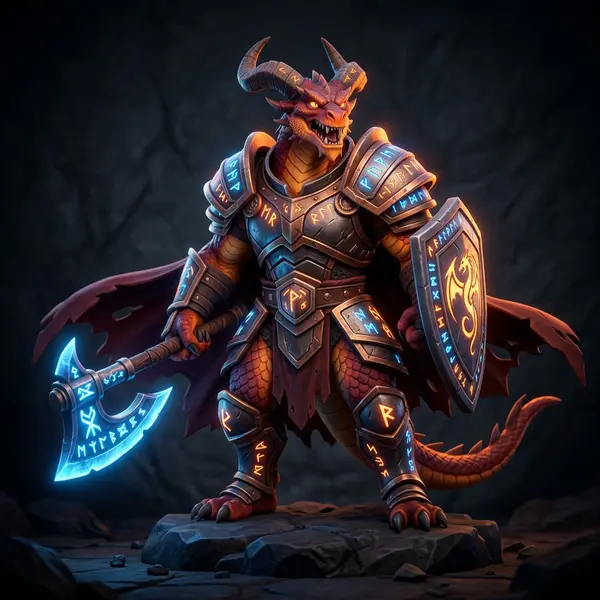
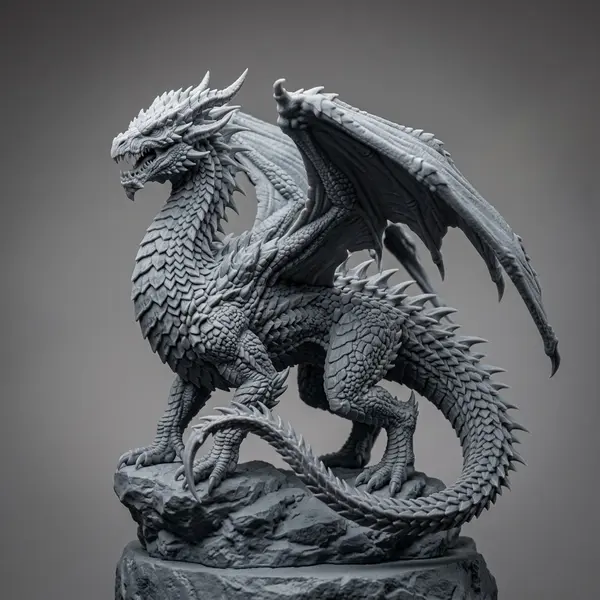
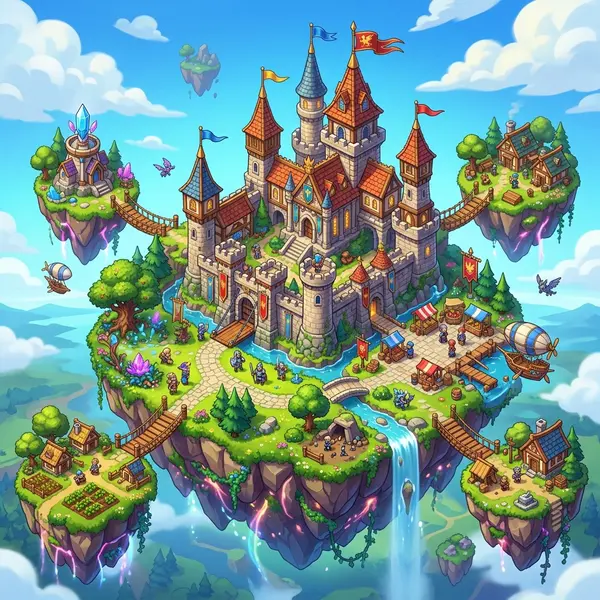
Flow chains the same generation models creators use every day. Here is a taste of what comes out the other end.









Related tools and guides
Automate your 3D pipeline
Build the workflow once on a visual canvas, save it as a template, and run it whenever you need the next asset.