
Generate a cohesive 3D asset pack, not just one model
Set the style once, then run a node-based workflow across the whole set. Every item is generated, cleaned, and textured the same way, so the pack ships as one consistent kit.
Describe the pack. The agent builds the set flow.
Just describe the workflow you want to build and our AI agent wires it up for you, live on the canvas. No nodes to drag, no setup.
You will be asked to sign in if needed. Your prompt is kept and the build starts right after.
The graph behind a cohesive pack
This is a live Flow graph. The same connected steps build every item in the set, which is what keeps the pack consistent.
What a 3D asset pack generator produces
A 3D asset pack generator builds a cohesive set of models, a weapon pack, a prop kit, an environment set, rather than a single one-off. The trick is a shared node-based workflow: you lock the style once with a moodboard or a shared prompt, then run every item through the same generation, remesh, and texture steps. That is how AI 3D asset packs come out looking like they belong together instead of a pile of mismatched models.
It pairs batch generation with a consistent look. Feed a list of items through one recipe to generate a 3D model kit in a single pass, export the whole cohesive 3D set in GLB or FBX, and save the workflow so you can extend the pack later in the exact same style. Flow runs it in the browser with the models wired in and no GPU, so a full pack is something you produce in one sitting and reuse for the next set.
A whole kit from one cohesive flow
Stop generating mismatched one-offs. Set the style once and produce a set that belongs together.
One style across the set
Set the look once with a moodboard or shared prompt, so every item in the pack reads as part of the same family.
A whole kit, not one model
Generate a cohesive set: a weapon pack, a prop kit, an environment set, all from one workflow.
Game-ready topology
Remesh every item to a clean polygon budget so the pack drops into your engine without cleanup.
Consistent PBR textures
Apply the same material treatment across the set for a unified, production-ready finish.
Reuse and extend the pack
Save the workflow as a template and add new items to the pack later in the same style.
Export the full pack
Collect every model and export the whole set in GLB, FBX, or OBJ in one go.
Pack recipes you can reuse
Each is a node chain that keeps a set cohesive. Save your pack recipe once, then reuse it to generate or extend the kit in the same style.
Themed set from one style
Set the style once with a moodboard, run it across the pack, and every item belongs together. Save it and the pack stays consistent.
Weapon or prop pack
Feed a list of items through one shared recipe so the whole pack lands on the same look and polygon budget.
Extend the pack later
Reuse the saved pack workflow to add new items in the same style any time, without rebuilding the setup.
Environment kit
Generate a set of matching props and pieces in one run, ready to drop into a scene as a cohesive kit.
Theme it, generate it, ship the set
Set the theme and style
Describe the pack and lock its look with a shared prompt or moodboard, so the whole set stays cohesive.
Generate the set
Run the workflow across each item in the pack, sending every one through the same generation and cleanup steps.
Texture and export the pack
Apply consistent materials and export the full set, ready to drop into your project as a kit.
Real pack-building graphs
A pack-building pipeline
One graph that produces a cohesive set of assets end to end.
Start from a pack template
Reuse a saved pack workflow, or the built-in Game Asset Pack recipe.
Production-ready assets, start to finish
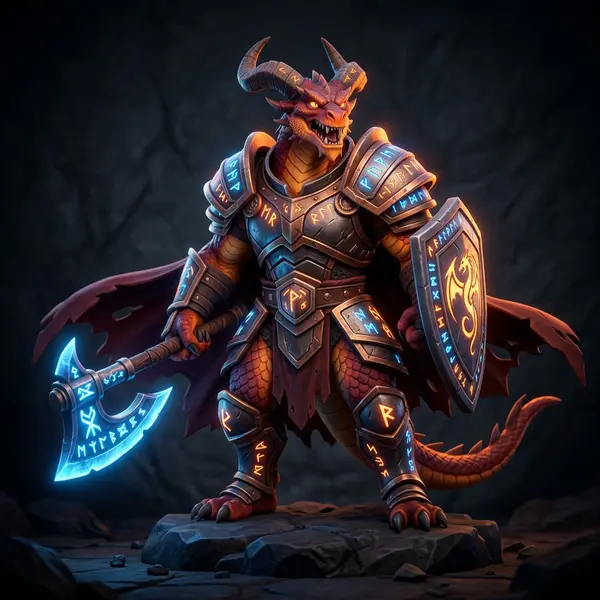
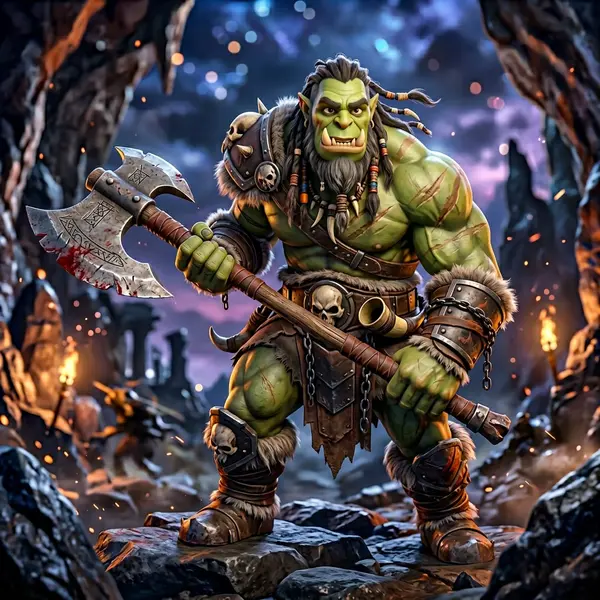
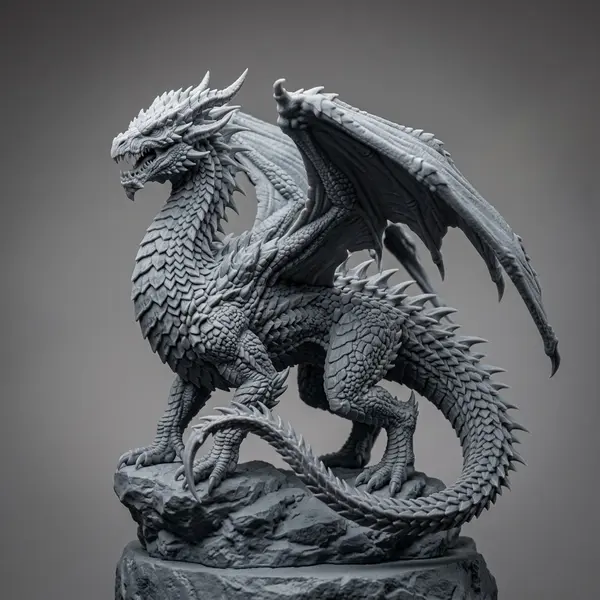
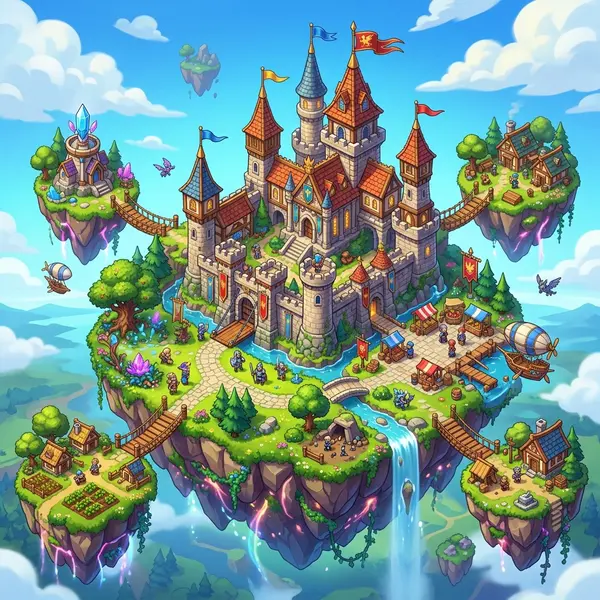
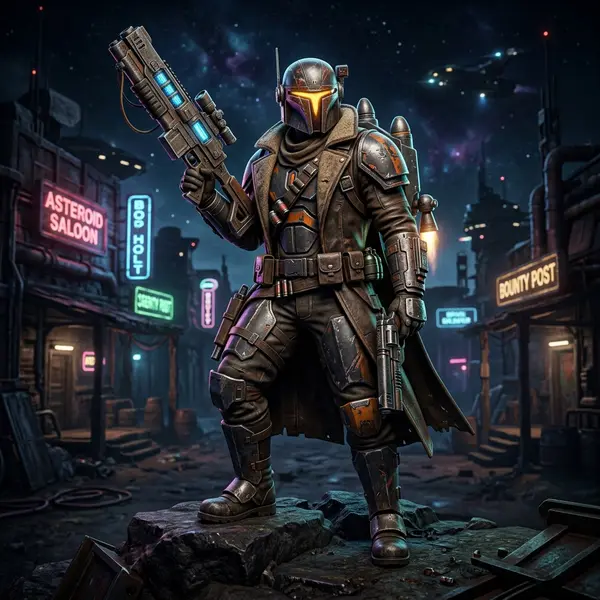
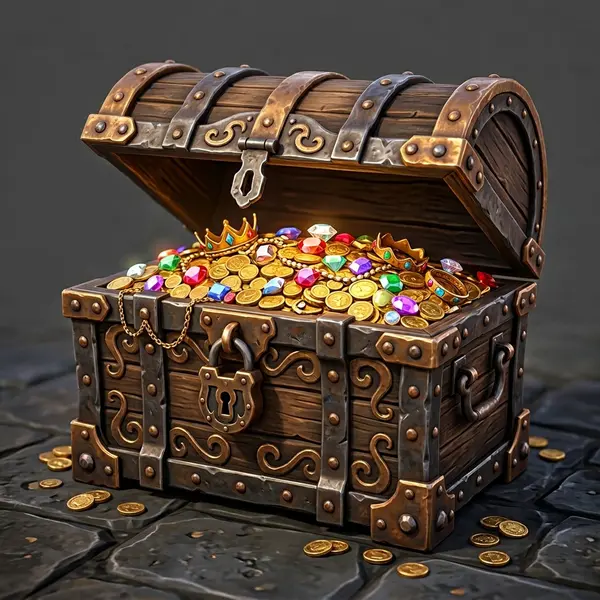
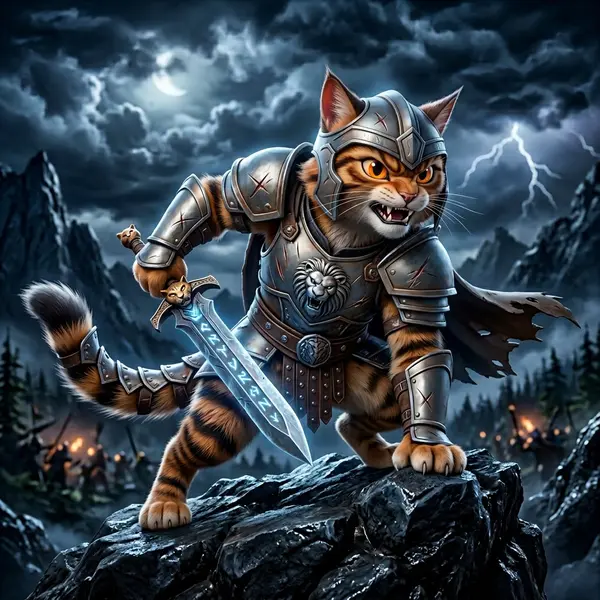
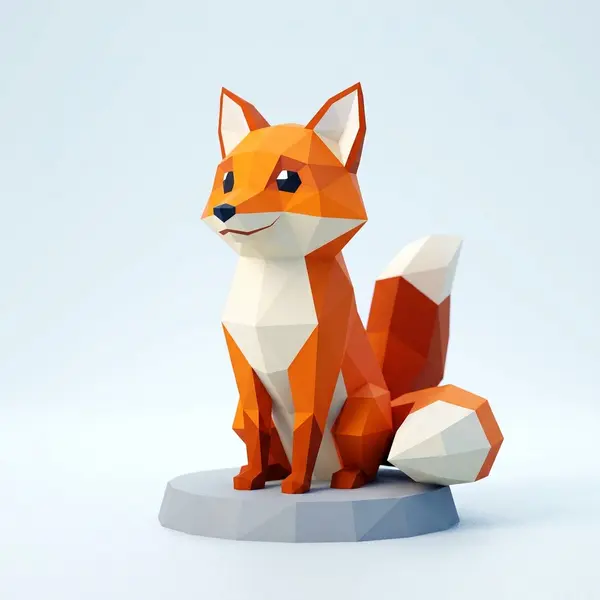
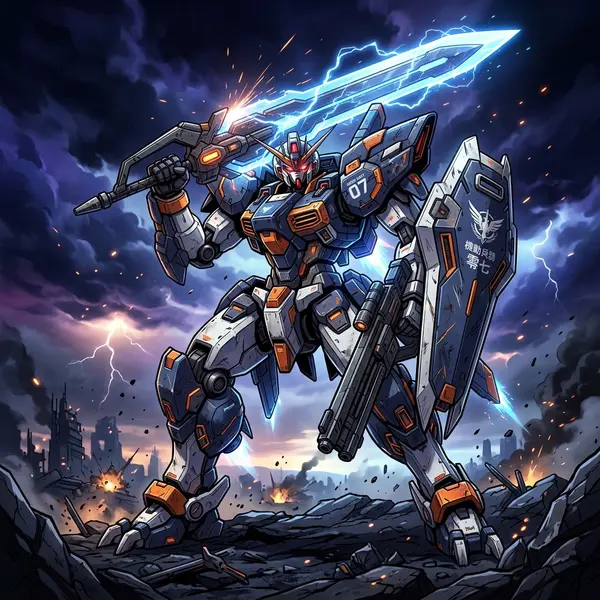
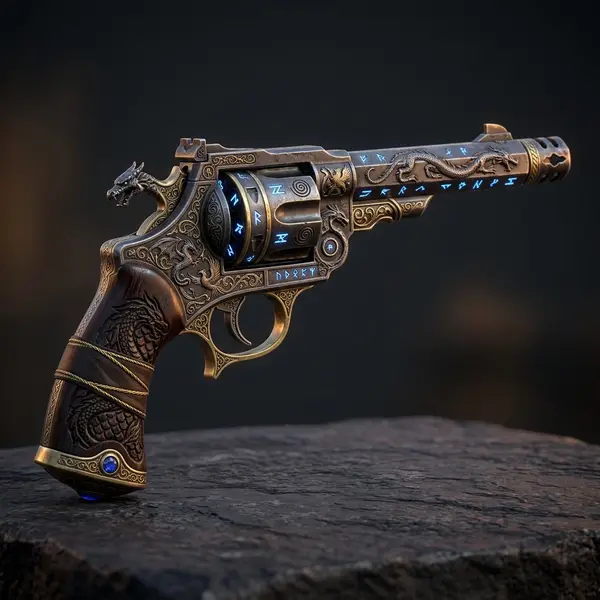
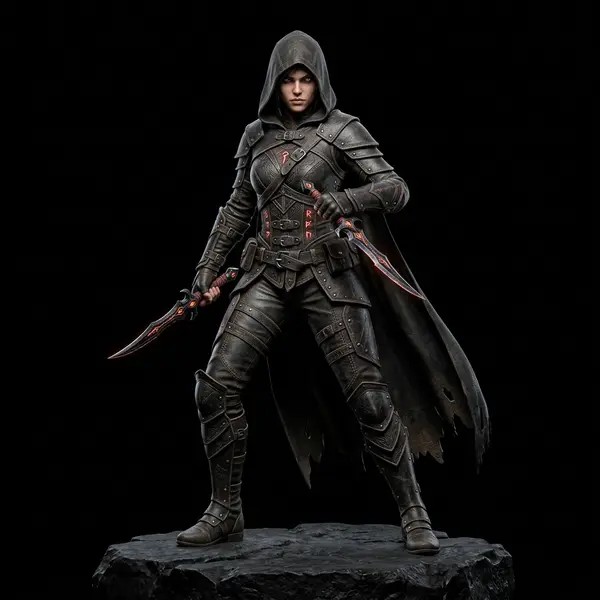
Flow chains the same generation models creators use every day. Here is a taste of what comes out the other end.

Related tools and guides
Generate your first asset pack
Open the canvas, set a style, and run a workflow that produces a cohesive set of 3D assets you can export as one kit. No install, no GPU required.