
Concept to game-ready, on one canvas
Build a production pipeline for game assets: generate the model, remesh to a clean budget, apply PBR textures, and export GLB or FBX. Save it once and run it for the whole game.
Describe the asset. The agent builds the pipeline.
Just describe the workflow you want to build and our AI agent wires it up for you, live on the canvas. No nodes to drag, no setup.
You will be asked to sign in if needed. Your prompt is kept and the build starts right after.
The graph that ships your assets
This is a live Flow graph. Follow the wires from concept through remesh and texturing to an export your engine can read.
What an AI 3D pipeline for game assets covers
An AI 3D pipeline for game assets takes a model from concept to game-ready on one canvas. You generate the base mesh from a prompt or concept art, remesh it to a clean polygon budget, apply PBR textures, and export GLB or FBX, with every step wired together as nodes. The result is game-ready 3D models you can drop into an engine, not a high-poly blob that needs a manual cleanup pass first.
Studios use an AI game asset pipeline because it is consistent and reusable. Save the graph so every prop and character runs through the same look and budget, branch a model into level-of-detail variants, and produce 3D assets for Unity and Unreal in the formats your project expects. Flow runs generation on our infrastructure, so a whole game's worth of assets does not depend on local hardware, and the pipeline stays a custom flow your team owns and reuses.
Everything a game asset needs, in one flow
Generation, clean topology, PBR texturing, and engine-ready export, without hopping between five tools.
Concept to model
Start from a prompt or concept art and generate the base 3D model with leading models built in.
Game-ready topology
Run a remesh node to get clean, lower-poly geometry that drops into an engine without a cleanup pass.
PBR textures
Apply albedo, normal, roughness, and metallic maps so the asset looks right under your game's lighting.
Export to your engine
Output GLB or FBX straight from the canvas, ready for Unity, Unreal, Godot, or your own tooling.
Repeatable for the whole set
Save the pipeline as a template so every asset in your game shares the same look and budget.
One canvas, no tool-hopping
Generation, cleanup, texturing, and export all live on one graph instead of five disconnected tools.
Game-asset recipes you can reuse
Each is a node chain tuned for production. Save your studio's recipe once so every asset ships on the same budget, style, and format.
Concept to game-ready
A reusable production recipe that hits your polygon budget and ships engine-ready files. Reuse it for every asset in the game.
Prop kit in one style
Lock the look with a moodboard node so every prop matches, then run the same flow across the whole kit.
Photo to low-poly
Turn reference photos into clean low-poly meshes that drop straight into Unity, Unreal, or Godot.
LODs from one model
Branch a single model into several remesh budgets to produce level-of-detail variants in one run.
From concept to engine-ready
Generate the base model
Feed a prompt or concept image into a 3D generation node and get the base mesh for your asset.
Remesh for production
Route the model through remesh to hit a clean, game-ready polygon budget without manual retopology.
Texture and export
Apply PBR materials and export GLB or FBX, ready to drop into your engine.
Real game-asset pipelines
A full game-asset pipeline
Generation, cleanup, texturing, and export wired into one runnable graph.
Concept art to model
Clean a concept image and route it straight into 3D generation.
Production-ready assets, start to finish
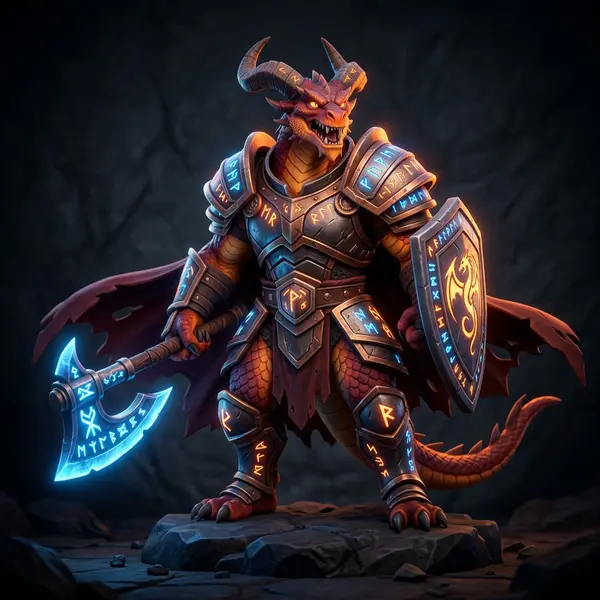
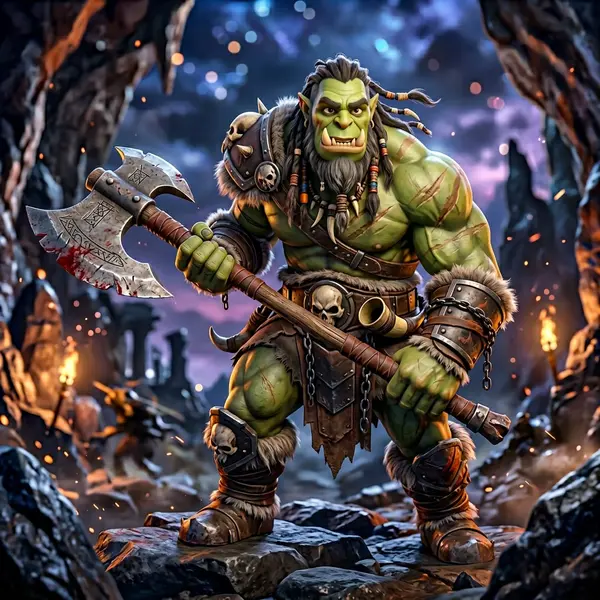
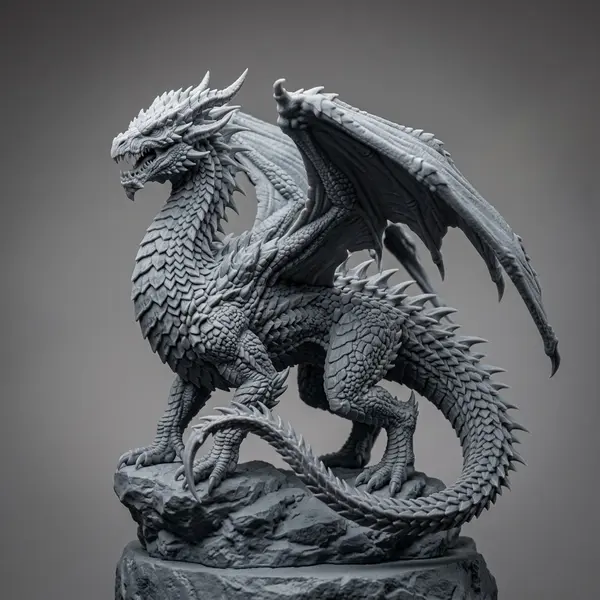
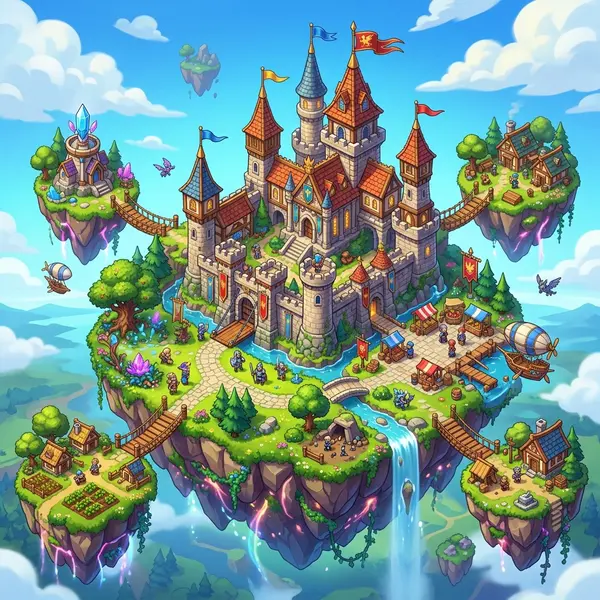
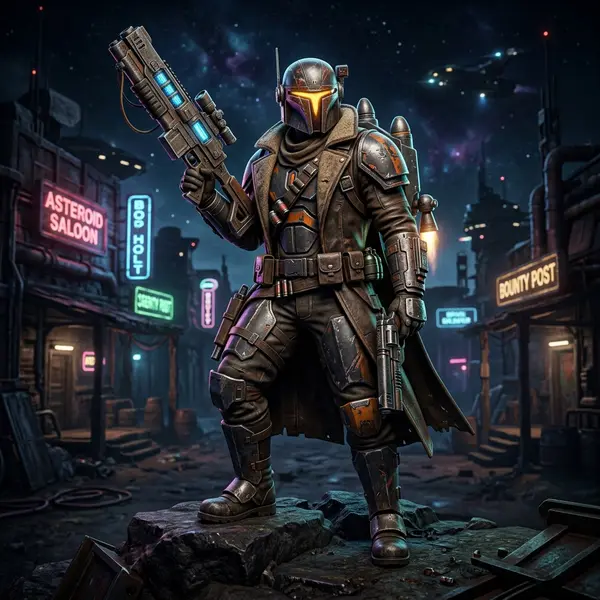
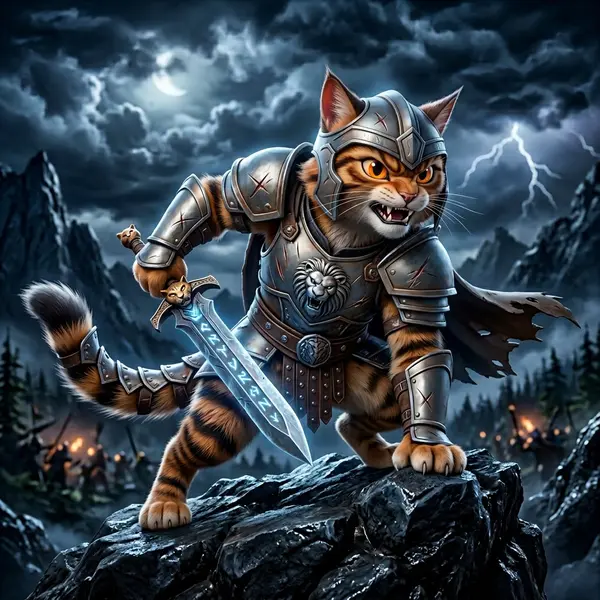
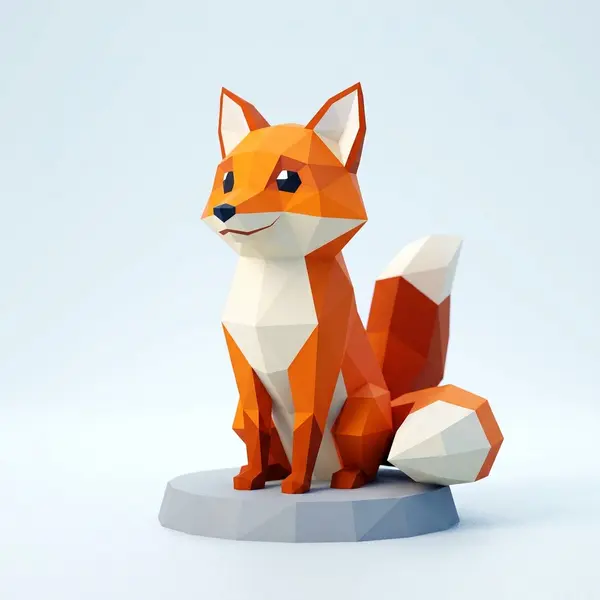
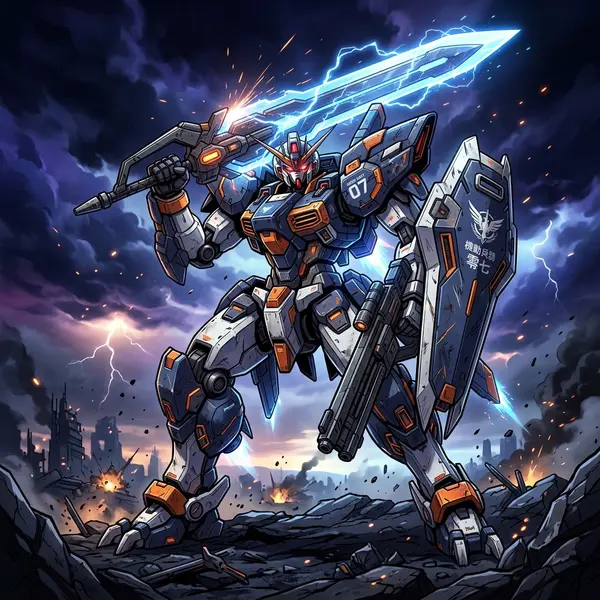
Flow chains the same generation models creators use every day. Here is a taste of what comes out the other end.




Related tools and guides
Build your game-asset pipeline
Open the canvas and wire up a flow that turns concepts into game-ready models, then reuse it for every asset in your project. No install, no GPU required.