
Generate 3D assets in bulk, the same way every time
Build a node-based workflow once, then run it across many prompts or images to produce a consistent set of assets in one pass. No repetitive clicks, no local GPU.
Describe the set. The agent builds the batch flow.
Just describe the workflow you want to build and our AI agent wires it up for you, live on the canvas. No nodes to drag, no setup.
You will be asked to sign in if needed. Your prompt is kept and the build starts right after.
The graph you scale into a batch
This is a live Flow graph. The same connected steps that build one asset become the pipeline you run across your whole list.
What batch 3D asset generation looks like
Batch 3D asset generation means running one node-based workflow across many inputs instead of generating models one at a time. You build the pipeline a single asset needs, generation, remesh, texture, and export, then point it at a list of prompts or images and let it produce the whole set. Because every item passes through the same nodes, bulk 3D model generation comes out consistent in style, topology, and format.
This is how you generate 3D assets at scale without the repetitive clicking. Use grid and split nodes to process many items together, branch one prompt into several variants, or run batch image to 3D across a folder of product shots. Generation runs on our infrastructure, so the size of the batch does not depend on your machine, and the workflow is reusable, so the next set is one click away. Save it as a template and your pipeline becomes a repeatable asset factory.
Turn one pipeline into a whole set
Stop generating assets one at a time. Build the workflow once and let it produce the set.
One graph, many assets
Build the pipeline once, then feed it a list of prompts or images to produce a whole set of assets the same way.
Branch and route
Logic nodes split one run down several paths, so a single graph can output multiple variations automatically.
Combine and split grids
Render to a grid, edit it as one image, then split it back into separate results, all in one run.
Consistent every time
Because every asset goes through the same nodes, the whole batch shares a consistent style and quality.
Run on our infrastructure
Heavy 3D generation runs in the cloud, so a big batch does not depend on your local hardware.
Export the whole set
Collect every result in the outputs panel and export them in the formats your pipeline needs.
Batch recipes you can reuse
Each is a node chain you build once and run across many inputs. Save it as a template so the next batch is one click away.
One recipe, many inputs
Point the same node chain at a list of prompts or images and build the whole set in one run, every item processed identically.
Grid in, models out
Process many items together as a grid, edit them as one image, then split back into individual models.
Variations on a theme
Fork one prompt into several generators to produce a batch of variants in a single pass.
Batch to game-ready
Apply the same remesh and export to every item so the whole batch lands on the same polygon budget and format.
Build it, scale it, collect it
Build the base workflow
Wire up the pipeline a single asset needs: inputs, generation, cleanup, texturing, and export.
Scale it across inputs
Use grid and split nodes to process many items together, then route each result through the same steps.
Run and collect
Run the whole graph and gather every asset in the outputs panel, ready to export as a set.
Batch tools, straight from the canvas
Split into parts
Break a grid or model into parts so each one runs through the pipeline separately.
Run the whole batch
Kick off the entire graph in one click and watch the set come together.
Production-ready assets, start to finish
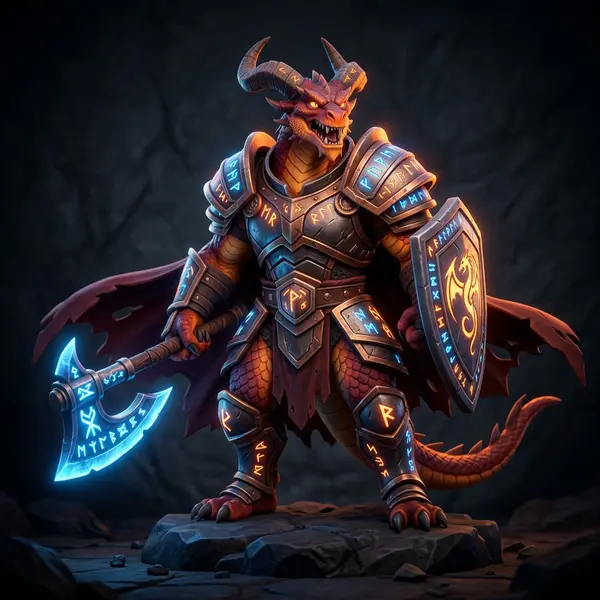
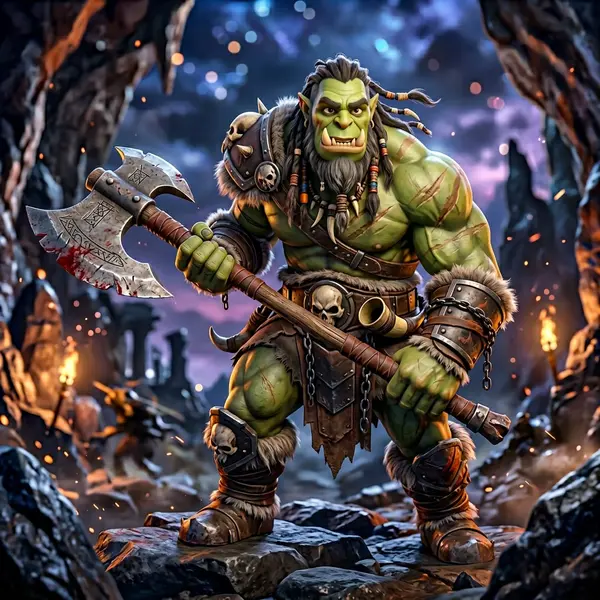
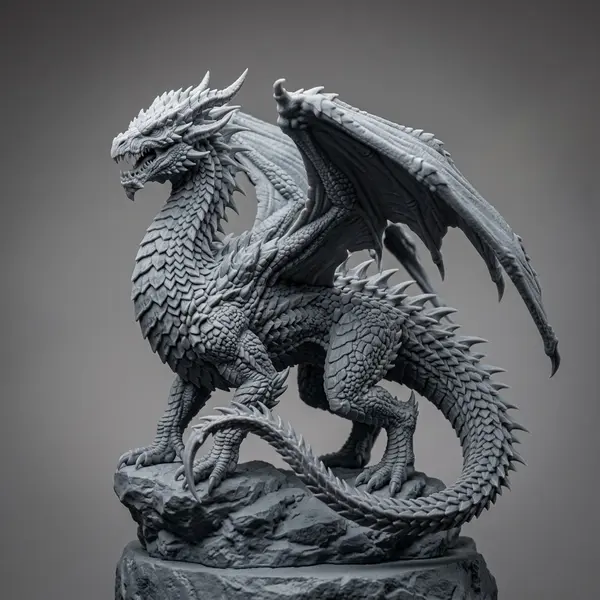
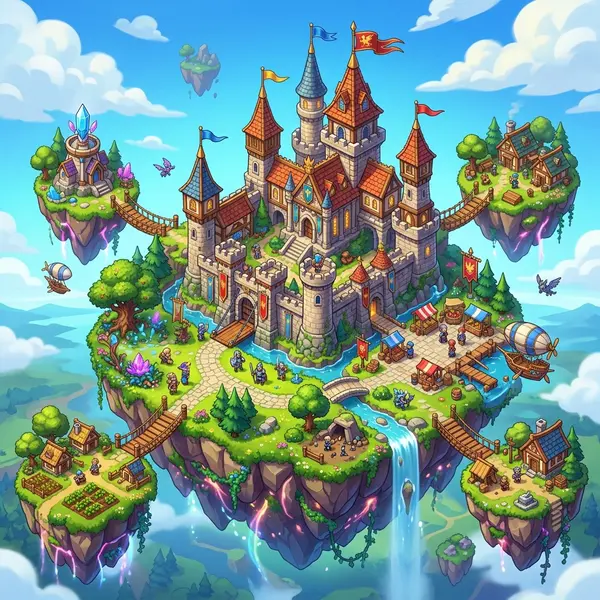
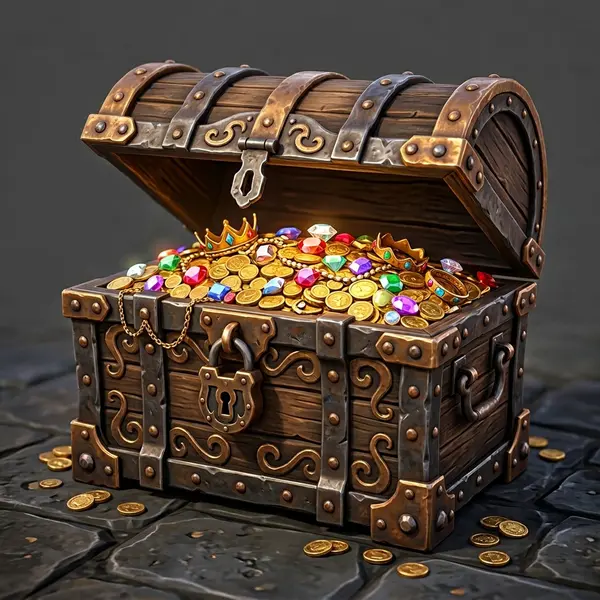
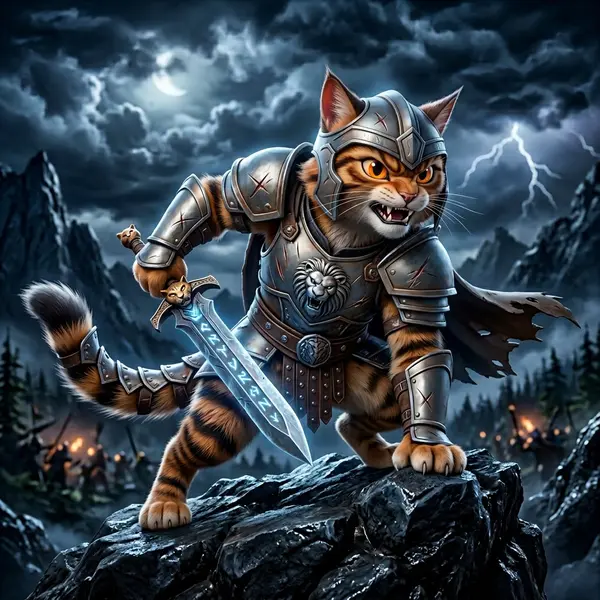
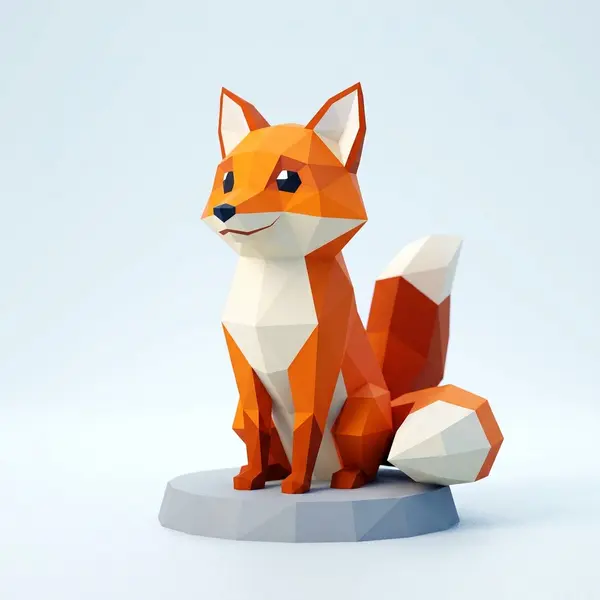
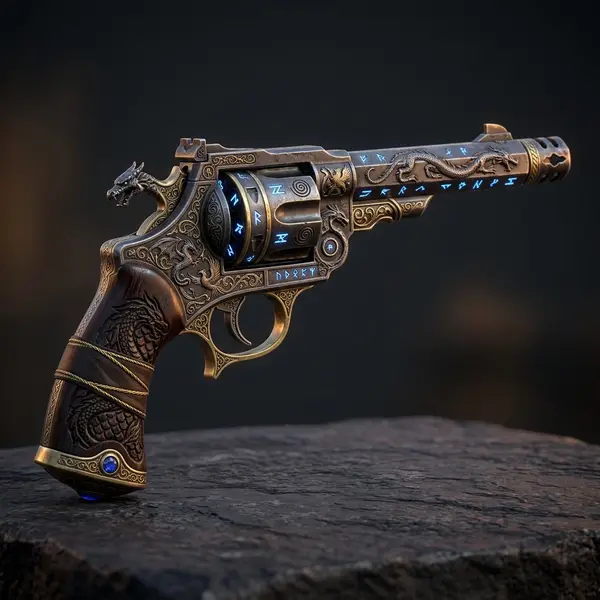
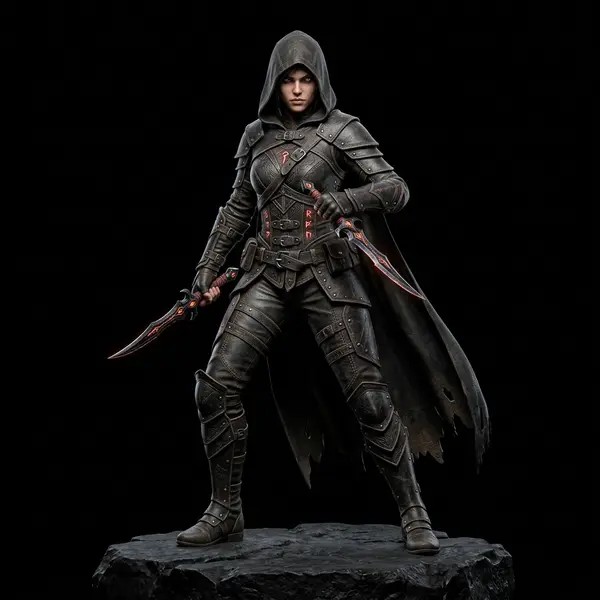
Flow chains the same generation models creators use every day. Here is a taste of what comes out the other end.



Related tools and guides
Generate your first batch
Build the workflow once on a visual canvas, then run it across your inputs to produce a consistent set of 3D assets. No install, no GPU required.