
Build a Reusable AI 3D Asset Pipeline: A Node-Based Workflow Guide
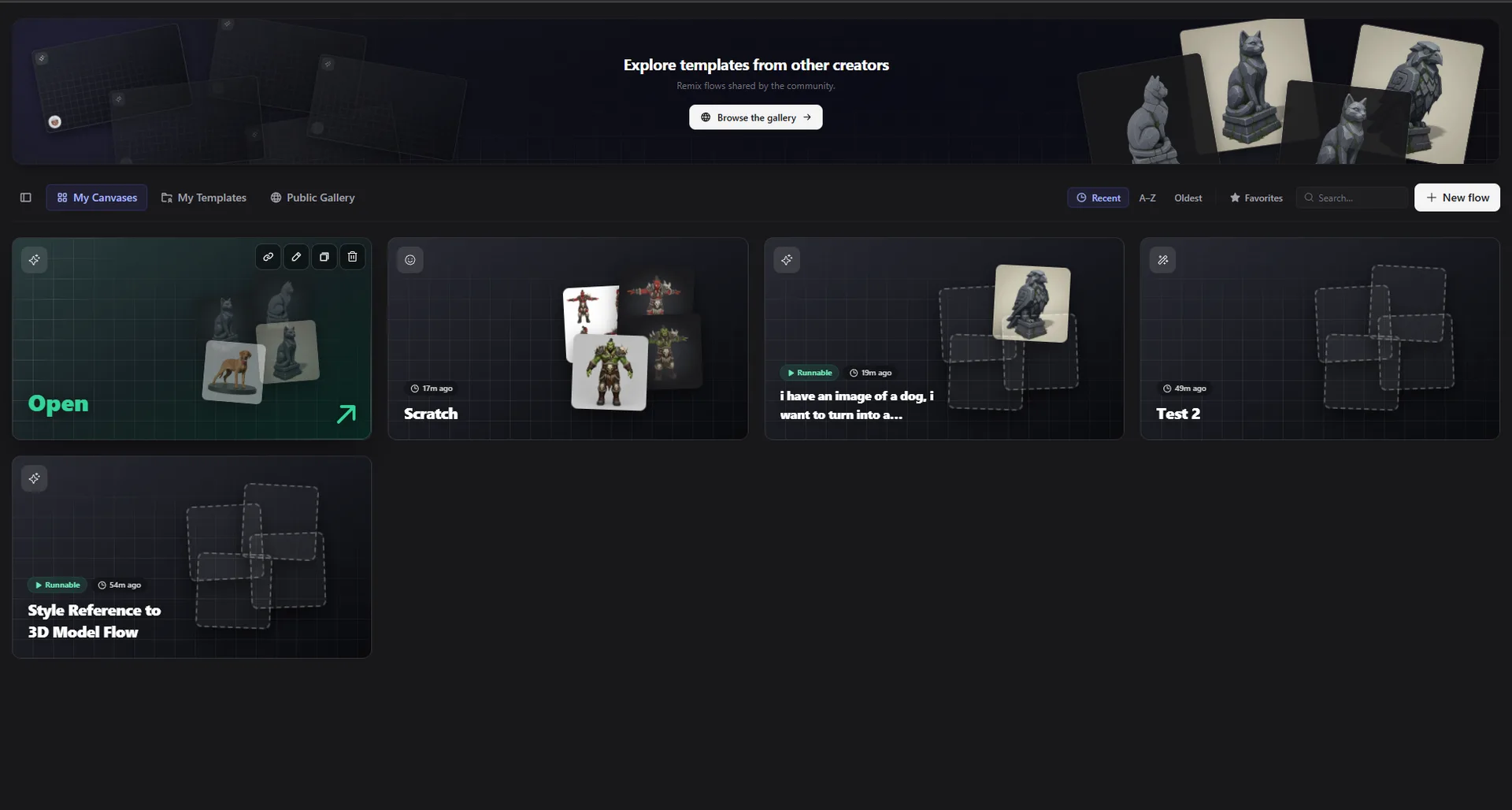
If you have ever generated a batch of 3D models by hand, you know the pain: generate one, clean it up, texture it, export it, then repeat the exact same clicks for the next one. It works for a single asset. It falls apart when you need ten, or a whole themed pack that has to match.
The fix is to stop thinking in single generations and start thinking in pipelines. This guide shows how to build a reusable AI 3D asset pipeline on a node canvas with Flow, so you set the steps up once and reuse them forever.
Why generating one model at a time does not scale
Doing it manually means every asset is a fresh set of decisions and clicks. There is no consistency guarantee, no easy way to produce variations, and no way to hand the process to a teammate. The moment you need a set instead of a single model, the one-at-a-time approach becomes the bottleneck.
A node-based pipeline solves this because the workflow itself becomes the reusable thing, not just the output.
What a node-based 3D pipeline is
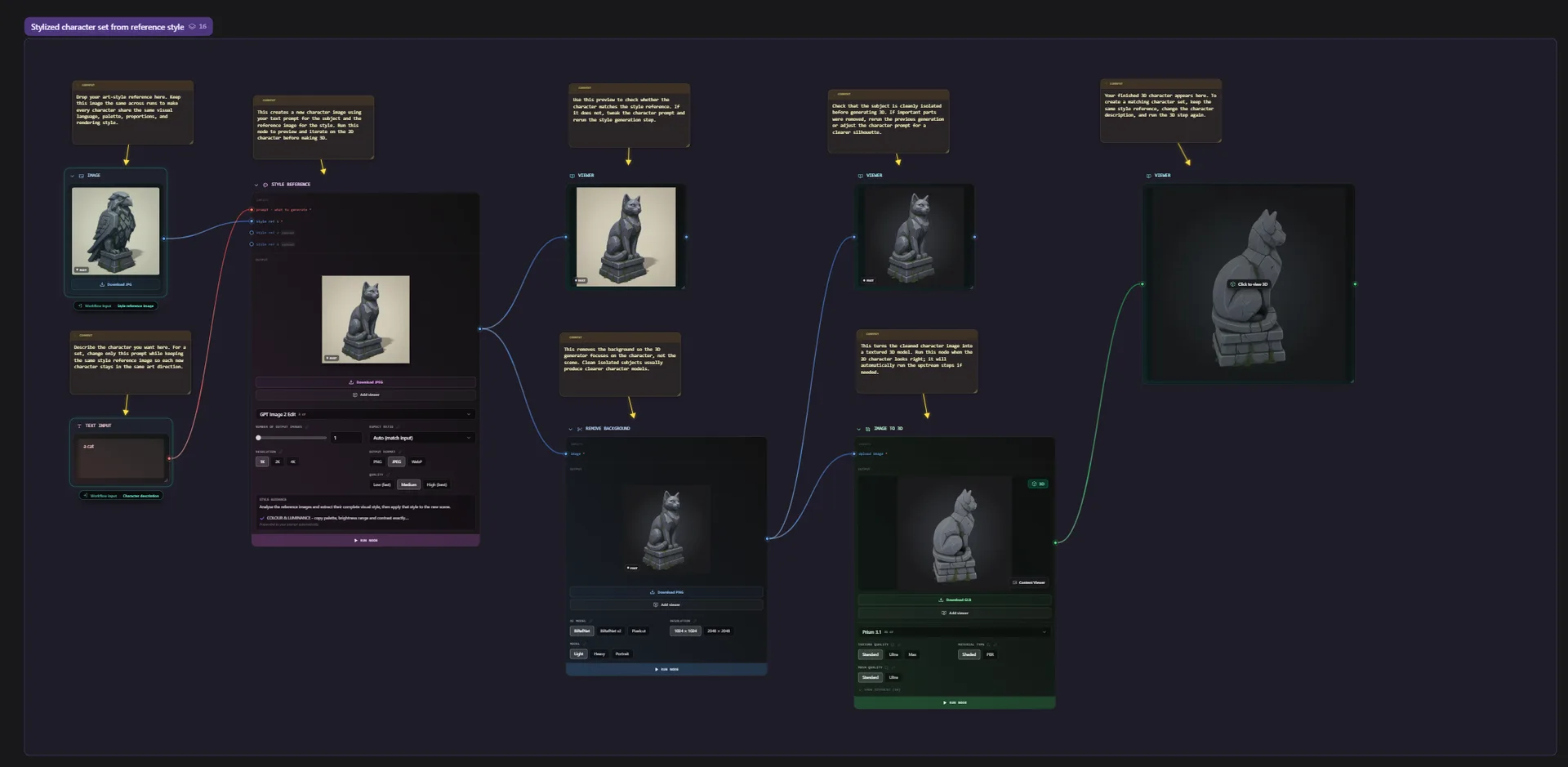
On the canvas, each step is a node, and you connect them so the output of one flows into the next:
Prompt or image to Generate 3D to Remesh to Texture to Export
Because the whole process lives on one graph, you can read it at a glance, adjust any node, branch it into variations, and run it again with a single click. That is the foundation everything else builds on. If you are new to the idea, the node-based 3D generator page walks through the building blocks.
Building your first reusable flow
Start simple and get one asset working end to end:
- Add a
PromptorReference imagenode. - Connect it to a
Generate 3Dnode. - Route the result through
Remeshfor clean topology. - Add a
Texturenode for PBR materials. - Finish with an
Exportnode (GLB, FBX, or OBJ).
Run it, check the result, then tweak the nodes until the output is what you want. This is your base recipe. You can build it from a text-to-3D workflow or an image-to-3D workflow depending on your input.
Batch generation and asset packs
Here is where the pipeline pays off. Once the base flow works, point it at many inputs instead of one:
- Batch generation. Feed a list of prompts or images through the same graph and produce the whole set in one pass. Every item runs through identical nodes, so the results are consistent. See batch 3D asset generation.
- Asset packs. Lock the look with a shared prompt or moodboard, then run it across the set so a weapon pack, prop kit, or environment set all belong together. See the 3D asset pack generator.
Same workflow, many assets, one consistent style.
Getting game-ready output
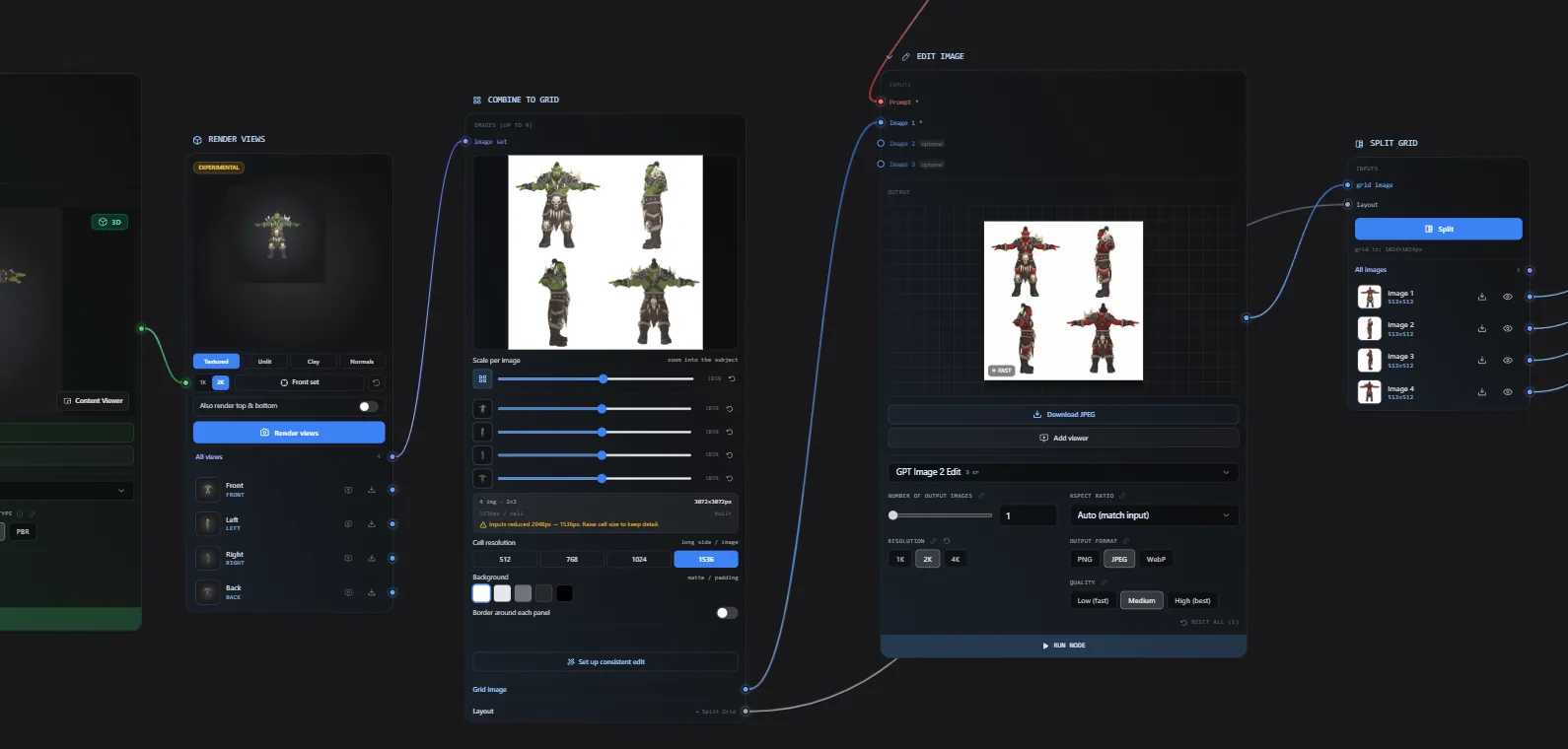
For games, the export has to be usable, not a high-poly blob. Add the right nodes to the end of your pipeline:
- Remesh to hit a clean polygon budget.
- Texture for PBR maps that read correctly under your lighting.
- Export GLB or FBX that drops straight into Unity, Unreal, or Godot.
This is the core of an AI 3D pipeline for game assets: concept to game-ready, on one canvas.

Save it as a template and reuse it
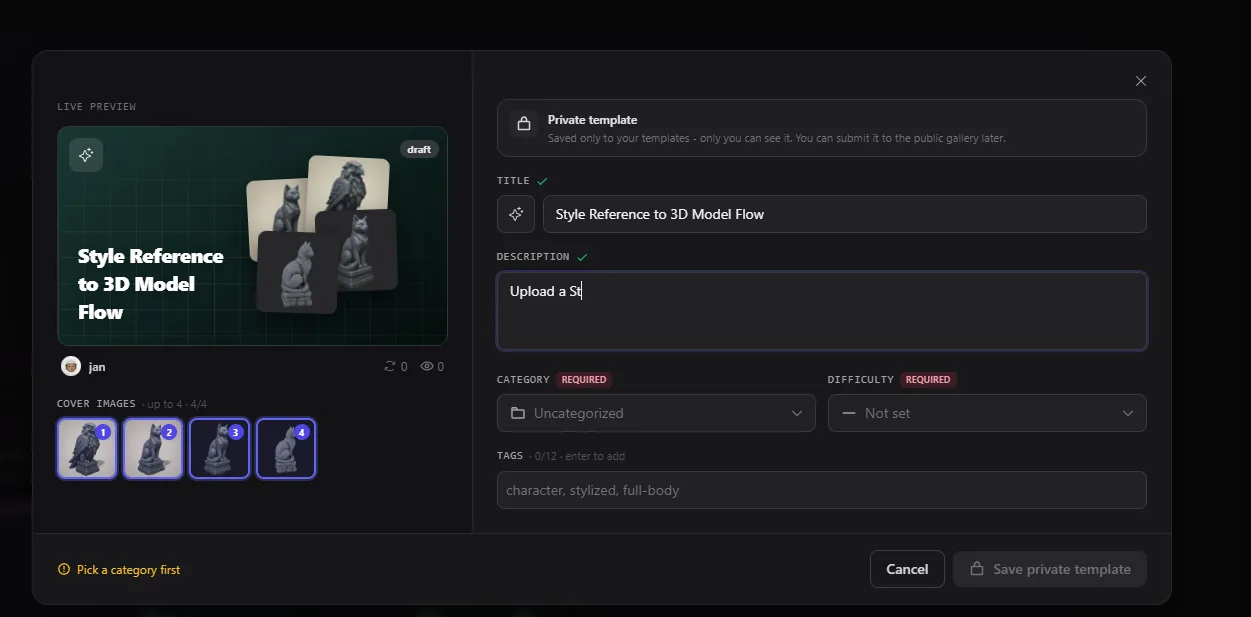
When a flow works, save it as a template. The next job starts from it in one click, and your whole team uses the same recipe instead of rebuilding it. Good setups compound over time. That is the heart of AI 3D workflow automation: build once, run on demand.
Try it
You can build a reusable 3D pipeline in the browser, with no install and no GPU.
Or just describe the workflow you want, and the Flow Builder Agent wires it up for you.

Generate 3D models with AI
Easily generate custom 3d models in seconds. Try it now and see your creativity come to life effortlessly!