
The State of AI 3D
Generation in 2026
In three years, generating a 3D model went from a research curiosity to a multi-billion-dollar industry. Here is an honest, data-backed look at where the market, the models, open source, APIs, agents, and rendering tech actually stand - and who is winning.
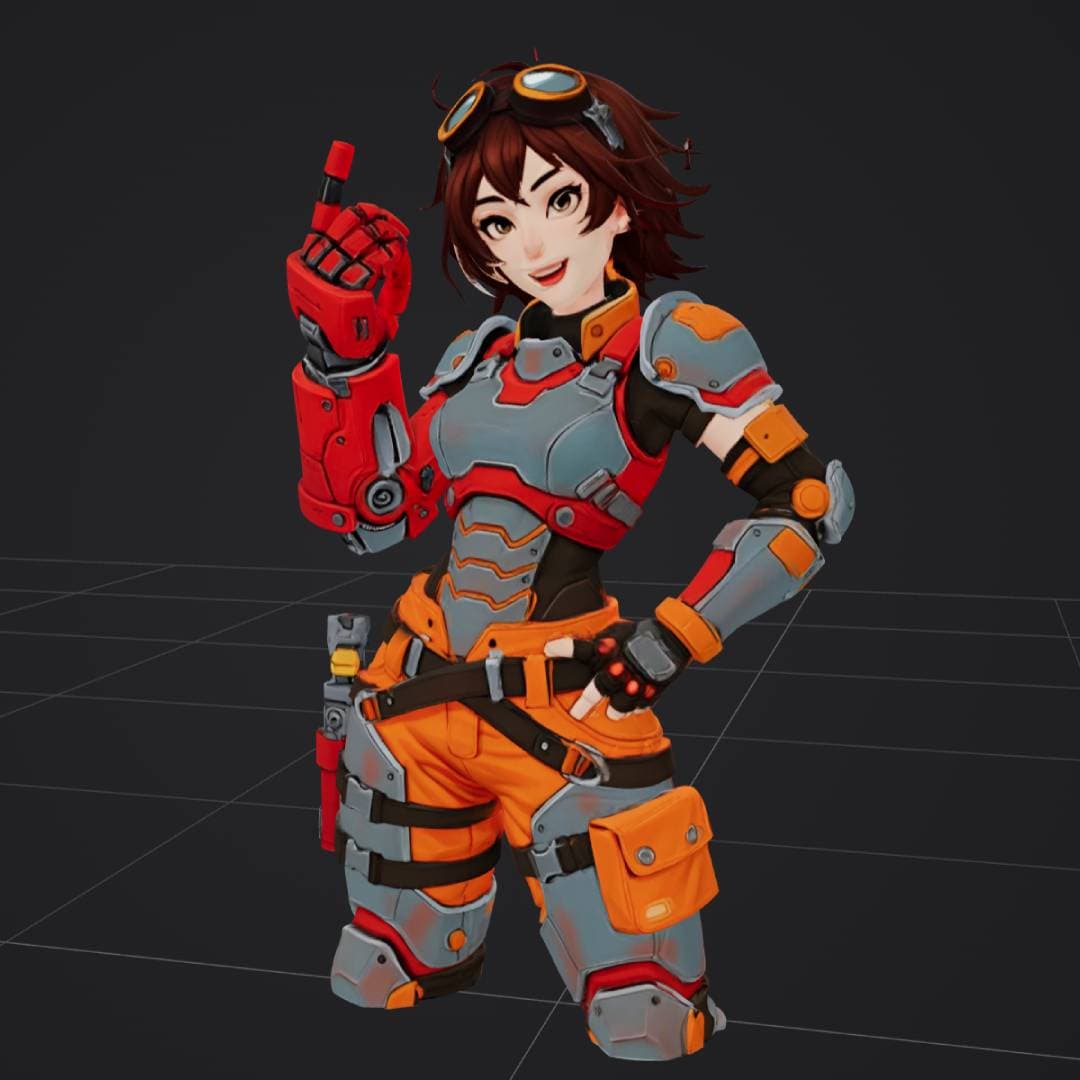
anime engineer in power armor
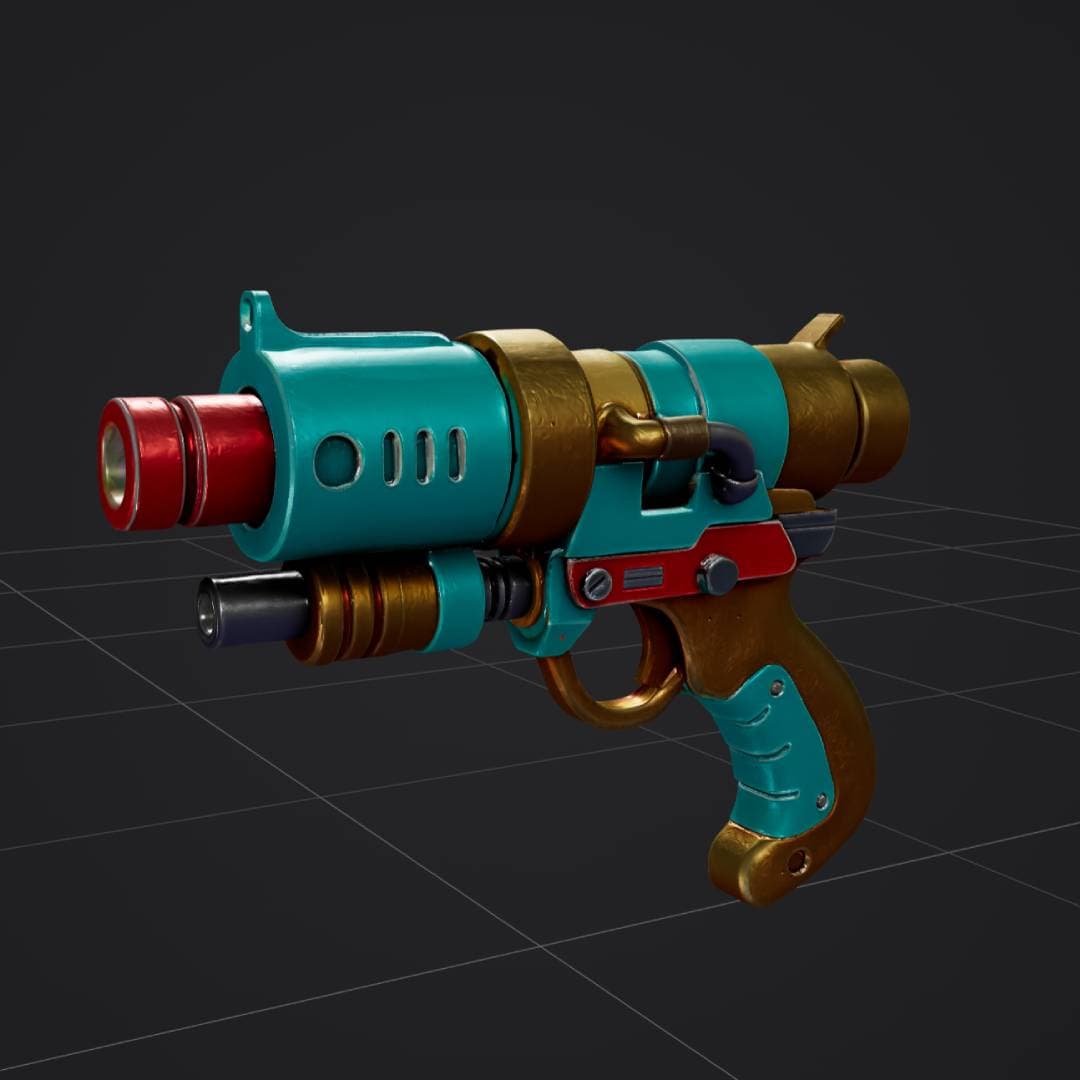
retro sci-fi ray gun
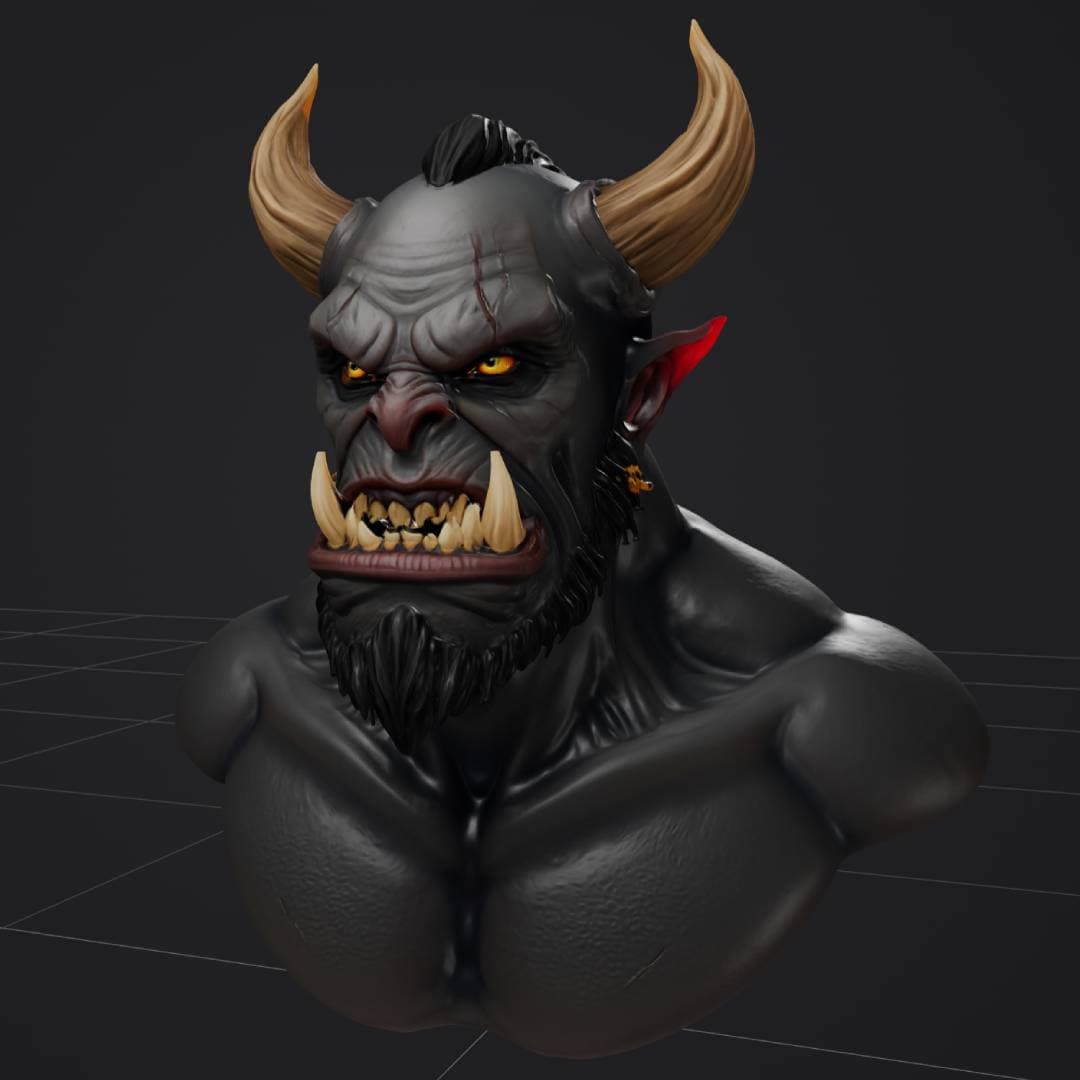
dark fantasy orc bust
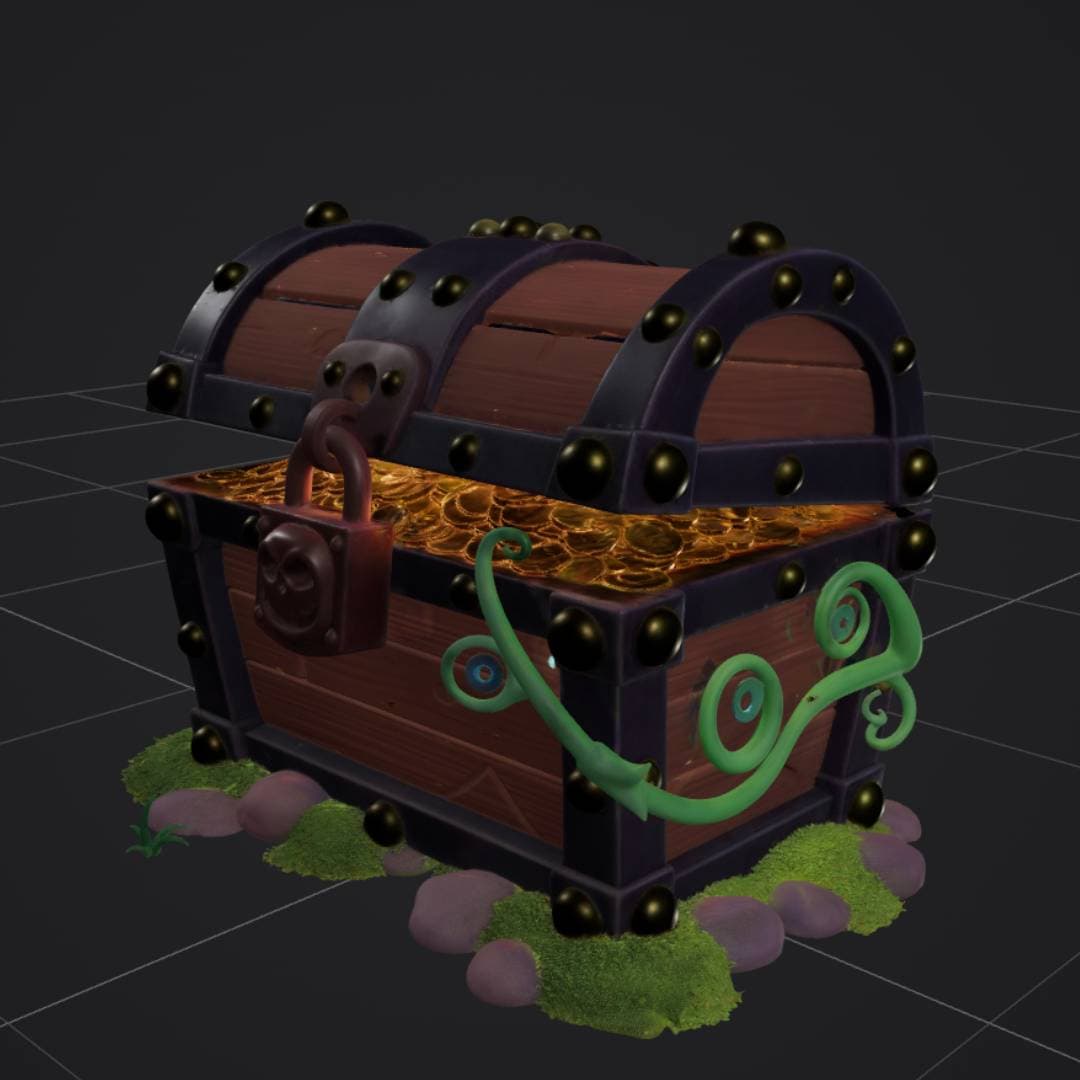
stylized treasure chest
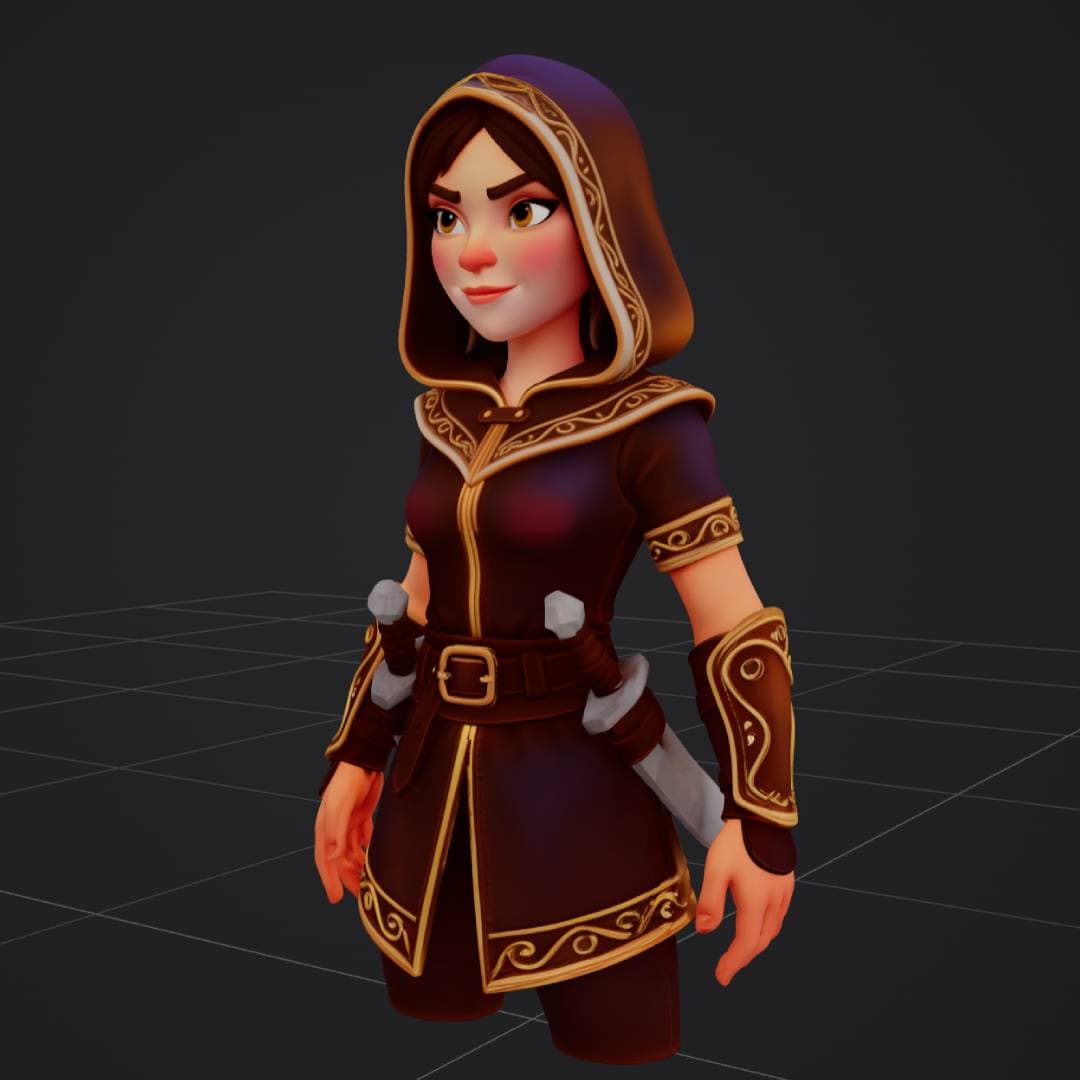
fantasy rogue with dual daggers
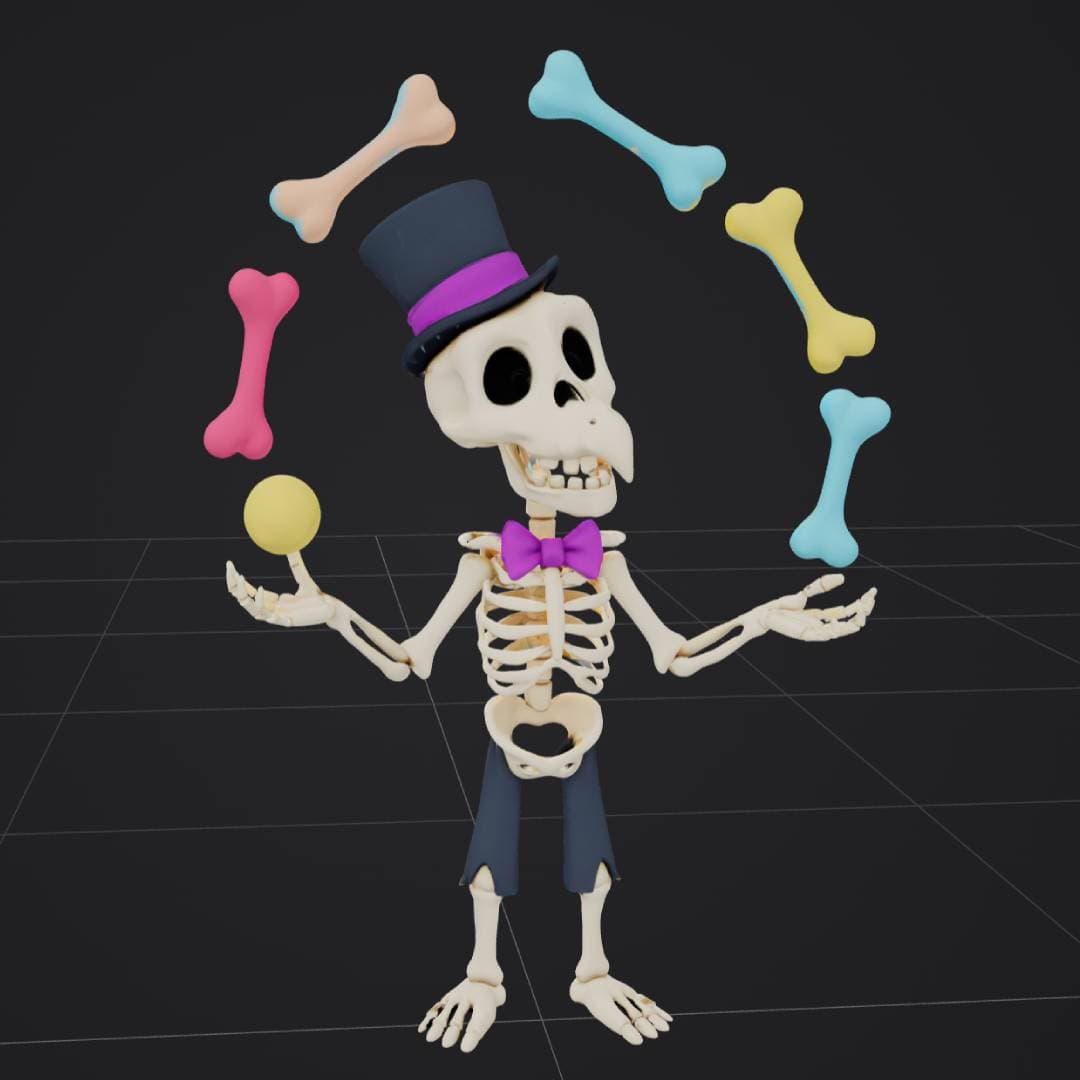
cartoon skeleton juggler
If you tried AI 3D generation in 2023, you got blobby, melted shapes that needed hours of cleanup. By 2026, you can describe an object or upload a photo and get a clean, textured, production-ready model in seconds. That shift has created a real industry - with leaders, open-source challengers, developer platforms, and even AI agents that drive 3D tools on their own.
This report pulls together the numbers and the landscape: how big the market is, which models lead and why, where open source stands, how APIs and aggregators changed the game, what MCP means for 3D, and why Gaussian splatting suddenly became infrastructure.
The state of AI 3D in 2026, at a glance
- The AI 3D market hit $3.23B in 2026 and is on track for $9.4B by 2030.
- No single model wins - speed, detail, textures, and openness all have different leaders.
- Open weights (TRELLIS.2, TripoSR) now reach production quality; closed models keep a polish lead.
- APIs dropped per-model cost to cents; aggregators put every model behind one interface.
- MCP lets AI agents drive Blender and 3D generation directly.
- Gaussian splatting became a standardized format for photoreal capture.
- 3D AI Studio has become the go-to for most creators because it runs all these leading models in one place - from text or image to a finished, export-ready 3D model.
A market growing 30% a year
Generative AI for 3D assets is one of the fastest-growing corners of AI. The market reached an estimated $3.23 billion in 2026, up from $2.47 billion the year before - a 30.9% jump - and analysts project it to climb to $9.4 billion by 2030. A related segment covering AI 3D asset generation and texturing is forecast to grow from $1.95 billion in 2026 to $12.84 billion by 2036.
The drivers are concrete: games and VFX need enormous volumes of 3D content, ecommerce wants interactive product views, AR/VR and the metaverse need worlds to fill, and everyone wants to cut the time and cost of making assets. North America leads by studio and venture concentration, and text-to-3D diffusion is the dominant technique.
A traditional model-to-export pipeline took 3 to 5 days. With AI, the same workflow takes minutes, and generation itself runs in seconds. That collapse in time-to-asset is the single biggest reason adoption is accelerating.
No single model wins everything
2026 has more than a dozen production-grade 3D models, and the most important thing to understand is that they do not compete on one axis. One is fastest, another has the best geometry, another nails textures, and another is the most open. The right choice depends entirely on the job.
ByteDance's Seed3D 2.0 set a new bar in April 2026, winning blind human-preference tests against every other commercial model on both geometry and texture, with win rates from 69% to nearly 90%. Tencent's Hunyuan3D leads on texture and PBR quality, Microsoft's TRELLIS.2 is the open-source standout, Tripo is the speed champion, and Rodin remains the choice for film-grade hero assets. This is exactly why 3D AI Studio has become the leading platform for most creators: it runs all of these top engines in one place, so you get the best of each model without betting on just one.
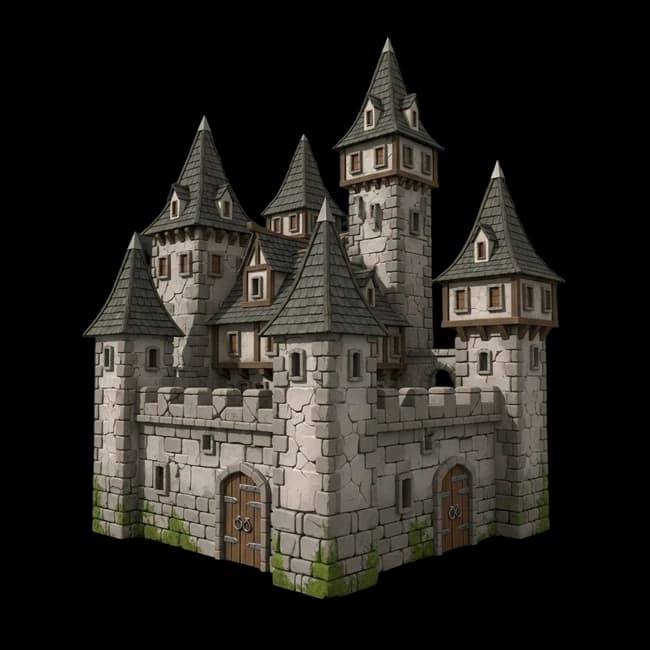
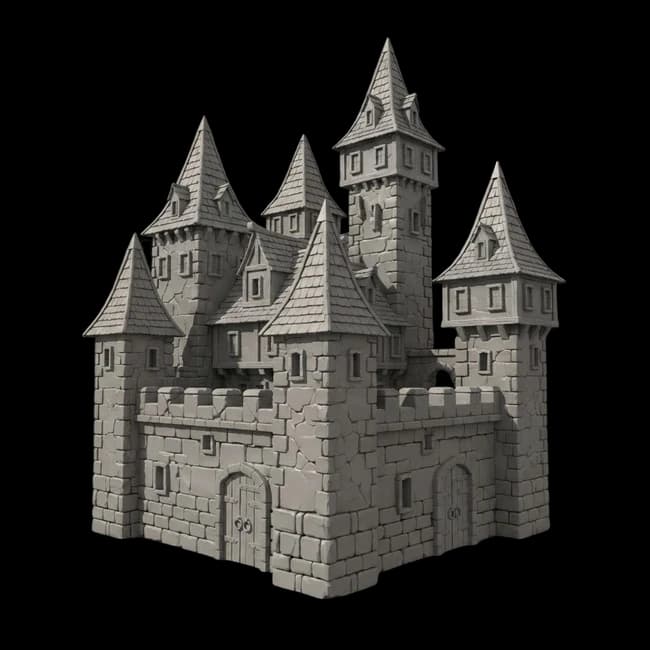 geometry
fantasy castle

 geometry
spaceship
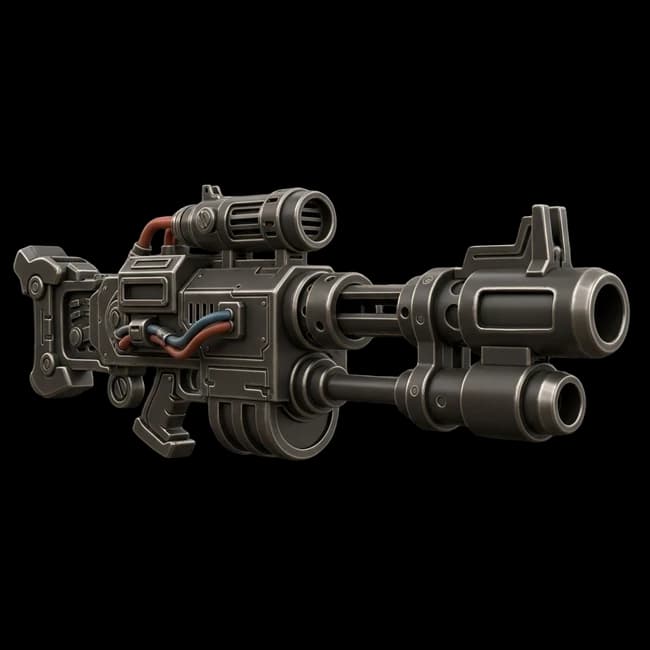
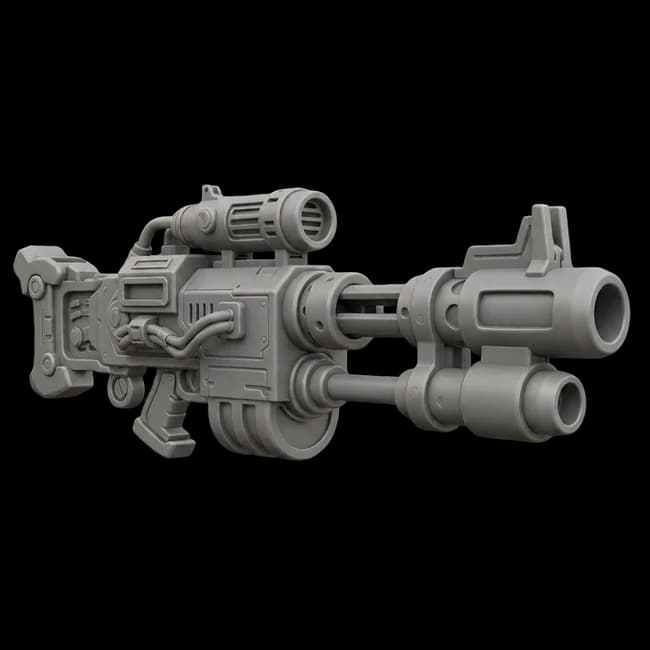 geometry
sci-fi railgun

 geometry
stylized owl

 geometry
modern armchair

 geometry
cartoon dragon
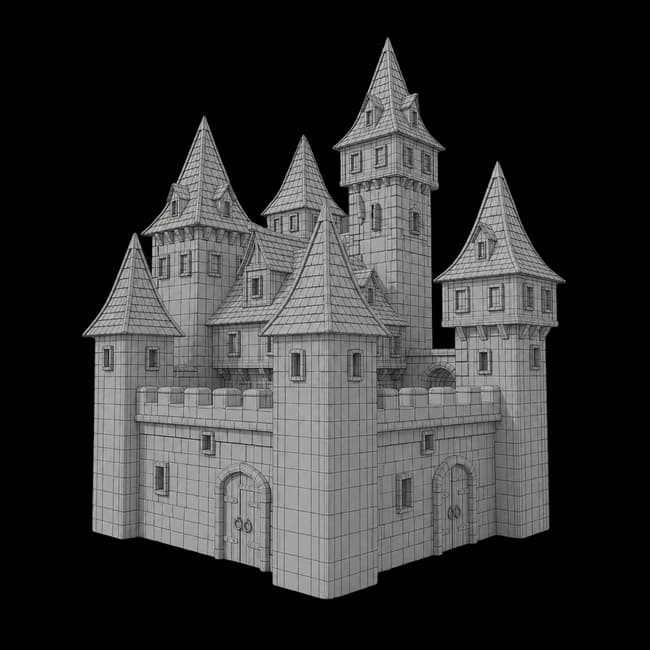
Under the hood, every one of these turns a prompt or image into geometry first, then wraps it in materials. Seeing the stages makes the technology less of a black box:
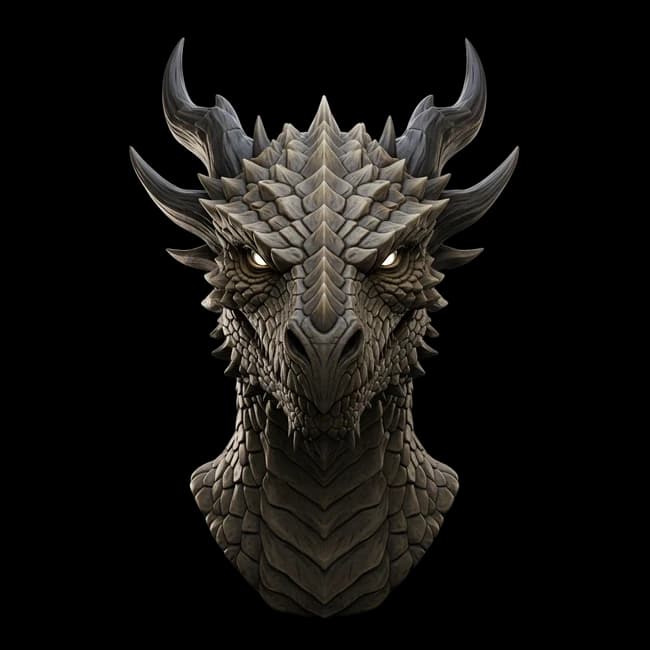
1. Textured result
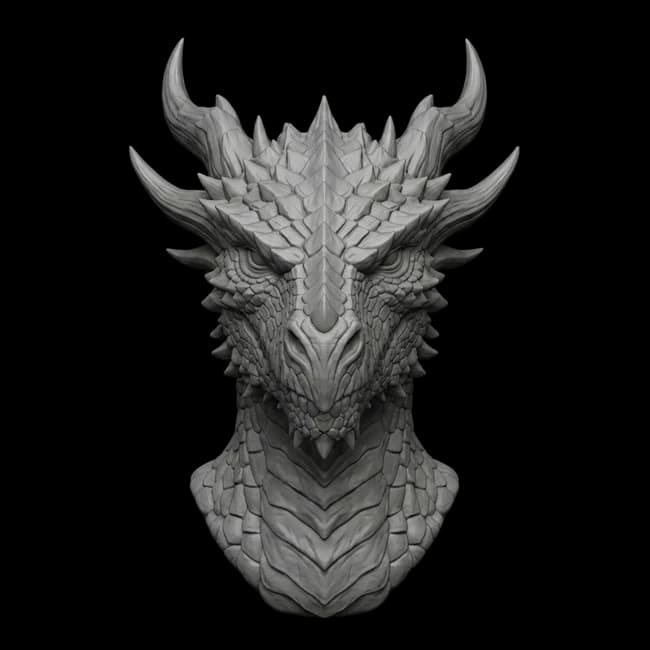
2. Clay / geometry
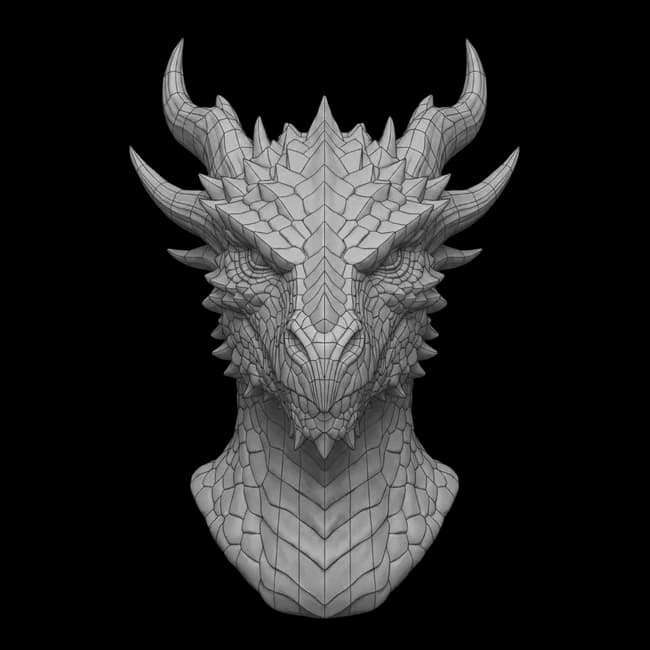
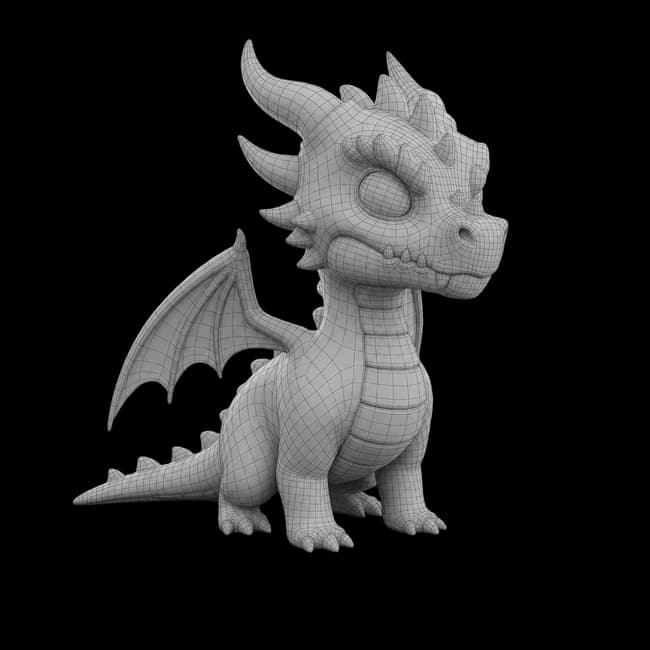
3. Mesh topology
| Model | Origin | Access | Notable |
|---|---|---|---|
| 3D AI StudioRecommended | Aggregator | Browser + API | Runs Hunyuan3D, TRELLIS.2, Tripo, and Rodin in one place, plus texturing, remesh, image, and video |
| Seed3D 2.0 | ByteDance | Closed (API) | SOTA geometry + texture; 69-89.9% human-preference win rate (Apr 2026) |
| Hunyuan3D 2.1 / 3.x | Tencent | Open weights* | Best-in-class textures and PBR; community license with regional limits |
| TRELLIS.2 (4B) | Microsoft | Open (MIT) | 1536-res assets in under 20s on 24GB VRAM; fully commercial |
| Tripo 3.0 | VAST AI | Closed (API) | Speed champion (under 30s), clean topology, native PBR |
| Rodin Gen-2 | Deemos / Hyper3D | Closed (API) | Film-grade fidelity for hero assets |
| Meshy 5 / 6 | Meshy | Closed (API) | Most established pipeline: gen + texture + rig + plugins |
| TripoSR / SF3D | Tripo + Stability | Open (MIT / free) | Sub-second drafts on 6-8GB VRAM; lowest barrier to entry |
| Hi3DGen | Research | Open (MIT) | Best-in-class geometric precision |
* Hunyuan3D open weights are under a community license with regional restrictions.
Open weights are closing the gap
The biggest structural shift of 2025-2026 is open-source 3D models reaching genuine production quality. Microsoft released TRELLIS.2 under a clean MIT license - a 4-billion-parameter model that produces 1536-resolution assets in under 20 seconds on a single 24GB GPU. TripoSR and Stable Fast 3D generate draft meshes in under a second on consumer hardware.
Licensing is where it gets nuanced. TRELLIS.2, TripoSR, and Hi3DGen are MIT and fully commercial. Hunyuan3D 2.1 was the first complete open release - weights plus training code - but its community license restricts use in the EU, UK, and South Korea, so always check before you ship. Most teams end up blending both worlds: open models for volume and cost, closed models for hero assets.
Free, self-hostable, no per-model cost
- TRELLIS.2 (MIT) and TripoSR / SF3D are fully commercial
- You supply the GPU and setup
- Hunyuan3D 2.1 open weights, but regional license limits
Best polish, no setup, pay-per-use
- Seed3D, Tripo, Rodin, Meshy lead on out-of-the-box quality
- No GPU, predictable pricing
- You rent access rather than own it
3D generation is now an API call
Generating a 3D model used to require a workstation and a 3D artist. In 2026 it is one HTTP request. Pay-per-generation APIs put every leading model behind a simple call, with costs that have fallen to a few cents per model for the fastest options.
Developer aggregators changed the economics. fal.ai hosts 1,000+ models behind one SDK with queue-based, pay-per-use billing - TRELLIS runs for as little as $0.02 per generation. Replicate offers a similar catalog, while Meshy and Tripo ship strong first-party APIs.
Where 3D AI Studio fits. The 3D AI Studio API gives you multiple engines - Hunyuan3D, TRELLIS.2, Tripo - plus texturing and mesh tools behind one integration, so you can switch models without rewriting your pipeline.
All-in-one beats single-model
Here is the throughline of the whole report: because no model wins everything, the platforms that matter most are the ones that bring many models together. The best workflow - run the same input across engines, compare, keep the best - is only practical when the models live under one roof.
There are three flavors of aggregator. Creator aggregators like 3D AI Studio give you many engines plus a full pipeline in the browser, no code. Developer aggregators like fal.ai and Replicate expose many models via one API. Self-hosted aggregators like ComfyUI run open models locally for technical users.
See it in action
Here is a short video showing how AI 3D generation works in 2026 - from a prompt or image to a finished, textured model, across multiple engines in one place.
For end users, this is why 3D AI Studio is the most complete option: many generation engines, plus AI texturing, remeshing, rigging, image generation, and video, all in one place and one subscription. We wrote a full breakdown in the best all-in-one AI 3D platforms.
AI agents can now drive 3D tools
The Model Context Protocol (MCP) became the standard way for AI assistants to call structured tools - and in 2026 it reached 3D. Blender now ships an official MCP server, and community servers expose hundreds of tools: modeling, materials, rendering, and automation, all callable by an assistant like Claude.
Crucially, these MCP servers wire in AI 3D generation backends directly. Ask an agent for a model and it can call Rodin, Meshy, Tripo, TripoSR, Stable Fast 3D, Hunyuan3D, or ComfyUI, then clean up the mesh automatically:
The direction is clear: 3D generation is becoming something agents orchestrate, not just a button a human clicks. One caution - code-execution MCP tools can run arbitrary Python with full system access, a real risk teams underestimate, so sandbox them or run in a VM.
Gaussian splatting became infrastructure
While generative meshes grabbed headlines, a second technology quietly matured: 3D Gaussian splatting, a way to capture photoreal real-world scenes. In three years it went from a research paper to a standardized format - faster than PBR materials did a decade earlier.
The proof is in the standards. OpenUSD added a native Gaussian splat schema and glTF is ratifying the KHR_gaussian_splatting extension - so splats now flow through both film (USD) and game and web (glTF) pipelines. Luma's Unreal plugin, Cesium 3D Tiles with LOD streaming, and tools from Adobe to Esri all shipped real splat workflows.
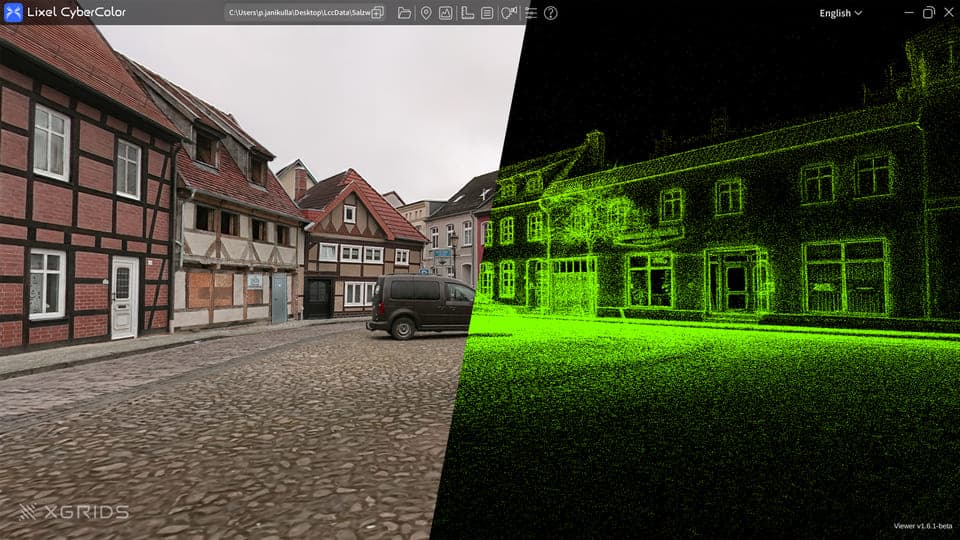
The practical takeaway: splatting and mesh generation are complementary, not competing. Use splats for captured, photoreal backdrops; use AI mesh generation for the editable, riggable, printable assets that make up the rest of a project.
Who is using AI 3D
AI 3D is already in production across industries - from games and 3D printing to ecommerce, AR/VR, film and VFX, and education. A few of the biggest:

Game development
Characters, props, and environments at scale for Unity, Unreal, Godot, and Roblox.
3D printing
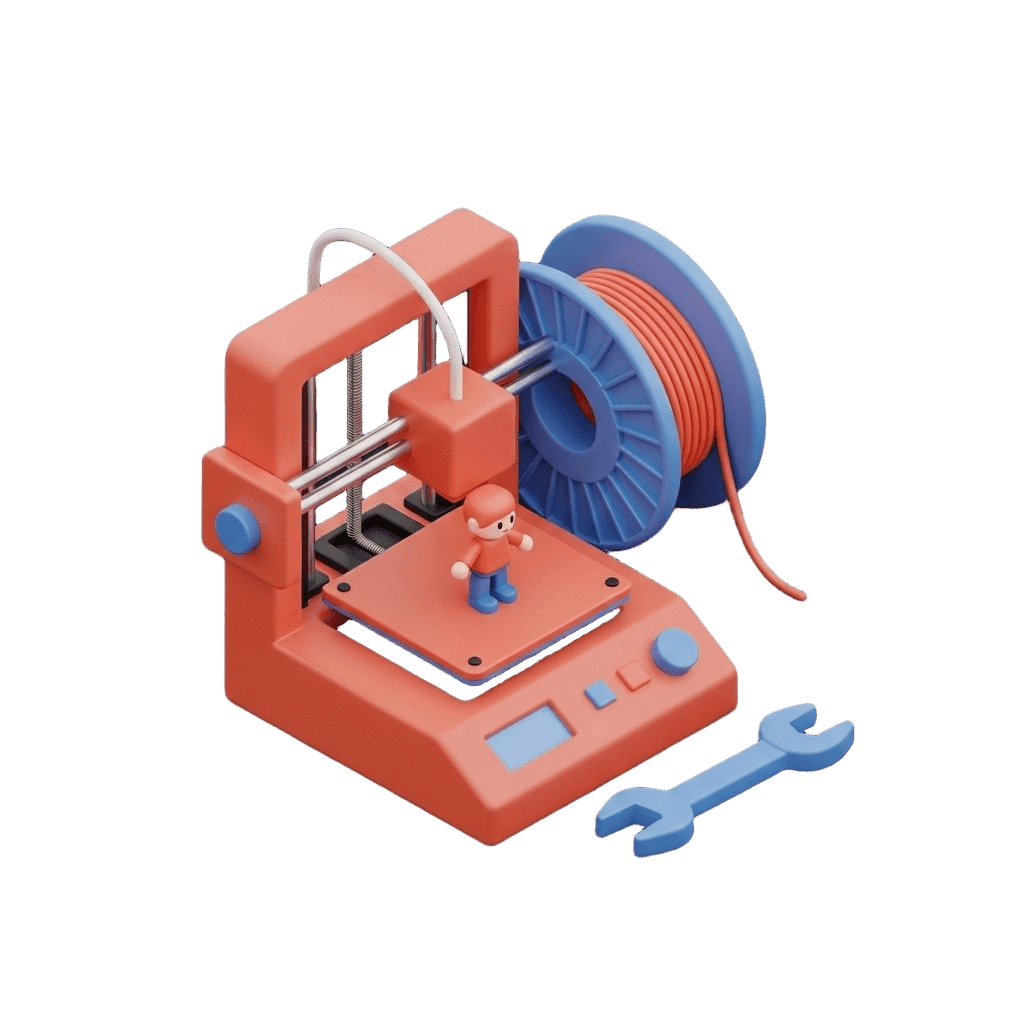
Figurines, miniatures, and parts - generate, remesh to watertight, export STL.
AR, VR & XR
Lightweight, optimized assets for immersive and spatial experiences.

Ecommerce & product
Turn product photos into interactive 3D and AR for product pages.
How to get started with AI 3D generation
The easiest way to start is in 3D AI Studio - no installs, free credits to begin, and every model in one place. Pick a 3D model (Prism 3.1 is the best all-rounder, or Hunyuan for maximum detail), then choose how you want to start:
- Already have an image? Upload it straight to Image to 3D.
- Want to tweak it first? Edit the image in Image Studio - change the style or clean up the background - then send it to Image to 3D.
- Starting from scratch? Generate a reference image in Image Studio, then convert that to 3D.
- Just have an idea in words? Use Text to 3D to go straight from a prompt.
Starting from an image gives the most control and the best results. Whichever route you pick, you can quad-remesh for clean topology and export GLB, OBJ, FBX, STL, or USDZ.
 1
1Reference image
Generate or edit in Image Studio
2Image to 3D
Prism 3.1 builds the textured model
 3
3Remesh
Clean quad topology + polycount
The full workflow, start to finish
A short tutorial showing the image-first workflow: from a reference image to a finished, textured 3D model.
How to choose a model in 2026
With so many models, the winning habit is simple: match the model to the job, and let an aggregator make that easy. Here is the four-step approach we recommend.
Name the job
Hero asset, fast prototype, accurate copy of a real object, or a game-ready asset? The job picks the engine.
Match a model
Speed - Tripo. Detail - Rodin. Image-to-3D accuracy - Hunyuan3D or TRELLIS.2. Free and open - TRELLIS.2 or TripoSR.
Compare, do not commit
Run the same input across two or three engines and keep the cleanest silhouette. Detail and texture are fixable; a bad base is not.
Finish the asset
Remesh for clean topology, texture, rig if needed, and export to your engine, slicer, or scene.
Want the longer version? We broke this down with examples in how to use multiple AI 3D models.
What AI 3D still can't do
AI 3D is remarkable, but it is not magic - and being clear about the limits is part of using it well. Two areas where it still falls short in 2026, and how teams work around them.
Exact dimensions and CAD precision
Generative models produce visually convincing geometry, not dimensionally exact parts. For engineering tolerances, threads, and mechanical fits, parametric CAD (Fusion 360, SolidWorks, FreeCAD) is still the right tool.
Workaround: Use AI for concepts, organic shapes, and visual assets; switch to CAD when millimeters matter.
Complex rigging and animation
Auto-rigging handles standard humanoids well, but intricate facial rigs, custom creature or machine skeletons, and nuanced performance still need a 3D artist.
Workaround: Let AI generate and auto-rig the base, then finish complex rigs and animation in Blender or Maya.
What is next in 2027
Where the field is heading next, based on what is already moving from research into early products.
4D and dynamic generation
Generating animated, moving 3D - not just static meshes. Dynamic scene reconstruction is already entering film and sports broadcasting, and will reach creators next.
Scene and world generation
Moving beyond single objects to whole environments and worlds from a prompt - populated, lit, and ready to explore.
Agentic pipelines
AI agents orchestrating the full pipeline over MCP: generate, remesh, texture, rig, and place in an engine, with the human directing rather than clicking.
Real-time generation
From minutes to seconds to interactive. Faster models, on-device generation, and WebGPU rendering make live, iterative 3D creation practical.
Why the aggregator wins
Step back and the pattern across every trend is identical: many strong models, open and closed, exposed through APIs, increasingly driven by agents, complemented by splatting. No single tool does it all, and the leverage is in bringing them together.
That is exactly why an all-in-one platform is becoming the practical default - and where 3D AI Studio is built to lead.
Key terms and definitions
New to the space? Here are the core AI 3D terms in plain language.
Text-to-3D
Generating a 3D model from a written prompt. The AI interprets your description and builds geometry and textures - best for quick concepts and simple objects.
Image-to-3D
Reconstructing a 3D model from one or more images. More accurate than text for recreating a specific object, since the AI works from a real reference.
Topology
The layout and flow of a mesh's polygons (usually quads or triangles). Clean topology deforms, subdivides, and textures far better.
Remesh / Retopology
Rebuilding a model's surface into cleaner, more even polygons - often quads - to fix messy AI output for animation, editing, or 3D printing.
Manifold (watertight) mesh
A closed, solid mesh with no holes or self-intersections. Required for reliable 3D printing and clean boolean operations.
UV unwrapping
Flattening a 3D surface into 2D coordinates so textures map onto the model without stretching or seams.
PBR (Physically Based Rendering)
A material standard using maps - base color, normal, roughness, metallic - so surfaces react to light realistically and consistently across engines and renderers.
Polycount / LOD
Polycount is the number of polygons in a mesh. LOD (level of detail) is a set of lower-poly versions shown at distance to keep real-time performance high.
GLB / glTF
The web and real-time standard 3D format. GLB bundles geometry, materials, and textures in one file that imports cleanly into engines and web viewers.
Voxel
A 3D pixel - a value on a regular grid in space. Voxel models are built from cubes, used for blocky or volumetric styles and some generators.
NeRF (Neural Radiance Field)
A neural method that reconstructs a 3D scene from photos by learning how light radiates through it, producing photoreal novel viewpoints.
Gaussian splatting (3DGS)
A technique that represents a captured scene as millions of small 3D Gaussians (splats), enabling fast, photoreal rendering of real-world environments with less data than meshes.
LoRA (Low-Rank Adaptation)
A lightweight way to fine-tune a generative model on a specific style or subject, producing consistent custom looks without retraining the whole model.
Frequently asked questions
Sources & methodology
Figures are compiled from public market research and primary model and platform announcements as of June 2026. Market sizes are vendor estimates and vary by methodology; we cite ranges where they differ. Example renders were generated with models available in 3D AI Studio.
- -Generative AI for 3D Assets Market Report 2026 - The Business Research Company / GII Research (market size, CAGR, 2030 forecast)
- -AI for 3D Asset Generation & Texturing Market - Meticulous Research (2026-2036 forecast)
- -Seed3D 2.0 human-preference study - ByteDance Seed, 2026 (model win rates)
- -Microsoft TRELLIS.2, Tencent Hunyuan3D, TripoSR / Stability AI release notes (open-source specs and licenses)
- -fal.ai and Replicate model catalogs and pricing, 2026 (API access and per-generation costs)
- -OpenUSD and Khronos glTF (KHR_gaussian_splatting) announcements; Luma AI, Cesium (Gaussian splatting standardization)
- -Blender MCP (blender.org) and community MCP servers (agentic 3D tooling)
- -Gaussian splat example image - Laserscanning Europe (laserscanning-europe.com/en/gaussian-splatting)
- -Example 3D renders and PBR maps generated with models available in 3D AI Studio