
How to Use Multiple AI 3D Models (Which Model for Which Job)
Quick answer: No single AI 3D model is best at everything, so the smartest workflow is to use several and pick the right one for each job - a fast model for iteration, a high-detail model for hero pieces, an image-to-3D model for accurate copies, and a game-tuned model plus remeshing for real-time assets. The easiest way to do this is on a platform like 3D AI Studio that runs multiple engines in one place, so you never have to commit to a single model.
Most people pick one AI 3D generator and try to make it do everything - then get frustrated when it is great at some objects and weak at others. The pros do the opposite: they treat AI models like tools in a kit, choosing the right one per object. This guide shows which model wins for which job, and how to run a simple "compare and keep the best" workflow.
- No model wins everything - each has a sweet spot.
- Fast iteration: Tripo. High detail / hero: Rodin (Hyper3D).
- Image-to-3D accuracy: Hunyuan3D and Trellis. Game assets: a game-tuned model + remesh.
- Best workflow: run the same input across a few models and keep the best result.
- Easiest setup: 3D AI Studio runs multiple engines in one workspace.
Why One Model Is Never Enough
AI 3D models are trained and tuned differently, so they each excel at different things:
- One produces a result in seconds but with softer detail.
- Another nails fine geometry but runs slower and outputs dense meshes.
- Another is exceptional at reconstructing a real object from a single photo.
- Another is tuned for clean, low-poly, game-ready output.
Forcing a single model to cover all of that means you accept its weaknesses on every job. Using the right model per object means you get each model's strength every time - and your overall quality and hit rate climb sharply.
Pro tip: Think of AI 3D models like lenses on a camera. A pro does not own one lens and complain it is bad at everything - they switch to the right lens for the shot. Switching models per object is the same idea.
Which AI Model for Which Job
Here is a practical map from job to model. The model names below are engines you can run directly inside 3D AI Studio.
| Your goal | Best model type | Why |
|---|---|---|
| Rapid iteration / blockouts | Tripo | Fast generation, clean topology |
| High detail / hero pieces | Rodin (Gen 2.5) | Best geometry and PBR detail |
| Accurate image-to-3D | Hunyuan3D / Trellis 2 | Faithful reconstruction from a photo |
| Game-ready assets | GameDev model + remesh | Clean topology and polycount control |
| Invent new objects from text | A strong text-to-3D engine | Creative generation from a prompt |
| Texture or restyle a model | Texturing tools | PBR materials and retexture |
Use a fast model when you are iterating
When you are exploring ideas or generating many objects, speed beats perfection. A fast engine like Tripo lets you generate, reject, and regenerate quickly until you land on the right silhouette - then you can re-run the winner through a higher-detail model if needed.
Use a high-detail model for hero assets
For the pieces that carry your project - a main character, a display prop, a marketing render - reach for Rodin. Expect to remesh the dense output before animation or 3D printing.
Use image-to-3D models for accurate copies
When you need a faithful 3D version of a specific object, image-to-3D engines like Hunyuan3D and Trellis reconstruct the exact silhouette from a photo or concept image far better than a text prompt can.
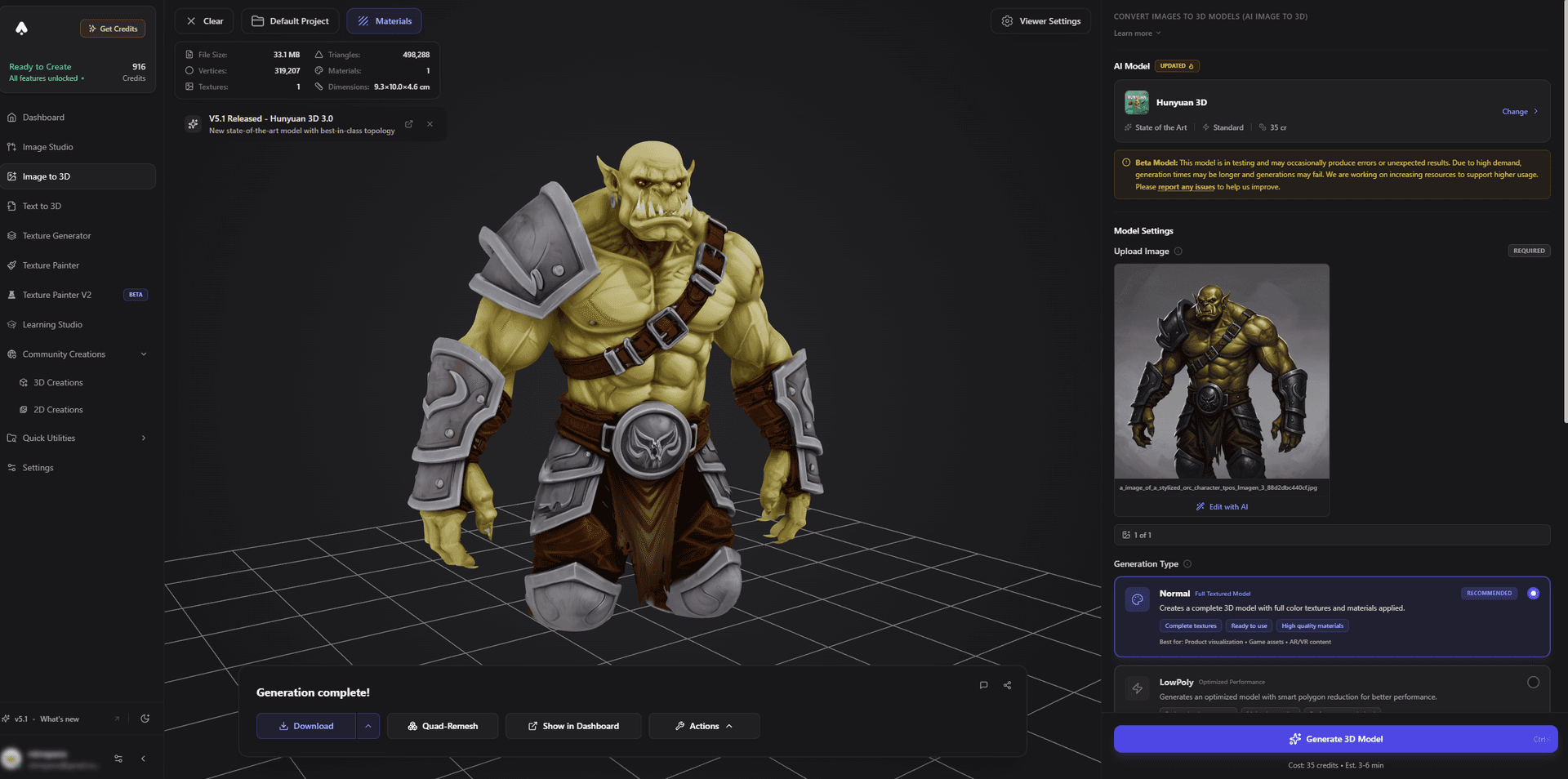
Use game-tuned models plus remesh for real-time assets
For Unity, Unreal, Godot, or Roblox, generate with a game-focused model and then remesh to a clean, low polycount your engine will love.
The "Compare and Keep the Best" Workflow
This is the habit that separates good AI 3D results from great ones:
- Define the job. Hero asset, quick prototype, accurate copy, or game asset? That decides your starting model.
- Run the same input across 2-3 models. Same prompt or image, different engines.
- Compare the silhouettes. Pick the cleanest, most accurate shape - detail and texture can be fixed later; a bad silhouette cannot.
- Refine the winner. Texture, remesh, and rig as needed.
- Export. Send the finished asset to your engine, slicer, or scene.
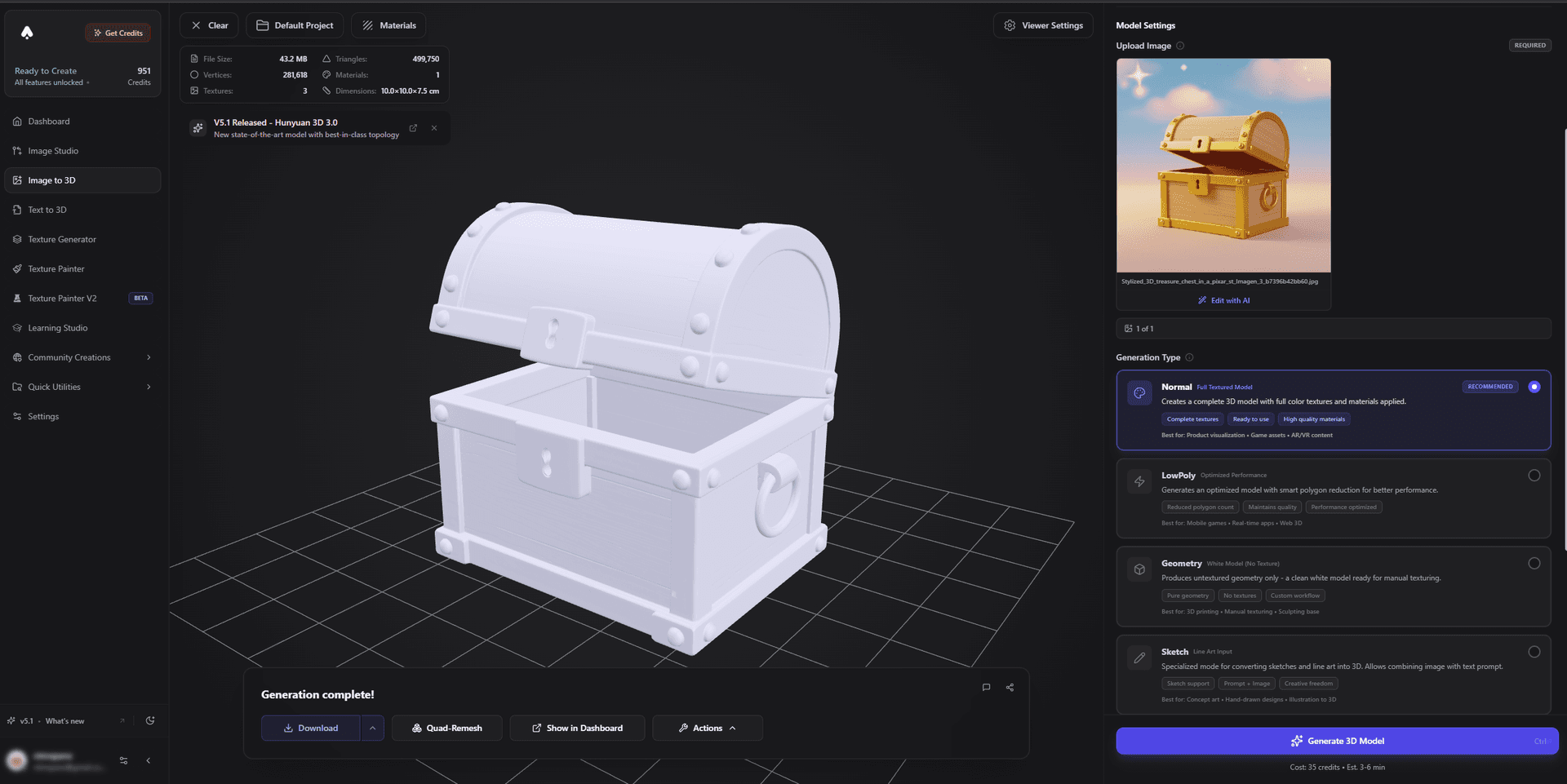
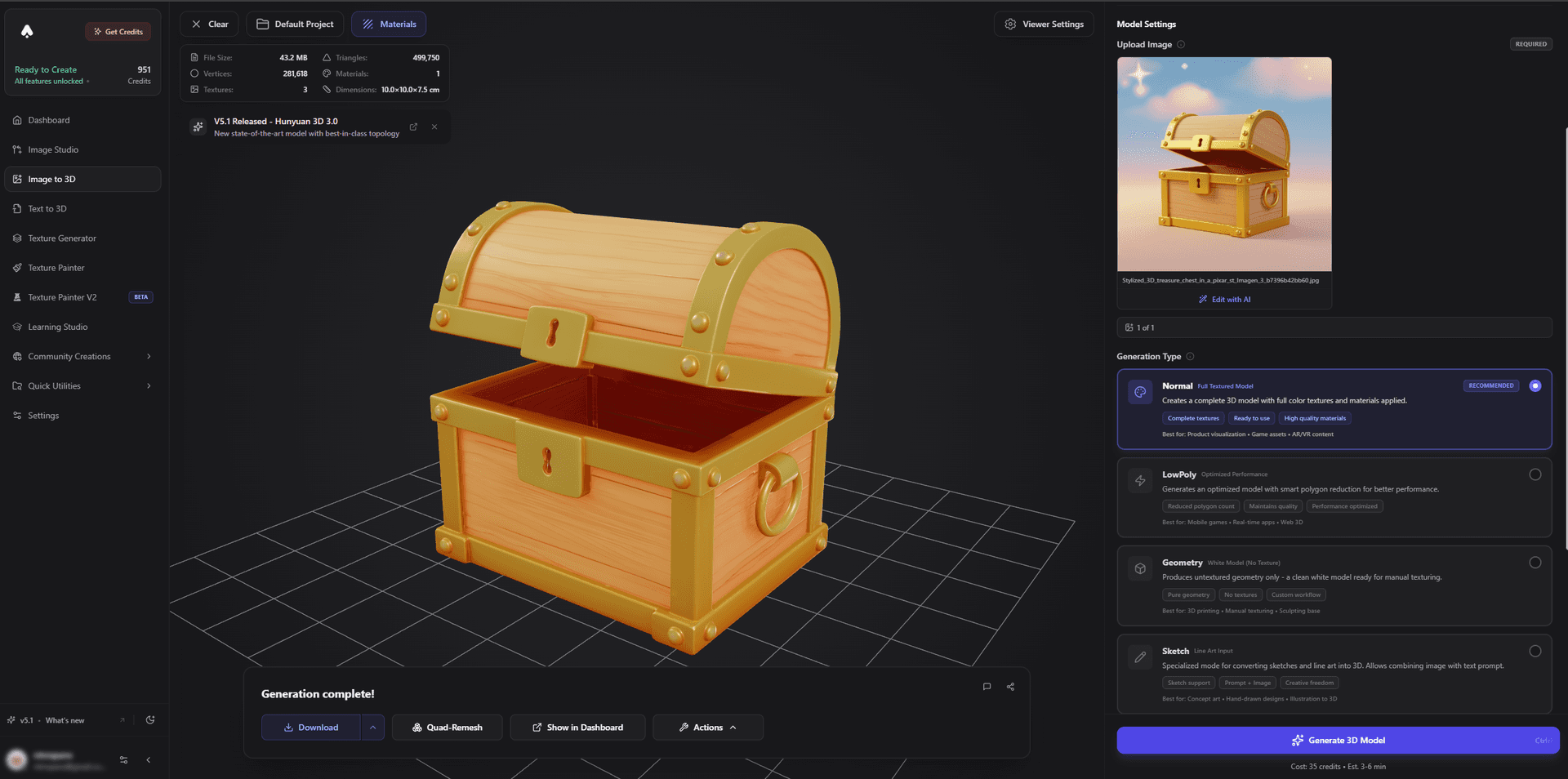
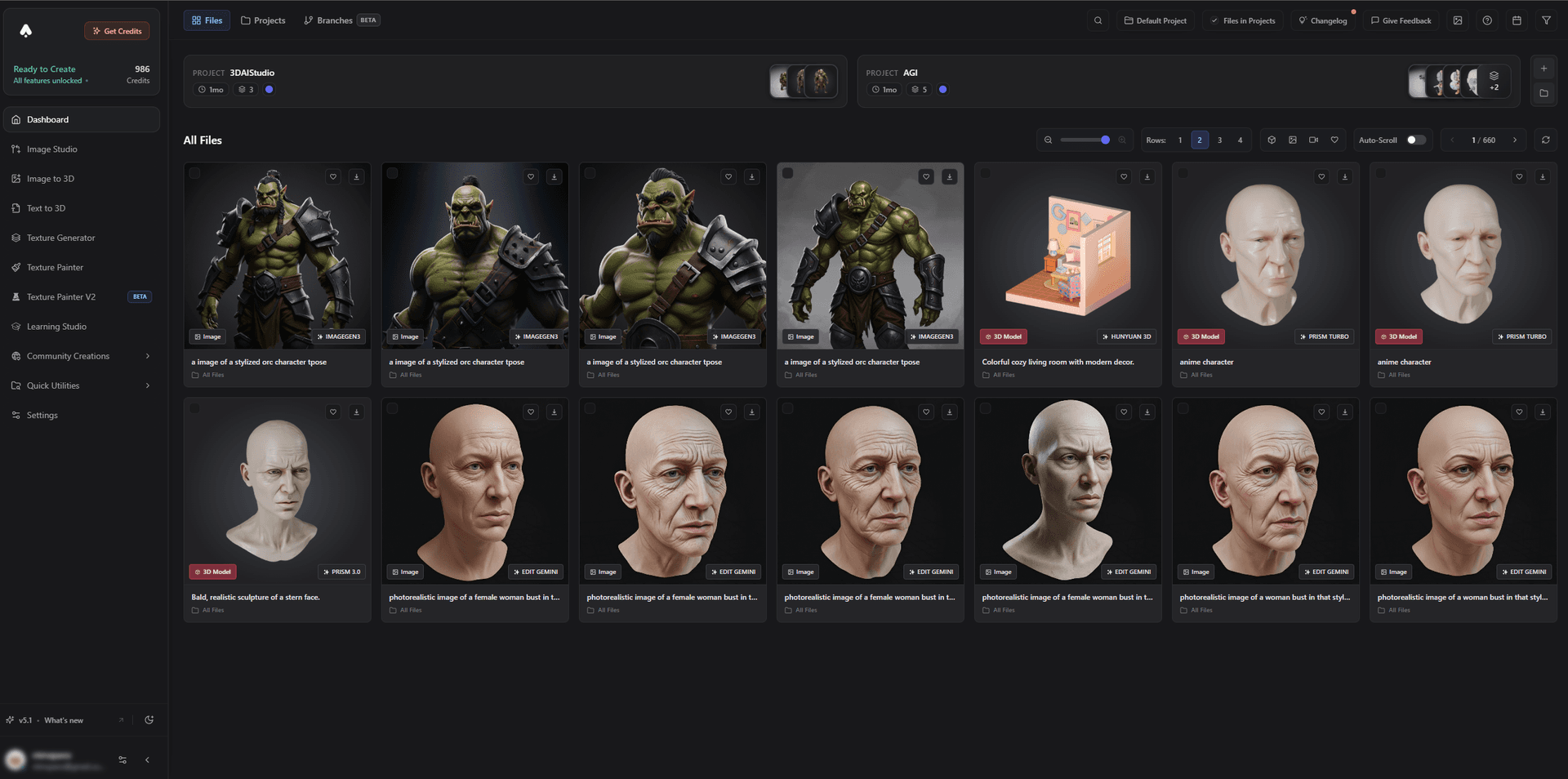
The catch with this workflow is obvious if your models live in different apps with different accounts and subscriptions: comparing becomes a chore. That is exactly the problem an all-in-one platform solves.
Why an All-in-One Platform Makes This Easy
3D AI Studio runs multiple engines - Rodin, Tripo, Hunyuan3D, Trellis 2, and more - in one workspace, alongside texturing, remeshing, rigging, image generation, and video. That means you can:
- Run the same input across models and compare side by side, in one place.
- Keep every result in one library instead of scattered across accounts.
- Finish the asset - texture, remesh, rig - without exporting between tools.
- Pay one subscription instead of several.
In other words, the multi-model workflow that gives the best results is only practical when the models live under one roof. That is the entire point of an aggregator: you stop choosing a model once and start choosing the right model every time.
Pro tip: Start every project by asking "what is this object's job?" before you pick a model. Two minutes of matching the model to the job saves far more time than re-rolling the wrong model ten times.
The Bottom Line
The best AI 3D workflow in 2026 is not loyalty to one model - it is using the right model for each job: fast engines for iteration, high-detail engines for hero pieces, image-to-3D for accuracy, and game-tuned engines plus remeshing for real-time assets. The simplest way to work this way is on a platform that runs them all, so 3D AI Studio lets you compare, pick, and finish in one place.
Try running an image-to-3D job across multiple engines, and read our hands-on comparisons of Rodin vs Tripo vs Hunyuan3D and Trellis 2 vs Hunyuan3D.

Generate 3D models with AI
Easily generate custom 3d models in seconds. Try it now and see your creativity come to life effortlessly!
FAQ
Why use multiple AI 3D models instead of one?
No single AI 3D model wins at everything. One is fastest, another has the best geometry, another is best for image-to-3D, and another is tuned for game assets. Using multiple models and picking the best one per object dramatically raises your hit rate and quality, which is why an all-in-one platform like 3D AI Studio that runs several engines is so useful.
Which AI 3D model is best for image-to-3D?
In 3D AI Studio, the Hunyuan3D and Trellis engines are the strongest for image-to-3D, reconstructing a specific object accurately from a photo or concept art; for speed, try the Tripo engine and compare. Running them in one place lets you keep the best result per object.
Which AI 3D model is best for high detail?
In 3D AI Studio, the Rodin (Hyper3D) engine leads for high detail and photoreal surfaces, making it ideal for hero assets and display pieces. The trade-off is that very dense meshes often need a remesh before animation or 3D printing, which you can do in the same workspace.
Which AI 3D model is fastest?
In 3D AI Studio, the Tripo engine is among the fastest, producing clean, usable meshes in seconds, ideal for rapid iteration and blockouts. You can run it alongside higher-detail engines in the same workspace and keep the best result.
How do I choose the right AI 3D model for a project?
Match the model to the job: image-to-3D for accuracy, a fast model for iteration, a high-detail model for hero pieces, and a game-tuned model plus remeshing for real-time assets. The easiest approach is to run the same input across a few models on one platform and keep the best result.
Can I use several AI 3D models in one place?
Yes. 3D AI Studio runs multiple engines (Rodin, Tripo, Hunyuan3D, Trellis, and more) plus texturing, remeshing, image, and video tools in one workspace, so you can switch models per object and finish the asset without exporting between separate tools.