
AI Video Generation: How to Make Videos with AI (2026 Guide)
- AI video generation turns text or images into short video clips, often with sound, in seconds to minutes.
- There are two main approaches: text-to-video (describe a scene) and image-to-video (animate a picture).
- The leading 2026 models are Veo 3.1 (realism + audio), Kling 3.0 (cinematic, long shots), and Seedance 2.0 (multi-reference).
- You can try all of them for free in 3D AI Studio's Video Studio.
AI video used to be the hardest thing to fake. Now it is one of the easiest. In 2026 you can type a sentence, or upload a single image, and get back a short, cinematic clip with motion and sound in under a minute. This guide explains how AI video generation works in plain English, the two main ways to create, the best models to use, and how to make your first clip for free.
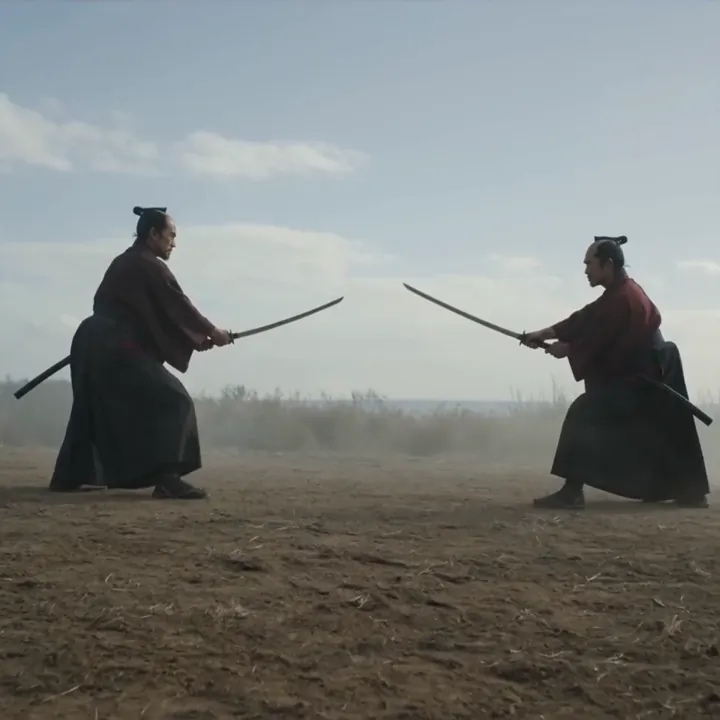
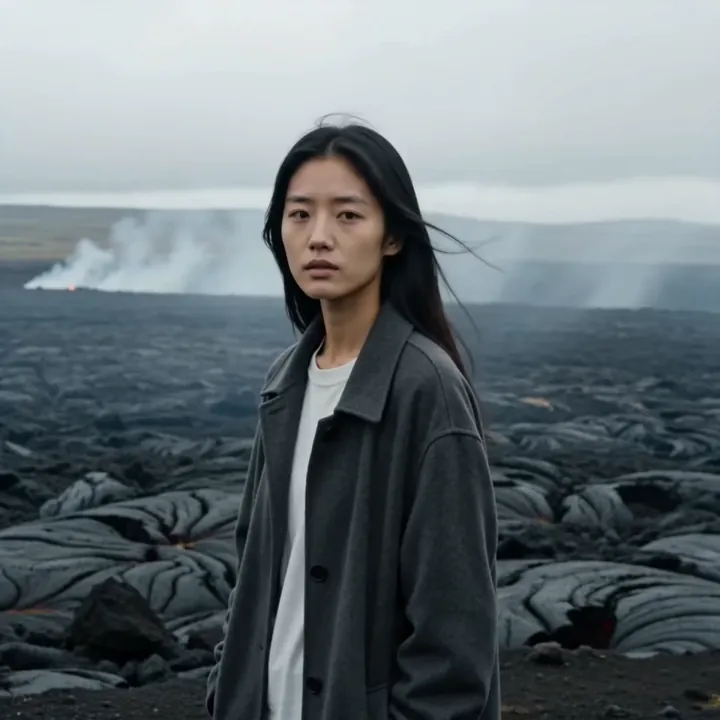
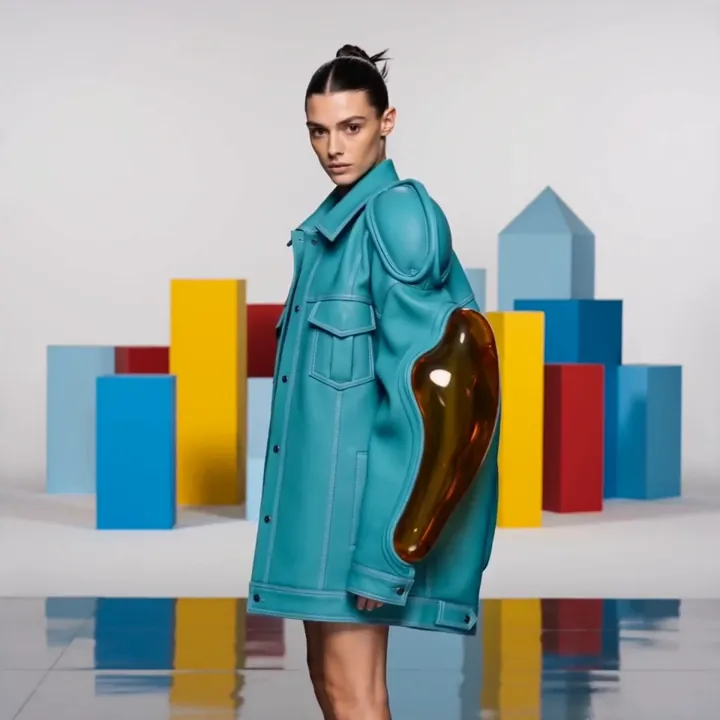
What is AI video generation?
AI video generation is the process of creating video with artificial intelligence instead of a camera, actors, or manual animation. You give the AI an instruction - written words, an image, or both - and it produces a short clip of moving images. The newest models go a step further and generate the audio at the same time, so dialogue, sound effects, and music come out already matched to the action.
Under the hood, these models have learned from huge amounts of video how objects move, how light behaves, and how a scene holds together from frame to frame. When you prompt one, it predicts a believable sequence of frames that fits your description. You do not need any editing software or technical skill - if you can describe what you want, you can make a video.
The two ways to create: text-to-video and image-to-video
Almost every AI video tool works in one of two modes. Understanding the difference is the single most useful thing for getting good results.
Text-to-video
With text-to-video, you describe a scene in words and the AI invents everything: the subject, the setting, the camera, the motion, and often the sound. This is the fastest way to create a shot you have no footage or image for - an aerial over a misty valley, a creature in a ruined city, or a product that does not exist yet.
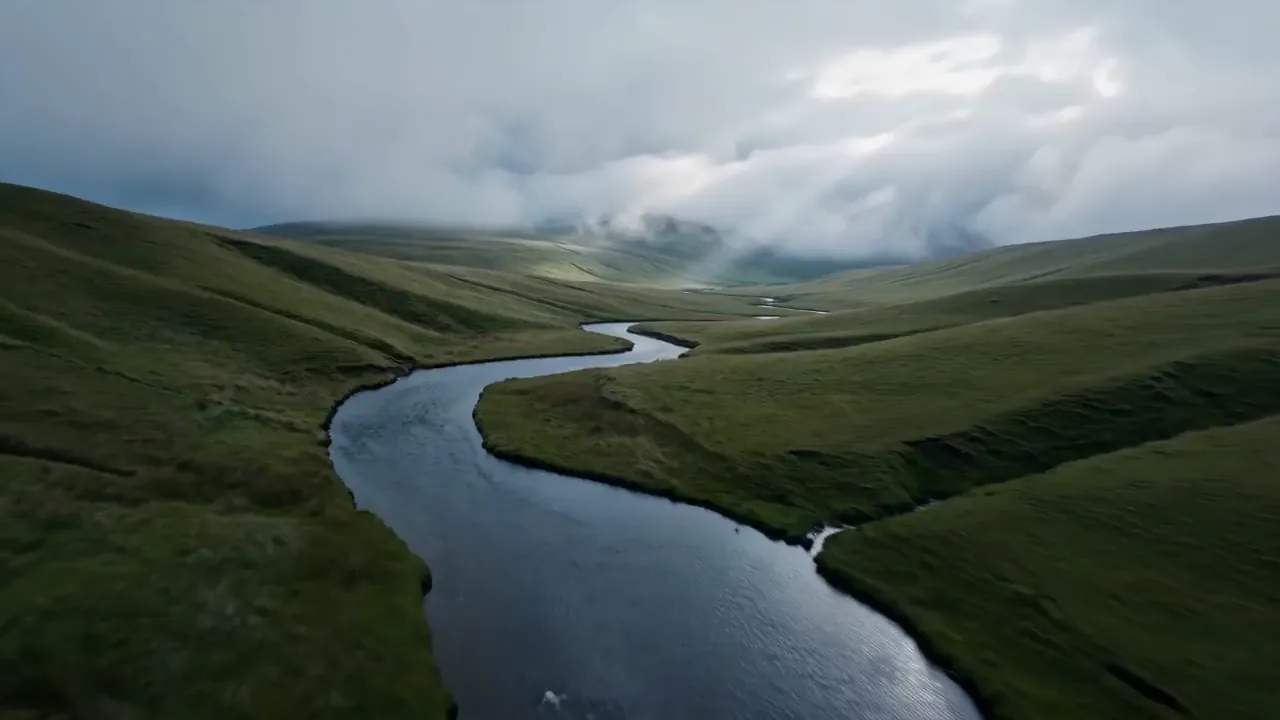
Image-to-video
With image-to-video, you start from a picture. You upload a photo, a product shot, or an AI-generated image, and the AI animates it while keeping its exact look. This is the right choice when you need a specific person, product, or style to stay consistent. A popular workflow is to make the perfect starting image first, then bring it to life.
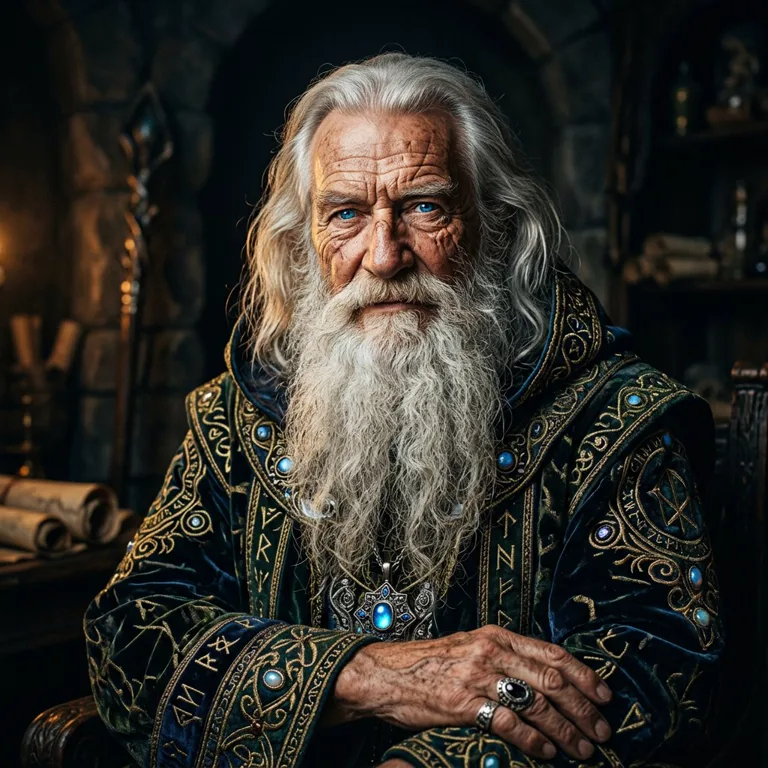
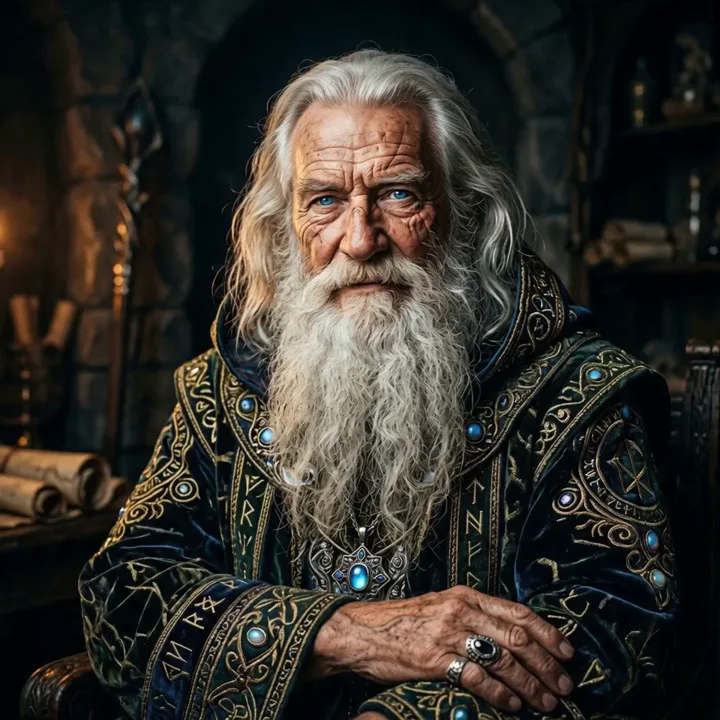
A simple rule of thumb: use text-to-video when you are inventing something new, and image-to-video when you already have a look you want to keep.
How AI video generation works (in plain English)
You do not need to understand the math, but a simple mental model helps you write better prompts:
- You give an instruction. A text prompt, an image, or both. Some models also accept reference videos and audio.
- The model plans the motion. It works out how the scene should move over time - the camera, the subject, the physics - based on what it learned from real video.
- It renders frames with sound. It produces the sequence of frames and, on modern models, a matching soundtrack, then hands you a finished clip.
The clearer and more specific your instruction, the closer the result. "A chef plating food, slow push-in, warm kitchen light, sizzling pan" gives a far better clip than "a chef cooking."
The best AI video models in 2026
There is no single "best" model - each one is strongest for a different kind of shot. Here is a quick overview of the leading models, all available in one place on 3D AI Studio.
| Model | Best for | Sound | Standout feature |
|---|---|---|---|
| Veo 3.1 | Realism and talking video | Yes | Native audio + lip-sync, up to 4K |
| Kling 3.0 | Cinematic, longer shots | Yes | 15-second single shots, multi-shot |
| Seedance 2.0 | Using your own material | Yes | Combine 9 images, 3 videos, 3 audio |
| Kling 2.6 Pro | Voices and singing | Yes | Voice control and cloning |
| Kling 2.5 Turbo | Fast, cheap drafts | No | Fastest, lowest cost |
| Lucy 14B | Instant ideation | No | Near real-time sketches |
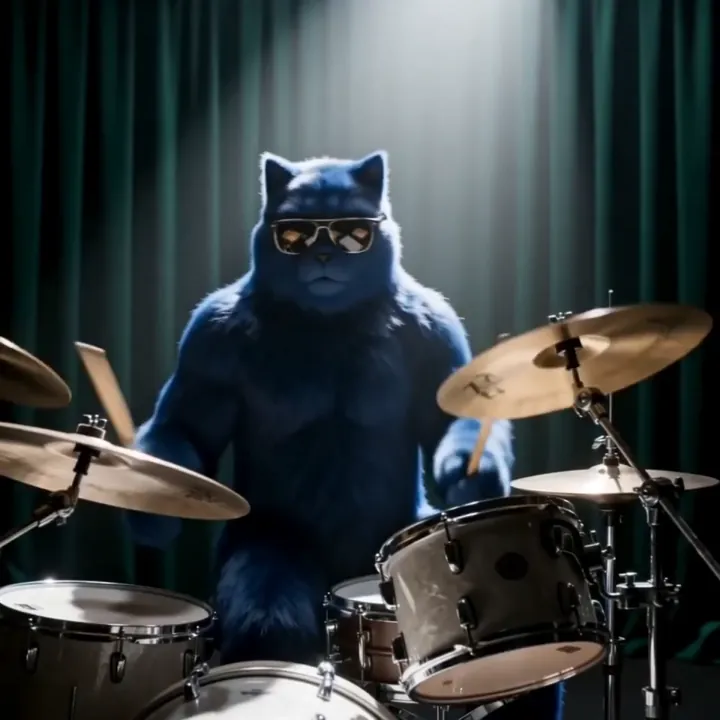
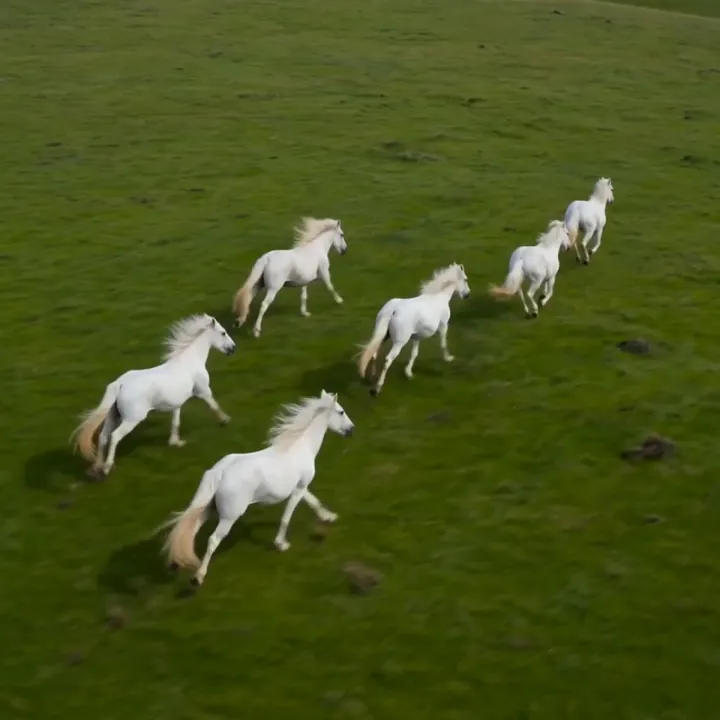
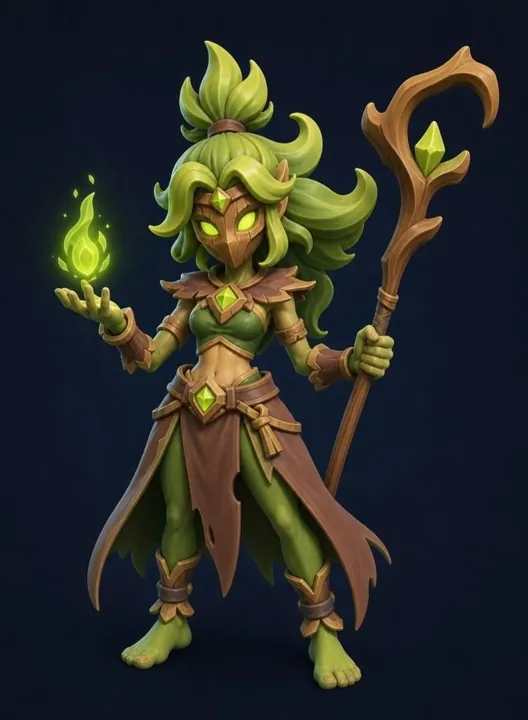
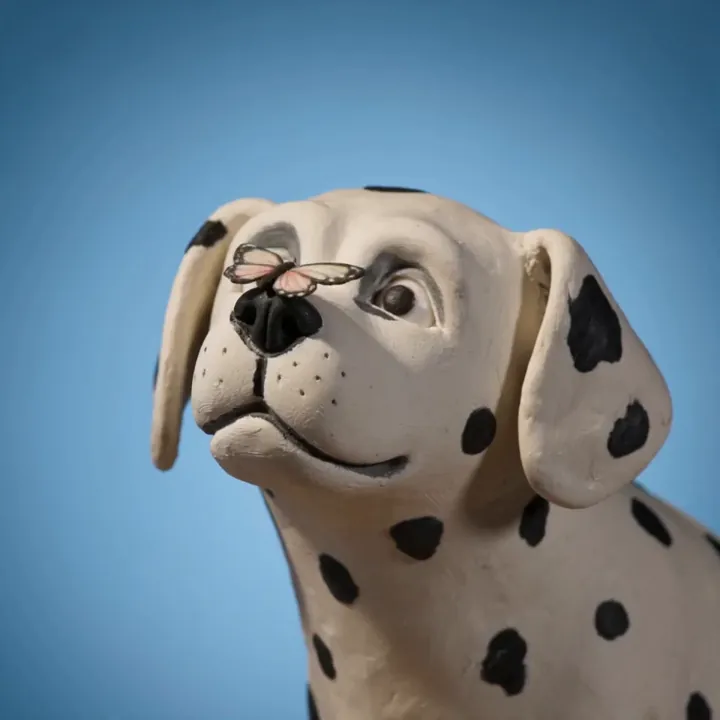
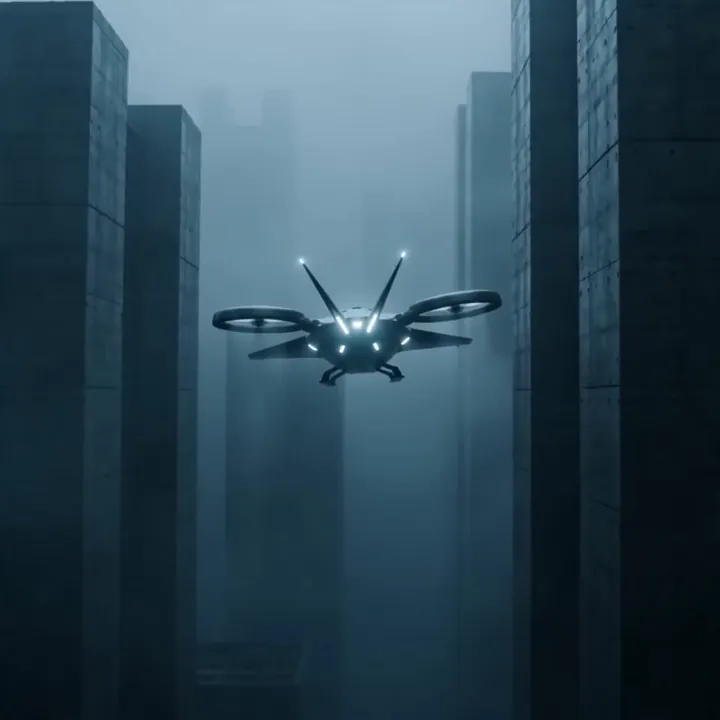
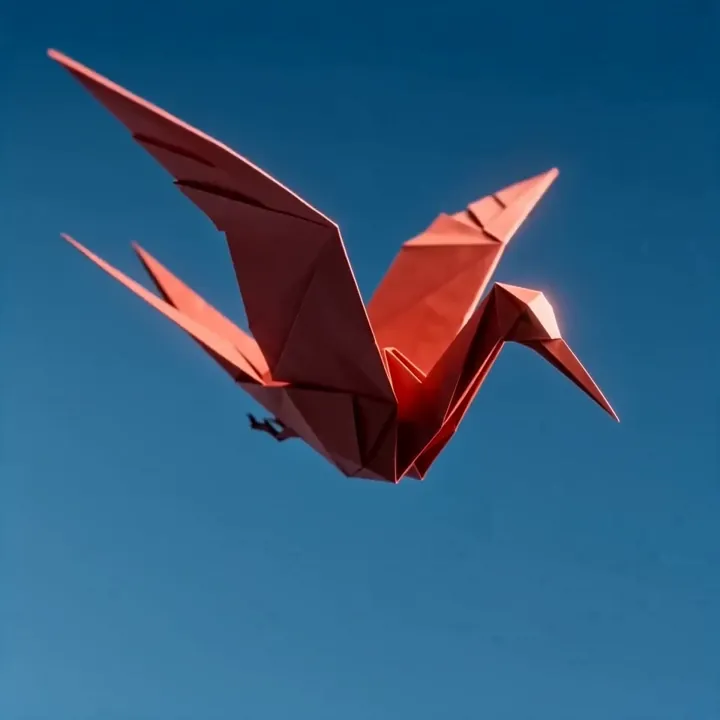
The big advantage of a platform like 3D AI Studio is that you do not have to commit to one model. You can sketch an idea on a fast model, render the final on a premium one, and add a talking shot from a third - all from the same Video Studio, on one plan.
How to write a good AI video prompt
Prompting is a skill, but a few simple habits make a huge difference:
- Name the subject clearly. Say exactly what is in frame.
- Add one camera move. "Slow dolly-in", "aerial drone shot", or "handheld tracking shot" beat "the camera moves."
- Set the lighting and mood. "Golden hour", "moody rain", or "soft studio light" change the whole feel.
- Describe the sound (on models that support audio), and put any spoken line in quotation marks for lip-sync.
- Change one thing at a time when refining, instead of rewriting the whole prompt.
What people make with AI video
AI video is being used everywhere, from solo creators to big brands:
- Social content - vertical clips for TikTok, Reels, and YouTube Shorts.
- Ads and product - short promos and product demos, often with sound.
- Cinematic and concept - trailers, mood films, and concept art in motion.
- Talking videos - spokespeople, explainers, and avatars with lip-synced dialogue.
- Music and art - stylized, beat-matched visuals.
Tips for better AI videos
A few practical lessons from making thousands of clips:
- Start with a clean input. For image-to-video, a sharp, well-lit image gives a sharp video. You can generate that image first in Image Studio.
- Match the model to the job. Fast model to explore, premium model to finish.
- Keep clips short and focused. One clear action reads better than a crowded scene.
- Use vertical for social. Set 9:16 up front so you do not have to crop later.
- Iterate cheaply. Validate a prompt on a low-cost model before spending premium credits.
Make your first AI video for free
The best way to understand AI video is to make one. 3D AI Studio's Video Studio gives new accounts free credits and includes every model above - Veo, Kling, Seedance, and Lucy - in a single, simple interface. Pick a mode, write a prompt or upload an image, and generate.
Beyond video: the full creative pipeline
AI video is one piece of a bigger creative toolkit. On 3D AI Studio you can also generate and edit images, and turn them into 3D. A common end-to-end workflow looks like this: design a character in Image Studio, animate it into a video here, and even turn the same character into a production-ready 3D model with Image to 3D or generate one from scratch with Text to 3D. It is the same idea as AI video - describe what you want, and let the AI build it - applied across images, video, and 3D, all on one account.

Generate 3D models with AI
Easily generate custom 3d models in seconds. Try it now and see your creativity come to life effortlessly!
FAQ
What is AI video generation?
AI video generation is the process of creating video clips using artificial intelligence instead of a camera or manual animation. You either describe a scene in text or upload an image, and the AI produces a short, moving video. Modern models can also generate matching sound, so the result has motion and audio in a single step.
What is the difference between text-to-video and image-to-video?
Text-to-video creates a clip entirely from a written description, which is great when you have no footage or image. Image-to-video animates a picture you upload while keeping its exact look, which is best when you need a specific character, product, or style to stay consistent.
Which AI video model is the best?
It depends on the shot. Veo 3.1 leads on realism and lip-synced audio, Kling 3.0 is best for long cinematic and multi-shot clips, and Seedance 2.0 is strongest for combining your own reference images, video, and audio. On 3D AI Studio you get all of them under one plan, so you can pick the right model for each clip.
Is there a free AI video generator?
Yes. 3D AI Studio gives new accounts free credits, so you can try AI video generation, including Veo, Kling, and Seedance models, before choosing a plan. Lighter models like Kling 2.5 Turbo and Lucy 14B stretch free credits the furthest.
How long does it take to generate an AI video?
Most clips finish in well under a minute to a couple of minutes, depending on the model, resolution, and length. Fast models return a clip in seconds, while premium, multi-shot models take a little longer.
Can I use AI-generated videos commercially?
Yes. Videos generated on a paid 3D AI Studio plan come with commercial rights, so you can use them in ads, social media, client work, and product content.