
Kling 2.5 Turbo AI Video Generator
Fast, cheap, and surprisingly good. Kling 2.5 Turbo is the speed tier of the Kling line - it delivers sharp motion and cinematic lighting in seconds, at a fraction of the cost of premium models. It's the best way to iterate, test prompts, and batch clips. Use it free in 3D AI Studio's Video Studio.
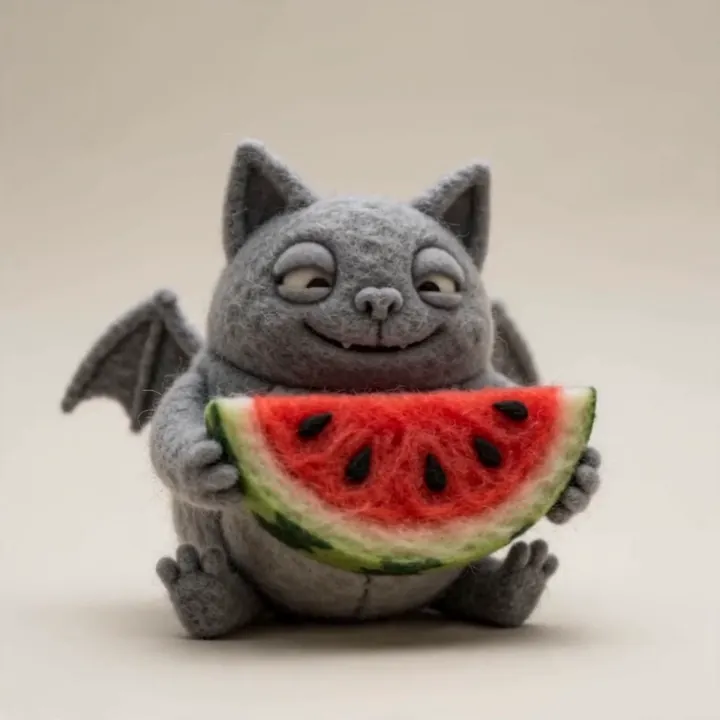
“A felt-craft bat nibbles a slice of watermelon, playful bouncy motion”
What Kling 2.5 Turbo can do
Built for speed and volume without throwing away quality.
Fastest Kling model
Turbo is tuned for speed - it's the quickest model in Video Studio, so you can generate, look, tweak, and generate again without waiting around.
Lowest cost
Generations start at just 45 credits for a 5-second clip, making Turbo far cheaper than premium models. Ideal for running many variations on a budget.
Sharp, cinematic motion
Despite the low price, Turbo produces clean motion, strong lighting, and the occasional genuinely cinematic composition.
Made for iteration
Sweep through prompt ideas, pose tests, and rough cuts quickly, then move your favorites to a premium model for the final render.
Strong lighting
Turbo handles light and shadow well for its class, giving drafts a polished look rather than a flat, obviously-AI feel.
Batch-friendly
Low cost plus high speed makes it the obvious choice when you need to produce a lot of short clips for testing or social feeds.
Animate an image in seconds
Drop in an image, add a quick motion note, and Turbo returns a clip almost immediately. Perfect for trying ideas fast before committing credits to a premium model.


motion“Quick test: the knight shifts his weight and raises his axe, leaves drifting by - generated in seconds.”


motion“Fast draft: she bobs and blinks while fireflies float around her in the glowing wood.”


motion“Rapid iteration: the wizard lifts his hand as the runes flicker, ready to refine in a premium model.”
Made with Kling 2.5 Turbo
Quick, sharp clips that show what the speed tier can do.
“Felt-craft bat nibbling watermelon, playful”
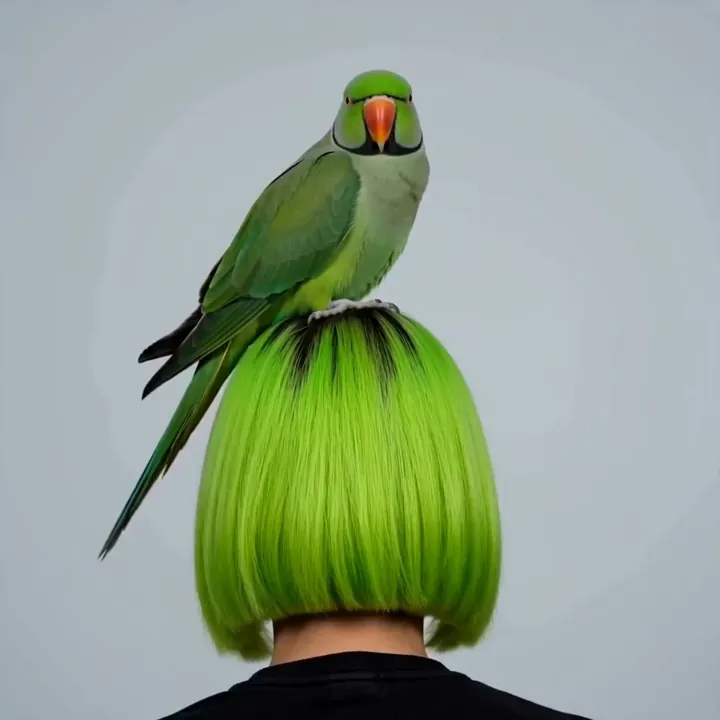
“Parrot tilts its head, gentle sway”
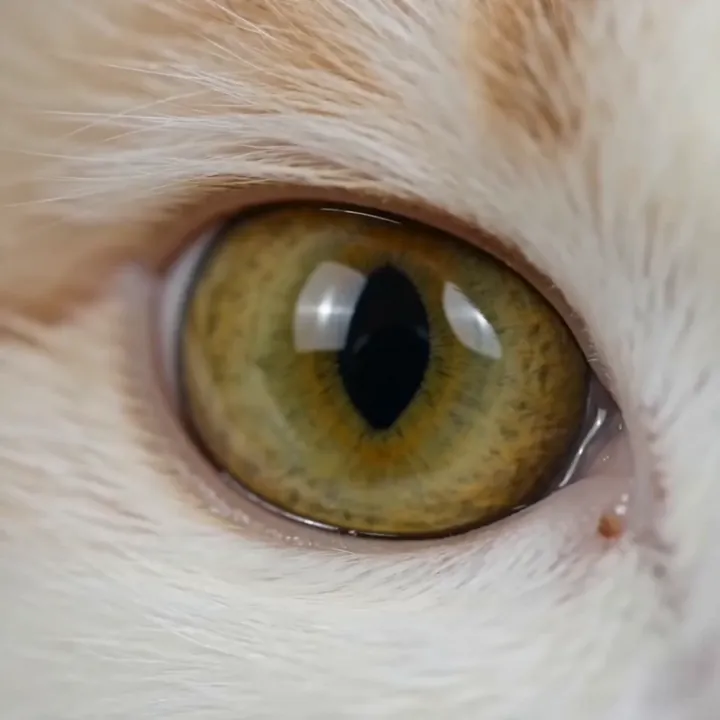
“Slow blink, macro dolly-in”

“Drumming with energetic motion”
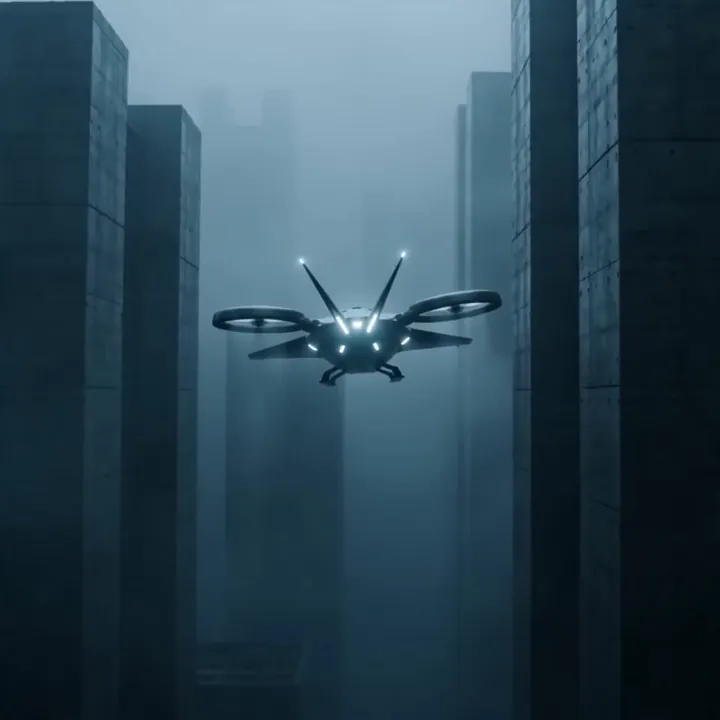
“Drone weaving through a neon city”
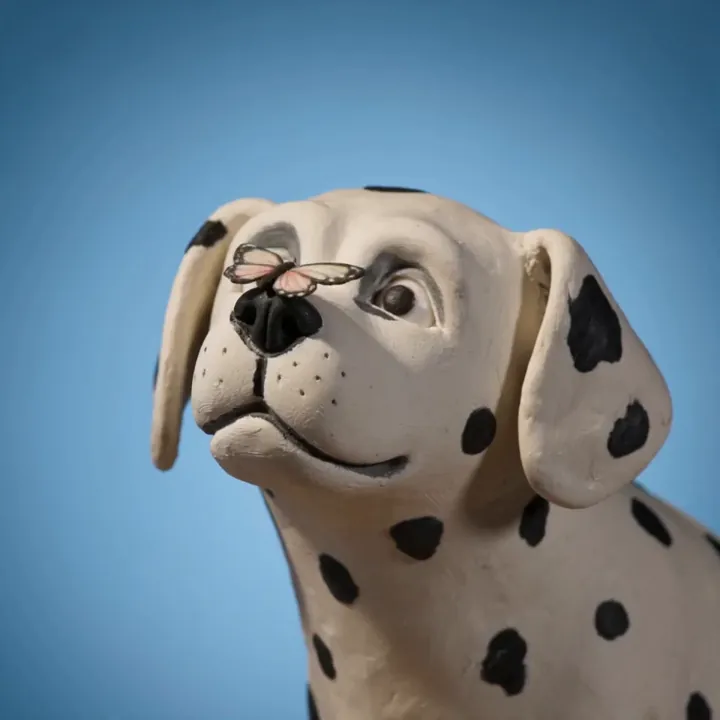
“Butterfly lands gently, claymation”
How to generate fast with Kling 2.5 Turbo
A five-step loop for iterating quickly and only spending big credits on the keepers.
Open Kling 2.5 Turbo in Video Studio
Select Kling 2.5 Turbo and choose Image to Video. It's the model to reach for when you want to move fast and keep costs low.
Upload an image and a quick note
Drop in your image and write a short, single-action motion note. Turbo responds best to one clear idea rather than a long, layered prompt.
Pick 5 or 10 seconds
Start with a 5-second clip at 45 credits to test the idea. Bump to 10 seconds only once you like the direction.
Generate and review fast
Turbo returns a clip quickly. Watch it, change one thing - the motion, the framing, the lighting - and run it again. Repeat until the shot feels right.
Promote the keepers
Once a prompt works, re-run your favorite in a premium model like Kling 3.0 or Veo 3.1 for the final, higher-fidelity version. Then download.
How to write great Kling 2.5 Turbo prompts
Turbo rewards short, focused prompts. Save the long, layered descriptions for the premium models.
One action per prompt
Give Turbo a single clear motion instead of a multi-step sequence.
“slow zoom in as the character turns to face the camera”
Name one camera move
A single camera instruction keeps the motion clean and predictable.
“gentle handheld push-in, shallow depth of field”
Add a lighting word
One lighting cue lifts a draft from flat to cinematic.
“warm golden-hour light”
Iterate, don't over-write
Change one element between runs rather than rewriting the whole prompt.
“same prompt, now with 'soft rim light' added”
Kling 2.5 Turbo specs
Everything you can control when you generate.
Kling 2.5 Turbo vs the premium Kling models
Turbo is for speed and volume. Move up when a clip is heading to a final, high-fidelity render.
| Feature | Kling 2.5 Turbo | Kling 3.0 / 2.6 Pro |
|---|---|---|
| Best for | Drafts, tests, batches | Final, hero shots |
| Speed | Fastest | Slower |
| Cost | Lowest (from 45 cr) | Higher |
| Max length | 10s | 10-15s |
| Audio | No | Yes, native |
| Resolution | Up to 720p | Up to 1080p |
What people make with Kling 2.5 Turbo
Prompt testing
Try many prompt ideas cheaply before a final render.
Pose & composition tests
Quickly check how a frame moves before committing.
Social drafts
Fast clips for short-form feeds where speed beats polish.
Storyboard motion
Rough animated beats to previsualize a sequence.
Bulk batches
Produce lots of short variations on a tight budget.
Client previews
Show quick options before locking a direction.
Idea sketches
Get a concept moving on screen in seconds.
A/B tests
Compare two motions or looks side by side.
Iterate fast, finish anywhere in the studio
Sketch motion cheaply with Turbo, refine the winners with a premium model, generate inputs in Image Studio, or take a frame into 3D - all on one account.

What is Kling 2.5 Turbo?
Kling 2.5 Turbo is the speed-and-cost tier of Kuaishou's Kling line. It's engineered to generate quickly and cheaply while keeping the sharp motion and cinematic lighting Kling is known for. In 3D AI Studio it's the fastest model available and starts at just 45 credits for a 5-second clip, which makes it the natural choice for iteration and high-volume work.
The idea is simple: use Turbo to explore. Run lots of prompt ideas, pose tests, and rough cuts without burning credits, then promote your favorites to a premium model like Kling 3.0 or Veo 3.1 for the final, higher-fidelity render. In Video Studio, Kling 2.5 Turbo runs as an image-to-video model producing 5 or 10 second clips at up to 720p.
Why use a fast model at all?
AI video is a numbers game - the best shot usually comes after several attempts. Premium models look amazing but cost more and take longer, so iterating on them gets expensive fast. A speed tier like Turbo flips that: you can afford to miss, learn what works, and only spend premium credits once you've nailed the prompt.
Reviewers consistently note that Turbo punches above its price, landing well below the cost of models like Veo 3 while still producing clean, usable motion. For drafts, social content, and large batches, that value is hard to beat - and because it lives in the same Studio as the premium models, switching up for the final render is one click away.
Kling 2.5 Turbo vs Kling 3.0 and 2.6 Pro
Think of the Kling models as a ladder. Kling 2.5 Turbo is the bottom rung built for speed and cost: short clips, up to 720p, no audio, fastest turnaround. Kling 2.6 Pro adds native audio and voice control. Kling 3.0 is the flagship with 15-second shots, multi-shot storyboards, and the highest fidelity.
A good workflow uses all three: explore on Turbo, add a voice or sound with 2.6 Pro when a clip needs it, and render the hero shot on 3.0. Every 3D AI Studio plan includes the whole ladder, so you're never locked into paying premium prices for a rough draft.
Tips for getting the most from Kling 2.5 Turbo
Keep prompts short and focused - one action and one camera move per clip. Turbo handles a single clear idea far better than a long, layered description, and short prompts also generate faster. Add one lighting cue, like 'golden hour' or 'soft rim light', to lift a draft from flat to cinematic.
Treat each generation as a cheap experiment: change one variable at a time and compare. When a prompt finally clicks, copy it into Kling 3.0 or Veo 3.1 for the final, higher-resolution version. And if you need sound, remember Turbo is silent by design - reach for Kling 2.6 Pro or Veo 3.1 for audio.
Explore other video models
Every plan includes access to all of them. Pick the right tool for each shot.