
Seedance 1.5 AI Video Generator
Smooth, stable, and easy on credits. Seedance 1.5 is ByteDance's dependable image-to-video model - it delivers clean motion and rock-solid temporal consistency with flexible control over resolution, aspect ratio, and length. It's the value pick for reliable clips. Use it free in 3D AI Studio's Video Studio.
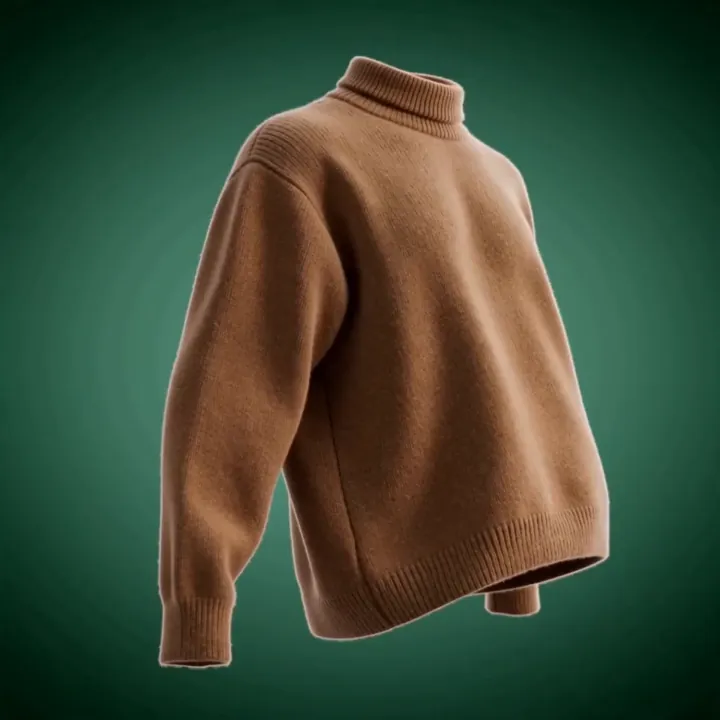
“360 degree product rotation of a folded sweater, soft studio lighting”
What Seedance 1.5 can do
ByteDance's reliable workhorse - clean motion and flexible output without the premium price.
Rock-solid stability
Seedance 1.5 is built on ByteDance's refined motion engine, so clips stay smooth and temporally consistent with minimal flicker or warping.
Flexible aspect ratios
Pick 16:9 for landscape, 9:16 for vertical social, or 1:1 for square - so your clip fits the platform you're posting to.
Resolution control
Choose 720p for fast, economical clips or step up to 1080p Full HD when you need extra sharpness.
Fixed or moving camera
Lock the camera in place for clean product and turntable shots, or let it move for more cinematic motion.
Budget-friendly
Starting at 80 credits, Seedance 1.5 sits well below the flagship 2.0, making it a great value for stable, everyday clips.
Fast for its quality
Refined distillation keeps generation quick, so you get production-ready motion without a long wait.
Stable image to video, your way
Upload an image, choose your resolution and shape, and Seedance 1.5 animates it with clean, dependable motion. These clips each started from a single still image.
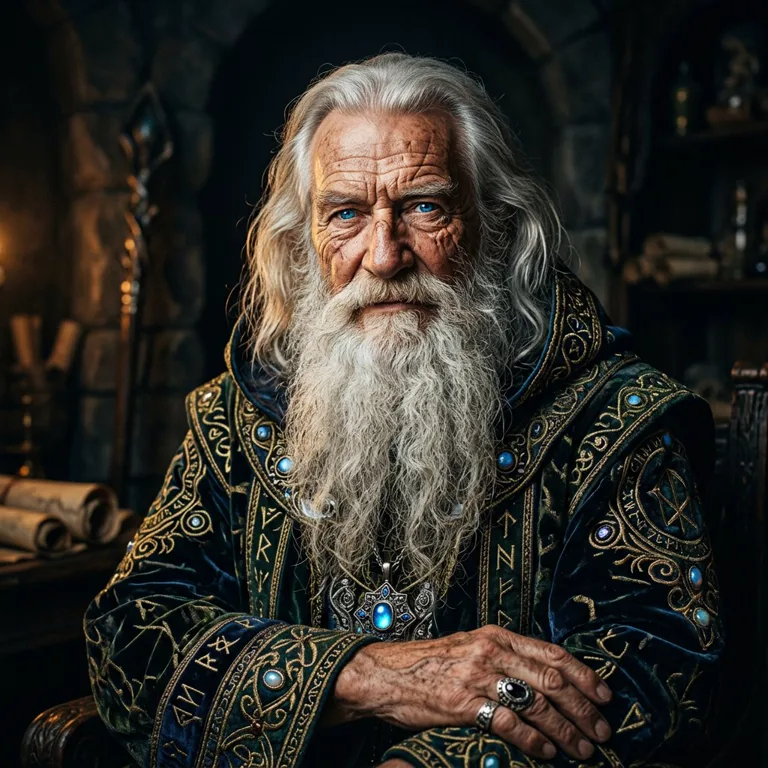
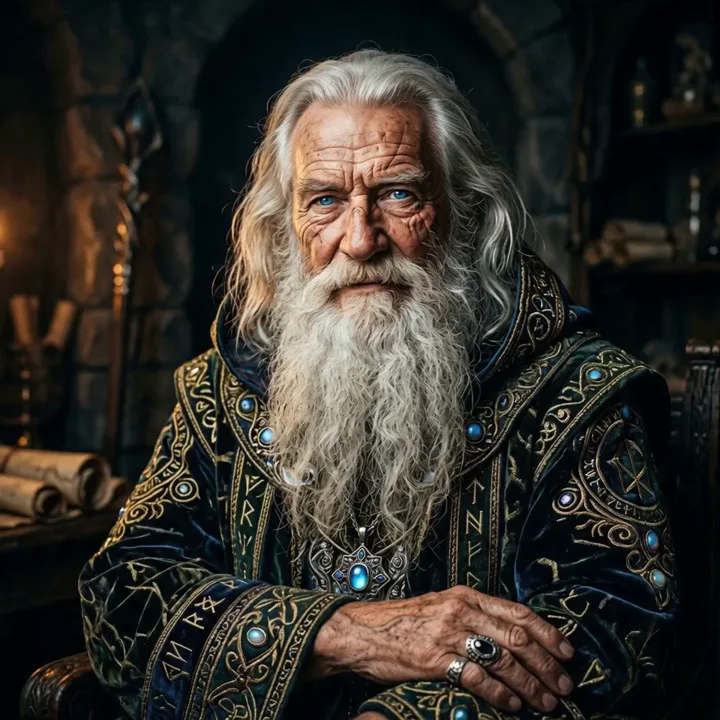
motion“A steady, controlled performance: he raises his hand and the robe settles naturally, no flicker or warping.”
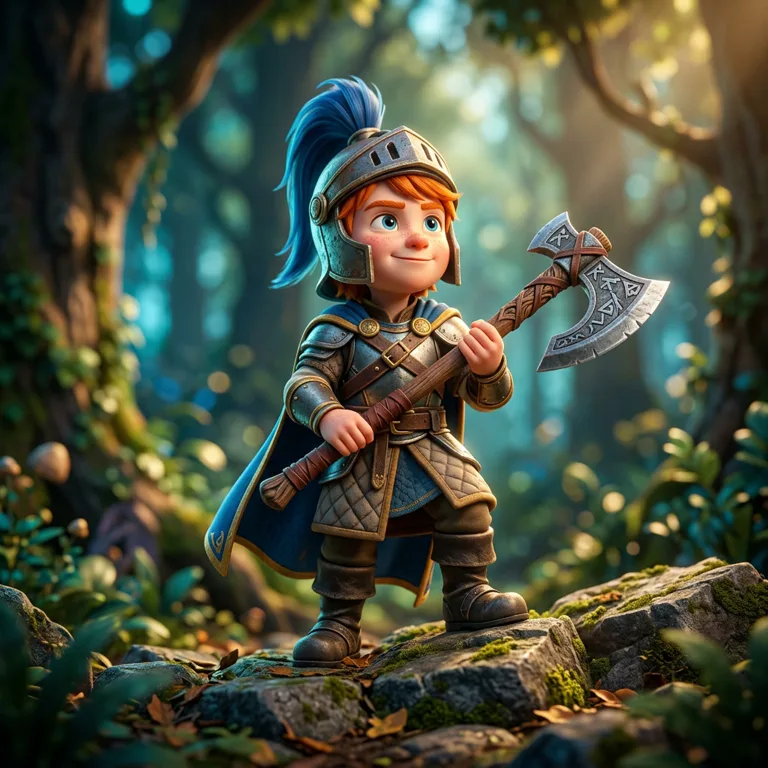
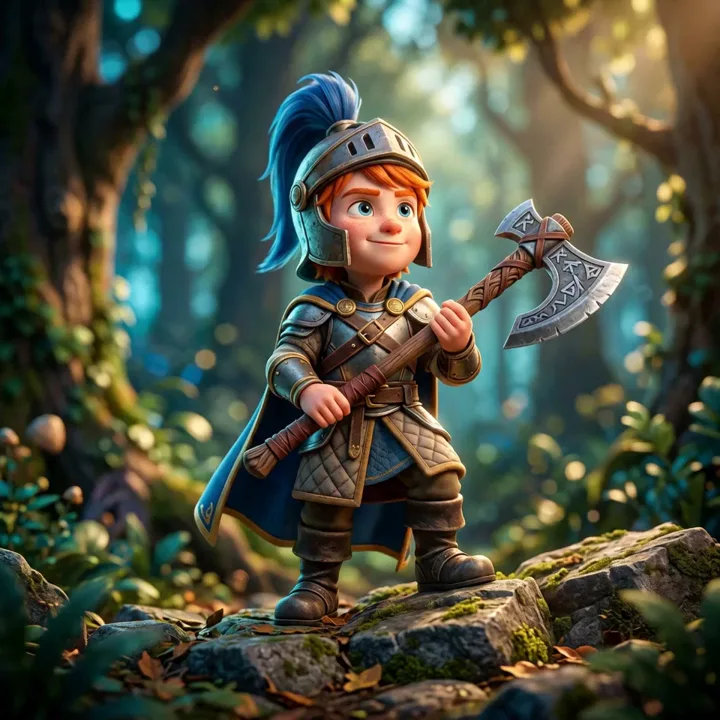
motion“Locked-off product-style framing - the knight breathes and grips his axe while the forest stays crisp behind him.”


motion“A smooth, consistent loop: she sways and blinks at a steady rhythm, ideal for a clean social clip.”
Made with Seedance 1.5
Clean, stable clips across product, nature, and character work.
“360 product rotation, soft studio lighting”
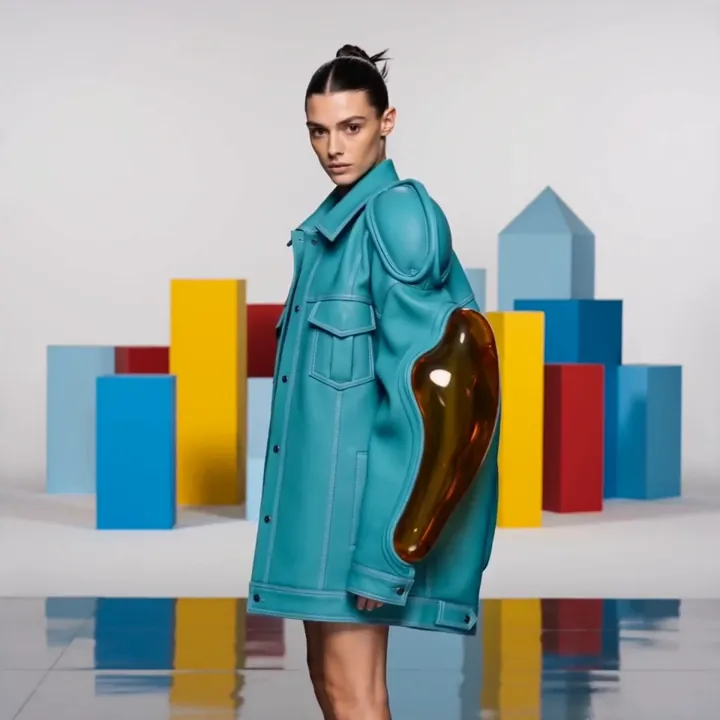
“Slow walk forward, fashion runway”
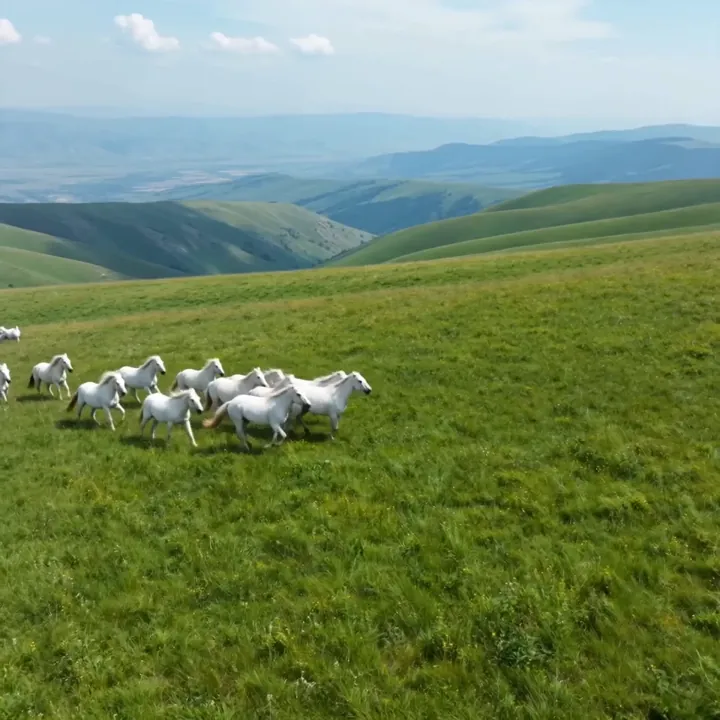
“Wild horses in a mountain meadow, golden hour”
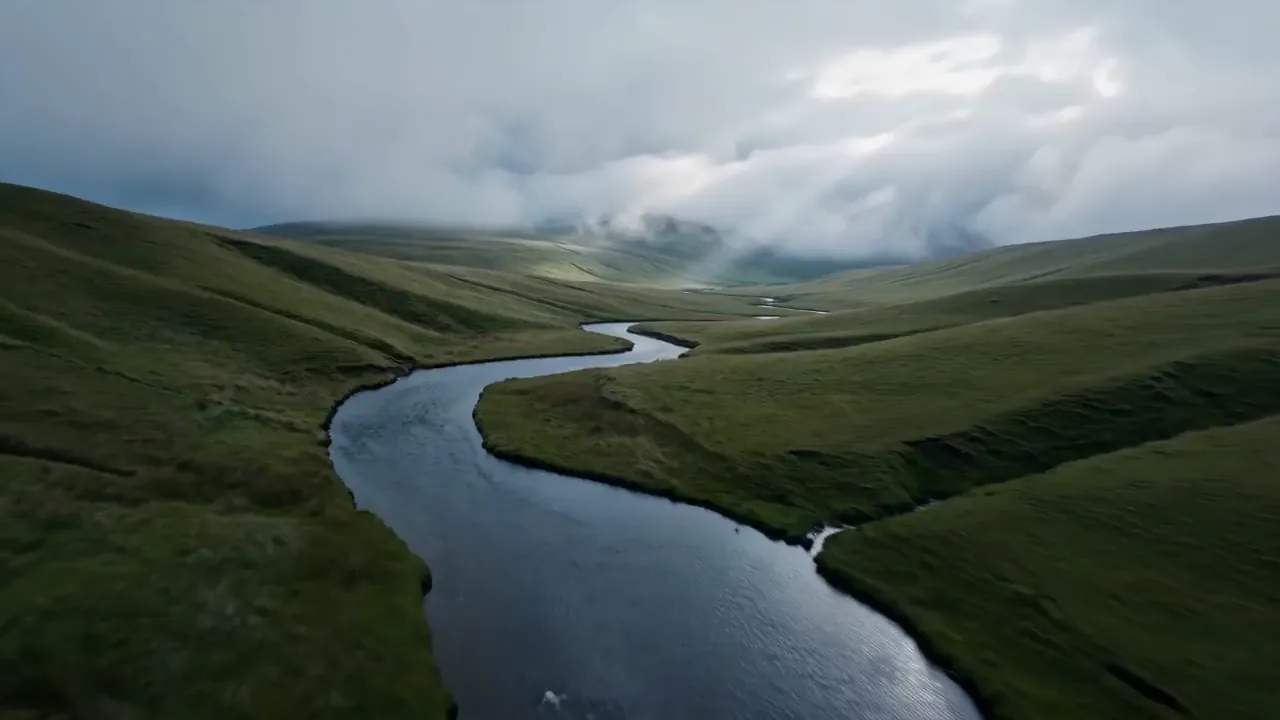
“Aerial over a misty river valley at dawn”
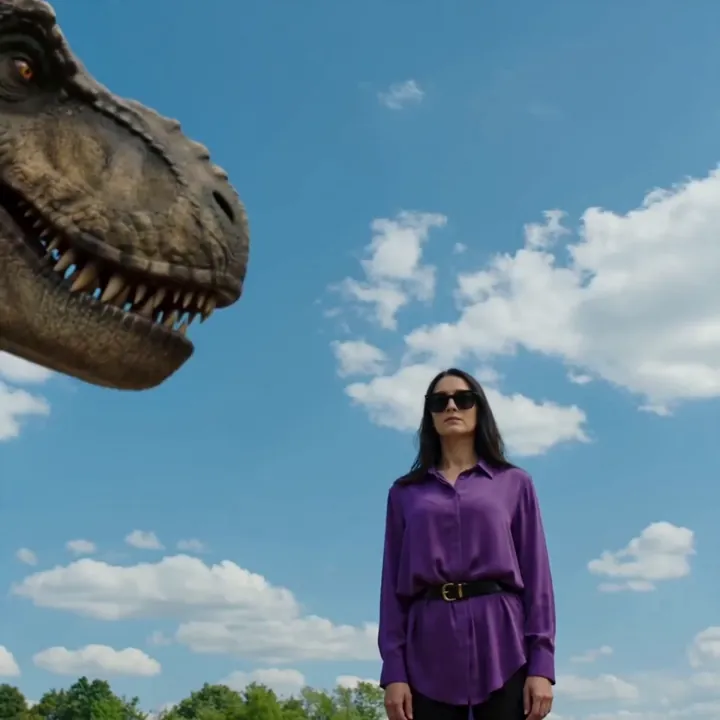
“Woman faces a T-Rex, cinematic rain”
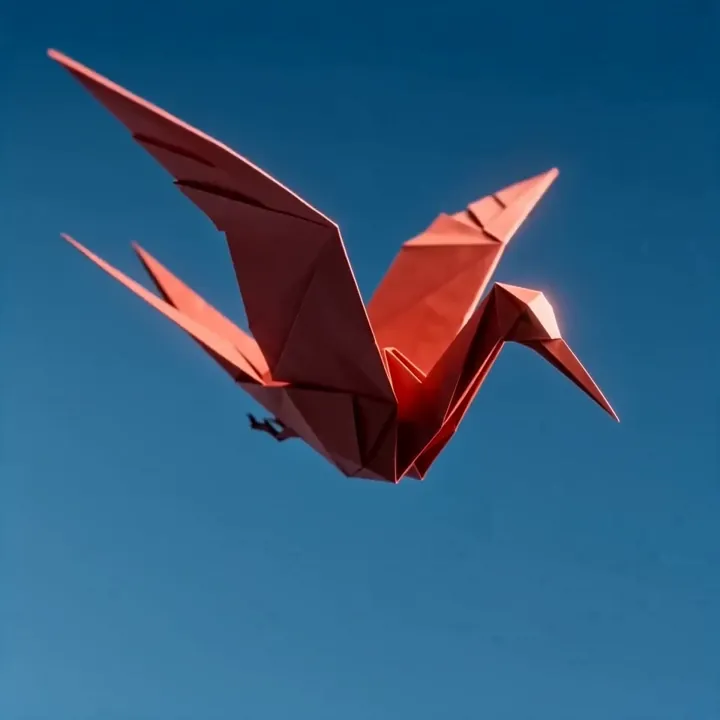
“Origami crane gliding through the clouds”
How to make a video with Seedance 1.5
Five steps to a clean, stable clip with the exact resolution and shape you need.
Open Seedance 1.5 in Video Studio
Select Seedance 1.5 and choose Image to Video. It's the dependable, budget-friendly option when you want clean motion without premium credit costs.
Upload your image
Add the image you want to animate. Seedance preserves your input closely, so a sharp, well-composed image leads to a sharp, stable clip.
Choose resolution and aspect ratio
Pick 720p for economy or 1080p for sharpness, then set 16:9, 9:16, or 1:1 to match where the clip will be posted.
Set the motion and camera
Describe the movement you want, and decide whether the camera stays fixed - great for product turntables - or moves for a more cinematic feel. Choose 5 or 10 seconds.
Generate and download
Seedance 1.5 renders a smooth, consistent clip. Review it, adjust the prompt or settings if needed, then download in HD.
How to write great Seedance 1.5 prompts
Seedance 1.5 rewards clear, grounded prompts - describe the motion plainly and let its stability do the rest.
Describe one clear motion
State the movement simply; Seedance keeps it smooth and consistent.
“slow 360 degree rotation, even pace”
Choose fixed vs moving camera
Lock the camera for product shots, or let it move for cinematic feel.
“fixed camera, subject rotates on a turntable”
Match aspect ratio to platform
Set the shape up front so you don't crop later.
“9:16 vertical for Reels and TikTok”
Keep backgrounds simple for stability
Cleaner scenes give the steadiest, flicker-free results.
“plain studio backdrop, soft even lighting”
Seedance 1.5 specs
Everything you can control when you generate.
Seedance 1.5 vs Seedance 2.0
1.5 is the stable, affordable single-clip workhorse. Step up to 2.0 for references, stereo audio, and multi-shot.
| Feature | Seedance 1.5 | Seedance 2.0 |
|---|---|---|
| Best for | Stable, everyday clips | Production, multi-reference |
| Reference inputs | Single image | 9 img + 3 vid + 3 audio |
| Audio | No | Stereo native |
| Max length | 10s | 15s, multi-shot |
| Resolution | Up to 1080p | Up to 1080p |
| Relative cost | Lower | Premium |
What people make with Seedance 1.5
Product turntables
Clean 360 rotations with a fixed camera for shops.
Social clips
Stable vertical 9:16 videos for Reels and TikTok.
B-roll & backgrounds
Smooth filler footage for edits and loops.
Nature & aerial
Calm, consistent landscape and drone-style shots.
Character idles
Subtle, steady animation for avatars and mascots.
E-commerce
Affordable motion for catalog and listing pages.
Bulk content
Lots of dependable clips without premium costs.
Concept loops
Quick, clean looping visuals for presentations.
A dependable step in your pipeline
Generate the source image in Image Studio, animate it cleanly with Seedance 1.5, or turn it into a 3D model - one account, one credit balance.
What is Seedance 1.5?
Seedance 1.5 is ByteDance's dependable image-to-video model and the predecessor to the flagship Seedance 2.0. It's built on ByteDance's refined motion engine, which gives it a reputation for clean, smooth motion and strong temporal consistency - the things that make AI video look stable rather than jittery.
What makes it especially useful is control and value. You choose the resolution (720p or 1080p), the aspect ratio (16:9, 9:16, or 1:1), the length (5 or 10 seconds), and whether the camera is fixed or moving. All of that comes at a budget-friendly credit cost, which makes Seedance 1.5 a great everyday workhorse in 3D AI Studio's Video Studio.
Why choose Seedance 1.5
Not every clip needs the most powerful model. When you want a clean product turntable, a stable social loop, or reliable b-roll, Seedance 1.5 delivers exactly that without spending premium credits. Its standout trait is stability: motion stays smooth and the subject holds together frame to frame, which is ideal for anything that needs to look polished and professional.
The fixed-camera option is particularly handy for e-commerce and product work, locking the frame so your subject rotates cleanly against a steady background. And because it sits in the same Studio as Seedance 2.0, Veo, and Kling, you can always step up to a premium model when a clip calls for references, audio, or multi-shot.
Seedance 1.5 vs Seedance 2.0
Seedance 1.5 and 2.0 share the same DNA but target different needs. Seedance 1.5 is a single-image, single-clip model focused on stable, affordable output with flexible resolution and aspect controls. Seedance 2.0 is the flagship: it adds multimodal reference input (up to 9 images, 3 videos, and 3 audio clips), stereo native audio, and multi-shot sequences up to 15 seconds.
Use 1.5 when you want a clean, economical clip from one image. Use 2.0 when you need to combine references, keep a character consistent across shots, transfer motion or style, or generate sound. Both are included in every 3D AI Studio plan, so you can match the model to the job.
Tips for better Seedance 1.5 videos
Lean into its strengths: describe one clear motion, keep backgrounds relatively simple, and use the fixed-camera toggle for product and turntable shots where you want zero drift. Set your aspect ratio before generating so you don't have to crop afterwards, and start at 720p to test cheaply before committing to a 1080p render.
Because Seedance preserves your input closely, the quality of your starting image matters - a sharp, well-lit picture gives the cleanest result. You can create that image in 3D AI Studio's Image Studio first. And if a clip needs references, sound, or longer multi-shot storytelling, move up to Seedance 2.0.
Explore other video models
Every plan includes access to all of them. Pick the right tool for each shot.