
Kling 2.1 AI Video Generator
The dependable workhorse. Kling 2.1 is the battle-tested model that put Kling on the map - reliable, consistent image-to-video with a Standard tier for everyday clips and a Master tier for cinematic, physics-driven quality. Use it free in 3D AI Studio's Video Studio.
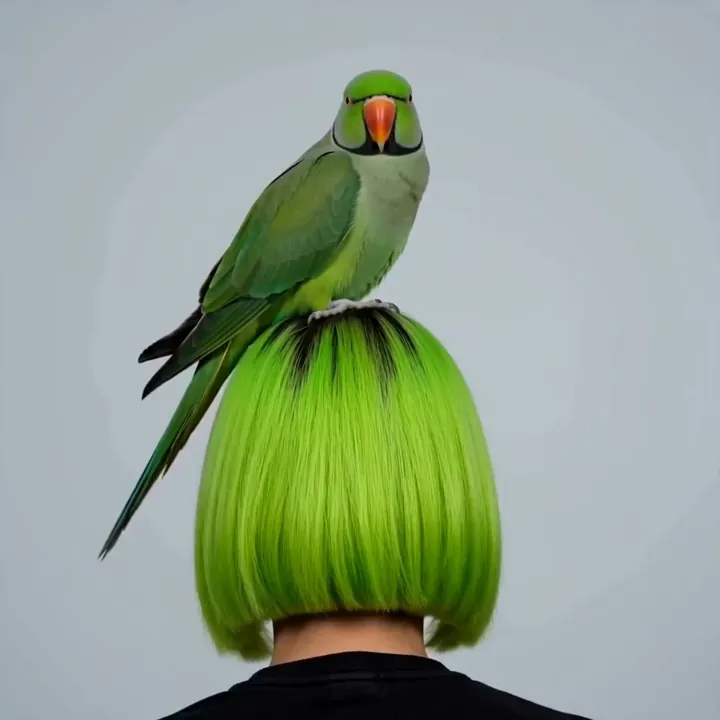
“A parrot tilts its head and gives a gentle sway”
What Kling 2.1 can do
The proven Kling model - consistent results with a quality tier for every job.
Reliable output
Kling 2.1 is battle-tested and predictable, the model many creators trust when they want consistent results without surprises.
Standard & Master tiers
Pick Standard for fast, cost-efficient clips, or Master for the highest fidelity with advanced physics and cinematic motion.
Advanced physics (Master)
The Master tier uses a 3D spatiotemporal engine for lifelike movement and realistic interactions between objects.
High-fidelity characters
Master renders fine detail like hair strands, skin texture, and micro facial expressions for convincing characters.
Cinematic camera work
Automatic cinematic techniques - dolly shots, reverse angles, and slow pans - give clips a directed, film-like feel.
Up to 1080p
Crisp 1080p output on the Pro and Master tiers, ready for social, marketing, and professional use.
Reliable image to video
Upload an image and Kling 2.1 animates it with consistent, predictable motion. These clips each started from a single still image.
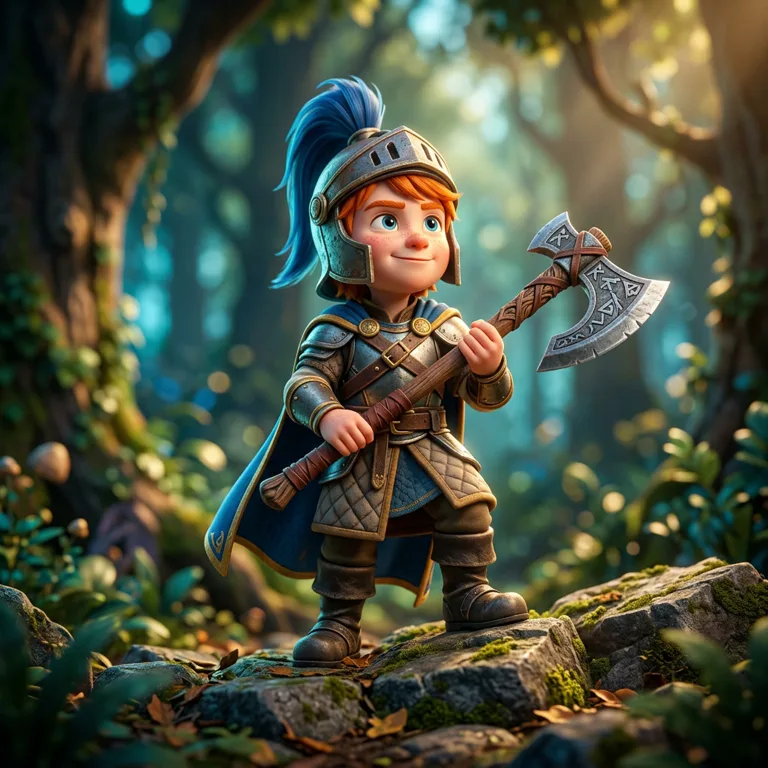
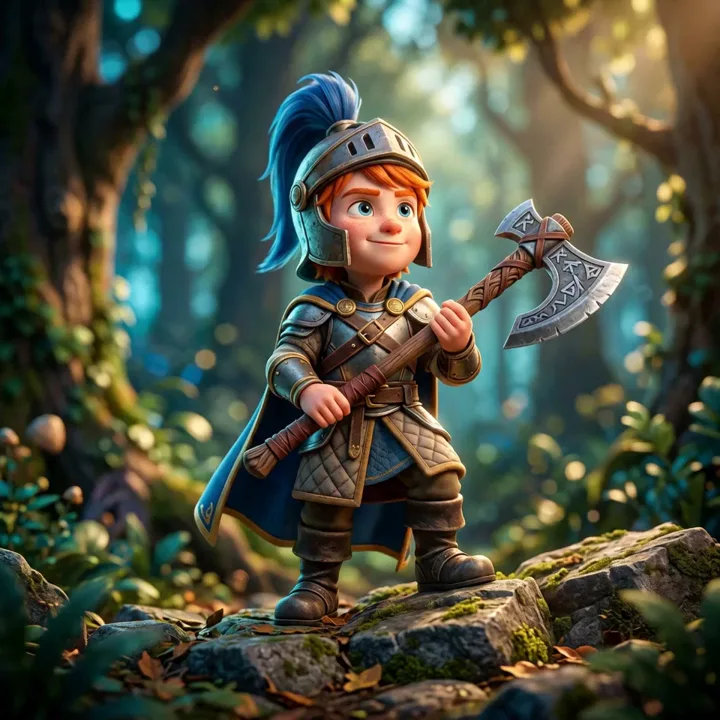
motion“Dependable motion: the knight settles his stance and grips his axe as the forest sways gently.”


motion“A consistent, gentle loop - she sways and blinks while fireflies drift around her.”
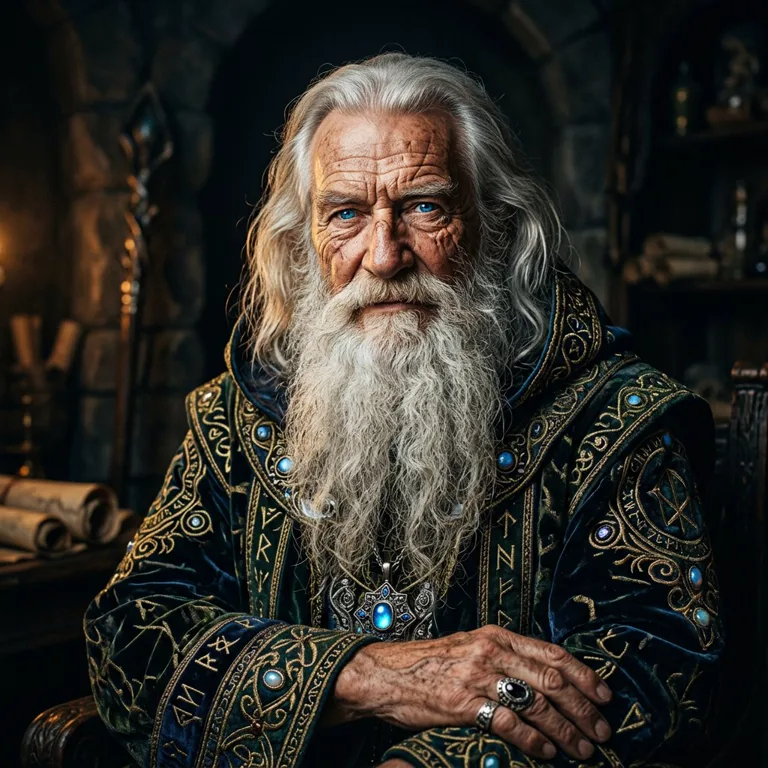
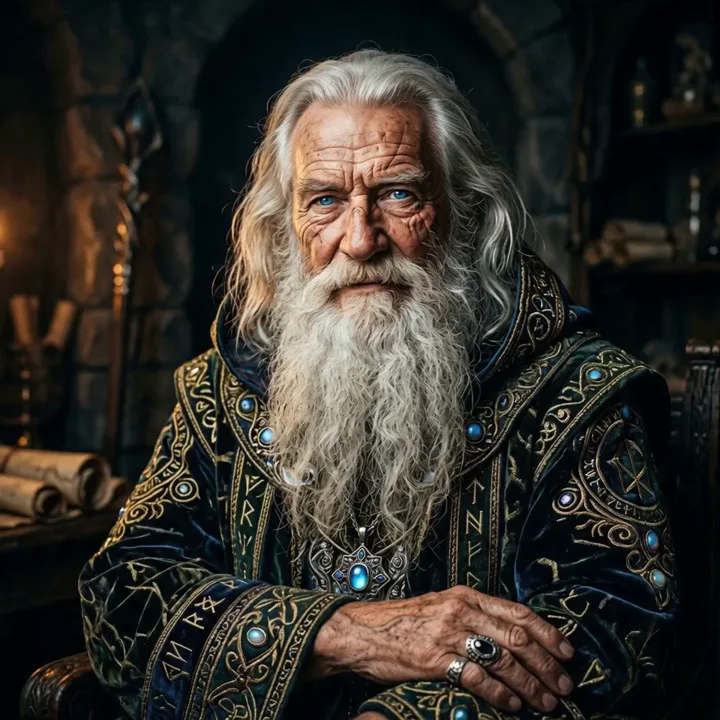
motion“Master-tier detail: he raises his hand, hair and robe moving with realistic weight in the firelight.”
Made with Kling 2.1
Consistent, clean clips across characters and scenes.
“Parrot tilts its head, gentle sway”
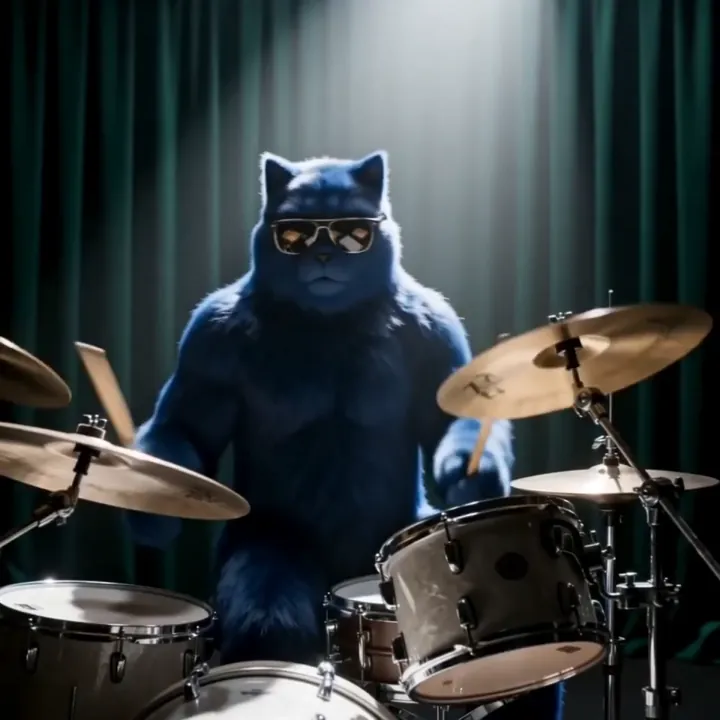
“Drumming with energetic motion”
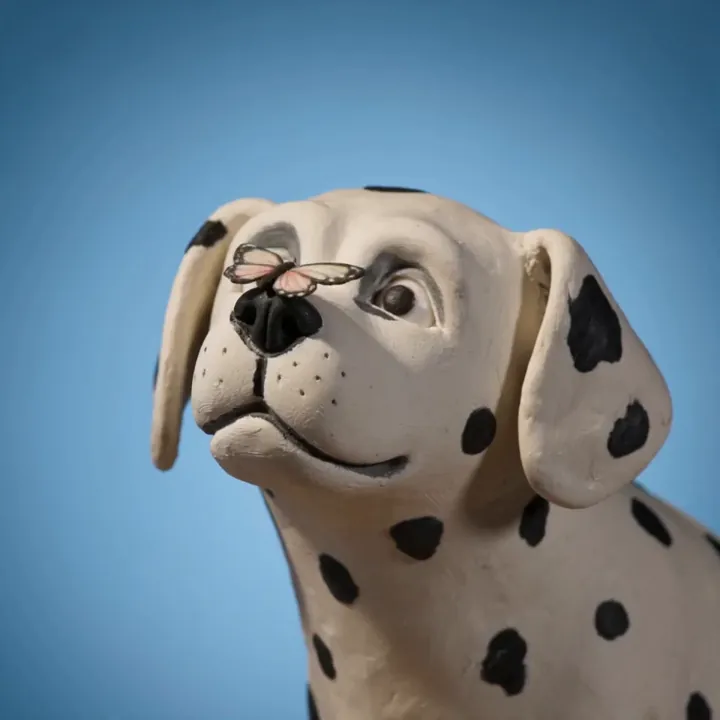
“Butterfly lands gently, claymation”
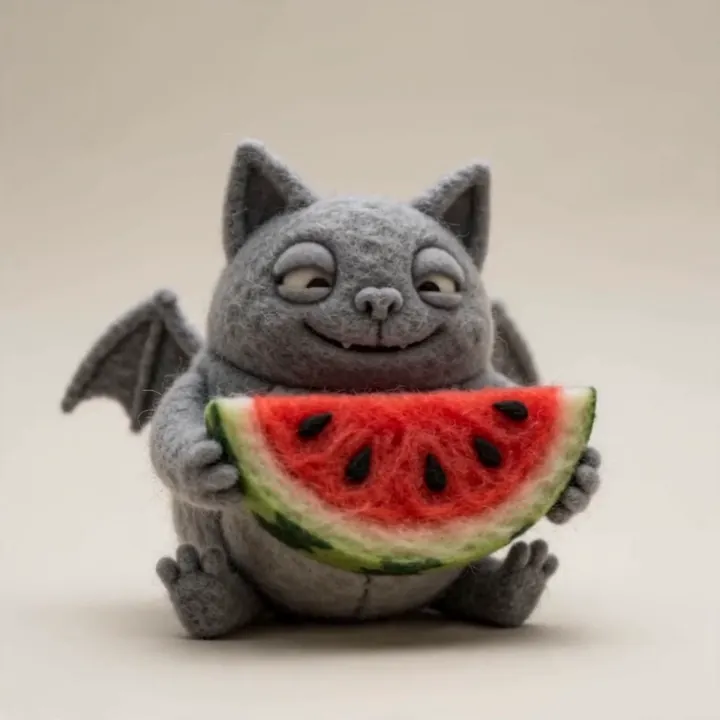
“Felt bat nibbling watermelon”
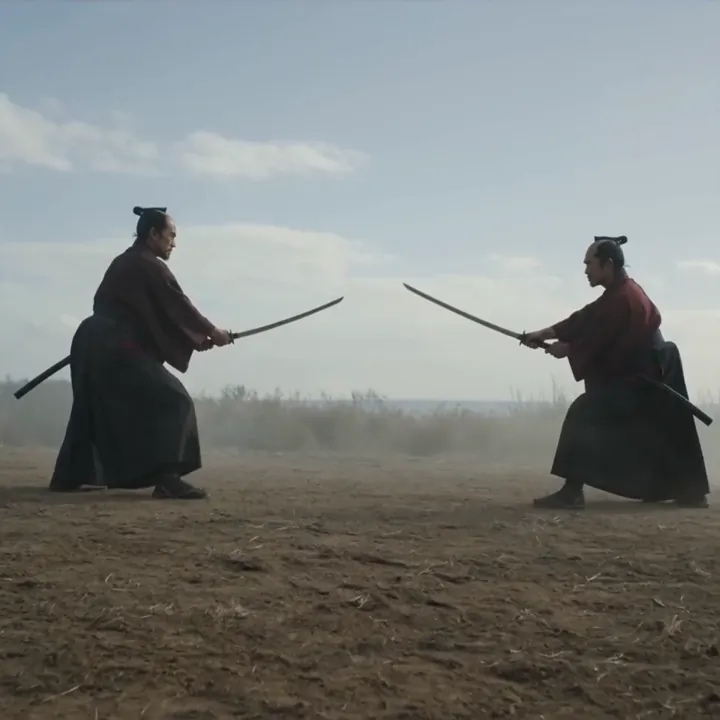
“Two warriors clash in the desert”
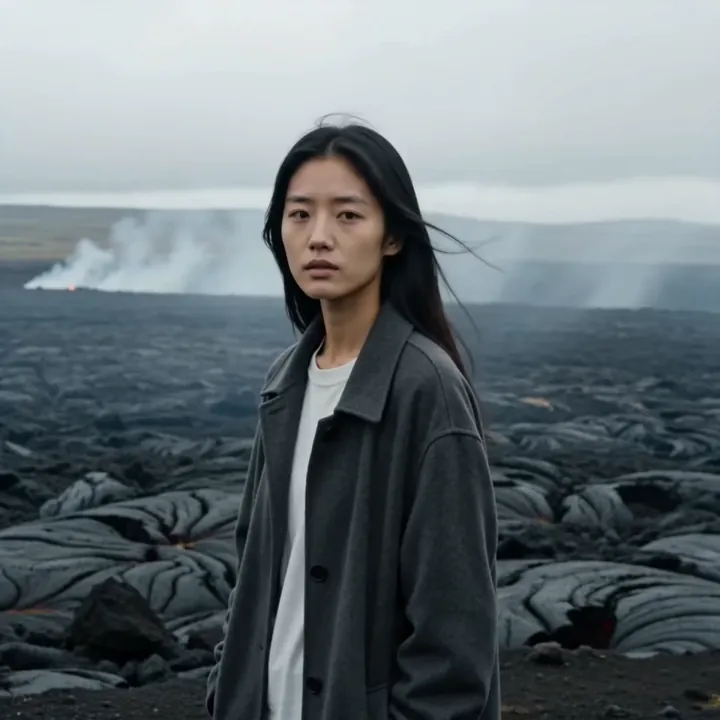
“Hair blowing in the wind, cinematic”
How to make a video with Kling 2.1
Five steps to a clean, reliable clip - prototype on Standard, finish on Master.
Open Kling 2.1 in Video Studio
Select Kling 2.1 and choose Image to Video. It's the dependable choice when you want consistent, predictable results.
Upload your image
Add the image you want to animate. A clear, well-composed image gives the most reliable motion.
Choose Standard or Master
Use Standard for fast, cost-efficient clips while you find the right prompt, then switch to Master for the highest fidelity and physics.
Describe the motion
Write the action and camera movement you want. Kling 2.1 handles clear, straightforward direction well.
Generate and download
Pick 5 or 10 seconds, generate, review, and download in HD. Re-run on Master once you're happy with the direction.
How to write great Kling 2.1 prompts
Kling 2.1 is most reliable with clear, direct prompts. Describe the action and camera plainly.
State the action clearly
Describe one main movement so the result stays consistent.
“the character turns and waves at the camera”
Add a camera direction
A simple camera cue gives a more cinematic feel.
“slow dolly-in, shallow depth of field”
Use Master for detail
Switch to Master when faces, hair, or physics need to shine.
“close-up, detailed facial expression, Master tier”
Keep it grounded
Plain, realistic descriptions are the most dependable.
“calm walk through a sunlit forest”
Kling 2.1 specs
Everything you can control when you generate.
Kling 2.1 vs Kling 3.0
Kling 2.1 is the reliable, lower-cost workhorse. Kling 3.0 is the flagship with longer shots and audio.
| Feature | Kling 2.1 | Kling 3.0 |
|---|---|---|
| Best for | Reliable everyday clips | Cinematic, multi-shot |
| Max length | 10s | 15s |
| Audio | No | Yes, native |
| Multi-shot | Single shot | Storyboards |
| Top tier | Master (1080p) | 3.0 Pro |
| Relative cost | Lower | Higher |
What people make with Kling 2.1
Consistent series
Reliable clips that match across a set.
Social content
Dependable short videos for any feed.
Character animation
Bring a character to life with steady motion.
Product shots
Clean, predictable product motion.
Previsualization
Prototype on Standard before a final render.
Marketing clips
Crisp 1080p Master output for campaigns.
Concept art in motion
Animate illustrations and renders.
Everyday b-roll
Stable filler footage for edits.
A reliable link in your pipeline
Make a source image in Image Studio, animate it with Kling 2.1, or turn a frame into a 3D model - one account, one credit balance.
What is Kling 2.1?
Kling 2.1 is one of Kuaishou's most established Kling video models - the battle-tested generation that earned the platform its reputation. It's an image-to-video model known for reliable, consistent output, which is exactly why many creators keep it in their toolkit even as newer models arrive.
It comes in tiers. The Standard tier renders at 720p and is fast and cost-efficient, perfect for everyday clips and prototyping. The Master tier renders at 1080p and adds an advanced 3D spatiotemporal physics engine, high-fidelity character detail, and automatic cinematic camera work. In 3D AI Studio you can pick the tier that fits the job.
Standard vs Master
Kling 2.1 Standard is the efficient option: 720p, lower credit cost, and quick turnaround for content where you just need dependable motion. It's a great place to prototype and lock in your prompt before committing to a higher-fidelity render.
Kling 2.1 Master steps up to 1080p with advanced physics, lifelike character details like hair and micro-expressions, and cinematic camera techniques such as dolly and reverse shots. Use Master for hero shots, marketing, and anything that needs to look polished and film-like.
When to choose Kling 2.1 over newer models
Newer models like Kling 3.0 add longer 15-second shots, multi-shot storyboards, and native audio, while Kling 2.6 Pro adds voice control. Kling 2.1 doesn't have those extras - and that's part of its appeal. It's predictable, lower cost, and proven, which makes it a dependable choice when you want a clean, consistent clip without paying for features you won't use.
A practical workflow is to prototype on Kling 2.1 Standard, then either finish on Master for 1080p or move up to Kling 3.0 when you need length, multiple shots, or sound. Every 3D AI Studio plan includes all of them.
Tips for better Kling 2.1 videos
Keep prompts clear and grounded. Kling 2.1 is most reliable when you describe one main action and a simple camera move rather than a complex, multi-step sequence. Realistic, straightforward scenes give the steadiest results.
Use Standard to iterate cheaply and Master when detail matters - close-ups, characters, and physics-heavy motion. Start from a clean, well-lit image (you can generate one in Image Studio first), and reach for Kling 3.0 if you later need 15-second shots, multi-shot sequences, or audio.
Explore other video models
Every plan includes access to all of them. Pick the right tool for each shot.