
Best AI Video Generator in 2026: Veo 3.1 vs Kling 3.0 vs Seedance 2.0
- No single model wins everything. The "best" depends on the shot.
- Veo 3.1 - best for realism, native audio, and lip-synced talking video. Up to 4K.
- Kling 3.0 - best for cinematic, longer (15s), multi-shot clips with strong character consistency.
- Seedance 2.0 - best for building from your own references (images, video, audio) in one generation.
- The smart pick: use a platform like 3D AI Studio that includes all of them, so you choose per clip.
"What is the best AI video generator?" is the most common question in AI video, and the honest answer is: it depends on what you are making. In 2026 three models lead the field - Google's Veo 3.1, Kuaishou's Kling 3.0, and ByteDance's Seedance 2.0 - and each is the best at something different. This comparison breaks down where each one wins, with real examples, so you can pick the right tool for your shot.
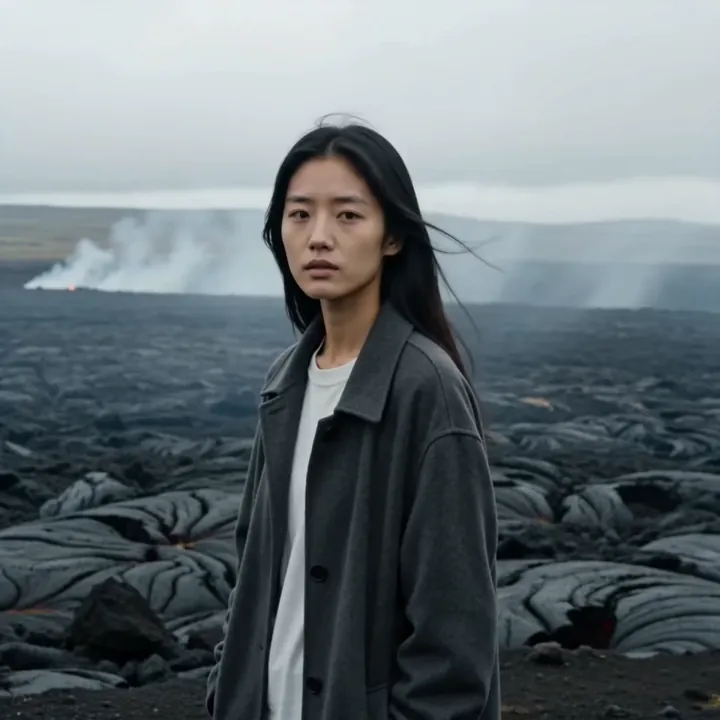
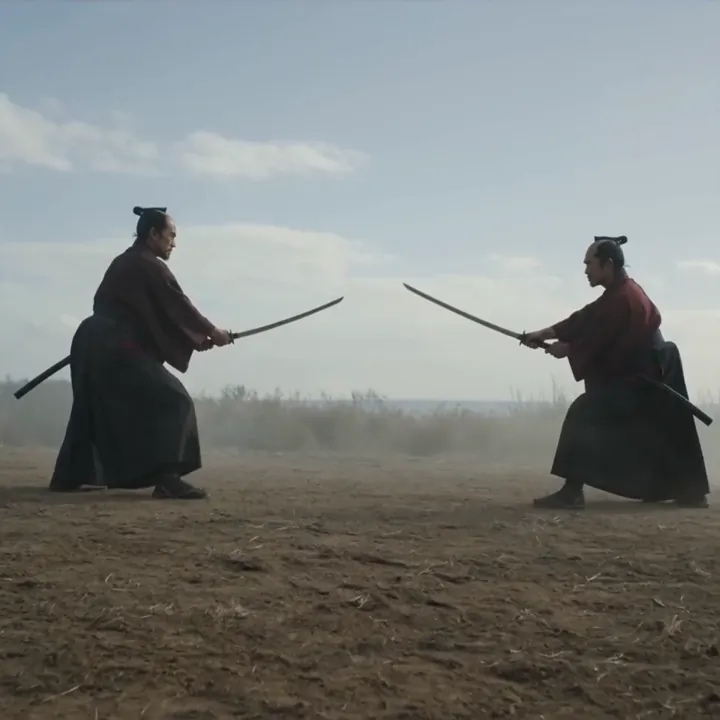
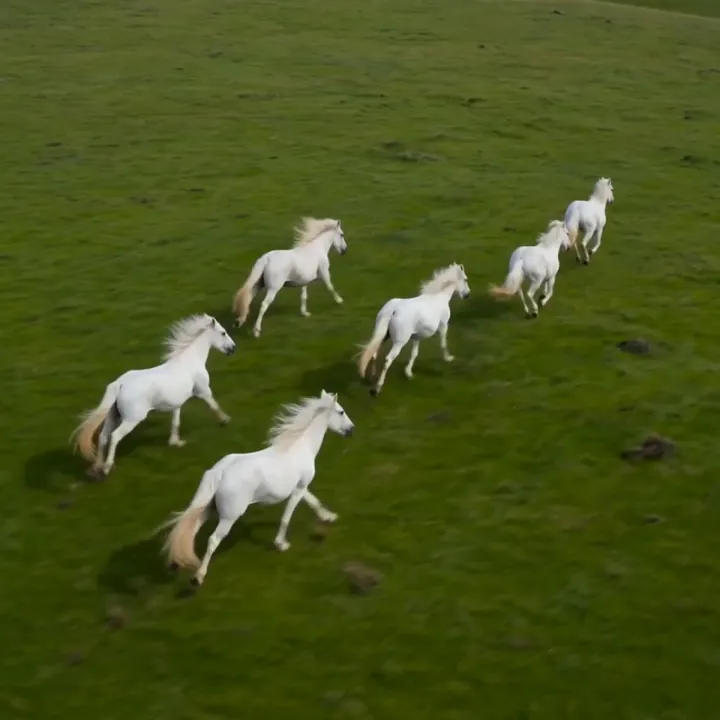
How we compare AI video generators
A fair comparison looks at more than just "which looks nicest." The things that actually matter day to day are:
- Visual quality and realism - how believable the motion and detail are.
- Audio - whether the model generates sound and lip-synced dialogue.
- Length and shots - how long a clip can be and whether it supports multiple shots.
- Control - reference images, start and end frames, motion transfer, and consistency.
- Speed and price - how fast it generates and how many credits it costs.
No model tops every category, which is exactly why the lineup below matters.
Veo 3.1 - best for realism and talking video
Veo 3.1 is Google DeepMind's flagship, and it leads on realism. Its biggest strength is native audio: it generates synchronized sound effects, ambient noise, and lip-synced dialogue in the same pass as the video, with lip-sync accurate to around 120 milliseconds. It also supports native 4K on the Fast tier and handles real-world physics convincingly.
Best for: talking videos, product and ad creative, photoreal scenes, and anything where realistic sound matters. Keep in mind: clips are shorter (up to 8 seconds), so for long cinematic takes you may prefer Kling.
Kling 3.0 - best for cinematic, longer shots
Kling 3.0 is Kuaishou's flagship and the model to reach for when you want length and a film-like feel. It generates single shots up to 15 seconds - about twice most rivals - and supports multi-shot storyboards, smooth transitions, and strong character consistency across shots, all with native multilingual audio.
Best for: short films, trailers, brand hero pieces, music videos, and character animation across multiple shots. Keep in mind: for the most photoreal talking-head realism, Veo 3.1 still has the edge.
Seedance 2.0 - best for using your own material
Seedance 2.0 is ByteDance's flagship and the most powerful when you build from your own references. In a single generation it can combine up to 9 images, 3 videos, and 3 audio clips, which you tag in your prompt with @Image1, @Video1, and @Audio1. That unlocks character consistency, subject swaps, style transfer, motion transfer, and lip-sync, all with stereo audio and multi-shot output up to 15 seconds.

Best for: production work, character series, e-commerce, and any project where you need to keep specific people, products, or styles consistent. Keep in mind: it is a premium model, so it costs more credits and takes a little longer than lightweight options.
The rest of the lineup
The three flagships are not your only options. Several lighter models cover specific needs:
- Kling 2.6 Pro - native audio plus voice control and cloning for consistent character voices.
- Kling 2.5 Turbo - the fastest and cheapest Kling, ideal for drafts and iteration.
- Seedance 1.5 - stable, flexible, budget-friendly single clips.
- Lucy 14B - near real-time sketches for rapid ideation.
- Kling O1 - start-to-end frame transitions and morphs.
- Kling Motion Control - motion transfer from a reference video onto your character.

Side-by-side comparison
| Veo 3.1 | Kling 3.0 | Seedance 2.0 | |
|---|---|---|---|
| Maker | Kuaishou | ByteDance | |
| Best for | Realism, talking | Cinematic, length | Your own references |
| Max length | 8s | 15s | 15s, multi-shot |
| Audio | Native + lip-sync | Native, multilingual | Stereo native |
| Max resolution | 4K (Fast) | Up to 1080p | Up to 1080p |
| References | Up to 3 images | Reference images | 9 images, 3 videos, 3 audio |
| Text-to-video | Yes | Image-to-video focus | Yes |
| Relative cost | Medium to high | Medium to high | Premium |
Which AI video generator should you choose?
Here is the short decision guide:
- You need realistic talking video or 4K - use Veo 3.1.
- You need a long, cinematic, or multi-shot clip - use Kling 3.0.
- You are building from your own images, video, or audio - use Seedance 2.0.
- You want a specific, reusable voice - use Kling 2.6 Pro.
- You just want to iterate fast and cheap - use Kling 2.5 Turbo or Lucy 14B.
The real winner: not having to choose
Here is the practical truth. The best setup in 2026 is not a single model - it is access to all of them in one place. A typical project uses several: sketch an idea on a fast model, render the hero shot on Kling 3.0, add a talking moment with Veo 3.1, and composite a reference character with Seedance 2.0.
That is exactly what 3D AI Studio's Video Studio offers. Every model in this comparison lives in one interface, under one plan and one credit balance, with no separate Google, Kuaishou, or ByteDance accounts or API keys. New accounts get free credits, so you can test the best AI video generators side by side and decide for yourself.
More than video
If you are choosing an AI video generator, it is worth knowing the same platform does more. On 3D AI Studio you can generate and edit images in Image Studio to create the perfect input for image-to-video, and you can turn any image into a production-ready 3D model with Image to 3D or generate one from a prompt with Text to 3D. For a lot of creators, that full pipeline - image, video, and 3D in one place - is what makes the difference, not any single model.

Generate 3D models with AI
Easily generate custom 3d models in seconds. Try it now and see your creativity come to life effortlessly!
FAQ
What is the best AI video generator in 2026?
There is no single best model for everyone. Veo 3.1 is best for realism and lip-synced audio, Kling 3.0 is best for long cinematic and multi-shot clips, and Seedance 2.0 is best for combining your own reference images, video, and audio. The most practical choice is a platform like 3D AI Studio that includes all three, so you can pick per shot.
Veo 3.1 or Kling 3.0 - which is better?
Choose Veo 3.1 when you need photoreal video, native audio, lip-synced dialogue, or 4K. Choose Kling 3.0 when you need longer single shots (up to 15 seconds), multi-shot storyboards, or strong character consistency. Both include audio and both are available on 3D AI Studio.
Is Seedance 2.0 better than Veo 3.1?
It depends on your workflow. Seedance 2.0 is the best choice when you build from your own material, combining up to 9 images, 3 videos, and 3 audio clips in one generation. Veo 3.1 is better for photoreal results and lip-synced talking from a simple prompt. They are complementary, not strictly better or worse.
Which AI video generator is cheapest?
Among the premium models, Veo 3.1 Lite is very credit-efficient. For the lowest cost overall, Kling 2.5 Turbo and Lucy 14B are the fastest and cheapest, ideal for drafts and iteration before a final render on a premium model.
Do I need a separate account for each AI video model?
No. On 3D AI Studio, Veo, Kling, Seedance, and Lucy all live in one Video Studio under a single plan and credit balance, with no separate Google, Kuaishou, or ByteDance sign-ups or API keys.
What is the best free AI video generator?
3D AI Studio gives new accounts free credits and includes every major model, so it is a strong way to try the best AI video generators for free. Lighter models like Kling 2.5 Turbo and Lucy 14B make those free credits go the furthest.