
Seedance 2.0 AI Video Generator
The most powerful way to make video from your own material. Seedance 2.0 is ByteDance's flagship model - combine up to 9 images, 3 videos, and 3 audio clips in one prompt to create cinematic, multi-shot video with stereo sound. Use it free inside 3D AI Studio's Video Studio.
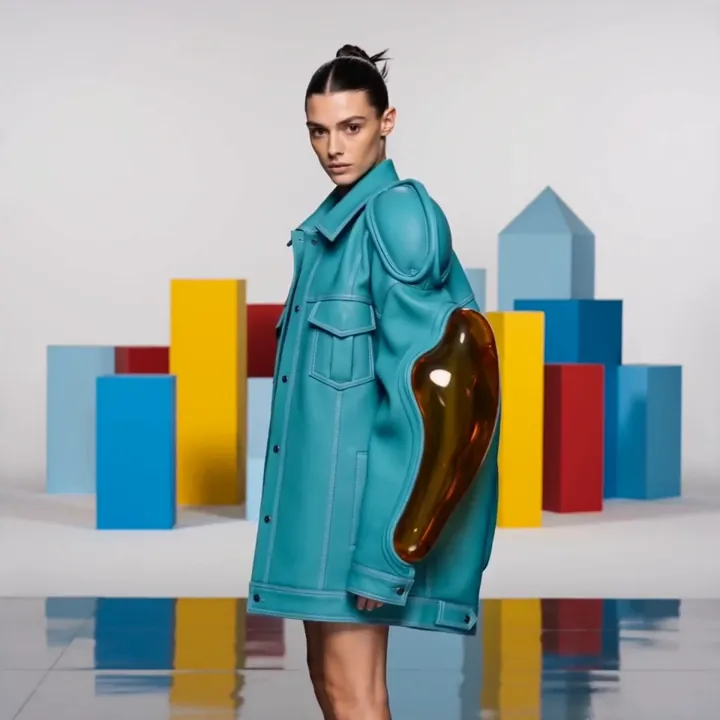
“Slow walk forward, fashion runway, studio lighting”
Three ways to create with Seedance 2.0
Animate an image, write from scratch, or compose a clip from your own references - all in one model.
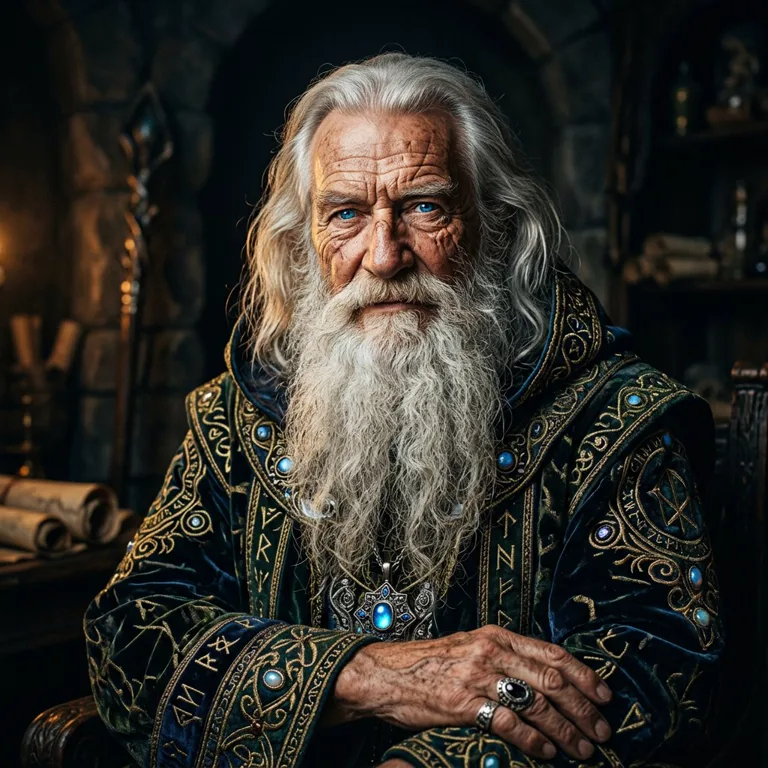
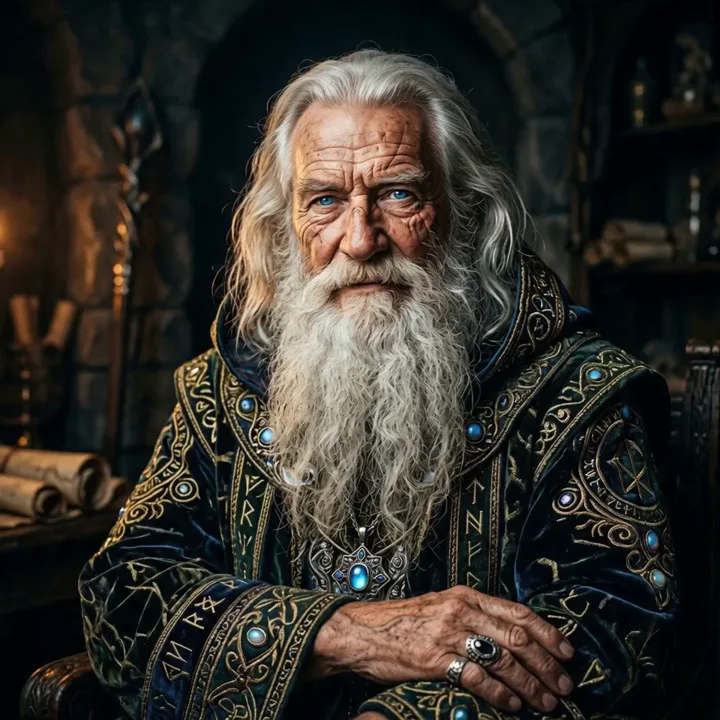
Image to Video
Seedance 2.0Upload a single image and describe the motion. Seedance animates it with smooth, production-grade movement and stereo sound.
- Keeps your exact subject
- Up to 15 seconds, multi-shot
- Stereo native audio
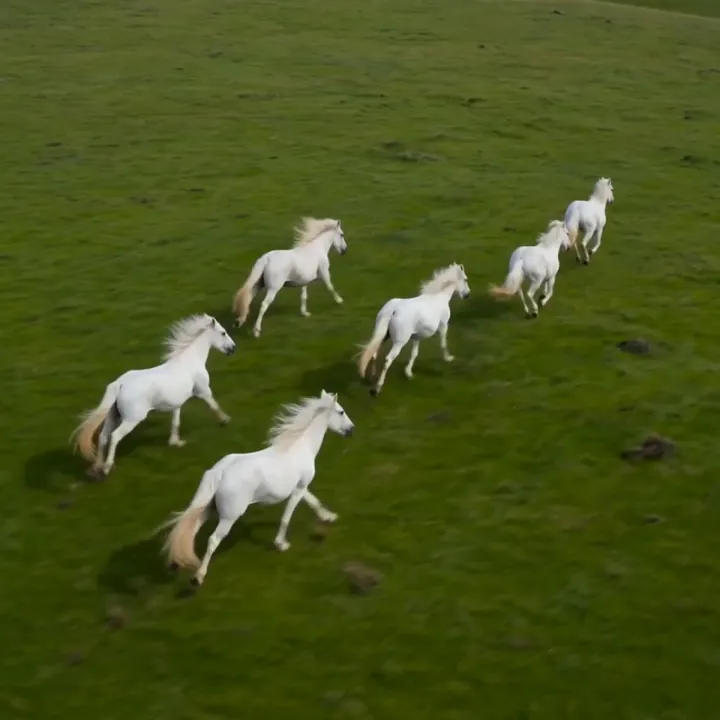
“White horses galloping through shallow water, drone shot”
Text to Video
Seedance 2.0 TextDescribe a scene in words and Seedance builds it from scratch - cinematic, multi-shot, with synchronized audio.
- No image needed
- Great for original scenes
- Multiple aspect ratios
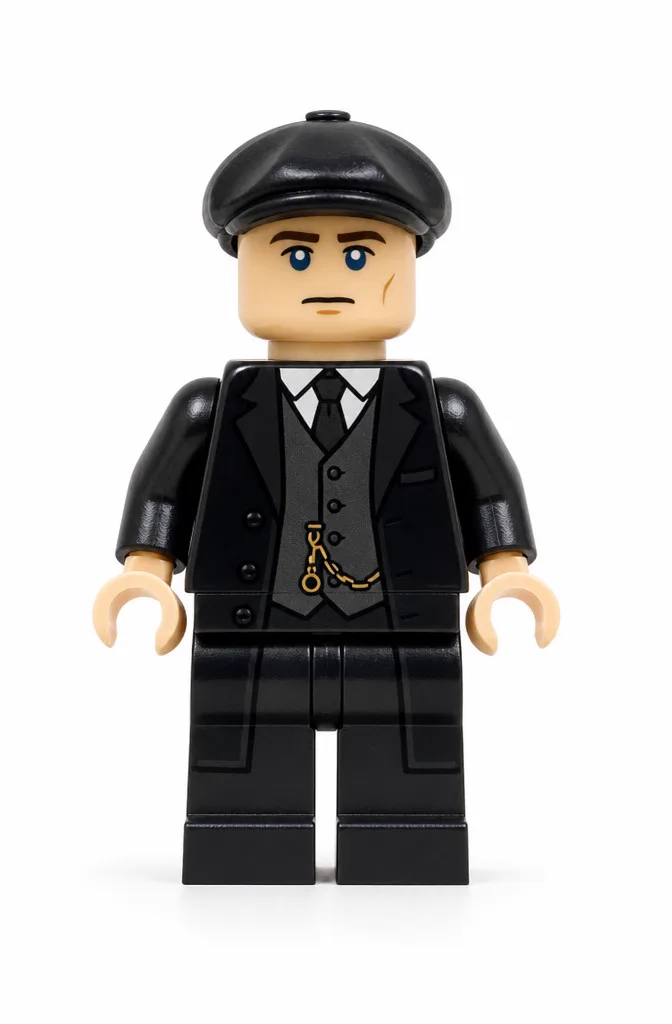
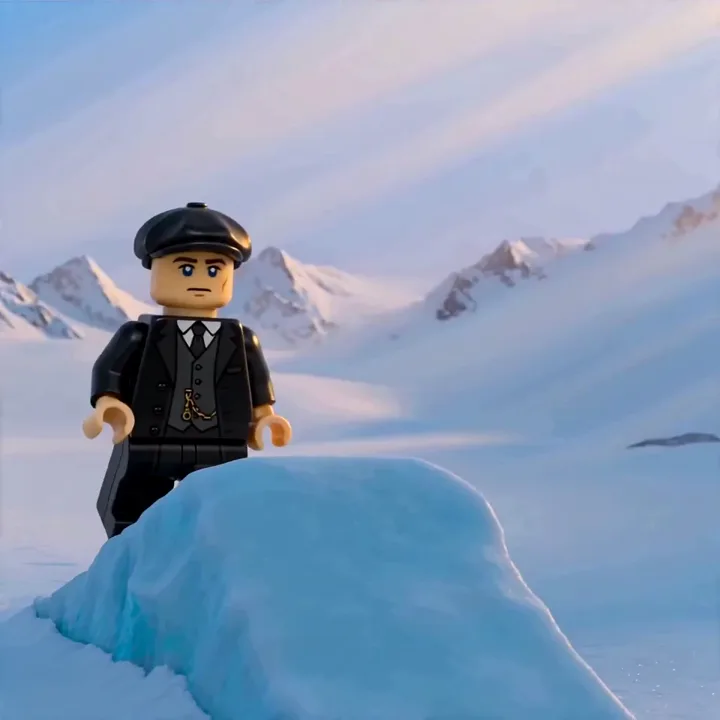
Reference to Video
Most powerfulCombine up to 9 images, 3 videos, and 3 audio clips. Tag them with @Image1, @Video1, @Audio1 to control exactly how each is used.
- Character consistency & subject swaps
- Style and motion transfer
- Lip-sync from an audio clip
What Seedance 2.0 can do
ByteDance's flagship model, built for production-grade, reference-driven video.
Multi-reference input
Combine up to 9 images, 3 videos, and 3 audio clips in one generation. Tag them as @Image1, @Video1, @Audio1 in your prompt to control exactly how each one is used.
Character consistency
Lock a character's face, outfit, or a product across shots by referencing it directly - perfect for series and brand content.
Multi-shot stories
Generate cinematic, multi-shot sequences up to 15 seconds, with the composition and camera language taken from your references.
Stereo native audio
Two-channel sound with background music, ambient effects, and character voiceover - all generated together and aligned to the action.
Style & motion transfer
Reference the look of one image and the motion of another. Seedance reads each input's role and blends them into one result.
Flexible output
Choose 480p, 720p, or 1080p and aspect ratios from vertical 9:16 to wide 21:9 to fit any platform.
Single-image to video, production-grade
Even without multiple references, Seedance 2.0 animates one image with the kind of smooth, stable motion that holds up in real production - plus stereo sound.
motion“Steady, production-grade motion: he raises his hand to cast as the robe and beard settle naturally and the firelight holds its color.”
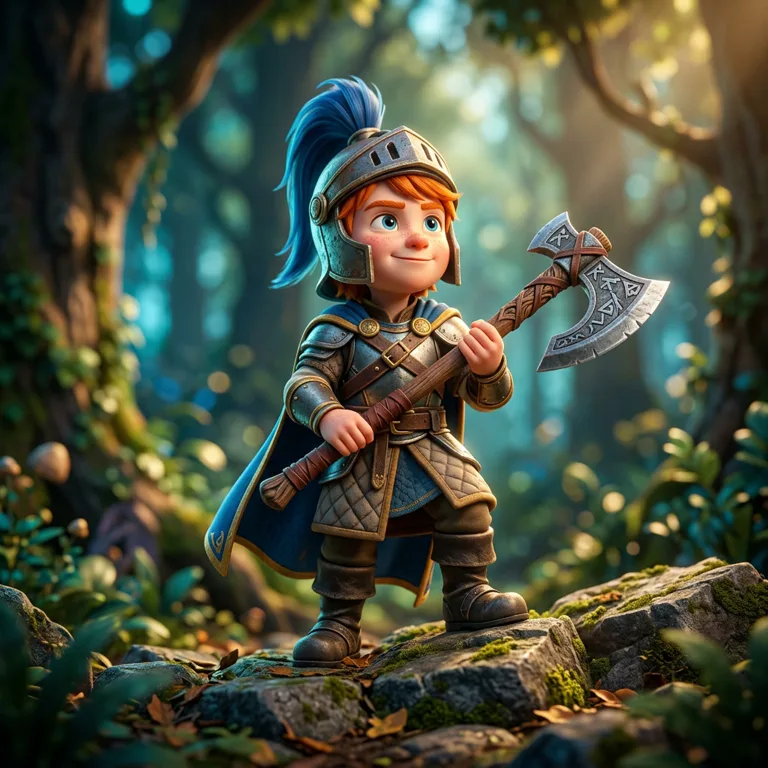
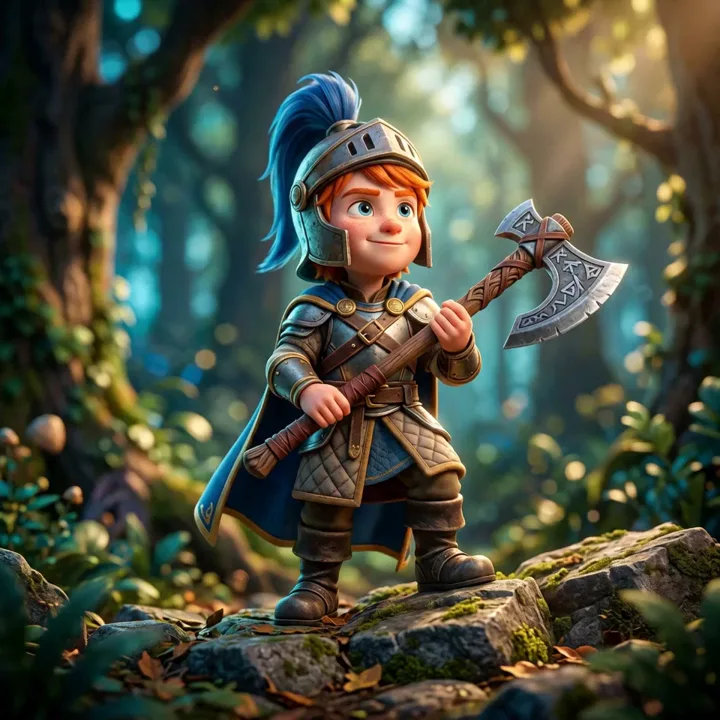
motion“Locked-off framing with subtle life - the knight breathes, grips his axe, and the forest sways gently behind him.”
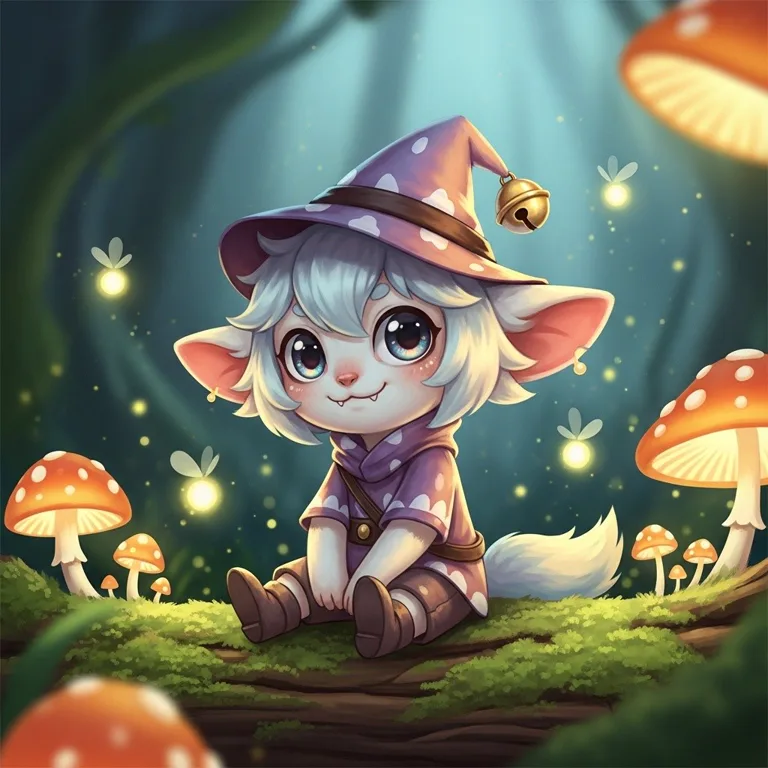
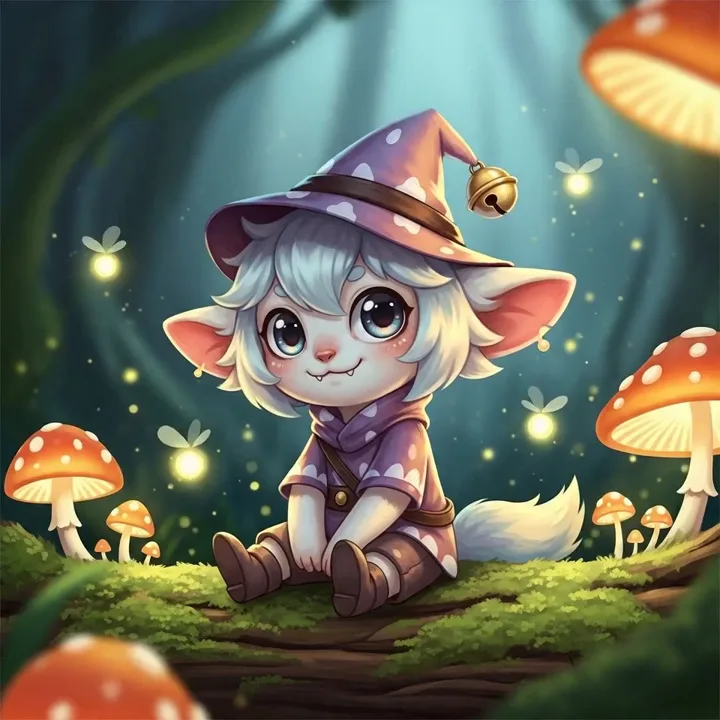
motion“A clean, stable loop: she rocks slightly and blinks while the mushrooms glow at a consistent rhythm.”
Generate video from a text prompt
No references at all - just describe the scene and Seedance builds a cinematic, multi-shot clip with stereo audio.
“White horses galloping through shallow water, drone shot”
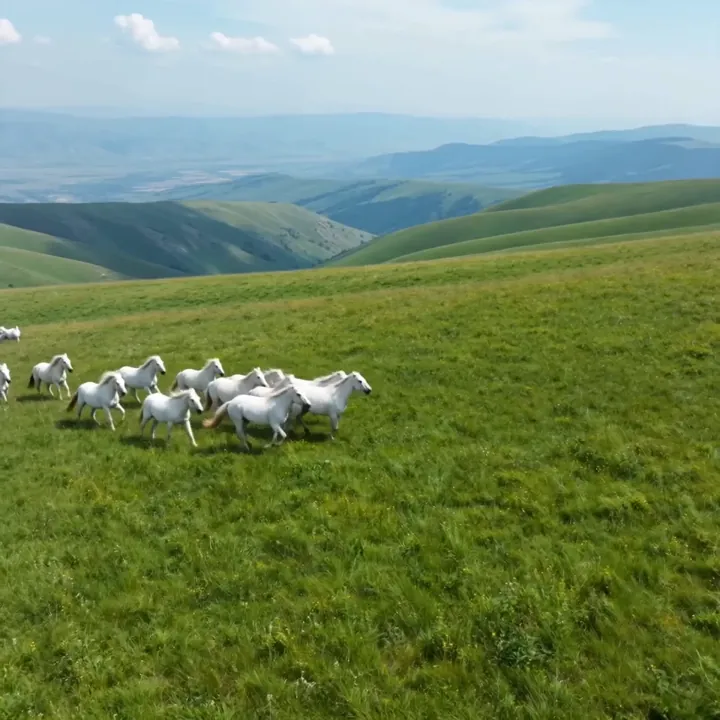
“Wild horses running through a mountain meadow, golden hour”
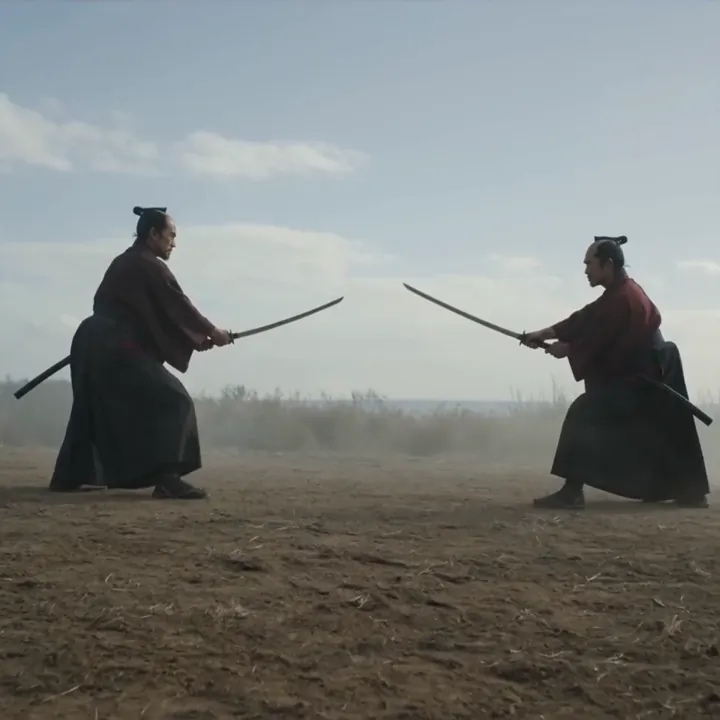
“Two warriors clash in a vast desert, cinematic wide shot”
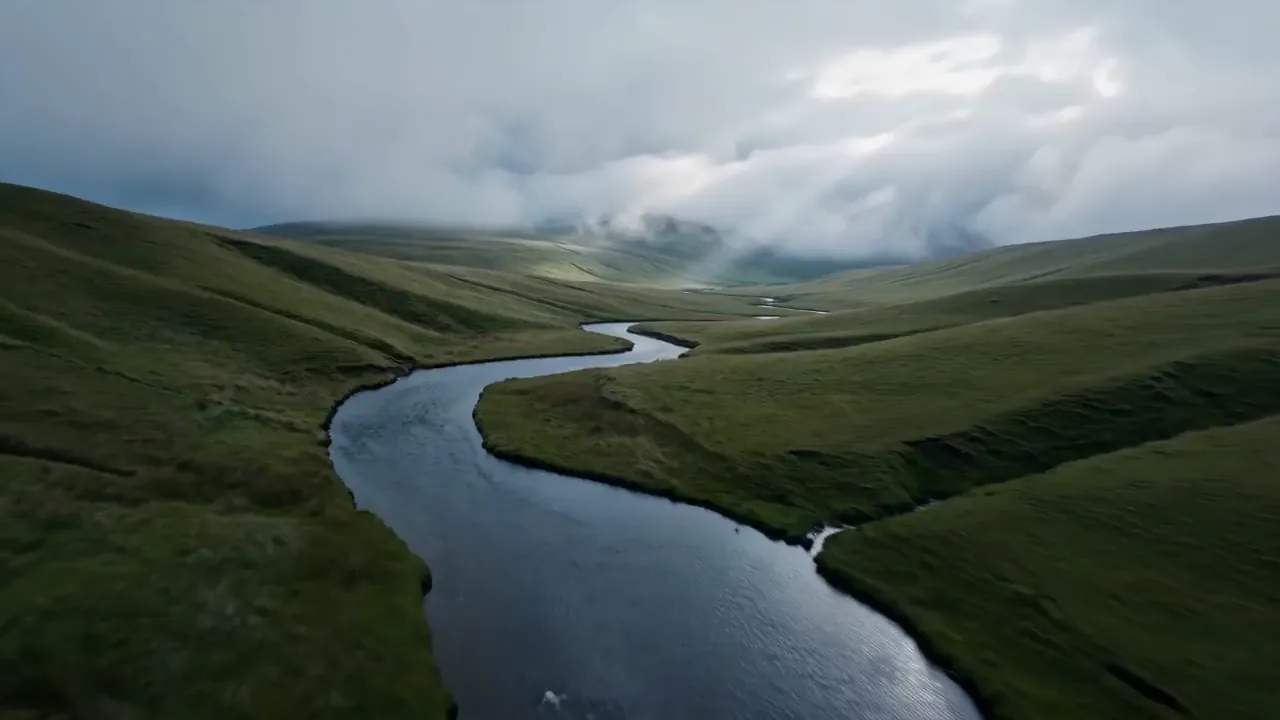
“Aerial drone shot over a misty river valley at dawn”
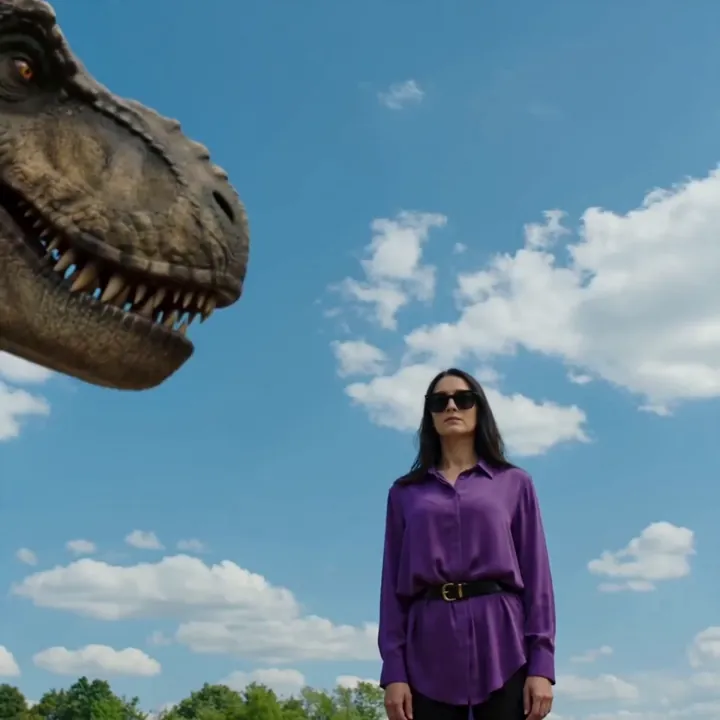
“Woman faces a T-Rex in a ruined city, cinematic rain”
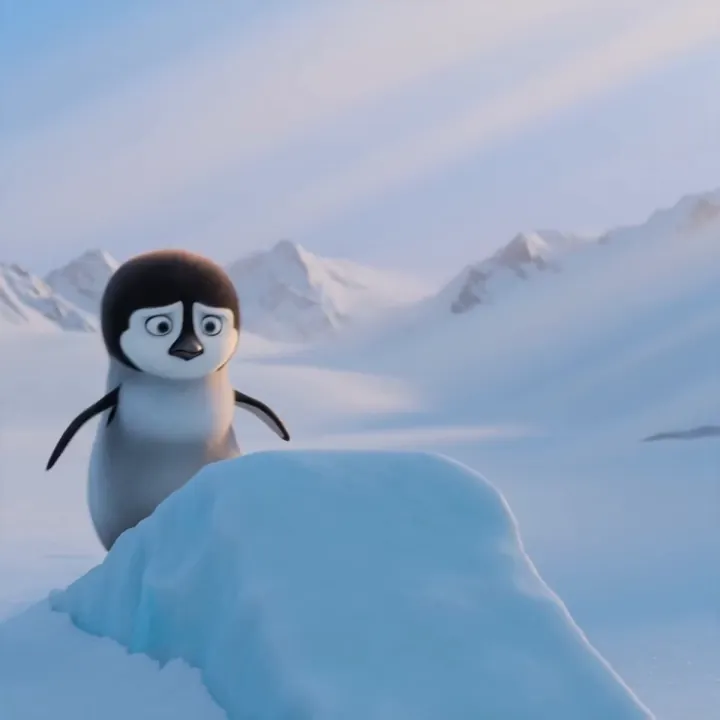
“Pixar-style penguin sliding down an icy slope, playful”
Reference to Video: many workflows, one model
This is what makes Seedance 2.0 special. Feed it images, videos, and audio, then point to them in your prompt with @ tags to control exactly what happens.
prompt“Replace the penguin with the character in @Image1”
Seedance kept the original sliding motion and camera from the source video, and swapped in the referenced character - no masking or rotoscoping needed.
Subject replacement
Swap a subject in an existing clip for one from a reference image, keeping the original motion and camera.
replace the subject with @Image1Character consistency
Reference the same character across generations so faces, outfits, and props stay identical from shot to shot.
@Image1 as the main characterStyle transfer
Match the art style, palette, or look of a reference image while generating new motion and composition.
in the style of @Image2Motion transfer
Apply the movement and pacing of a reference video to a new scene or character.
use the motion from @Video1Lip-sync & voice
Drive a character's mouth and timing from an audio clip for talking and singing scenes.
lip-sync to @Audio1Multi-shot composition
Combine several references into a single multi-shot sequence with consistent identity throughout.
@Image1 @Image2 @Video1More videos made with Seedance
Real outputs from Seedance 2.0 and Seedance 1.5 inside Video Studio.
“Slow walk forward, fashion runway”
“Replace the penguin with the character in @Image1”
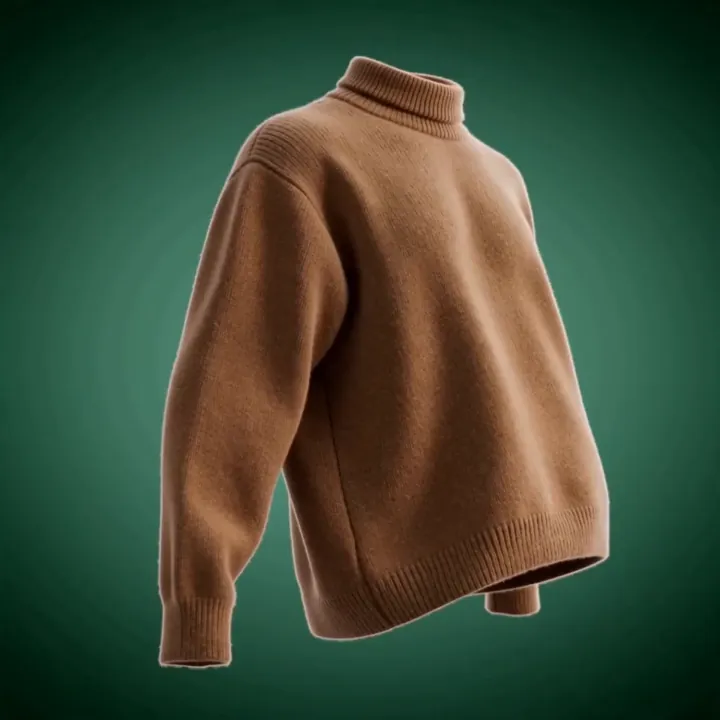
“360° product rotation, studio lighting”
“Wild horses in a mountain meadow, golden hour”
“Cinematic multi-shot duel”
“Woman faces a T-Rex, cinematic rain”
How to use Reference to Video, step by step
Seedance's reference mode is the most powerful - and the most precise. Five steps turn your own material into a finished clip.
Open Reference to Video
In Video Studio, switch to the Reference to Video mode (powered by Seedance 2.0). This is where you can feed the model your own images, footage, and audio instead of relying on a prompt alone.
Add your assets
Upload up to 9 images, 3 video clips, and 3 audio files (12 references total). As you add them they're automatically labelled @Image1, @Image2, @Video1, @Audio1, and so on, so you can refer to each one in your prompt.
Write a prompt with @ tags
Describe the result and point to your assets by tag. Be explicit about each one's role: 'replace the subject with @Image1', 'use the motion from @Video1', or 'lip-sync the character to @Audio1', and say what should stay unchanged.
Set resolution, aspect ratio and length
Pick 480p, 720p, or 1080p, choose an aspect ratio from 9:16 vertical to 21:9 widescreen, and a duration up to 15 seconds. Keep stereo audio on so music, effects, and voice come out aligned.
Generate, iterate and download
Generate your clip; Seedance composes the references into one cinematic, multi-shot result. If a reference's role wasn't clear, tighten the @-tag wording and regenerate, then download in HD.
How to write great Seedance 2.0 prompts
The key is telling Seedance what each reference is for. Use @ tags and clear, simple instructions.
Tag every reference
Point to each asset by its tag so Seedance knows its role in the scene.
“@Image1 walks through the doorway from @Video1's background”
Say what to keep
Be explicit about what should stay consistent - the face, the outfit, the product.
“keep @Image1's face and jacket exactly the same”
Describe the motion
Even with references, describe how things should move and how the camera behaves.
“slow orbit around the subject, smooth and steady”
Use audio for timing
Reference an audio clip to drive lip-sync, rhythm, or beat-matched motion.
“lip-sync the character to @Audio1”
Seedance 2.0 specs
Everything you can control when you generate.
Seedance 2.0 vs Seedance 1.5
Seedance 2.0 adds multi-reference input, stereo audio, and multi-shot. 1.5 stays great for fast, stable single clips.
| Feature | Seedance 2.0 | Seedance 1.5 |
|---|---|---|
| Best for | Production, multi-reference | Stable, fast single clips |
| Reference inputs | 9 img + 3 vid + 3 audio | Single image |
| Native audio | Stereo | Off (in Studio) |
| Max duration | 15s, multi-shot | 10s |
| Resolution | Up to 1080p | Up to 1080p |
| Relative cost | Premium | Lower |
What people make with Seedance 2.0
Character series
Keep the same character across many clips using references.
Product & e-commerce
Drop a product image into a scene and animate it.
Ads with voiceover
Combine visuals and a voice sample into one finished spot.
Subject swaps
Replace a subject in a clip while keeping the motion.
Style matching
Generate new shots that match a brand or reference look.
Lip-sync scenes
Talking and singing characters driven by an audio clip.
Multi-shot stories
Build cinematic sequences from your own material.
Music videos
Beat-matched, reference-driven visuals.
Feed Seedance your best material
Generate reference characters and products in Image Studio, composite them with Seedance, and turn a hero asset into a 3D model - all on one account and one credit balance.

What is Seedance 2.0?
Seedance 2.0 is ByteDance's flagship AI video model, released in February 2026. Its standout feature is multimodal reference input: in a single generation you can combine up to 9 images, 3 video clips, and 3 audio clips along with your text prompt. You point to each asset in your prompt using simple tags like @Image1, @Video1, and @Audio1, and Seedance reads how each one should be used - for composition, motion, style, or sound.
The result is cinematic, multi-shot video up to 15 seconds long, with two-channel stereo audio generated at the same time. This is what makes it so powerful for real production work: instead of chaining several tools together, you give Seedance your reference image, a voice sample, and a description, and it returns a finished clip. In 3D AI Studio you get Seedance 2.0 for image-to-video, its Reference-to-Video mode, and a Text-to-Video mode.
Reference to Video, explained
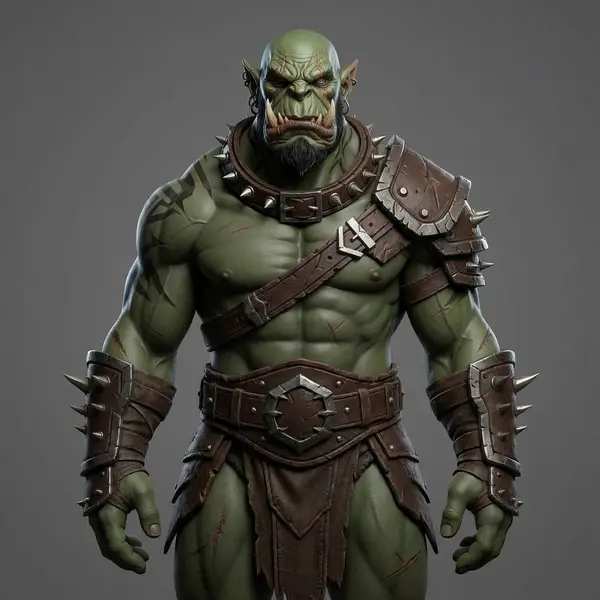
Reference to Video is the mode that sets Seedance 2.0 apart. You upload a mix of images, videos, and audio, then write a prompt that tells the model what to do with them. A common example: take an existing clip of a penguin sliding on ice, add a character image as @Image1, and prompt 'replace the penguin with the character in @Image1'. Seedance keeps the original motion but swaps in your character - exactly the example shown above on this page.
You can use the same idea for character consistency (keep one face across shots), style transfer (match the look of a reference image), motion transfer (apply the movement of a reference video), and lip-sync (drive a character with an audio clip). Because everything happens in one pass, the timing and audio stay perfectly aligned, and you skip the manual masking, rotoscoping, and editing those tasks usually require.
When to use each Seedance mode
Use Image to Video when you have one picture you want to bring to life - a character, a product, or a scene - and you want it to move while staying exactly on-model. Use Text to Video when you have an idea but no footage or image, and want Seedance to build the whole scene from a description.
Use Reference to Video when you have several pieces of material to combine, or when you need precise control: keeping a character consistent, transferring motion or style, swapping a subject, or syncing to audio. It's the most powerful mode and the reason many teams choose Seedance for production work.
Seedance 2.0 vs Veo 3.1 vs Kling 3.0
Seedance 2.0 is the best choice when you're building from your own material - references, products, characters, and voices you want to keep consistent. Google Veo 3.1 is the leader for realistic talking and lip-sync from a simple prompt, and Kling 3.0 excels at long, cinematic single shots and multi-shot storyboards.
All three are included in every 3D AI Studio plan. A common workflow is to generate a character image in Image Studio, animate or composite it with Seedance 2.0, then use Veo or Kling for additional shots - and even turn the character into a 3D model with Image to 3D.
Tips for better Seedance 2.0 videos
Tag your references clearly and tell Seedance what each one is for. A prompt like 'place @Image1 in the setting from @Video1, keep @Image1's outfit, slow dolly-in' gives the model a precise plan to follow.
Start with clean, high-quality reference images and clips - Seedance preserves what you give it, so sharp inputs lead to sharp results. For consistency across a series, reuse the exact same reference image each time. And if you only need a quick, stable single clip without references, Seedance 1.5 is a faster, lower-cost option in the same Studio.
Explore other video models
Every plan includes access to all of them. Pick the right tool for each shot.