
Generate High-Fidelity 3D Models with Hunyuan3D 3.5
Generate production-ready 3D models from text or images in under a minute. The fastest, highest-fidelity version of Tencent's Hunyuan 3D series with up to 8K PBR textures.
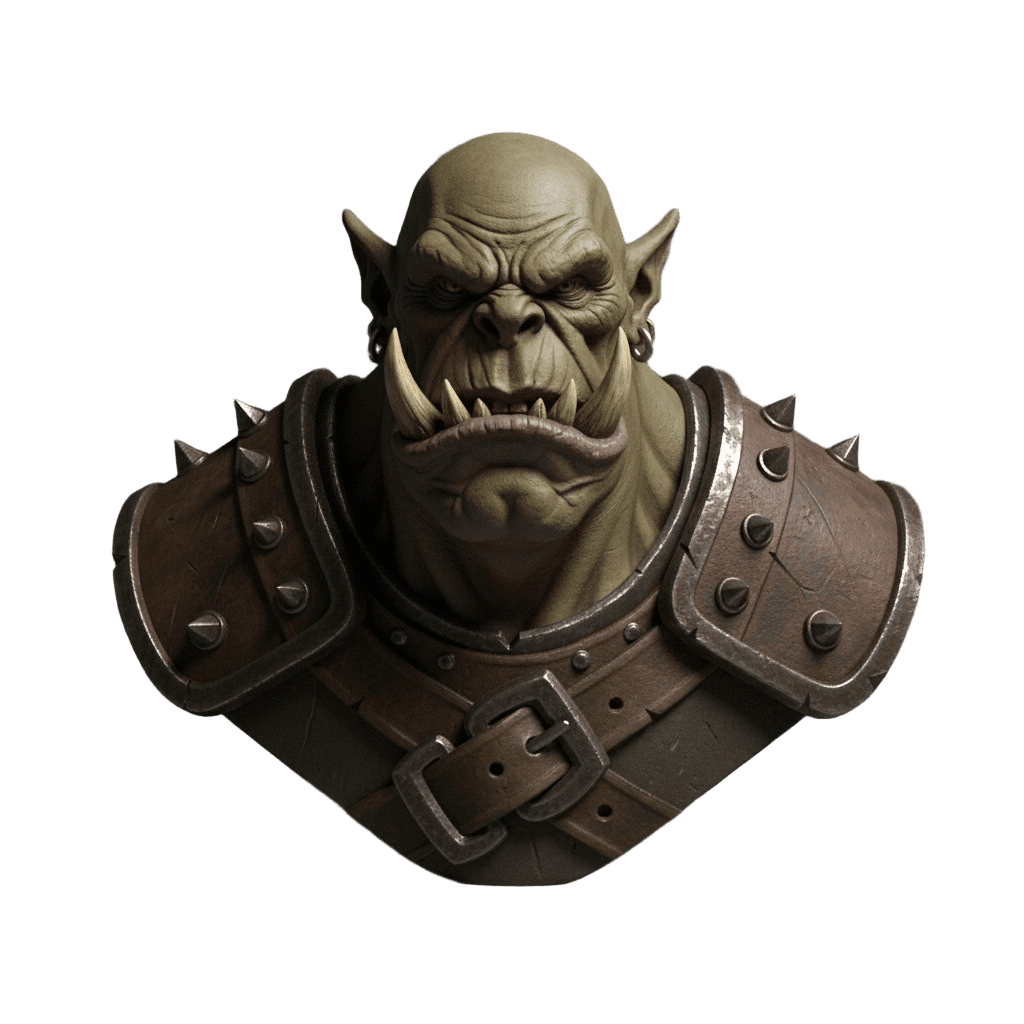
“orc warrior bust, bald head, large tusks, pointed ears, wrinkled face, leather armor with metal spikes, dark fantasy 3D character sculpt”
<60s
Generation Time
Rapid edition
8K
Texture Resolution
PBR materials
2M+
Max Polygons
Configurable
5+
Export Formats
GLB, OBJ, FBX, STL, USDZ
What's new in Hunyuan3D 3.5
The biggest leap in Tencent's 3D generation series
2× Faster Generation
Optimized inference pipeline cuts generation time by half. Get results in under 60 seconds with the Rapid edition.
Up to 8K PBR Textures
Higher resolution texture maps with improved albedo, normal, metallic, and roughness channels for photorealistic materials.
Enhanced Geometry Precision
Better thin-structure handling and watertight mesh generation. Cleaner topology at joints, edges, and fine details.
Advanced Multi-View
Expanded multi-view input with more supported angles for even more accurate 3D reconstruction from reference photos.
Higher Polygon Ceiling
Generate models with up to 2 million faces. More geometric detail for demanding production workflows.
Improved Material Fidelity
Physics-grounded PBR synthesis with better metallic reflections, subsurface scattering, and transparency handling.
Generated with Hunyuan3D 3.5
Real outputs, no post-processing. Text and image input supported.
Text to 3D
Describe what you want and get a fully textured 3D model. No reference image needed.
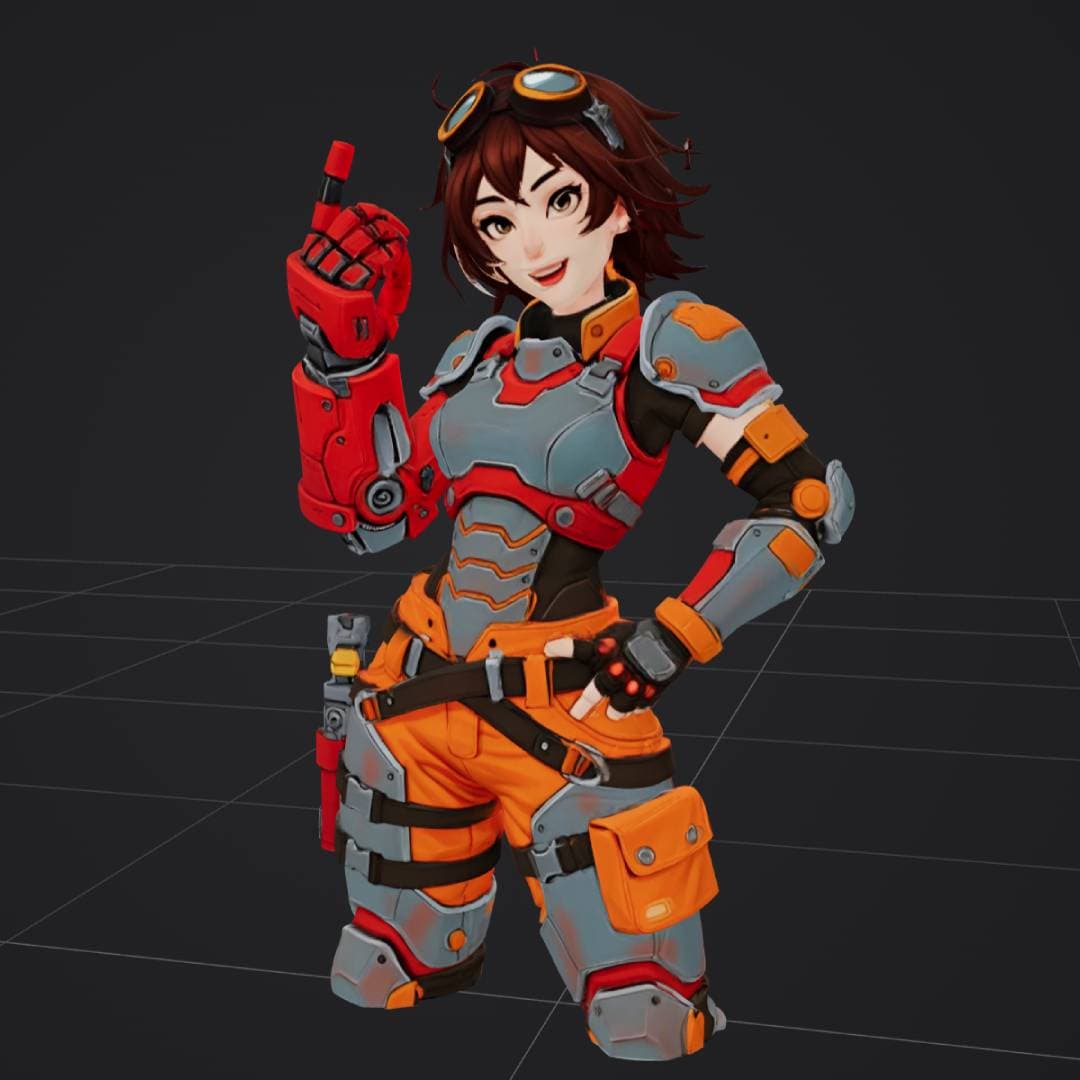
“anime style female engineer in orange and gray power armor”
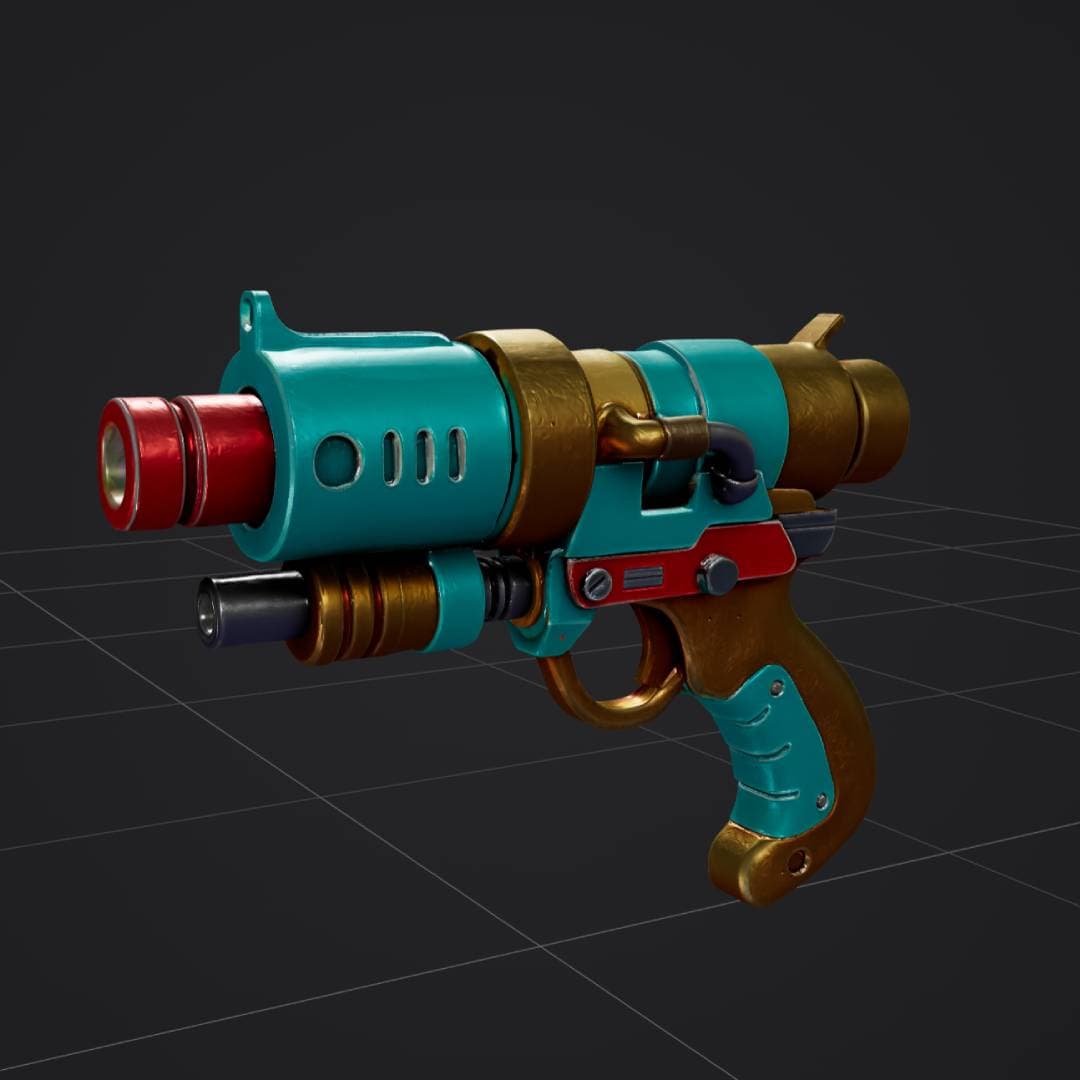
“retro sci-fi ray gun, turquoise red and gold, stylized 3D weapon”
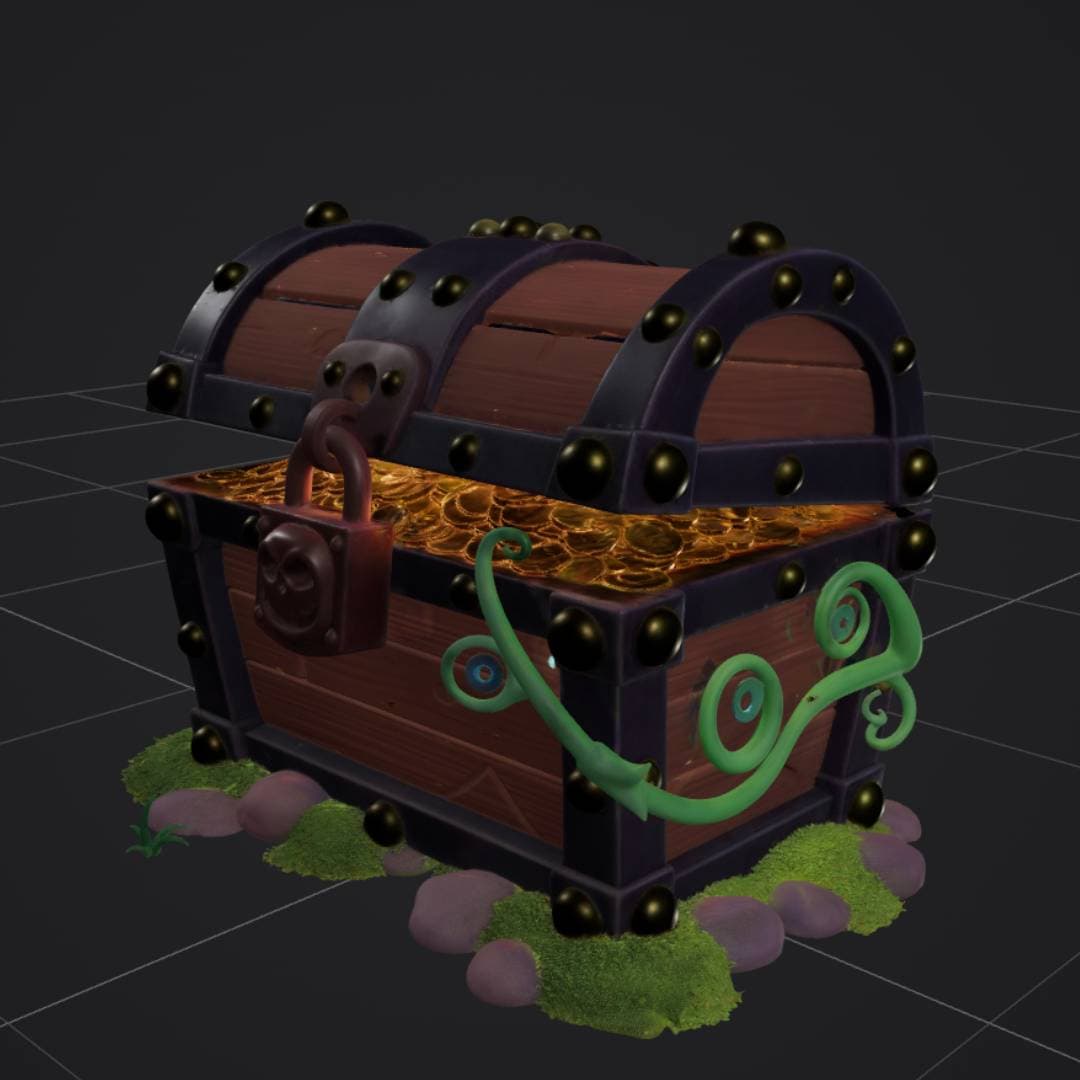
“stylized treasure chest with gold coins, padlock, vines and moss”
Image to 3D
Upload a photo or concept art and get a matching 3D model with PBR materials.
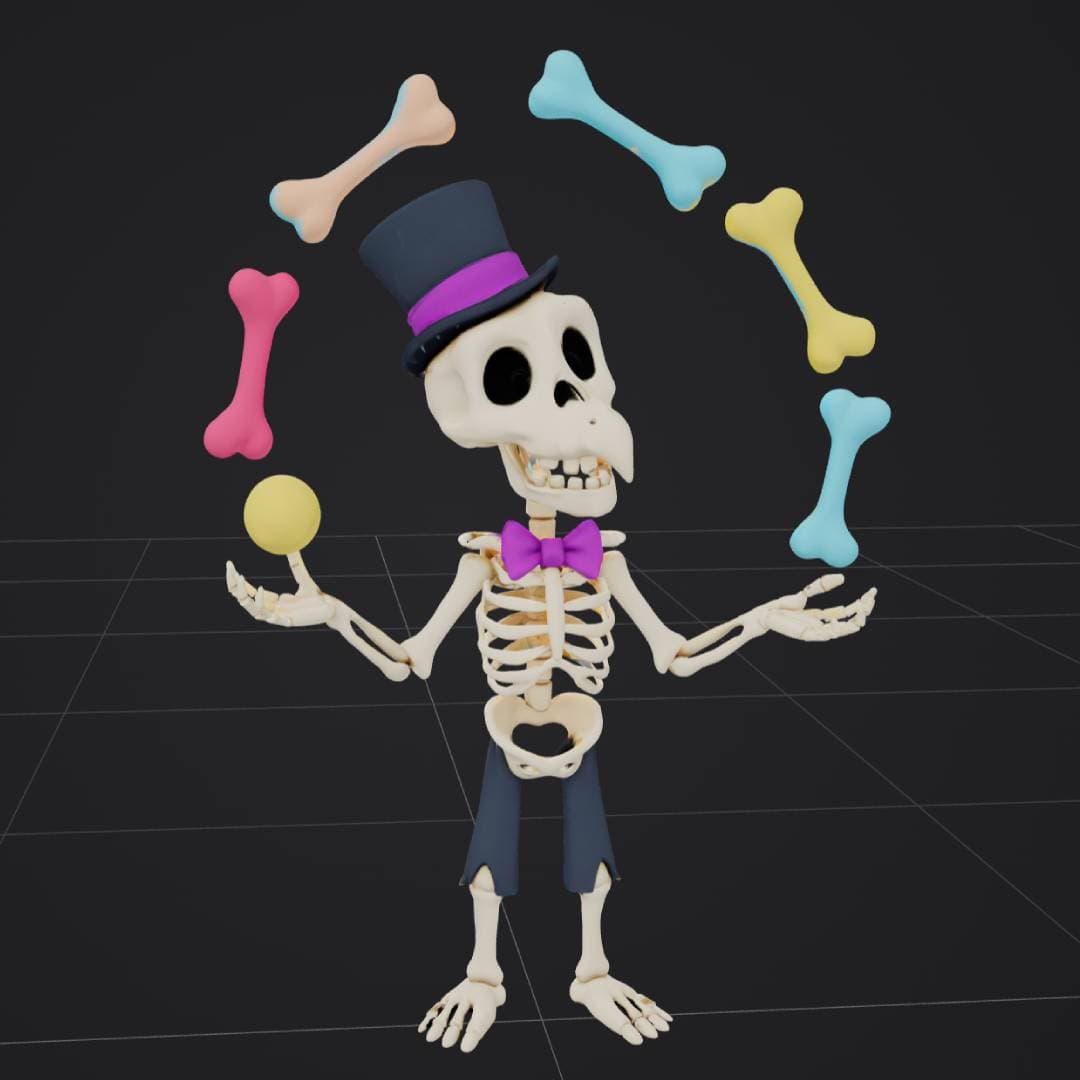

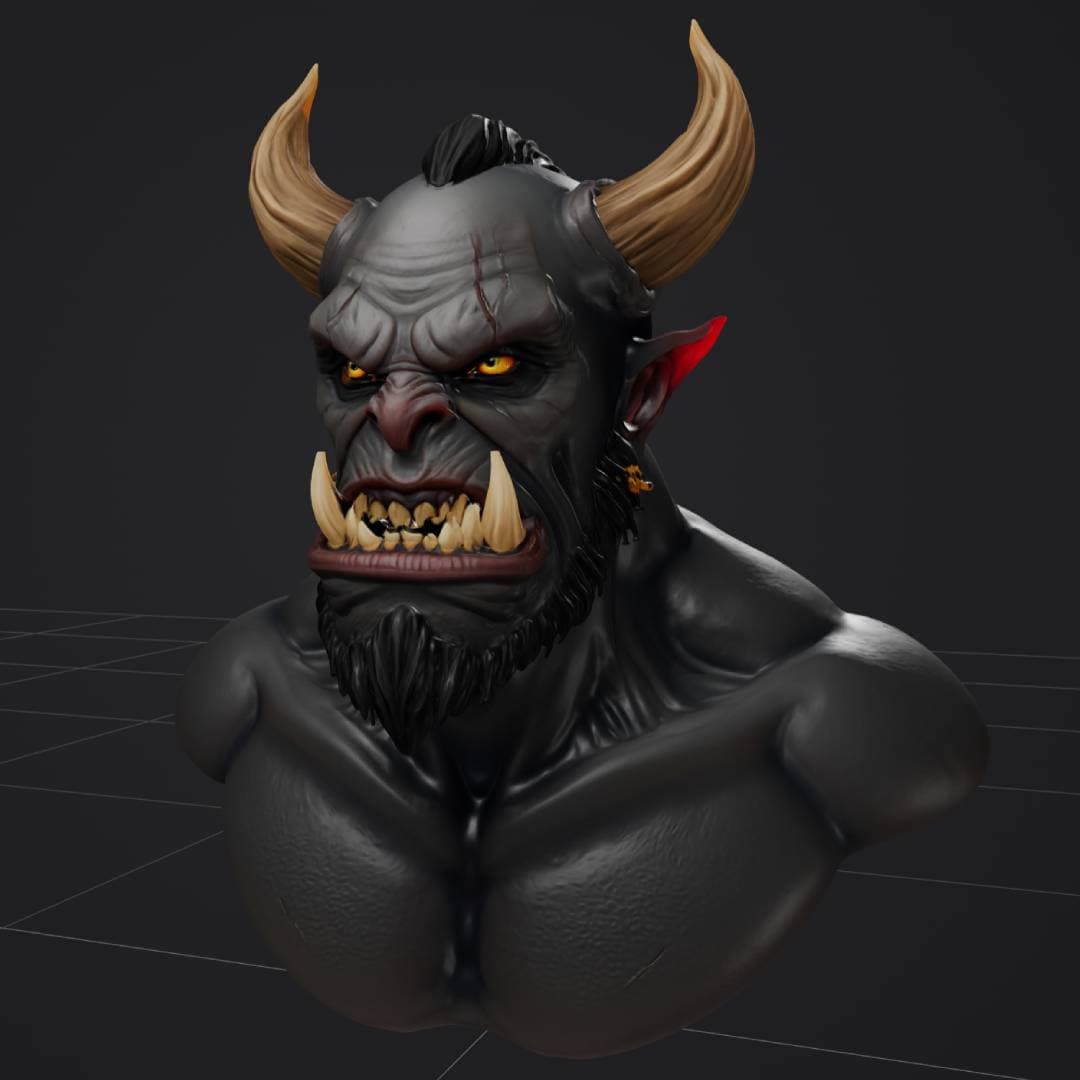
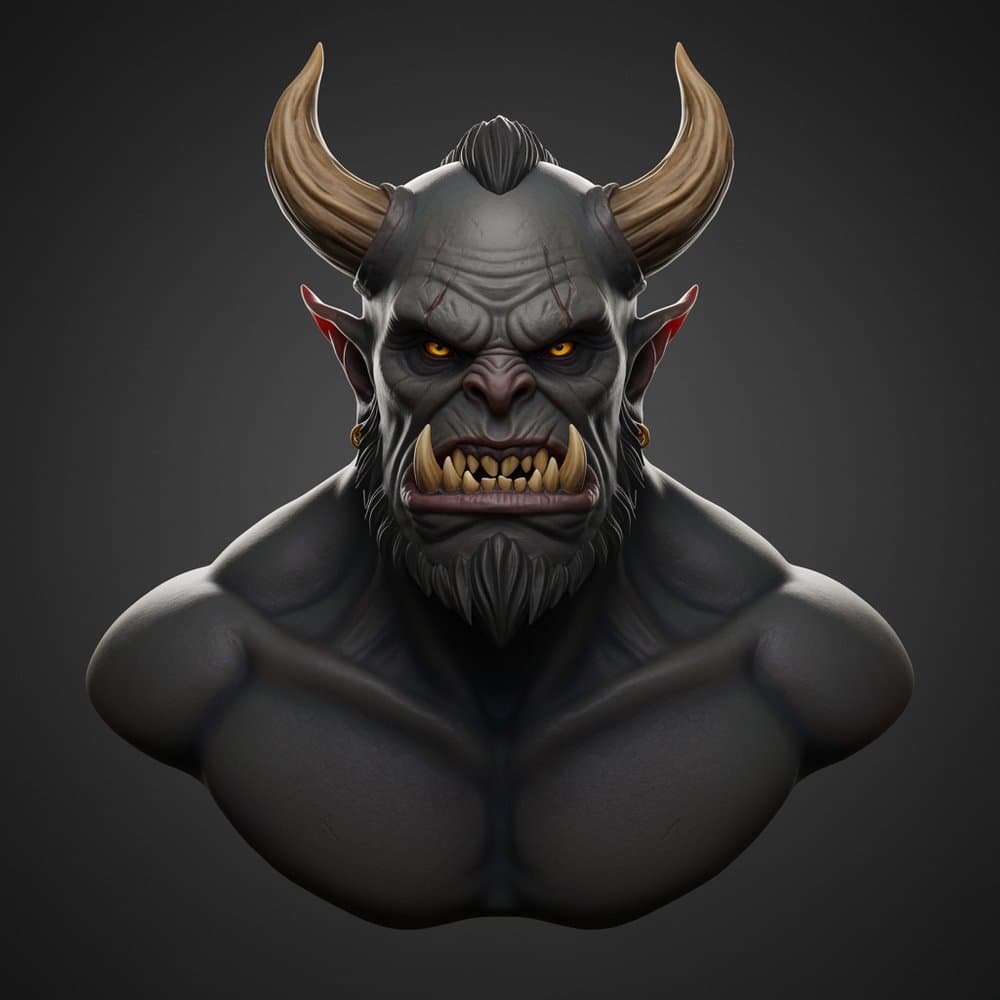
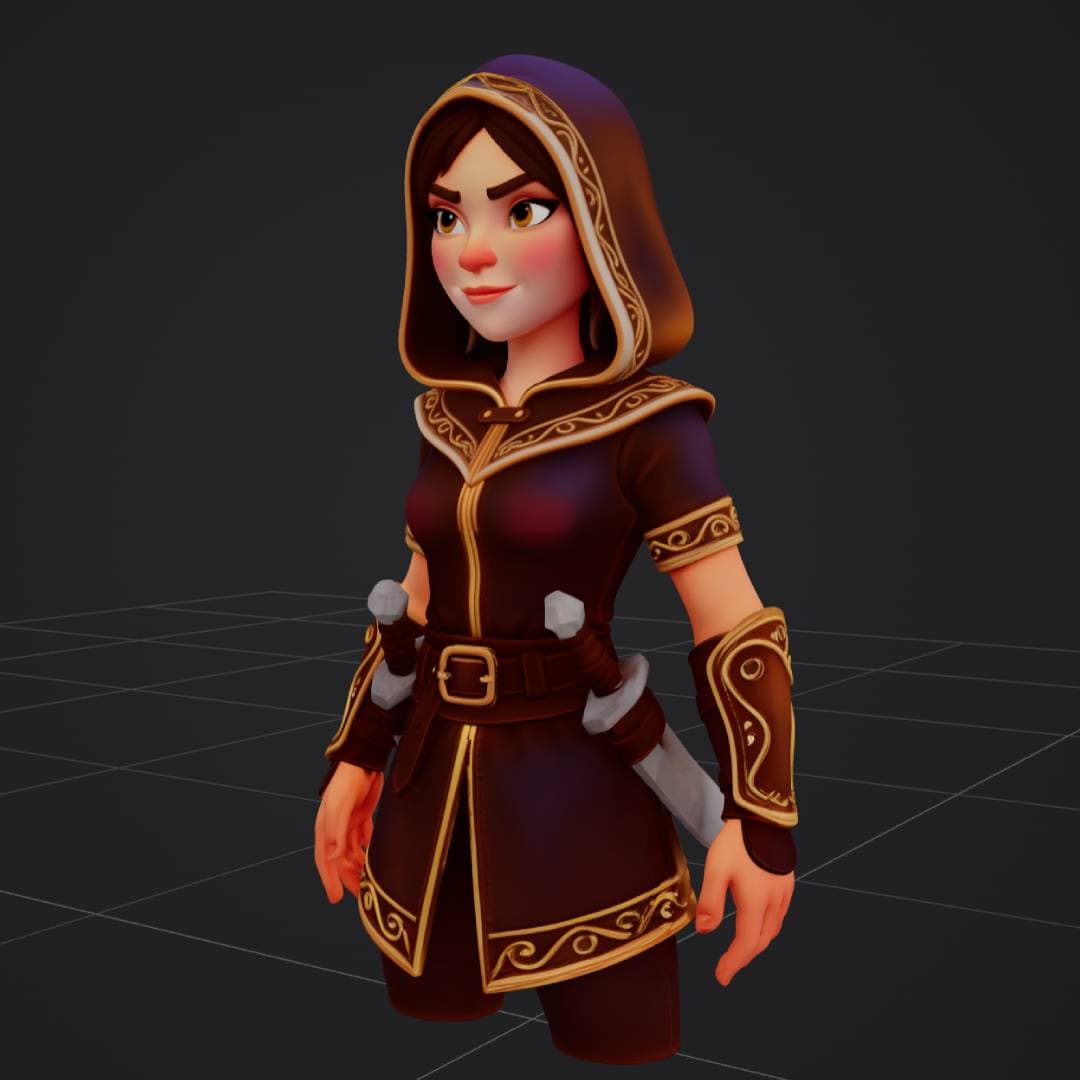
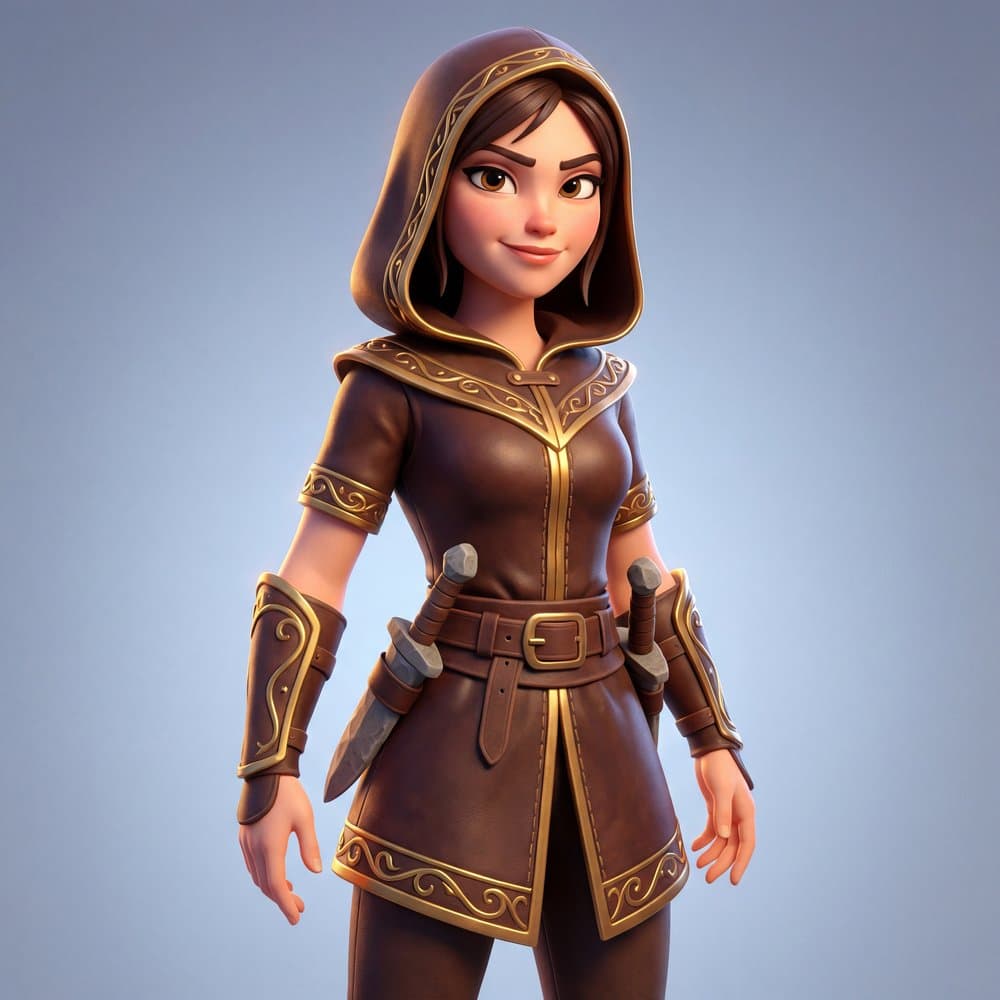
What creators build with Hunyuan3D 3.5
From game assets to 3D-printed figurines, Hunyuan3D 3.5 fits into any creative workflow.
Game Development
Characters, props, and environments from concept art
3D Printing
Print-ready models and figurines from text or photos
XR & Spatial
PBR-ready assets for VR, AR, and spatial experiences
E-Commerce
Product photos to interactive 3D for your store

How to use Hunyuan3D 3.5 on 3D AI Studio
From idea to downloadable 3D model in four steps
Choose Your Input
Enter a text description or upload a reference image. Multi-view photos also supported.
Generate
Hunyuan3D 3.5 reconstructs geometry and applies PBR textures. Under 60 seconds with Rapid.
Preview in 3D
Inspect your model in the interactive 3D viewer. Rotate, zoom, and check every angle.
Export
Download in GLB, OBJ, FBX, STL, or USDZ. Ready for Blender, Unity, Unreal, or 3D printing.
Generate 3D models from text or images
Multiple input methods to match your workflow
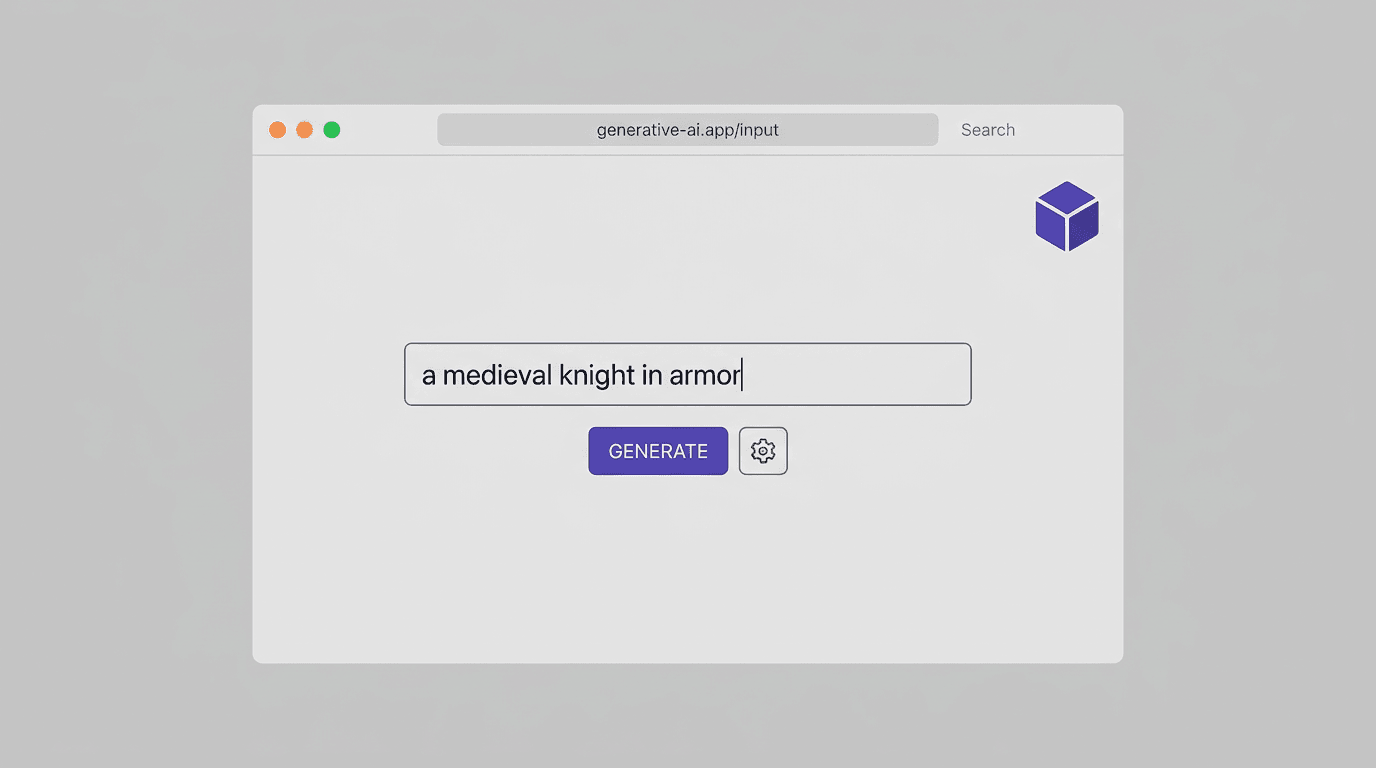
Text to 3D
Describe any object in natural language. Hunyuan3D 3.5 generates the full 3D model with textures from your description alone.
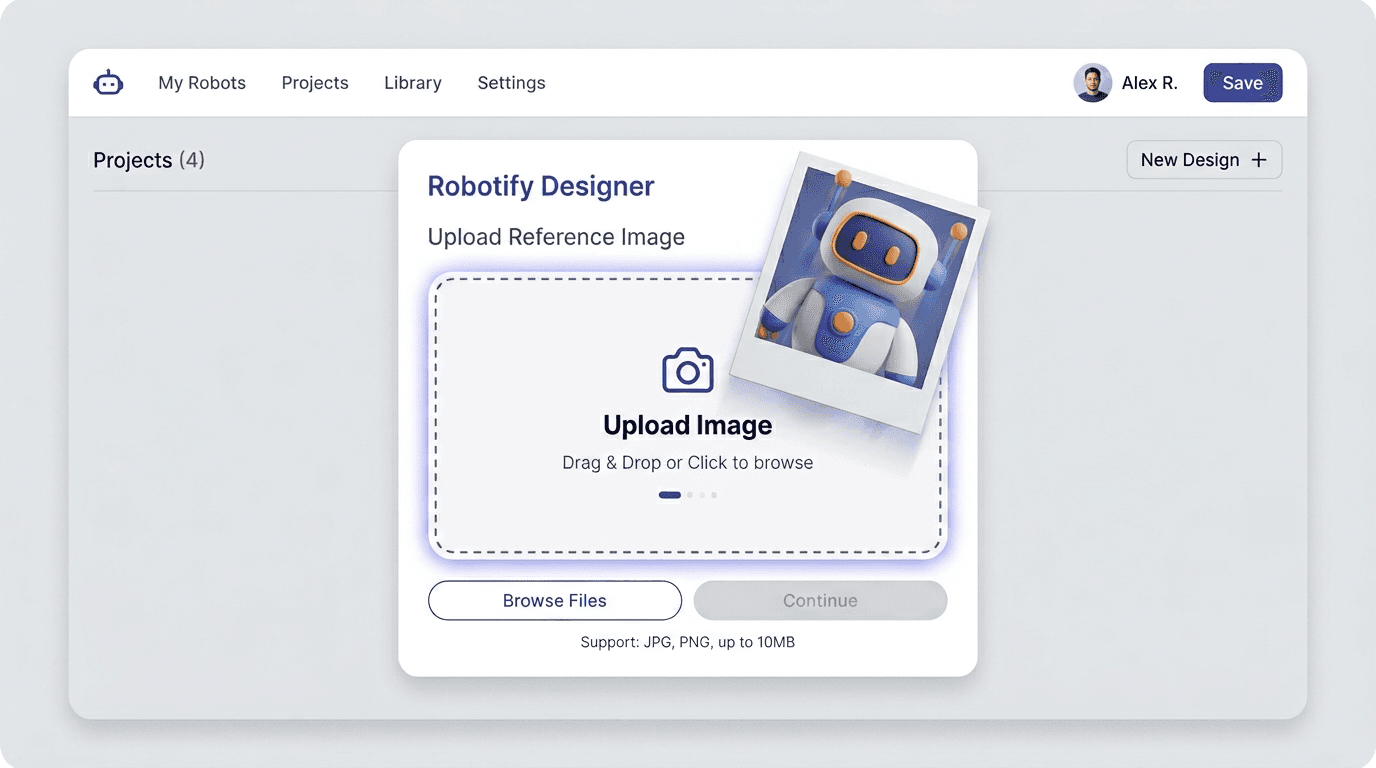
Image to 3D
Upload a product photo, concept art, or any reference image. The model reconstructs accurate 3D geometry that matches your input.
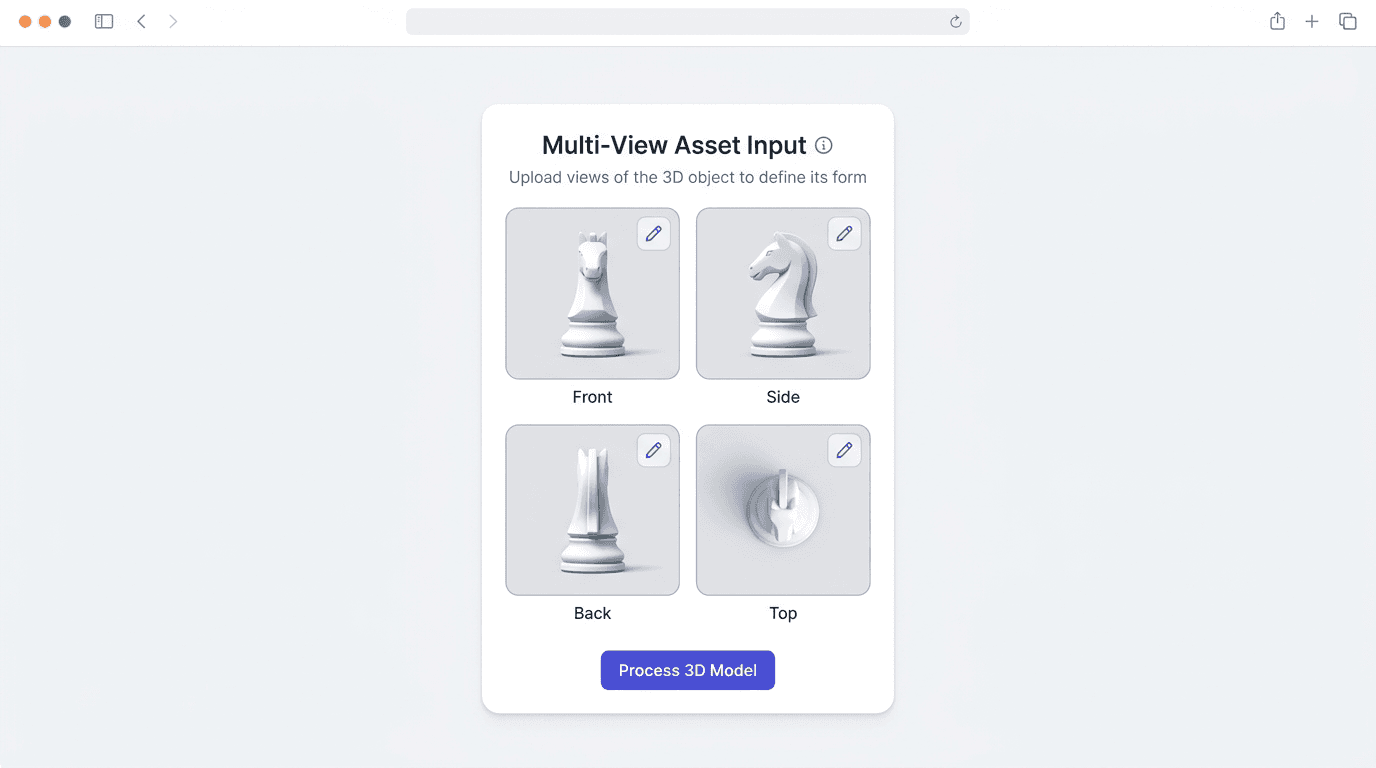
Multi-View to 3D
Provide reference images from multiple angles for the most accurate reconstruction. Front, side, back, and top views supported.
PBR textures & export formats
Production-quality materials generated automatically
PBR Material Maps - Up to 8K resolution
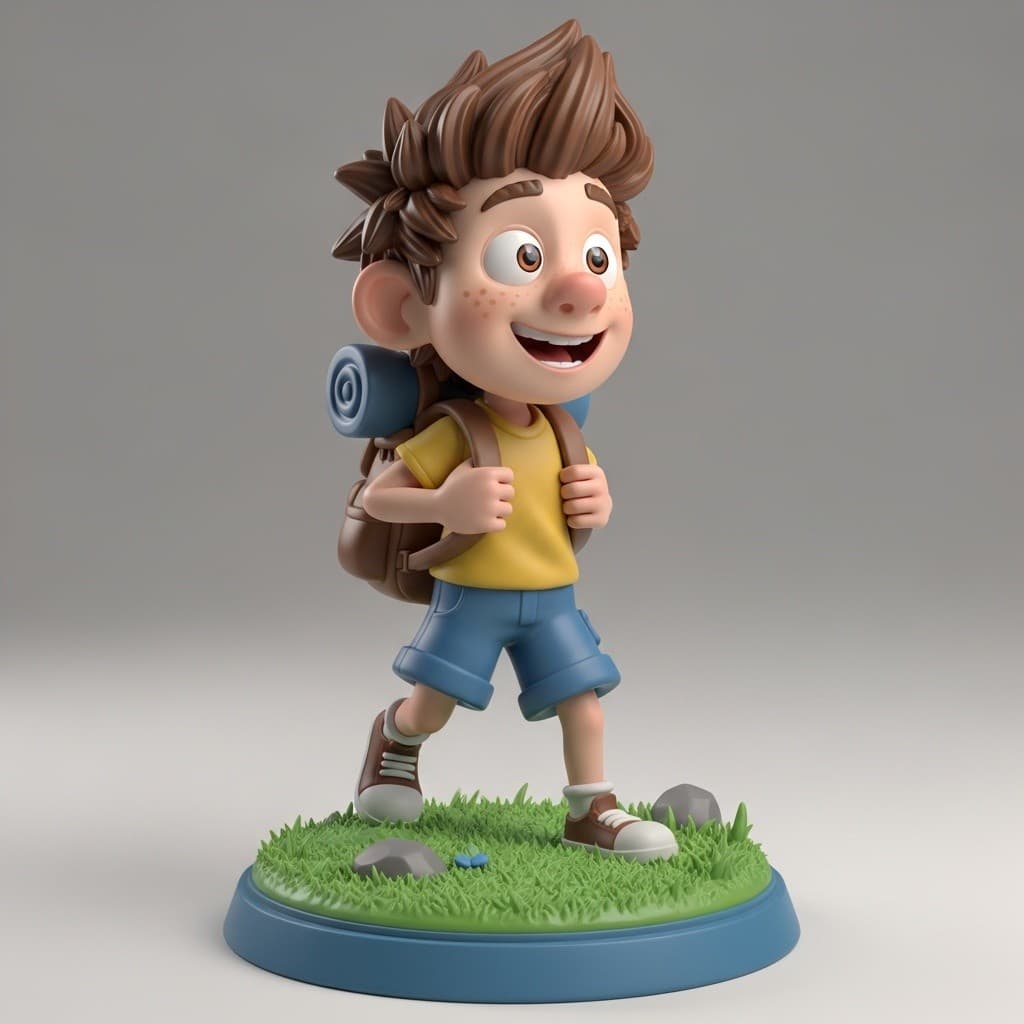
Example Output
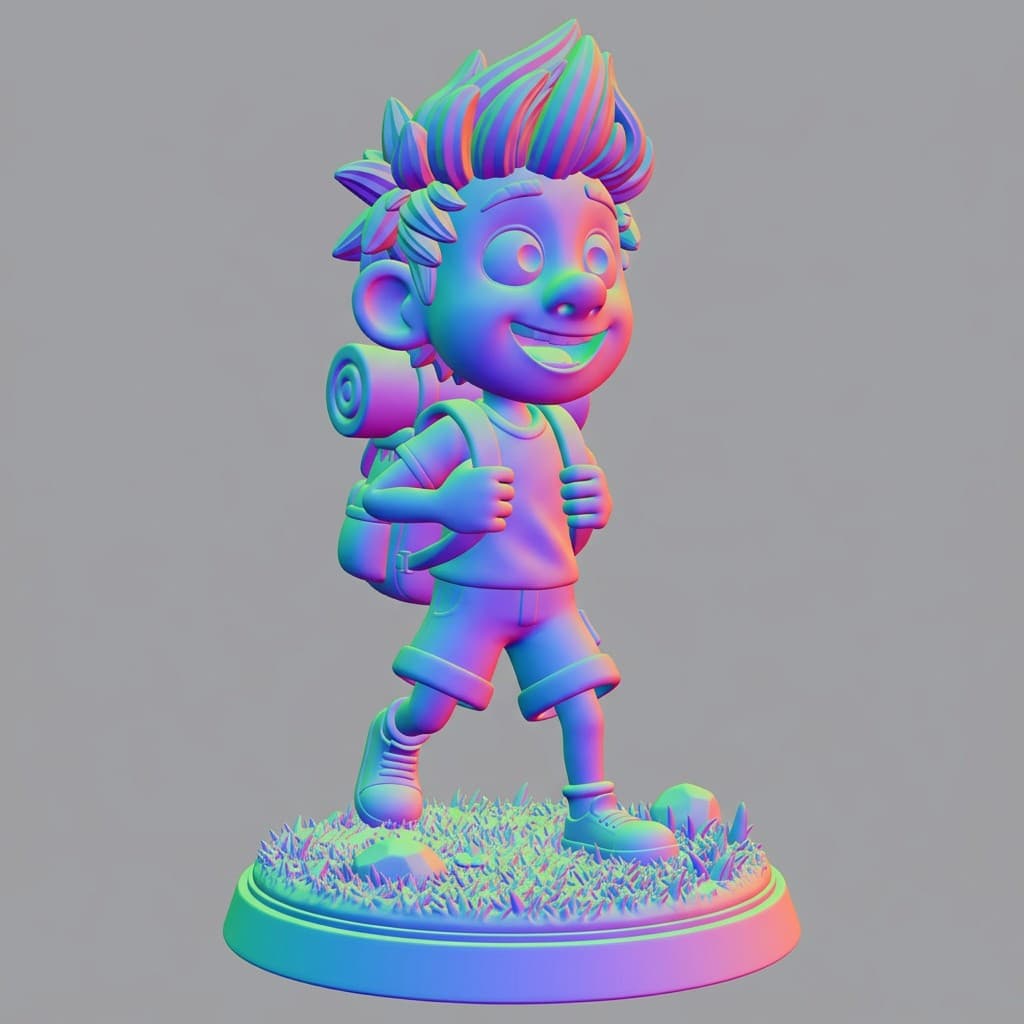
Normal Map
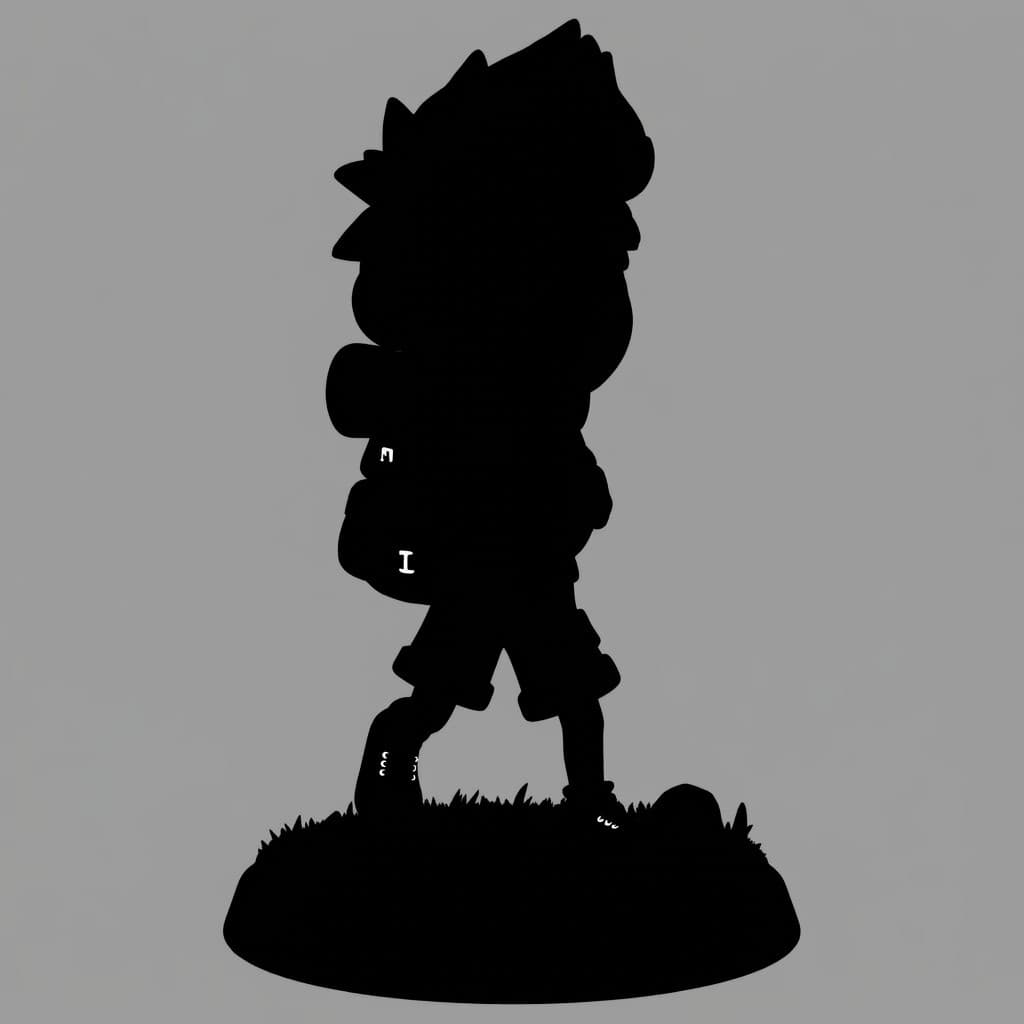
Metallic Map
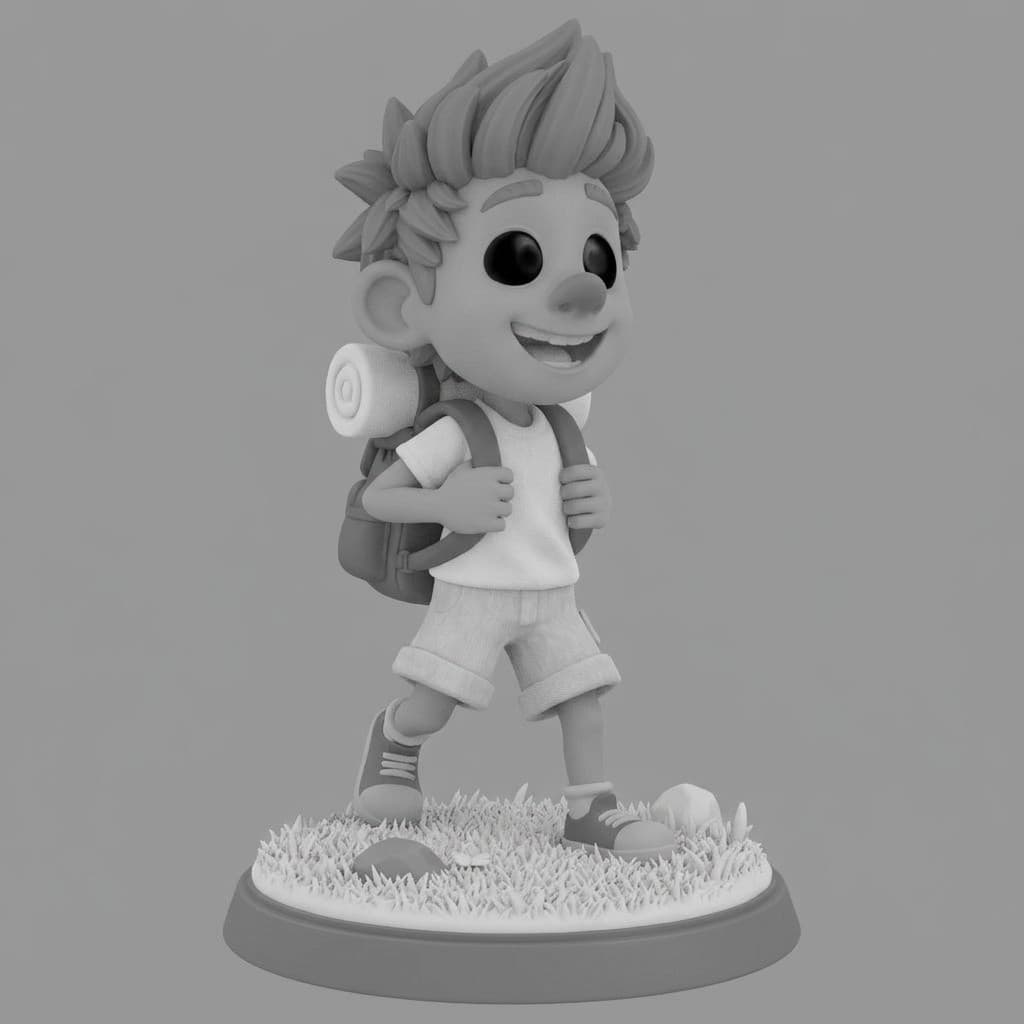
Roughness Map
Supported export formats
Built for creators, designers, and developers
Whether you are building a game, visualizing products, or creating content, Hunyuan3D 3.5 fits into your existing workflow. No 3D modeling experience required.
Game Development
Characters, props, and environments from concept art.
E-Commerce
Product photos to interactive 3D models for your store.
Design & Architecture
Visualize ideas in 3D before committing to full production.
3D Printing
Generate printable STL files from images or text descriptions.
Hunyuan3D 3.5 vs Trellis 2 vs Hunyuan 3D 3.0
All three models are available on 3D AI Studio. Choose the best fit for your project.
| Feature | Hunyuan3D 3.5 | Trellis 2 | Hunyuan 3D 3.0 |
|---|---|---|---|
| Input | Text, image, multi-view | Single image | Text, image, multi-view |
| Speed | Under 60s (Rapid) | 1-3 min | 2-6 min |
| Max Texture | 8K PBR | 4K PBR | 4K PBR |
| Max Polygons | Up to 2M | Automatic | Up to 1.5M |
| PBR Materials | Included | Always included | Optional (+20 credits) |
| Text to 3D | Yes | No | Yes |
| Best For | Maximum quality & speed | Fast, affordable image-to-3D | Flexible generation modes |
| Export Formats | GLB, OBJ, FBX, STL, USDZ | GLB, OBJ, FBX, STL | GLB, OBJ, FBX, STL |
Frequently asked questions
Need production-grade topology for 3D printing?
Try Hunyuan3D 3.1 - watertight meshes, clean quad topology, and smart UV unwrapping optimized for 3D printing and technical workflows.
Need ultra-fine detail for 3D printing?
NEWTry Hitem3D 2.1 - 1536³ geometry resolution with up to 2M faces, watertight print-ready meshes, and model splitting with printable joints.
Need game-ready assets?
Try Tripo P1 - native 3D diffusion with clean topology and 48-20K polygon budgets optimized for Unity, Unreal, and Godot.
Need smart low-poly or quad remeshing?
Try Tripo 3D - up to 500K polygons with smart low-poly, quad remeshing, detailed geometry, and parts segmentation.
Want flexible speed and quality tiers?
NEWTry Rodin Gen-2.5 by Hyper3D. Five quality tiers from 30-second prototyping to 2M-face production assets, with creative mode and HD texture controls.