
Generate 3D Models from Chat with OpenClaw
Describe what you want in natural language and get a production-ready 3D model delivered to your workspace. Text-to-3D, image-to-3D, and direct STL export for 3D printing. All from a chat message.
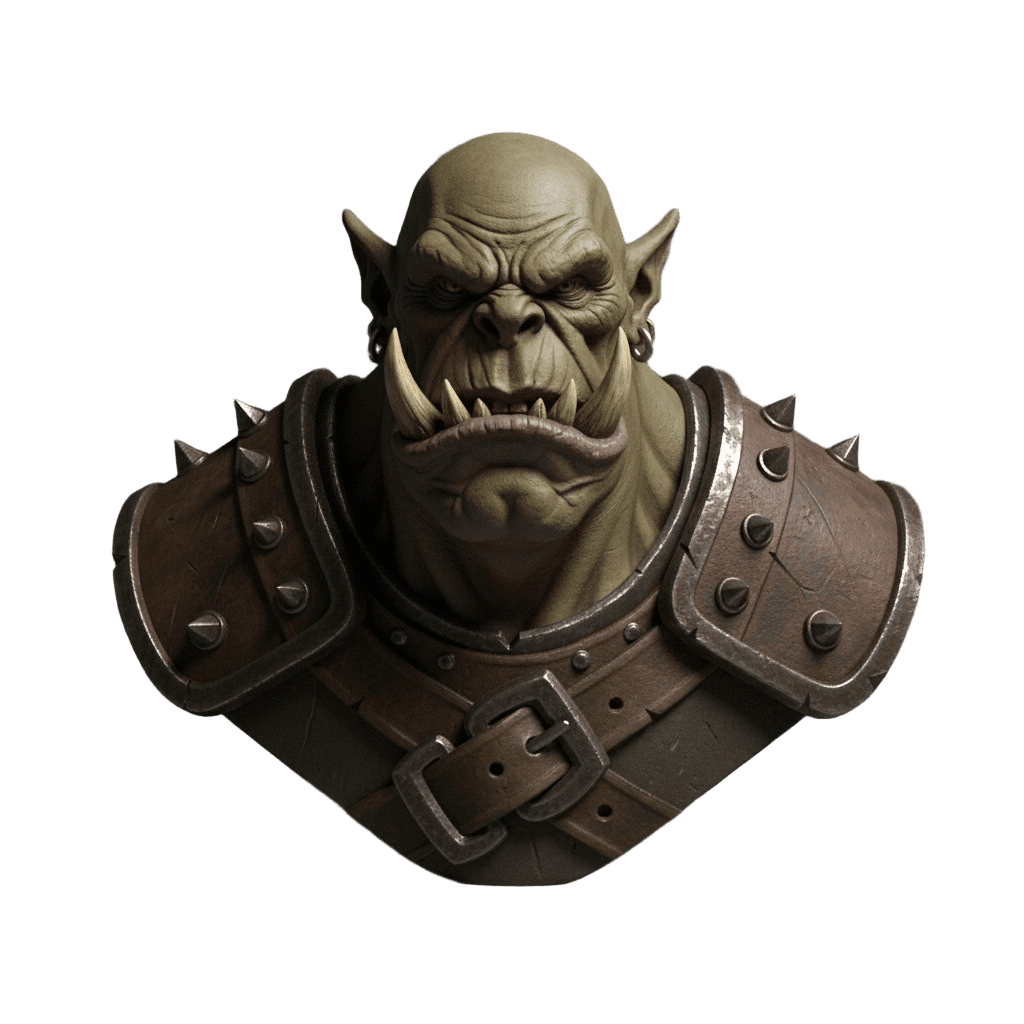
“Generate a dark fantasy orc warrior bust with tusks, pointed ears, leather armor with metal spikes. Use Hunyuan Pro with PBR textures.”
3
AI Models
TRELLIS.2, Hunyuan Rapid & Pro
15
Min Credits
Per 3D model generation
<60s
Fastest Generation
TRELLIS.2 at 512 resolution
MIT
Skill License
Free & open source
What is OpenClaw?
OpenClaw is a self-hosted, open-source gateway that connects your messaging apps to AI coding agents. It turns WhatsApp, Telegram, Discord, iMessage, or any browser into a direct interface to powerful AI tools.
Skills are modular packages that extend what the agent can do. The 3D AI Studio skill teaches the agent how to generate 3D models using our API - so you can create production-ready 3D assets just by chatting.
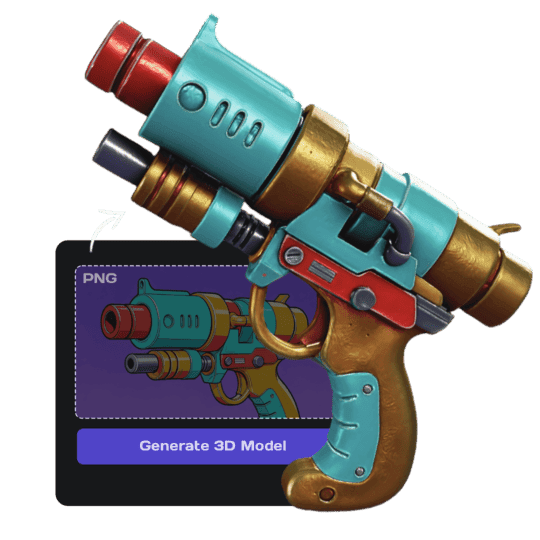
Chat Interface
Generate 3D models in natural language from any messaging app.
Self-Hosted
Runs on your machine. No data leaves your control.
Skill Ecosystem
3,200+ skills on ClawHub. Install the 3D AI Studio skill in seconds.
Open Source
MIT licensed. Read the code, modify it, contribute back.
How to generate 3D models with OpenClaw
From installation to your first 3D model in four steps
Install OpenClaw
Install OpenClaw via npm and run the setup wizard. Takes about 5 minutes on any machine.
Add the 3D AI Studio Skill
Install the community skill from ClawHub and set your API key. One command, done.
Chat to Generate
Open Telegram, Discord, or the web UI. Describe what you want in plain English.
Download & Use
The agent generates, polls, and saves your GLB file. Convert to STL, FBX, or OBJ as needed.
See it in action
A real conversation with OpenClaw generating a 3D model from a chat message
OpenClaw Chat
Direct gateway session
Generating with Hunyuan Pro 3.1 in Geometry mode...
Used Geometry generation type which optimizes for clean hard-surface topology - ideal for architectural and geometric shapes. Both files are in your workspace ready to slice!
Generated via OpenClaw + 3D AI Studio
Real outputs from text and image prompts sent through chat. No post-processing.
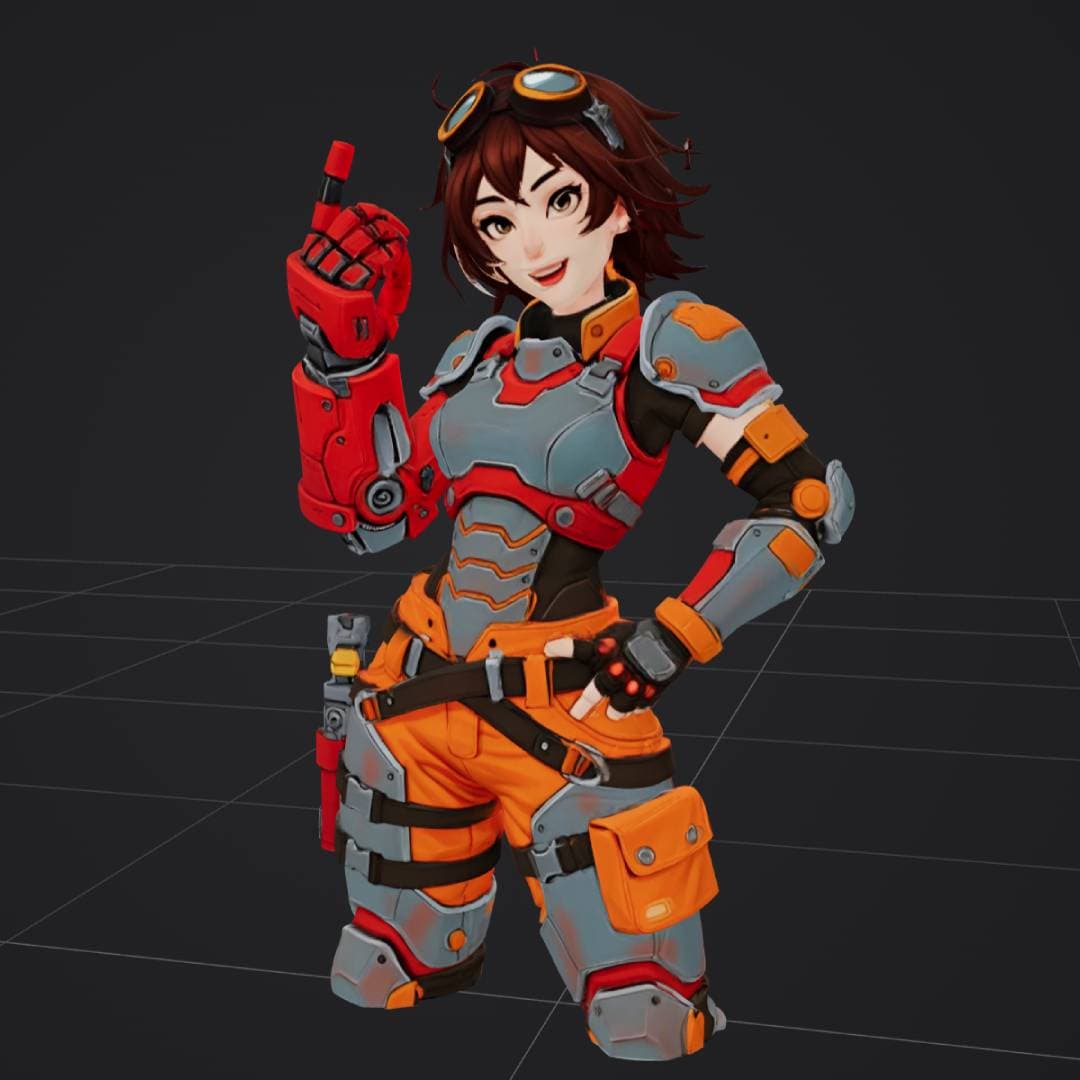
“anime style female engineer in orange and gray power armor”
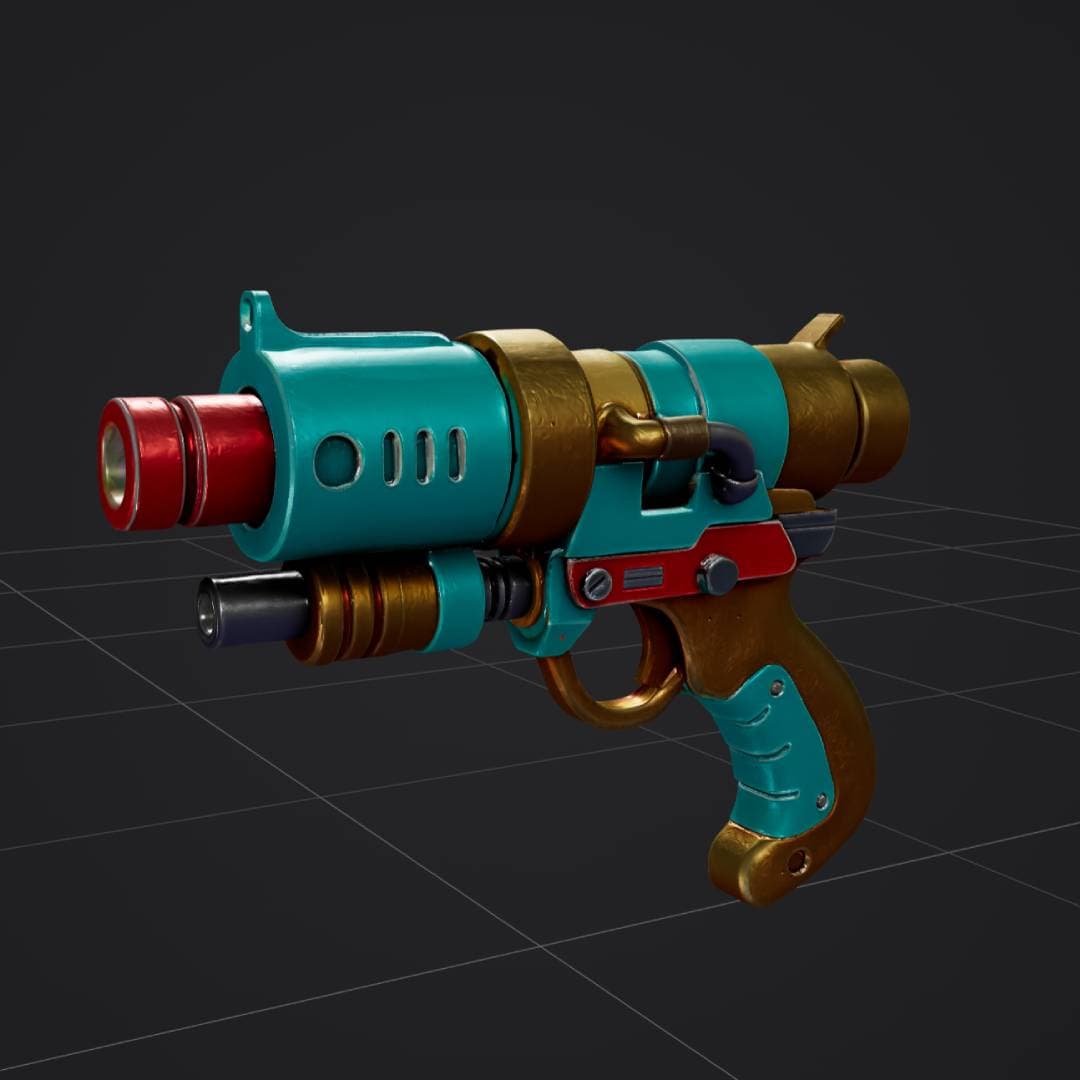
“retro sci-fi ray gun, turquoise red and gold, stylized 3D weapon”
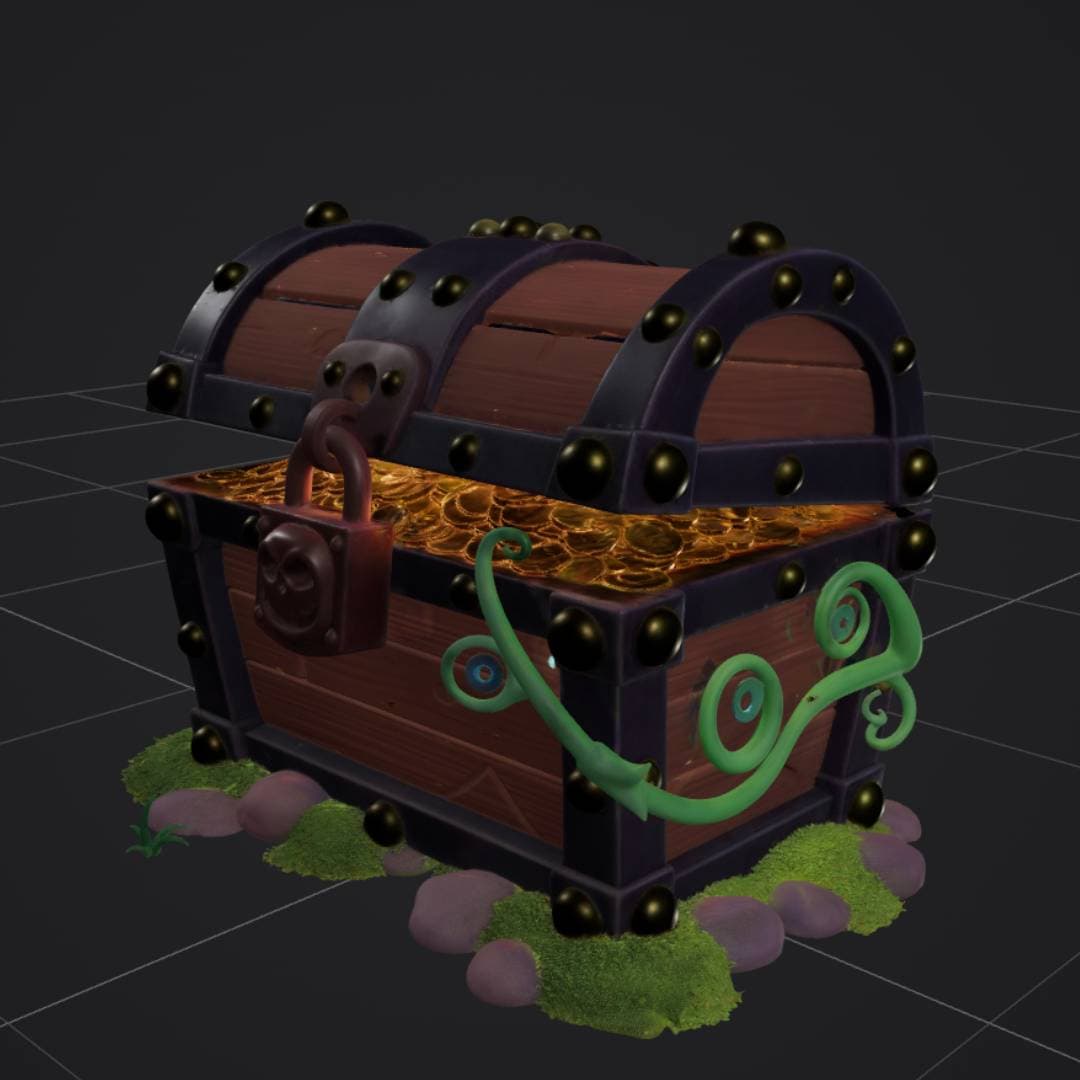
“stylized treasure chest with gold coins, padlock, vines and moss”
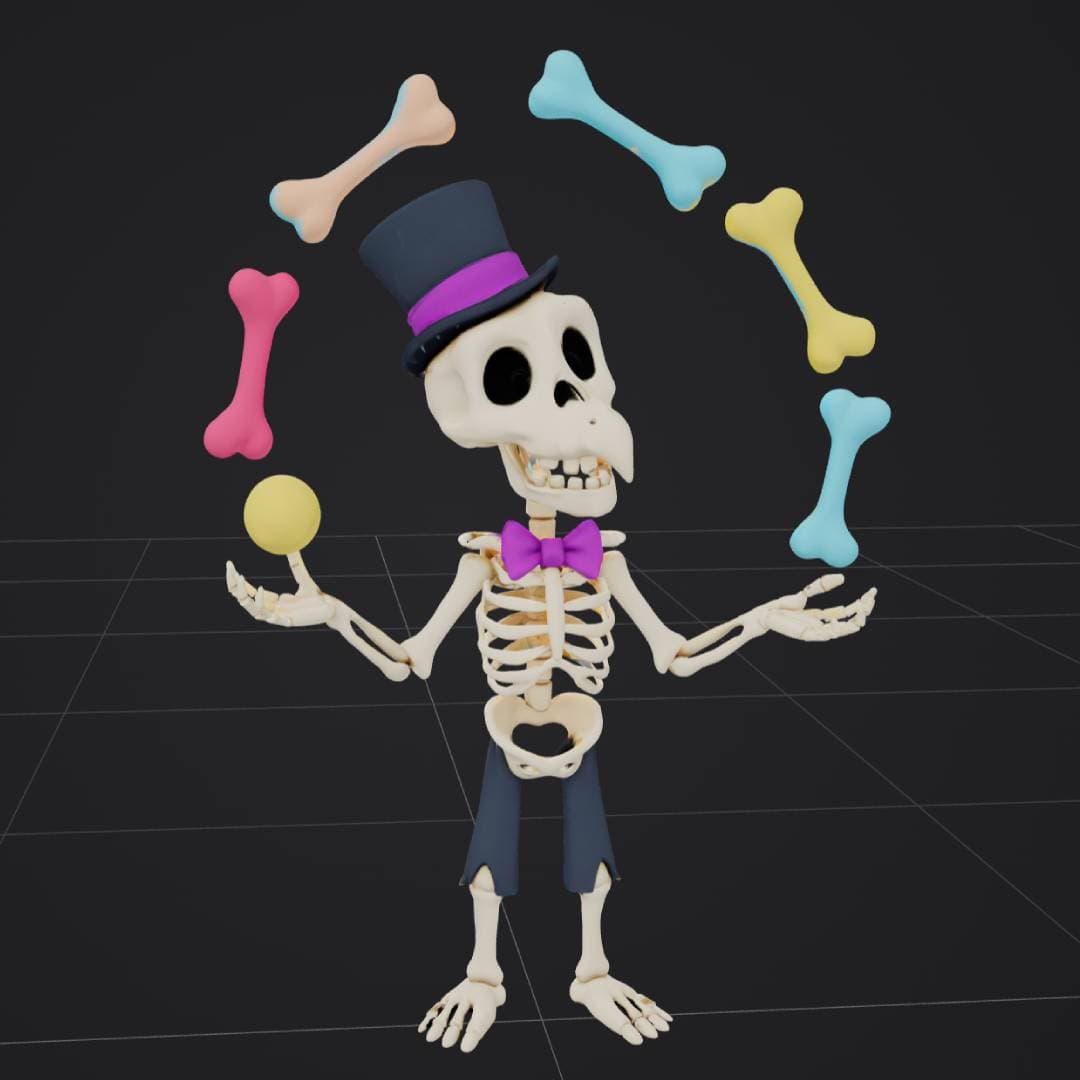

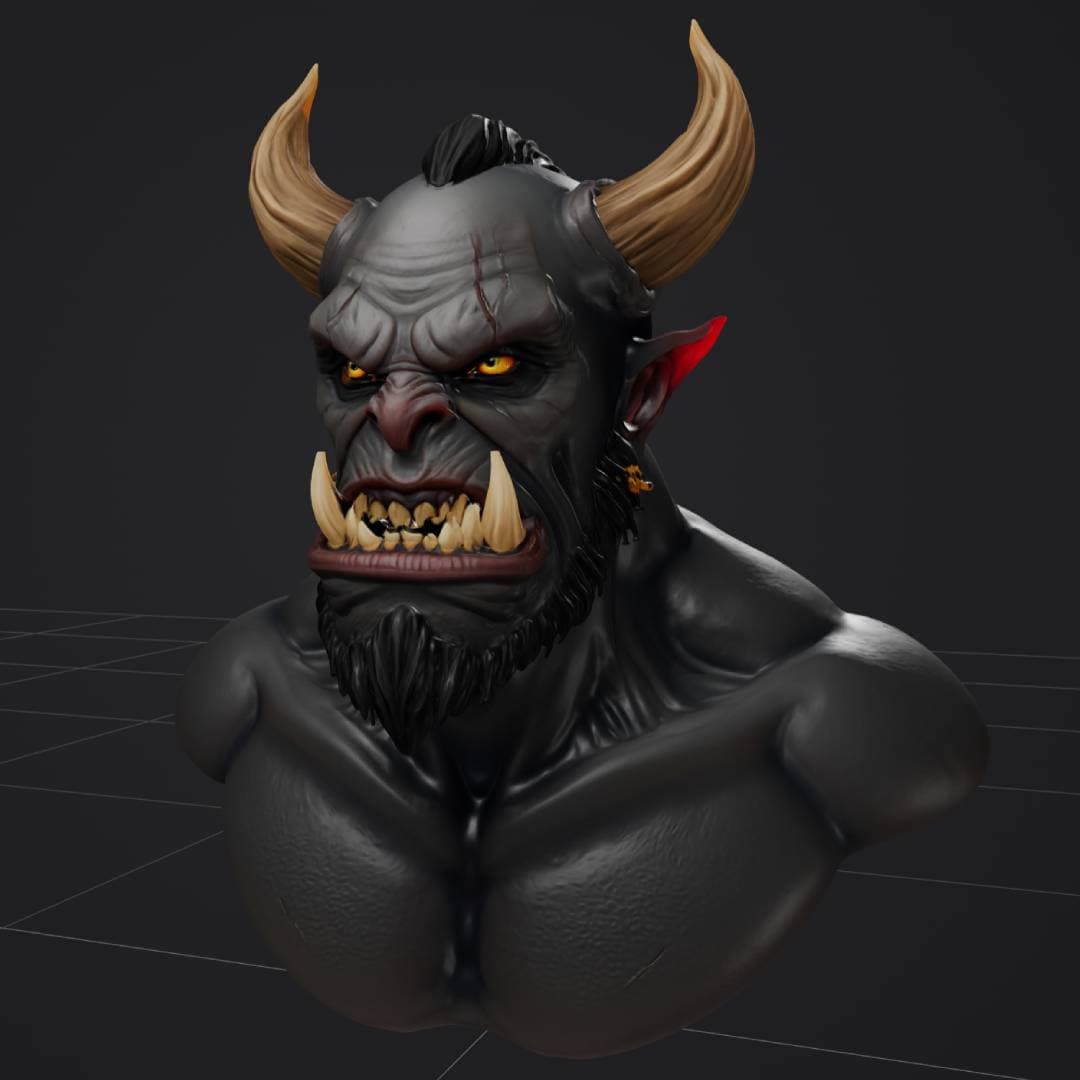
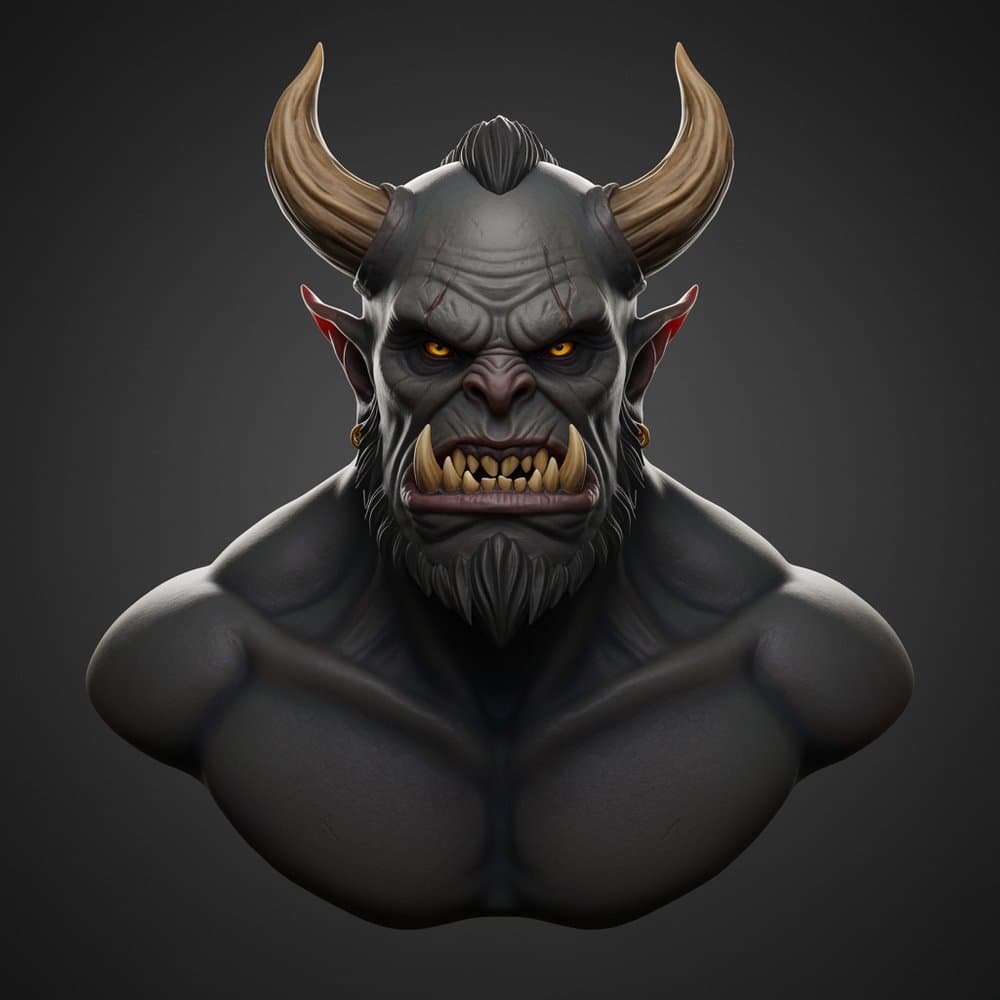
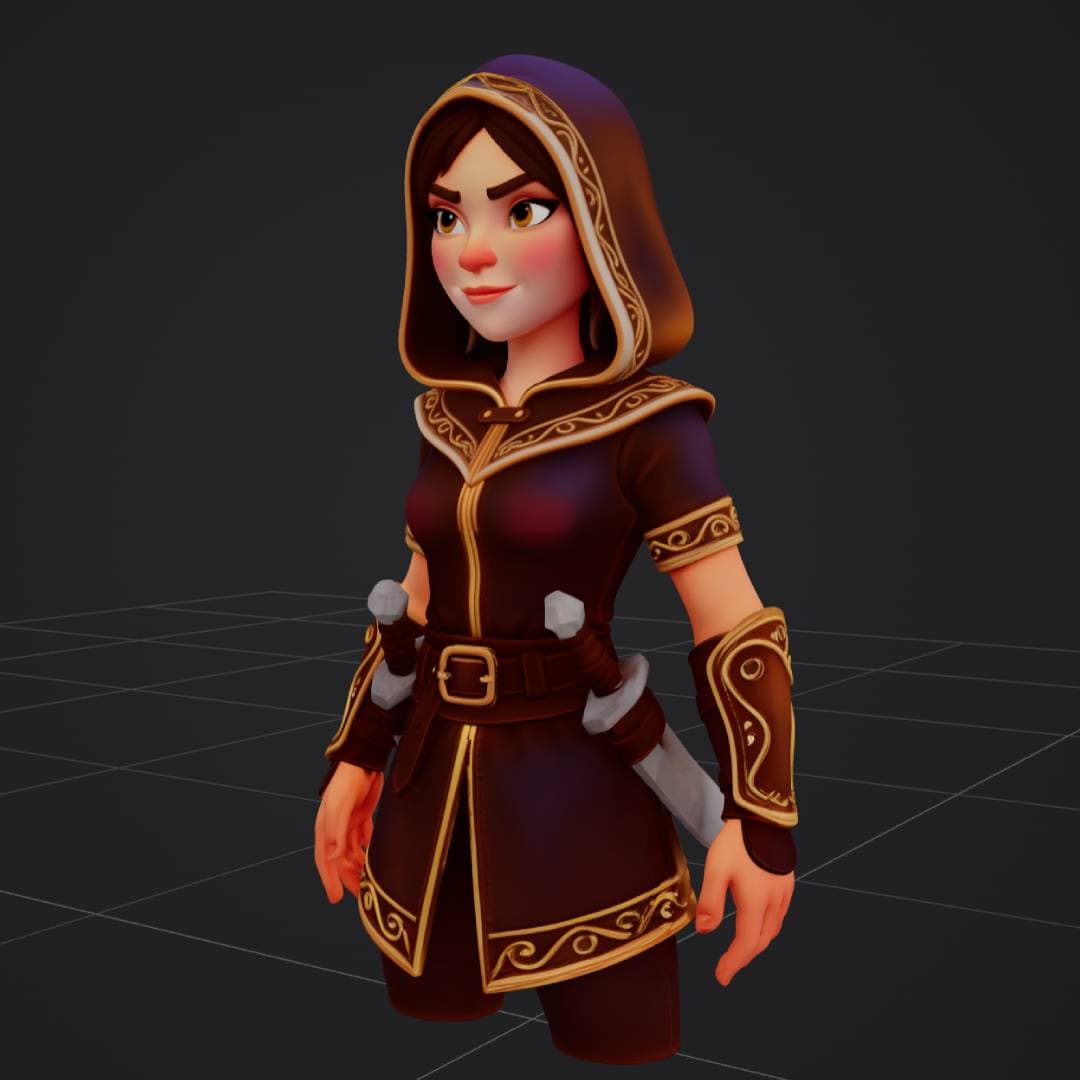
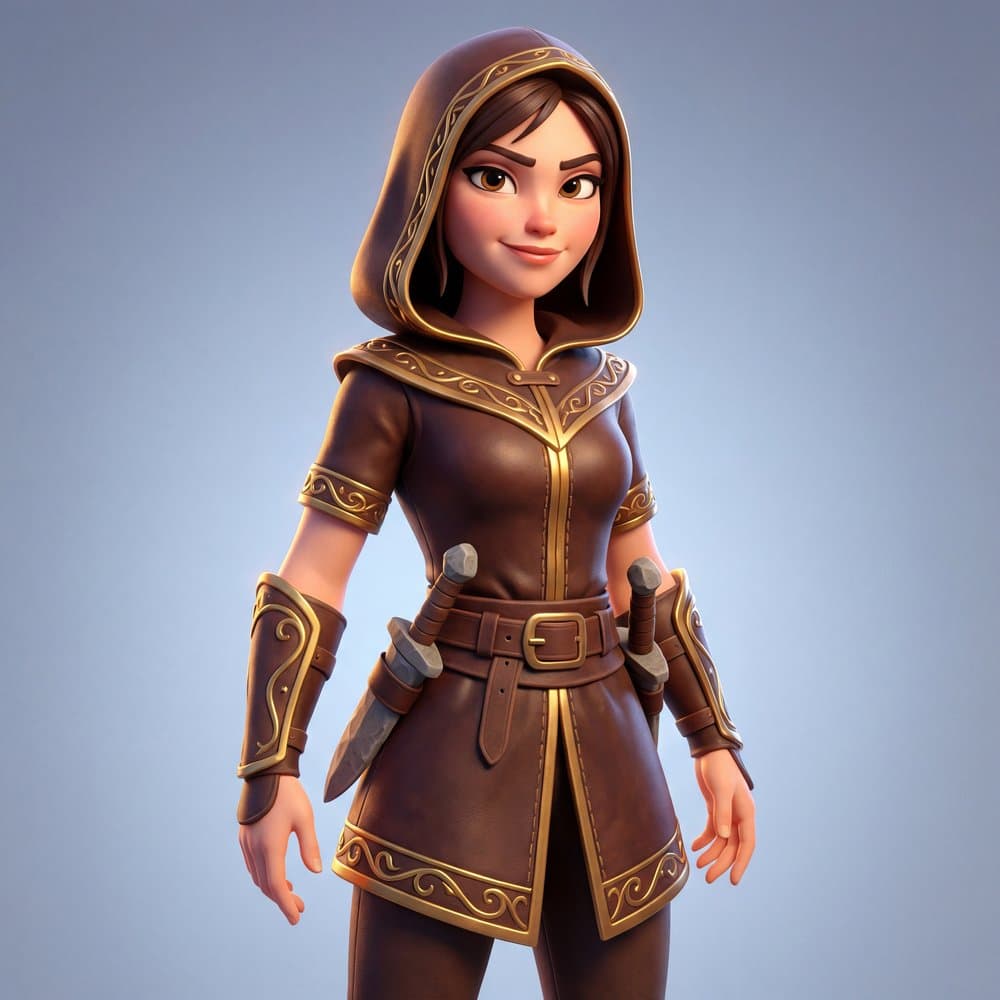
Text to 3D - just describe what you want
Type a description in any connected chat. The agent picks the right model, generates, and delivers your 3D file.
Character Generation
OpenClaw Chat
Direct gateway session
Using Hunyuan Pro 3.1 for best character detail...
Converted to STL and loaded in your slicer:
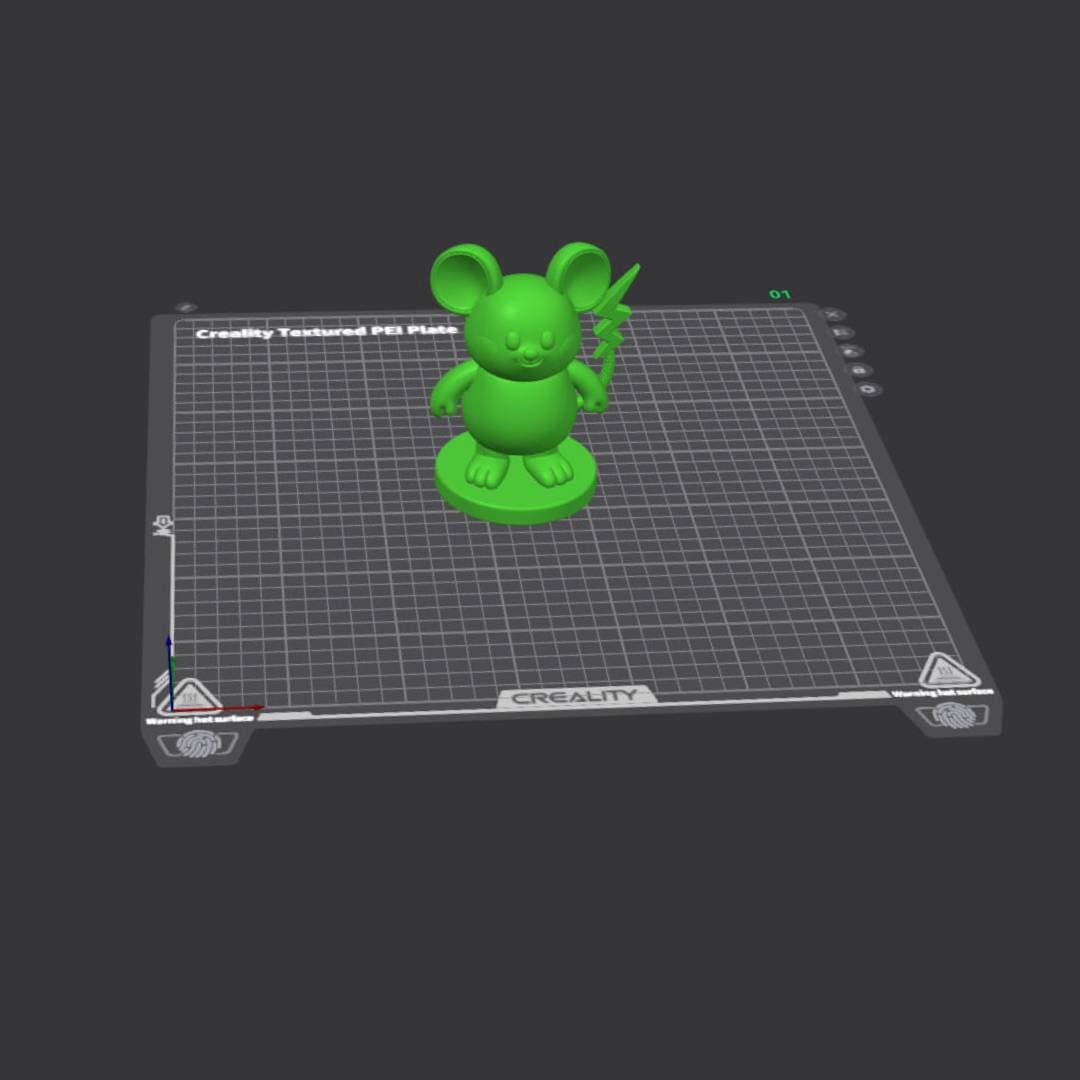
Blender imported the GLB natively. Clean export, no issues. Ready to slice!
Object Generation
OpenClaw Chat
Direct gateway session
Generating with Hunyuan Pro 3.1 + PBR...
PBR model with metallic, roughness, and normal maps included. Ready for Unity, Unreal Engine, or Blender.
Loaded in your slicer and ready to go:
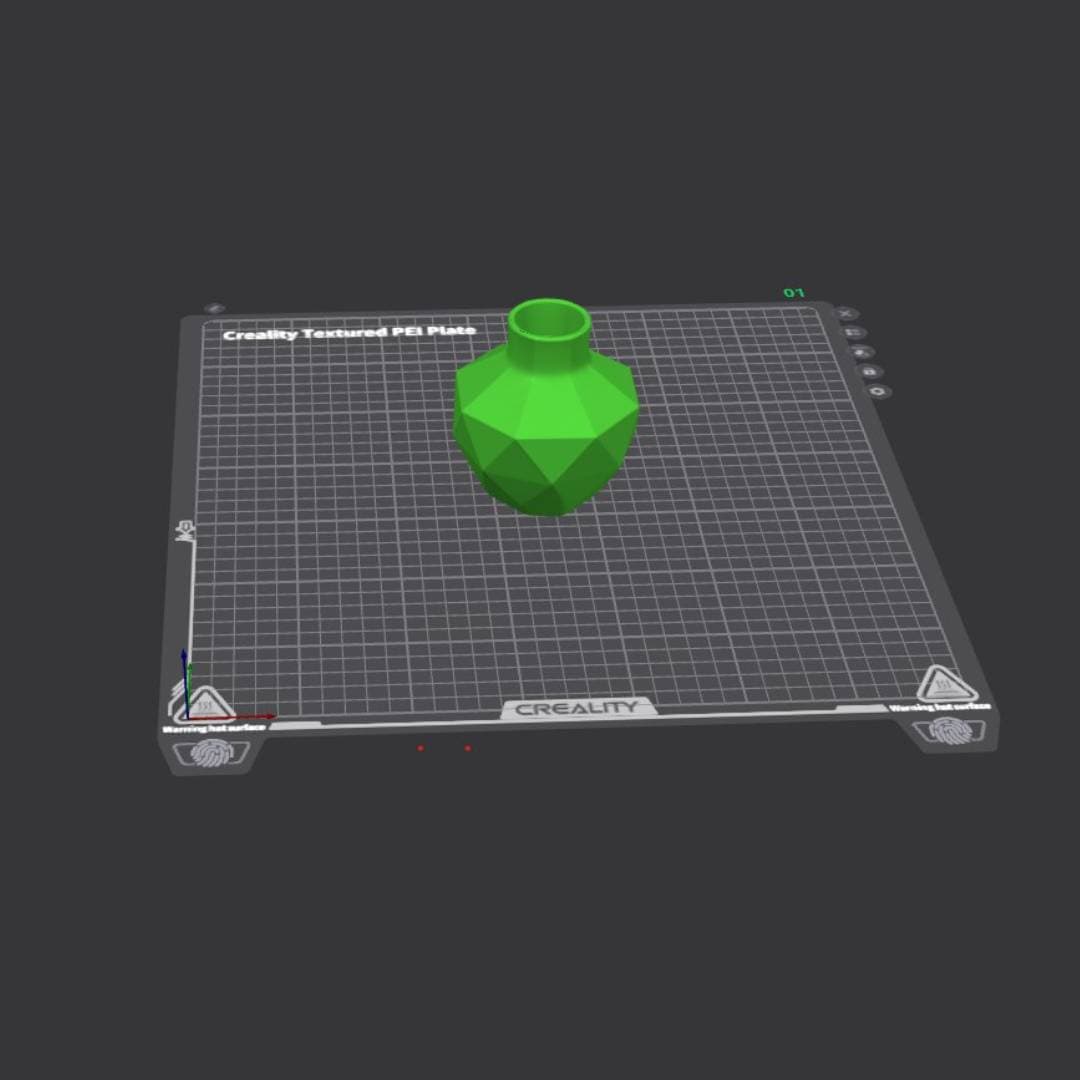
Clean hard-surface topology from Geometry mode. Ready to slice and print!
Image to 3D - upload a photo, get a model
Send an image to the chat and the agent converts it to a 3D model using TRELLIS.2 or Hunyuan.
Image to 3D with TRELLIS.2
OpenClaw Chat
Direct gateway session
Using TRELLIS.2 - fastest option for image-to-3D.
Textured 3D model generated in 36 seconds. Includes base color, metallic, roughness, and normal texture maps. Ready for e-commerce, AR preview, or further editing in Blender.
Multiple ways to generate 3D models
The agent picks the best approach based on what you provide
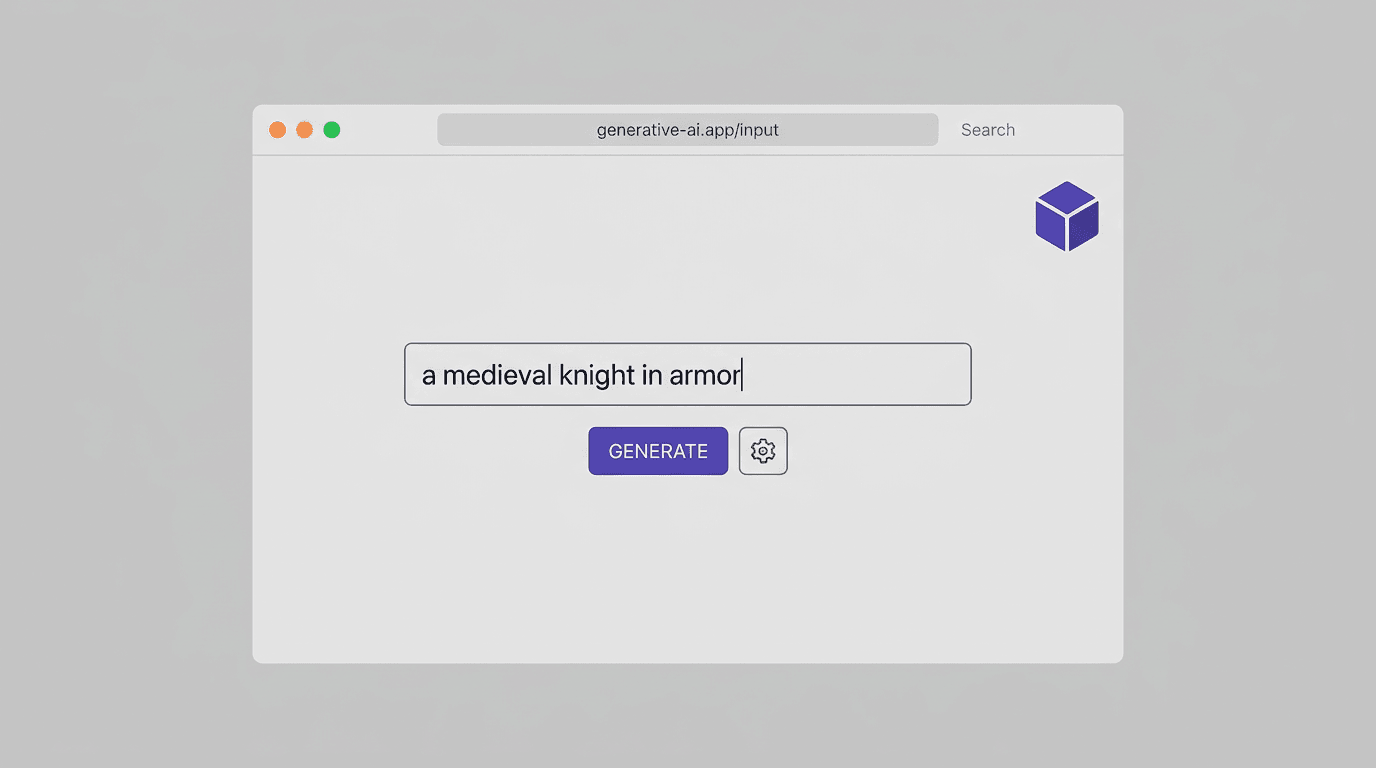
Text to 3D
Describe any object in natural language. The agent uses Hunyuan Rapid or Pro to generate the full 3D model with textures from your description alone.
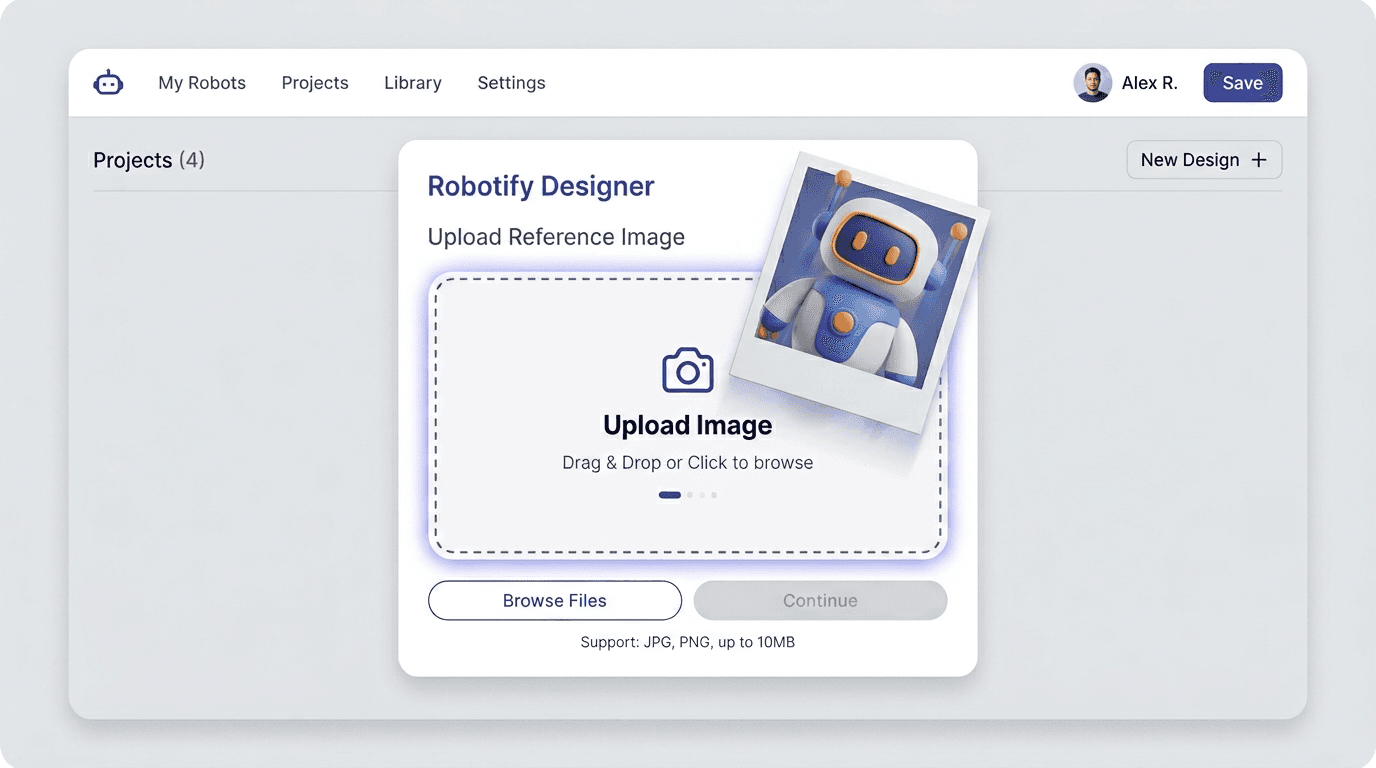
Image to 3D
Send a product photo, concept art, or reference image. The agent uses TRELLIS.2 or Hunyuan to reconstruct accurate 3D geometry matching your input.
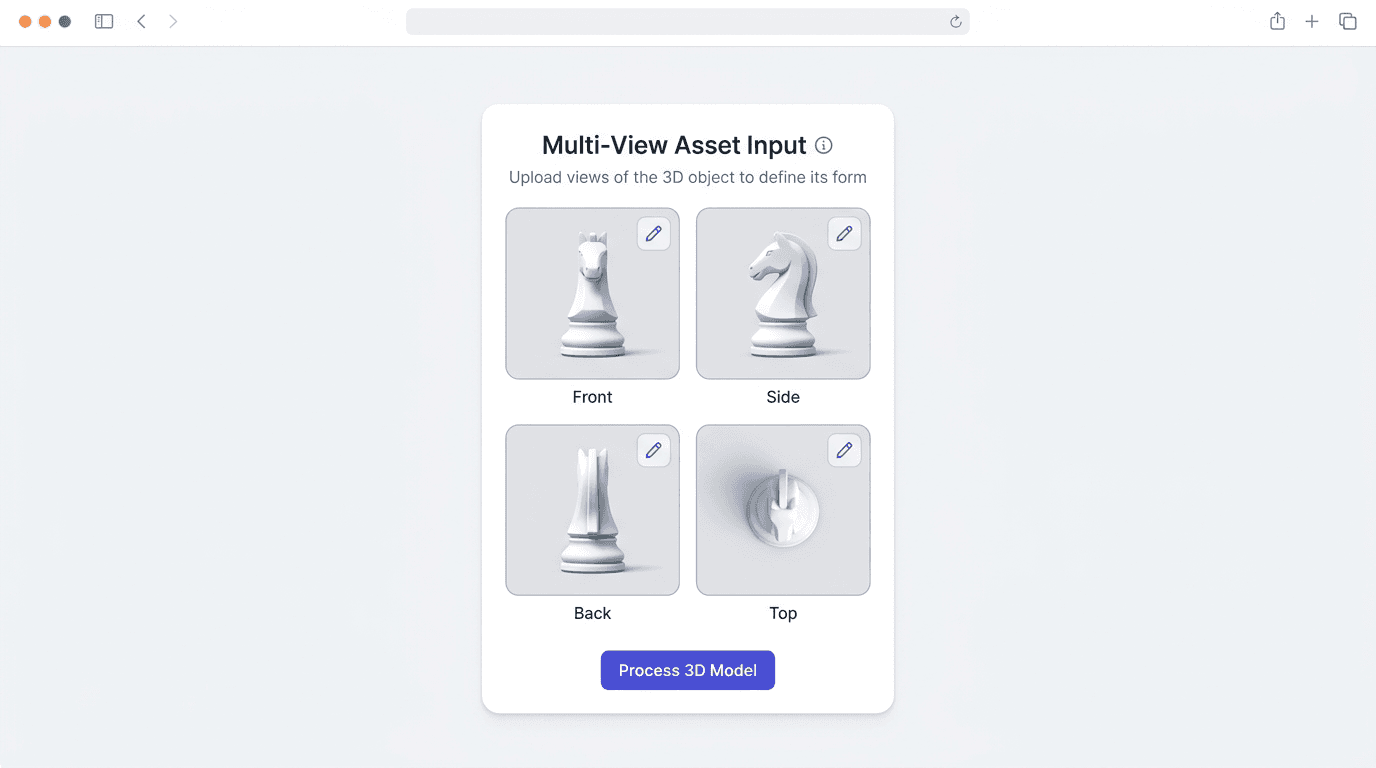
Multi-View to 3D
Provide multiple angles of the same object for the most precise reconstruction. Hunyuan Pro supports front, side, back, and top views.
From chat message to 3D print
The complete pipeline: describe an object, generate it, convert to STL, and slice for printing. All from a chat window.
Describe
"Generate a geometric vase with clean topology for 3D printing"
Generate
AI creates GLB model with optimized geometry in ~2 minutes
Convert
Agent exports to STL (print-ready) and saves to workspace
Slice & Print
Load STL into Creality Print, Cura, or any slicer and print
STL conversion - the agent handles it
OpenClaw Chat
Direct gateway session
Blender imported the GLB natively (it was a proper GLB, not a ZIP). Clean export, no issues. Ready to slice!
Three AI models, one skill
The 3D AI Studio skill gives the agent access to three different 3D generation models. It picks the best one for your request, or you can choose.
TRELLIS.2
Microsoft
Fastest & Cheapest
Image-to-3D only. Best for product shots, characters, and objects from photos. Generates in 25 seconds to 4 minutes.
Credit costs per generation
Pay-as-you-go with credits. No subscriptions. Failed generations are automatically refunded.
| Use Case | Model | Credits | Speed |
|---|---|---|---|
| Quick concept from image | TRELLIS.2 (geo only) | 15-25 | 25s-2min |
| Textured model from photo | TRELLIS.2 + textures | 25-55 | 1-4min |
| Text to 3D (fast) | Hunyuan Rapid | 35 | 1-2min |
| Text to 3D + PBR | Hunyuan Rapid + PBR | 55 | 1-2min |
| Highest quality | Hunyuan Pro | 60 | 3-6min |
| Game-ready PBR asset | Hunyuan Pro + PBR | 80 | 3-6min |
| Max detail + multi-view | Hunyuan Pro (full) | 100 | 3-6min |
New users receive free credits to get started. Purchase credits →
Setup guide
Get from zero to generating 3D models in about 10 minutes
Install OpenClaw
Requires Node.js 22 LTS or 24. The init wizard sets up your gateway and connects your AI provider.
Install the 3D AI Studio skill
Or browse the skill on ClawHub: whale-professor/3daistudio-integration
Set your API key
Get your API key here. New accounts receive free credits.
Start generating
The agent handles everything: model selection, generation, polling, and downloading. Your GLB file appears in the workspace.
What you can build with OpenClaw + 3D AI Studio
Generate 3D assets for any workflow, directly from chat.
Game Development
Characters, props, and environments from text descriptions
3D Printing
Generate STL-ready models for FDM and resin printers
XR & Spatial
PBR assets for VR, AR, and spatial computing apps
E-Commerce
Product photos to interactive 3D models in seconds

About the 3D AI Studio skill
A community-built OpenClaw skill that wraps the full 3D AI Studio API
Skill Details
Available Commands
Frequently asked questions
Want maximum quality without OpenClaw?
Use Hunyuan3D 3.5 directly on 3D AI Studio with up to 8K PBR textures and 2M+ polygons. No installation needed.