

Best 3D AI Generator 2026 - Quick Comparison
Curious how this stacks up against the other models? I ran a side-by-side test - you can see exactly where it shines and where it falls short:
That gives you the visual picture. Below I'll cover the full specs, ideal use cases, and my honest recommendation on when to use this model vs the alternatives:
What is Trellis 2?
Trellis 2 is an AI model developed by Microsoft Research that generates detailed 3D models from a single image. Built on a 4 billion parameter architecture, it produces assets with realistic PBR materials including base color, metallic, roughness, and alpha channels.
Unlike traditional 3D modeling in Blender or Maya, Trellis 2 automates the entire process. Upload a photo, get a complete 3D model with realistic materials in 1 to 3 minutes. Nothing to install. No GPU required. Works in any browser.
Who is Trellis 2 for?
Game Development
Rapidly prototype characters, props, and environment assets from concept art or reference photos.
E-Commerce
Turn product photos into interactive 3D models for your online store, AR previews, and marketing.
Design & Architecture
Generate 3D references from sketches or photos. Visualize ideas before committing to full modeling.
3D Printing
Convert images of objects into printable STL files. Great for custom figurines, replacement parts, and art.
How Trellis 2 Works
From photo to production-ready 3D model in four simple steps
Upload Image
Provide a reference image of the object you want to convert to 3D.
O-Voxel Conversion
Instant bidirectional conversion transforms input into Omni-Voxel representation.
Latent Compression
SC-VAE encodes voxels into compact Structured Latent space with 16× compression.
Export Asset
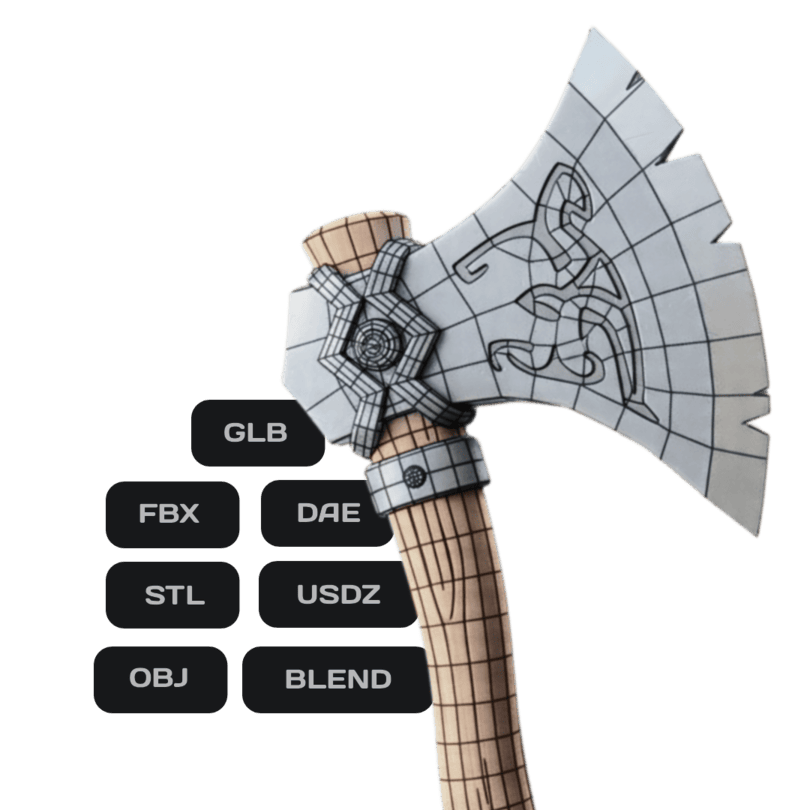
Download your PBR-textured 3D asset in GLB, OBJ, FBX, or STL format.
What You Can Generate
Trellis 2 handles diverse 3D asset types with exceptional quality
Explore a World of 3D Creations
Every model here was created using 3D AI Studio.
Click any thumbnail to explore in 3D.
Trellis 2 vs Other AI 3D Generators
Compare Trellis 2 with Hunyuan 3D and Meshy. All three are available on 3D AI Studio
| Feature | Trellis 2 | Hunyuan 3D | Meshy |
|---|---|---|---|
| Input Type | Single image only | Text, image, or multi-view | Text or image |
| Output Quality | High fidelity | Highest fidelity | High fidelity |
| PBR Materials | Always included | Optional (+20 credits) | Included on paid plans |
| Cost per Model | 10 credits | 35 to 100 credits | 20 to 50 credits |
| Generation Speed | 1 to 3 minutes | 2 to 6 minutes | 2 to 5 minutes |
| Polygon Control | Automatic | 40K to 1.5M adjustable | Adjustable |
| Text-to-3D | No | Yes | Yes |
| Best For | Fast, affordable image-to-3D | Maximum quality & control | Versatile all-rounder |
| Export Formats | GLB, OBJ, FBX, STL, PLY | GLB, OBJ, FBX, STL, PLY | GLB, OBJ, FBX |
| Commercial Use | Yes | Yes | Yes |
Not sure which model fits your project? Try all three on 3D AI Studio and compare results side by side.

Used by game developers, studios, and teams to accelerate 3D content creation








Why Choose Trellis 2
Industry-leading AI 3D generation with unmatched resolution and material quality
Ultra High Resolution
Generate assets up to 1536³ voxel resolution with exceptional geometric detail and sharp edges.
Full PBR Materials
Complete PBR attribute support including Base Color, Metallic, Roughness, and Alpha channels.
16× Compression
Sparse Compression VAE achieves 16× spatial downsampling with negligible perceptual degradation.
Arbitrary Topology
Flexible Dual Grids representation handles complex topologies while preserving sharp edges.
Technical Innovations
Novel architectures enabling efficient, high-fidelity 3D generation
O-Voxel Representation
Omni-Voxel Structure
A novel field-free sparse voxel structure designed to encode both precise geometry and complex appearance simultaneously. Enables arbitrary topologies with sharp edge preservation.
SC-VAE
Sparse Compression VAE
A Sparse Residual Autoencoding scheme that directly compresses voxel data into highly compact representations, enabling efficient large-scale generative modeling.
Instant 3D Model Creation in Seconds
Generate production-ready 3D models from a simple text prompt or image. What traditionally takes days of manual modeling, texturing, and optimization now happens in seconds with AI-powered precision. From concept to export-ready asset - faster than you ever thought possible.
Image to 3D Model
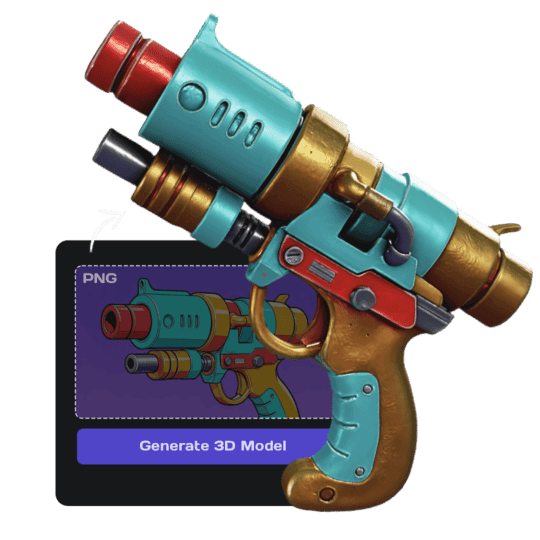
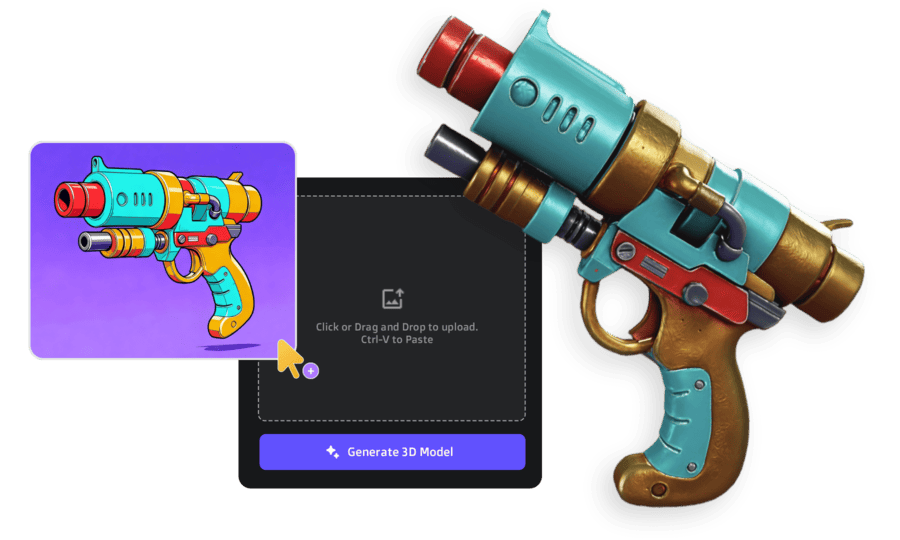
Turn 2D images, sketches, or illustrations into 3D models. Upload a reference image and get a textured, export-ready 3D model. Try now or learn more.
Text to 3D
Create 3D models from text descriptions. Type what you want and get a textured model ready for use. Try now or learn more.
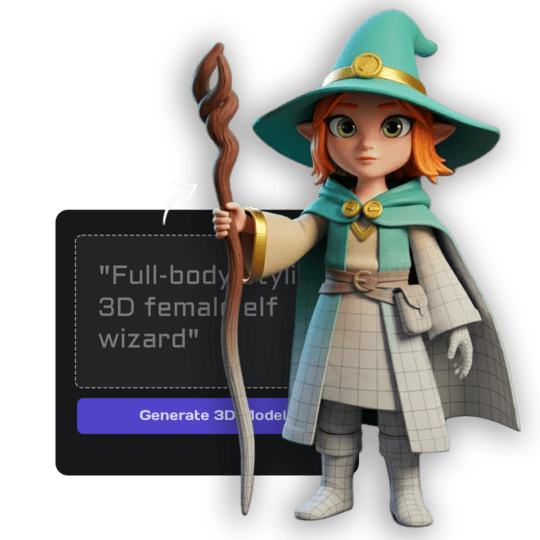
Image Studio
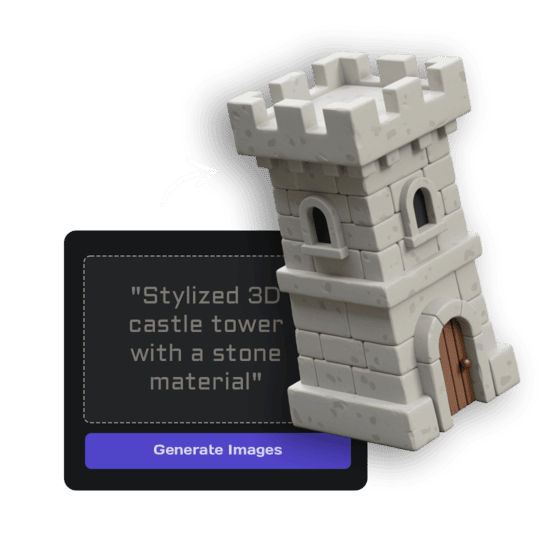
Generate images from text, edit and transform uploaded images, create videos, and more. Complete AI image toolkit. Try now.
AI Texturing
Paint AI-generated textures directly onto your models. Generate PBR materials from text prompts or paint custom details. Try now.


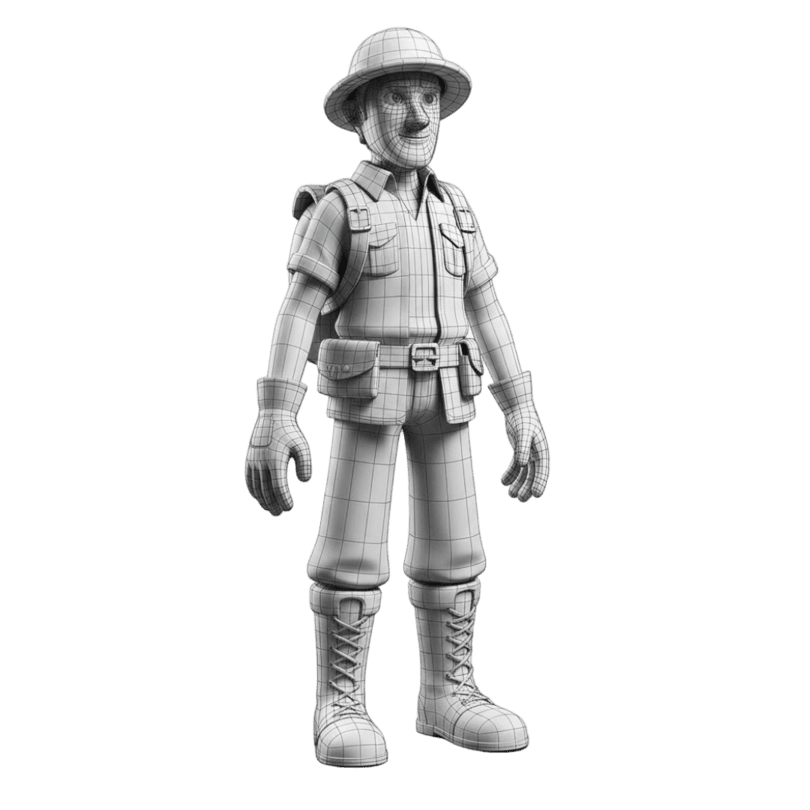
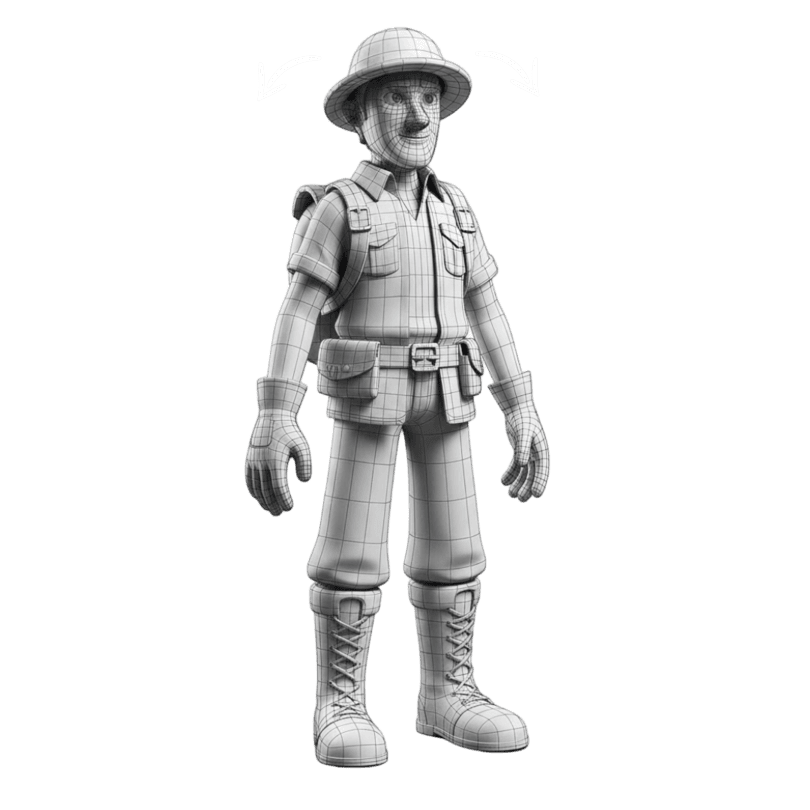
Quad Remeshing
Clean topology, reduce polygon count, and generate LODs automatically. Fix mesh issues before export. Try now.
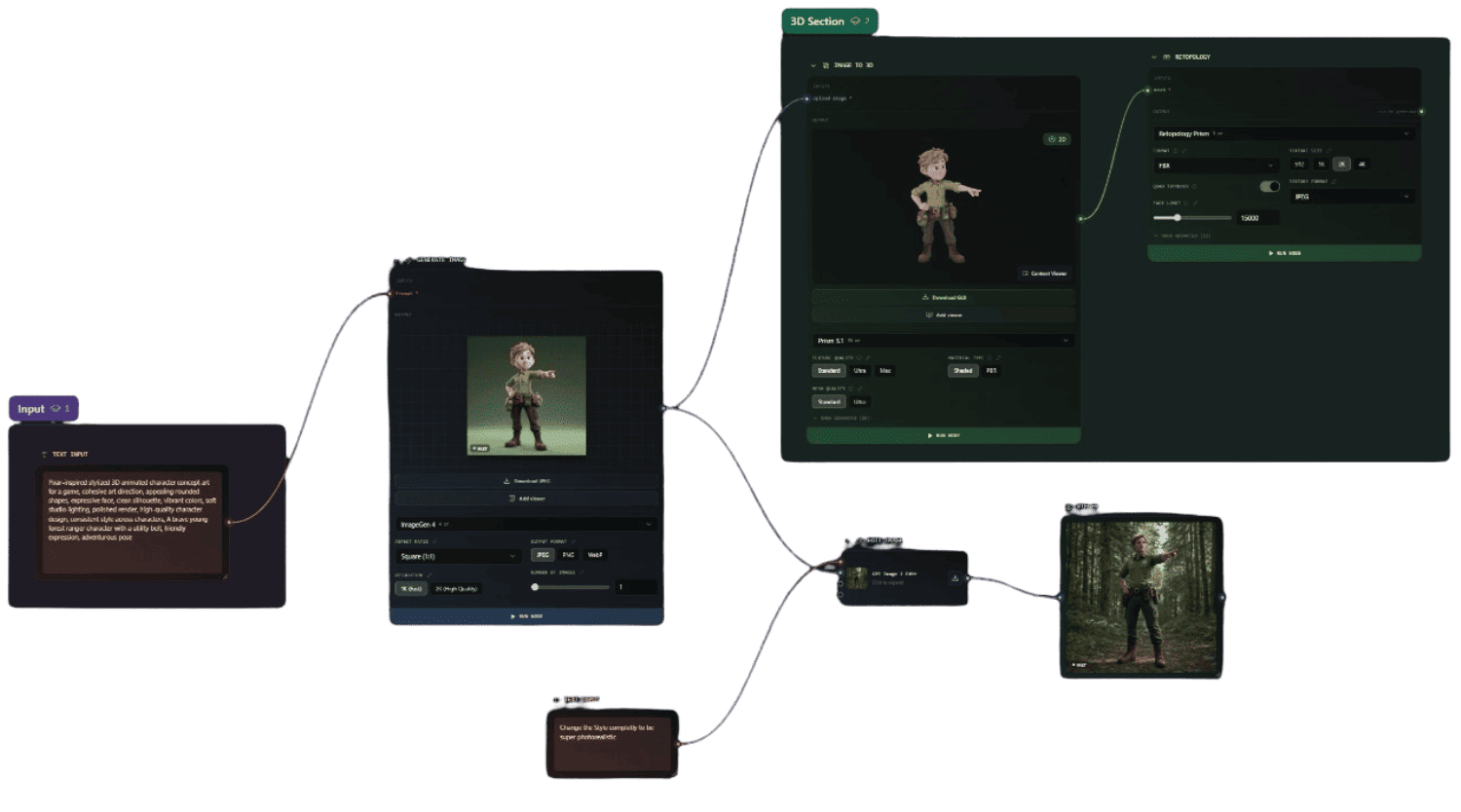
Flow
Build visual, node-based AI pipelines on an infinite canvas - chain image, text, 3D, video and batch steps into reusable workflows for anything creative.
Trusted by Creators
Studios, developers, and businesses achieving measurable results with AI powered 3D generation

Polyworks Games
Solo Developer
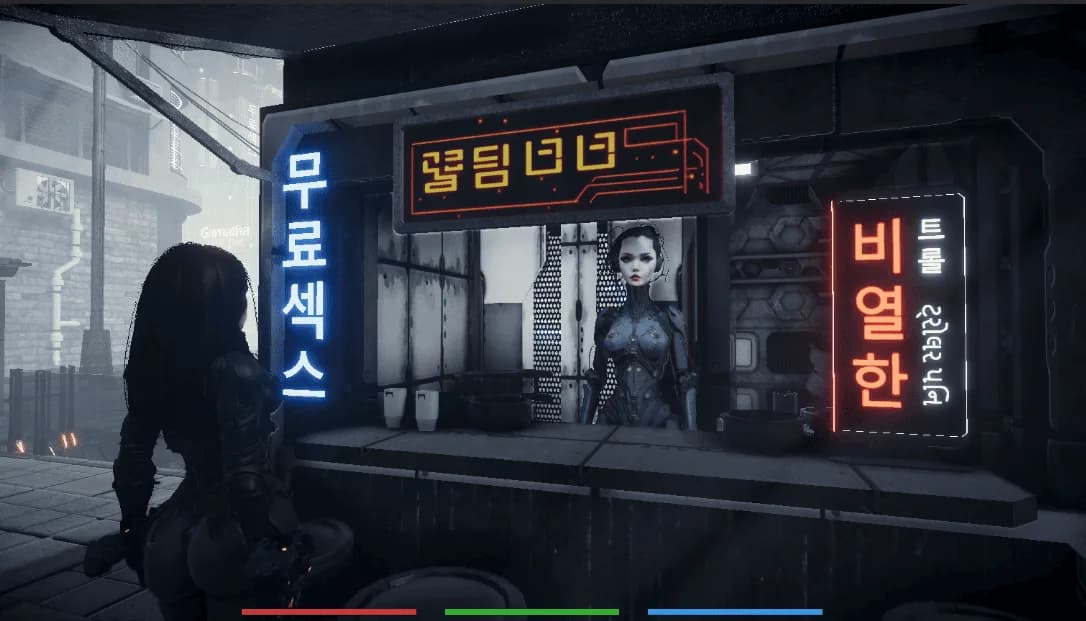
Without it, Fallen Metal couldn't exist. Every other service failed at photorealistic humans.
"Polyworks Games
Photorealistic dystopian RPG produced 10 to 100× faster with 3D AI Studio, the only tool capable of generating realistic human faces.

Sławomir Grabowski
CEO
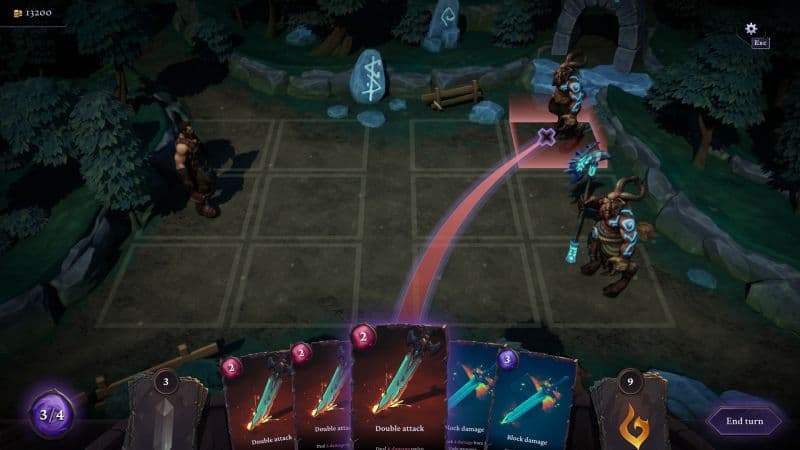
Surprised by the detail it delivers. Shape, textures, PBR. We iterate at the speed of design.
"Quick Turn Games
Indie RPG artifacts produced up to 9× faster with 3D AI Studio's Image to 3D workflow.
Yariv Newman
Production & Concept Designer
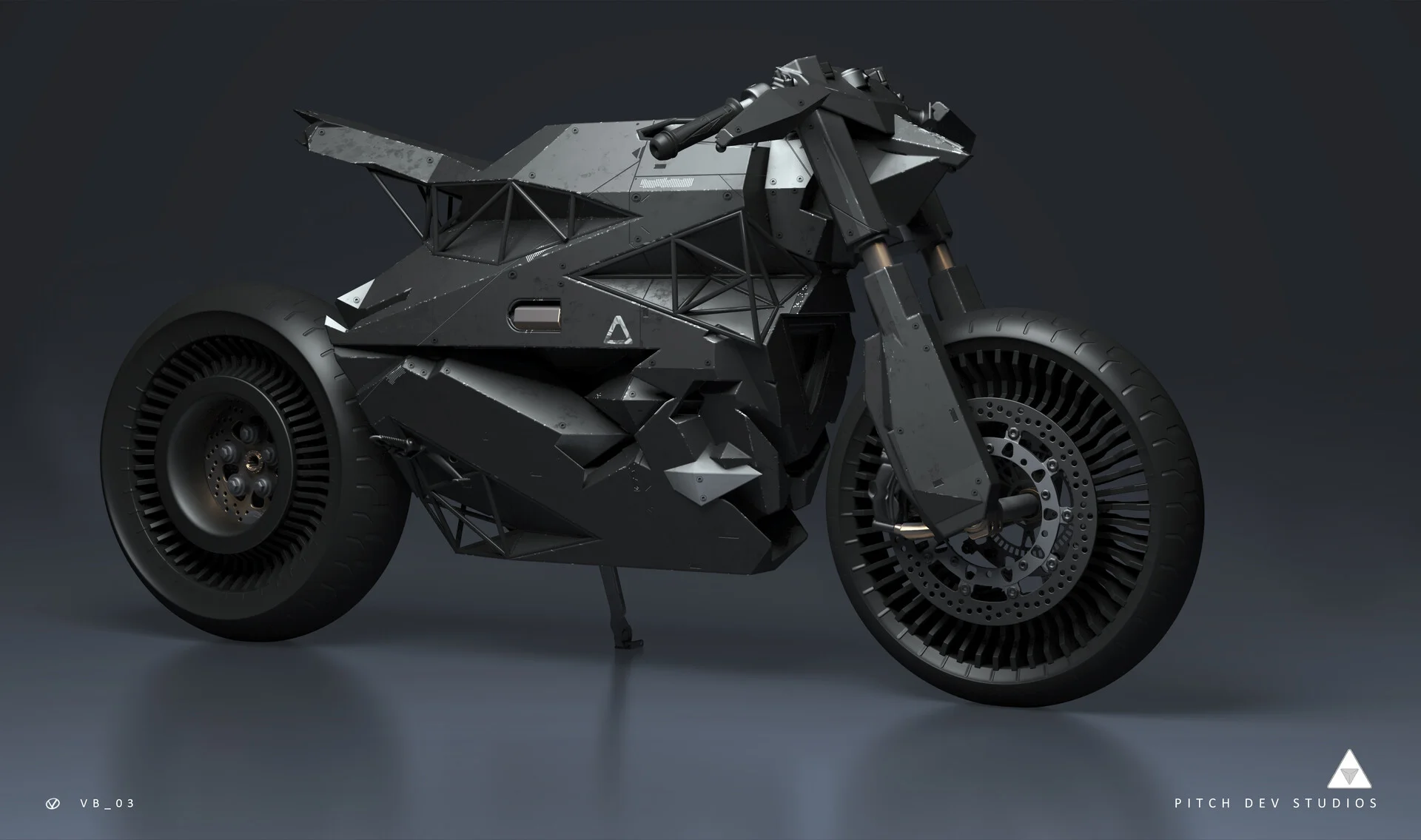
Sketch to screen in record time. Concepts felt so polished that client buy-in was immediate.
"Pitch Dev Studios
Sci-fi industrial concepts delivered five times faster with 3D AI Studio's geometry & PBR generation.

Tomer Yariv & Ohad Braha
President & COO
Evolving faster. Customers get live previews, team gets print-ready files. Everybody wins.
"Monume
3D printed keepsakes delivered twice as fast with 3D AI Studio powered automation.
Future-Proof Your Workflow
Compatible with all 3D software and all formats








and many more
Learn More About Trellis 2
Frequently Asked Questions
Everything you need to know about using Trellis 2 on 3D AI Studio
Need game-ready assets?
Try Tripo P1 — native 3D diffusion with clean topology and 48-20K polygon budgets, optimized for Unity, Unreal, and Godot.
Need smart low-poly or quad remeshing?
Try Tripo 3D — up to 500K polygons with smart low-poly, quad remeshing, detailed geometry, and parts segmentation.
Building a game?
Compare all AI 3D models for game development — from low-poly props to hero characters, with engine compatibility guides.