
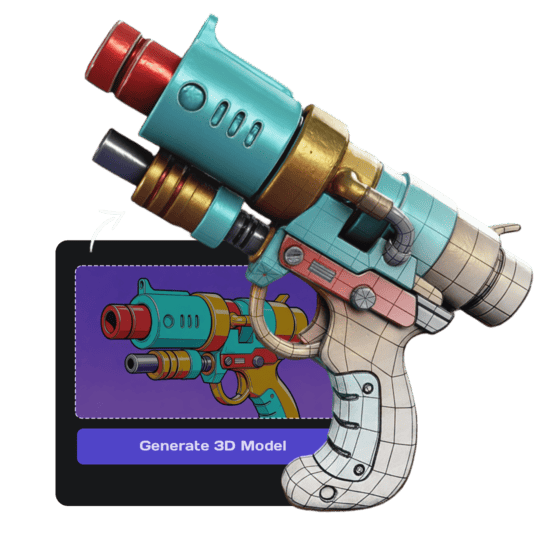
High Fidelity Reproduction
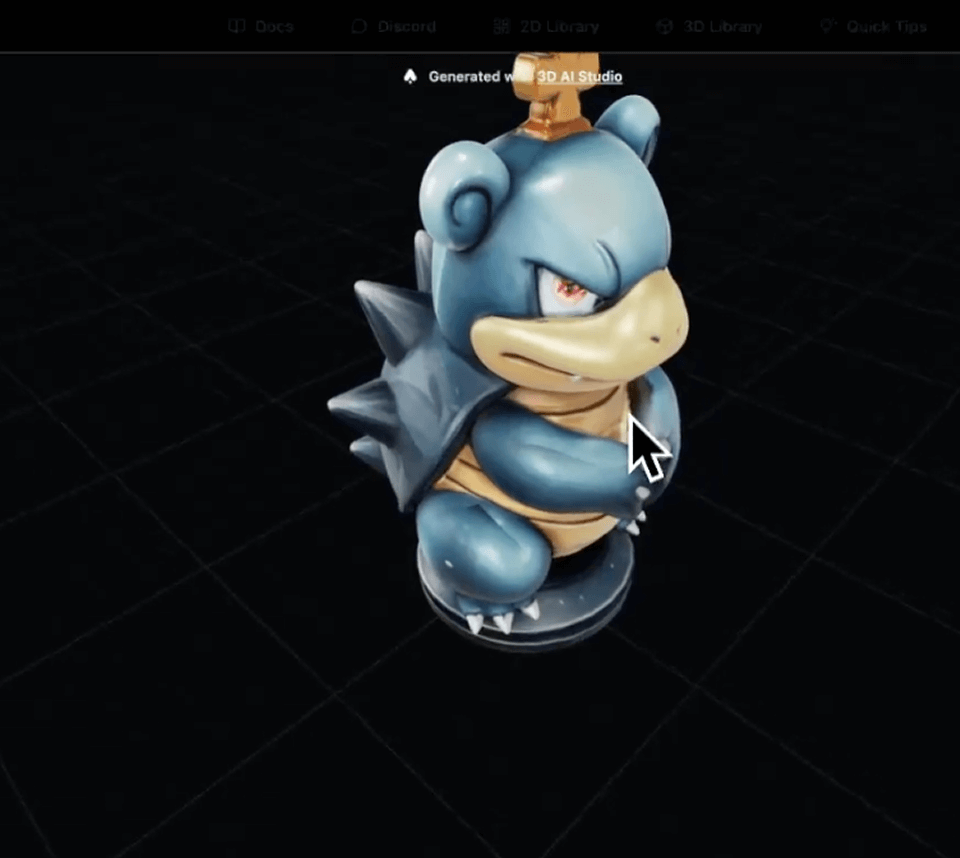
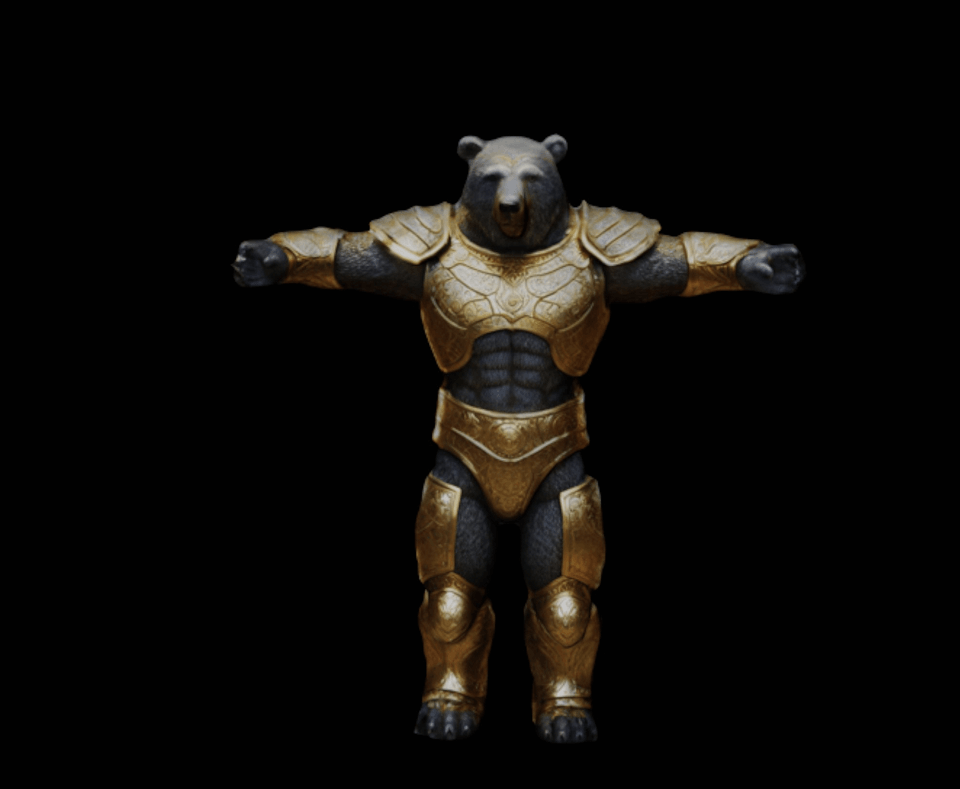
The generated model faithfully replicates the original image, capturing intricate shapes and fine details with high precision.
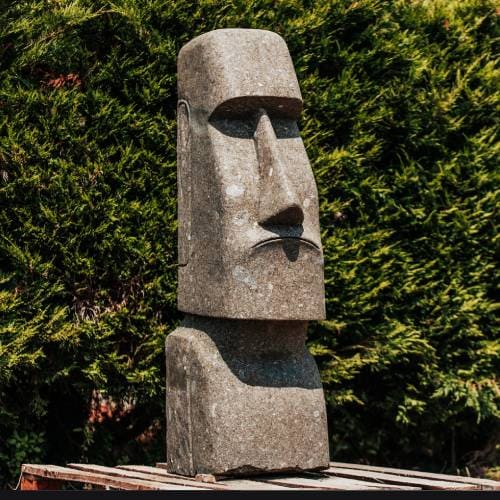
Your Original Image
Start with any photo, artwork, or concept image. Our AI analyzes every detail to understand the object's structure and characteristics.
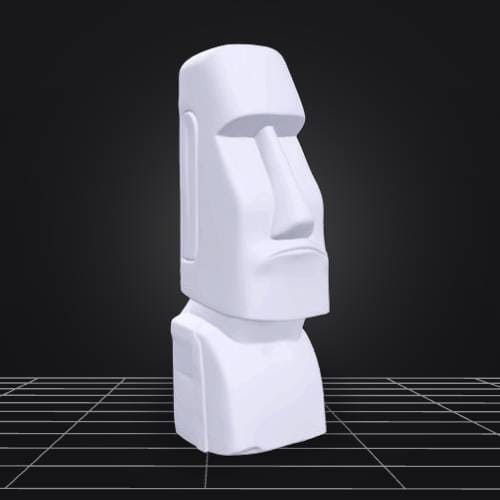
Detailed 3D Model
Get a fully dimensional model with accurate geometry, preserved textures, and faithful reproduction of the original's key features.
How It Works
Our simple three-step process makes it easy for you to turn your favorite images into high-fidelity 3D models.
Upload Your Image
Choose any photo, artwork, or concept image to transform into a 3D model.
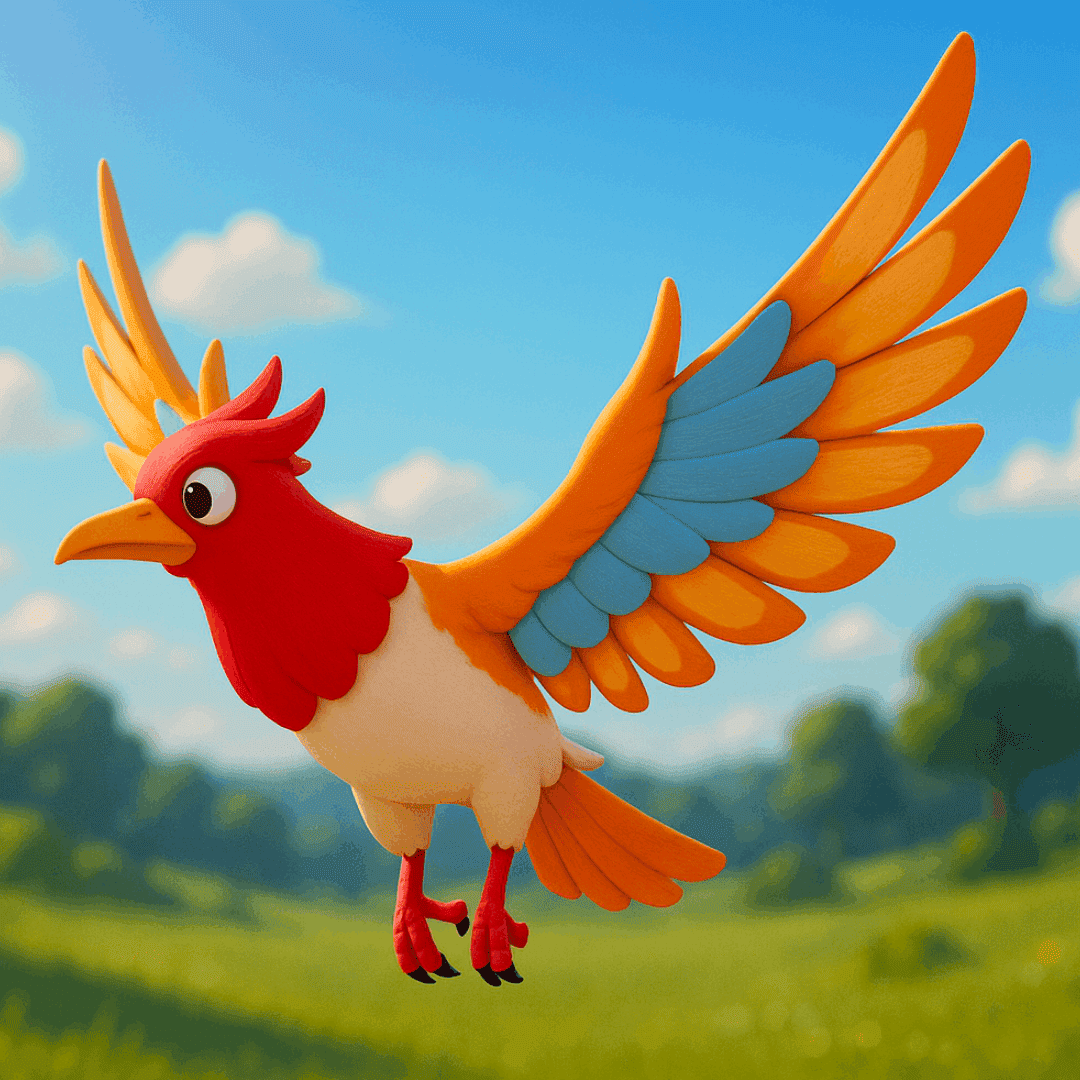
Upload Your Image
Choose any photo, artwork, or concept image to transform into a 3D model.
AI Processing
Our advanced AI analyzes your image and reconstructs it into a detailed 3D geometry.
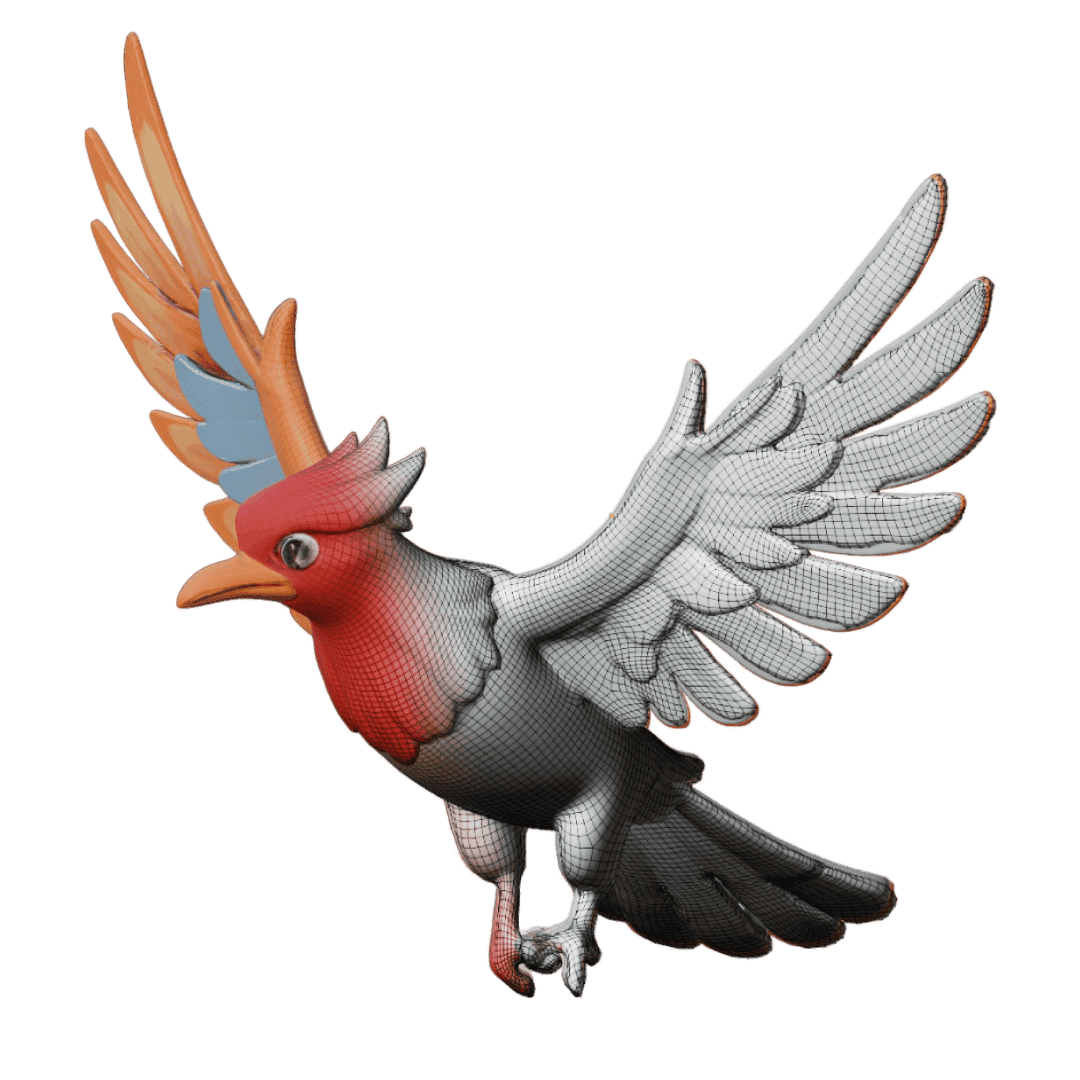
AI Processing
Our advanced AI analyzes your image and reconstructs it into a detailed 3D geometry.
Download & Use
Get your high-fidelity 3D model ready for games, renders, or any creative project.
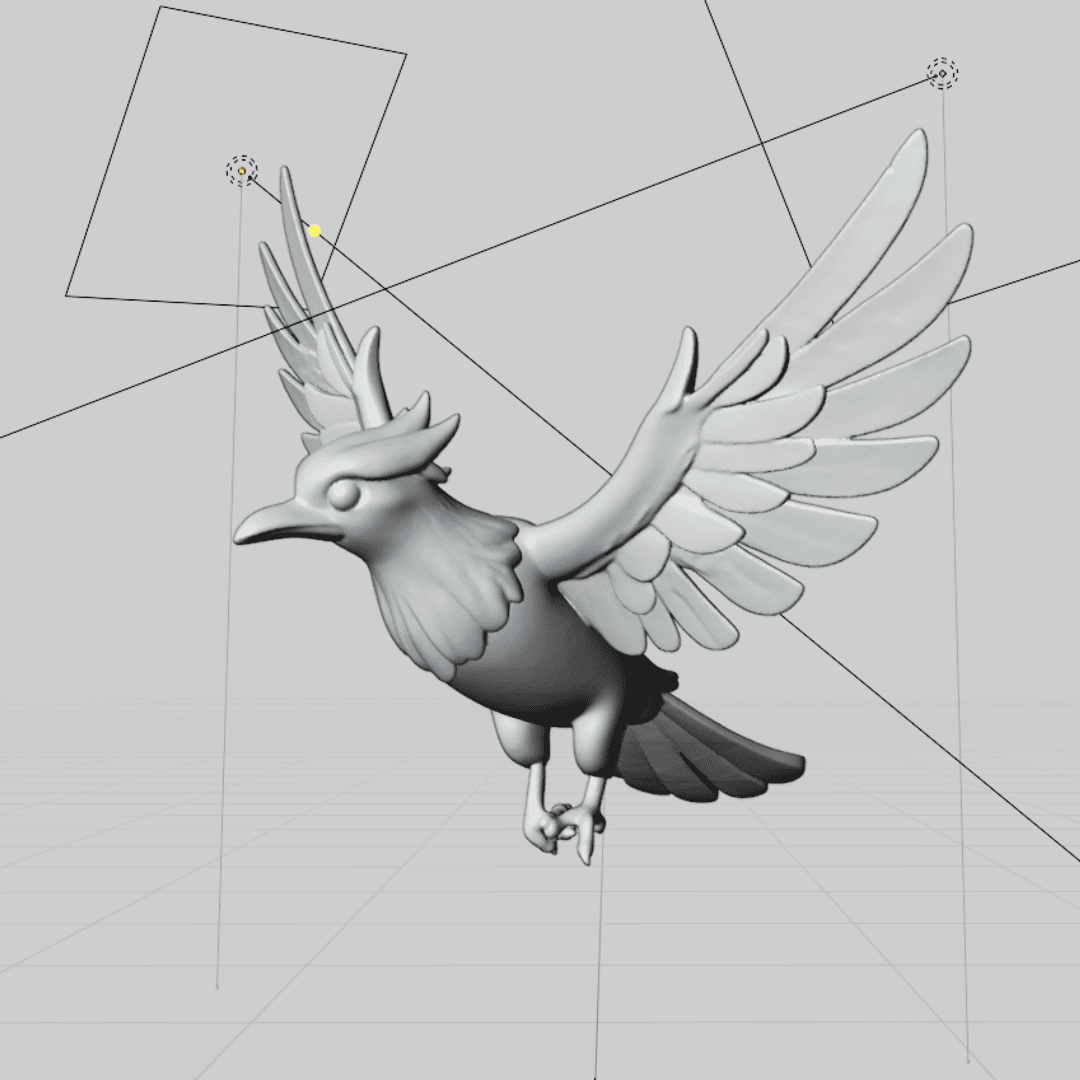
Download & Use
Get your high-fidelity 3D model ready for games, renders, or any creative project.
Examples of good image-to-3D inputs
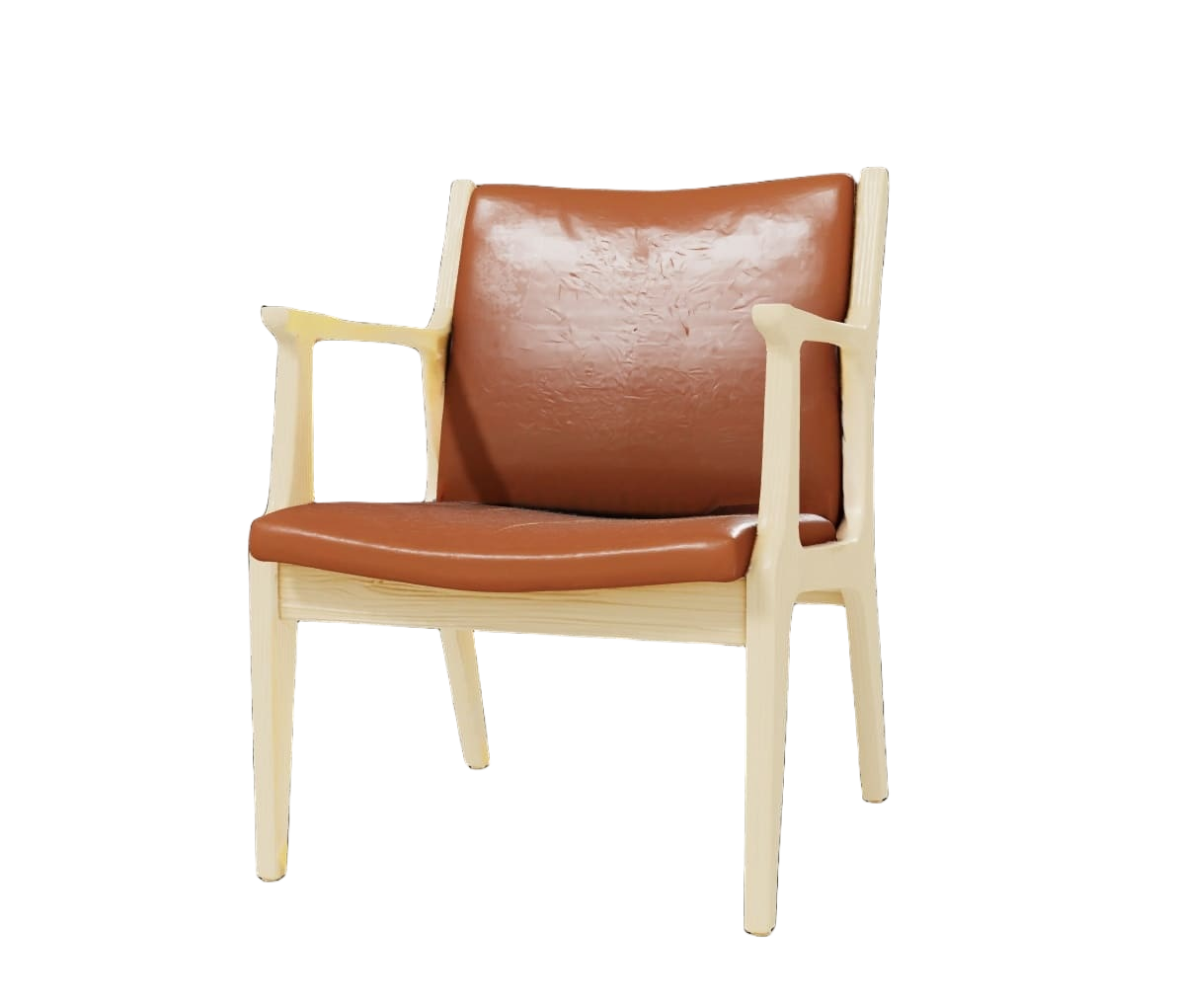
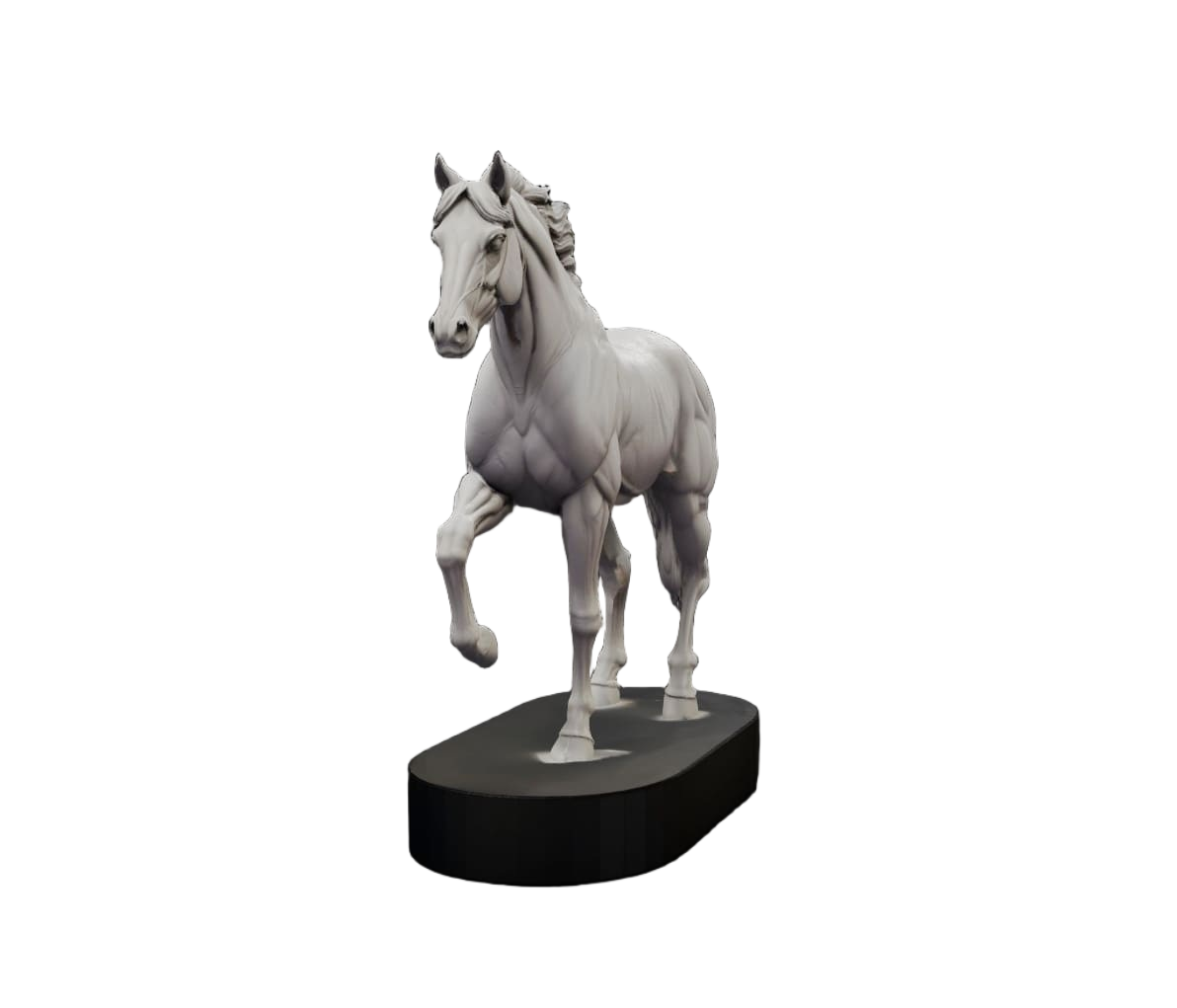
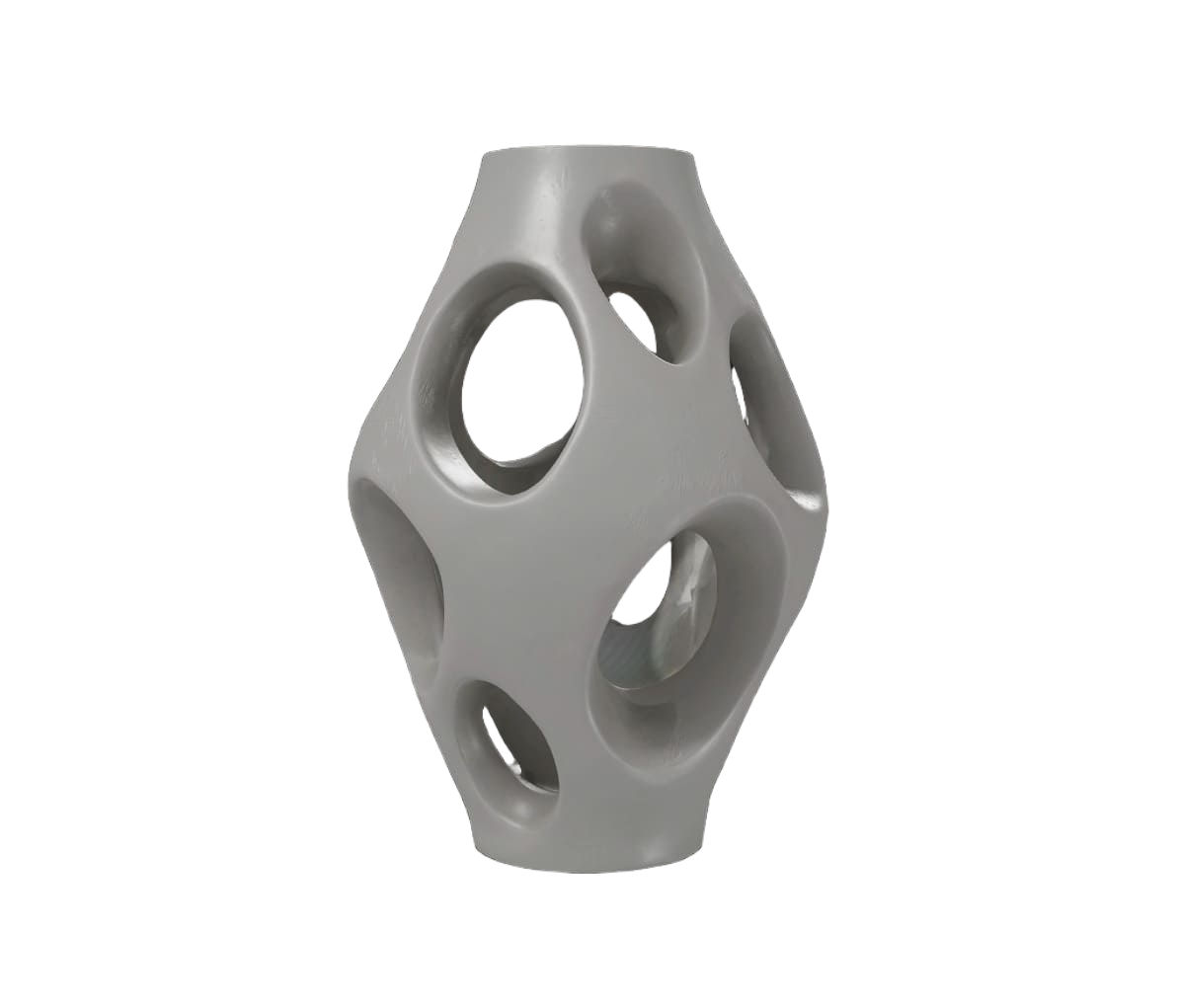
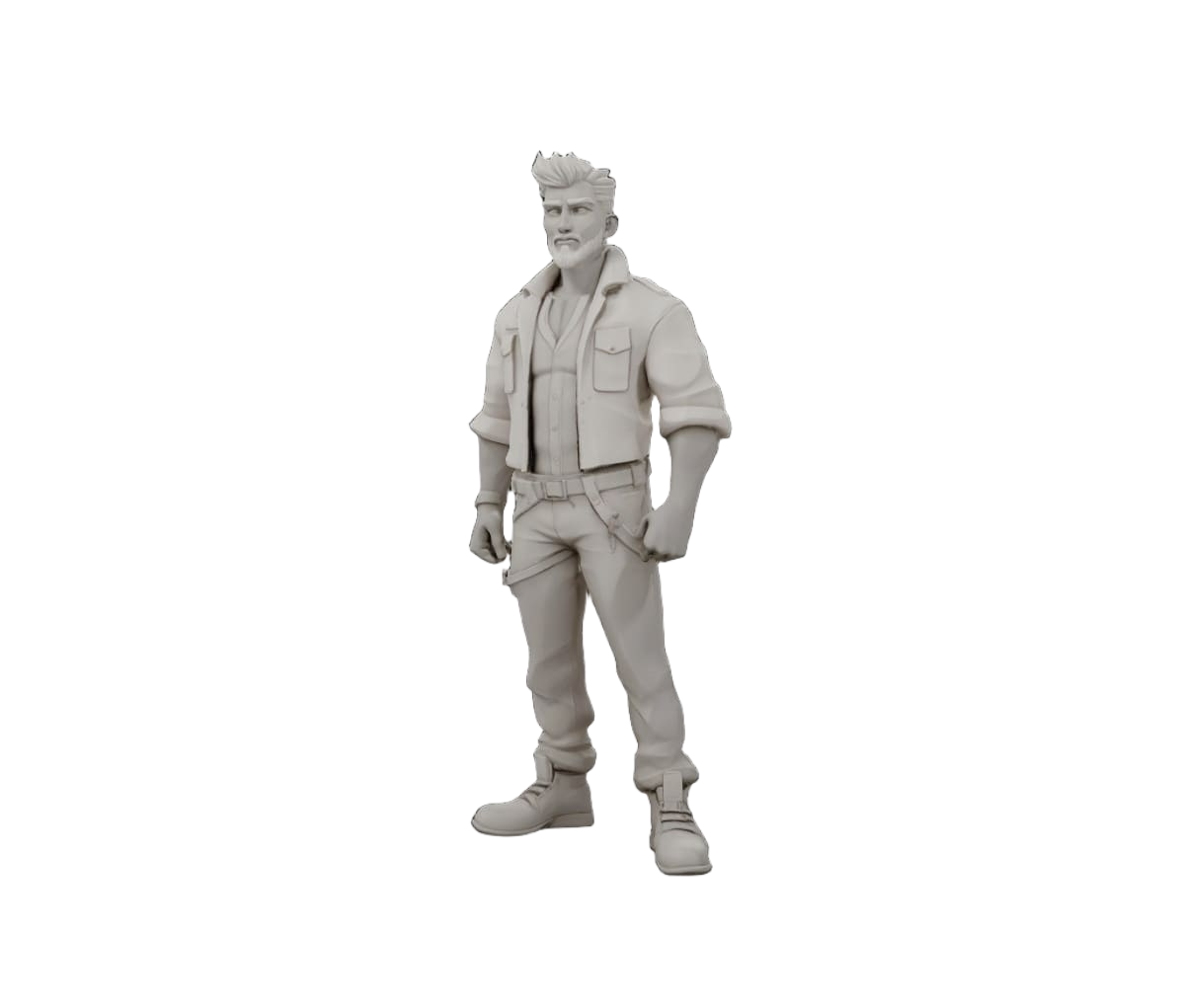
Photos, sketches, and concept art can all work. The best results usually come from clear subjects, simple backgrounds, and visible shape detail. Click any model to view in 3D.
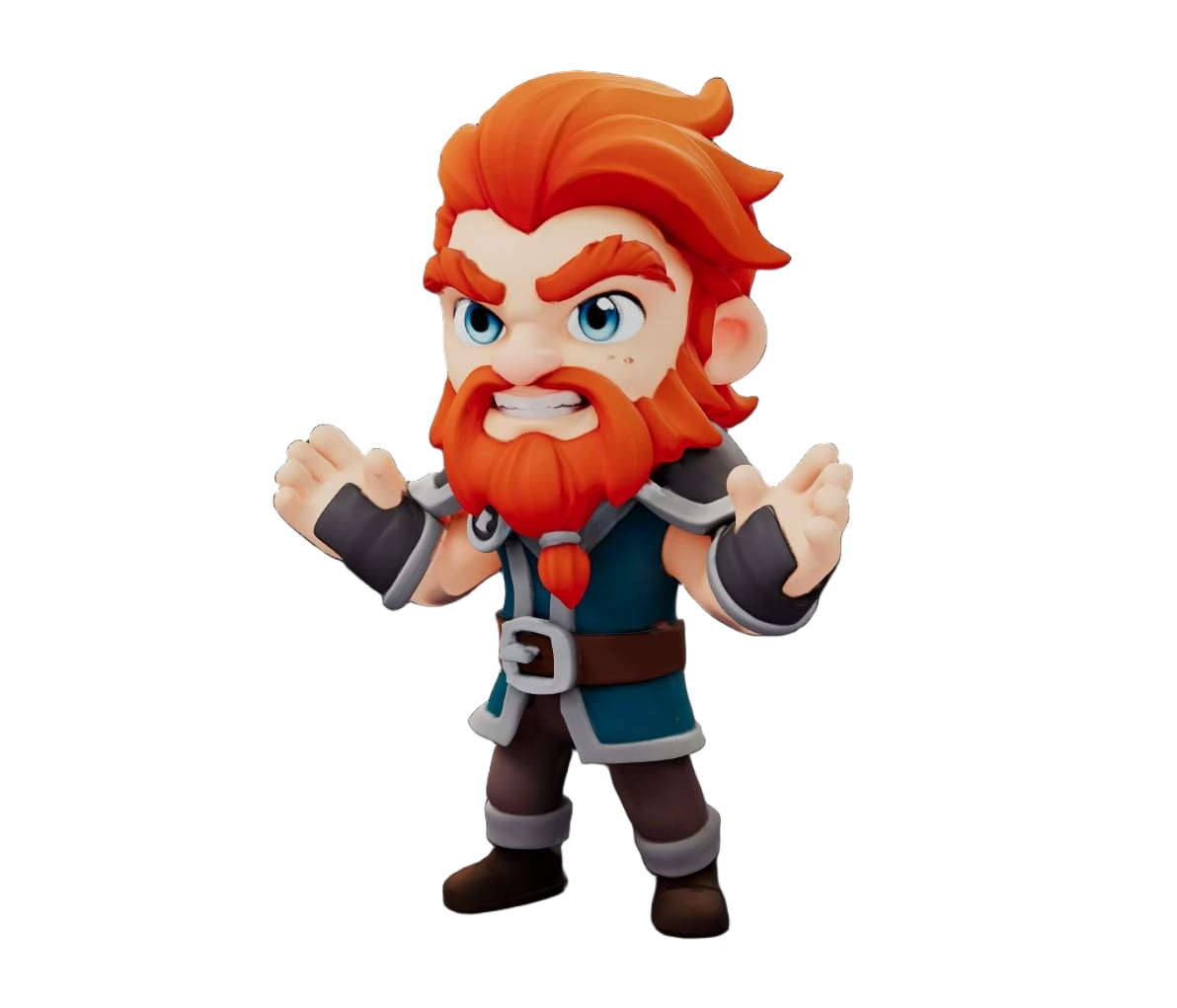
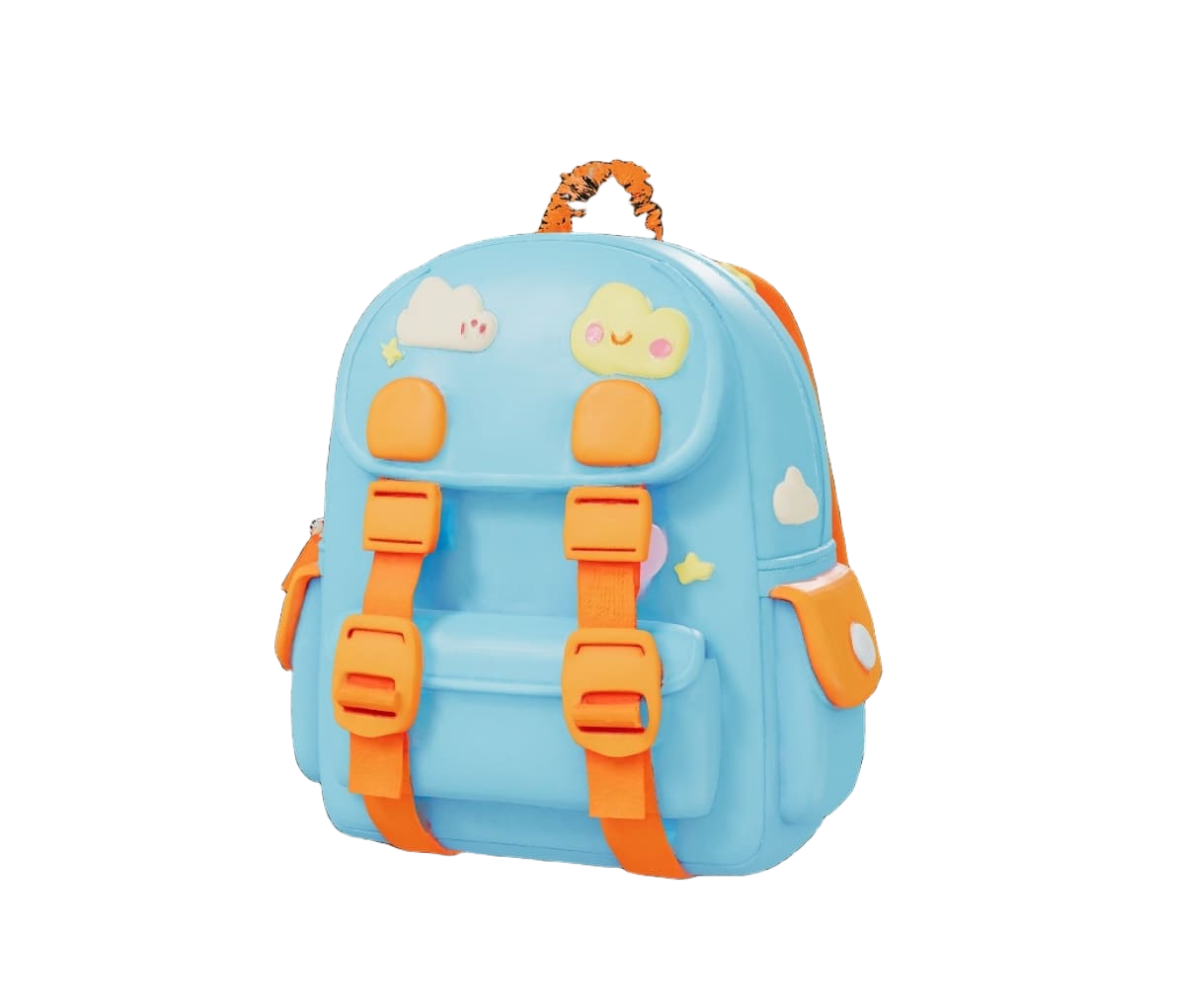
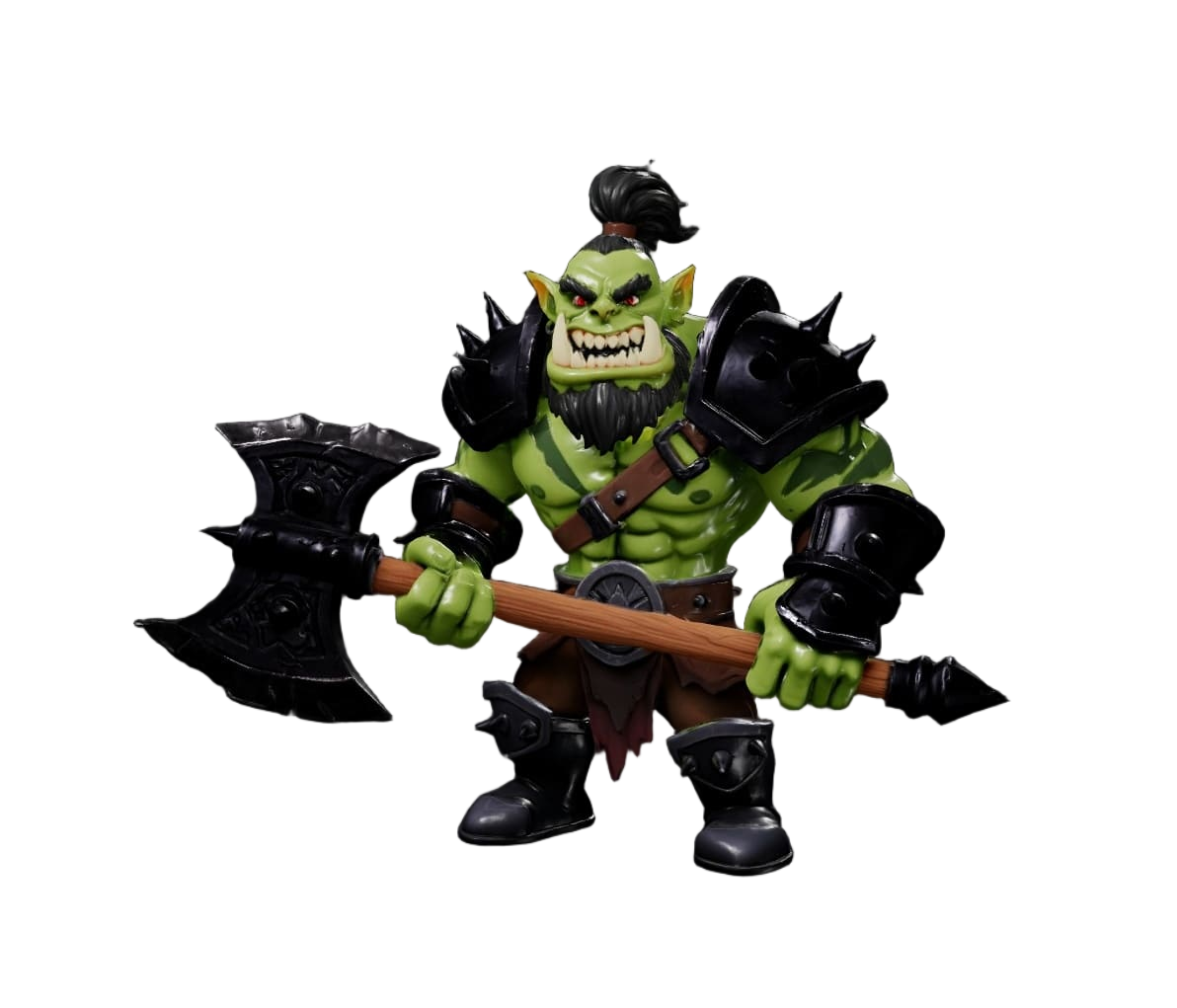
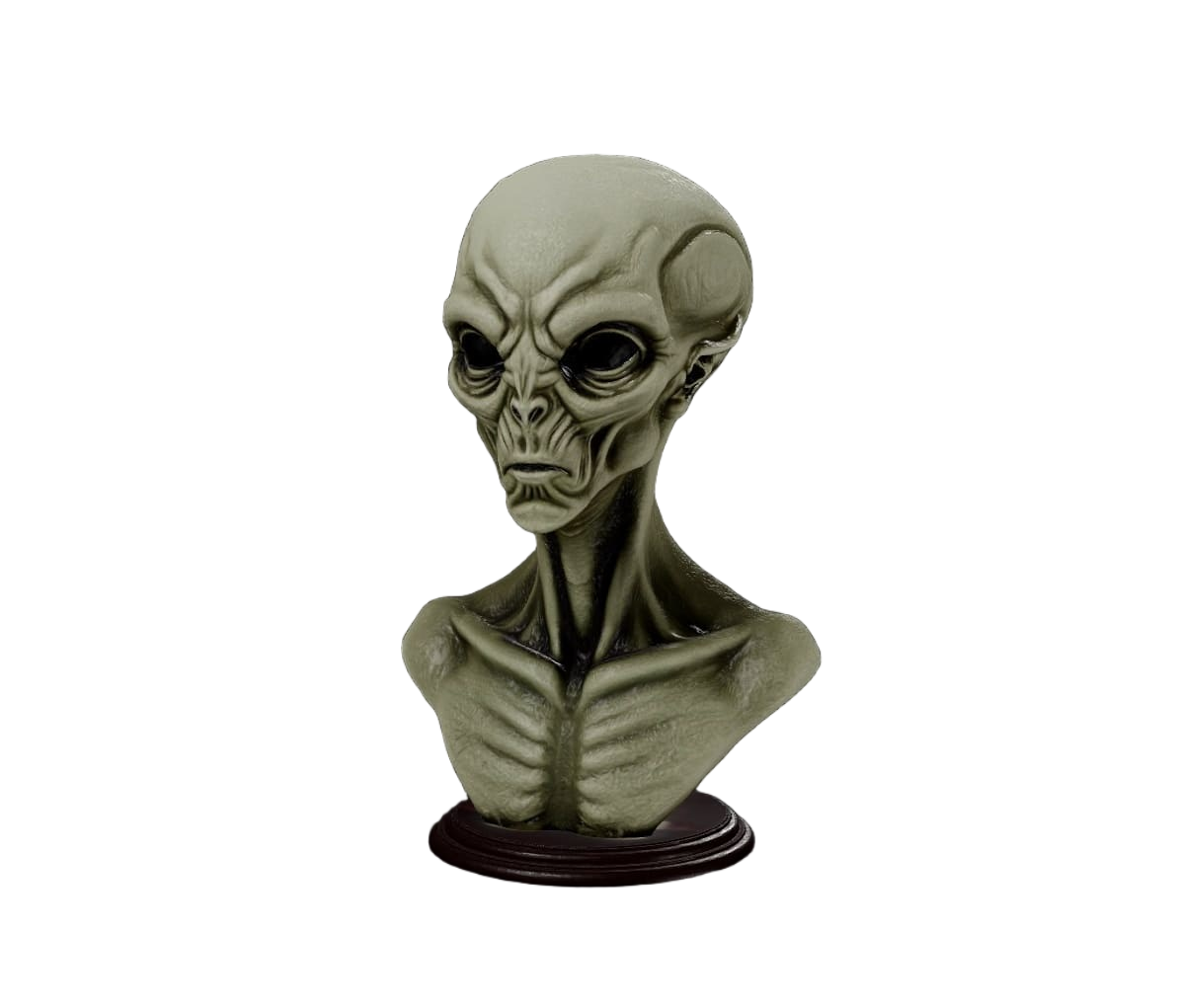
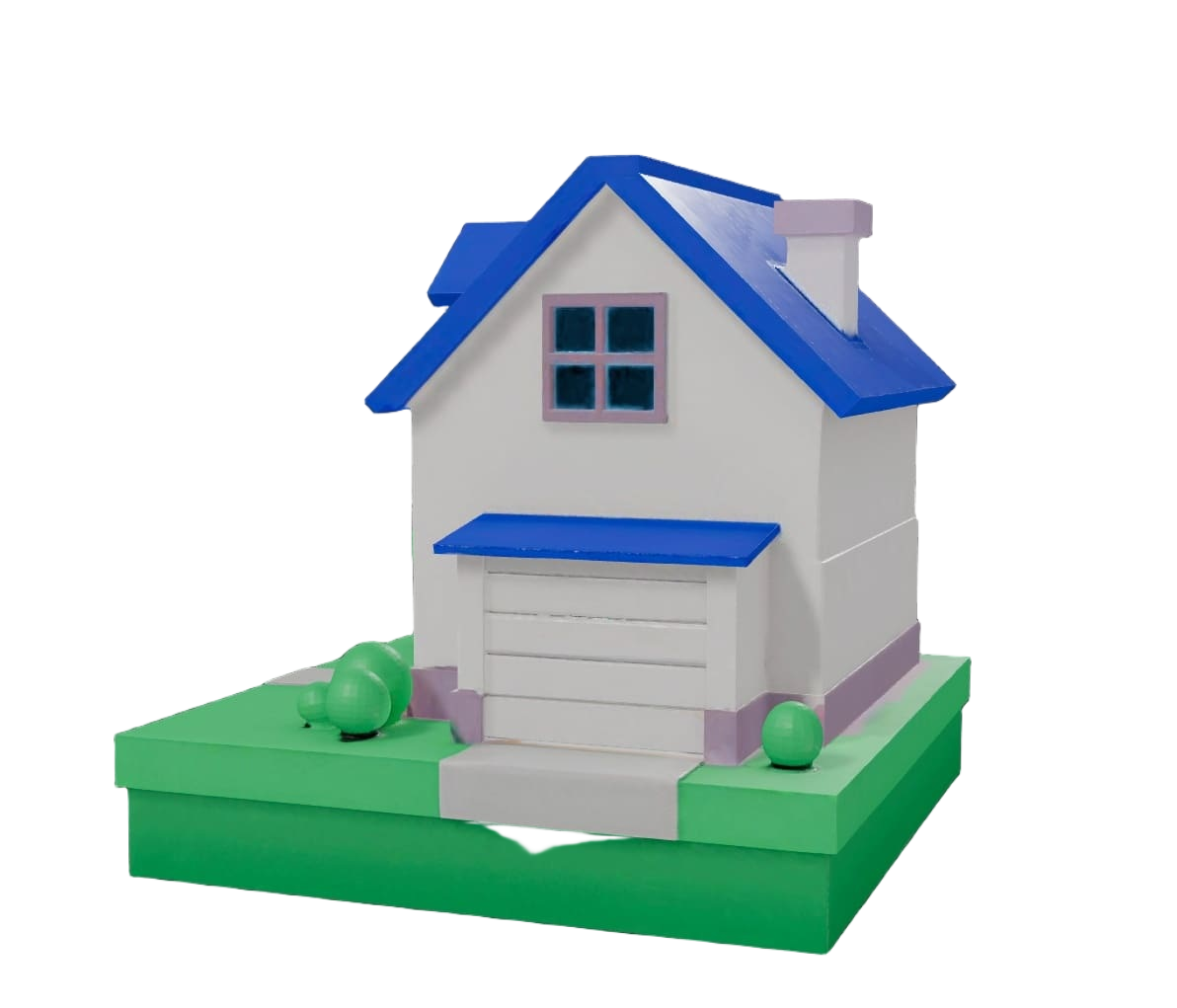
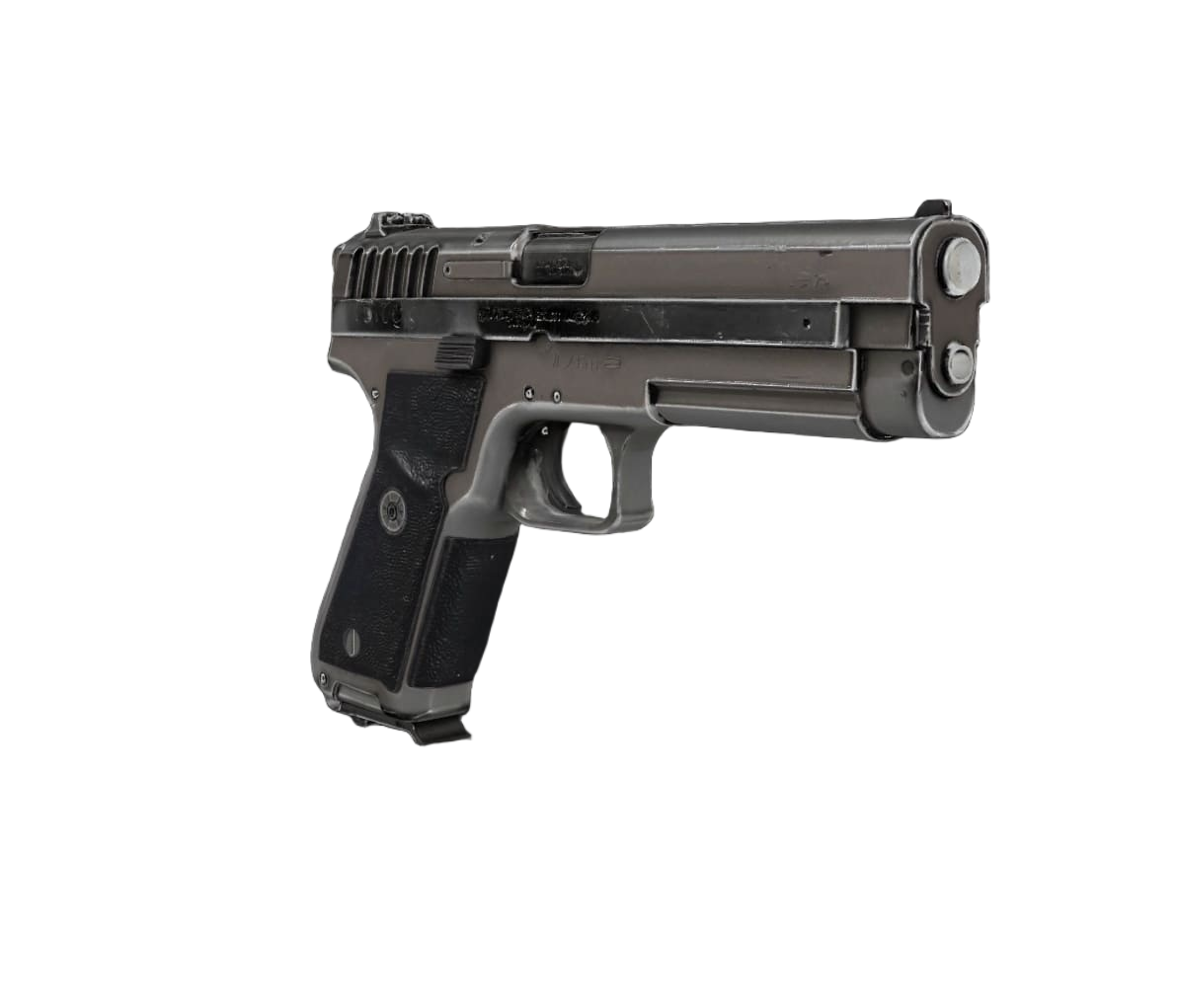
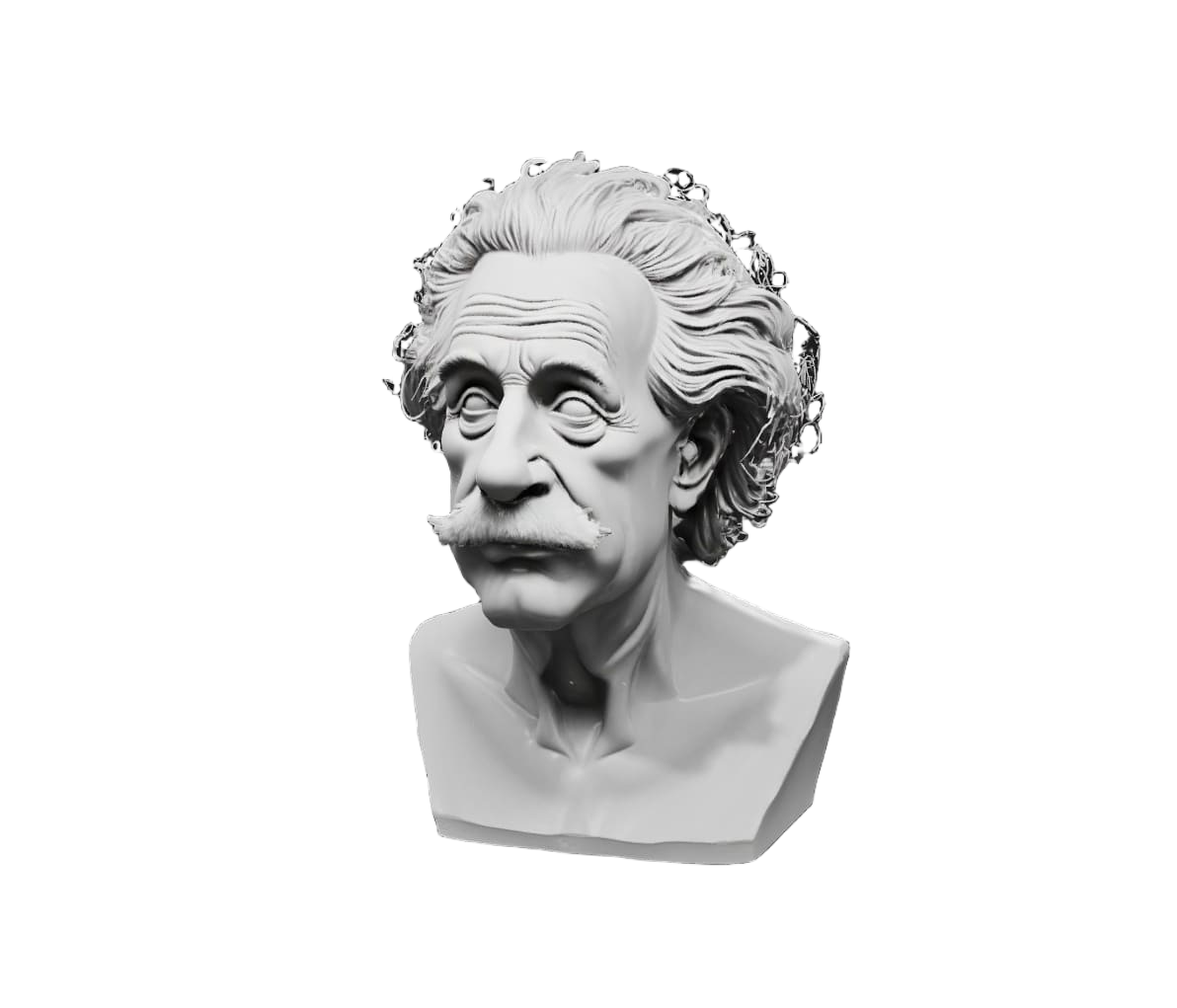
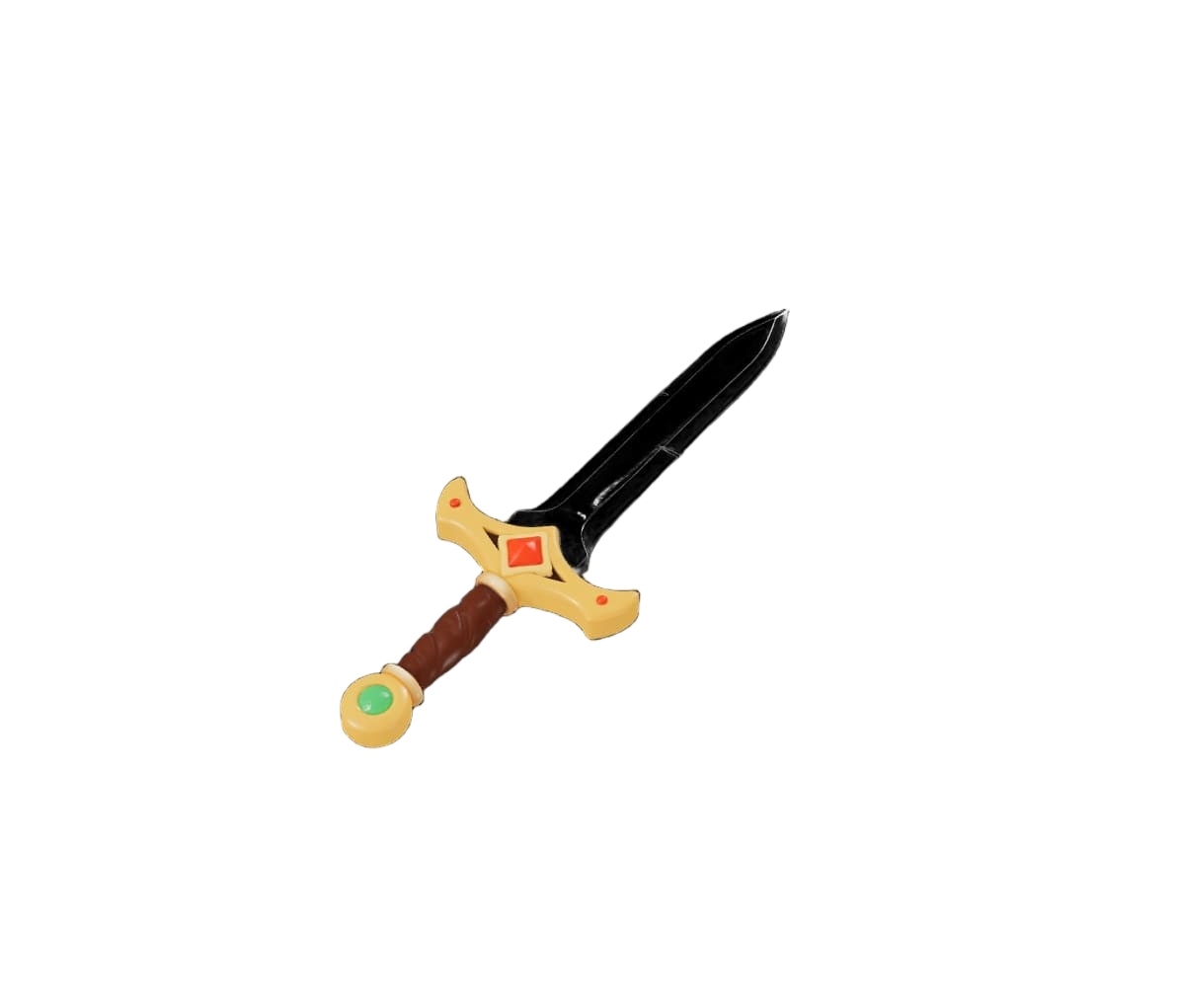
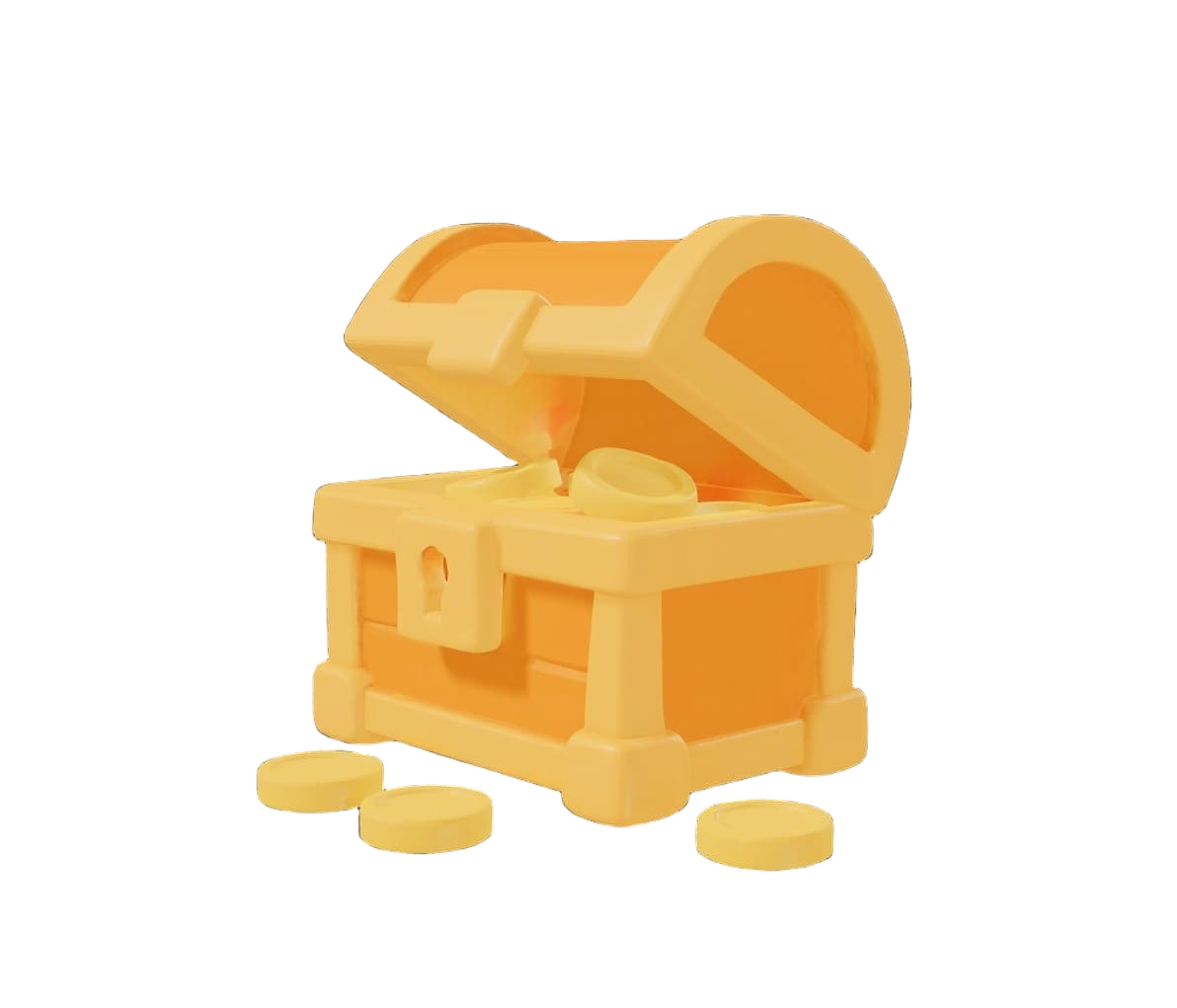
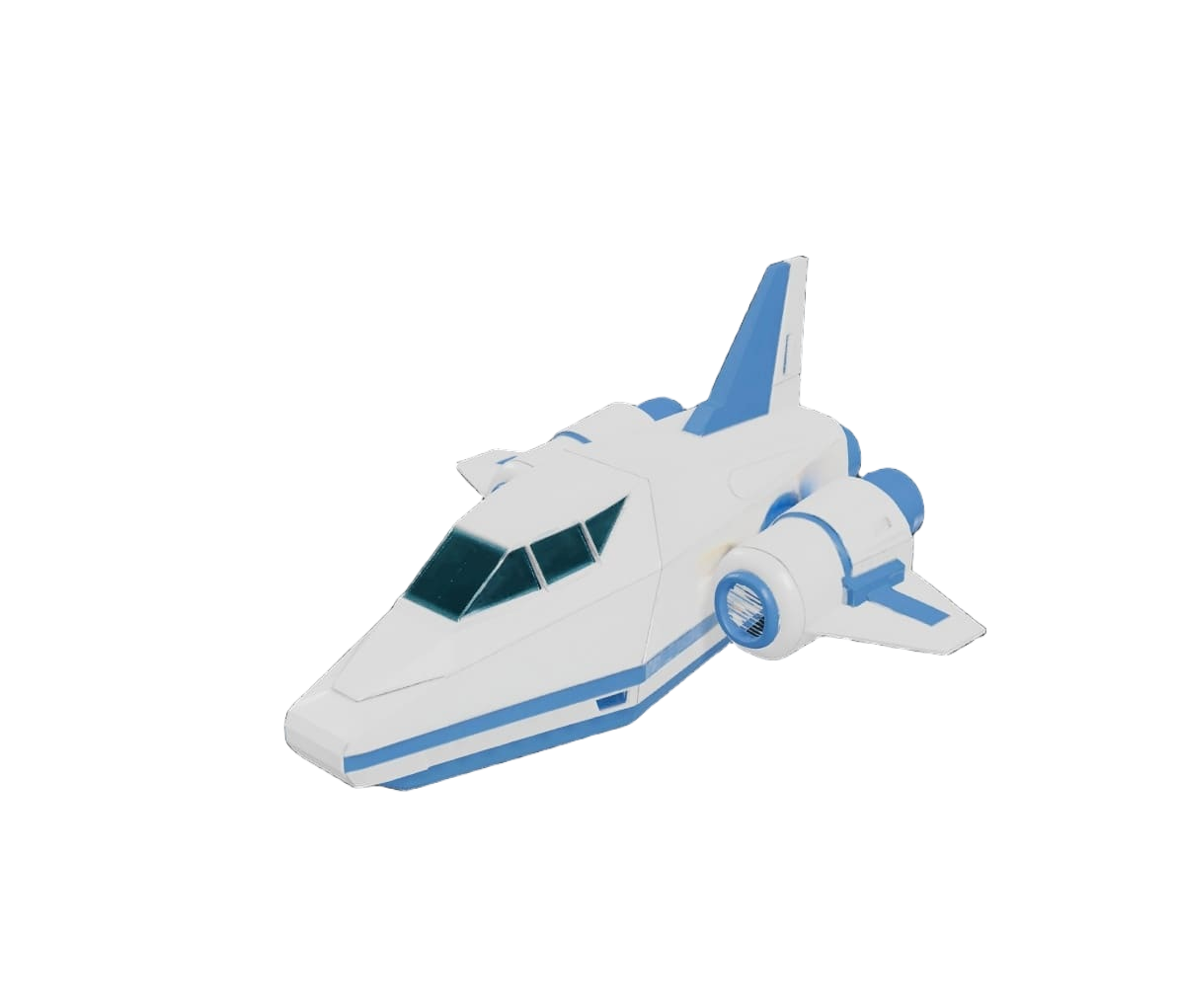
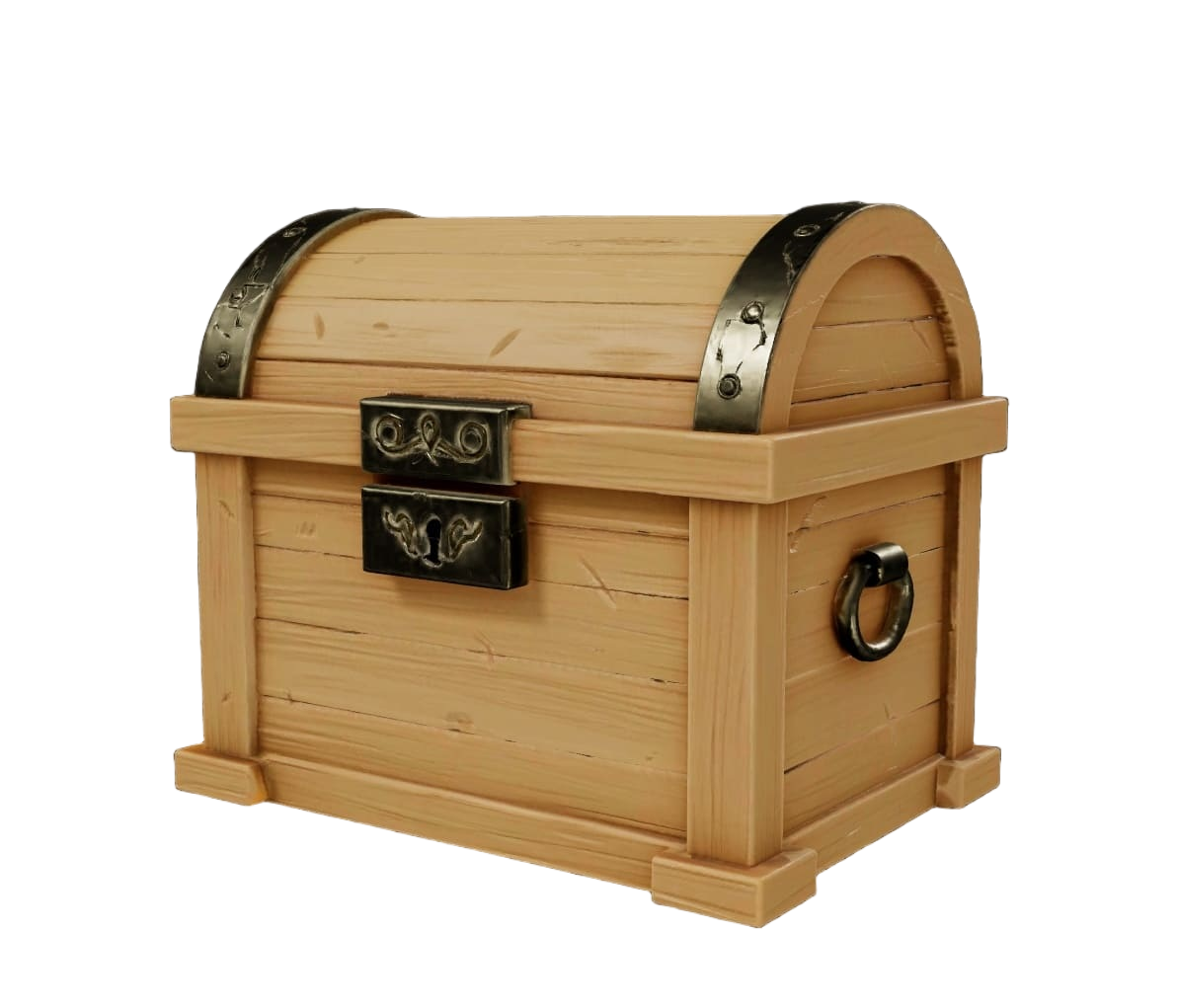
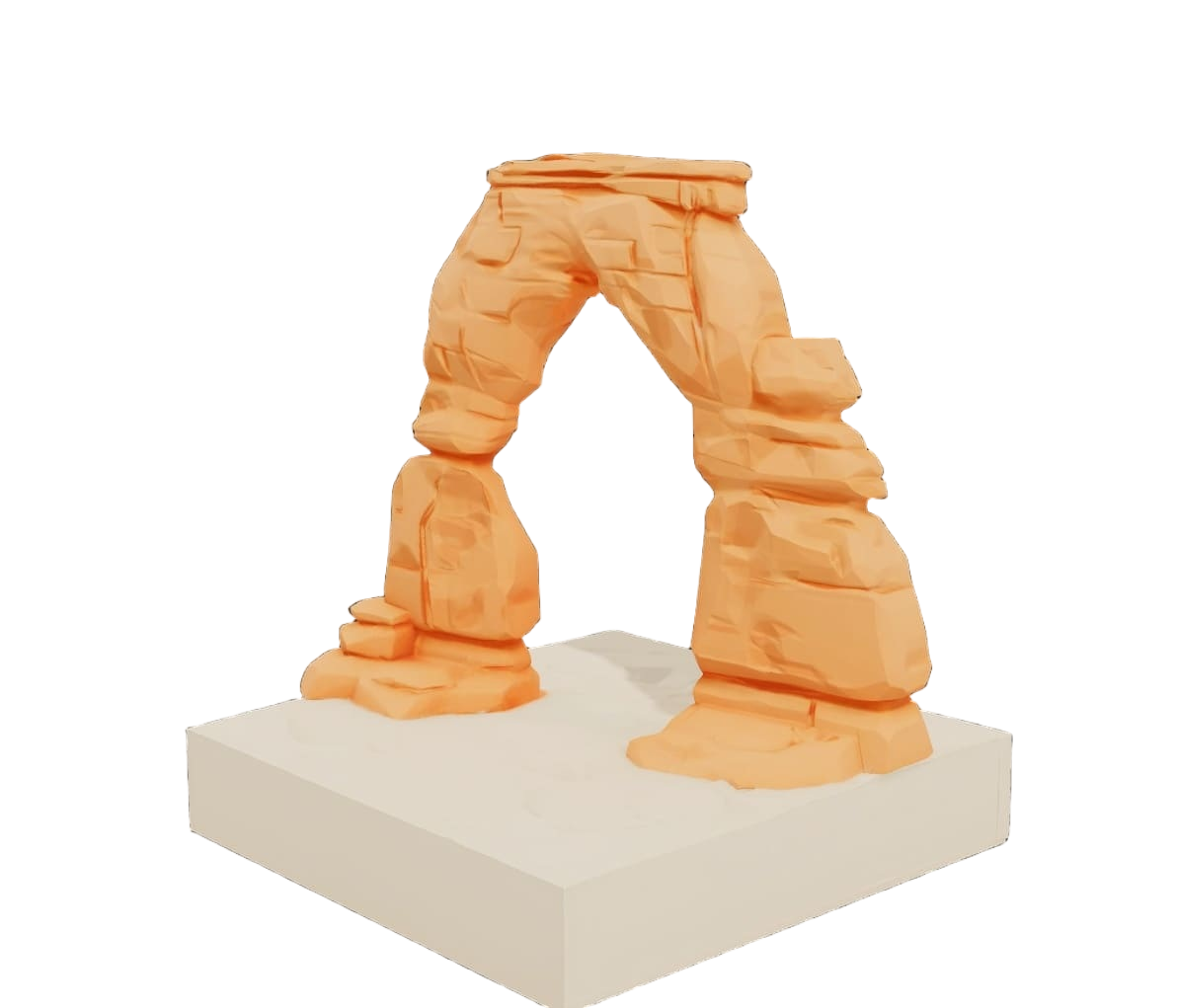
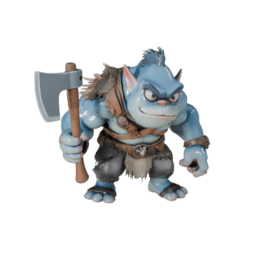
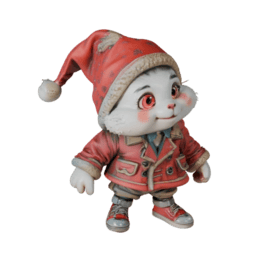
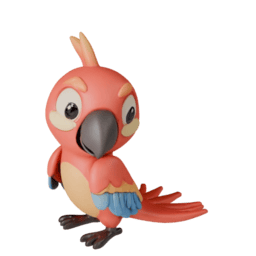
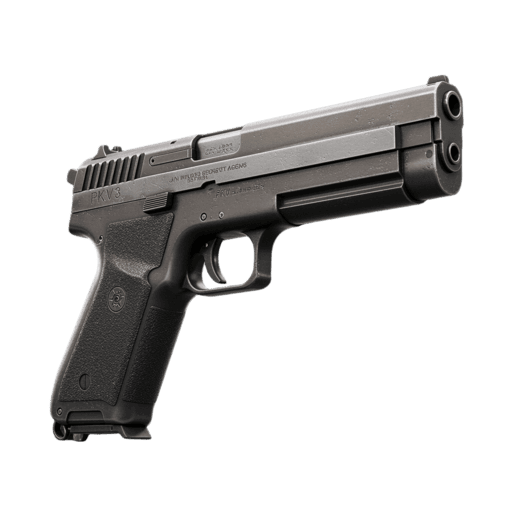
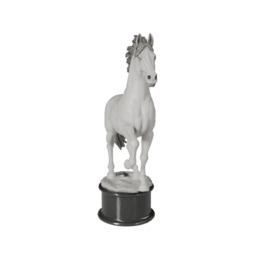
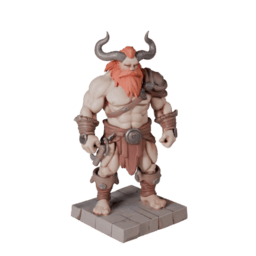
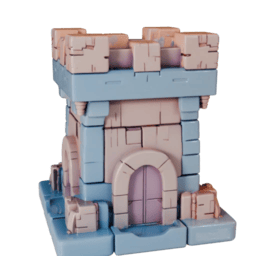
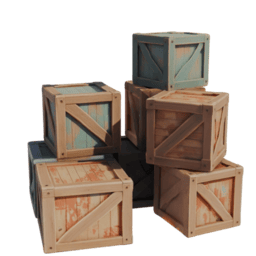
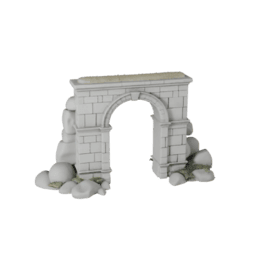
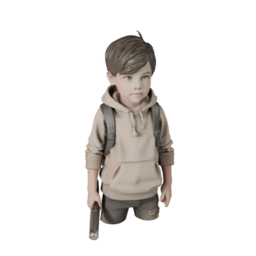
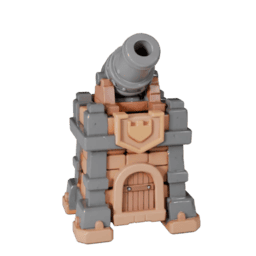
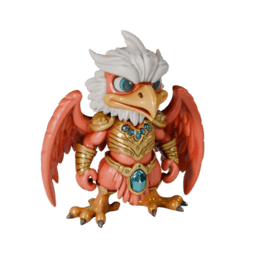
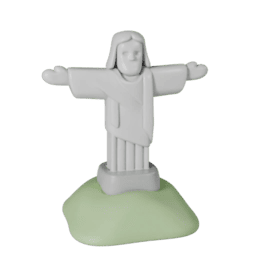
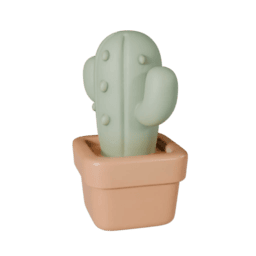
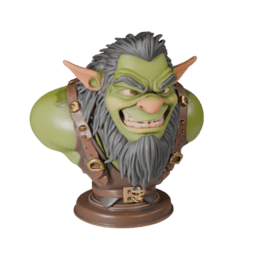
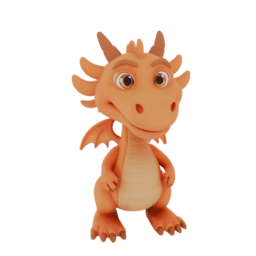
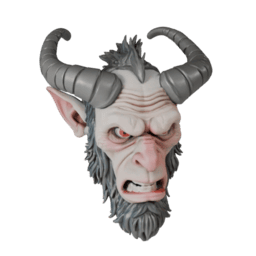
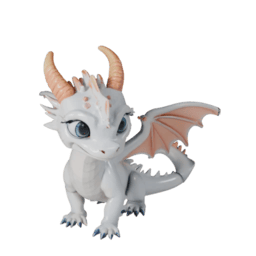
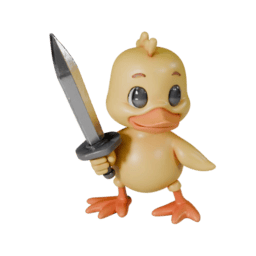
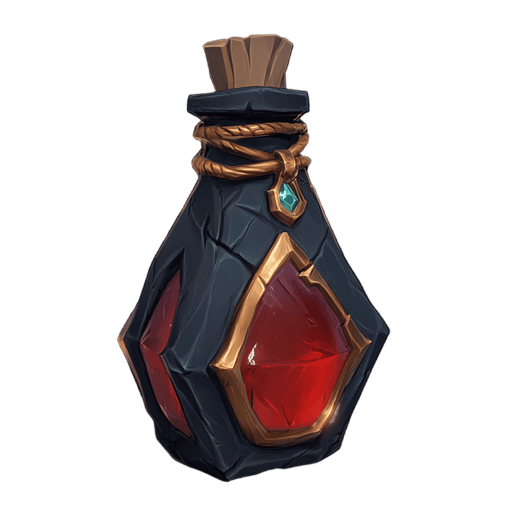
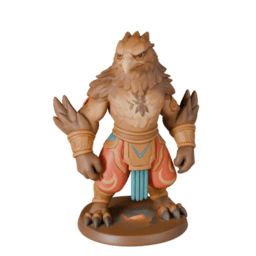
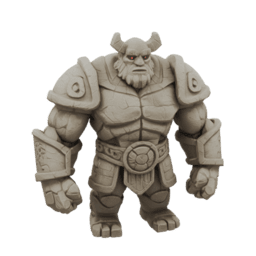
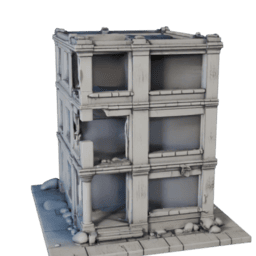
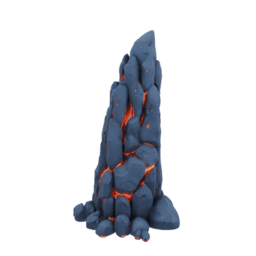
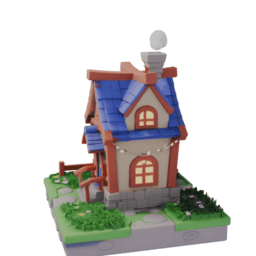
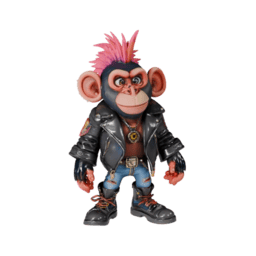
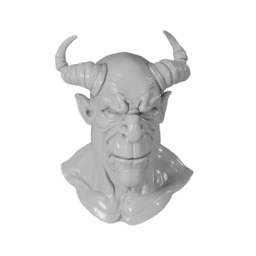
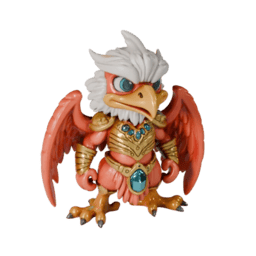
Multiple Creative Styles
Experience diverse artistic expressions with Realistic, Cartoon, Sculptural, and PBR styles, plus additional options in development.
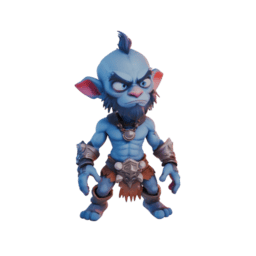
Cartoon
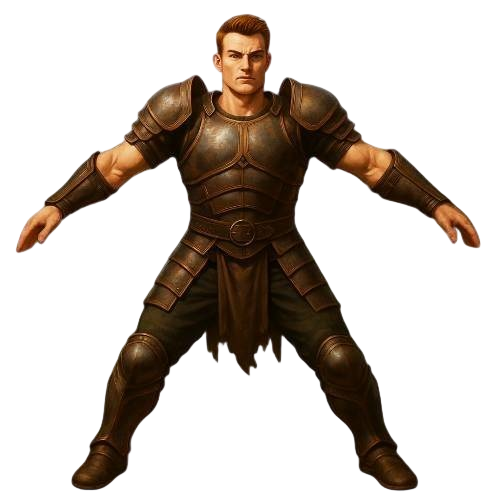
Realistic
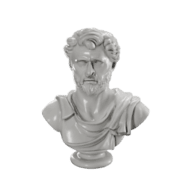
Sculpture
PBR
Flexible Mesh Configuration
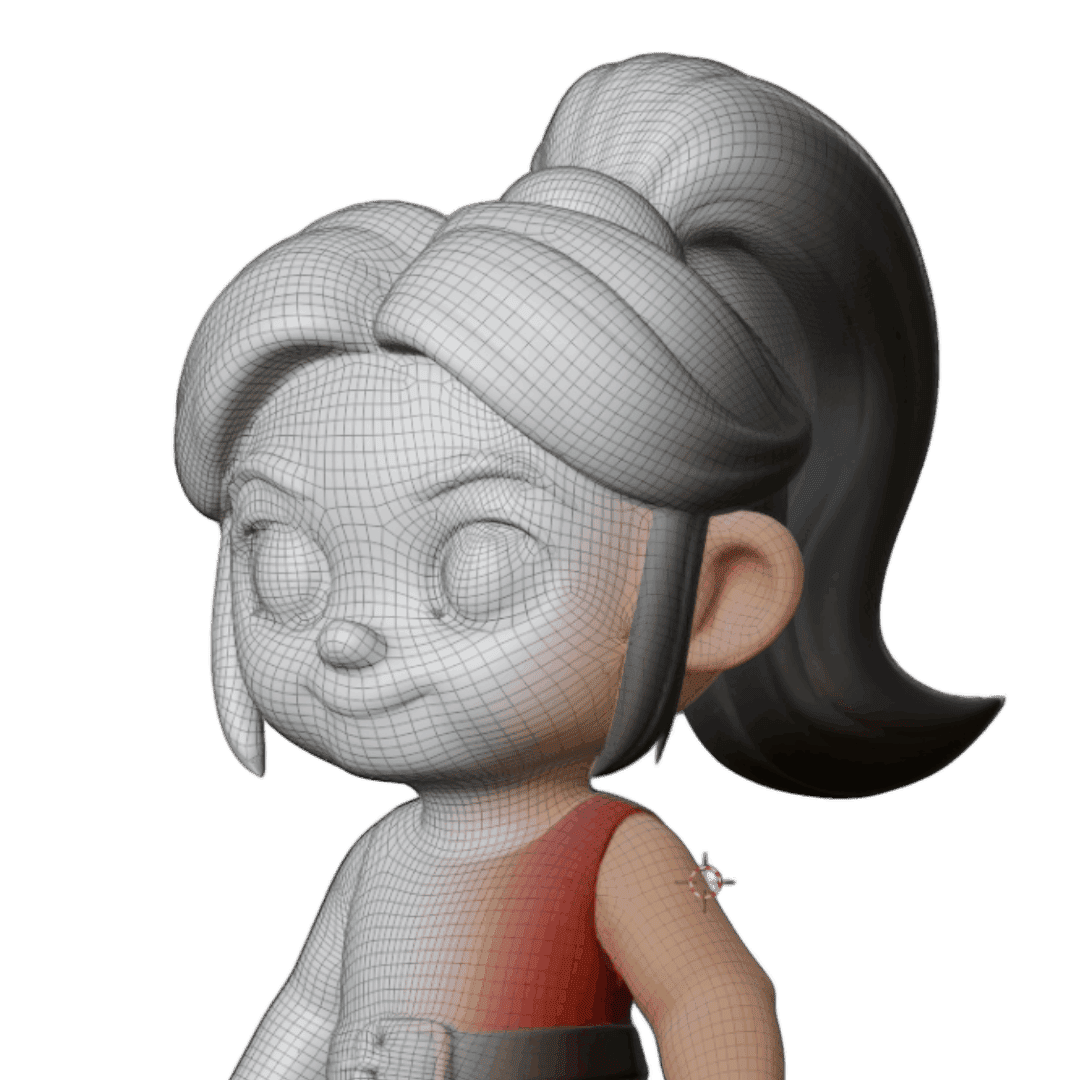
Intuitive mesh optimization tools featuring polygon density adjustment and quad-based topology conversion. Gain precise control over your 3D asset workflow.
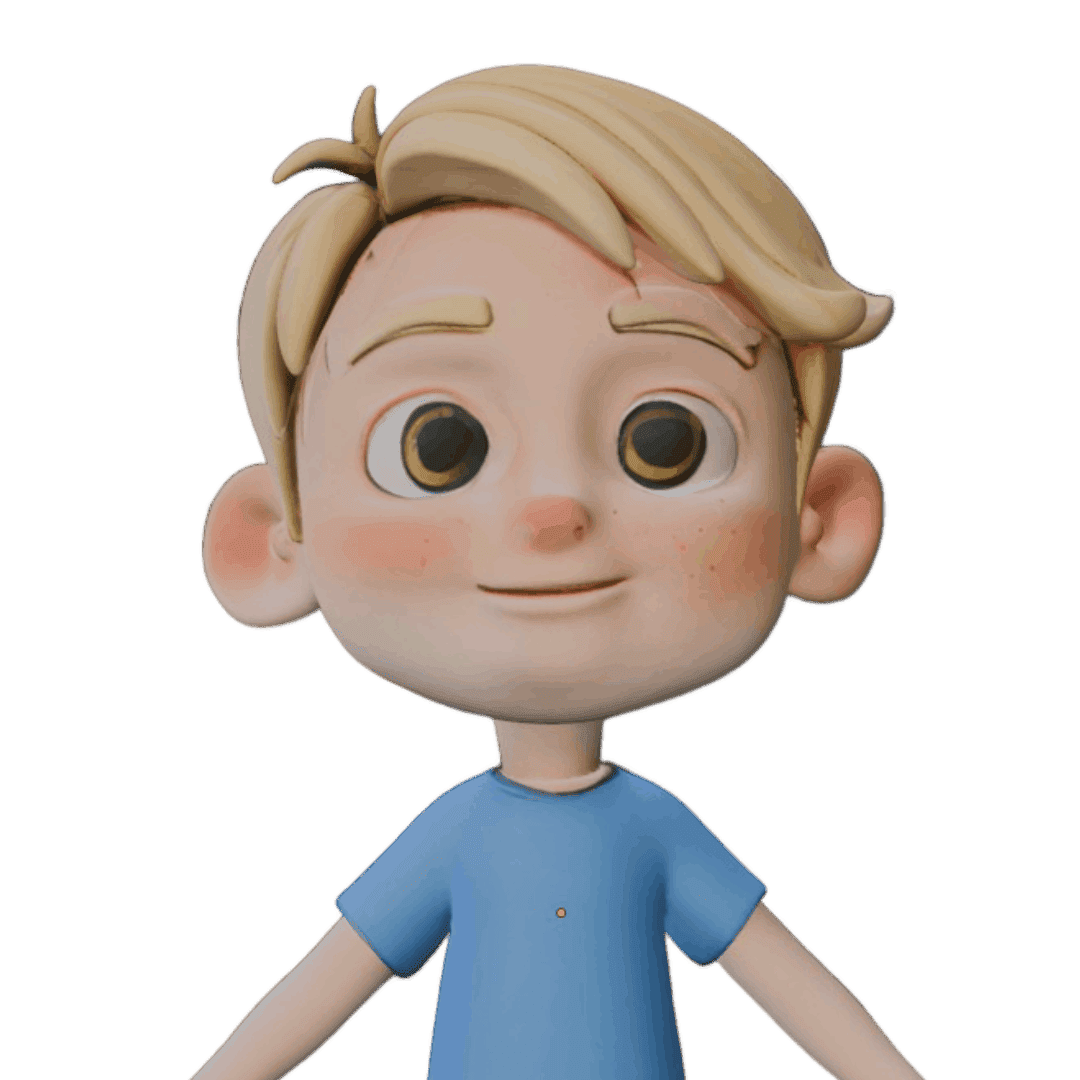
Initial Model
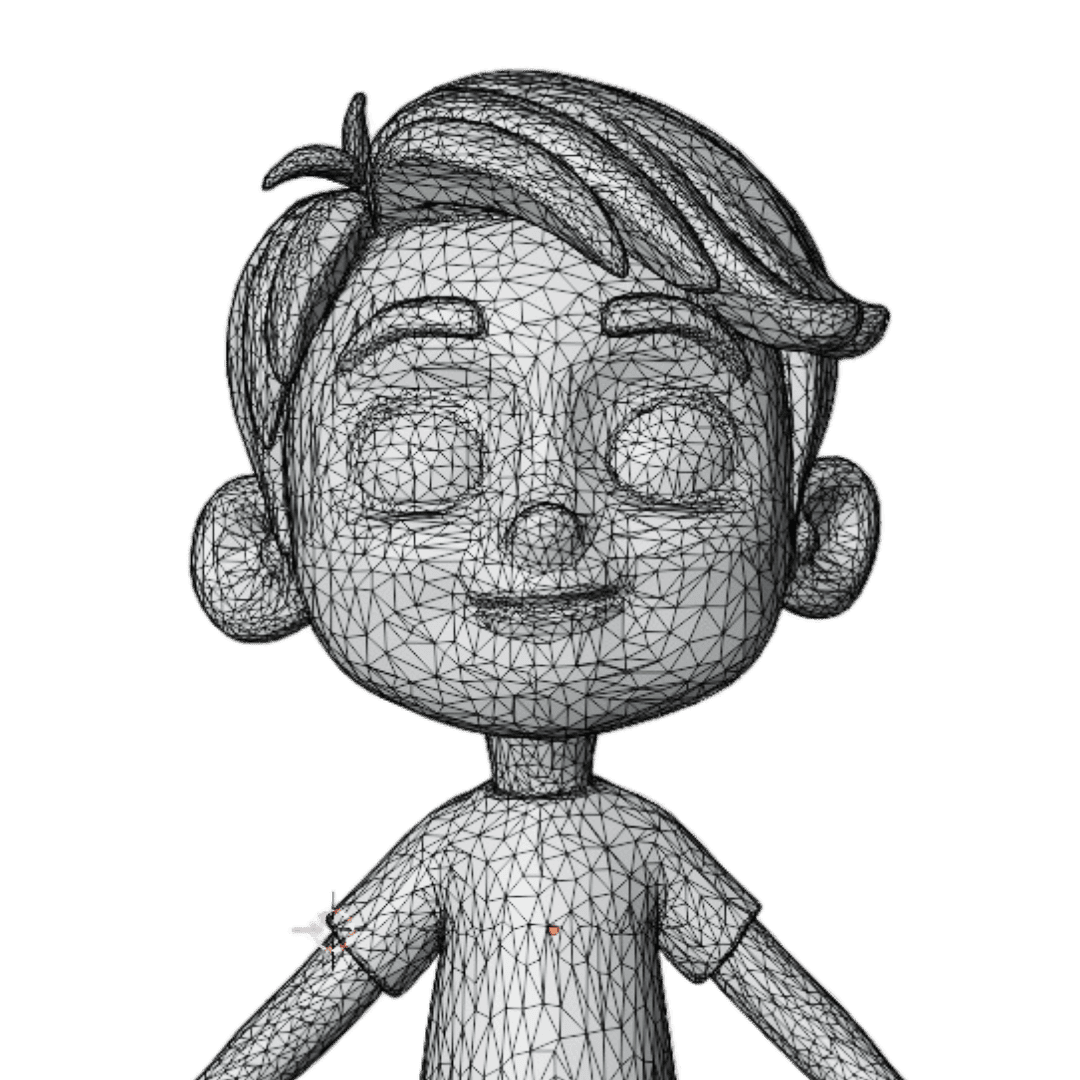
Original Mesh
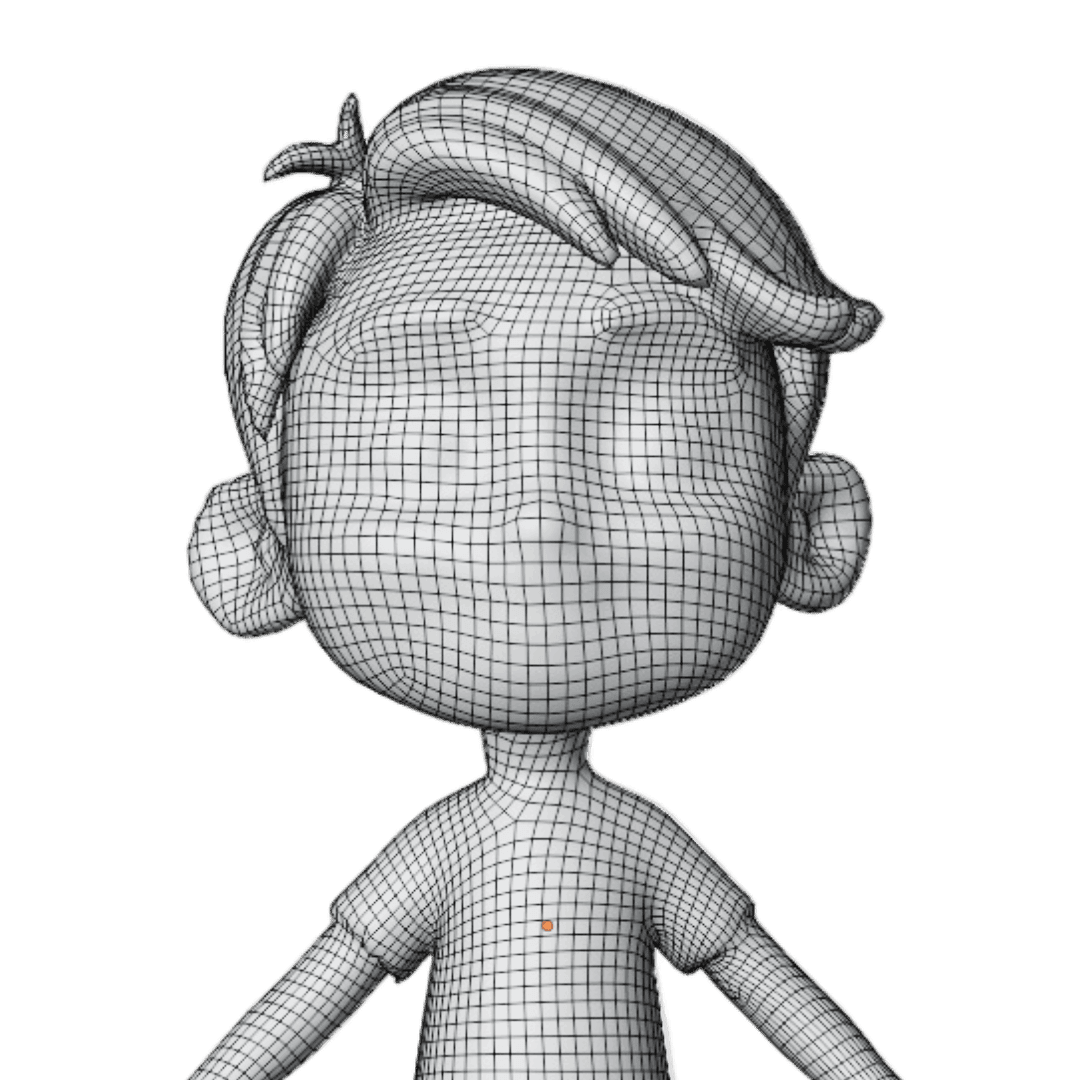
Retopology Low
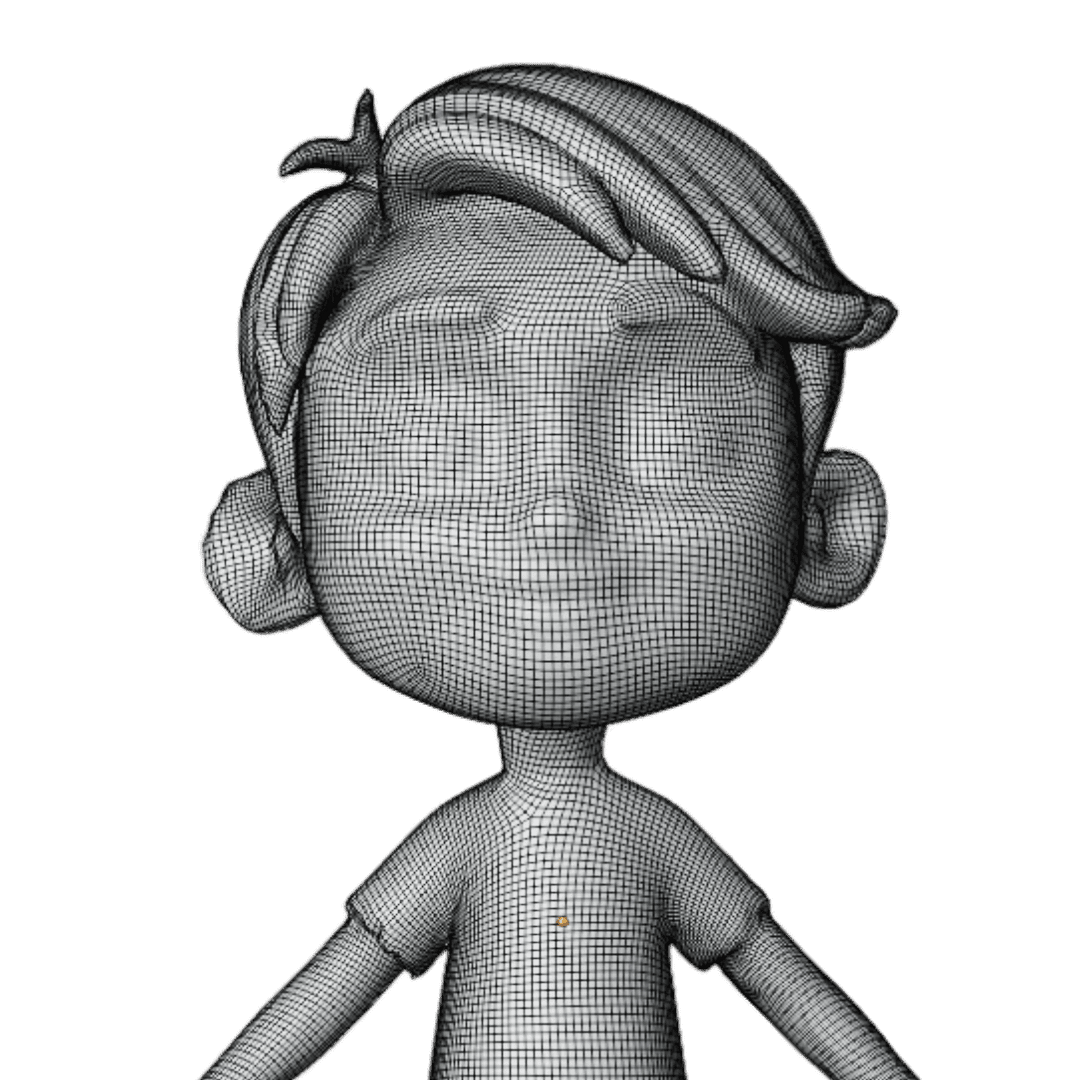
Retopology High
Refine Textures Effortlessly
Advanced AI-powered texture refinement allows artists to modify and perfect targeted regions for professional-grade surface detail.
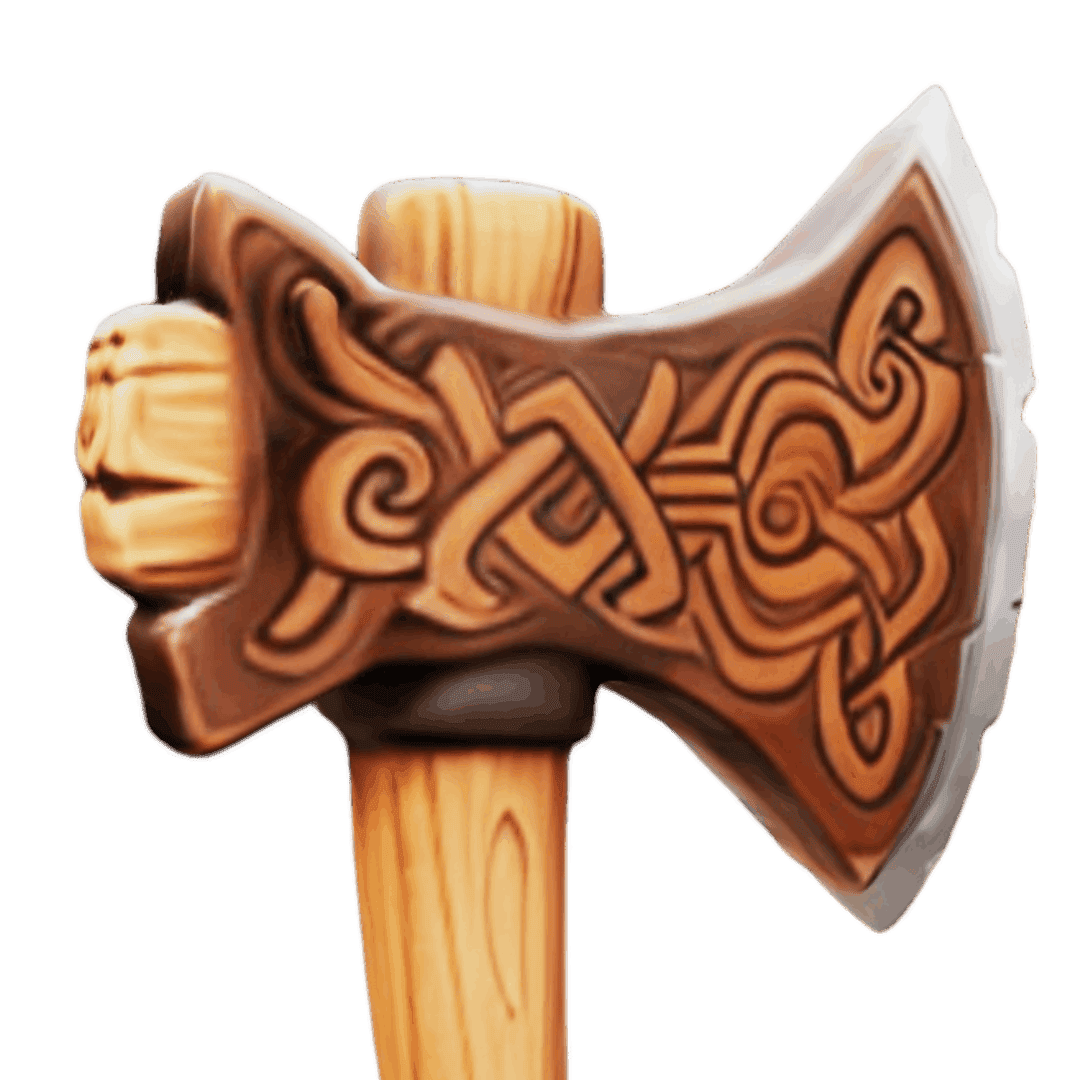
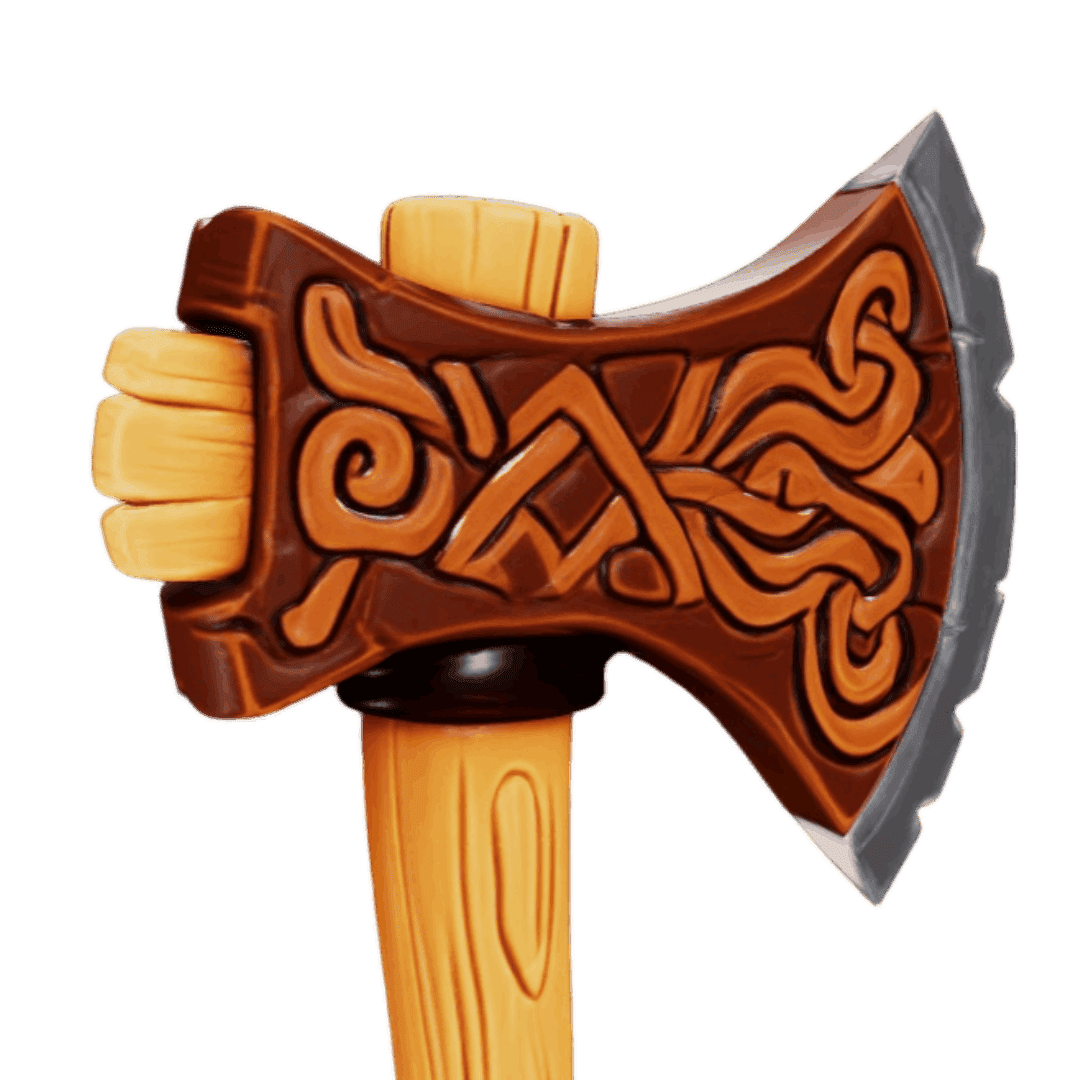
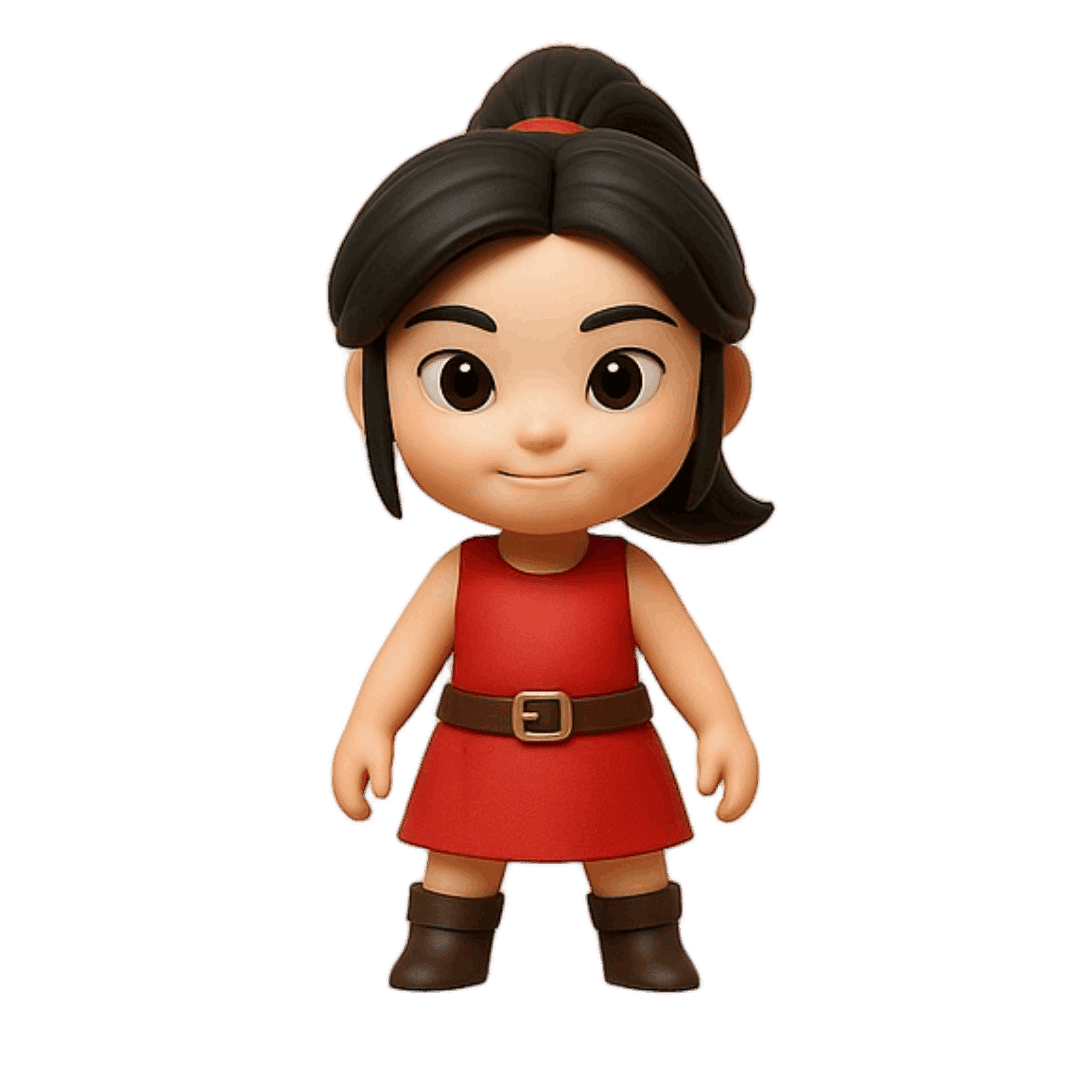
Multi-View Enhancement
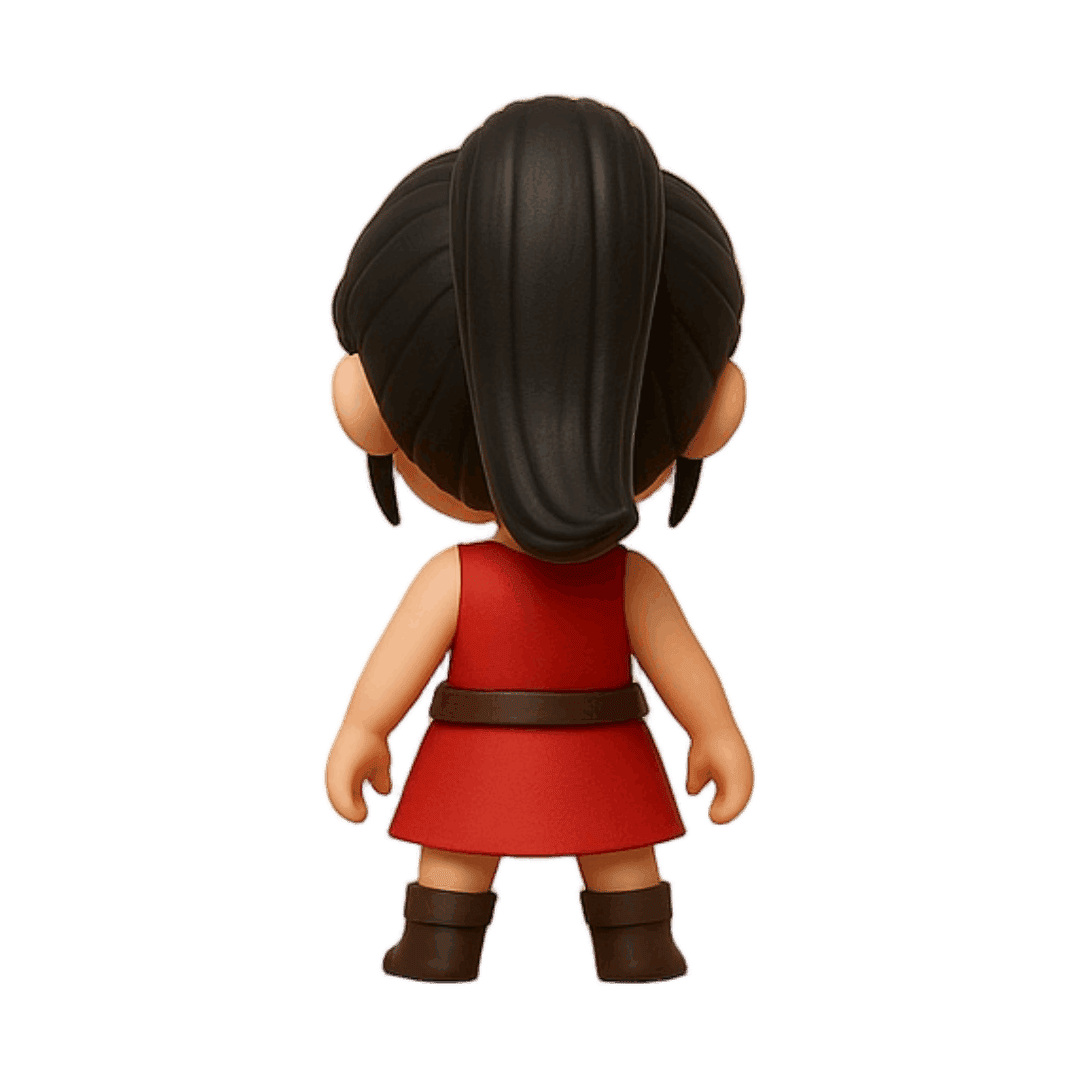
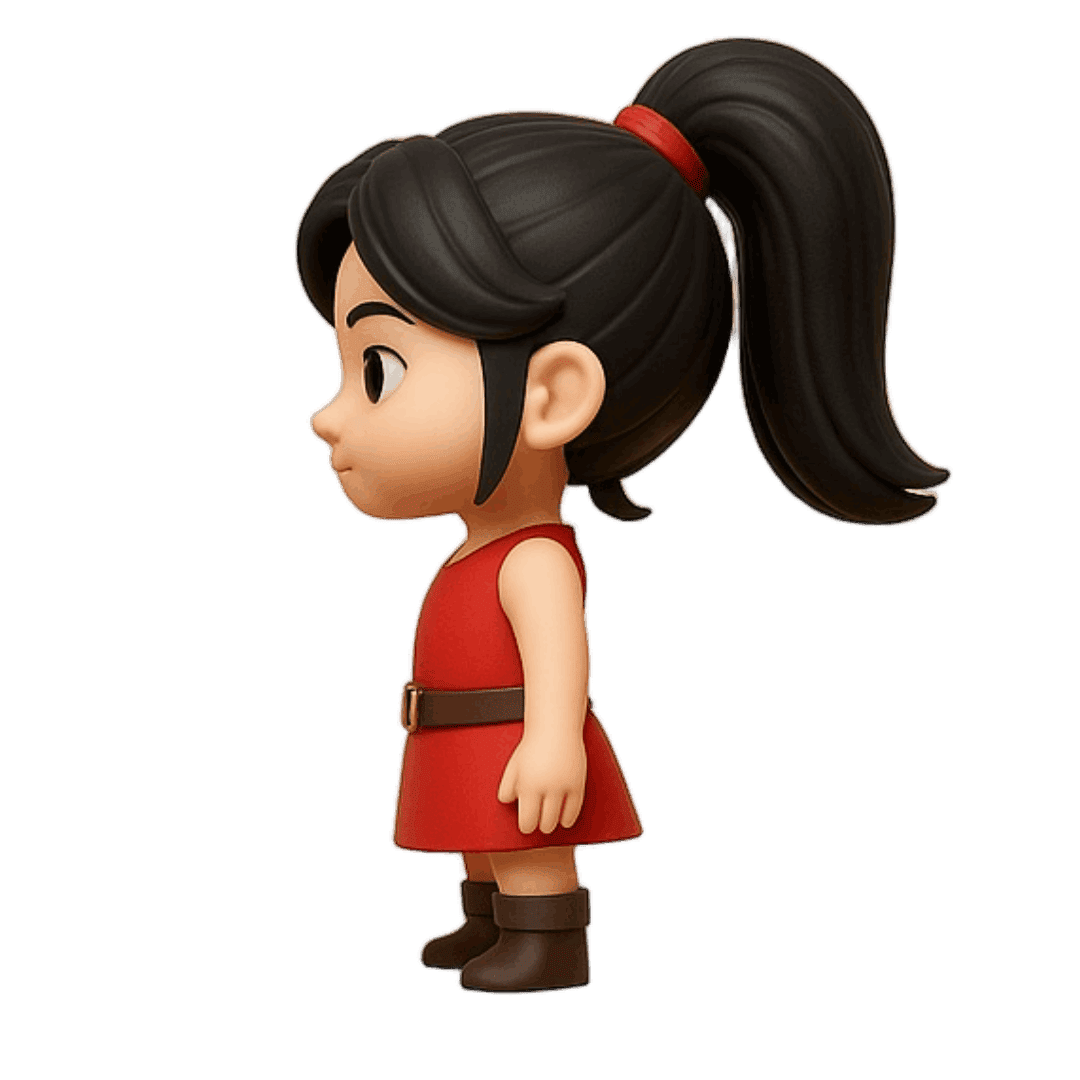
Upload multiple perspectives of your object for even more accurate 3D reconstruction.
Completely optional but delivers superior results.
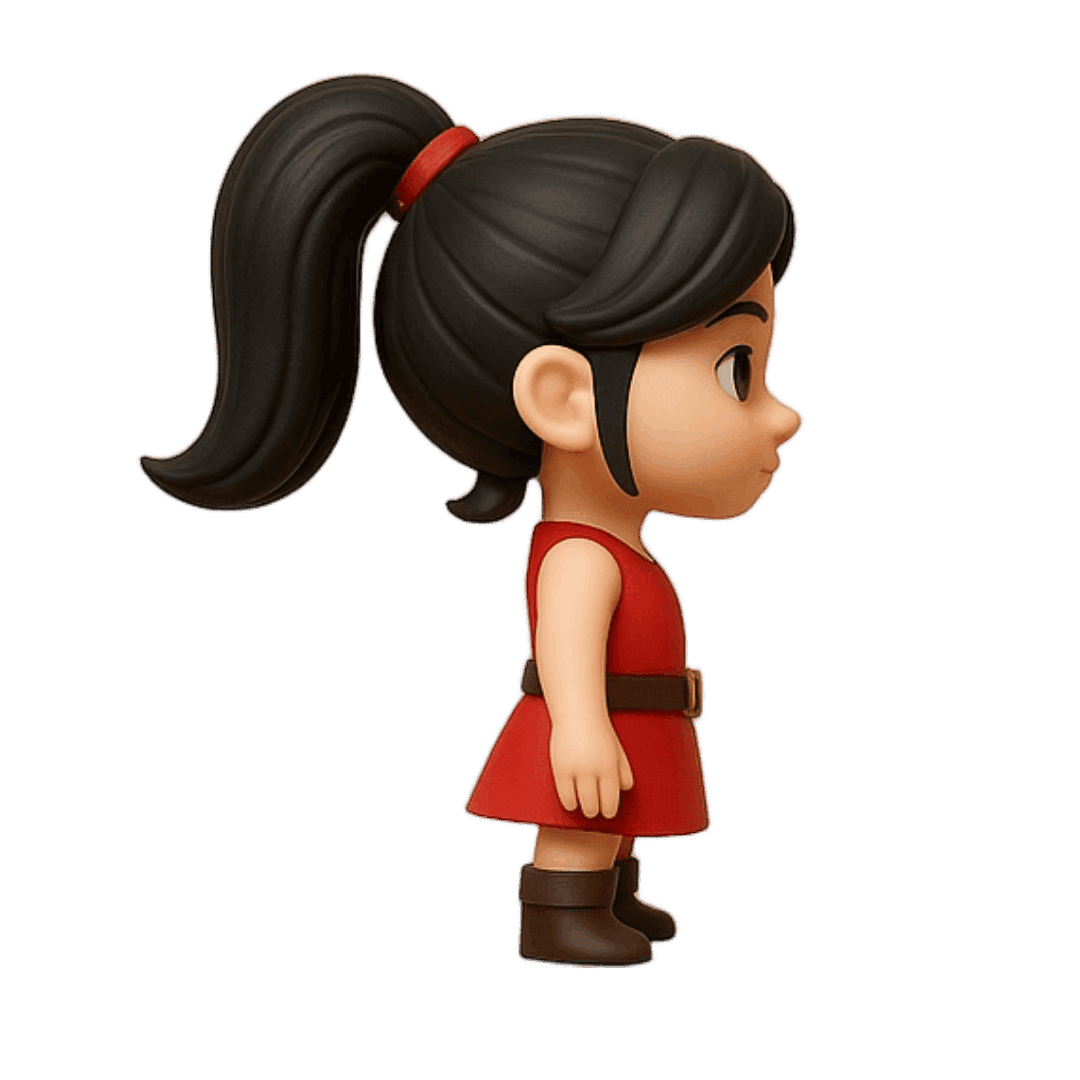
Front View
Right Side
Back View
Left Side
No Images? No Problem!
Don't have the perfect image? Use our Image Studio to generate, edit, and stylize images from text, then transform them into 3D models.
"Heroic knight in dark plate armor, neutral stance, lush valley ruins, stylized"
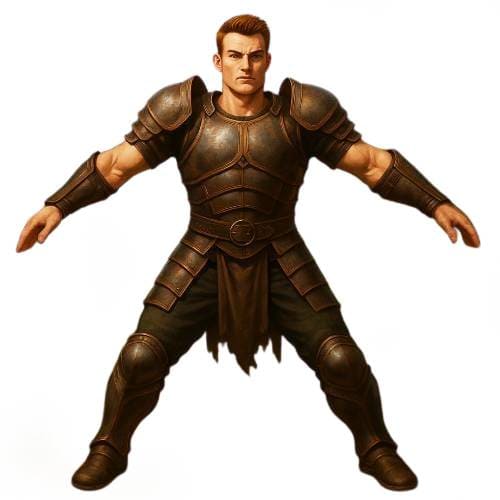
Generate
AI creates your image from the text prompt
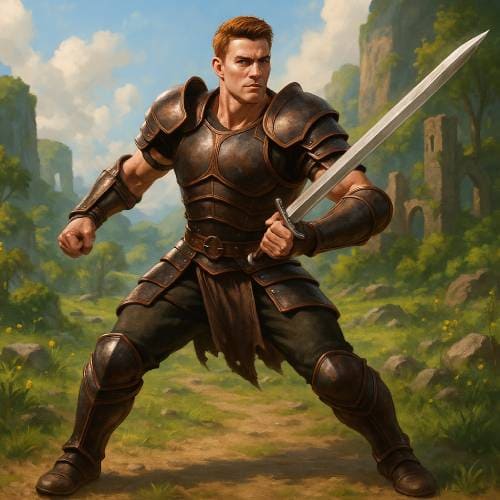
Edit
Refine details with our editing tools
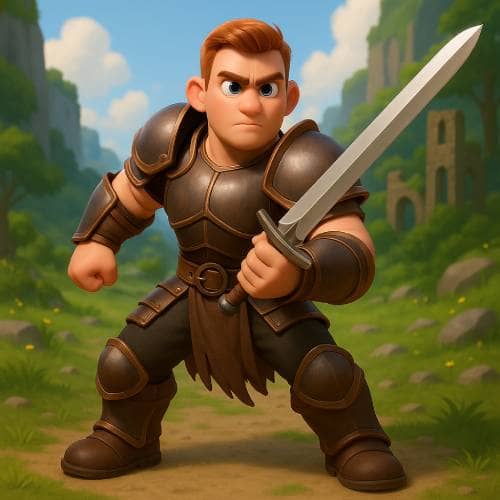
Stylize
Apply artistic styles and effects
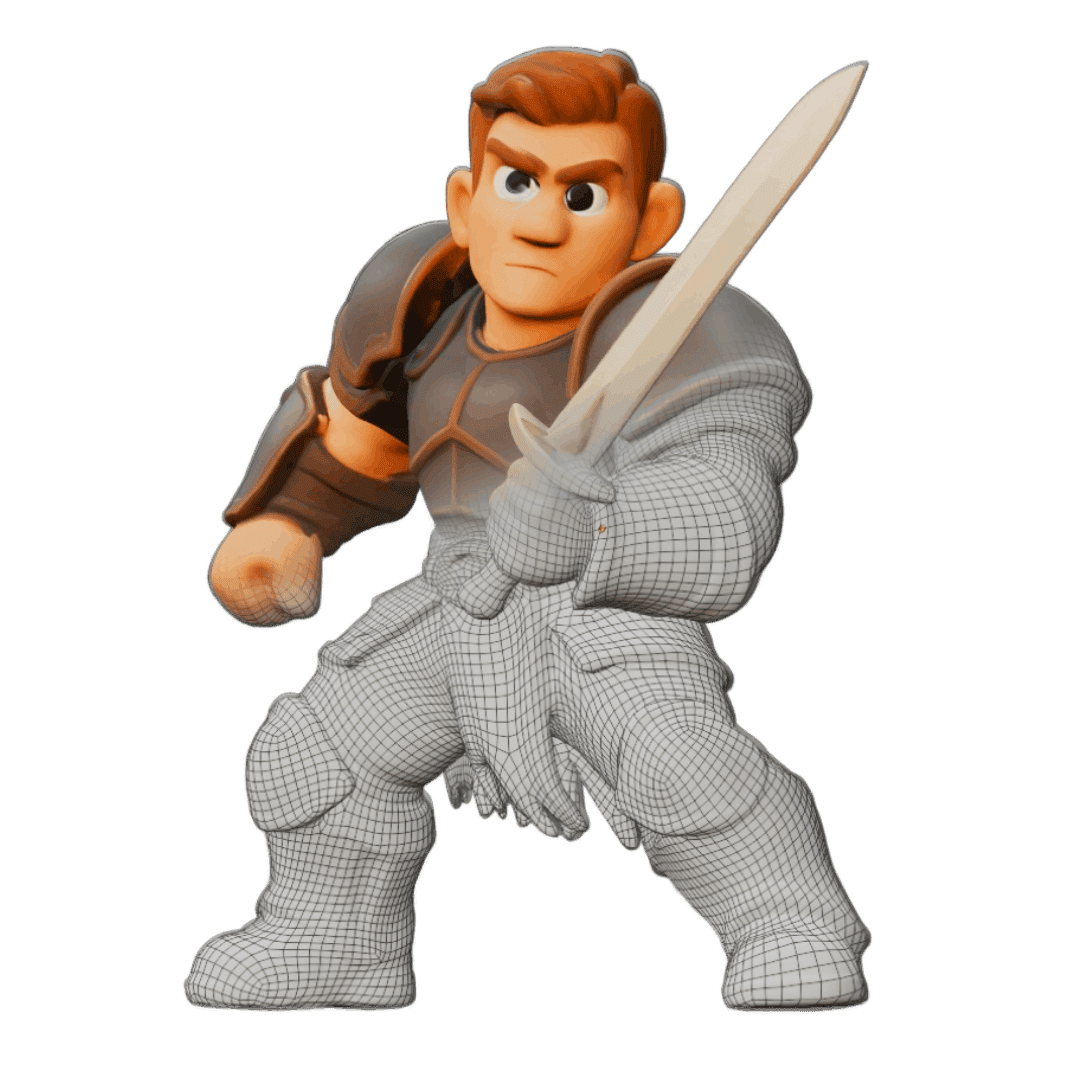
Convert to 3D
Transform image into a 3D model
Complete Creative Pipeline
From text prompt to 3D model - our integrated workflow gives you complete creative control at every step.
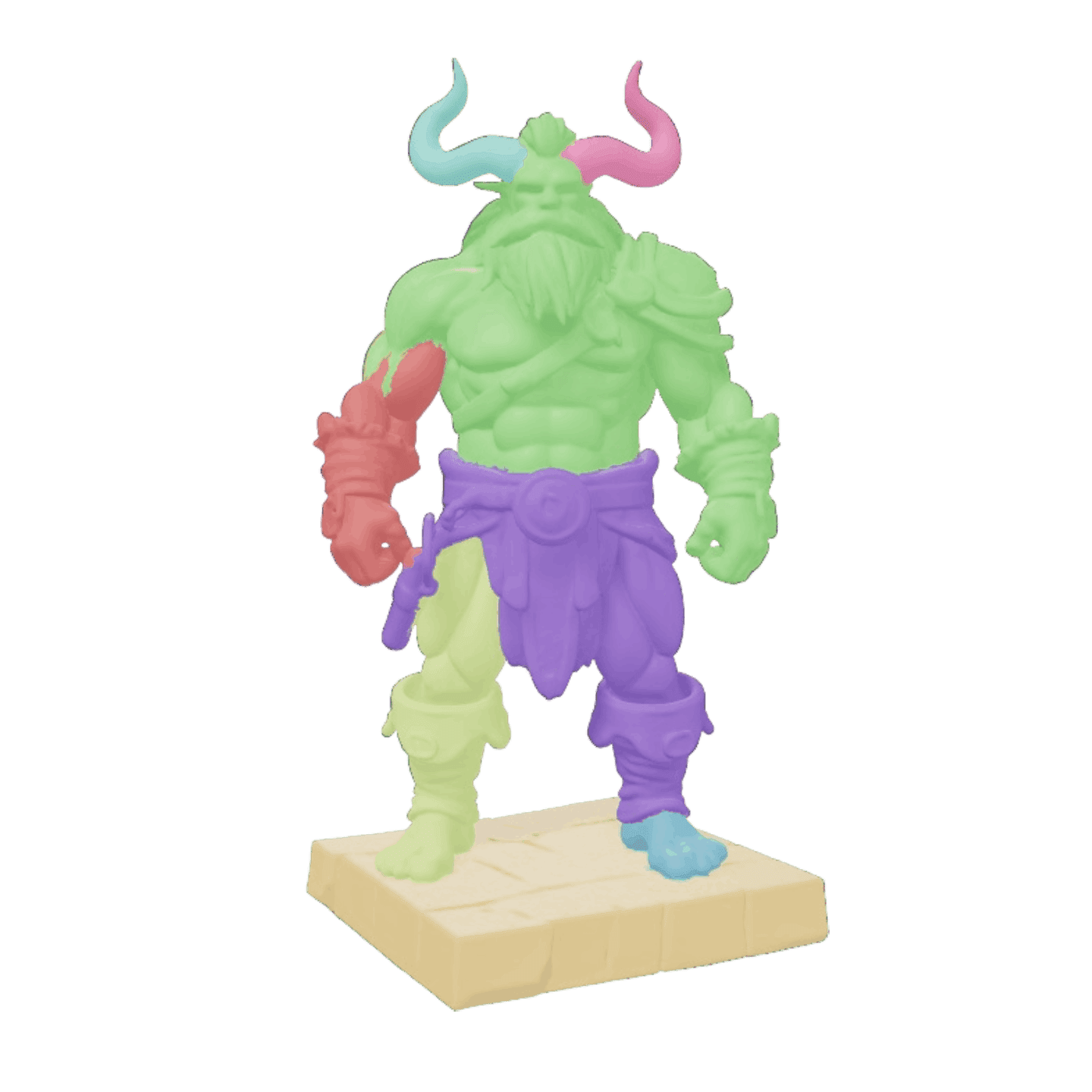
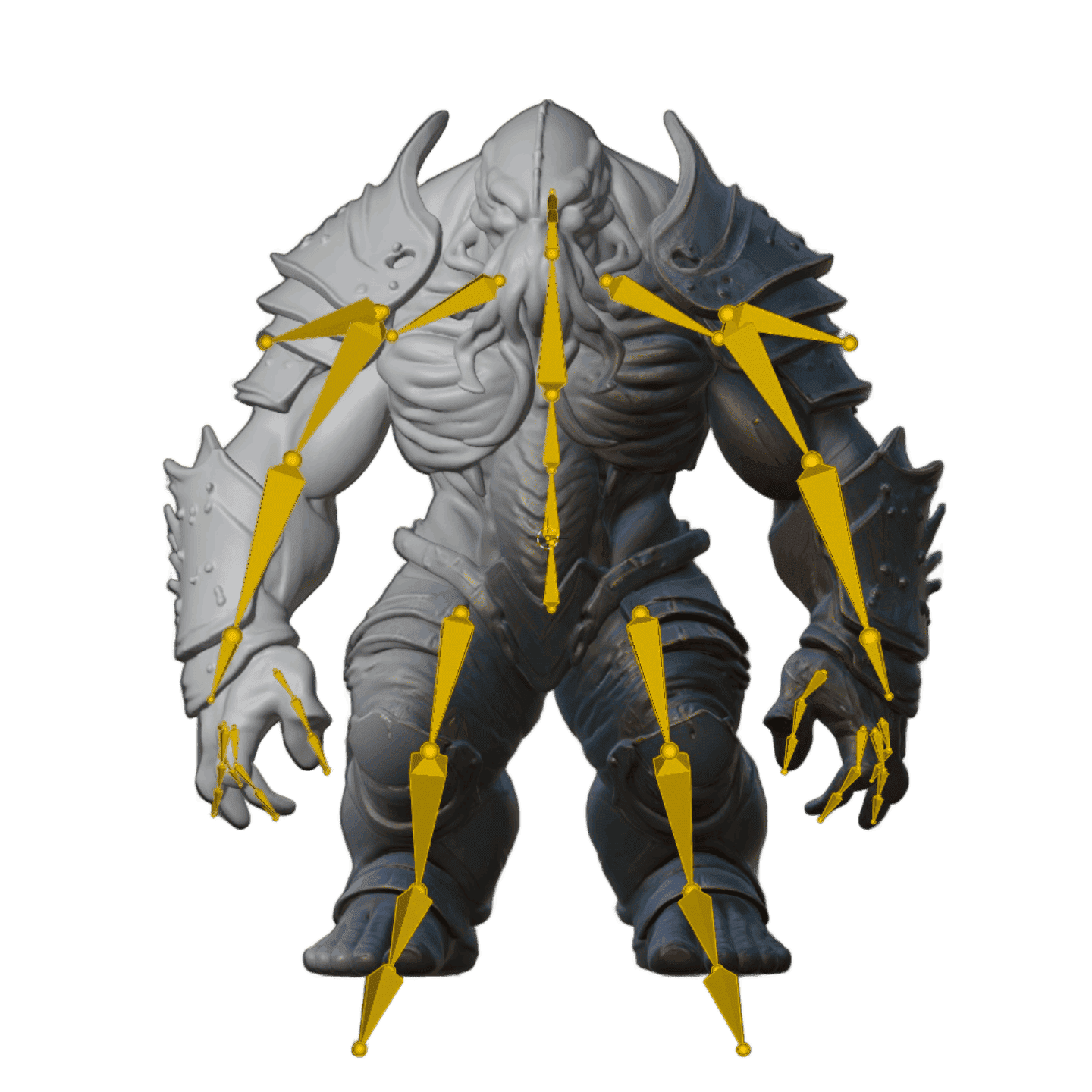
Advanced Model Features
Take your generated models further with optional segmentation, rigging, and animation tools.
Testimonials
Used by Professionals.
In their daily workflows.
What used to take days of back-and-forth with 3D artists now takes minutes. It's exactly what we needed for quick concept visualization and prototyping.
Yariv Newman, Art Director at Pitch Dev Studios
For agencies working with tight deadlines and innovative projects, this tool is invaluable. It's significantly reduced our asset creation costs while allowing us to deliver more creative solutions.
Paul Xue, Founder & CEO at Spacestation Labs
Instead of spending hours designing models or searching through libraries, I can generate print-ready models in minutes.
Philipp Sieben (PixelArtistry), 3D Printing Enthusiast
I've been creating 3D games and applications for over 25 years, and this is a real game-changer. For my web projects using Three.js, I can now get the 3D models I need in minutes instead of hours.
Michael Schlachter, Graphics and Simulation Programmer

PixelArtistry
@philippsieben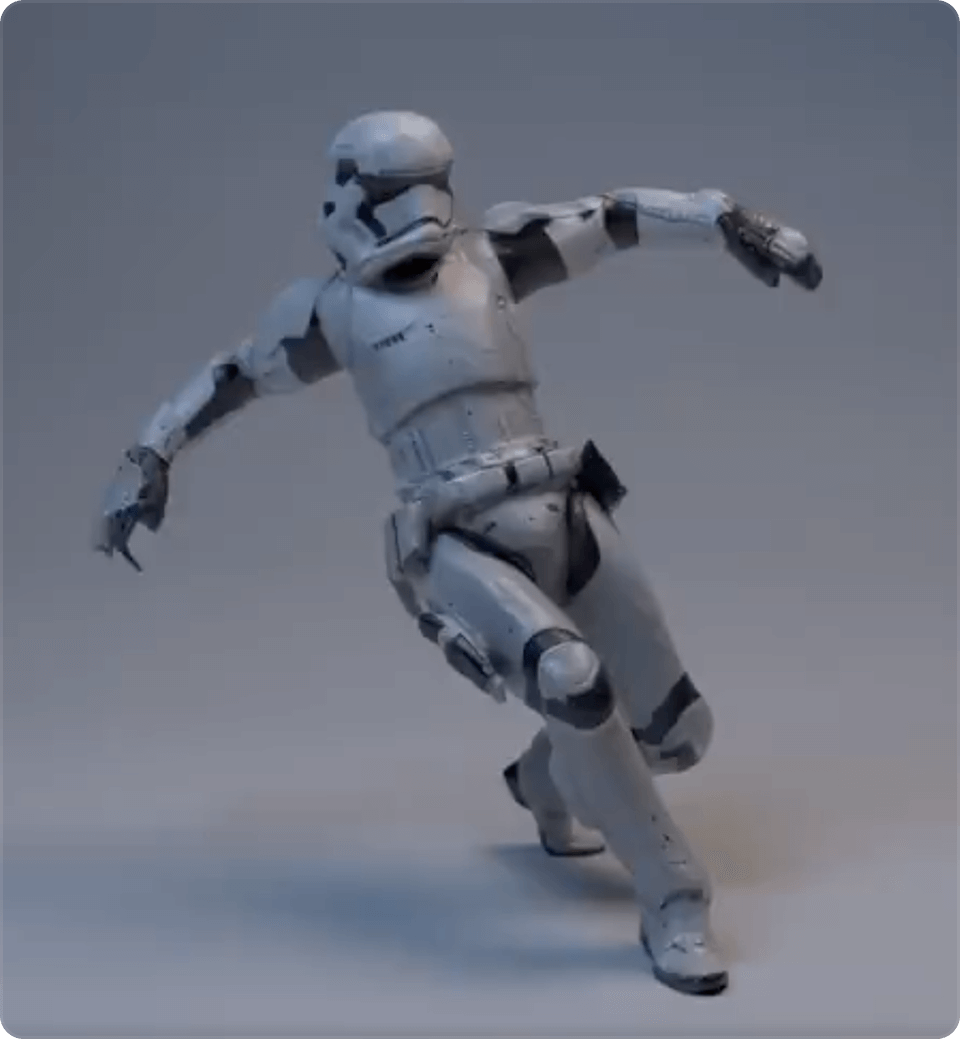
Nick St. Pierre
@nickfloats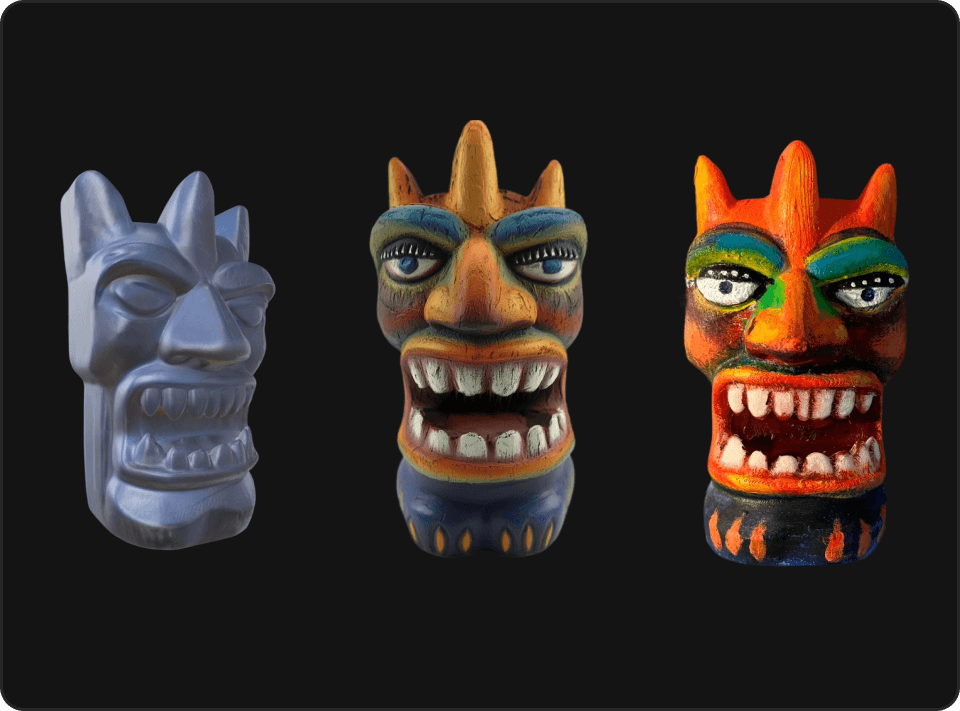
Mr. P
@Itryandlearn3D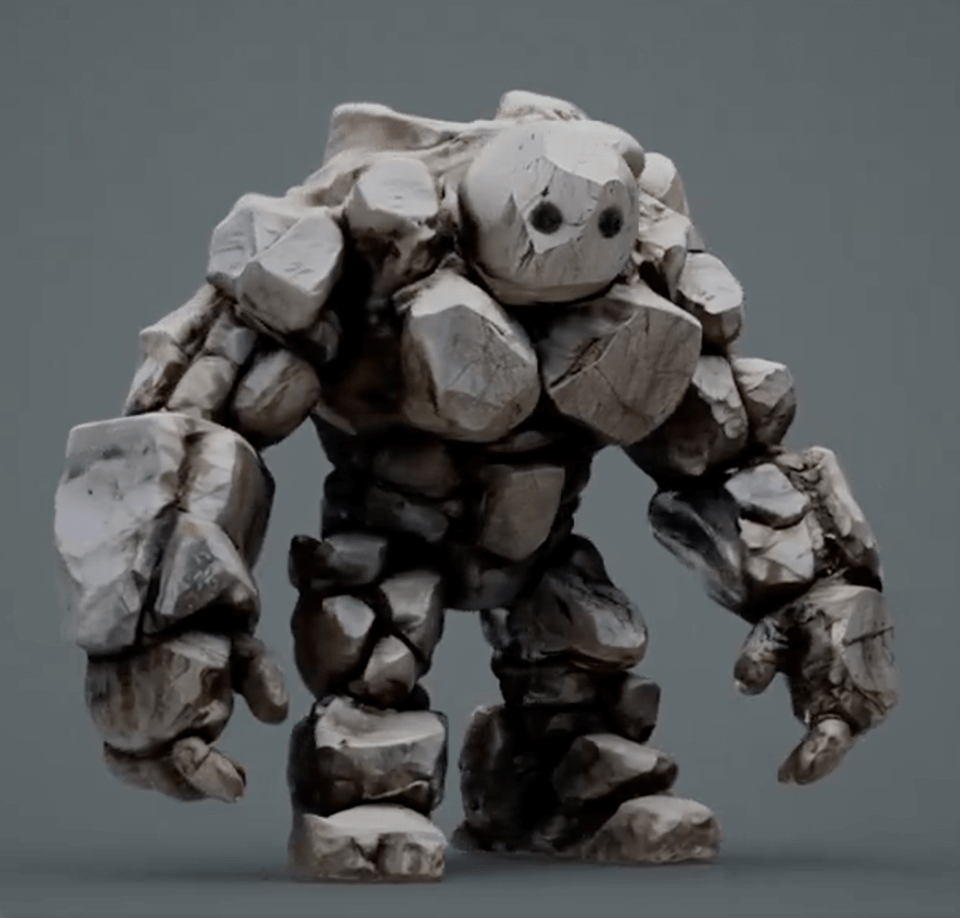
Ready to try the Image to 3D tool?
Use what you learned in this guide, upload a clear image, and generate your first 3D model in the browser.