
Sketch to Image AI, Rendered Live
Draw something rough. AI turns it into a finished image while you draw.
Trusted by creators at top game studios and tech companies













How to turn a sketch into an image with AI
Three steps from drawing to image. No drawing skills needed.
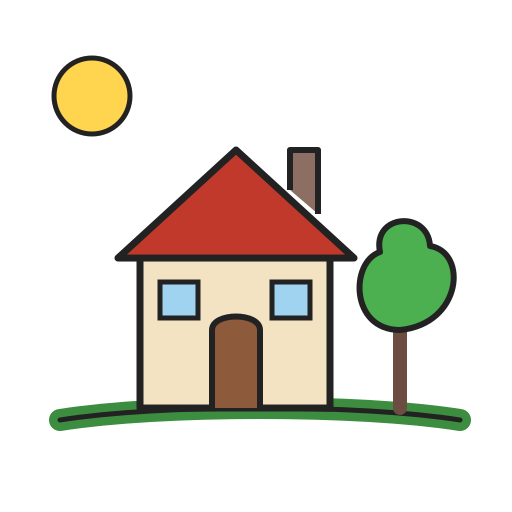
Draw
Rough shapes and flat colors are enough.
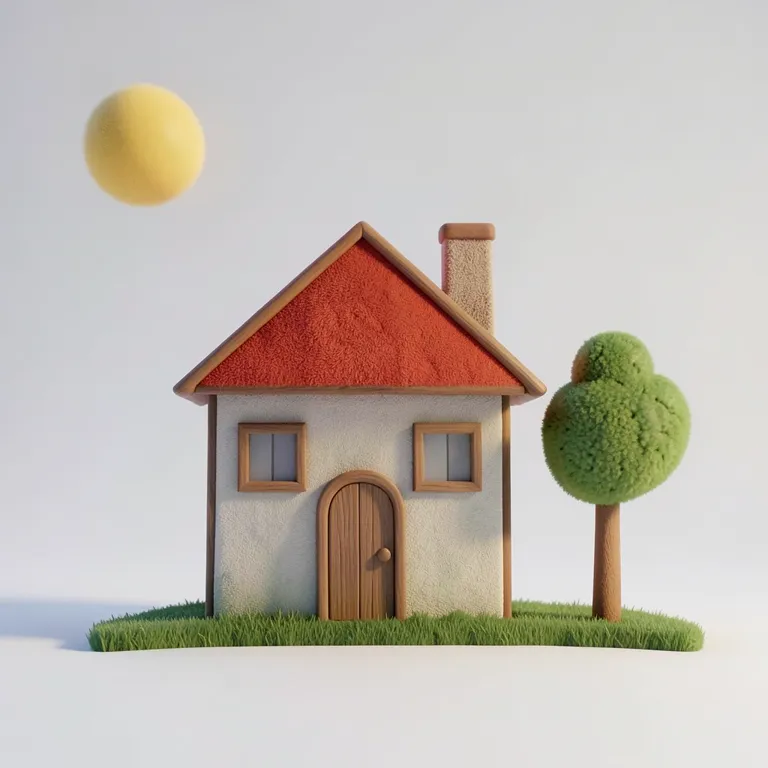
Describe it
Say what you drew and pick a style.
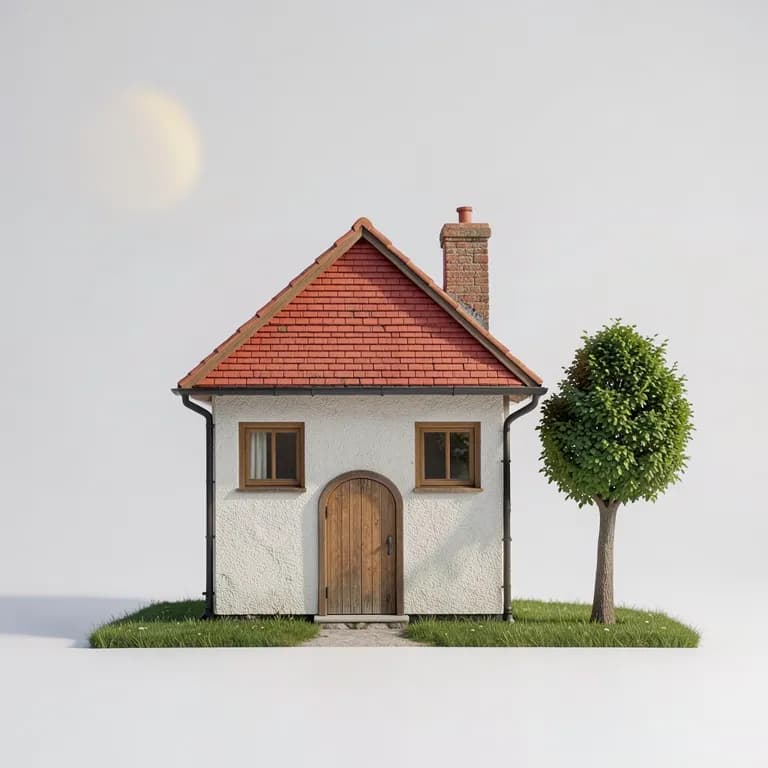
Watch it render
A new render about half a second after every stroke.
One sketch, ten styles
Same drawing, same prompt. Only the style changes.
SketchThe sketch
One drawing, one prompt. Pick a style to see the result.
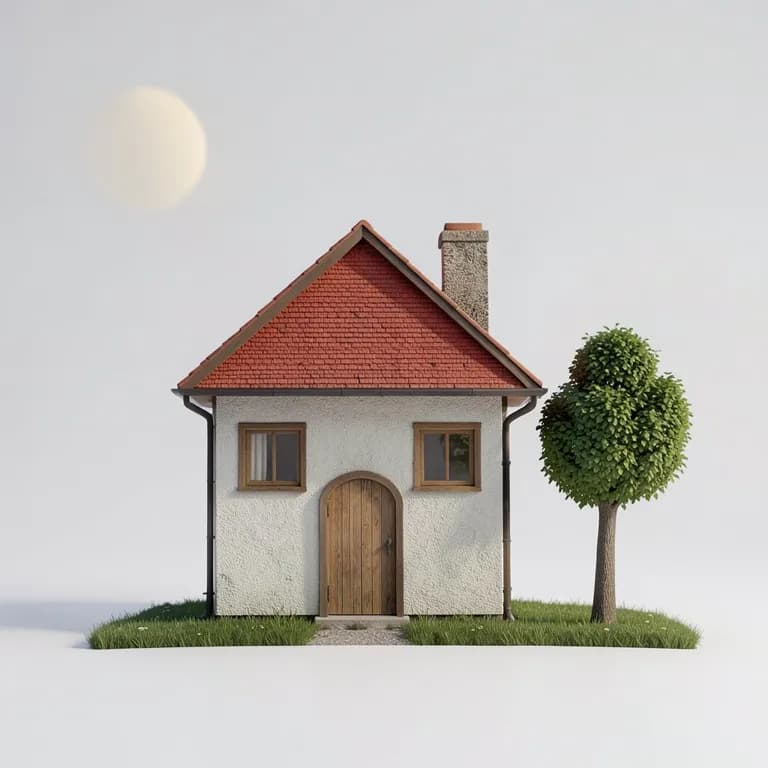
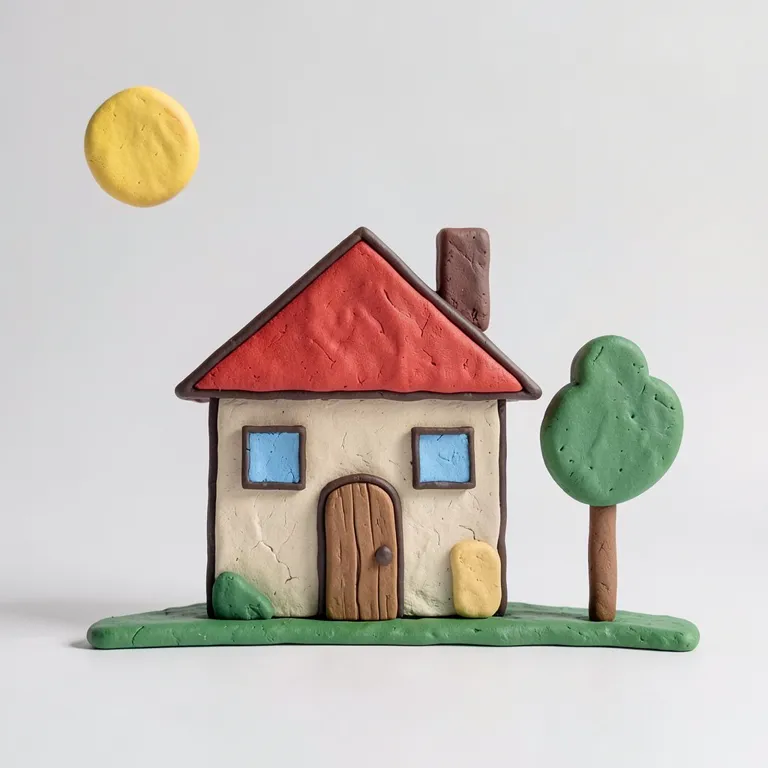
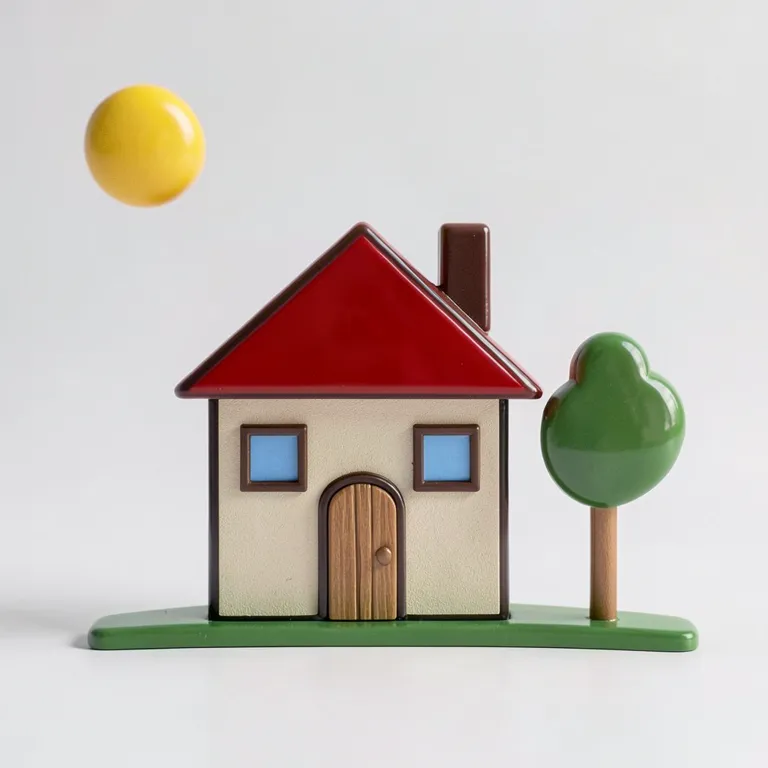
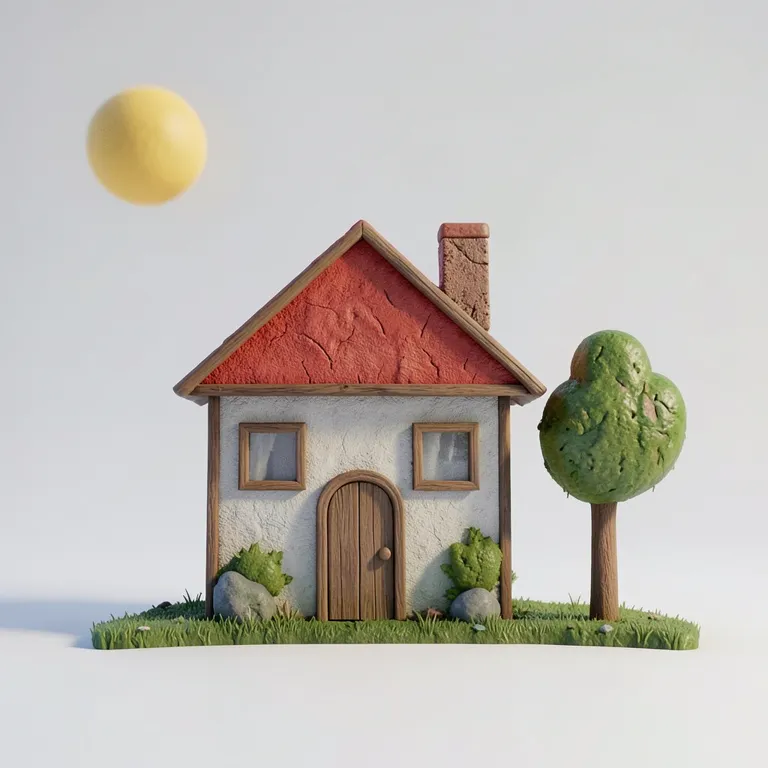
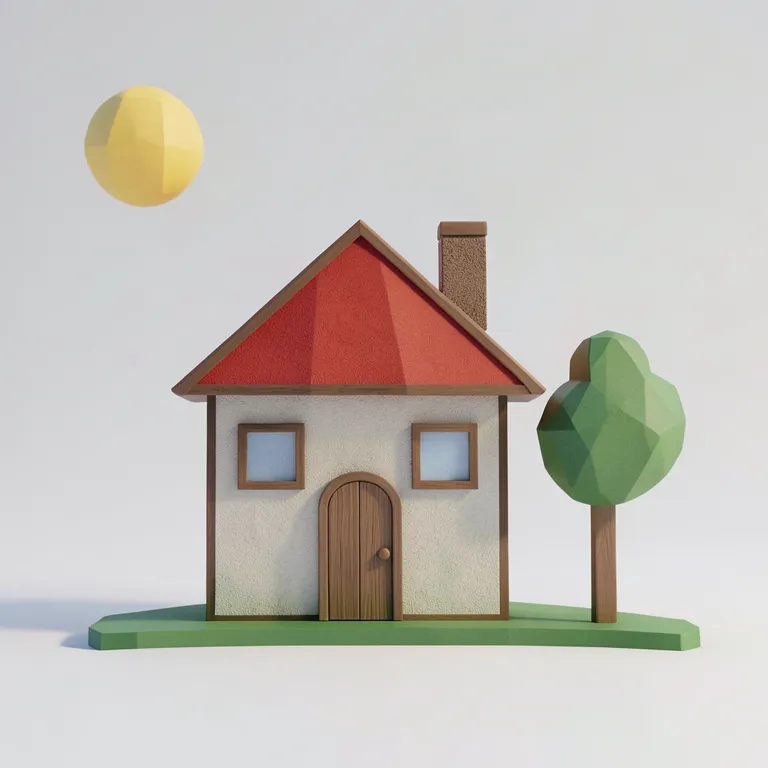
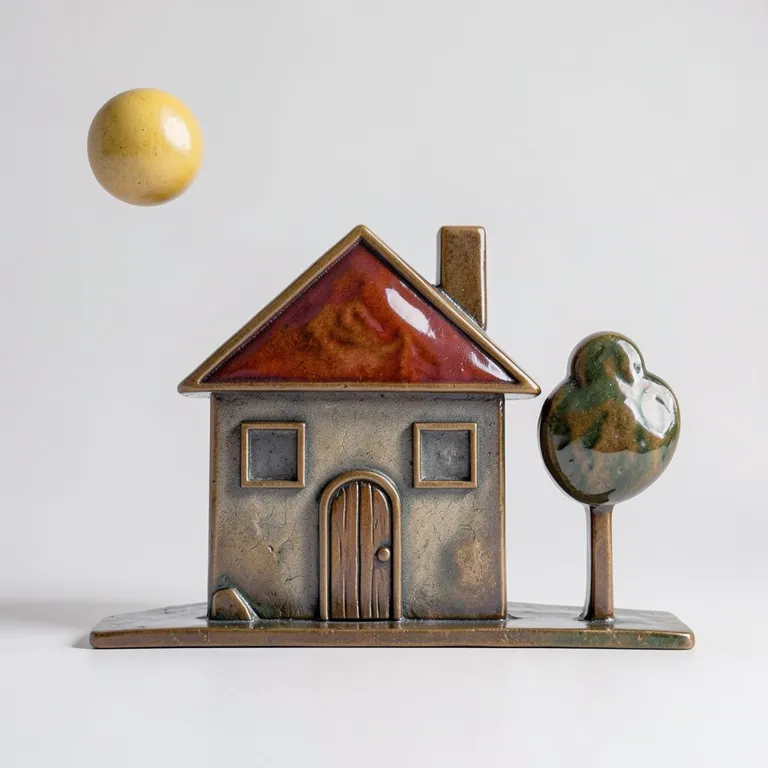
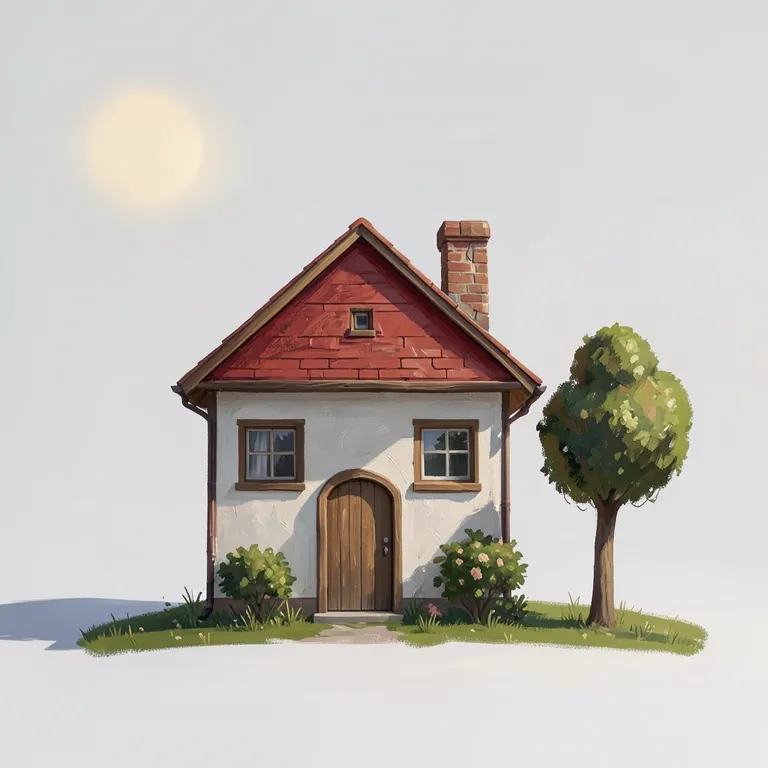
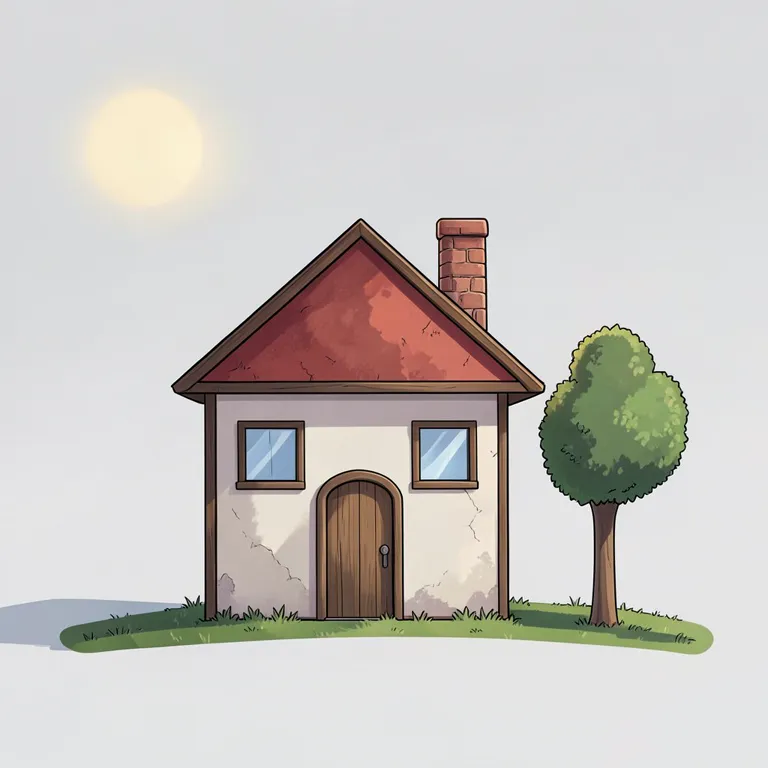
Sketch to photo, sketch to render
Any drawing works, from a doodle to clean line art. Drag across each image to compare.
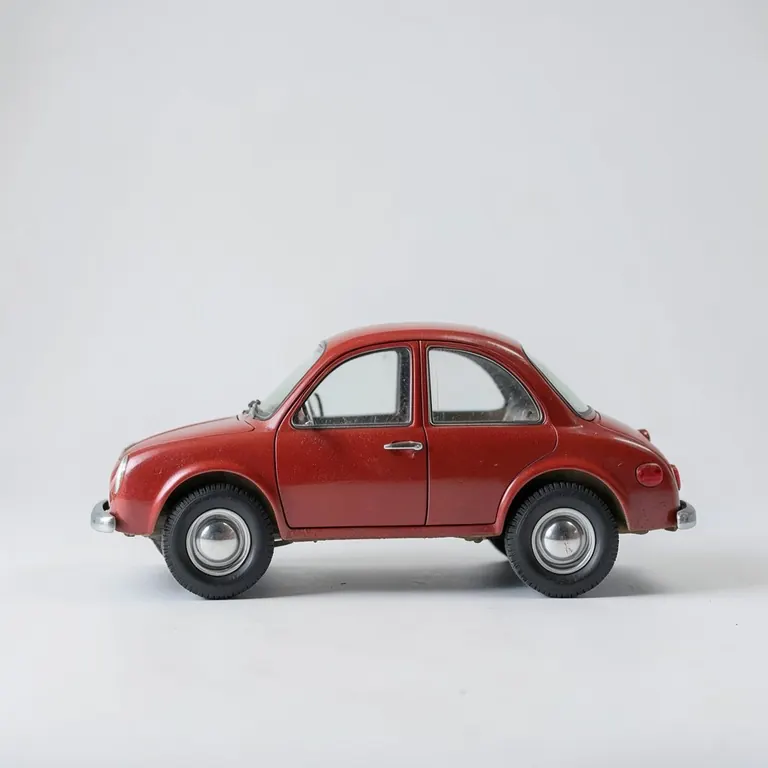
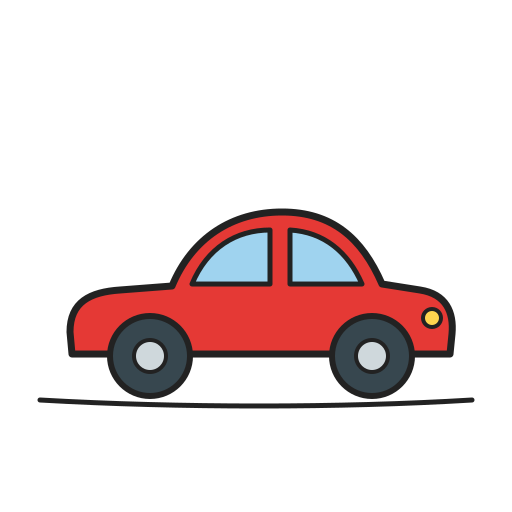
Little car
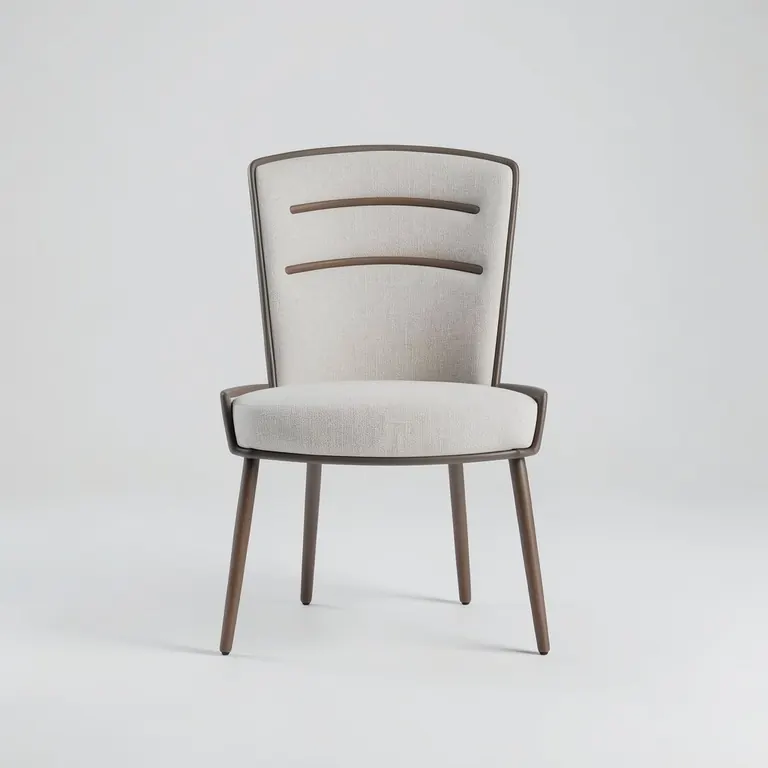
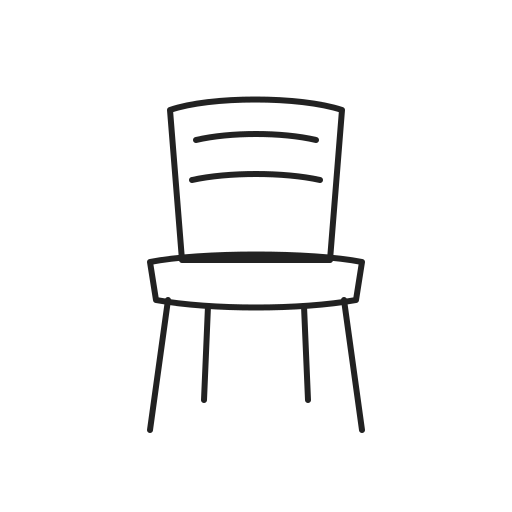
Line-art chair
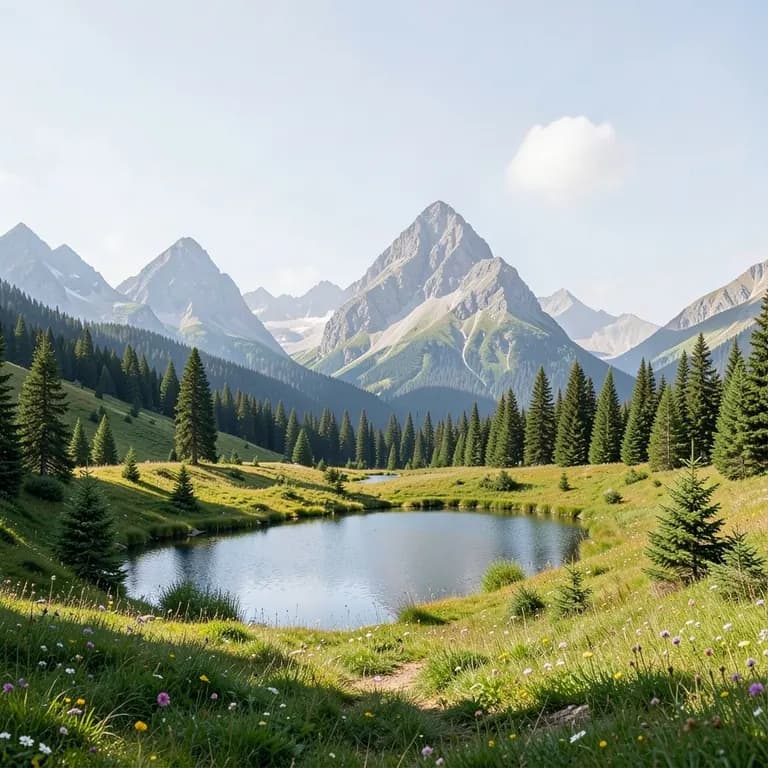
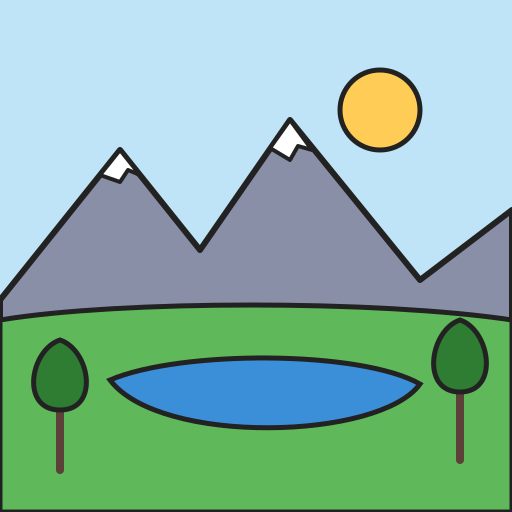
Mountain lake
Tips for better sketch to image results
A few small habits make a big difference.
Fill with flat colors
The AI keeps your colors, so fill each part with the color it should be. A blue door stays blue.
Say what you drew
A few words like “a red ceramic mug” tell the AI what the shapes are. Name materials for more realism.
Pick an AI strength
Refine keeps your drawing exactly, Creative and Wild invent more. Balanced is a good place to start.
Draw big, add detail later
Large, clear shapes read best. Add small details once the render looks right; it updates live.
What is sketch to image AI?
Sketch to image AI turns a rough drawing into a finished picture. Your lines and colors set the layout, shapes and palette, and the AI adds materials, lighting and detail. In Sketch to Image the render updates live, about half a second after every stroke, so you can keep drawing until it looks right.
Drawing to image vs. text to image
Text to image guesses the composition from words alone. With drawing to image you decide where everything goes and how big it is, and the prompt only says what it is. That makes the result far more predictable whenever the layout matters, like product ideas, rooms or characters.
Sketch to render for designers
Product designers, architects and game artists use sketch to render to test ideas fast: one sketch, several materials and styles in seconds. When a render is right, send it to Image to 3D and get a textured 3D model of it.
Full guide: How to turn a sketch into an image with AI
Free to start
Upgrade when you want more.
Free
- Free live renders every day
- All drawing tools and 10 styles
- Watermarked previews