

Brand Mascot Generator
Turn your brand idea into a 3D mascot character
Describe it in one sentence. About 2–3 min later you download a 3D mascot character as GLB or USDZ, ready to use. No 3D skills needed.
Make 3D mascot character
Turn your brand idea into a 3D mascot character. The prompts and settings are already done for you.
~2–3 min · full-body character · ready for rigging · free to try
Made with this template
The card in the corner shows what went in.


Each example is an actual run of this template at Standard quality, made from a typed idea or a sketch.
From idea to file in about 2–3 min
Type what you want, then wait while 2 AI steps run. Nothing to set up.
- 1Typed“A friendly fox for a coffee roastery”YouYou describe it
Or upload your logo to base the mascot on it
- Image Studio2
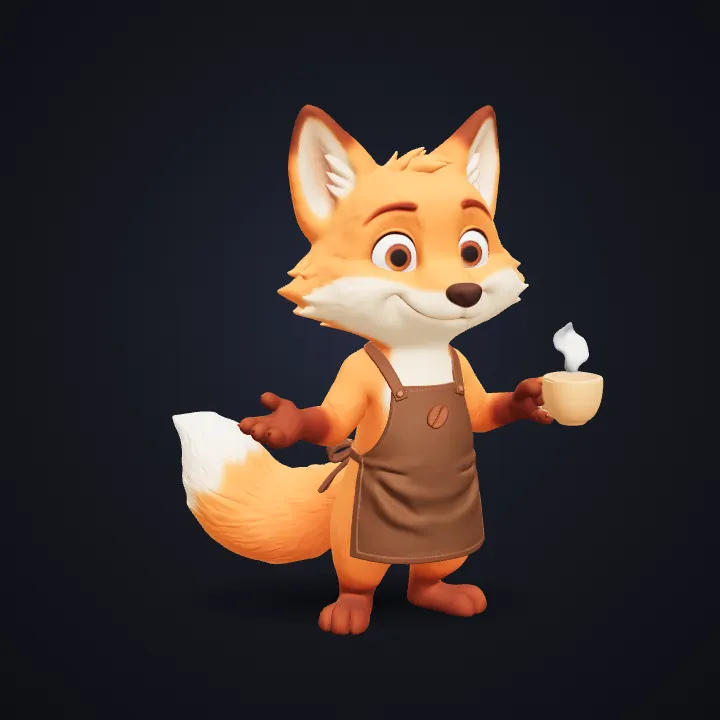 AIAI draws your idea
Image Studio designs one full-body mascot in your brand colours, posed with arms slightly out so it's easy to rig later.
- Image to 3D3AIAI builds it in 3D
Image to 3D (Prism 3.1) builds a textured model with Fast textures and Standard mesh quality.
- GLB USDZ FBX4YoursYou download the file
As GLB, USDZ or FBX. You can use it however you like.
Where people use it
You get GLB, USDZ or FBX, so it opens in most 3D apps and prints too.
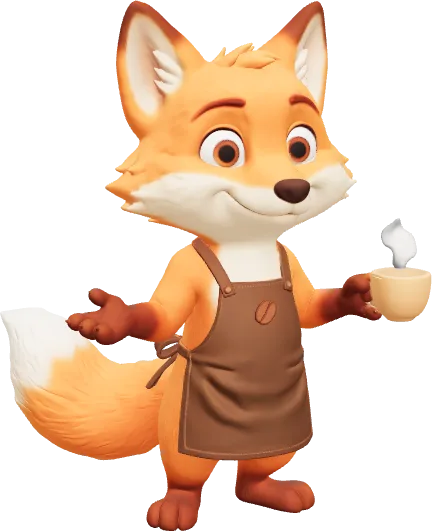
A 3D version of your logo or mascot for headers, posts and stories.
Spin it in a video editor or a 3D app for an intro or reveal.
Signs, desk pieces and merch: the STL prints on any printer.
How this template works
Image Studio designs a friendly mascot standing in a welcoming pose, then Image to 3D builds a model you can rig, animate, render for socials or print as merch.
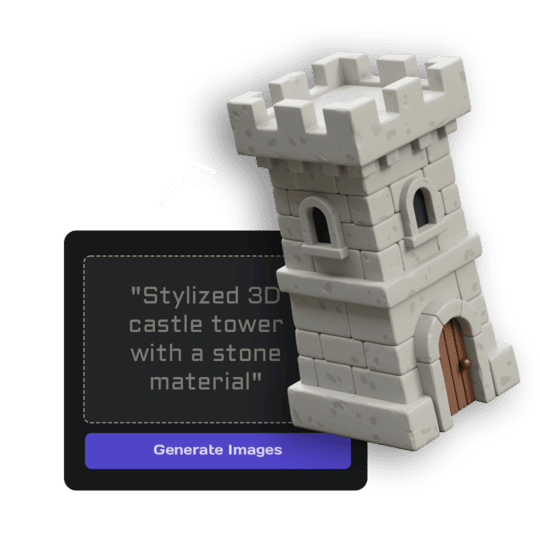 1Open Image StudioStep 1 · Image Studio
Design the mascot
Image Studio designs one full-body mascot in your brand colours, posed with arms slightly out so it's easy to rig later.
Nano Banana 2.1 (text) or GPT Image 2.5 Flare (sketch)
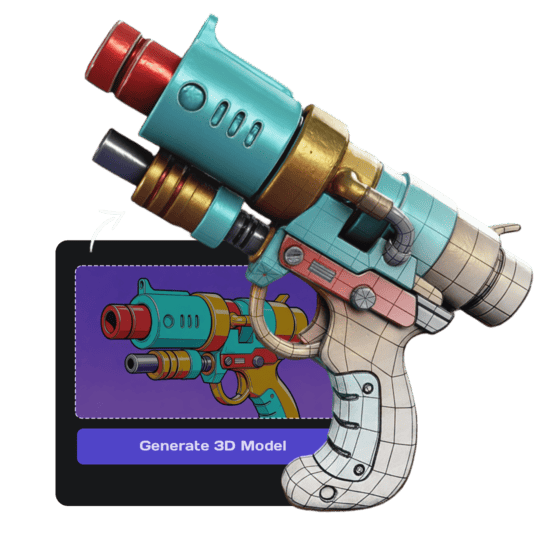 2Open Image to 3DStep 2 · Image to 3D
Build the 3D model
Image to 3D (Prism 3.1) builds a textured model with Fast textures and Standard mesh quality.
Prism 3.1 · Fast textures · Standard mesh
Do it yourself for more control
- Open the model in the Rigging tool to make it wave, dance or point.
- Render poses in Blender for stickers and social posts.
- Print it in Print Export as a desk figure for the team.
What is 3D AI Studio?
3D AI Studio is a web app that makes 3D models, images and sounds with AI. It runs in your browser, so there is nothing to install.
A template is a saved recipe. It runs a fixed set of AI tools with settings we've already tested, so all you add is a photo or a sentence.
- Step 1Image Studio
Draws a picture from a sentence or a sketch.
- Step 2Image to 3D
Turns a single picture into a textured 3D model.
What you need
- One sentence or a sketchNo prompt skills needed
- 3D software or skillsNot needed. It all happens in the browser
- A free accountSign up with Google or email
Sign up for free and make your first one right away. Downloading the files is part of the paid plans.
polished 3D animated-film character, big expressive eyes, soft rounded shapes and bright brand colours.
collectible designer vinyl toy, simplified chunky shapes, a glossy finish and flat bold colours.
soft plush toy with fuzzy fabric, stitched seams and embroidered eyes.
The files you get
For Godot, Blender, websites and AR viewers.
Tap it on an iPhone to place the model in your room.
Drag it into Unity, Unreal or Roblox Studio.
How to describe it
 A photo like this works
- Name the animal or object, the brand and its personality.
- Mention your brand colours: "teal and coral".
- Upload your logo to tie the mascot to your mark.
Good to know: The mascot is a static model; rigging and animation are separate steps in the Rigging tool.
Run this template from Claude, ChatGPT or Cursor
Connect the 3D AI Studio MCP to your AI assistant and paste the brief into the chat. It runs the same steps with the same prompts and settings, shows you the result in the conversation and saves it to your library.
- Connect the MCP once in your account settings. It's included in every paid plan.
- Copy the brief and swap the example in the first line for your own.
- Paste it into a new chat. Your assistant runs every step and shows you each result.
generate_image_nano_2_1upload_imageedit_image_gptgenerate_prism_3_1convert_modelget_generationshow_generationUse the 3D AI Studio MCP to run the "Brand Mascot" template (https://www.3daistudio.com/templates/brand-mascot-generator) for me.
My idea: A friendly fox for a coffee roastery
Style: 3D cartoon
Follow these steps in order. The prompts and settings are the template's own, so use them word for word and only put my idea where it says {MY IDEA}.
1. Design the mascot
Call generate_image_nano_2_1 with aspect_ratio "1:1", resolution "1K", output_format "png" and this prompt:
"""
Mascot: {MY IDEA}. Style: polished 3D animated-film character, big expressive eyes, soft rounded shapes and bright brand colours. One single brand mascot character, friendly, memorable and simple enough to use in logos and stickers, full body from head to feet standing in a confident welcoming pose with arms slightly away from the body, facing three-quarter front, the whole character visible with generous empty margin, no text, no logos on its body unless given. Seamless pure white (#FFFFFF) background, soft even studio lighting, no cast shadows, no ground plane.
"""
If I want to start from a sketch or reference image instead, call upload_image so I can hand it over, then call edit_image_gpt with the upload in images, quality "low", output_format "png" and this prompt:
"""
Create a mascot character inspired by the logo in the reference image, using its colours and its main shape or symbol. Style: polished 3D animated-film character, big expressive eyes, soft rounded shapes and bright brand colours. One single brand mascot character, friendly, memorable and simple enough to use in logos and stickers, full body from head to feet standing in a confident welcoming pose with arms slightly away from the body, facing three-quarter front, the whole character visible with generous empty margin, no text, no logos on its body unless given. Seamless pure white (#FFFFFF) background, soft even studio lighting, no cast shadows, no ground plane.
"""
2. Build the 3D model
Call generate_prism_3_1 with the task_id of the image from step 1 in images, texture_model "3.5", texture_quality "fast", geometry_quality "standard", pbr false.
3. Export
Export it for Website / Shopify unless I name another target: call convert_model on the 3D model with output_format "fbx_zip" (FBX with its textures) for Unity / 3D apps; output_format "usdz" for iPhone AR. Website / Shopify or Blender take the generated GLB as it is, no conversion needed.
After each generation call, keep polling get_generation with its task_id until it completes, then show me the result with show_generation before you start the next step.Or automate it with the API
The same tools are available through the 3D AI Studio API. Call them from your own code to make hundreds at once, build them into your app or run them in your pipeline.
Brand Mascot: questions & answers
3D AI Studio is a web app that makes 3D models, images and sounds with AI. It runs in your browser, so there is nothing to install. A template is a saved recipe. It runs a fixed set of AI tools with settings we've already tested, so all you add is a photo or a sentence.
Yes. The pose is chosen for auto-rigging; open the model in the Rigging tool to add a skeleton and animations.
Yes. Upload your logo and the mascot picks up its colours and symbol.
Yes, the mascot you generate is yours to use. Check it doesn't resemble an existing trademarked character before you register it.
Sign up for free and make your first one right away. Downloading the files is part of the paid plans.
Turn your brand idea into a 3D mascot character
Similar templates
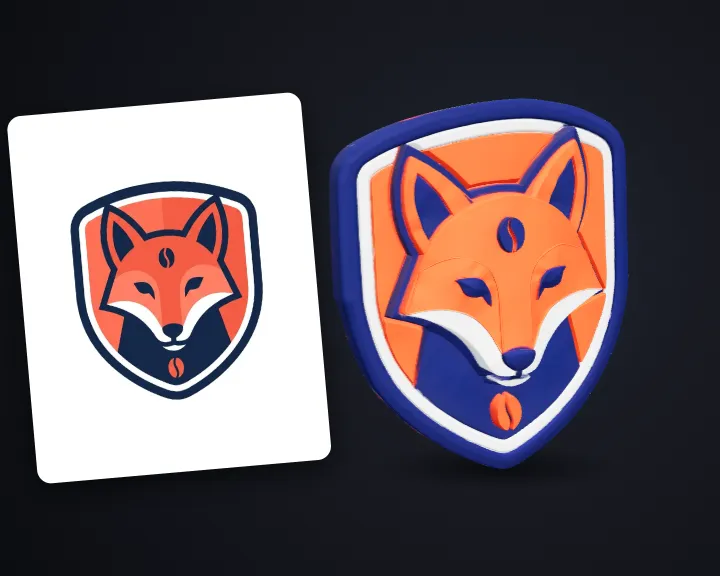 3D LogoTurn your flat logo into a 3D logo
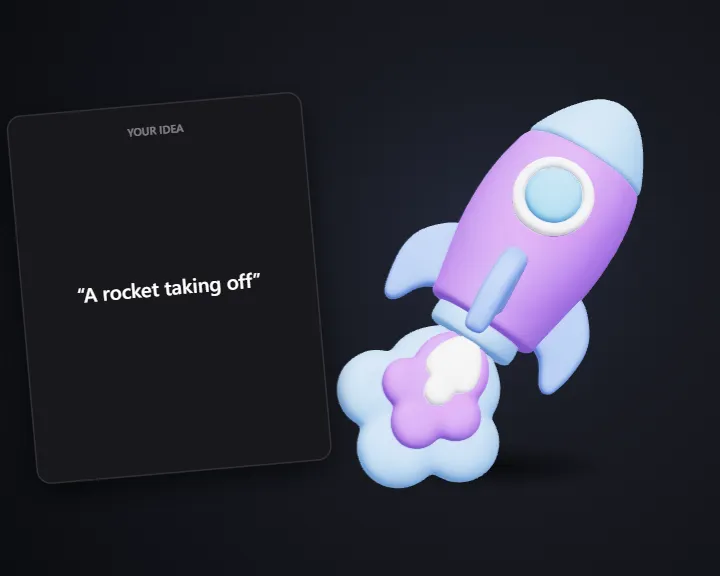 3D IconDescribe an icon and get a matching 3D icon
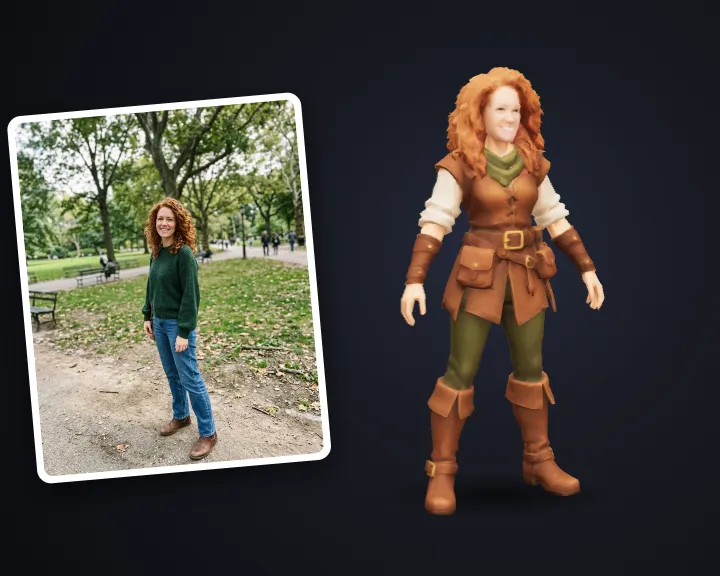 Game Character of YouTurn your photo into a stylized 3D game character
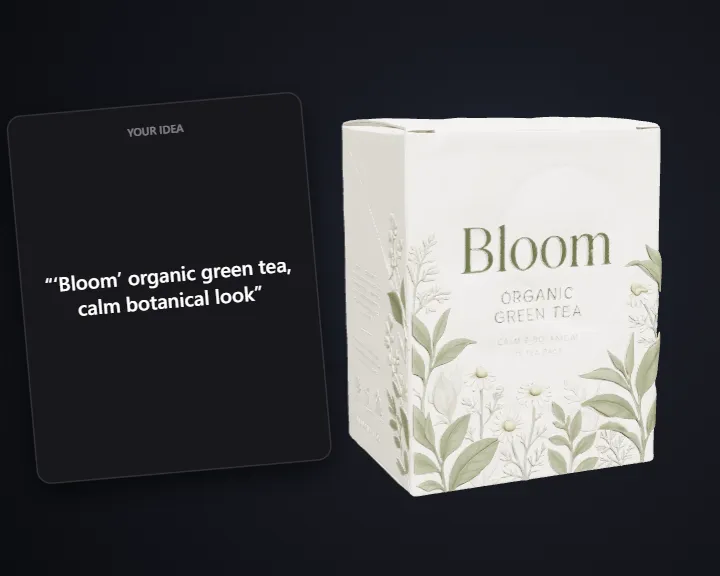 3D Packaging MockupDescribe your product and get a 3D packaging mockup
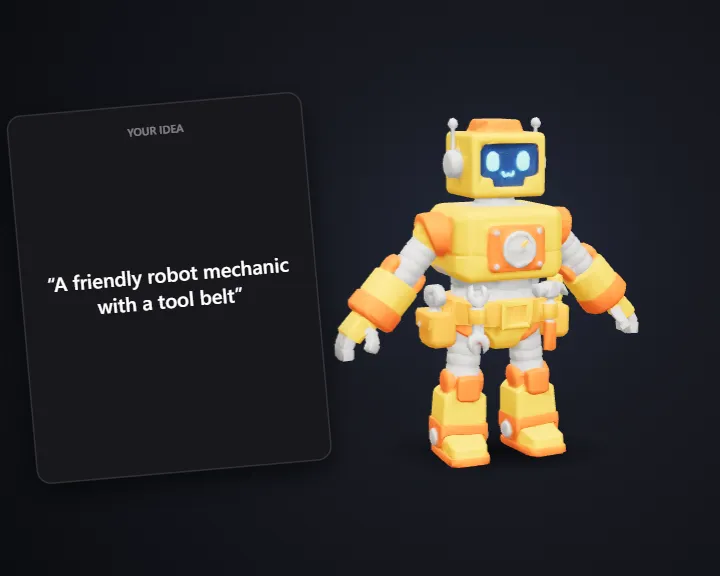 Stylized CharacterTurn an idea into a 3D game character
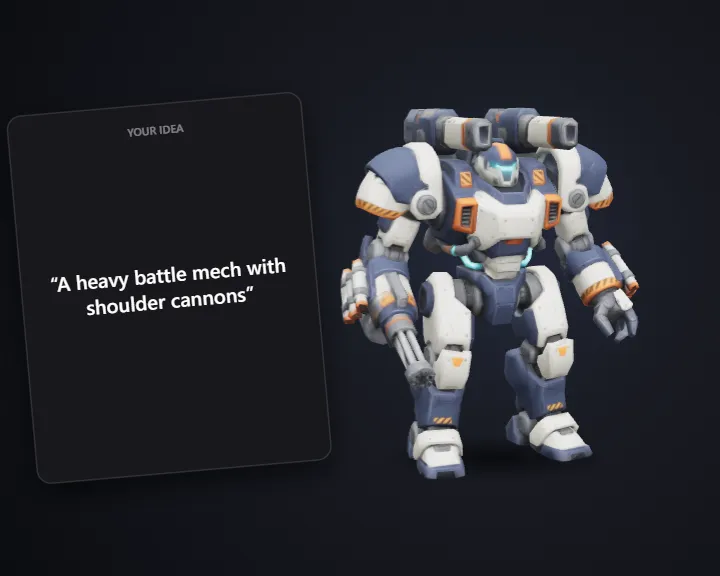 Stylized Robot & MechTurn an idea or sketch into a 3D robot or mech
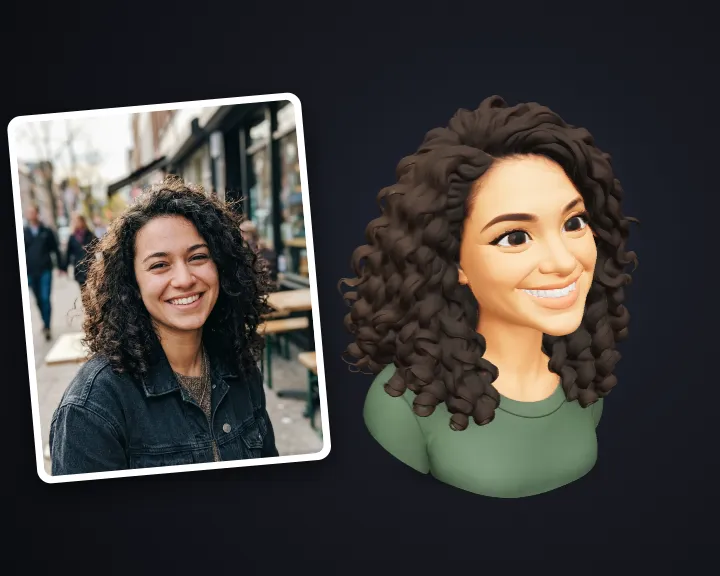 3D Profile AvatarTurn your photo into a 3D avatar for your profile
 Game Title LogoType your game's name and get a title logo