

Turn Your Ideas into Custom 3D Models
Create custom 3D printable models from text or images. Perfect for miniatures, figurines, prototypes, and unique designs. Optimized for Bambu Labs printers and download STL files instantly.
From Idea to Prompt to Physical Print
Watch how a simple text description becomes a real-world 3D printed object in just minutes.
"3d stylized cartoon character, holding an axe, fantasy, full body"
Text Prompt
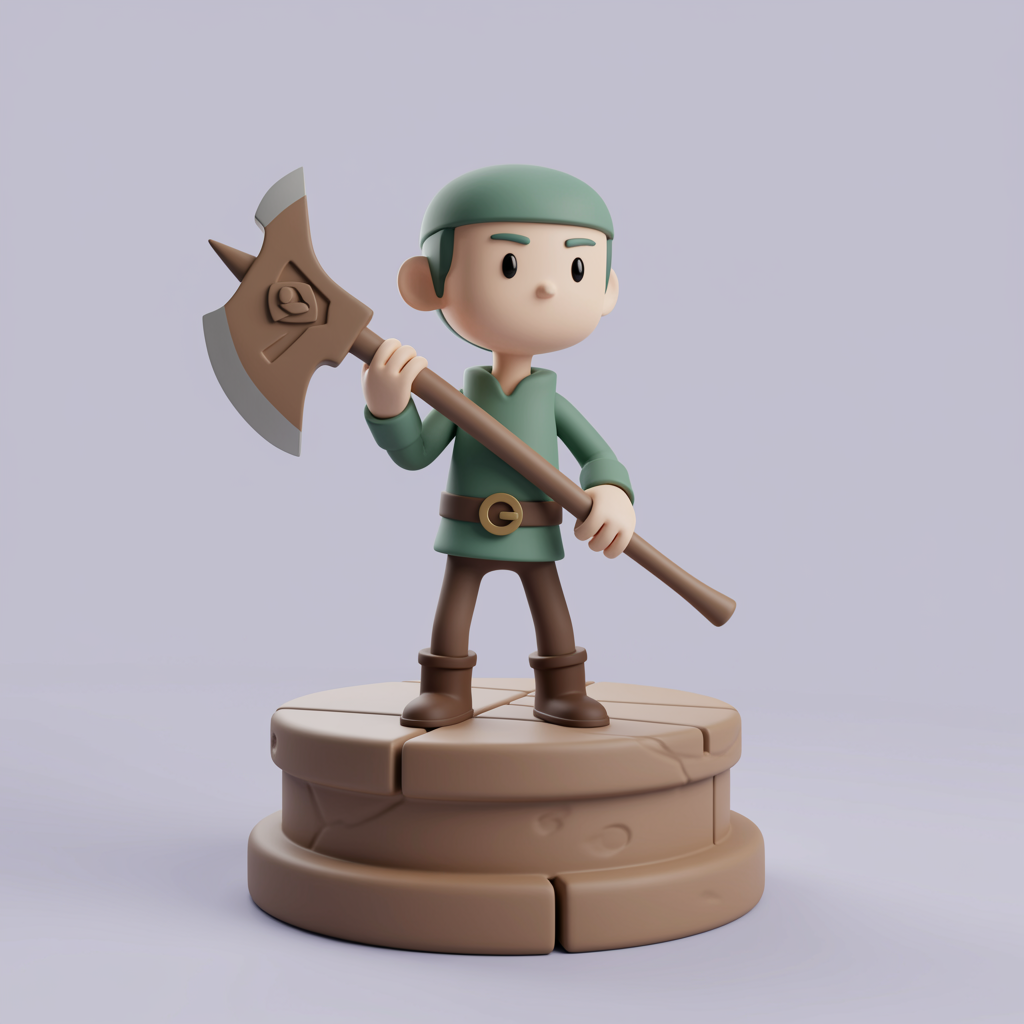
AI Generated Model
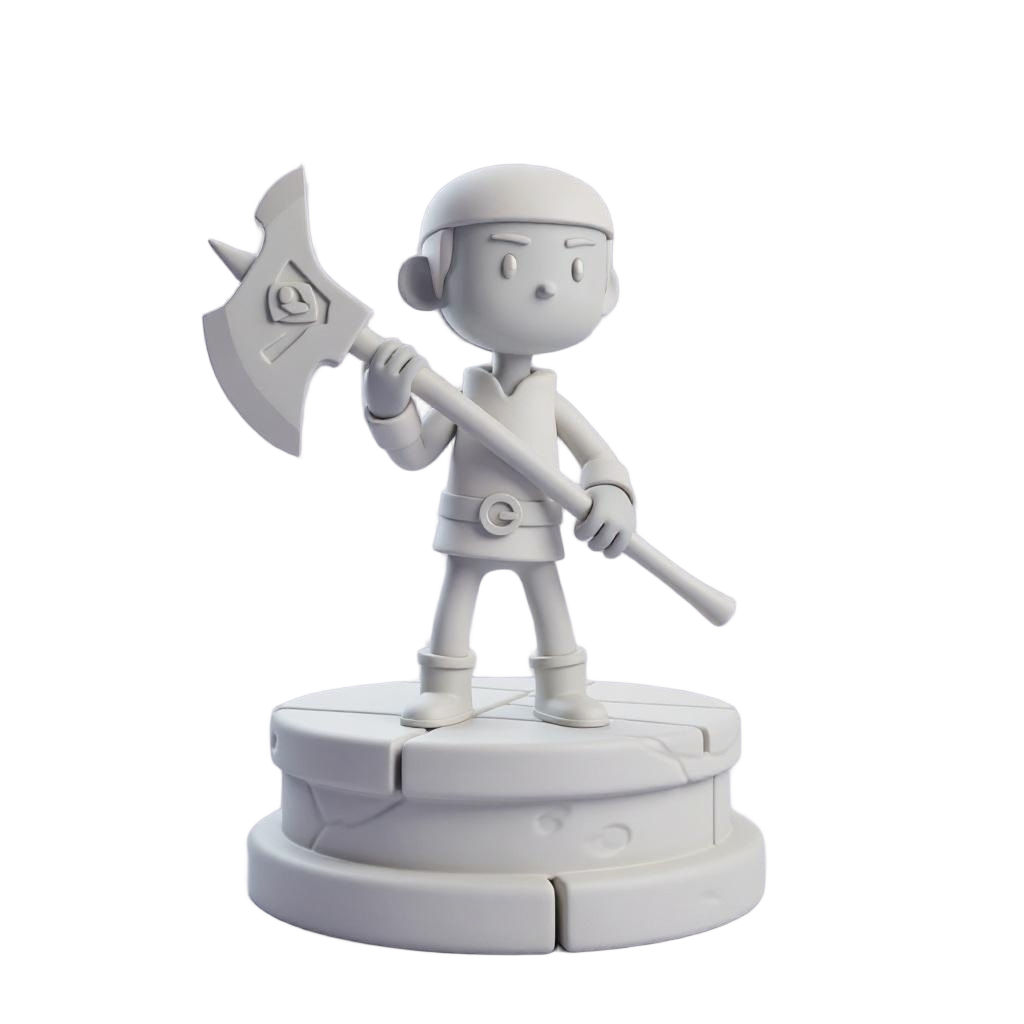
Print-Ready File
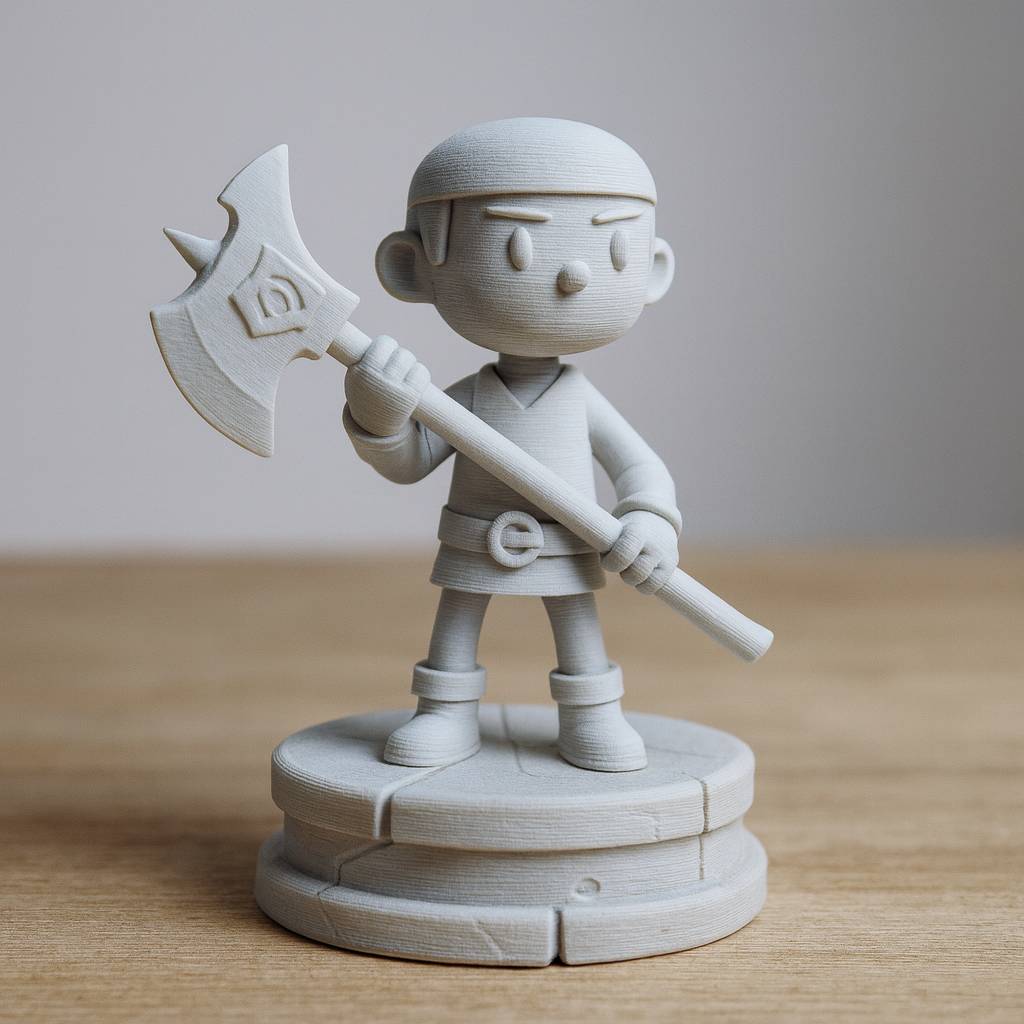
Physical Print
Workflow Demo
From Prompt to Bambu Studio in Minutes
Watch how a simple text prompt becomes a ready-to-print model in Bambu Studio
Generate 3D Model from Text
Prompt: "Chibi goblin boy, big eyes, tusks, torn pants, stylized"
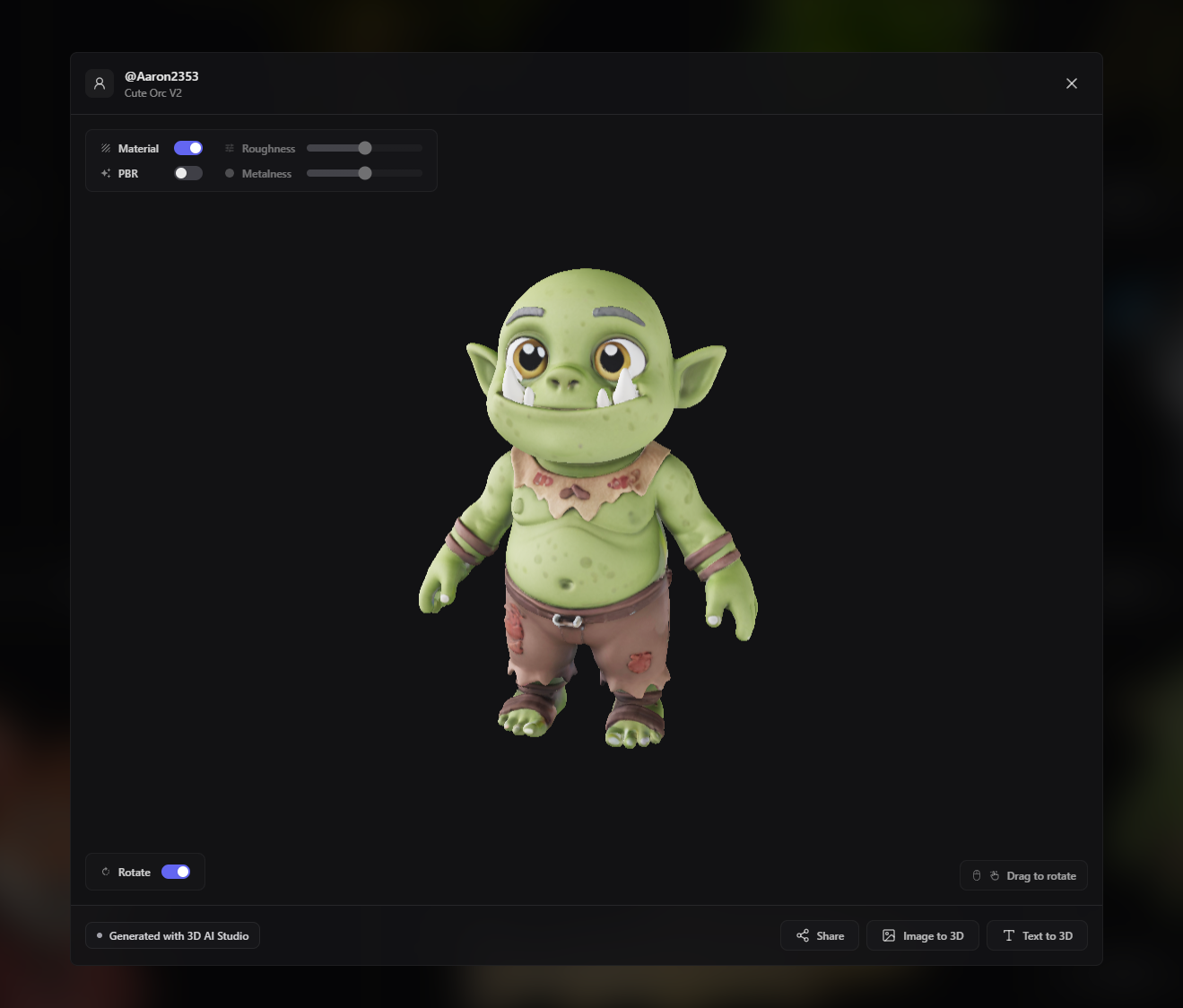
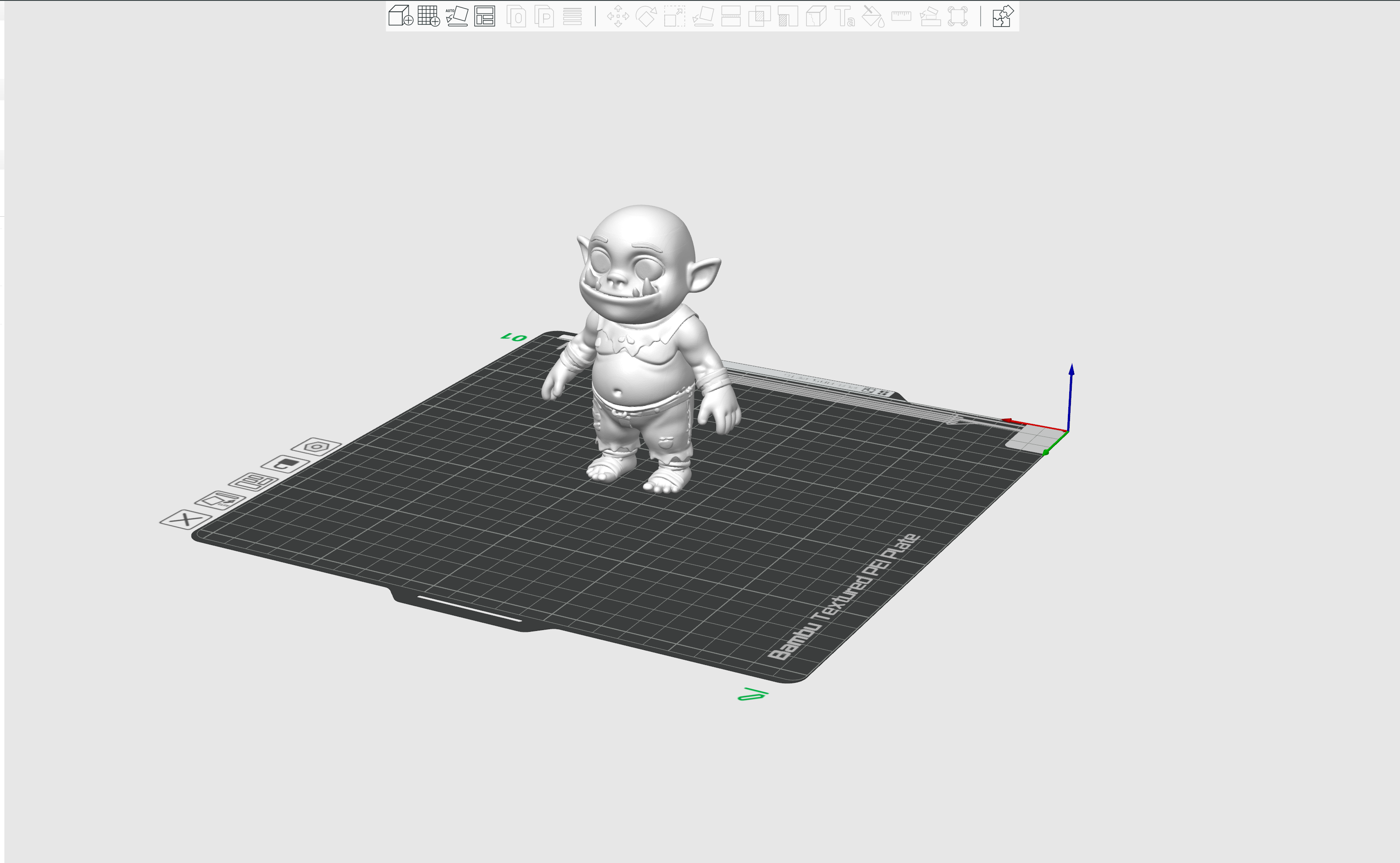
Import into Bambu Studio
Ready to slice and print with perfect geometry
Workflow Benefits
Instant Generation
Text to 3D model in seconds
Studio Ready
Perfect Bambu Studio import
Print Optimized
Clean geometry & manifold mesh
Full Workflow: From Photo to 3D Print
Updated May 2026
Watch how we actually printed AI-generated 3D models on Bambu Labs printers. Some worked great, some didn't. Here's what we learned.
Real Example: Photo to LEGO Figurine to 3D Print
Here's the full pipeline we used. Start with a photo, edit it into a LEGO-style figurine using Image Studio (GPT-Image-2 Edit), convert to a 3D model with Prism 3.1, and print.
 1. Photo
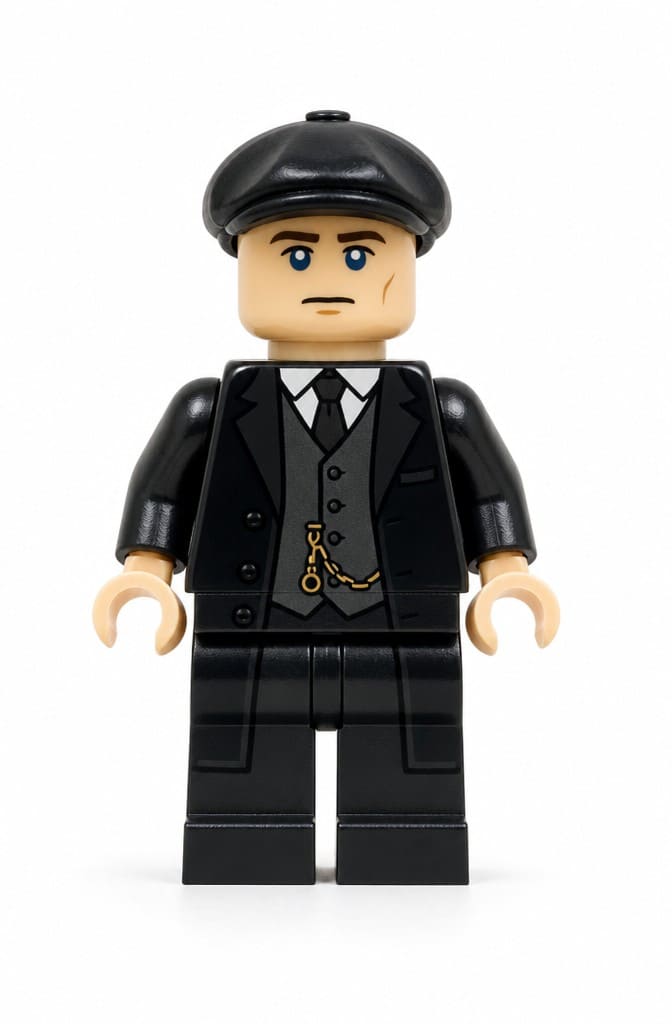 2. AI Edit
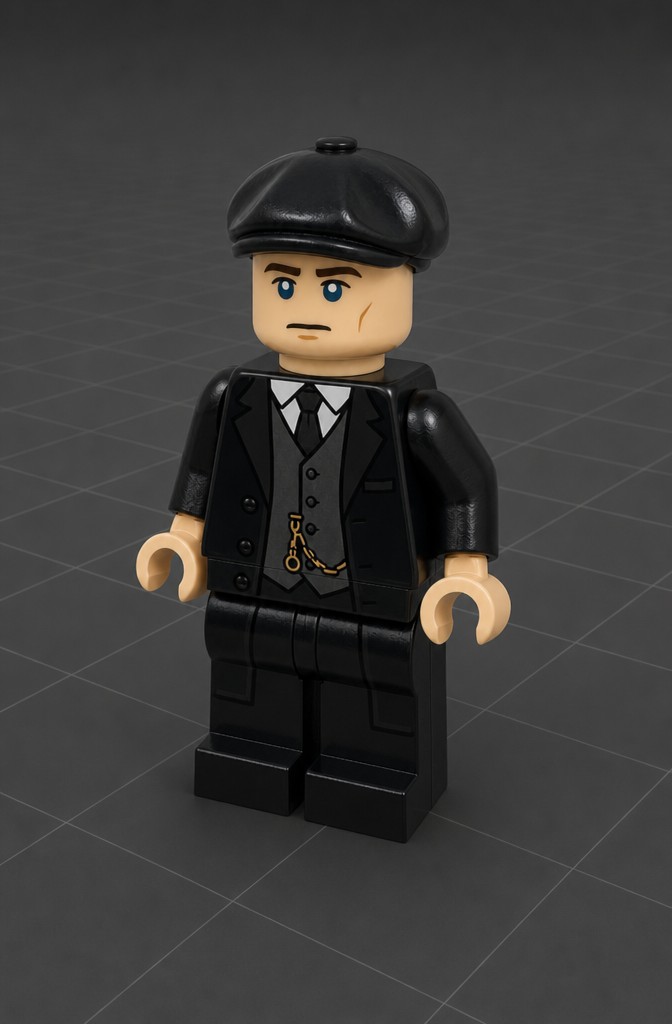 3. 3D Model
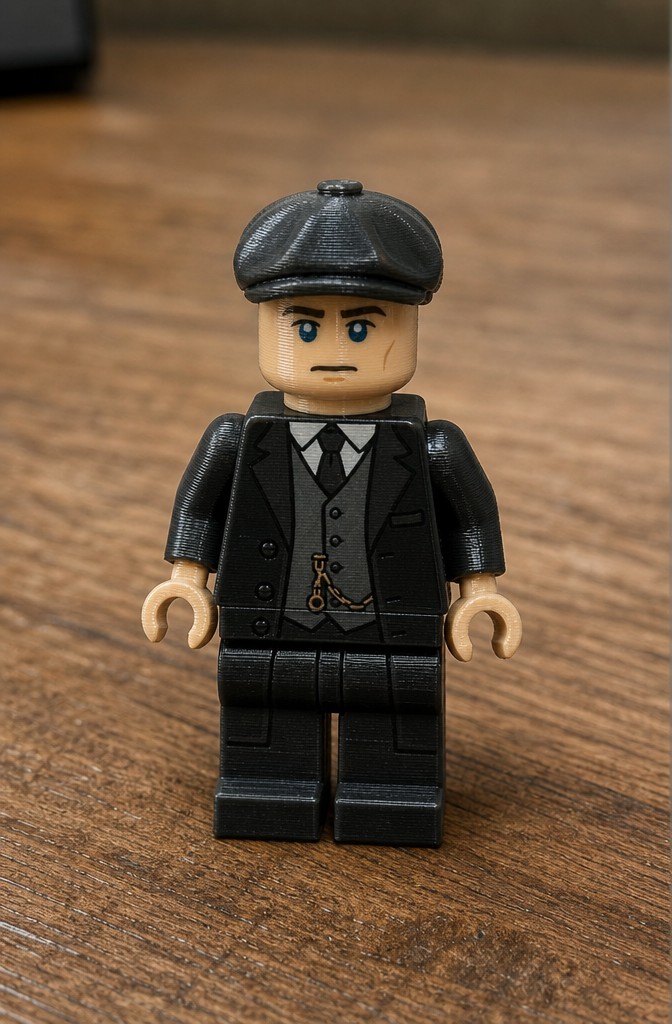 4. Printed
The Best Workflow for Bambu Labs Printers
The trick that gives the best print results isn't uploading a photo directly. Instead, you prepare your reference image first in Image Studio, then convert it to 3D.
Step 1: Create or edit your reference image. Open Image Studio and either generate a new image with ImageGen 4 (e.g. "detailed 3D figurine of a medieval knight, studio lighting, white background") or edit an existing photo with GPT-Image-2 Edit (e.g. "turn this person into a LEGO minifigure, plastic material, clean background").
Step 2: Convert to 3D. Upload your prepared image to Image to 3D and generate with Prism 3.1 for the best quality. This takes 1-3 minutes.
Step 3: Export as STL. Click the format dropdown and choose STL. The AI produces print-ready geometry in most cases. If your model has complex thin parts, optionally run it through the Remesher at ~8,000 faces.
Step 4: Open in Bambu Studio. Import the STL, slice with your preferred settings (0.15-0.2mm layer height, 15-20% infill for figurines, PLA), and send to your Bambu printer. The whole process from idea to print takes under 15 minutes.
Which Objects Print Best?
Great for printing: Figurines, busts, chess pieces, miniatures, vases, simple toys, product prototypes, and decorative objects. Compact shapes with clear forms give the best results.
Needs more care: Objects with very thin parts (antennas, fingers, thin blades), large flat surfaces that can warp, and highly detailed organic shapes. These may need supports or post-processing.
Recommended AI model for print: Prism 3.1 for realistic objects, Forge Sketch for stylized figurines, Hunyuan 3.1 Pro for clean topology with PBR materials.
Frequently Asked Questions
Can I really create 3D models for my Bambu Labs printer with AI?
Yes. You describe what you want or upload an image, the AI generates a 3D model in 1-3 minutes, and you export it as STL. The STL file opens directly in Bambu Studio where you can slice and send it to your printer. Many of our users print on Bambu A1, X1 Carbon, and P1S printers every day.
What's the best workflow for getting print-ready models?
Start in Image Studio to create or edit a clean reference image, then convert it to 3D using Prism 3.1. This two-step approach gives much better results than uploading a raw photo. Export as STL and import into Bambu Studio. For most models, the geometry is clean enough to print directly without any mesh repair.
Do the AI-generated models actually print well on Bambu printers?
Most models print well out of the box. Compact shapes like figurines, busts, and simple objects print great on both Bambu FDM and resin printers. For detailed miniatures under 5cm, a resin printer captures finer detail. For larger decorative pieces, the Bambu A1 or X1 Carbon with PLA works perfectly. We tested many prints and shared the results in the video above.
What print settings work best for AI-generated models?
For figurines and decorative objects on Bambu printers: 0.15-0.2mm layer height, 15-20% infill, PLA material, and tree supports for overhanging parts. Bambu Studio's automatic support detection handles most models well. For finer details, drop to 0.1mm layers with a 0.3mm nozzle.
Is it free to create models for 3D printing?
You can start for free. You get free credits when you sign up, enough to generate several models and test the full workflow from image to STL. If you need more models, paid plans start at $19/month for 1,000 credits. Each 3D generation costs 20 credits, so that's about 50 models per month on the basic plan.
What file formats can I export for 3D printing?
STL is the standard for 3D printing and works with Bambu Studio, Cura, PrusaSlicer, and every other slicer. You can also export as OBJ (with textures for color printing), 3MF (modern printing format), or GLB (for previewing on web). Just click the format dropdown after generation and download.
Can I make custom miniatures for tabletop gaming?
Yes, this is one of the most popular use cases. Use text-to-3D with prompts like 'D&D dwarf warrior with battle axe, miniature scale, detailed armor' or upload character concept art and convert to 3D. Export as STL, print on your Bambu printer (resin recommended for sub-5cm miniatures), and paint with acrylics.
How do I turn a photo of myself into a 3D printed figurine?
Open Image Studio, upload your photo, and use GPT-Image-2 Edit with a prompt like 'turn this person into a stylized figurine, full body, clean background'. Download the result, upload it to Image to 3D, generate with Prism 3.1, and export as STL. Print on your Bambu with supports enabled. The LEGO figurine example above was made exactly this way.
Do I need to repair the mesh before printing?
Usually not. The AI generates manifold (watertight) meshes that slice cleanly in Bambu Studio. For simple objects and figurines, you can go straight from export to print. If you're printing something with very thin parts or complex overhangs, running the model through the Remesher at ~8,000 faces can clean up the geometry and improve print reliability.
Can I sell 3D prints made from AI-generated models?
Yes, on paid plans you own the models you create and can use them commercially. This includes selling 3D printed figurines on Etsy, creating prototypes for clients, or building a business around custom printed objects. There are no royalty fees on models generated with your credits.
What's the difference between text-to-3D and image-to-3D for printing?
Text-to-3D is great when you have an idea but no reference image. Describe what you want and the AI builds it. Image-to-3D gives you more control because you can see and adjust the reference image before generating the 3D model. For the best print results, we recommend the Image Studio workflow: generate or edit an image first, then convert to 3D.
How detailed are the AI-generated models for small prints?
The level of detail depends on which AI model you choose and the size of your print. For prints above 8cm, FDM printers capture plenty of detail. For prints under 5cm where you need fine facial features or armor details, resin printing preserves significantly more. The AI typically generates models with 20,000-100,000 polygons, which is more than enough detail for any print size.
Perfect for Every 3D Printing Need
From miniatures to prototypes, our AI generates print-ready models optimized for your 3D printer.
Miniatures & Figurines
D&D characters, game pieces, collectible figures
Prototypes & Parts
Functional prototypes, replacement parts, mechanical components
Decorative Objects
Home decor, artistic sculptures, personalized gifts
Hobby & Crafts
Model making, educational models, creative projects
Custom Print-Ready Models, Instantly
Our AI generates optimized models that are ready for 3D printing with proper geometry and manifold meshes.
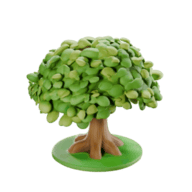
"Miniature knight with sword and shield, detailed armor, tabletop gaming piece"
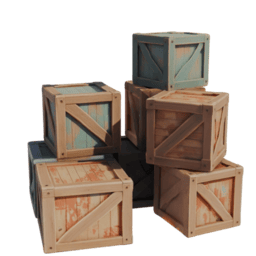
"Custom phone stand, modern minimalist design, functional"
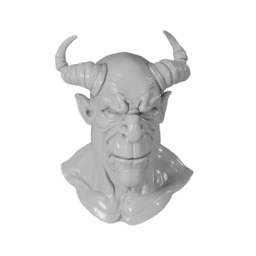
"Decorative dragon figurine, stylized, desktop ornament"
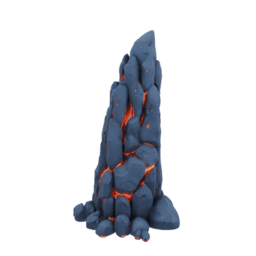
"Replacement part gear, mechanical component, precise dimensions"
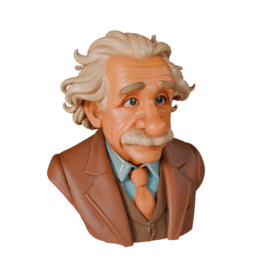
"Fantasy creature bust, detailed sculpture, display piece"
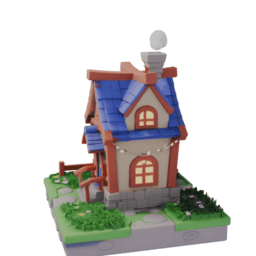
"Educational model of house, architectural miniature"
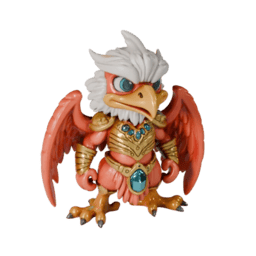
"Custom miniature character, game piece, detailed face"
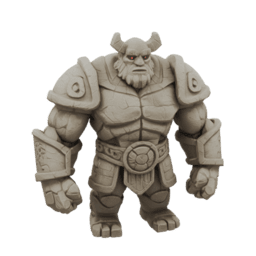
"Decorative vase, geometric pattern, home decor"
From Idea to Print
Our streamlined process gets you from concept to printable model in just three simple steps.
Create Your Model
Use text prompts or upload images to generate your 3D model using our AI technology.
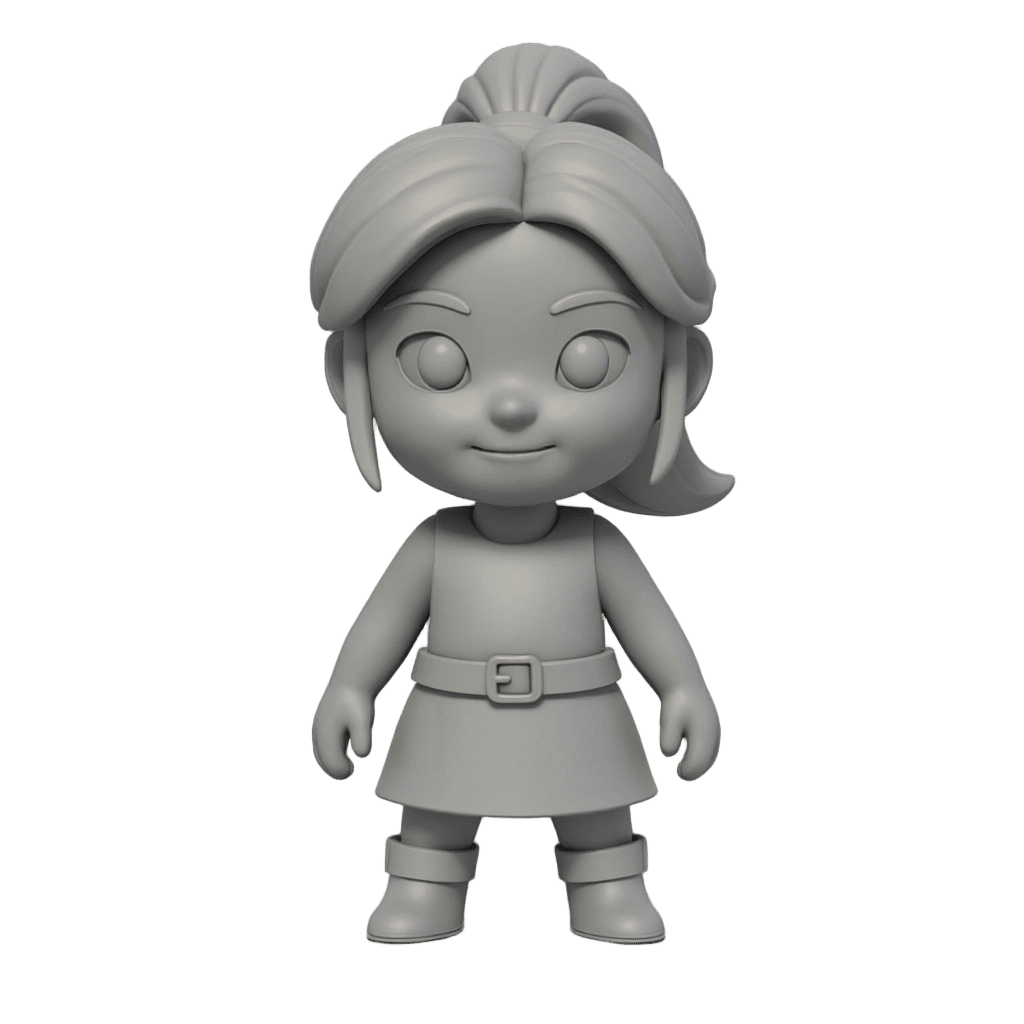
Create Your Model
Use text prompts or upload images to generate your 3D model using our AI technology.
Optimize for Printing
Our AI automatically creates manifold meshes optimized for 3D printing with proper geometry.
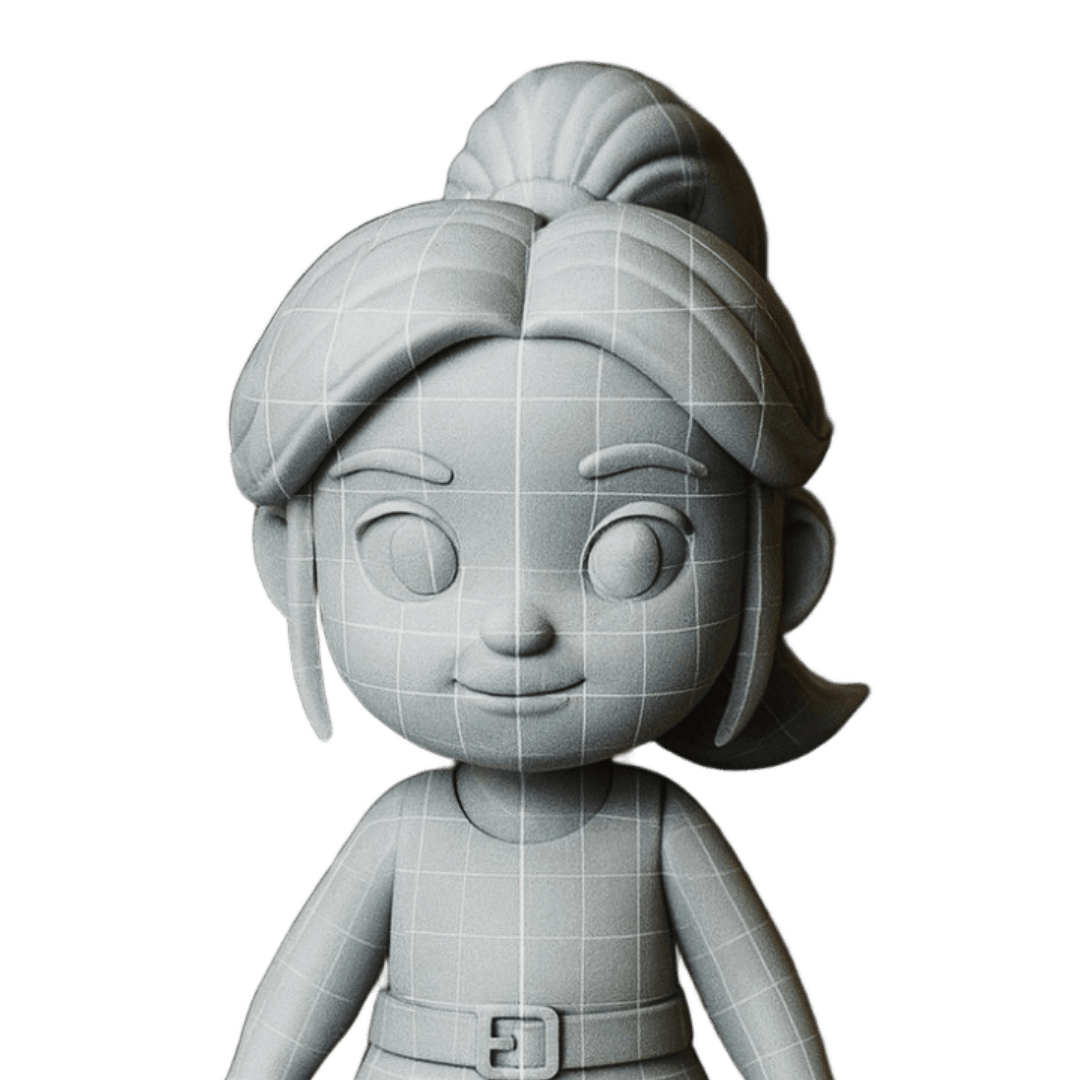
Optimize for Printing
Our AI automatically creates manifold meshes optimized for 3D printing with proper geometry.
Download & Print
Download your STL file and start printing immediately on any FDM or resin 3D printer.
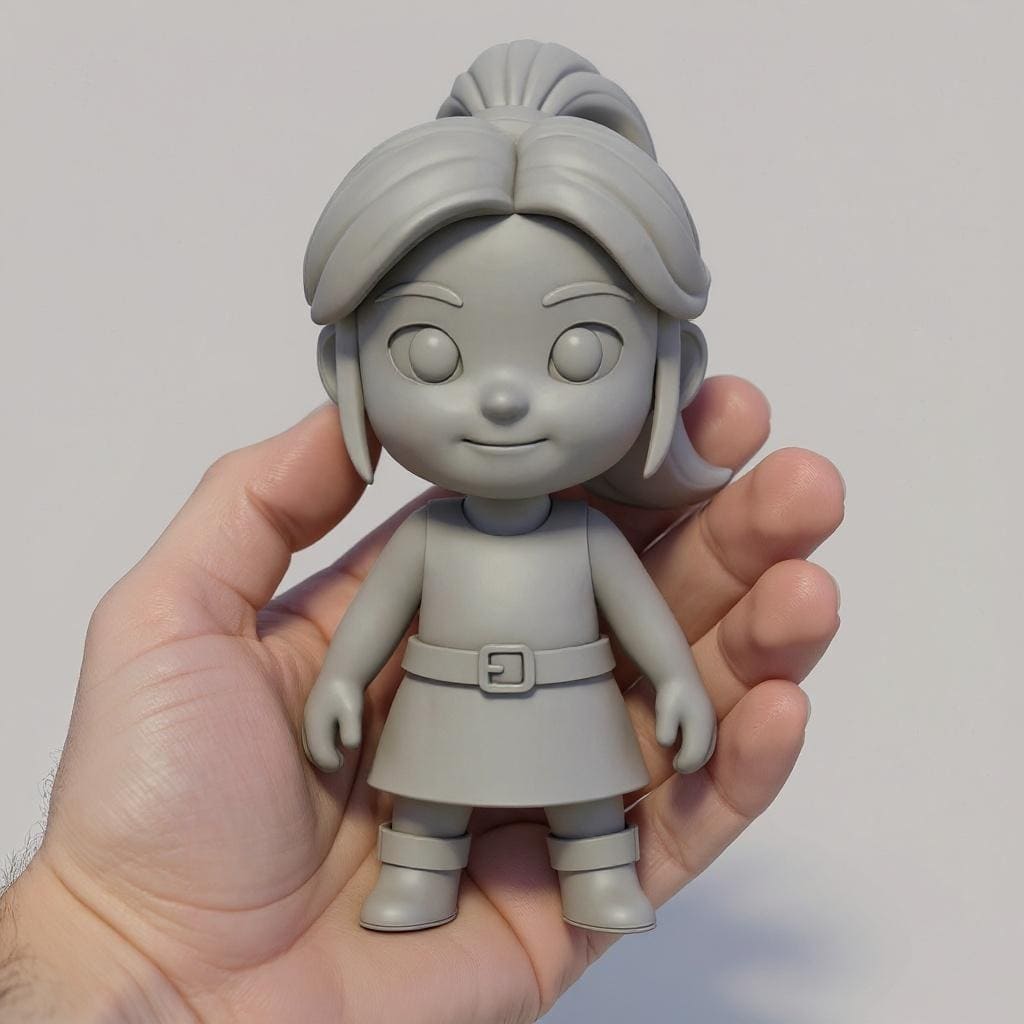
Download & Print
Download your STL file and start printing immediately on any FDM or resin 3D printer.
Compatible with All 3D Printers
Our models work perfectly with any 3D printer and slicing software. Optimized geometry ensures successful prints every time.
Bambu Labs
A1, X1, P1 series
FDM Printers
Ender, Prusa, Ultimaker
Resin Printers
Elegoo, Anycubic, Formlabs
Large Format
CR-10, Artillery
Print Quality Features
Slicing Software
File Formats
Optimized for Bambu Labs
All models are tested and optimized for Bambu Labs printers, ensuring perfect compatibility with Bambu Studio's intelligent slicing features.
3D Printing Community
Trusted by 3D Printing Enthusiasts

Philipp Sieben (PixelArtistry), 3D Printing Enthusiast
Miniatures & Hobby
Instead of spending hours designing models or searching through libraries, I can generate print-ready models in minutes. The quality is consistently excellent.
Michael Schlachter, 3D Designer & Prototyper
Prototyping
For rapid prototyping, this is a game-changer. I can iterate on designs faster than ever before, and the models always print perfectly.

PixelArtistry
@philippsieben

Nick St. Pierre
@nickfloats

Mr. P
@Itryandlearn3D

Start 3D Printing Your Ideas Today
From concept to print-ready STL in minutes. Create custom miniatures, prototypes, and decorative objects with AI-powered 3D modeling. Optimized for Bambu Labs printers.