
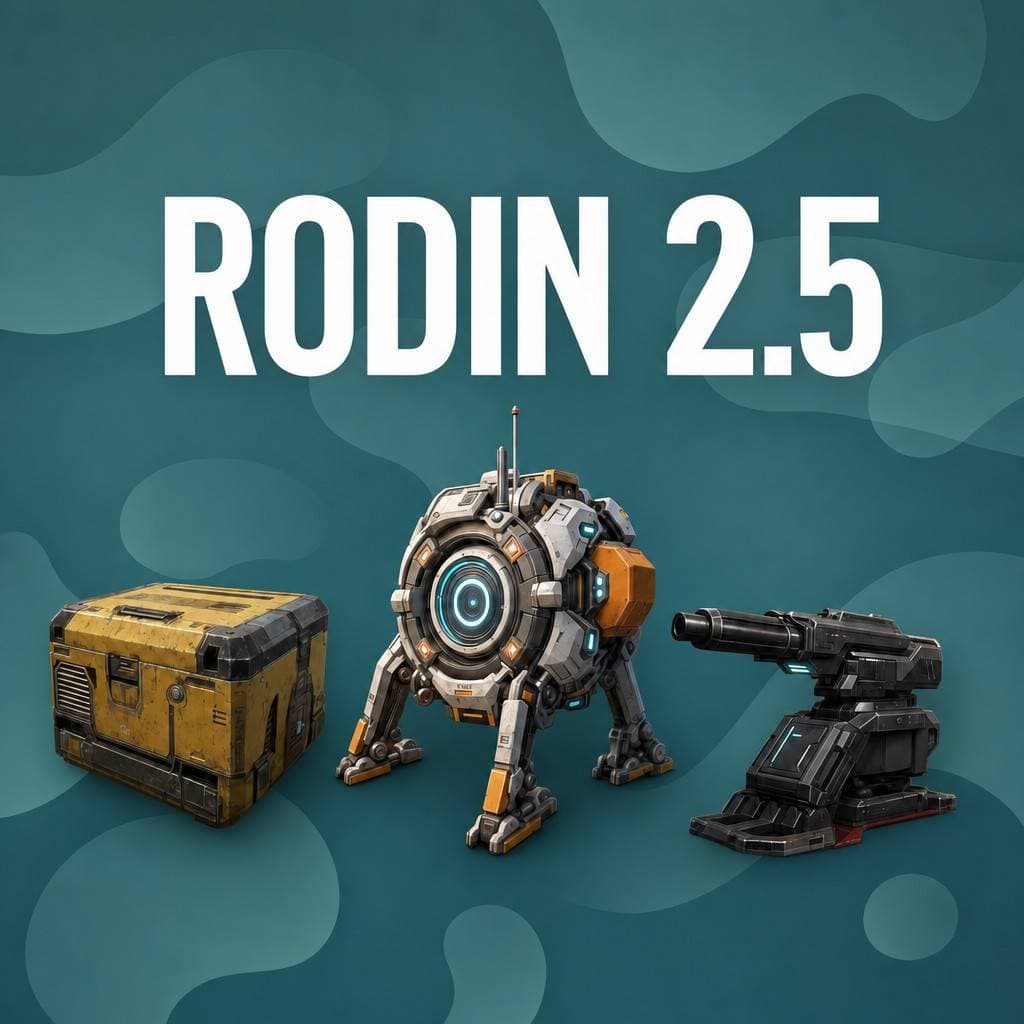
5 tiers
Quality Tiers
Lowest to Ultra
2M
Max Polygons
Ultra tier
HD
Texture Enhancement
Optional HighPack
5
Export Formats
GLB, FBX, OBJ, USDZ, STL
What's new in Rodin Gen-2.5
Flexible quality tiers and advanced controls for every workflow
Five Quality Tiers
From Lowest (30-90 seconds) to Ultra (2M faces), choose the exact speed-quality tradeoff for your workflow.
Creative Geometry Mode
Let the AI fill in details more freely for robust, polished results. Available on Medium and High tiers.
HD Texture Enhancement
An optional post-processing step that sharpens textures for crisper, more detailed surfaces.
Texture Delighting
Strips out baked lighting from textures so you get clean albedo maps that work with any scene lighting.
Force Symmetry
One toggle to get perfectly symmetrical models. Great for characters, vehicles, and architectural elements.
Micro Detail Scale
Picks up ultra-fine surface detail like fabrics, skin, and engravings. Ultra tier only.
What creators build with Rodin Gen-2.5
From game assets to 3D-printed figurines, Rodin Gen-2.5 fits into any creative workflow.
Game Development
Characters, props, and environments from concept art
3D Printing
Print-ready models and figurines from text or photos
XR & Spatial
PBR-ready assets for VR, AR, and spatial experiences
E-Commerce
Product photos to interactive 3D for your store

How to use Rodin Gen-2.5 on 3D AI Studio
From idea to downloadable 3D model in four steps
Choose Your Input
Enter a text description or upload a reference image. Multi-image input also supported.
Generate
Rodin Gen-2.5 reconstructs geometry and applies textures. Choose from 5 quality tiers.
Preview in 3D
Inspect your model in the interactive 3D viewer. Rotate, zoom, and check every angle.
Export
Download in GLB, FBX, OBJ, STL, or USDZ. Ready for Blender, Unity, Unreal, or 3D printing.
Generate 3D models from text or images
Multiple input methods to match your workflow
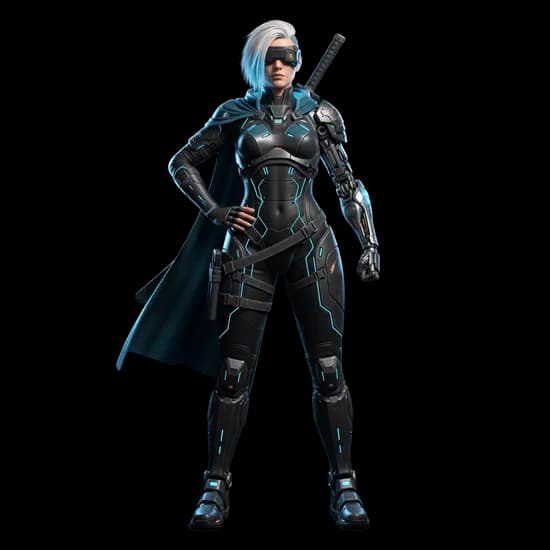
Text to 3D
Just describe what you want in plain language. Rodin Gen-2.5 builds the full 3D model with textures from your description.
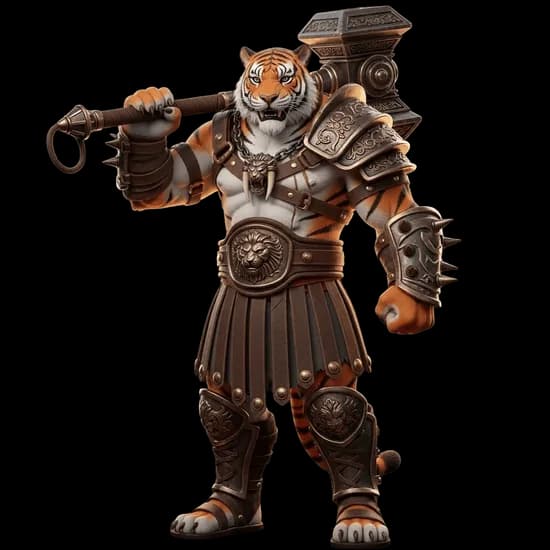
Image to 3D
Upload a product photo, concept art, or any reference image. The model builds 3D geometry that matches your input.
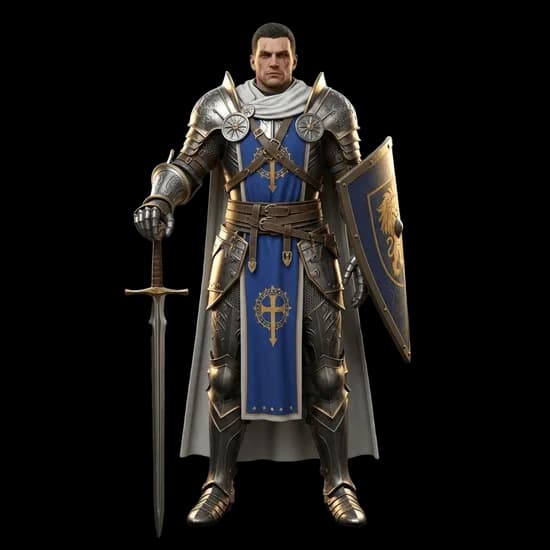
Multi-Image to 3D
Give it reference images from multiple angles for a more accurate result. More views means better fidelity.
PBR textures & export formats
Materials are generated automatically and ready for production
PBR Material Maps - Up to 4K with HighPack
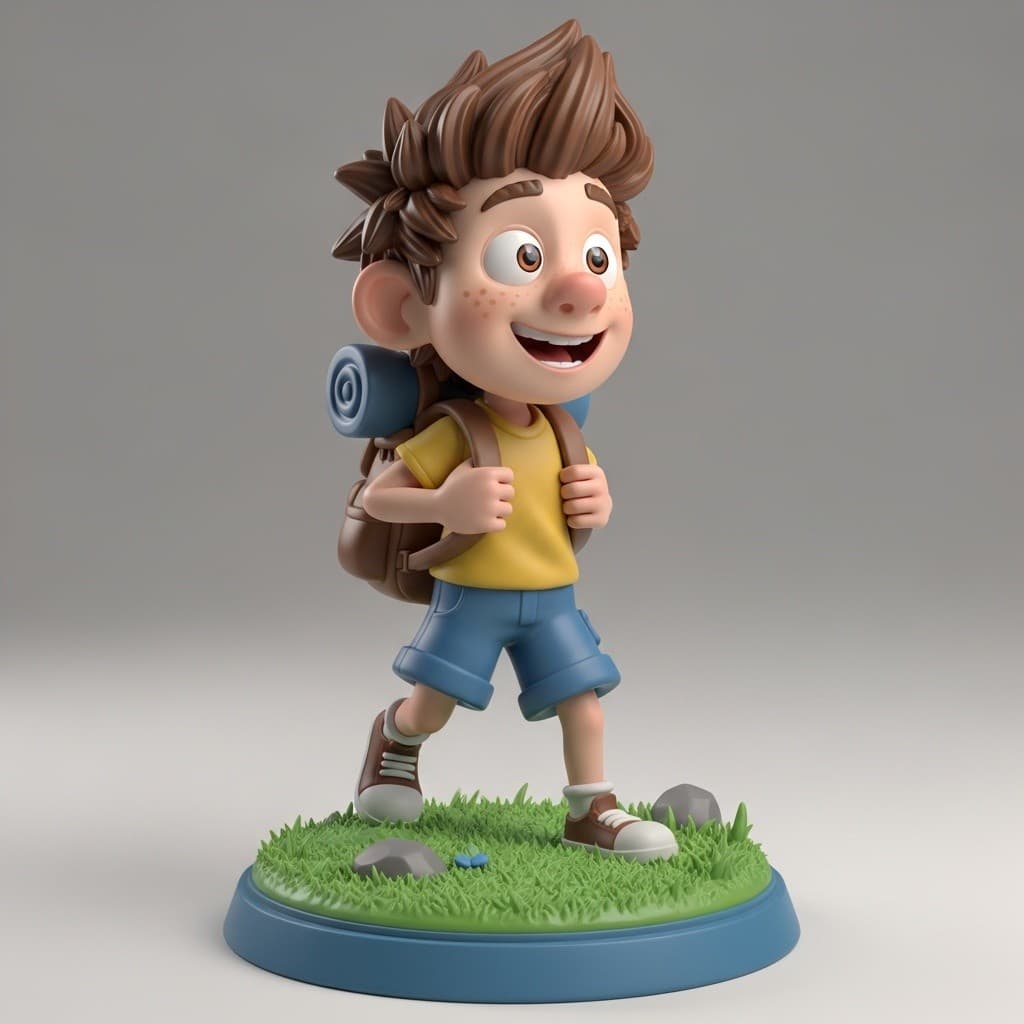
Example Output
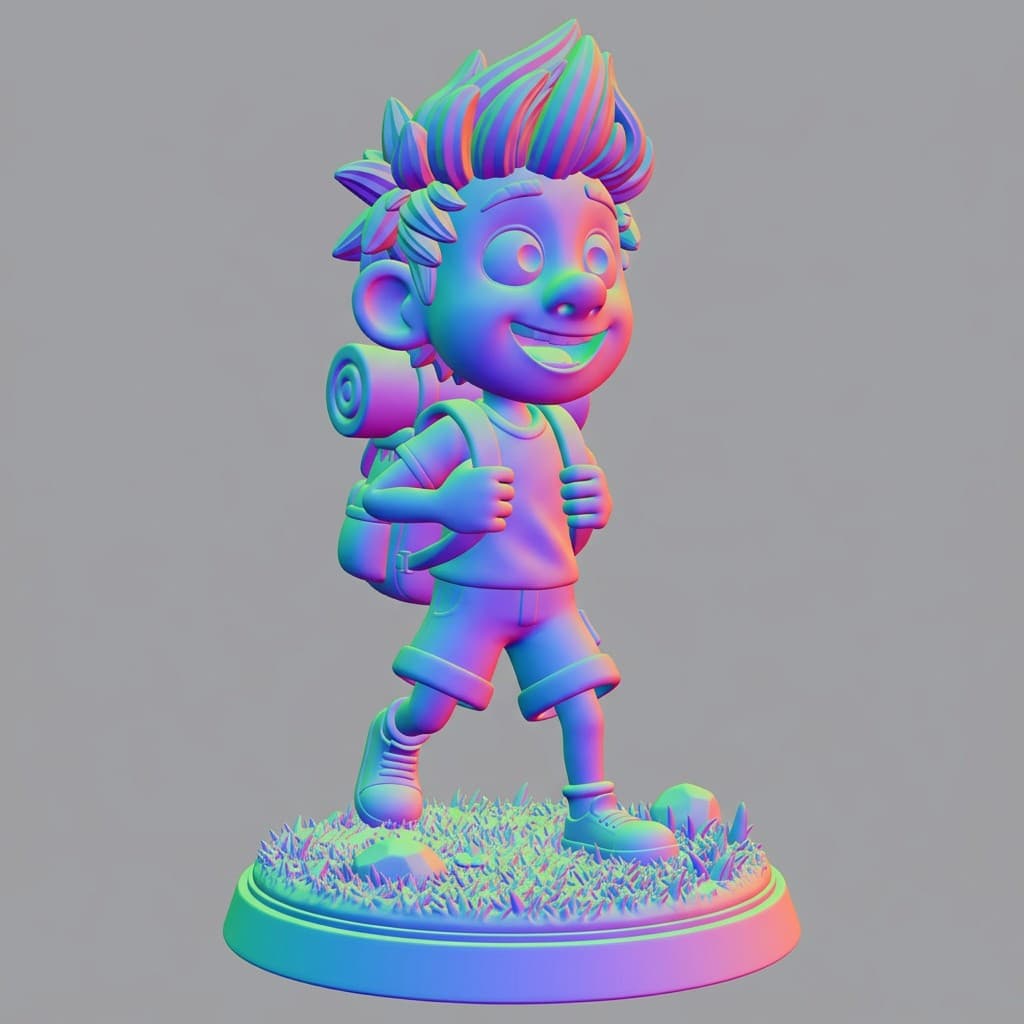
Normal Map
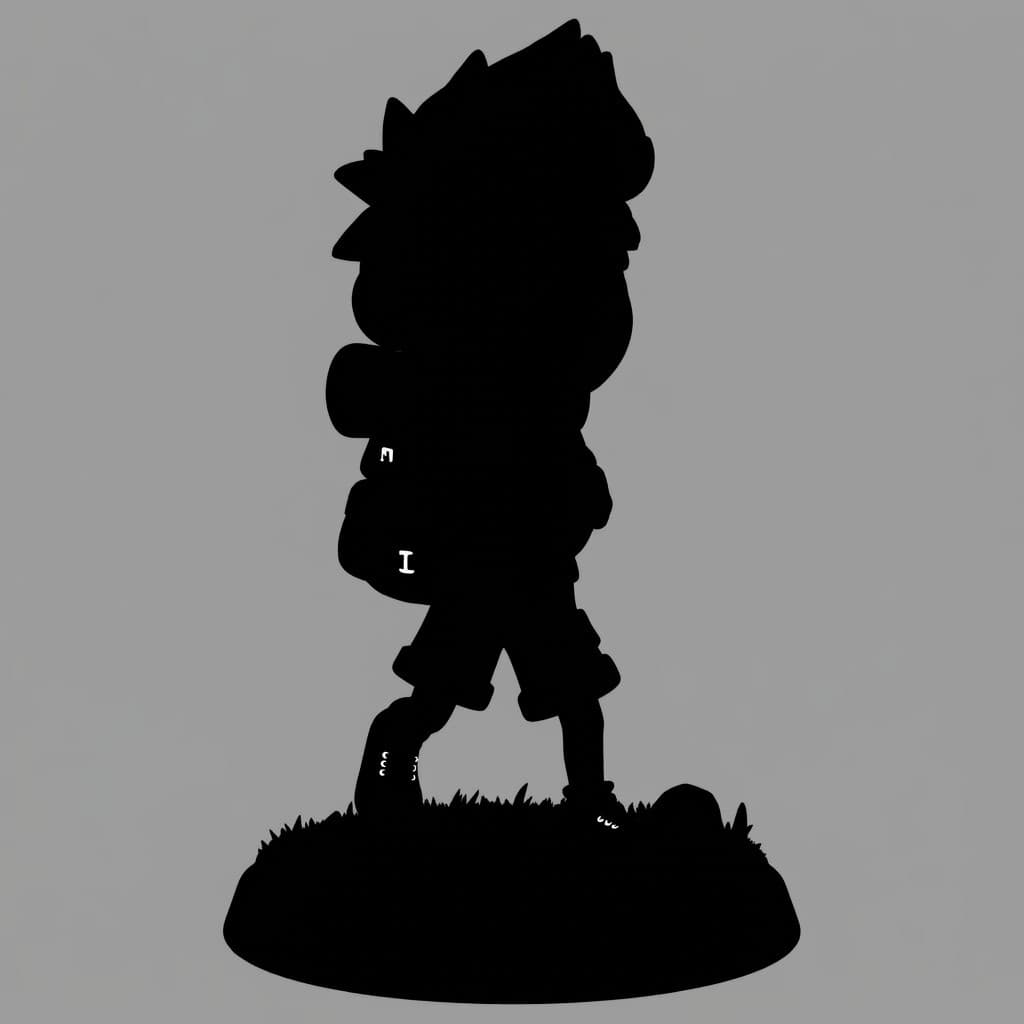
Metallic Map
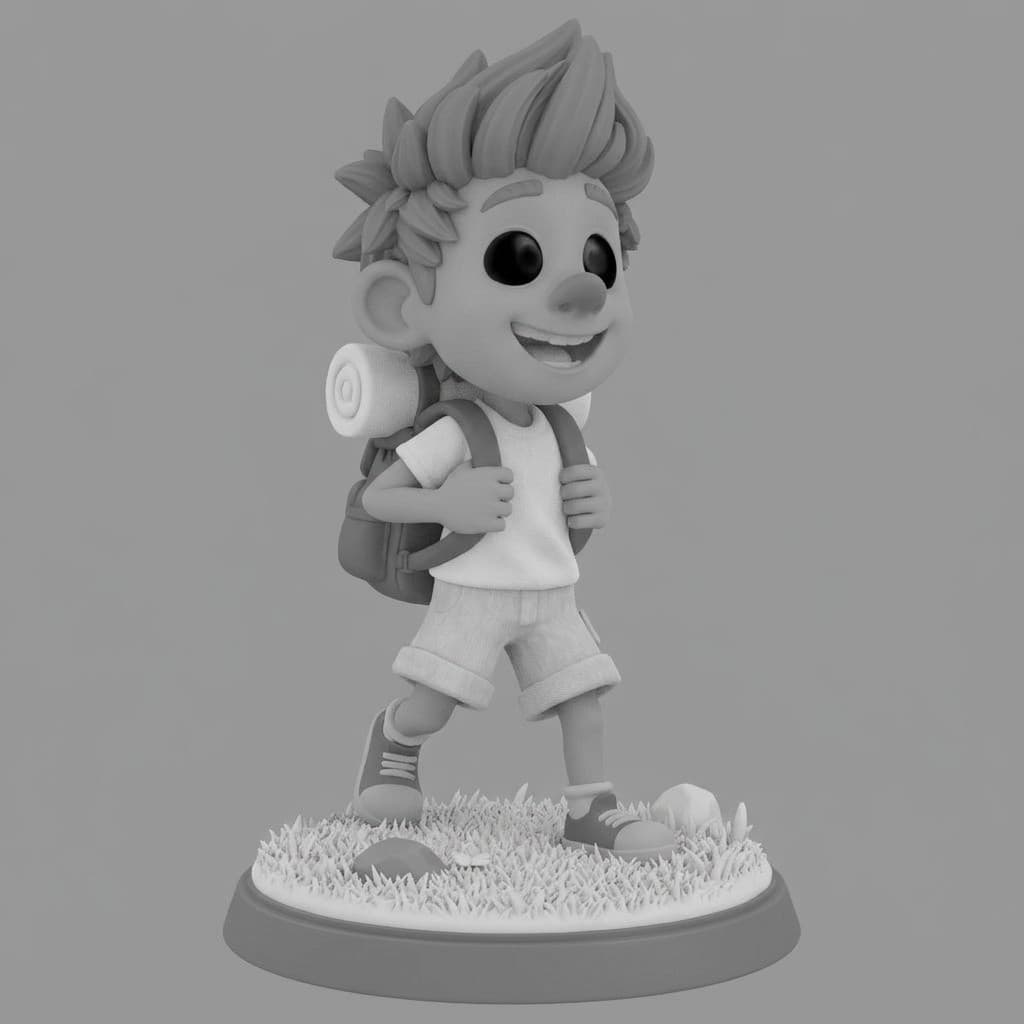
Roughness Map
Supported export formats
Built for creators, designers, and developers
Whether you're building a game, visualizing products, or creating content, Rodin Gen-2.5 slots right into your workflow. No 3D modeling experience needed.
Game Development
Characters, props, and environments from concept art.
E-Commerce
Product photos to interactive 3D models for your store.
Design & Architecture
Visualize ideas in 3D before committing to full production.
3D Printing
Generate printable STL files from images or text descriptions.
Rodin Gen-2.5 vs Tripo P1 vs Hunyuan 3D
All three models are available on 3D AI Studio. Choose the best fit for your project.
| Feature | Rodin Gen-2.5 | Tripo P1 | Hunyuan 3D |
|---|---|---|---|
| Input | Text, image, multi-image | Text, image | Text, image, multi-view |
| Speed | 30s - 7 min (5 tiers) | 60-90 sec | 3-4 min |
| Max Texture | 4K (with HighPack) | 2K | 8K |
| Max Polygons | Up to 2M | Up to 20K | Up to 1.5M |
| Creative Mode | Yes (Medium/High) | No | No |
| Text to 3D | Yes | Yes | Yes |
| Best For | Flexible speed/quality tradeoff | Game-ready low-poly | Maximum quality ceiling |
| Credits | 20-35 | 60 | 40 |
Frequently asked questions
Need watertight, production-ready meshes?
Try Hunyuan3D 3.1 - 4K PBR textures, 8-view reconstruction, and clean watertight topology ready for 3D printing.
Need game-ready assets?
Try Tripo P1 - native 3D diffusion with clean topology and 48-20K polygon budgets optimized for Unity, Unreal, and Godot.