
Generate Game-Ready 3D Models with Tripo P1
Game-ready 3D generation powered by native 3D diffusion. Clean topology, efficient polygon budgets, and engine-compatible output in 30-60 seconds. No 2D-to-3D lifting artifacts.

“stylized 3D cartoon boy, big expressive eyes, short messy brown hair”
30-60s
Generation Time
Native 3D diffusion
48-20K
Polygon Budget
Game optimized
60
Credits
Per generation
3
Input Methods
Text, image, multi-view
What makes Tripo P1 different
Built from the ground up for game-ready 3D asset production
Native 3D Diffusion
Generates directly in three-dimensional space using a unified probabilistic space. No 2D-to-3D lifting artifacts.
Game-Ready Topology
Clean edge loops and consistent mesh density optimized for rigging, animation, and real-time rendering.
30-60 Second Generation
From prompt to production-ready model in under a minute. Fast iteration for game development pipelines.
Efficient Polygon Budgets
48 to 20,000 faces. Exactly the range mobile, console, and VR games need for performant assets.
Optional PBR Materials
Generate with or without metallic, roughness, and normal maps. Full control over material output.
Multi-Input Support
Text prompts, reference images, or multi-view photos. Choose the input that fits your workflow.
Generated with Tripo P1
Real outputs, no post-processing. Text and image input supported.
Text to 3D
Describe what you want and get a game-ready 3D model. No reference image needed.
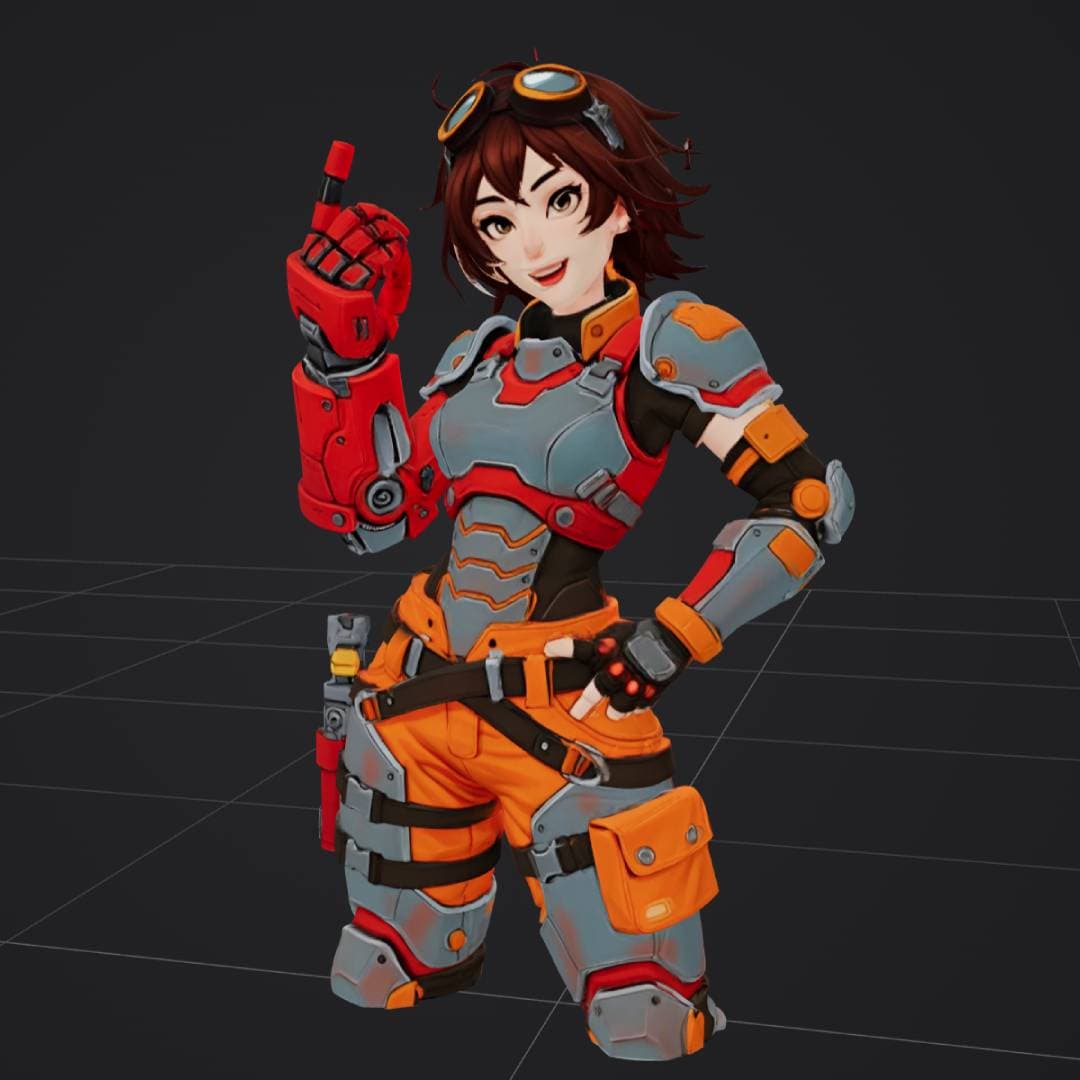
“anime style female engineer in orange and gray power armor”
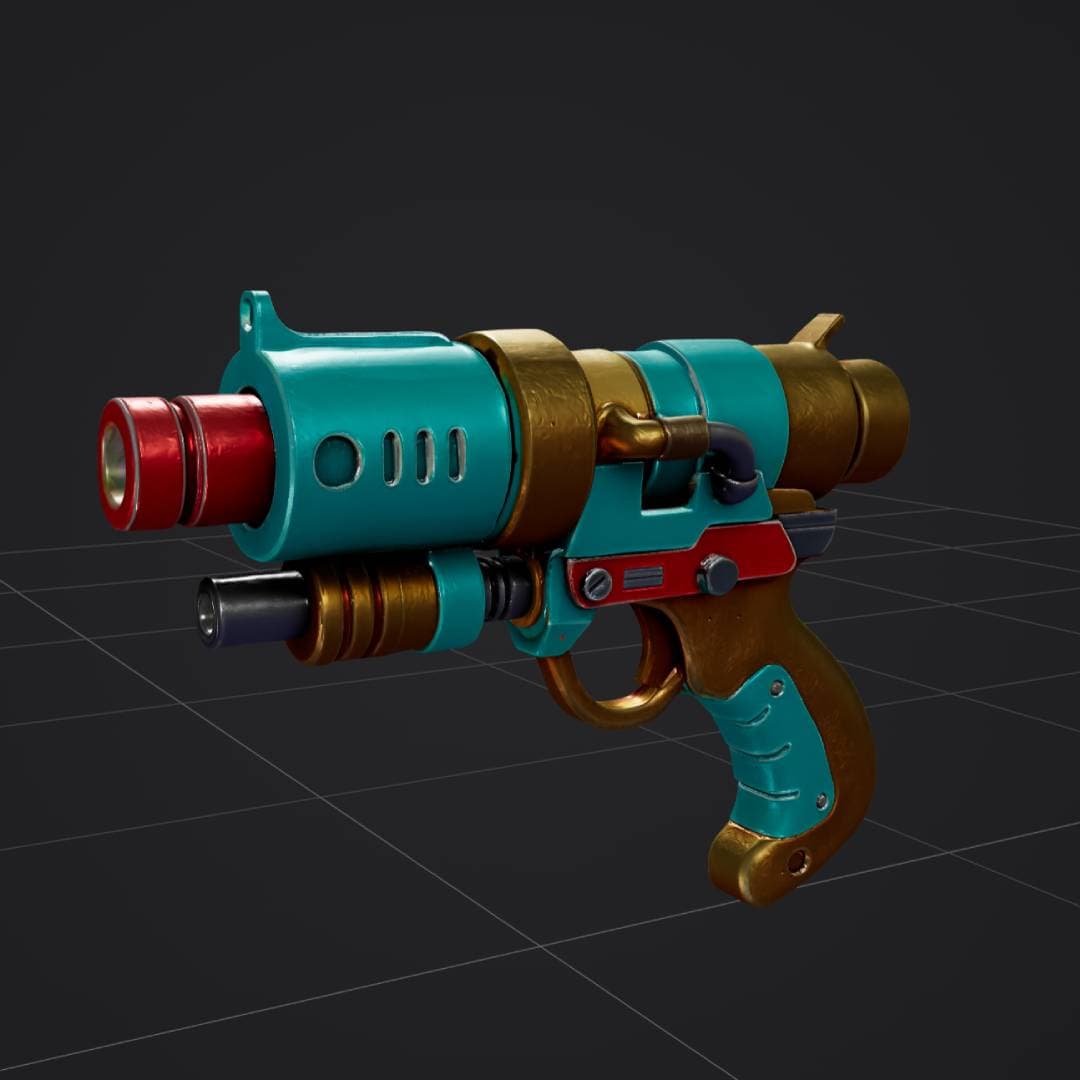
“retro sci-fi ray gun, turquoise red and gold, stylized 3D weapon”
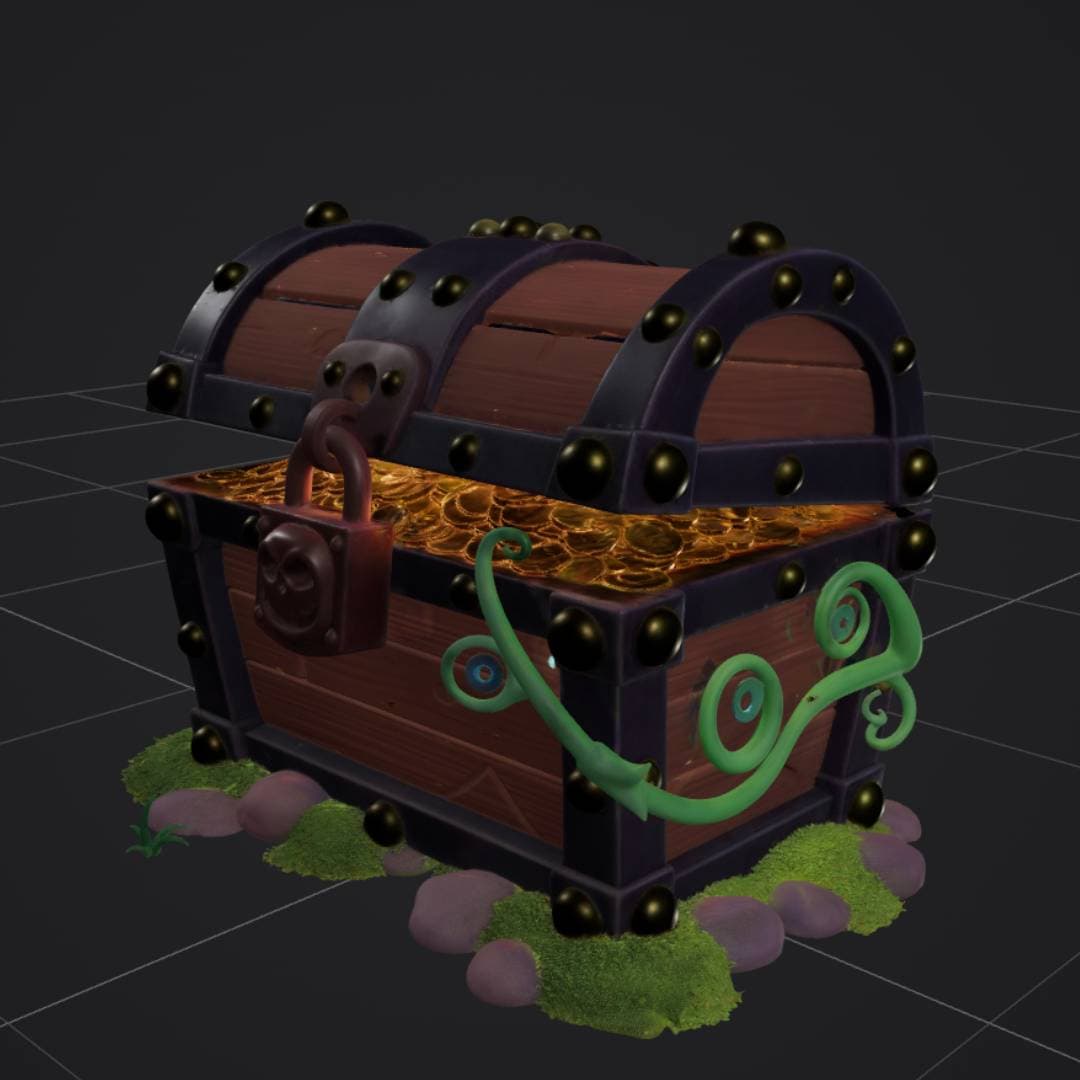
“stylized treasure chest with gold coins, padlock, vines and moss”
Image to 3D
Upload a photo or concept art and get a matching game-ready 3D model.
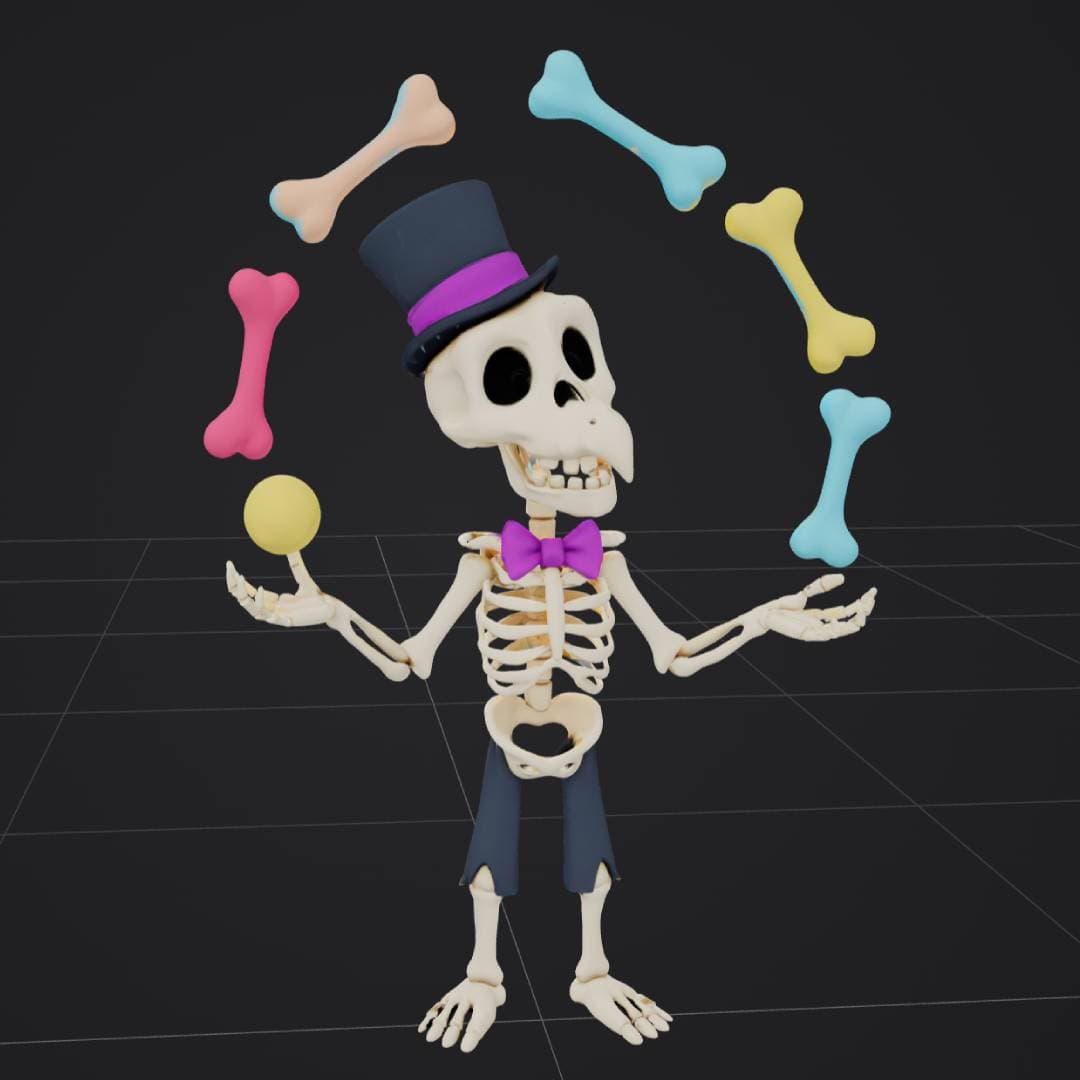

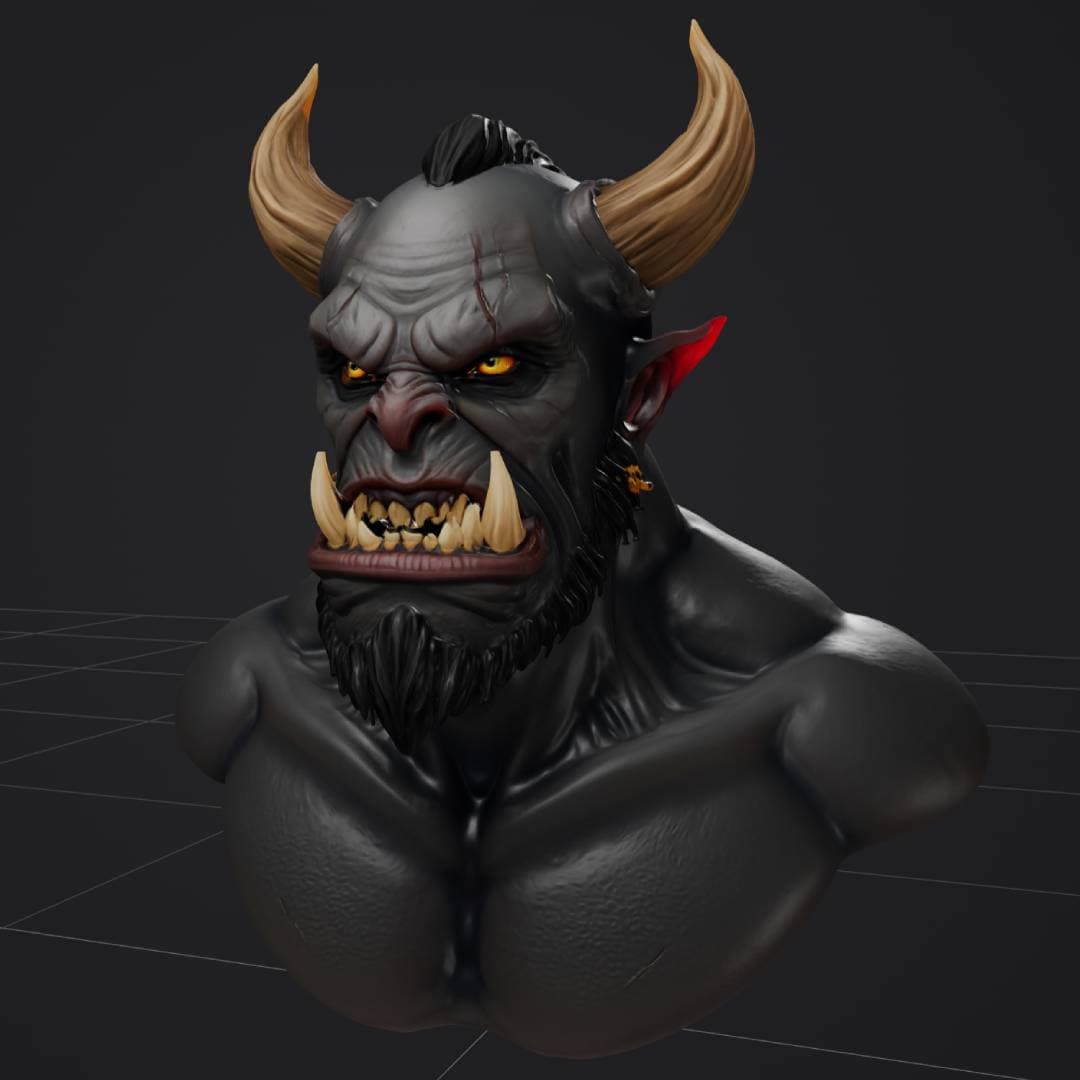
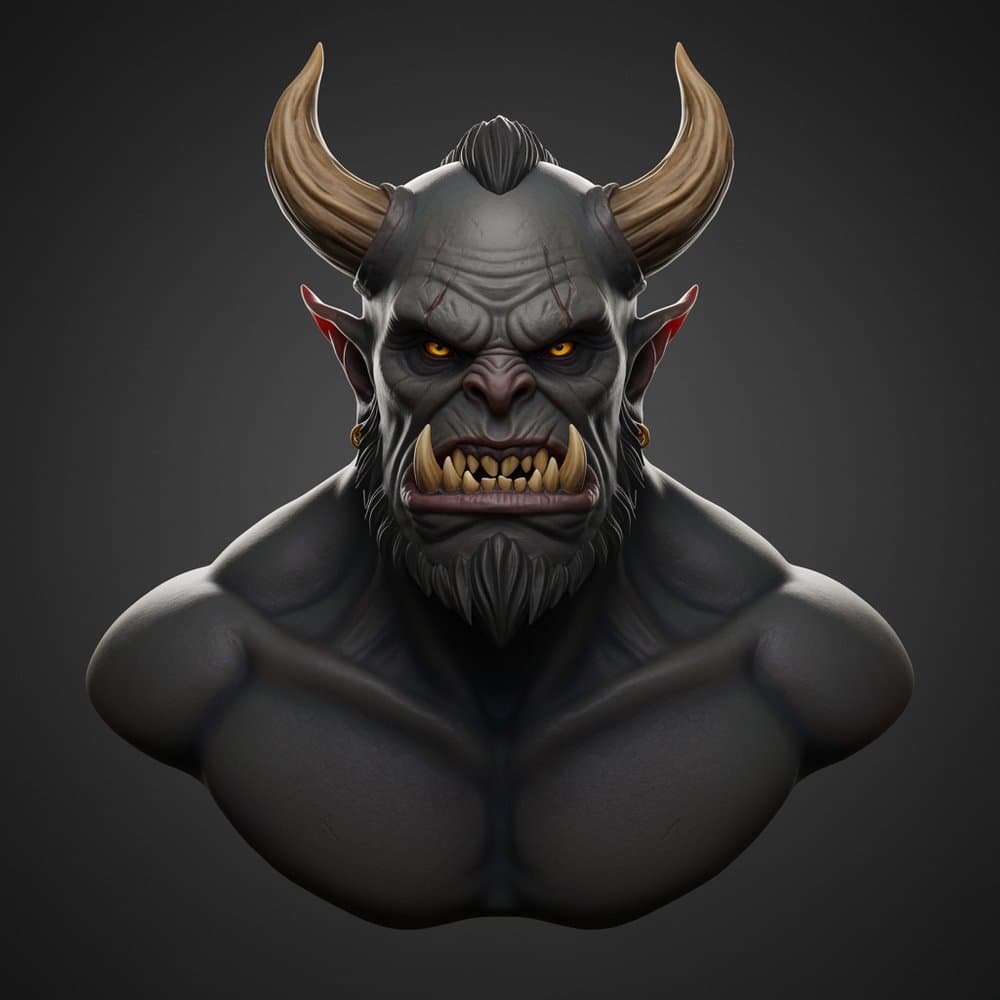
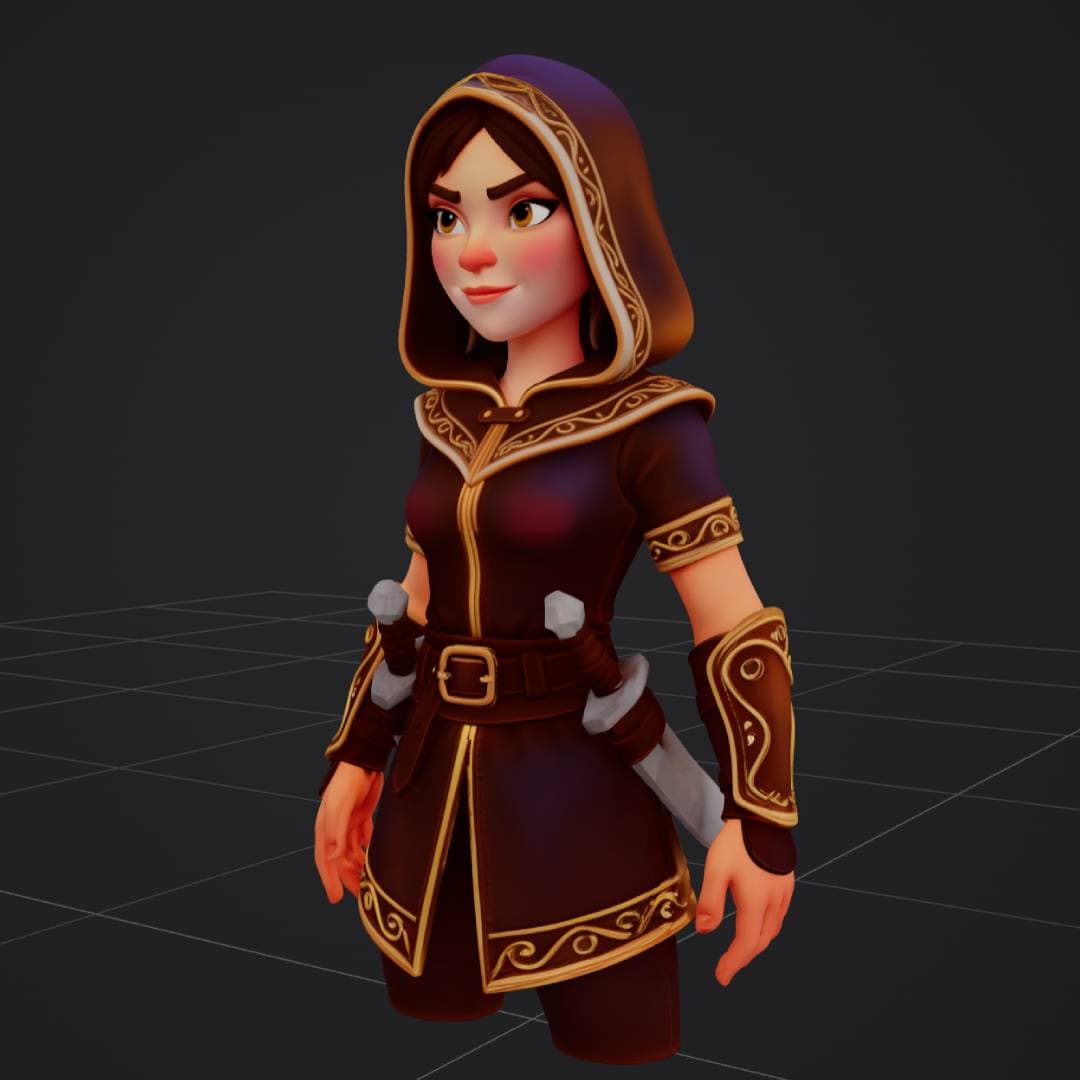
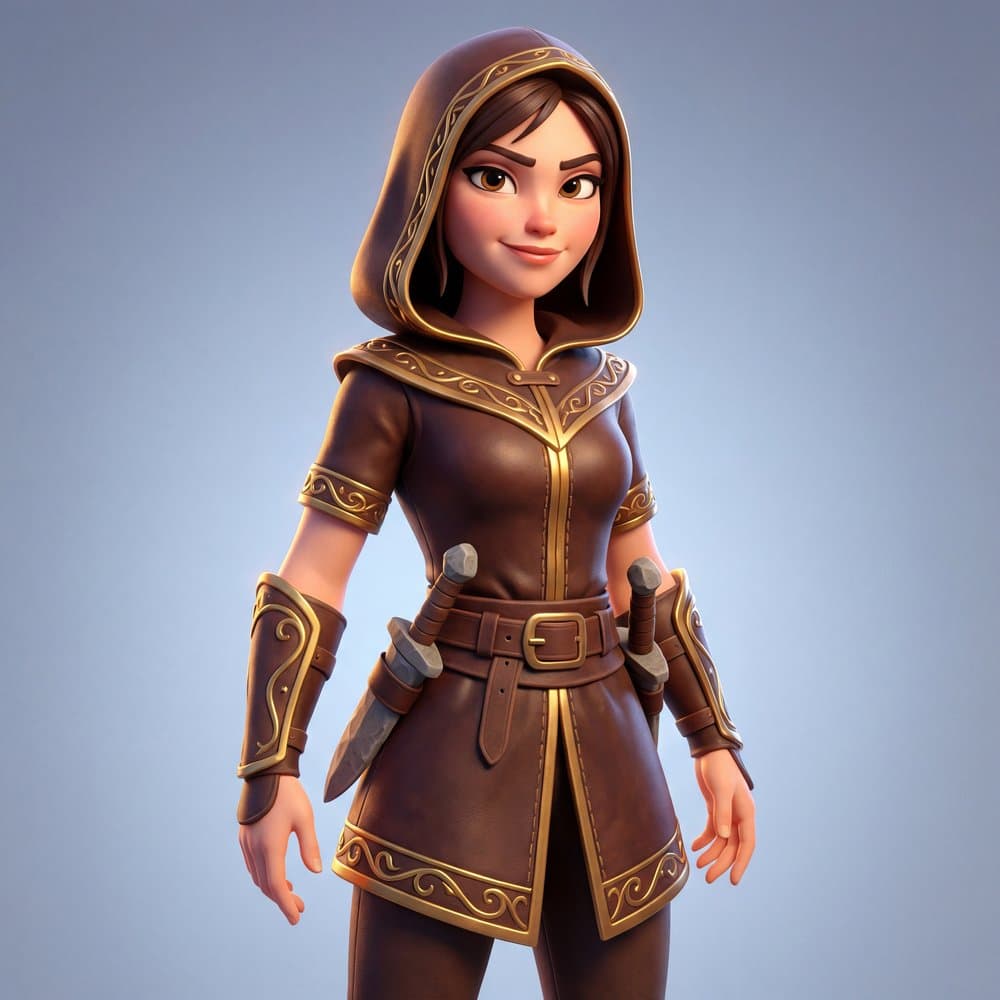
What creators build with Tripo P1
From game assets to 3D-printed figurines, Tripo P1 fits into any creative workflow.
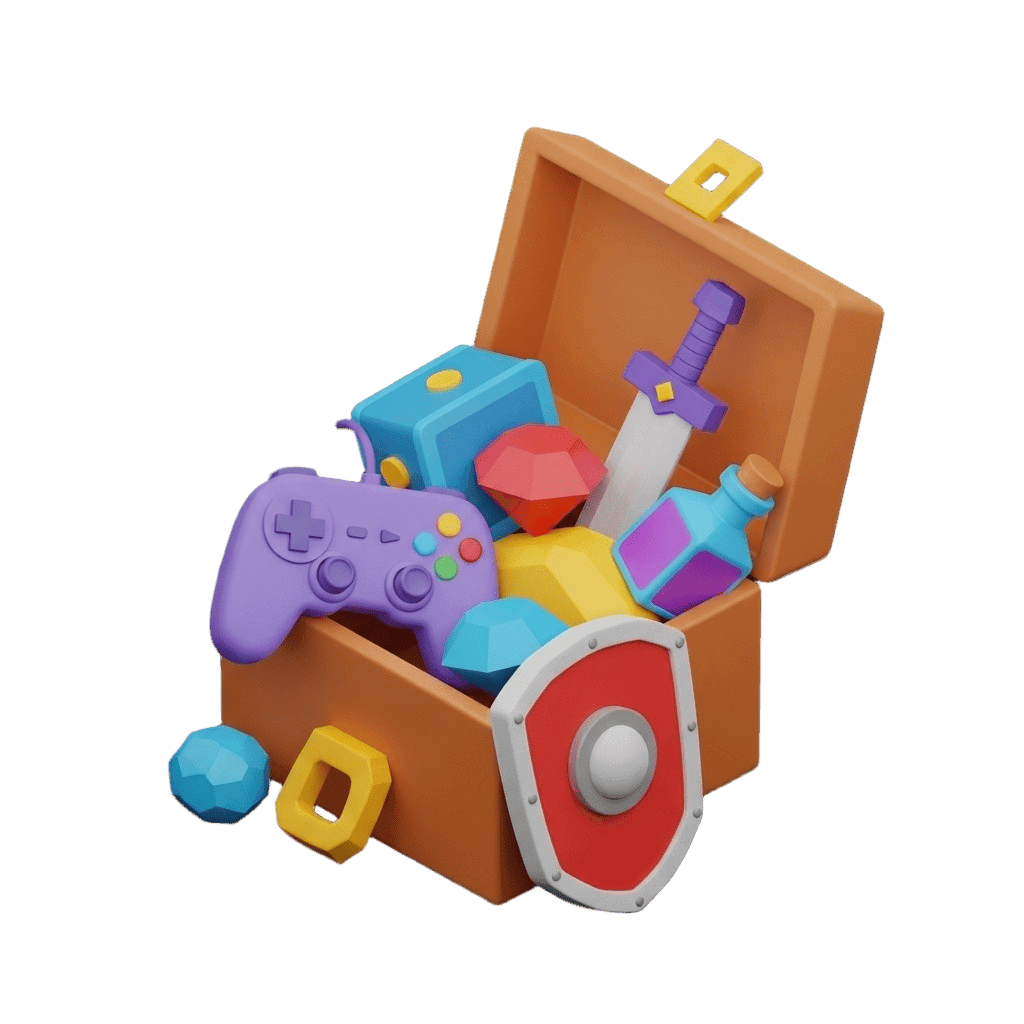
Game Development
Characters, props, and environments at game-ready poly counts
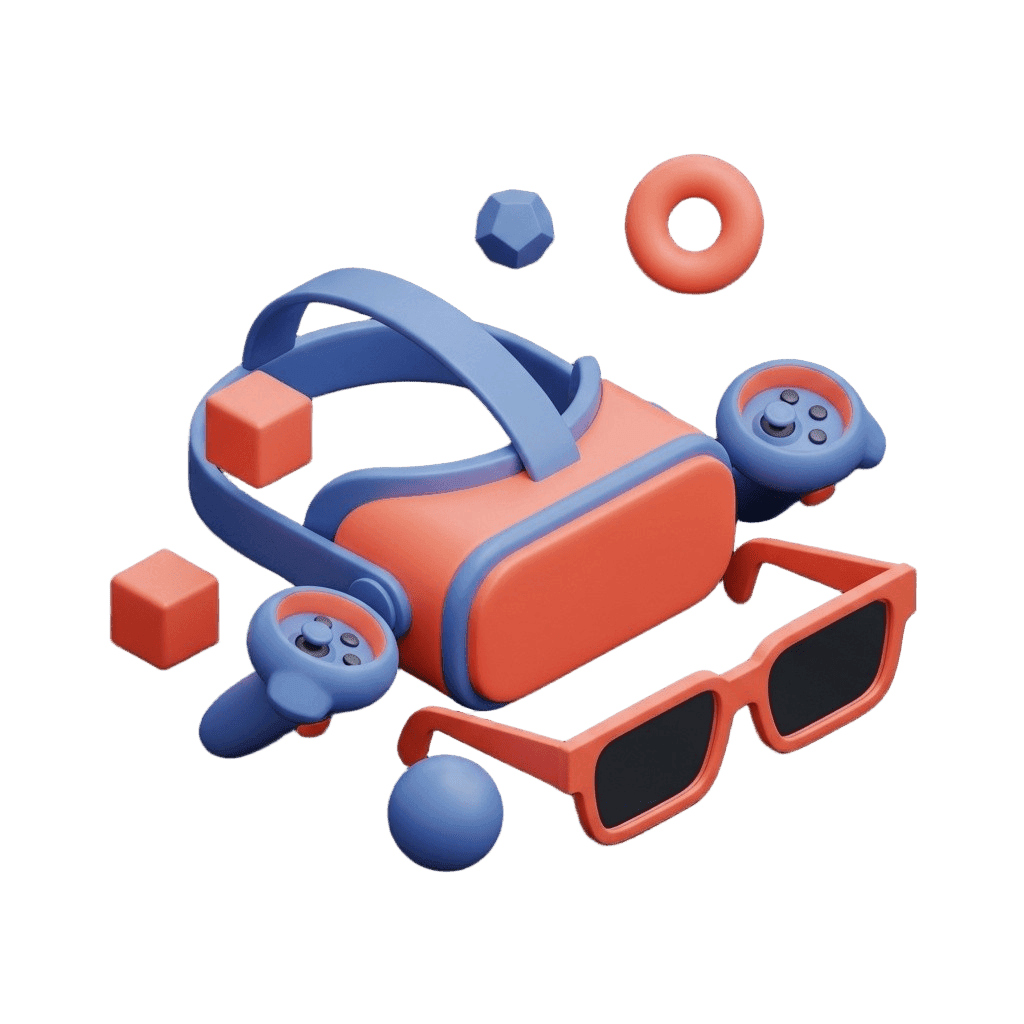
XR & Spatial
Lightweight assets optimized for VR, AR, and mixed reality
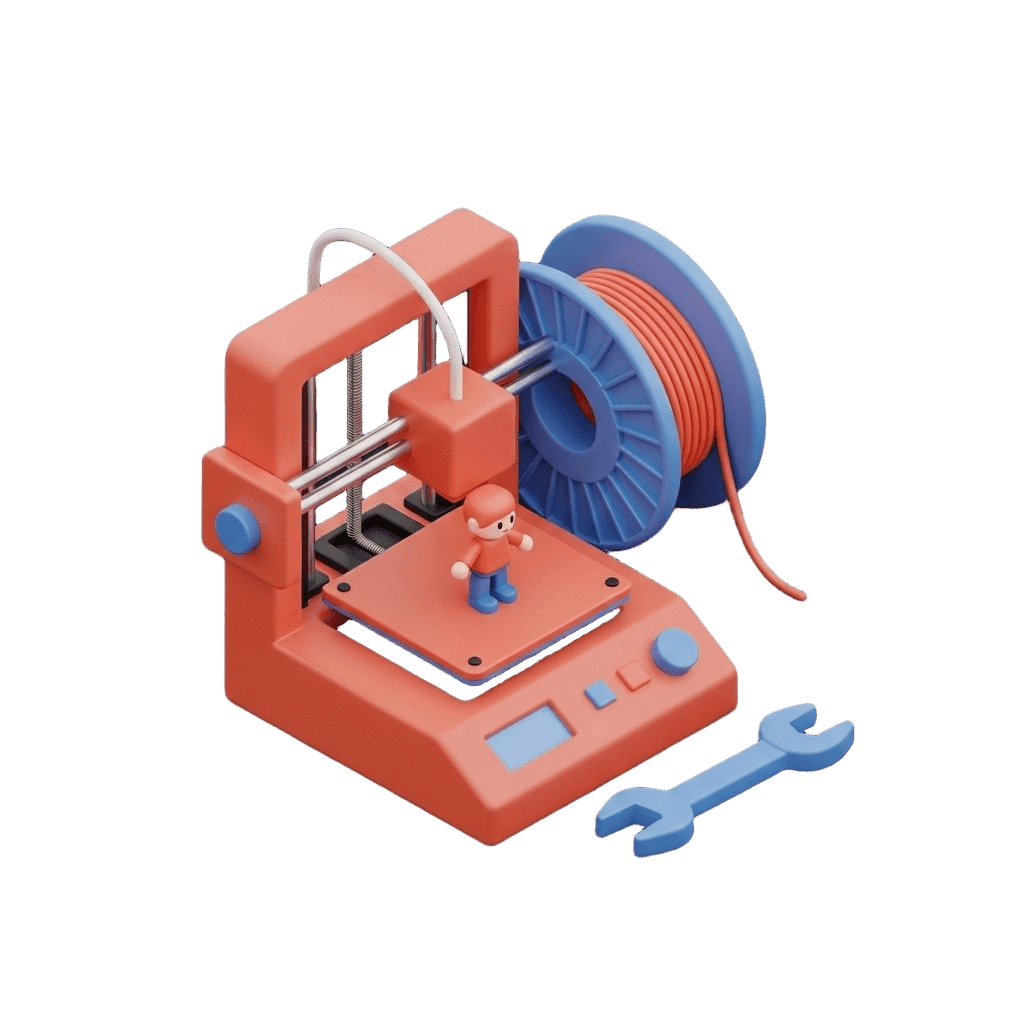
3D Printing
Generate base meshes for figurines and miniatures
E-Commerce
Product 3D models for interactive store experiences

How to use Tripo P1 on 3D AI Studio
From idea to game-ready 3D model in four steps
Choose Input
Enter a text description, upload a reference image, or provide multi-view photos.
Generate
Tripo P1 creates geometry directly in 3D space. Results in 30-60 seconds.
Preview
Inspect your model in the interactive 3D viewer. Check topology and materials.
Export
Download in GLB, FBX, OBJ, or STL. Ready for Unity, Unreal, Godot, or Blender.
Tripo P1 vs Hunyuan3D 3.5 vs Trellis 2
All three models are available on 3D AI Studio. Choose the best fit for your project.
| Feature | Tripo P1 | Hunyuan3D 3.5 | Trellis 2 |
|---|---|---|---|
| Best For | Game-ready assets | Maximum detail | Affordable image-to-3D |
| Speed | 30-60s | Under 60s (Rapid) | 1-3 min |
| Polygon Range | 48-20K (game optimized) | Up to 2M | Automatic |
| Input | Text, image, multi-view | Text, image, multi-view | Image only |
| PBR | Optional | Optional | Always included |
| Credits | 60 | 35-100 | 10 |
| Text to 3D | Yes | Yes | No |
| Export | GLB, FBX, OBJ, STL | GLB, OBJ, FBX, STL, USDZ | GLB, OBJ, FBX, STL |
Frequently asked questions
Tripo P2 is here - the next P Series generation
NEWSharper textures, higher mesh accuracy, polygon budgets up to 50K, and native quad mesh output (FBX) for rigging and subdivision workflows.
Need more detail and advanced features?
Try Tripo 3D - up to 500K polygons with smart low-poly, quad remeshing, and parts segmentation for detailed production assets.