

3D Monster Generator
Turn an idea or sketch into a 3D game monster
Describe it in one sentence. About 2–3 min later you download a 3D game monster as FBX or GLB, ready to use in your game. No 3D skills needed.
Make 3D game monster
Turn an idea or sketch into a 3D game monster. The prompts and settings are already done for you.
Prism 3.1: the most detail and sharpest textures, within this template's polygon budget.
~2–3 min · ~10k tris · idle pose, ready for rigging · free to try
Made with this template
The card in the corner shows what went in.


Each example is an actual run of this template at Standard quality, made from a typed idea or a sketch.
From idea to file in about 2–3 min
Type what you want, then wait while 2 AI steps run. Nothing to set up.
- 1Typed“A moss-covered stone golem with glowing eyes”YouYou describe it
Or upload a sketch or creature design
- Image Studio2
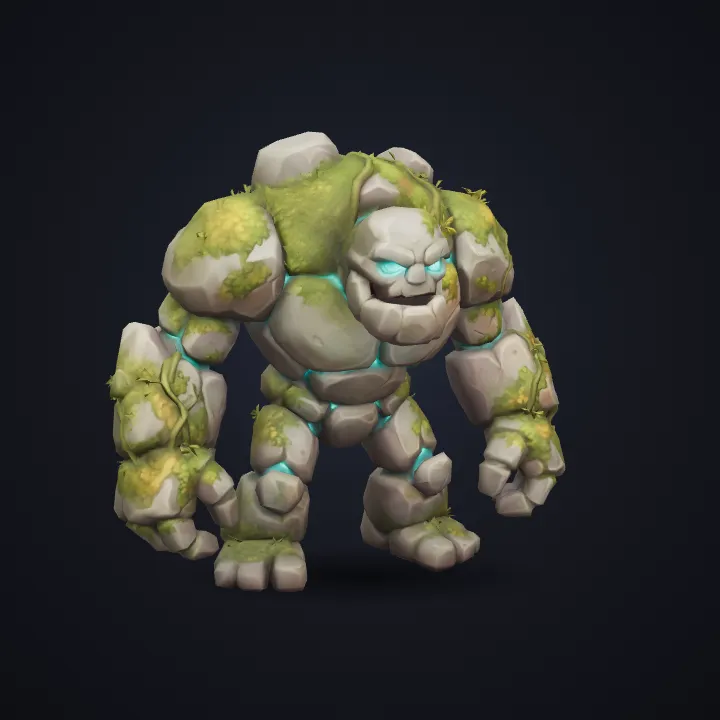 AIAI draws your idea
Image Studio turns your text or sketch into a clean concept render. The monster template asks for the full body of exactly the creature you describe, whatever its shape, in a neutral idle pose, the easiest pose to rig and animate. The object is isolated on white so the 3D step sees one clear shape.
- Image to 3D3AIAI builds it in 3D
Image to 3D (Prism 3.1) builds the mesh with a 10,000-face face limit and Fast textures, so it's light enough for real-time use.
- FBX GLB4YoursYou download the file
As FBX or GLB. You can use it however you like.
Import it like any other asset
Drag the FBX or GLB into your project. Scale and texture size are already set for the engine you pick.
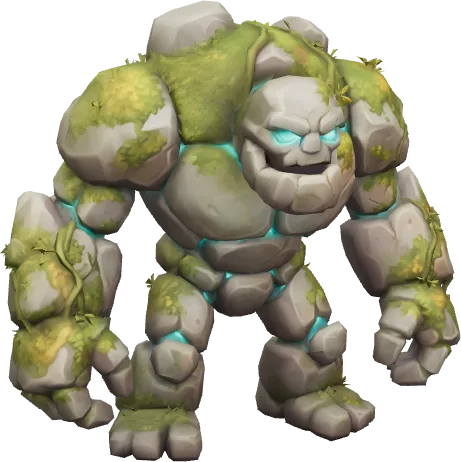
Export presets set the format, scale and texture size for each engine.
Fill a level with props before you commit to final art.
Every asset uses the same locked style, so a whole set looks like one game.
GLB opens in Blender if you want to tweak, rig or re-texture it.
How this template works
Image Studio designs the asset in a fixed style, then Image to 3D builds it within a 10,000-face polygon budget. The export presets set format, scale and texture size for your engine.
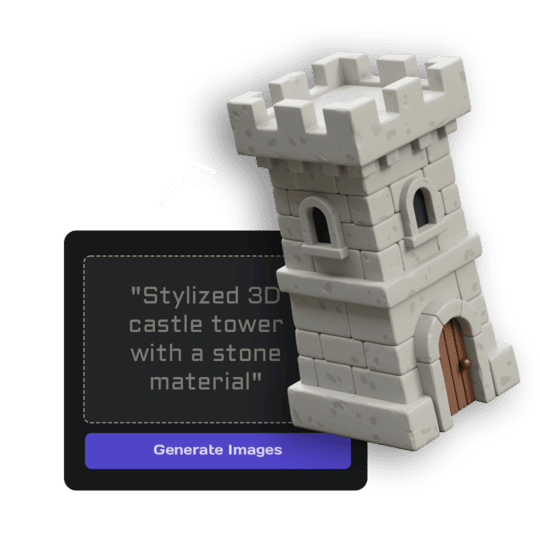 1Open Image StudioStep 1 · Image Studio
Design the asset
Image Studio turns your text or sketch into a clean concept render. The monster template asks for the full body of exactly the creature you describe, whatever its shape, in a neutral idle pose, the easiest pose to rig and animate. The object is isolated on white so the 3D step sees one clear shape.
Nano Banana 2.1 (text) or GPT Image 2.5 Flare (sketch)
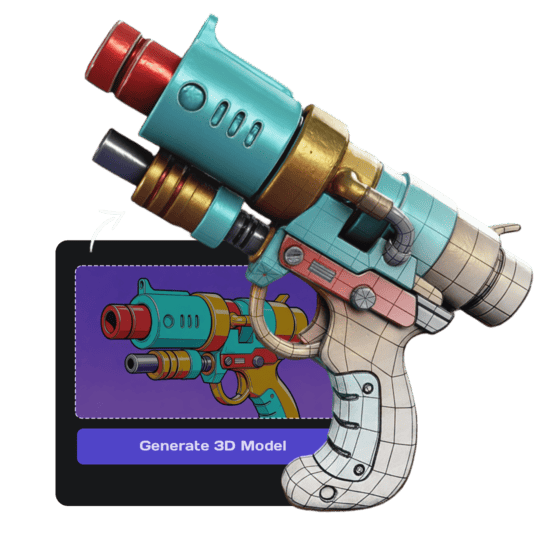 2Open Image to 3DStep 2 · Image to 3D
Build the 3D model
Image to 3D (Prism 3.1) builds the mesh with a 10,000-face face limit and Fast textures, so it's light enough for real-time use.
Prism 3.1 · Fast textures · Standard mesh · 10,000 face limit
Do it yourself for more control
- Change the style text in the Image Studio prompt to match your game's art direction.
- Use Remesh to hit an exact triangle count or get quad topology.
- Use LOD to generate lighter versions for distant objects.
- Open the model in the Rigging tool to add a skeleton; quadrupeds work best with a custom rig in Blender.
What is 3D AI Studio?
3D AI Studio is a web app that makes 3D models, images and sounds with AI. It runs in your browser, so there is nothing to install.
A template is a saved recipe. It runs a fixed set of AI tools with settings we've already tested, so all you add is a photo or a sentence.
- Step 1Image Studio
Draws a picture from a sentence or a sketch.
- Step 2Image to 3D
Turns a single picture into a textured 3D model.
What you need
- One sentence or a sketchNo prompt skills needed
- 3D software or skillsNot needed. It all happens in the browser
- A free accountSign up with Google or email
Sign up for free and make your first one right away. Downloading the files is part of the paid plans.
The files you get
Drag it into Unity, Unreal or Roblox Studio.
For Godot, Blender, websites and AR viewers.
How to describe it
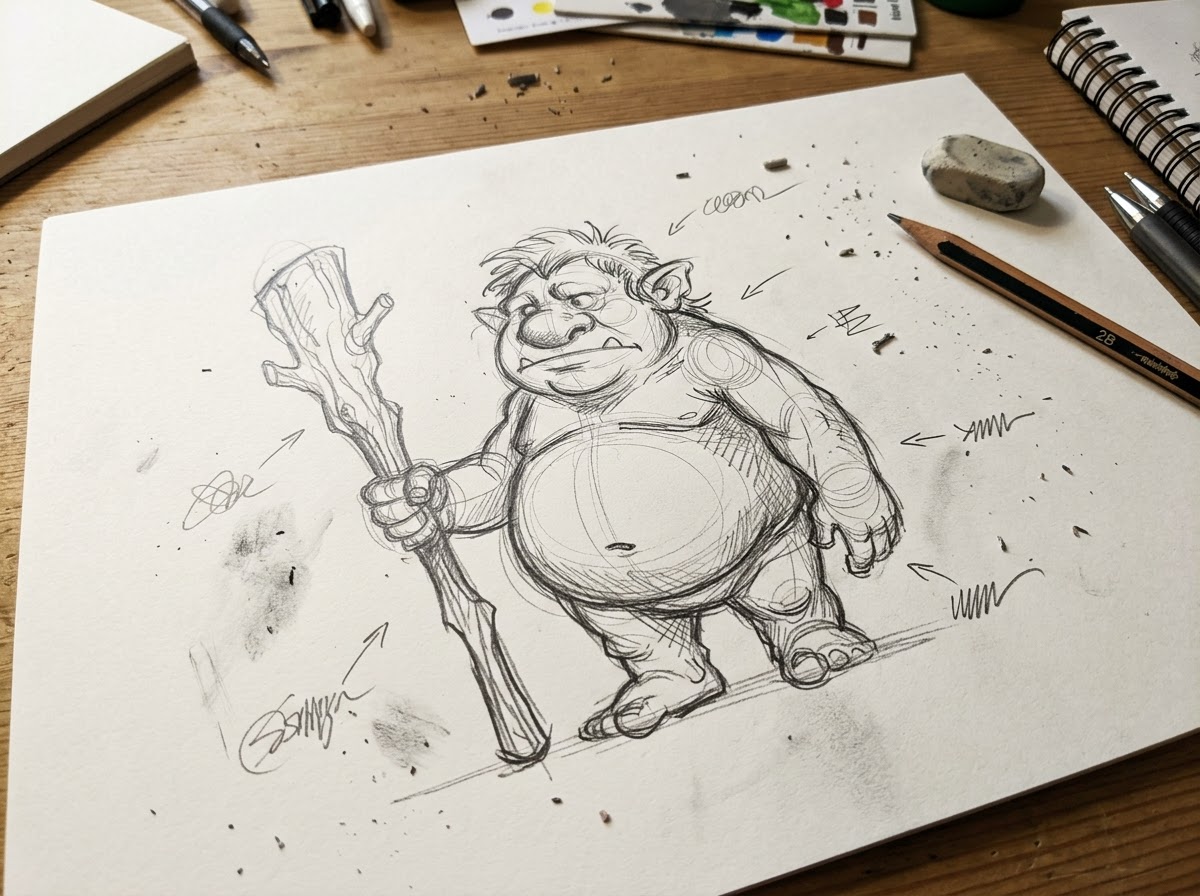 A photo like this works
- Describe one object, not a scene: "a wooden barrel with iron rings".
- A rough sketch is enough; notes and arrows on the paper are ignored.
- Make several assets with the same template to build a matching set.
Good to know: Very long tentacles, thin wings and floating parts get simplified; describe chunky creatures for the cleanest result.
Run this template from Claude, ChatGPT or Cursor
Connect the 3D AI Studio MCP to your AI assistant and paste the brief into the chat. It runs the same steps with the same prompts and settings, shows you the result in the conversation and saves it to your library.
- Connect the MCP once in your account settings. It's included in every paid plan.
- Copy the brief and swap the example in the first line for your own.
- Paste it into a new chat. Your assistant runs every step and shows you each result.
generate_image_nano_2_1upload_imageedit_image_gptgenerate_prism_3_1generate_p2convert_modelget_generationshow_generationUse the 3D AI Studio MCP to run the "Stylized Monster & Creature" template (https://www.3daistudio.com/templates/monster-generator) for me.
My idea: A moss-covered stone golem with glowing eyes
Element: Normal
Tier: Regular
Follow these steps in order. The prompts and settings are the template's own, so use them word for word and only put my idea where it says {MY IDEA}.
1. Design the asset
Call generate_image_nano_2_1 with aspect_ratio "1:1", resolution "1K", output_format "png" and this prompt:
"""
A finished 3D game asset render of {MY IDEA}. Style: stylized hand-painted 3D game asset like a fantasy RPG prop, exaggerated chunky proportions, painterly hand-painted textures with soft gradients and warm highlights. One single game creature of exactly the kind described, whatever its body plan (a beast, a humanoid, a blob, an insect, a serpent, a winged or a many-limbed creature), full body, resting or standing on its own feet, legs, body or tentacles in a neutral, readable idle pose with its limbs slightly apart, facing three-quarter front, mouth closed or slightly open, the entire creature visible with generous empty margin. Seamless pure white (#FFFFFF) background, soft even studio lighting, no cast shadows, no ground plane, no text.
"""
If I want to start from a sketch or reference image instead, call upload_image so I can hand it over, then call edit_image_gpt with the upload in images, quality "low", output_format "png" and this prompt:
"""
This is a rough sketch. Recreate the object it shows as a finished 3D game asset render, keeping the sketch's design, proportions and key details, and ignore any handwritten notes, arrows and paper. Style: stylized hand-painted 3D game asset like a fantasy RPG prop, exaggerated chunky proportions, painterly hand-painted textures with soft gradients and warm highlights. One single game creature of exactly the kind described, whatever its body plan (a beast, a humanoid, a blob, an insect, a serpent, a winged or a many-limbed creature), full body, resting or standing on its own feet, legs, body or tentacles in a neutral, readable idle pose with its limbs slightly apart, facing three-quarter front, mouth closed or slightly open, the entire creature visible with generous empty margin. Seamless pure white (#FFFFFF) background, soft even studio lighting, no cast shadows, no ground plane, no text.
"""
2. Build the 3D model
Call generate_prism_3_1 with the task_id of the image from step 1 in images, texture_model "3.5", texture_quality "fast", geometry_quality "standard", pbr false, face_limit 10000.
For a lighter, game-optimized mesh with clean low-poly topology, call generate_p2 instead with texture_model "3.5", texture_quality "standard", pbr false and no face_limit.
3. Export
Export it for Unity unless I name another target: call convert_model on the 3D model with output_format "fbx_zip" (FBX with its textures) for Unity, Unreal / UEFN or Roblox Studio. Godot or Blender take the generated GLB as it is, no conversion needed.
For Roblox, the mesh has to stay under 8,000 faces: pass face_limit 8000 to the 3D step.
After each generation call, keep polling get_generation with its task_id until it completes, then show me the result with show_generation before you start the next step.Or automate it with the API
The same tools are available through the 3D AI Studio API. Call them from your own code to make hundreds at once, build them into your app or run them in your pipeline.
Stylized Monster & Creature: questions & answers
3D AI Studio is a web app that makes 3D models, images and sounds with AI. It runs in your browser, so there is nothing to install. A template is a saved recipe. It runs a fixed set of AI tools with settings we've already tested, so all you add is a photo or a sentence.
Any kind: describe it and the template follows your creature's body plan, whether it walks on two legs, crawls on eight, slithers, floats or oozes. Slimes, dragons, undead, insects, beasts and eldritch horrors all work.
Yes. Every monster uses the same hand-painted style prompt, so a slime, a golem and a dragon boss look like one game. For a photoreal look, use the Realistic Creature template.
No, it's a static mesh in a neutral pose. Bipeds can go through the Rigging tool; creatures with four or more legs need a custom rig.
Yes. Upload a sketch or creature design and the template keeps its shape and colours.
Sign up for free and make your first one right away. Downloading the files is part of the paid plans.
Turn an idea or sketch into a 3D game monster
Similar templates
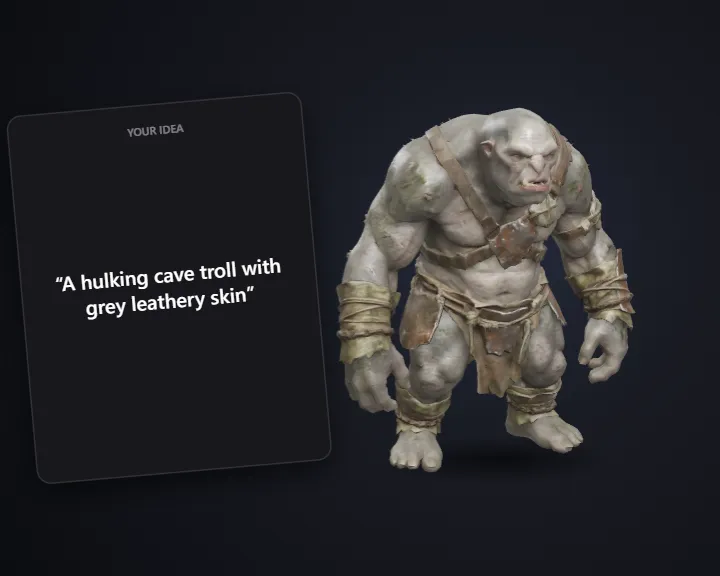 Realistic CreatureTurn an idea or sketch into a realistic 3D game creature
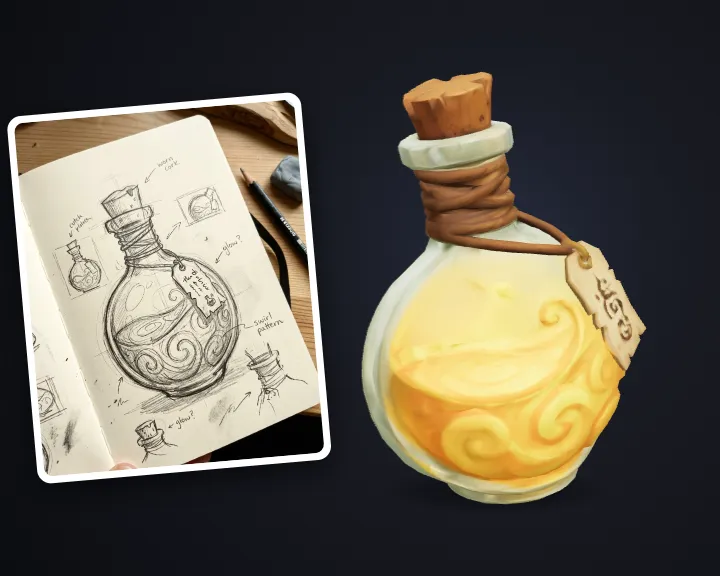 Stylized Hand-Painted PropTurn an idea into a stylized hand-painted game prop
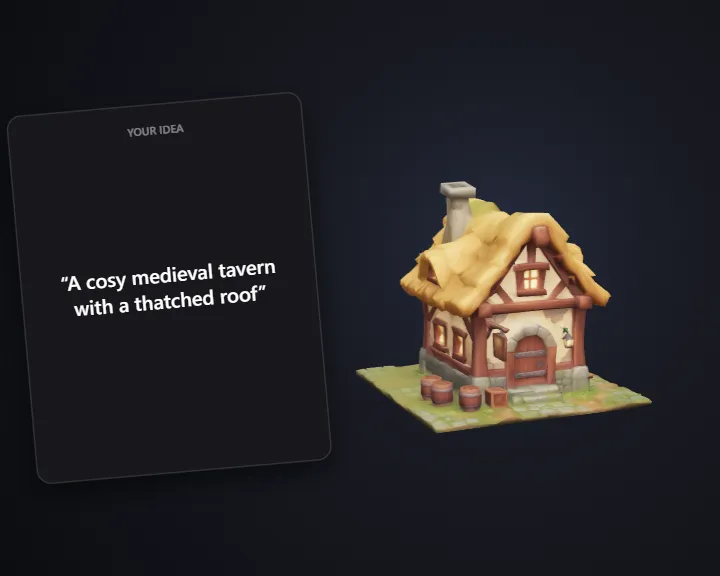 Stylized BuildingTurn an idea into a stylized 3D game building
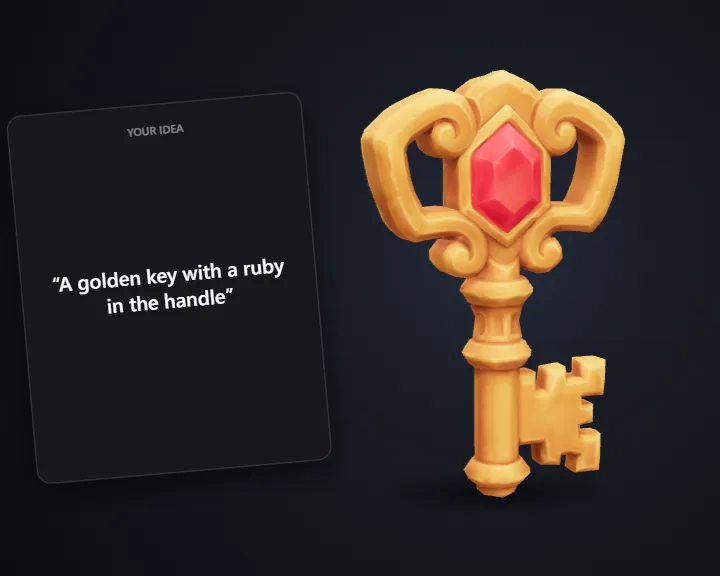 Stylized Loot & ItemsTurn an idea into a 3D game item or pickup
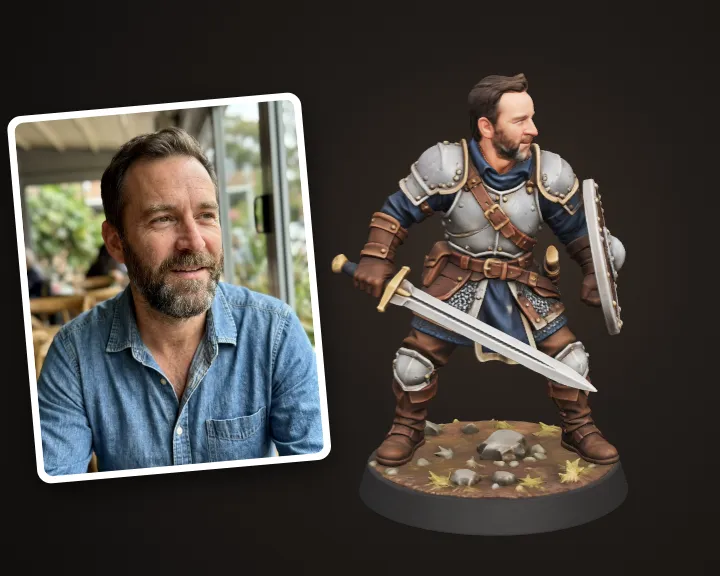 Hero Miniature of YouTurn your photo into a 32 mm tabletop hero miniature
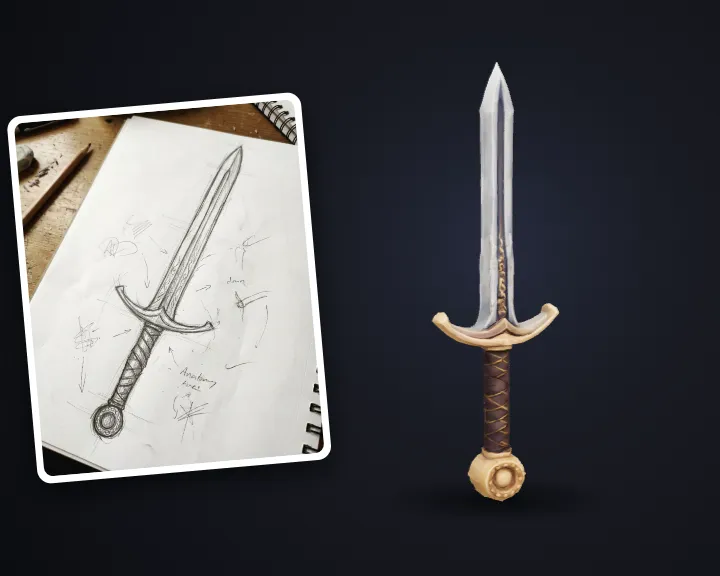 Stylized WeaponTurn a sketch or idea into a 3D game weapon
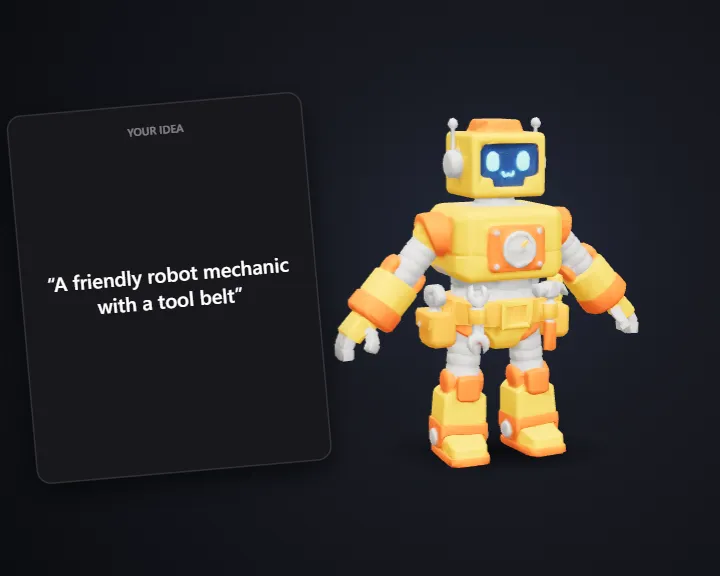 Stylized CharacterTurn an idea into a 3D game character
 Inventory IconDescribe an item and get a 2D game inventory icon