
3D Sculpting Online, Finished by AI
Stack simple shapes. AI turns your rough sculpt into a finished render, then a real 3D model.
Trusted by creators at top game studios and tech companies

















How to sculpt a 3D model online with AI
Three steps to sculpt online. No 3D experience needed.
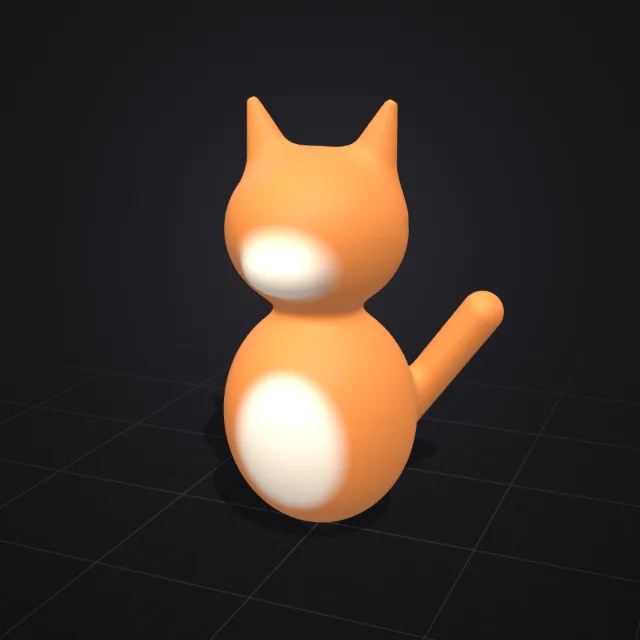
Add shapes
Two spheres, two ears, a tail. Shapes melt together.
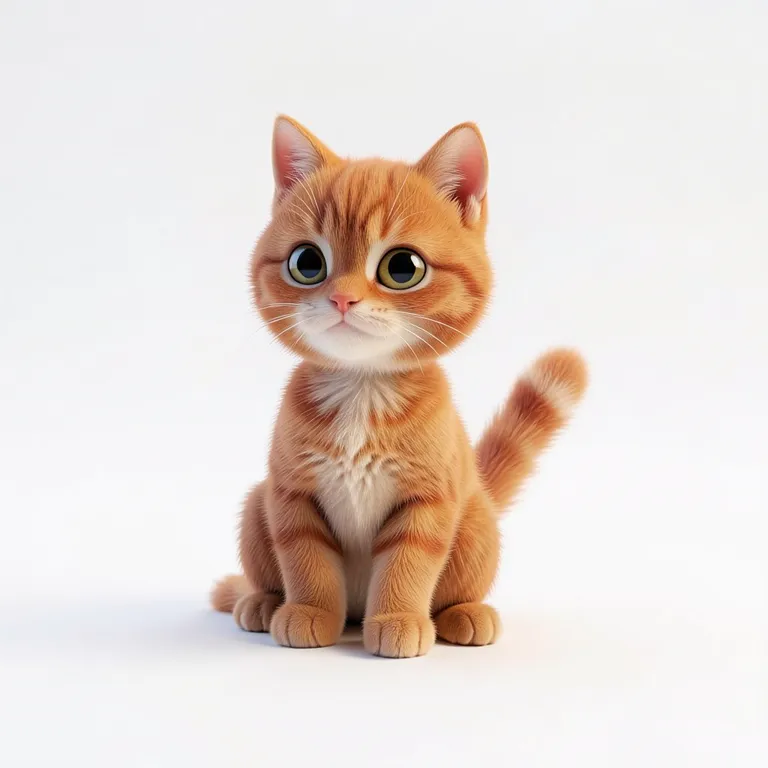
Watch it render
Pick a style and see the result in about half a second.
Get the 3D model
Turn the render into a textured 3D model.
The easiest 3D sculpting software for beginners
Get the shape right. The AI handles the detail.
Shapes that melt together
Smooth or crisp blends. No topology.
Carve and paint
Subtract, intersect or recolor any part.
Mirror and repeat
Symmetry, plus copies in rows or circles.
15 templates
Characters, creatures, props and more.
AI Builder
Describe it and AI sculpts a first draft.
Blender shortcuts
Or the standard keys, or your own.
One sculpt, every style
Same sculpt, same prompt. Only the style changes.
SculptThe sculpt
One sculpt, one prompt. Pick a style to see the result.
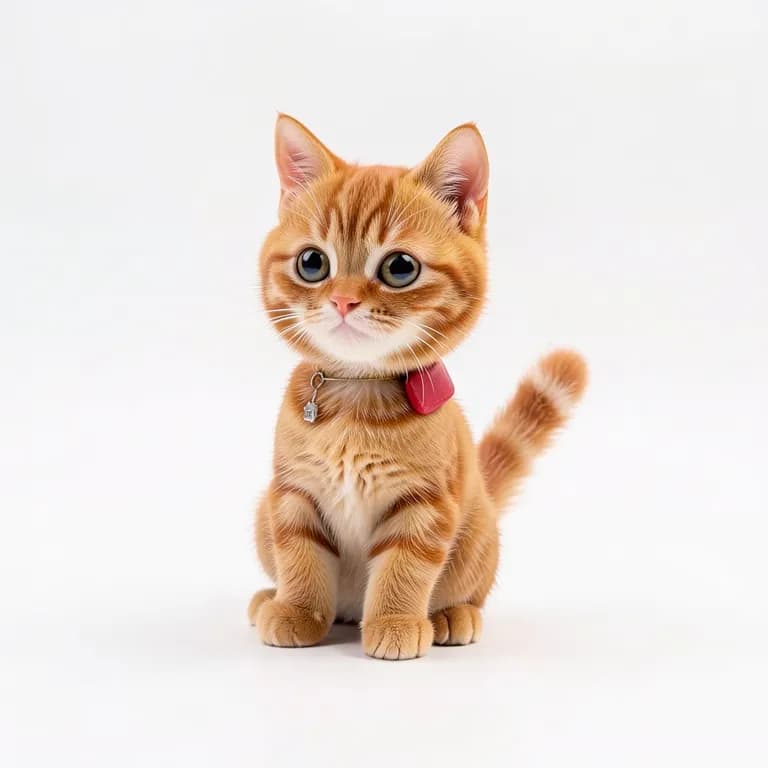
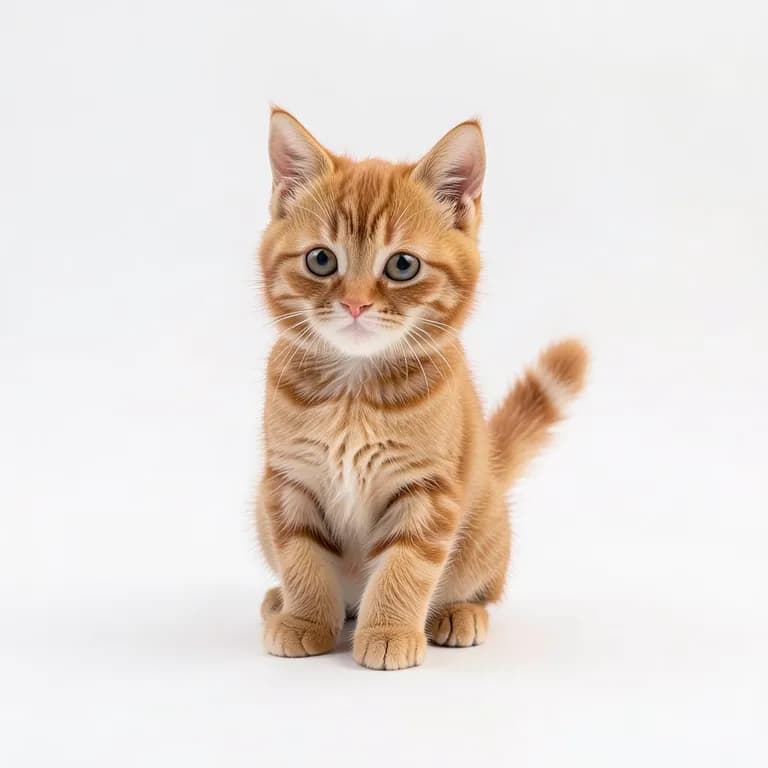
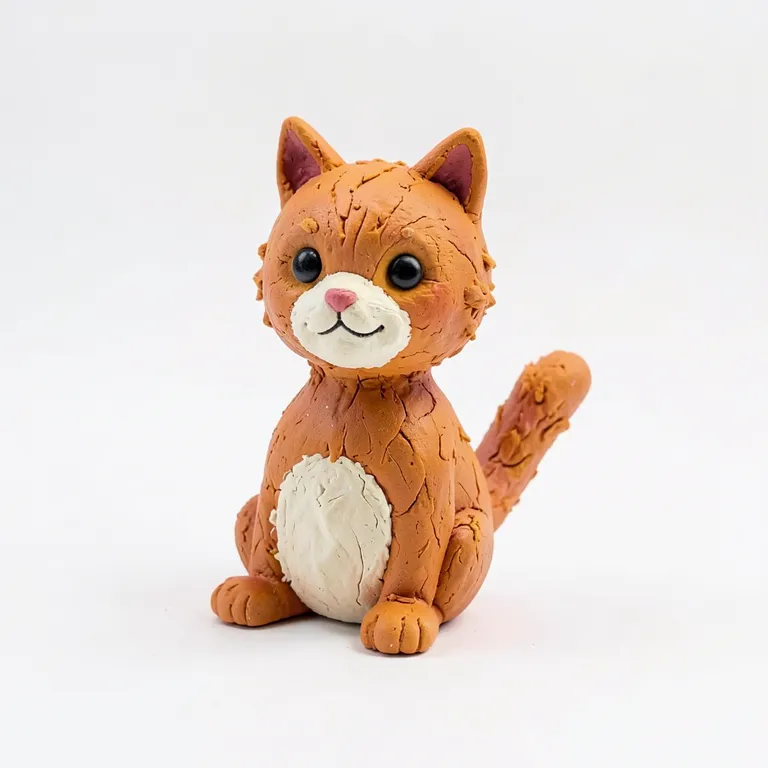
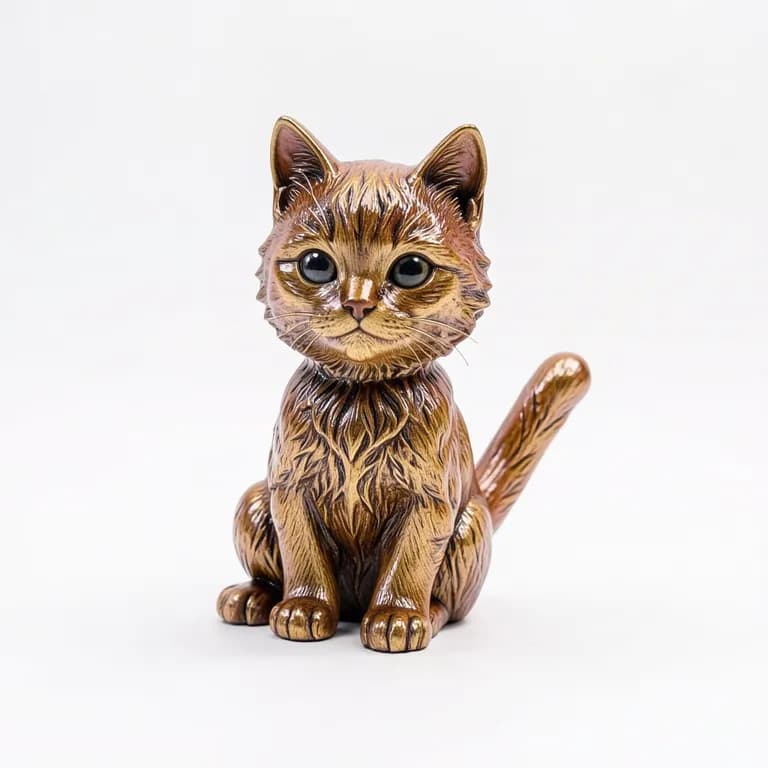
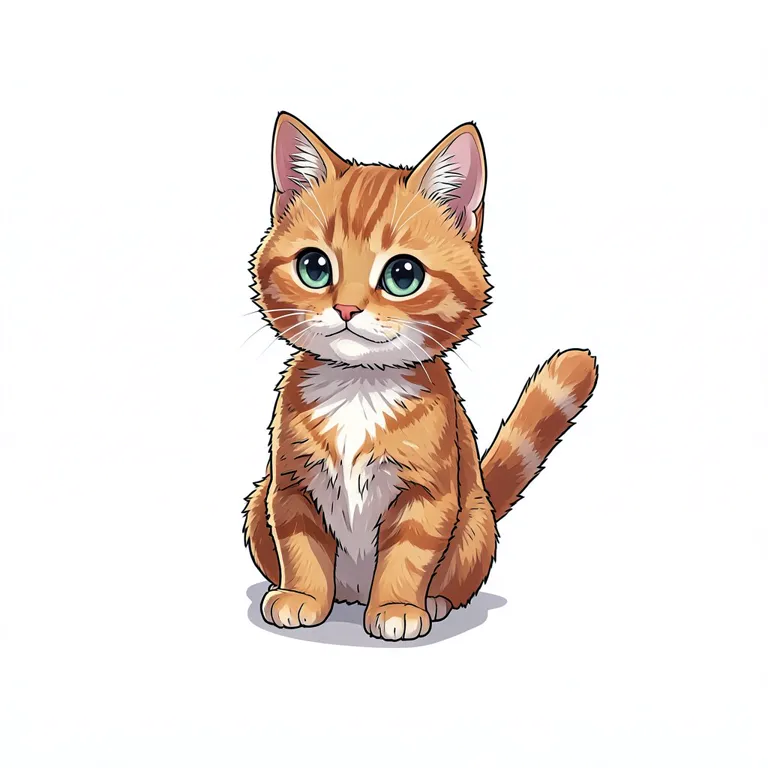
From sculpt to 3D model
Click any model to spin it.
Sculpt to 3D vs SculptGL, Nomad Sculpt, Blender and ZBrush
How it compares to other 3D sculpting software.
| Sculpt to 3D | SculptGL | Nomad Sculpt | Blender | ZBrush | |
|---|---|---|---|---|---|
| Runs in the browser | |||||
| Price | Free to start | Free | One-time purchase | Free | Subscription |
| How you sculpt | Blendable shapes | Brushes | Brushes | Brushes + modeling | Brushes |
| Learning curve | Minutes | Low | Medium | Steep | Steep |
| Live AI render | |||||
| Turns into a textured 3D model |
Tips for 3D sculpting online with AI
Simpler sculpts, better renders.
Start with big shapes
Block out the main forms first, like a body and a head. Leave the small details to the AI render.
Let shapes melt together
Raise the blend to merge parts smoothly, lower it for crisp joins like a door or a lid.
Use symmetry
With mirror on, place one ear, arm or eye and the other side appears by itself.
Paint the colors you want
The render keeps your colors. Paint patches like spots, a belly or a window to guide it.
What is 3D sculpting online?
3D sculpting online means shaping a 3D model right in your browser, without installing software like ZBrush or Blender. In Sculpt to 3D you sculpt with shapes that melt together like clay, orbit around your model in real 3D, and AI renders it in the style you pick while you work.
Blockout vs. detailed sculpting
A blockout is the rough version of a model: the big shapes, proportions and pose. Detailed sculpting adds fur, wrinkles and texture, which takes most of the time in classic tools. Here you only make the blockout. The AI render adds the surface detail, and Image to 3D turns that render into a textured model.
3D sculpting vs. 3D modeling
3D modeling usually means building precise shapes from vertices, edges and polygons, which suits hard objects like furniture or machines. 3D sculpting shapes a model like clay and suits organic forms like characters and creatures. Sculpt to 3D handles both as rough blockouts, from a cat to a teapot.
Further reading: Is ZBrush free? Best free alternatives · 3D sculpting vs 3D modeling
Free to start
Upgrade when you want more.
Free
- Free sculpting with every tool
- Free live renders every day
- Watermarked previews