
Every Major AI 3D Model. One Studio.
Hunyuan leads on quality ceiling, Hitem3D on print-ready detail, Tripo on game topology, Trellis on price. No single model wins at everything - so switch engines per job, with one account and one credit balance.



167 Trustpilot reviews · Trusted by 1.6M+ creators

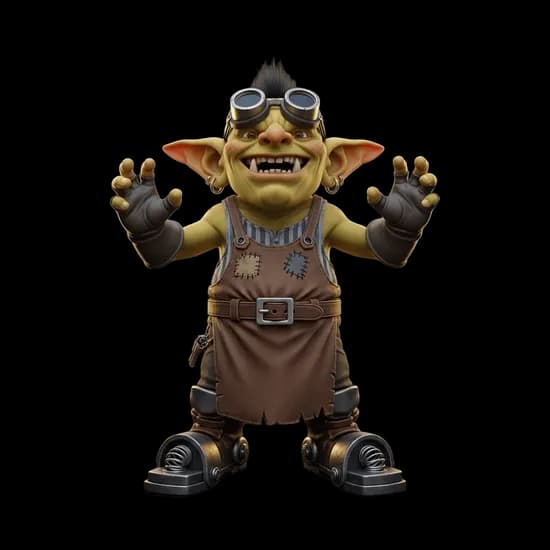
Hitem3D 2.1
1536³ print-grade detail
30 credits · 7-8 min
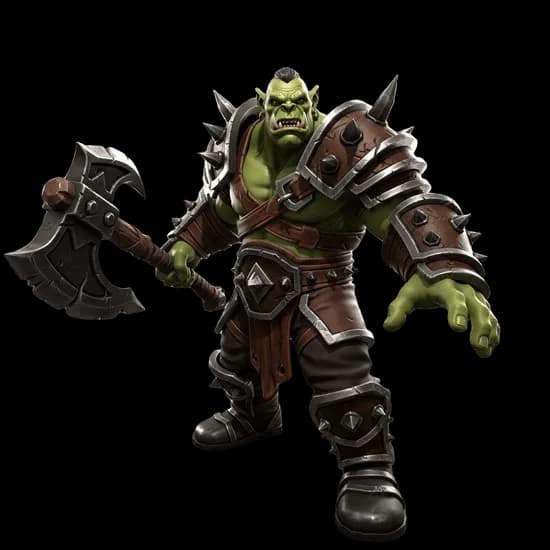
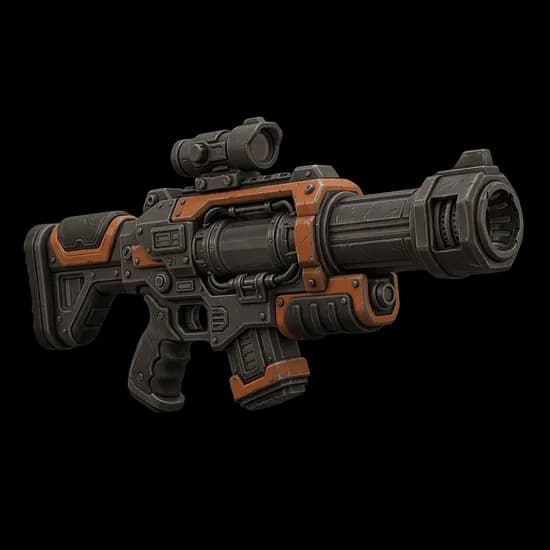
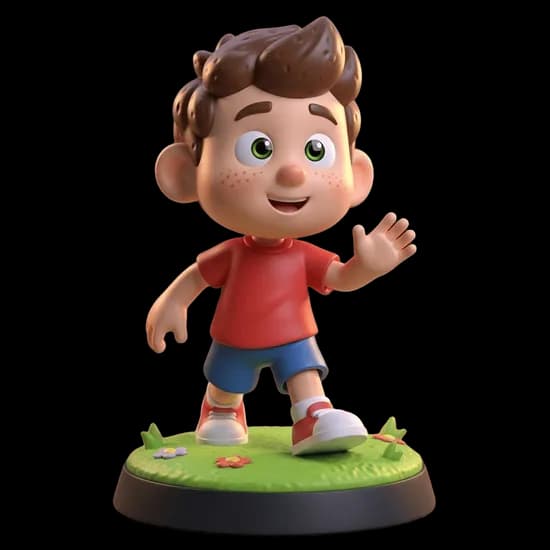
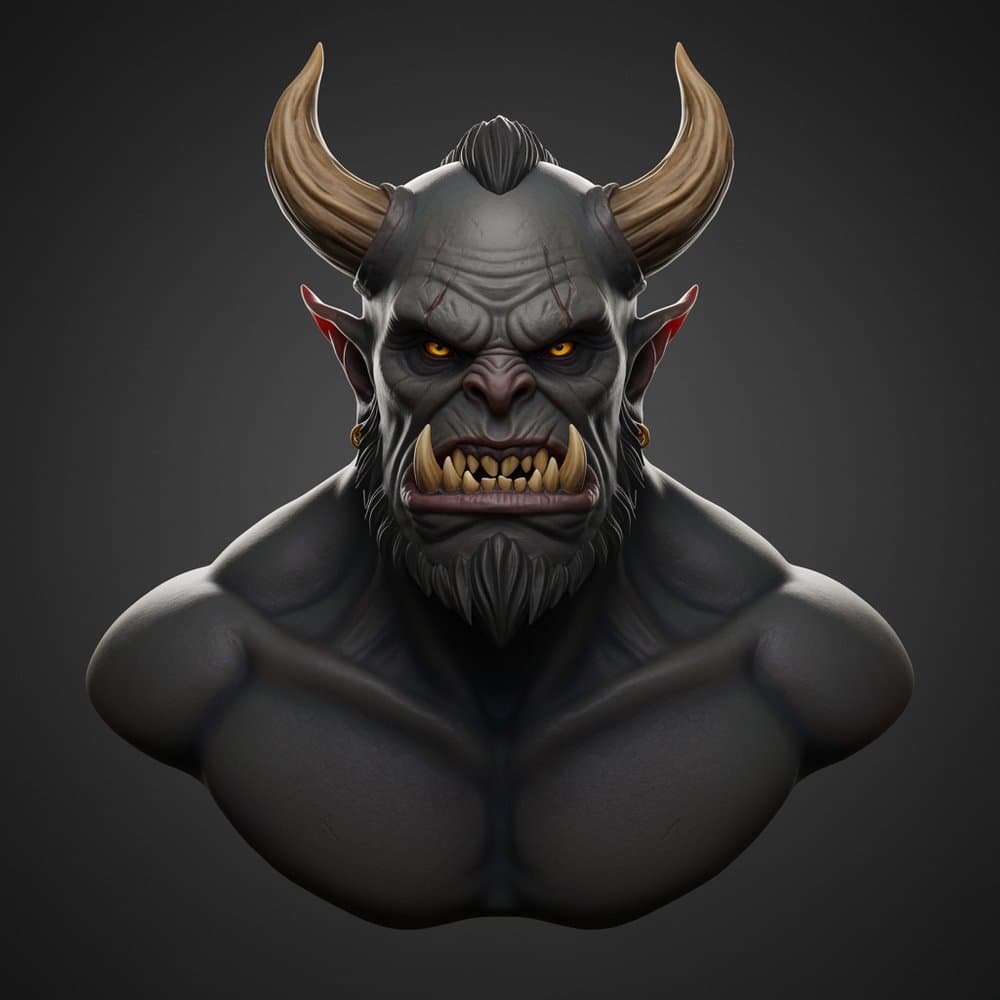
Made with the engines below - rendered in the browser viewer
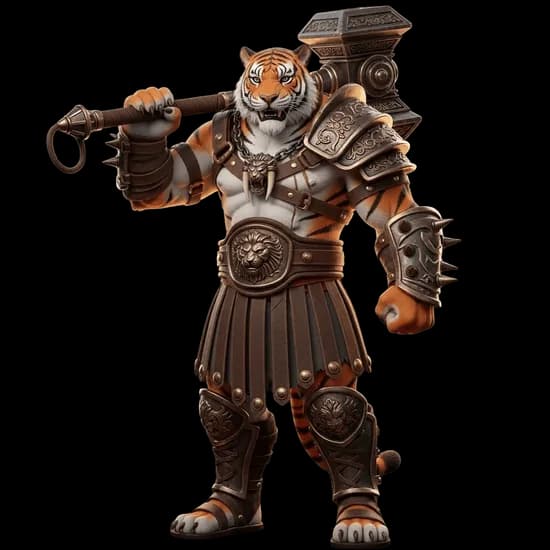
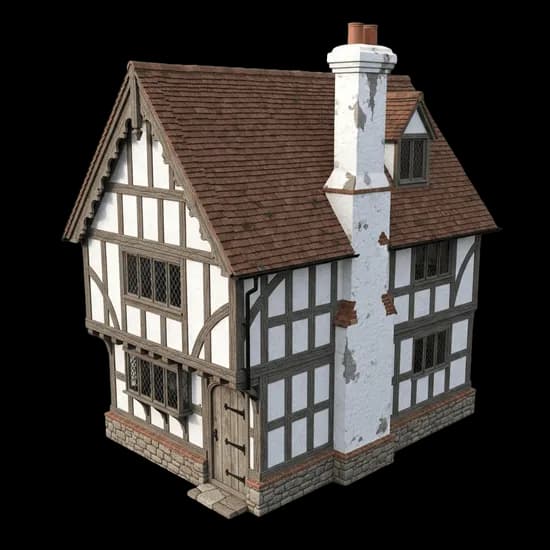
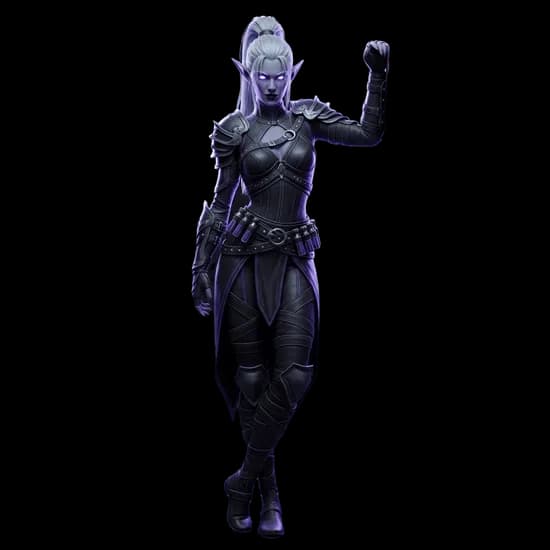
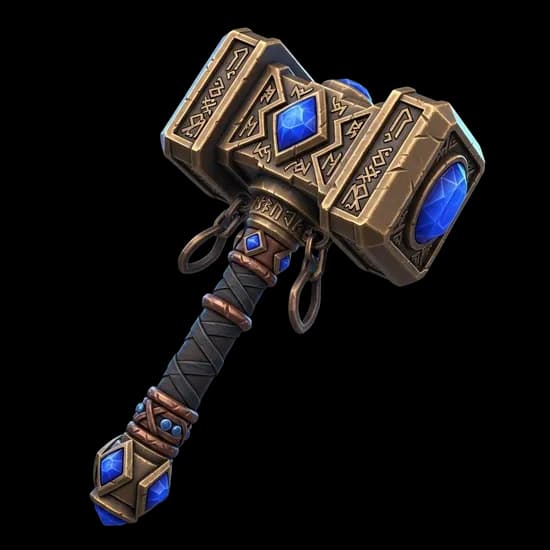
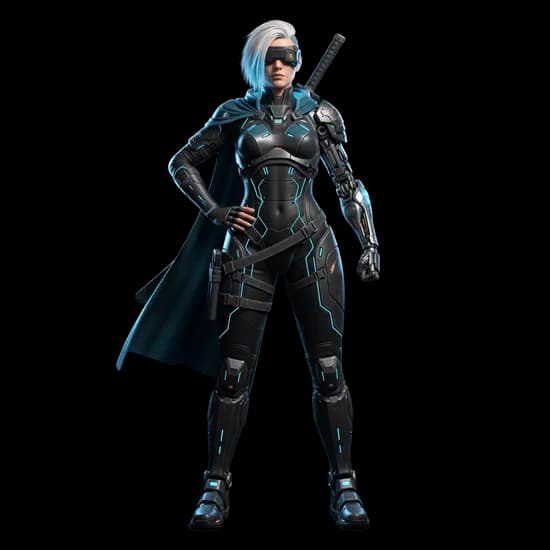
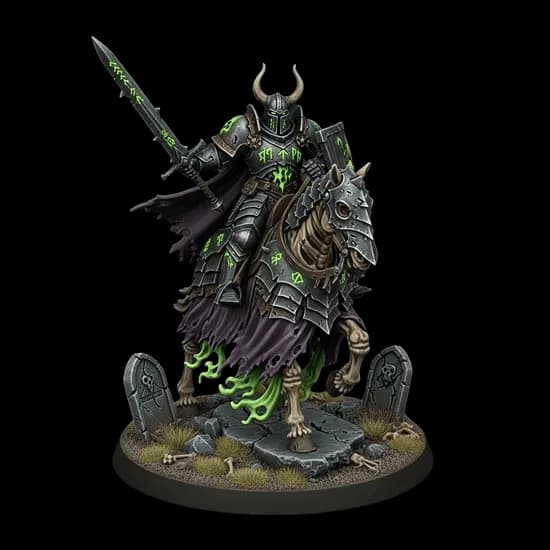
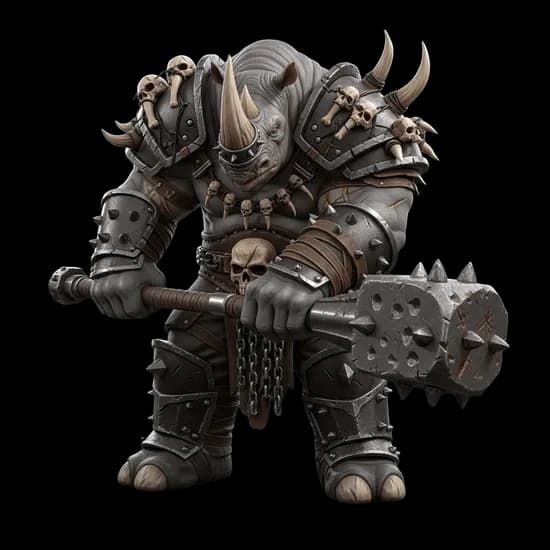

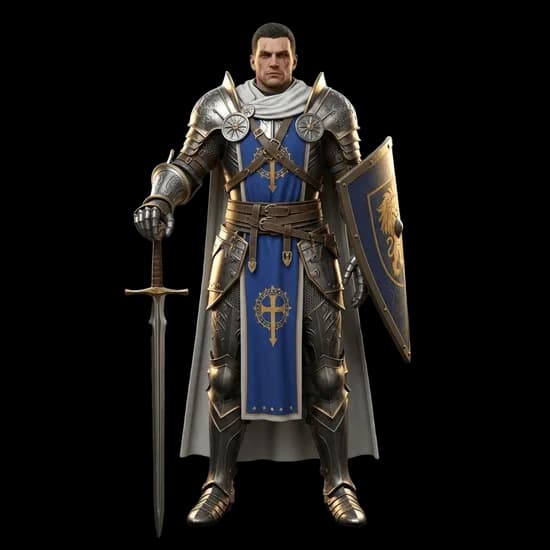
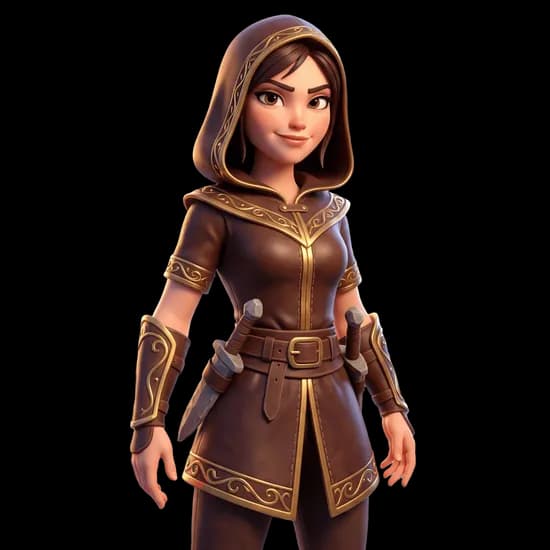
Engines from the teams behind the research


1.6M+
Creators
Trust 3D AI Studio
4.6/5
User Rating
From 167 Trustpilot reviews
11
Generation Engines
One credit balance
$19
Per Month
1,000 credits, all engines
Stop guessing which model is best. Test it.
Every AI 3D engine has images it handles brilliantly and images it fumbles - and you cannot tell which from a marketing page. On a single-model platform, a bad result means re-rolling with the same engine. Here, it means switching engines.
- 1
Upload once
Pick your image and generate with the engine that fits the job on paper.
- 2
Second opinion
Not convinced? Rerun the exact same image with a different engine in one click.
- 3
Keep the winner
Compare both in the 3D viewer, keep the better one, refine it with the built-in tools.
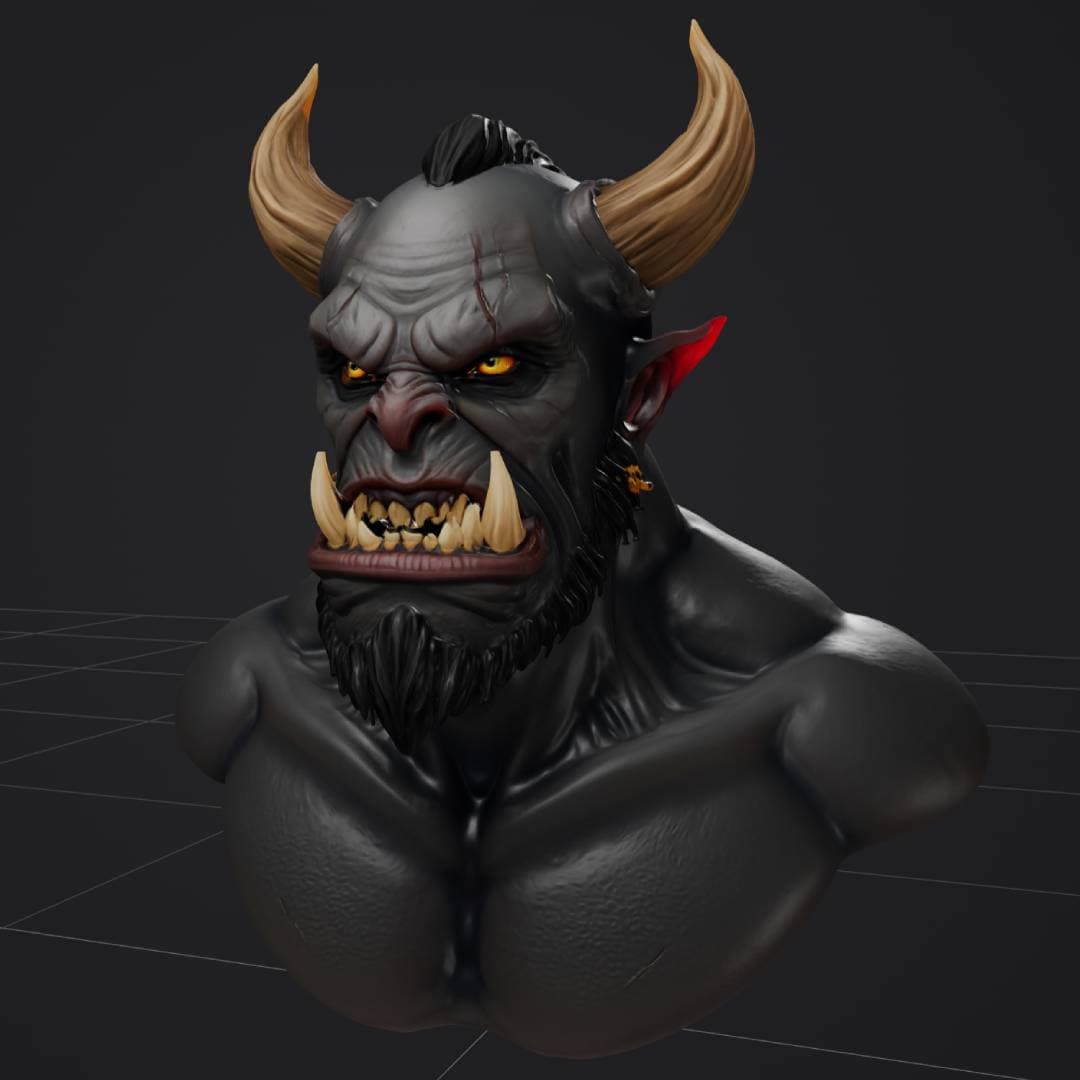
Real output, no post-processing
Which model should you use?
The honest cheat sheet. When it matters, generate with two engines and keep the better result.
Maximum quality
Rodin Gen-2.5 Ultra delivers 2M-face production assets with HD textures. Hunyuan3D 3.1 is the alternative for clean, watertight hero meshes.
Try Rodin Gen-2.53D printing & miniatures
Hitem3D 2.1 reconstructs at 1536³ - detail that survives 0.05mm resin layers. Hunyuan 3.1 for watertight technical meshes.
Try Hitem3D 2.1Game-ready assets
Tripo P2 generates clean topology with native quad mesh output - built for Unity, Unreal, and Godot. P1 remains the fastest option at 60-90s.
Try Tripo P2Characters you'll rig
Meshy 6 is the only engine with quad topology and A/T-pose control - output drops straight into Mixamo or a custom rig.
Try Meshy 6Products from photos
Prism 3.1 for texture fidelity from product shots. Hitem3D multi-view (4 photos) when the shape must be exact all around.
Try Prism 3.1Speed & cheap drafts
Trellis 2 at 15 credits for iteration volume. Rodin's lowest tier for 30-second concept checks before committing.
Try Trellis 2The subscription math
Subscribing to these engines separately means separate accounts, separate credit systems, and separate bills.
Subscribed separately (renewal prices)
Plus four galleries, four credit systems, and no way to compare outputs side by side.
One platform, every engine
All generation models
Each model has its own strengths. Open a model page for capabilities, examples, and comparisons - or jump straight into the generator.
Math Magic (Hi3D)
Ultra-high-resolution 1536³ reconstruction with up to 2M faces. The detail king for 3D printing and resin miniatures.
30 credits · 7-8 min
Hyper3D (Deemos)
Five quality tiers from 30-second prototypes to 2M-face production assets, with creative mode and HD textures.
from 20 credits · 30s-7 min
Tencent
Watertight meshes, clean quad topology, and smart UV unwrapping - built for 3D printing and technical work.
40 credits · 3-4 min
Tencent
Flexible generation modes with 4K PBR textures and up to 1.5M faces. A reliable production workhorse.
40 credits · 3-4 min
Microsoft (open source)
Fast, affordable image-to-3D with flexible resolution and optional texturing. Great for quick iterations.
15 credits · 4-8 min
ByteDance
ByteDance's image-to-3D research model with PBR and RGB material workflows. No waitlist, no setup.
30 credits · 8-12 min

Pixal3D (Tencent)
High-fidelity single-image reconstruction with configurable texture resolution up to 4K.
20-40 credits · 6-7 min
All engines at a glance
Speed, cost, and what each engine is actually good at - so you can pick per job, not per marketing page.
| Model | Input | Speed | Credits | Strongest At |
|---|---|---|---|---|
| Hitem3D 2.1 | Image, 4-view | 7-8 min | 30 | 1536³ print-grade detail, splitting |
| Meshy 6 | Text, image, multi-view | 5-10 min | 40 | Quad topology, pose control |
| Rodin Gen-2.5 | Text, image, multi-view | 30s-7 min | 20-35 | Flexible quality tiers, HD textures |
| Prism 3.1 | Image, multi-view | 3-5 min | 35 | Photo reconstruction, textures |
| Tripo P2 | Text, image, multi-view | 2-5 min | 70 | Next-gen game-ready, quad output |
| Tripo P1 | Text, image | 60-90s | 60 | Game-ready topology, speed |
| Hunyuan3D 3.1 | Text, image, multi-view | 3-4 min | 40 | Watertight technical meshes |
| Hunyuan3D 3.0 | Text, image, multi-view | 3-4 min | 40 | Reliable production workhorse |
| Trellis 2 | Image | 4-8 min | 15 | Cheap, fast iteration |
| Seed3D 1.0 | Image | 8-12 min | 30 | PBR/RGB dual output (beta) |
| Pixal3D | Image | 6-7 min | 20-40 | Configurable texture resolution |
Credits and timings reflect current in-app defaults. Heavier settings (Pro resolutions, PBR, higher polycounts) cost more.
Generation is step one, not the whole job
Raw AI output rarely ships as-is. Every engine here feeds the same finishing pipeline, so you never export to a second app to fix a mesh.
Quad Remesh & Low-Poly
Turn a 2M-face Hitem3D print mesh into a game-ready asset, or clean messy topology into animation-friendly quads.
Remesh toolSplit for 3D Printing
Cut models into printable parts with snap-fit ball joints or dovetails. Character templates split figures into 2-6 pieces.
Segmentation toolTexture Generation
Generate or replace textures from a reference image or prompt - including on split parts and remeshed models.
Texture AIAI Rigging
Auto-place bones and skin weights with Mixamo-compatible skeletons. Pairs well with Meshy 6's T-pose output.
Rigging toolFormat Conversion
GLB to STL for the slicer, FBX for Unity, USDZ for AR - every generation converts without external software.
Conversion toolsRepair & Add Base
Fix non-manifold geometry, close holes, and add print bases - the unglamorous steps that decide if a print succeeds.
Print prepThe input side: 100+ image models included
Every image-to-3D generation starts with an image - and the best 3D results come from purpose-made references. Image Studio generates and edits them in the same workspace, on the same credits.
Type it - generate the reference
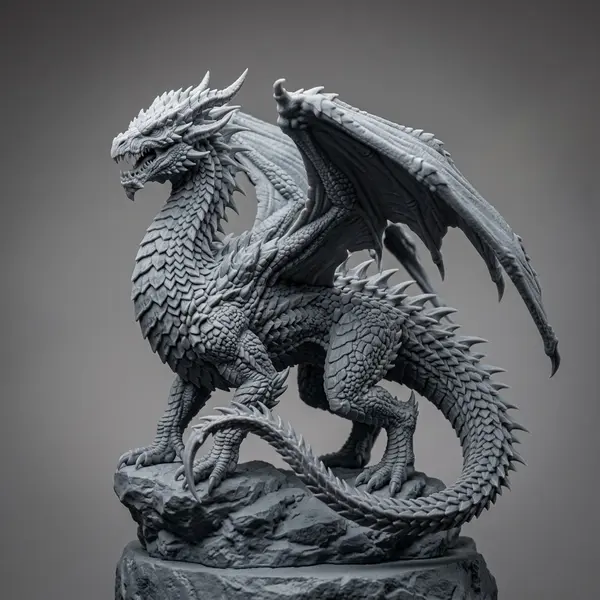
“3D printable dragon figurine”
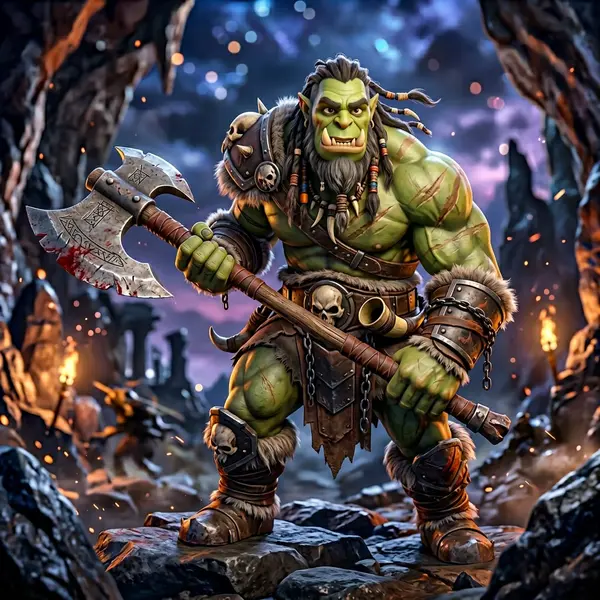
“stylized 3D orc berserker”
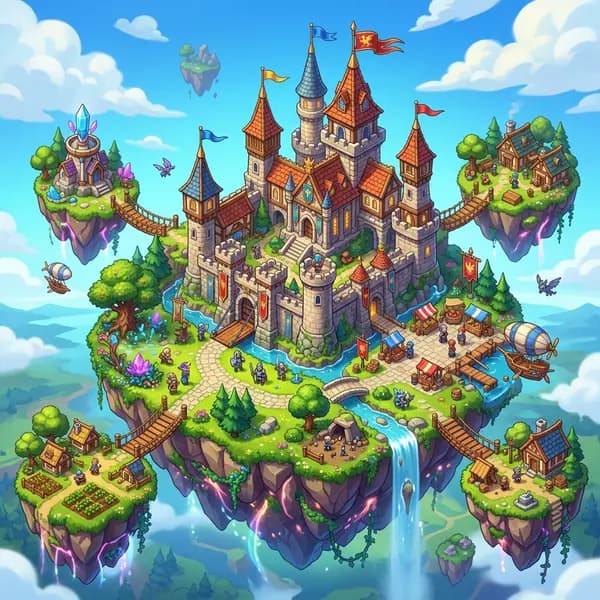
“isometric fantasy castle, floating islands”
Or edit any photo - describe the change
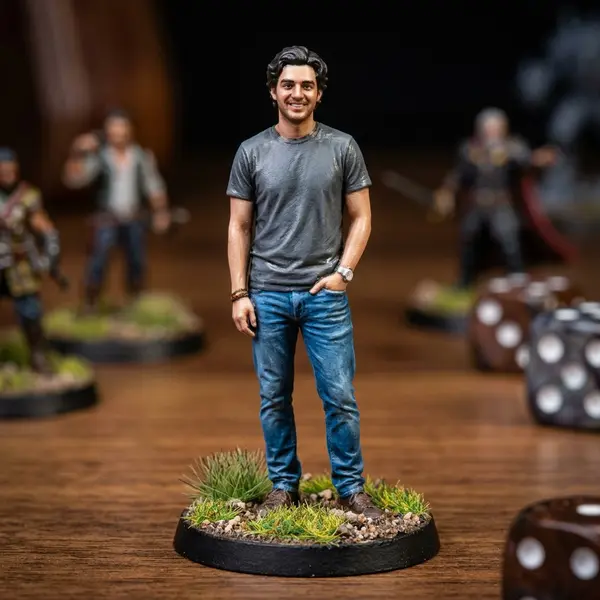
+“make him a tabletop miniature”
 Input
Input
+“make him a stylized 3D character”
 Input
InputWho works this way
Studios, agencies, and makers who switched from single-model tools
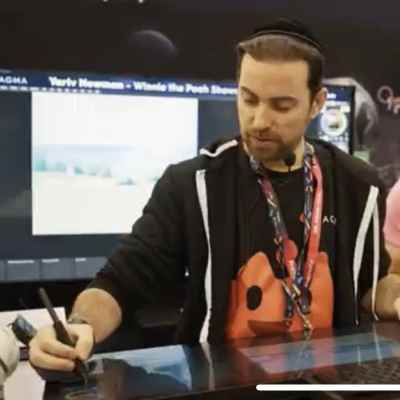
“What used to take days of back-and-forth with 3D artists now takes minutes. It's exactly what we needed for quick concept visualization and prototyping.”

Yariv Newman
Art Director, Pitch Dev Studios
“For agencies working with tight deadlines and innovative projects, this tool is invaluable. It's significantly reduced our asset creation costs while allowing us to deliver more creative solutions.”

Paul Xue
Founder & CEO, Spacestation Labs
“Instead of spending hours designing models or searching through libraries, I can generate print-ready models in minutes. The quality is consistently excellent.”

Philipp Sieben (PixelArtistry)
3D Printing Enthusiast
Workflows & integrations
Use the models inside your existing pipeline - game engines, ComfyUI graphs, chat apps, or your own code.
Frequently asked questions
Keep reading
Hitem3D vs Meshy vs Tripo
The three most-compared engines, tested honestly.
Which model for which job?
How to route work across multiple AI 3D models.
State of AI 3D Generation 2026
Market data, benchmarks, and where the field is heading.
Best AI tools for 3D printing
STL export, watertight meshes, and print readiness compared.