

Want to skip the setup?
Generate 3D models instantly on 3D AI Studio with Trellis 2 or Hunyuan 3D - no installation, no GPU required.
What is ComfyUI?
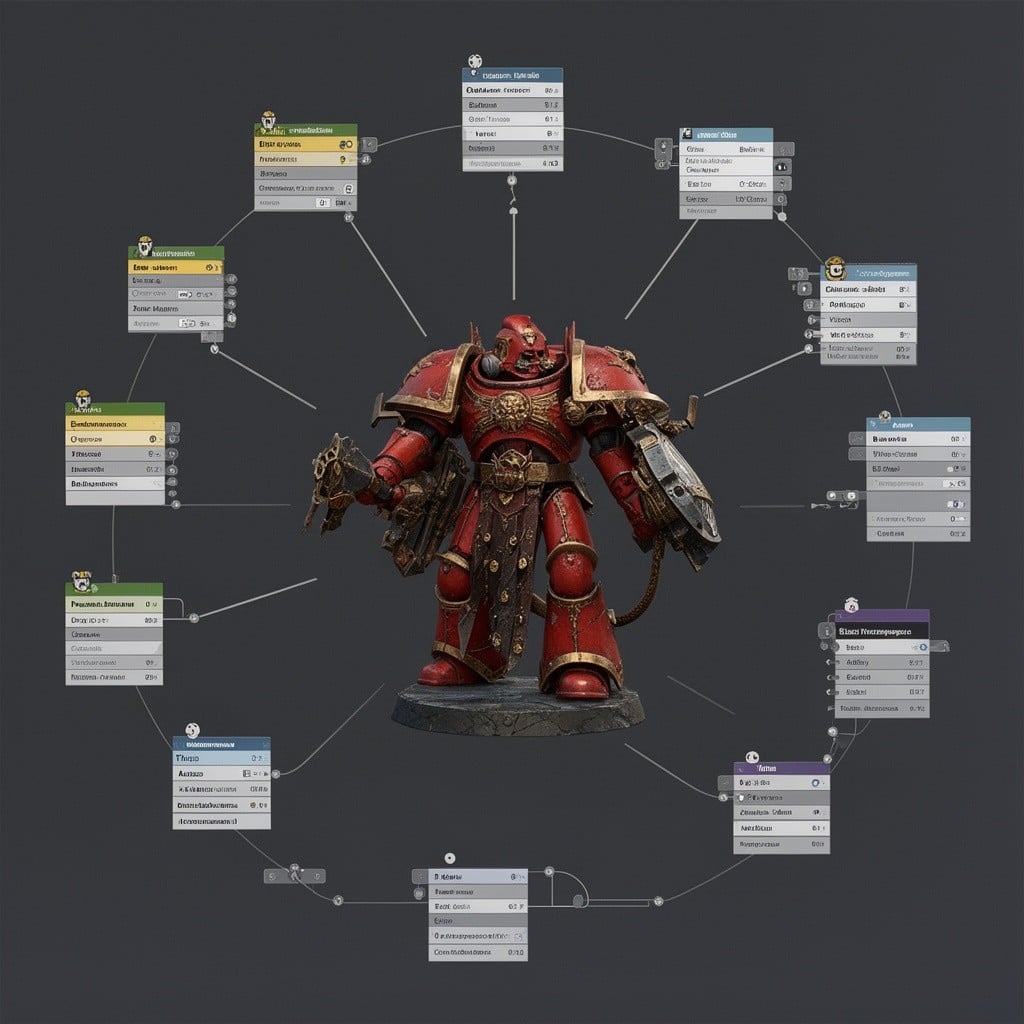
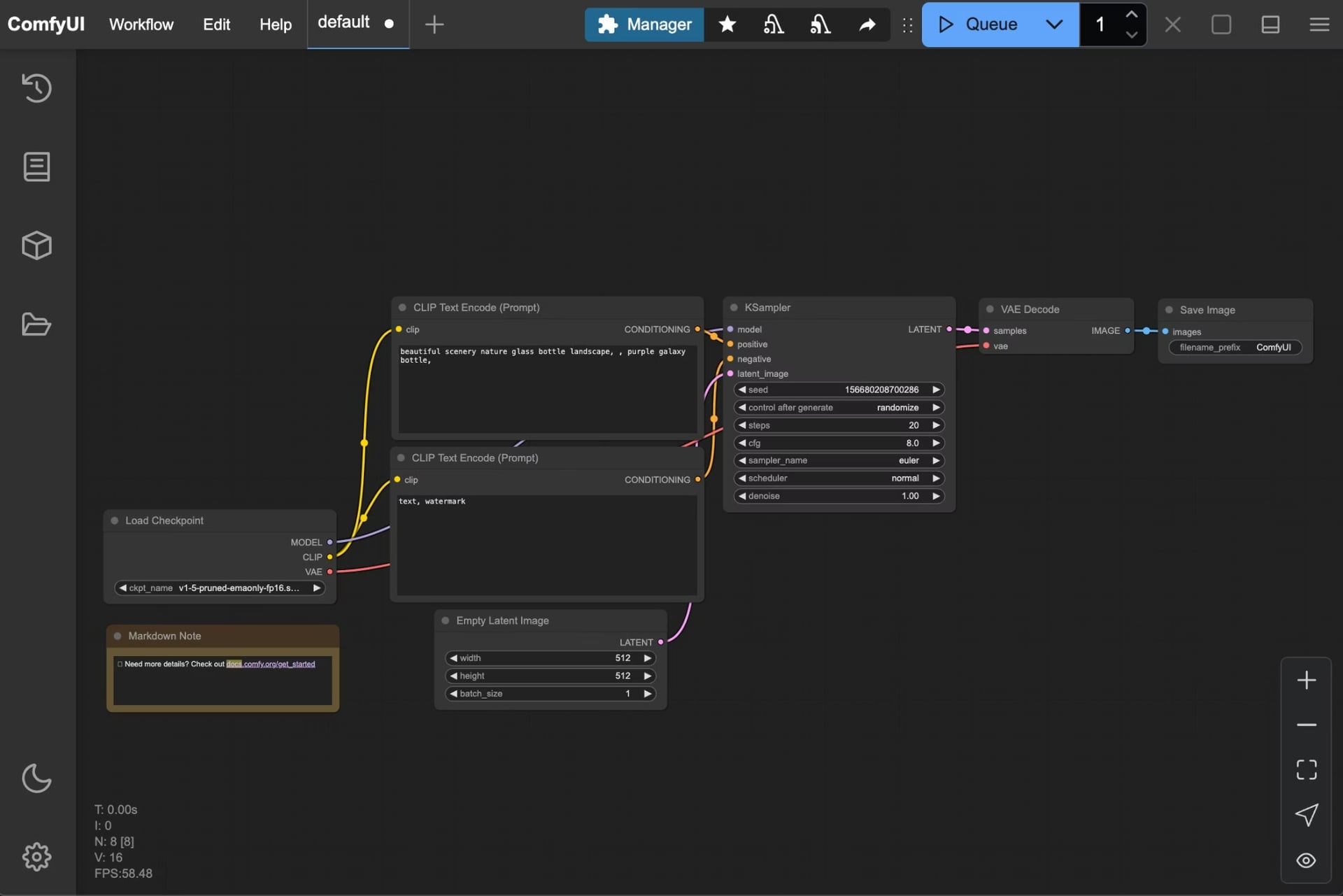
ComfyUI is a powerful, open-source graphical user interface for running AI models locally on your computer. Unlike traditional software, ComfyUI uses a node-based workflow system where you visually connect different AI components to create complex generation pipelines.
For 3D model generation, ComfyUI integrates with models like Hunyuan3D-2.0 from Tencent, enabling you to convert images into high-quality 3D meshes with textures directly on your hardware.
The node-based approach gives you full control over the generation process. You can customize every step, combine multiple AI models, and create reusable workflows for consistent results.
ComfyUI 3D Generation Features
A powerful open-source platform for AI-powered 3D model creation
Node-Based Workflow
Build complex 3D generation pipelines with visual nodes. Connect different AI models and processing steps.
Multiple 3D Models
Access Hunyuan3D-2, Hunyuan3D-2mv, and turbo variants. Generate 3D from single or multi-view images.
Local Processing
Run everything on your own hardware. No cloud costs, full privacy, and offline capability.
Open Source
Free and open-source software. Active community with regular updates and new features.
Hunyuan3D 2.0 in ComfyUI
Hunyuan3D 2.0 is Tencent's open-source 3D asset generation model, capable of generating high-fidelity 3D models with high-resolution texture maps from text or images.
Geometry Generation (Hunyuan3D-DiT)
Based on a flow diffusion Transformer architecture, this model generates untextured geometric models that precisely match input conditions. It creates the shape and structure of your 3D object.
Texture Generation (Hunyuan3D-Paint)
Combines geometric conditions and multi-view diffusion techniques to add high-resolution textures to models. Supports PBR materials for realistic lighting effects.
Key Advantages of Hunyuan3D 2.0
High-Precision Generation
Sharp geometric structures, rich texture colors, PBR material support for realistic lighting.
Diverse Usage Methods
Code calls, Blender plugins, Gradio apps, and ComfyUI integration for different workflows.
Lightweight & Compatible
Mini model needs only 5GB VRAM. Full pipeline (shape + texture) requires just 12GB.
How to Install ComfyUI for 3D Generation
Follow these steps to set up ComfyUI on your local machine for 3D model generation
Prerequisites
- Miniconda or Anaconda installed for Python environment management
- Git installed on your system
- Microsoft Visual C++ Redistributable installed
- NVIDIA GPU with CUDA support (recommended) or AMD GPU
Create Virtual Environment
Set up an isolated Python environment using Conda to avoid dependency conflicts.
conda create -n comfyenv
conda activate comfyenv
Clone ComfyUI Repository
Download the ComfyUI source code from GitHub to your local machine.
git clone git@github.com:comfyanonymous/ComfyUI.git
Install Dependencies
Install all required Python packages including PyTorch and GPU drivers.
cd ComfyUI
pip install -r requirements.txt
Start ComfyUI
Launch the application and access it through your web browser.
python main.py
GPU Dependencies
NVIDIA (Recommended)
Install CUDA Toolkit and cuDNN. PyTorch will detect automatically.
AMD
Install ROCm for Linux. Windows support is limited.
Mac ARM Silicon
MPS backend is supported. Performance varies by model.
Hunyuan3D-2 Workflow Examples
Choose the right workflow based on your input images and requirements
Hunyuan3D-2mv
Multi-View Input
Generate 3D models using multiple view images (front, side, back). Best for complex objects where different angles help define the shape accurately.
- Multiple angle inputs
- Higher accuracy
- Complex geometry support
Steps to Run the Workflow
- 1
Download the workflow image from the ComfyUI documentation and drag it into ComfyUI to load the workflow.
- 2
Ensure the model is loaded in the Image Only Checkpoint Loader node:
hunyuan3d-dit-v2-mv.safetensors - 3
Load your input image(s) in the Load Image node(s). Add front, side, and back views for best results.
- 4
Click Queue or press
Ctrl+Enterto run the workflow. - ✓
Find your model in the
ComfyUI/output/meshfolder.
Model file location:
ComfyUI/models/checkpoints/hunyuan3d-dit-v2-mv.safetensors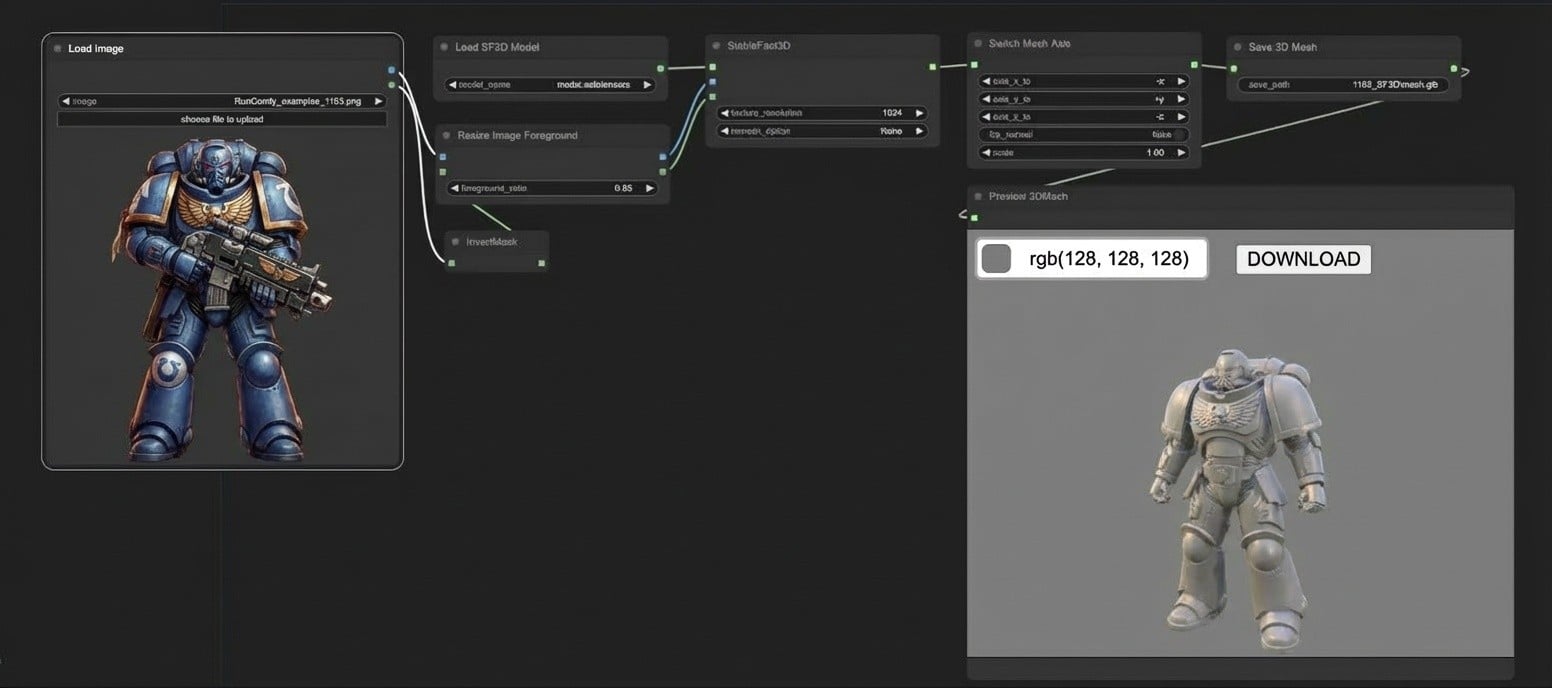
Drag workflow PNG images into ComfyUI to load workflows automatically
Hunyuan3D 2.0 Models for ComfyUI
Download the model files and place them in your ComfyUI/models/checkpoints folder
| Model | Parameters |
|---|---|
Hunyuan3D-DiT-v2-mv hunyuan3d-dit-v2-mv.safetensors | 1.1B |
Hunyuan3D-DiT-v2-mv-turbo hunyuan3d-dit-v2-mv-turbo.safetensors | 1.1B |
Hunyuan3D-DiT-v2-0 hunyuan3d-dit-v2.safetensors | 1.1B |
Hunyuan3D-DiT-v2-mini hunyuan3d-dit-v2-mini.safetensors | 0.6B |
Hunyuan3D-Paint-v2-0 hunyuan3d-paint-v2.safetensors | 1.3B |
Model Installation Path
ComfyUI/
├── models/
│   ├── checkpoints/
│   │   ├── hunyuan3d-dit-v2-mv.safetensors
│   │   ├── hunyuan3d-dit-v2-mv-turbo.safetensors
│   │   ├── hunyuan3d-dit-v2.safetensors
│   │   └── hunyuan3d-paint-v2.safetensors
Download models from Hugging Face and rename them to the filenames shown above before placing in the checkpoints folder.
System Requirements for ComfyUI 3D
Make sure your hardware meets these requirements for smooth 3D generation
Minimum Requirements
Recommended
ComfyUI vs Web-Based 3D Generation
Choose the right approach for your 3D model generation needs
ComfyUI (Local)
Full control, local processing
Best for: Advanced users who want full control, have powerful hardware, and need extensive customization.
3D AI Studio (Web)
Instant access, no setup
Best for: Users who want quick results without setup, don't have a powerful GPU, or need to generate 3D models on the go.
How to Update ComfyUI
Keep your ComfyUI installation up to date for the latest features and bug fixes
Pull the latest code
Navigate to your ComfyUI installation directory and pull updates from GitHub.
cd <installation path>/ComfyUI
git pull
Update dependencies
Ensure your Conda environment is activated, then reinstall dependencies.
conda activate comfyenv
pip install -r requirements.txt
Important: Make sure to update regularly as native Hunyuan3D-2mv support was added recently. Older versions may not include 3D generation features.
ComfyUI 3D Generation FAQ
Common questions about generating 3D models with ComfyUI
ComfyUI 3D Community Resources
Explore community-built tools and resources for enhanced 3D generation
ComfyUI-Hunyuan3DWrapper
Community wrapper for Hunyuan3D integration with example workflows
Kijai/Hunyuan3D-2_safetensors
Pre-converted safetensor models ready for ComfyUI
ComfyUI-3D-Pack
Comprehensive 3D tools collection with 3DGS, NeRF, and more
Official Resources
Explore a World of 3D Creations
Every model here was created using 3D AI Studio.
Click any thumbnail to explore in 3D.

Used by game developers, studios, and teams to accelerate 3D content creation








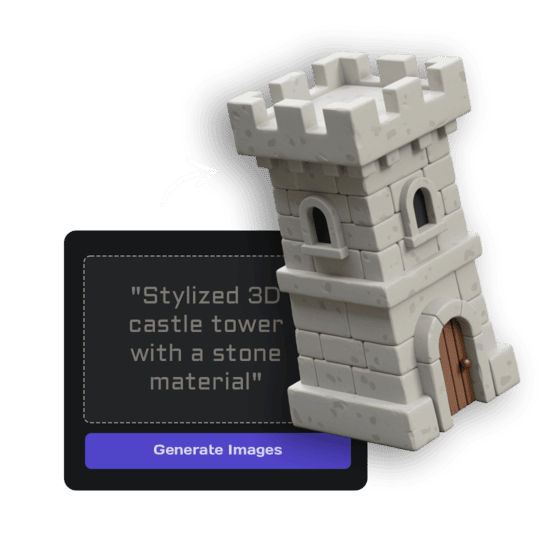
Text to 3D
Create 3D models from text descriptions. Type what you want and get a textured model ready for use. Try now or learn more.
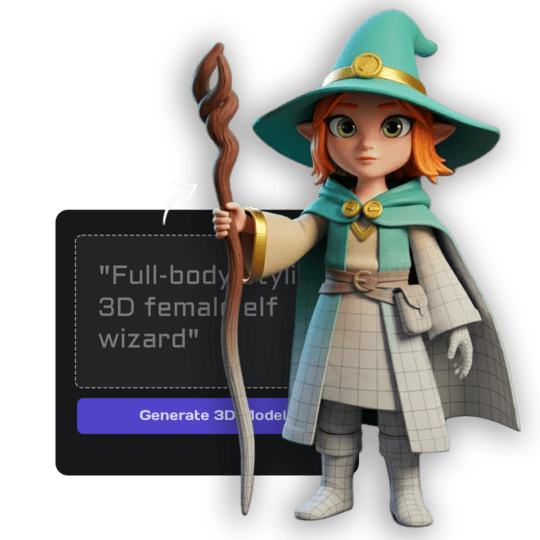
Image Studio
Generate images from text, edit and transform uploaded images, create videos, and more. Complete AI image toolkit. Try now.
AI Texturing
Paint AI-generated textures directly onto your models. Generate PBR materials from text prompts or paint custom details. Try now.


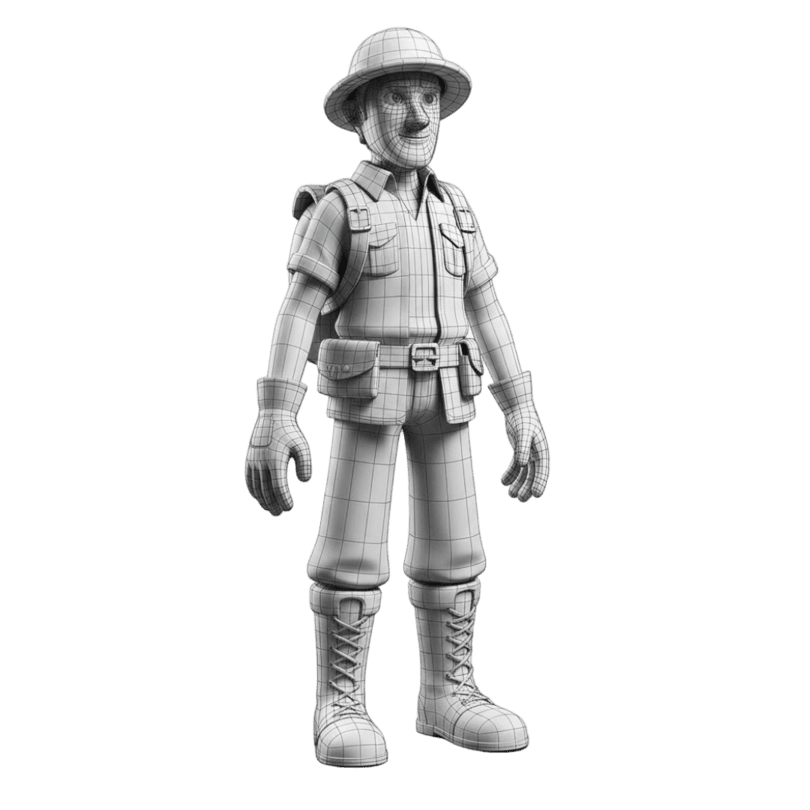
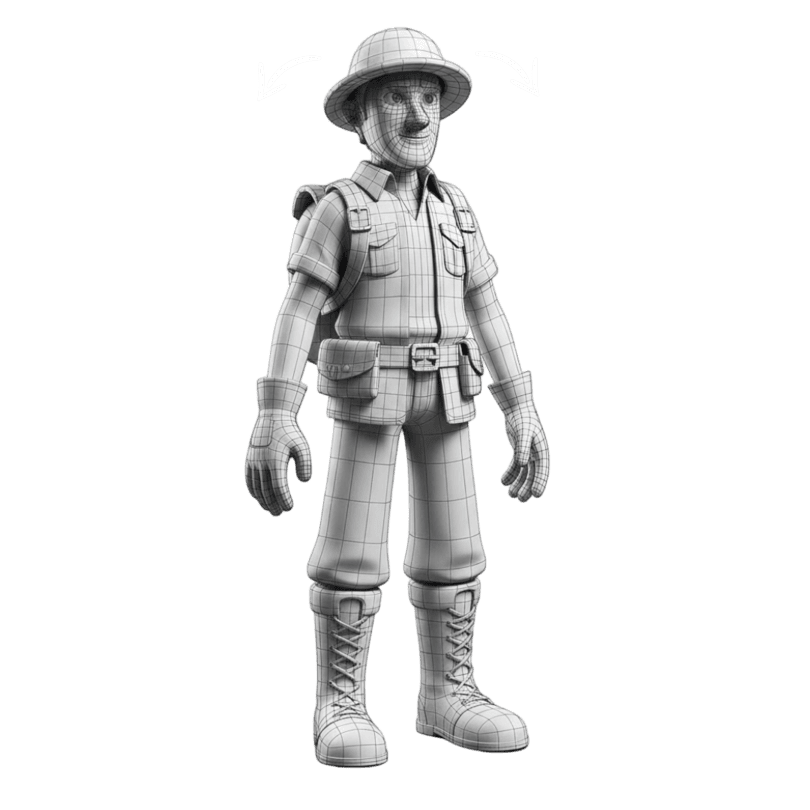
Quad Remeshing
Clean topology, reduce polygon count, and generate LODs automatically. Fix mesh issues before export. Try now.
Flow
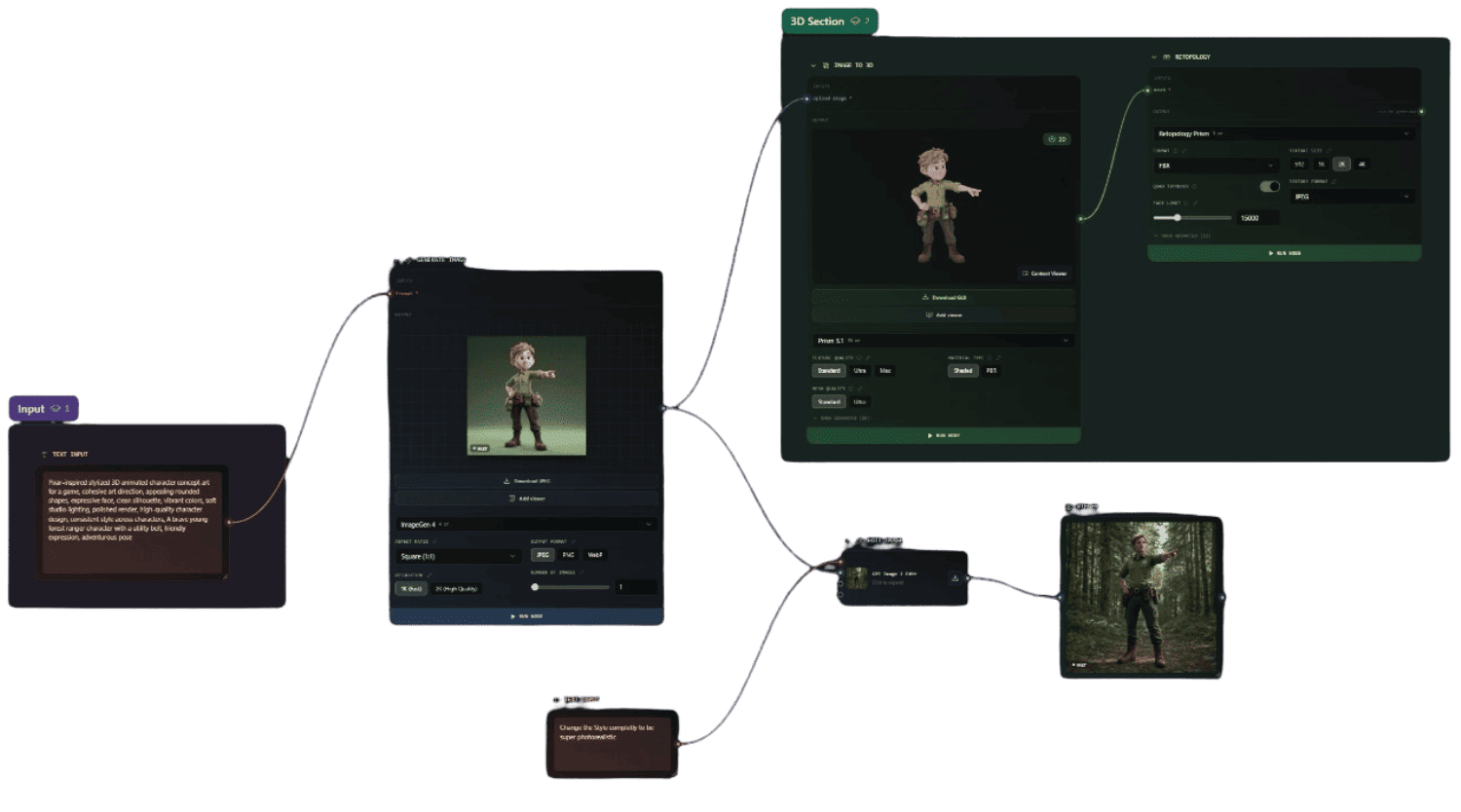
Build visual, node-based AI pipelines on an infinite canvas - chain image, text, 3D, video and batch steps into reusable workflows for anything creative.
Trusted by Creators
Studios, developers, and businesses achieving measurable results with AI powered 3D generation

Polyworks Games
Solo Developer
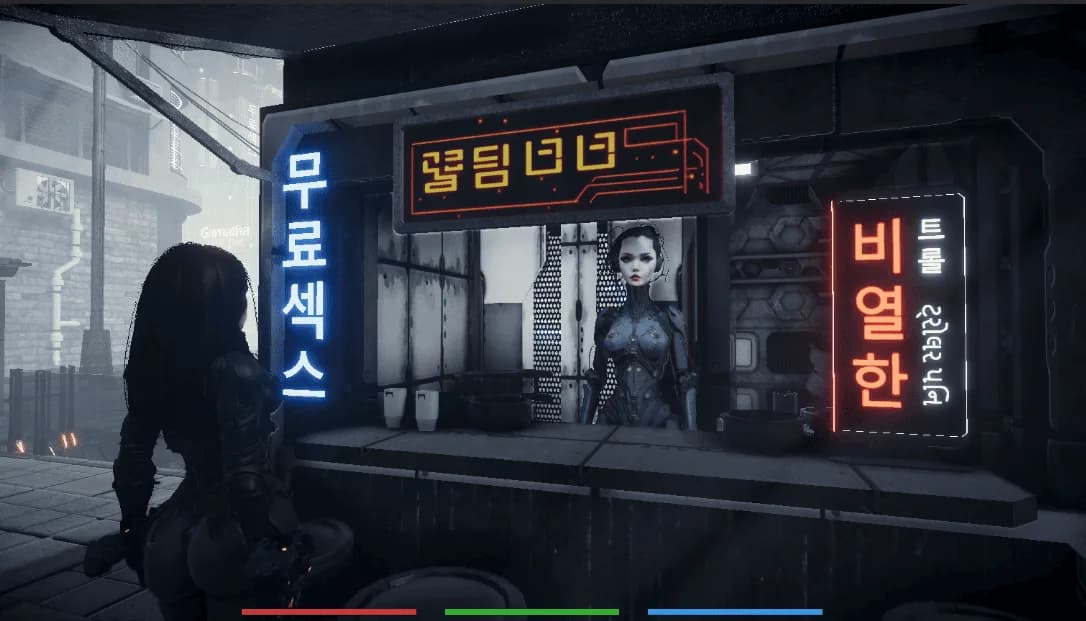
Without it, Fallen Metal couldn't exist. Every other service failed at photorealistic humans.
"Polyworks Games
Photorealistic dystopian RPG produced 10 to 100× faster with 3D AI Studio, the only tool capable of generating realistic human faces.

Sławomir Grabowski
CEO
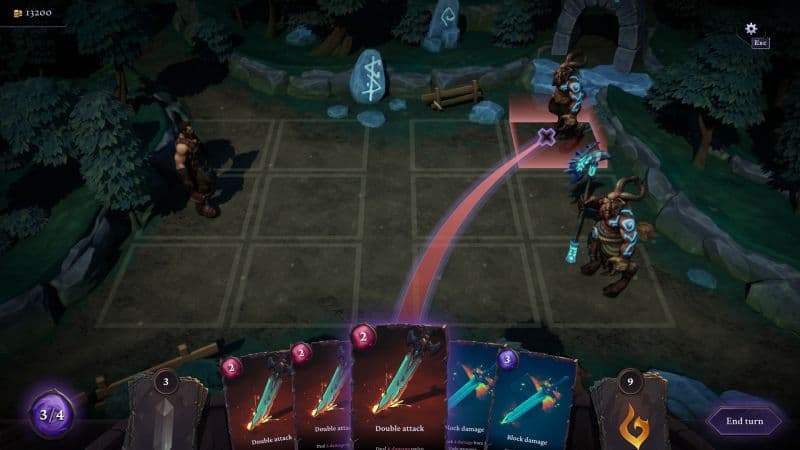
Surprised by the detail it delivers. Shape, textures, PBR. We iterate at the speed of design.
"Quick Turn Games
Indie RPG artifacts produced up to 9× faster with 3D AI Studio's Image to 3D workflow.
Yariv Newman
Production & Concept Designer
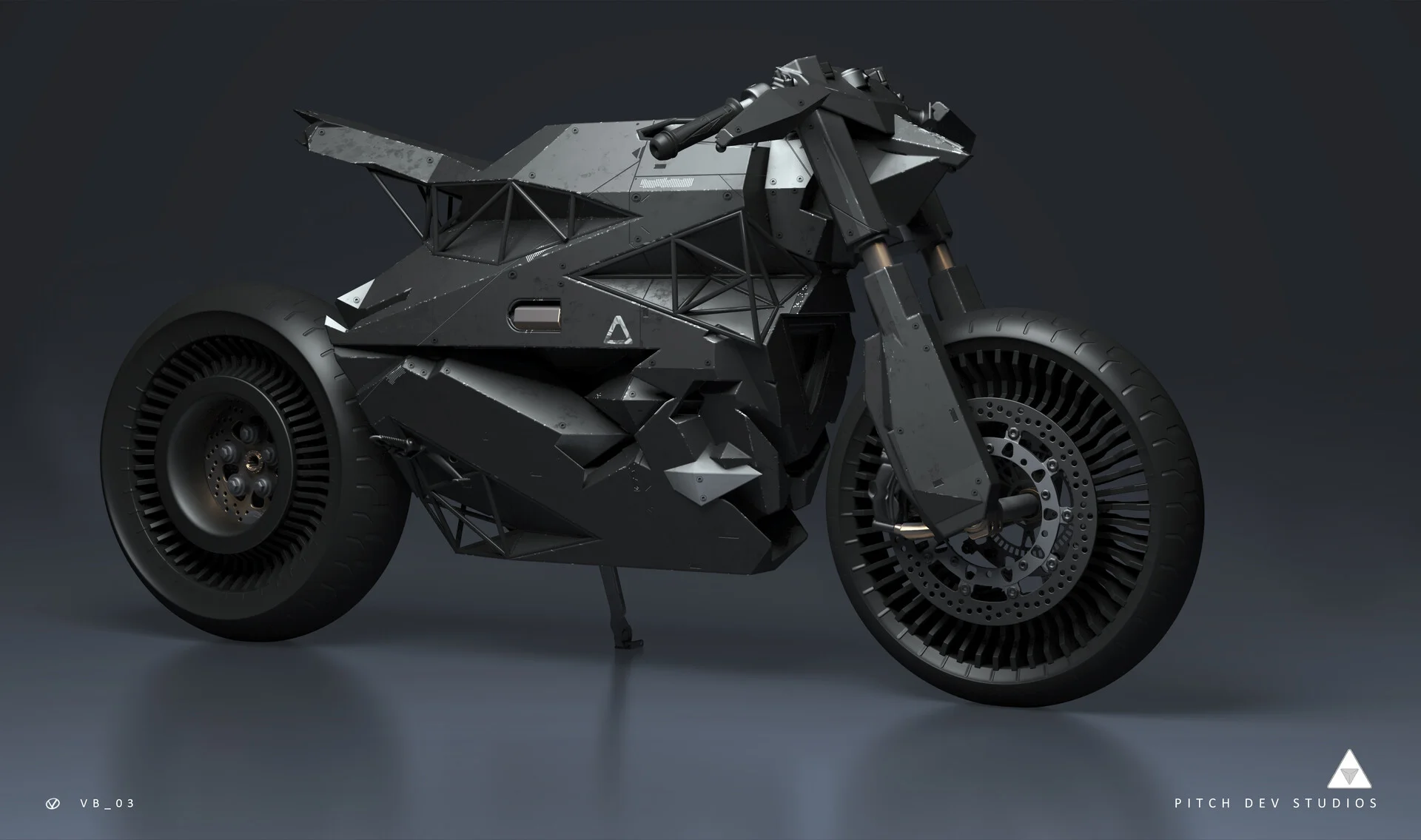
Sketch to screen in record time. Concepts felt so polished that client buy-in was immediate.
"Pitch Dev Studios
Sci-fi industrial concepts delivered five times faster with 3D AI Studio's geometry & PBR generation.

Tomer Yariv & Ohad Braha
President & COO
Evolving faster. Customers get live previews, team gets print-ready files. Everybody wins.
"Monume
3D printed keepsakes delivered twice as fast with 3D AI Studio powered automation.
Future-Proof Your Workflow
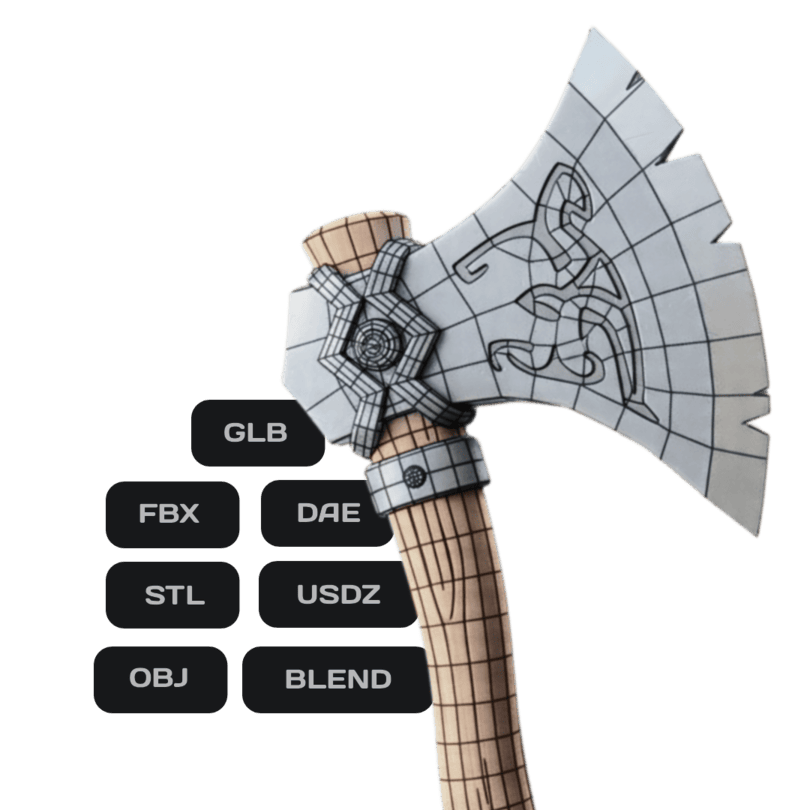
Compatible with all 3D software and all formats








and many more