
Use Meshy 6 Online - Without a Meshy Subscription
Meshy's newest flagship model, available on 3D AI Studio with pay-as-you-go credits. Generate 3D models from text, images, or multi-view photos - with quad topology, pose control, and PBR textures.



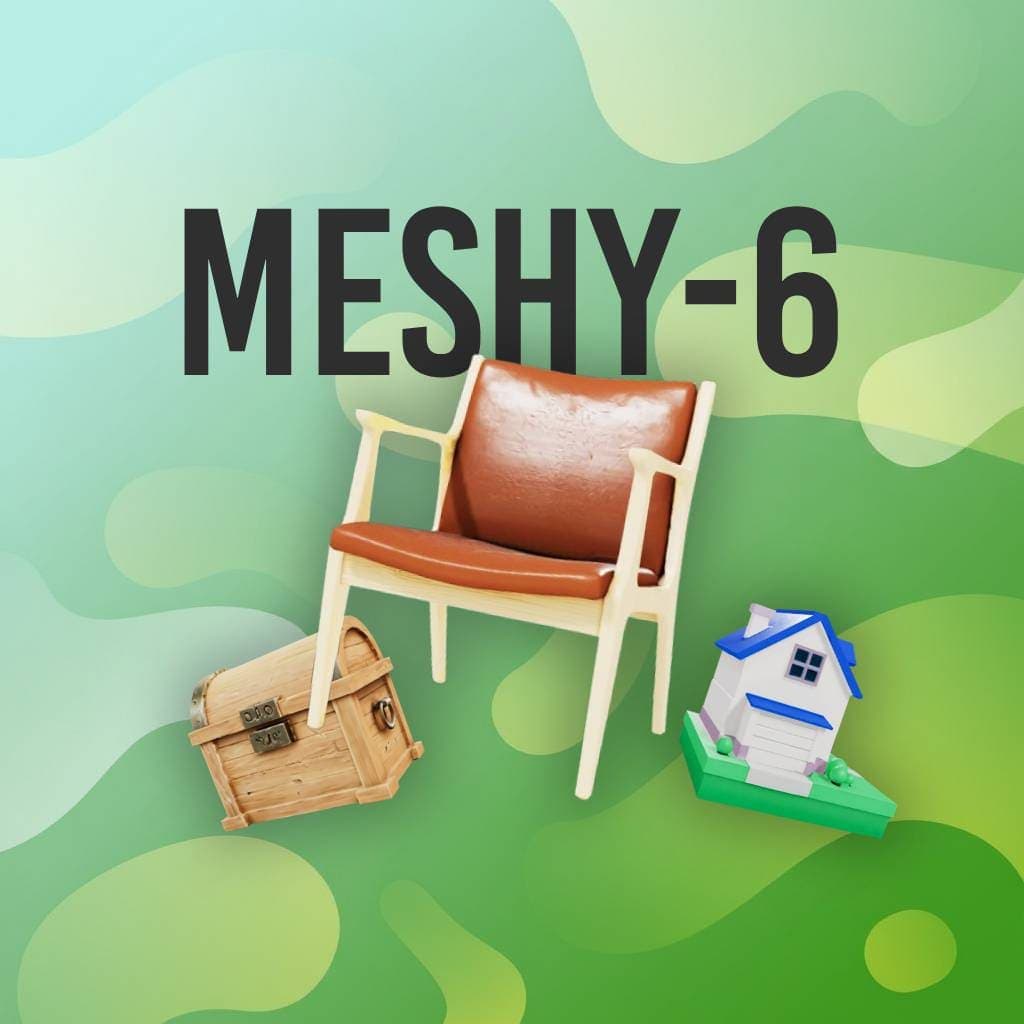
State of the Art - preferred over Tripo 3.1 by 63.8% in a blind benchmark of 1,331 senior 3D artists
3
Input Modes
Text, image, multi-view
40
Credits Per Generation
Pay-as-you-go
300K
Max Target Polycount
Configurable from 100
5
Export Formats
GLB, FBX, OBJ, USDZ, STL
What makes Meshy 6 different
Most generators give you a mesh and wish you luck. Meshy 6 lets you set topology, pose, and polycount before generating - so the output lands closer to what your pipeline actually needs.
Triangle or Quad Topology
Choose quad topology for models you plan to rig, animate, or subdivide, or triangles for game engines and static props. Set at generation time, no retopology pass needed.
Multi-View Input
Upload one to four reference images from flexible angles. Meshy 6 reconstructs geometry that matches all views, ideal for product shots and character turnarounds.
Character Pose Control
Generate characters in Natural, A-Pose, or T-Pose. A-Pose and T-Pose outputs drop straight into rigging and animation pipelines without manual reposing.
Texture Guidance
Steer texturing with a text prompt or a reference image, independent of the geometry input. PBR materials are enabled by default for realistic lighting response.
Remesh & Polycount Control
Enable remesh and set a target polycount from 100 to 300,000 faces. Save the high-detail pre-remesh mesh alongside the optimized version.
Symmetry & Art Style
Force, disable, or auto-detect symmetry, and pick Realistic or Sculpture art style in text mode to match your project's look from the first generation.
Why topology and pose control matter
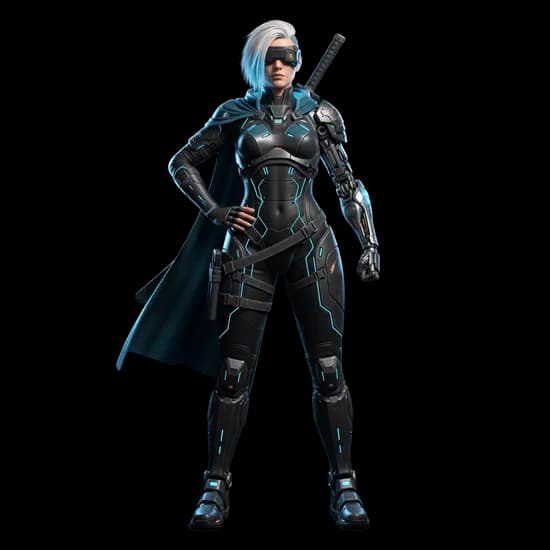
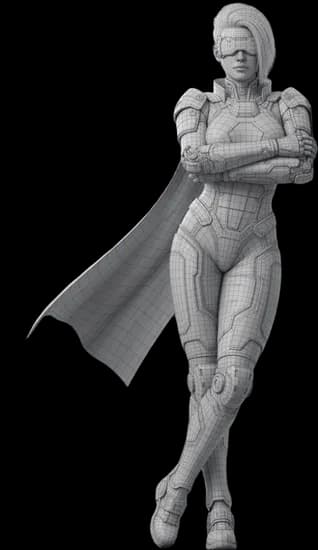
A mesh that looks great can still be useless for animation. Clean edge flow and a neutral pose are what let a character move - here is what that looks like in practice.
 Shaded
 Wireframe
Shaded model vs its topology
The wireframe is what your rig, subdivision, and deformation actually work with. Quad output keeps the edge flow animation software expects.
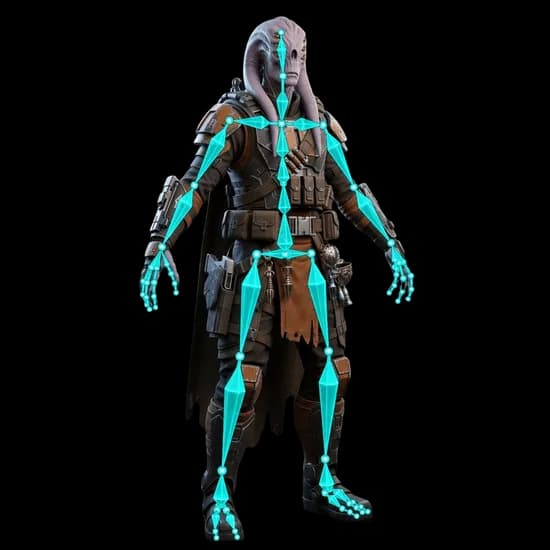 Shaded
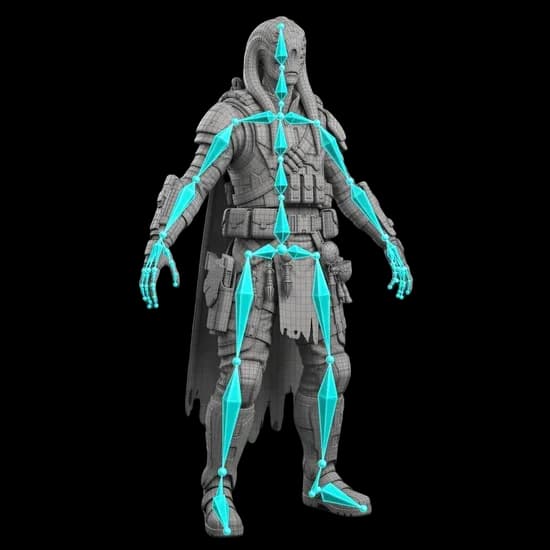 Wireframe
Rig-ready character
A character generated in a neutral pose with clean topology takes a skeleton without manual reposing - which is what Meshy 6's A/T-pose option is for.
Character work from the 3D AI Studio pipeline, rendered in the browser viewer.
How to use Meshy 6 on 3D AI Studio
From idea to downloadable 3D model in four steps
Choose Your Input
Type a text description, upload a single image, or provide one to four multi-view reference photos.
Configure & Generate
Pick topology, target polycount, symmetry, and pose, then generate. Results in about 5 to 10 minutes.
Preview in 3D
Inspect your model in the interactive 3D viewer. Rotate, zoom, and check geometry and PBR textures.
Export
Download in GLB, FBX, OBJ, USDZ, or STL. Ready for Blender, Unity, Unreal, or 3D printing.
Three ways to generate with Meshy 6
All three Meshy 6 modes are available on 3D AI Studio with the same credit balance
Text to 3D
Describe any object in natural language and pick a Realistic or Sculpture art style. Meshy 6 generates the full 3D model with PBR textures from your description alone.
Start with textImage to 3D
Upload a product photo, concept art, or any reference image. Meshy 6 reconstructs matching geometry and can take separate texture guidance via text or a second reference image.
Start with an imageMulti-View to 3D
Provide one to four images from flexible angles - front, side, back, or three-quarter views. More views mean tighter reconstruction accuracy for characters and products.
Start with multi-viewCharacters, props, and hard-surface work from the studio pipeline
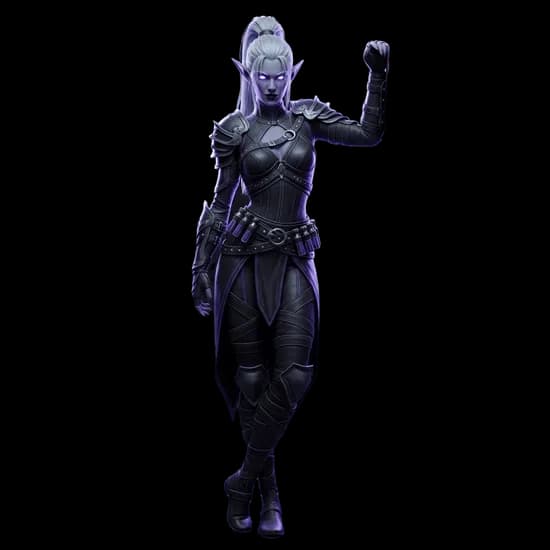
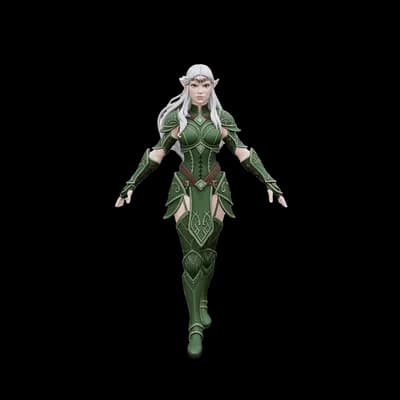
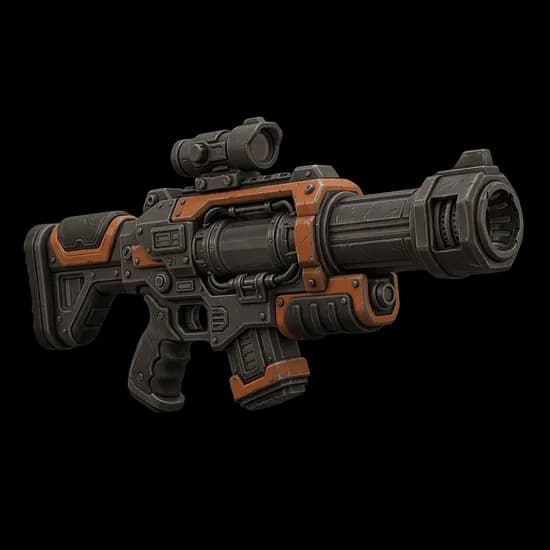
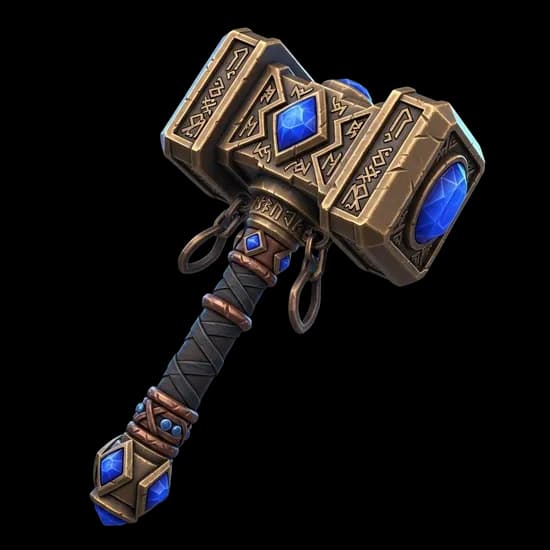
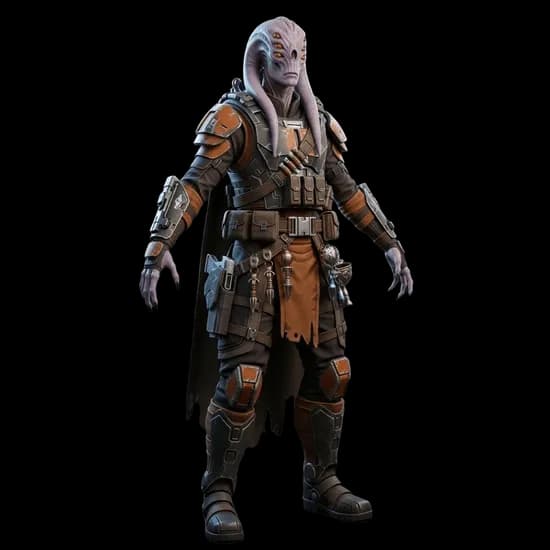
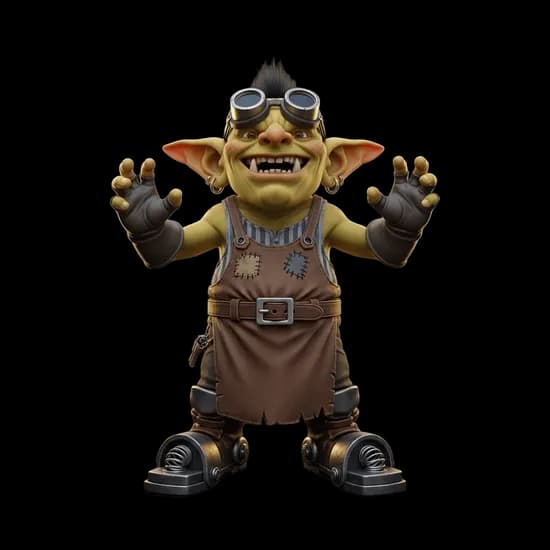
The kind of assets this workflow produces
Rendered in the built-in 3D viewer - the target for quad topology and pose control.
What creators build with Meshy 6
Where the pose control and quad topology actually pay off.
Game Development
Rig-ready characters with quad topology and T-Pose output

3D Printing
Watertight meshes with STL export and polycount control
XR & Spatial
PBR-ready assets with USDZ export for VR, AR, and spatial apps
E-Commerce
Multi-view product photos to interactive 3D for your store

Meshy 6 plus every other major model, on the same credits
Instead of paying for a separate Meshy subscription, use Meshy 6 on 3D AI Studio with pay-as-you-go credits. The same balance covers Hunyuan, Hitem3D, Tripo, Rodin, Trellis, and more - so you can pick the best model for each job.
Game Development
Quad topology and pose control for rig-ready characters and props.
E-Commerce
Multi-view product photos to interactive 3D models for your store.
Design & Concepting
Sculpture art style and texture guidance to explore looks fast.
3D Printing
Watertight meshes with STL export and target polycount control.
Meshy 6 vs Tripo P1 vs Hunyuan3D 3.1
All three models are available on 3D AI Studio. Choose the best fit for your project.
| Feature | Meshy 6 | Tripo P1 | Hunyuan3D 3.1 |
|---|---|---|---|
| Input | Text, image, multi-view | Text, image | Text, image, 8-view |
| Topology | Triangle or quad | Game-dev optimized | Triangle |
| Pose Control | Natural, A-Pose, T-Pose | No | No |
| Texture Guidance | Text or reference image | No | No |
| Credits | 40 | 60 | 40 |
| Speed | 5-10 min | 60-90s | 3-4 min |
| Best For | Rig-ready, controllable output | Game-ready assets fast | Watertight production meshes, 4K PBR |
| Export Formats | GLB, FBX, OBJ, USDZ, STL | GLB, OBJ, FBX, STL | GLB, OBJ, FBX, STL, USDZ |
Frequently asked questions
Learn more about Meshy 6
How it stacks up, and how to route work across engines
Need ultra-detailed models for 3D printing?
NEWTry Hitem3D - ultra-detailed geometry built for figurines, miniatures, and demanding 3D printing workflows.
Need game-ready assets in seconds?
Try Tripo P1 - native 3D diffusion with game-dev topology focus and 60 to 90 second generation, optimized for Unity, Unreal, and Godot.