
Best AI Tools for 3D Printing in 2026: Tested for Print-Ready Output
Quick answer: The best AI tool for 3D printing in 2026 is 3D AI Studio, because it covers the full print pipeline - generate from text or an image, choose the best AI engine for the job (including Hitem3D 2.1, the ultra-detail king, now built in), quad-remesh and clean the mesh, split oversized models into parts with printable joints, then export a watertight STL or OBJ. If you want a single specialized tool, Meshy is the strongest for out-of-the-box print readiness and Tripo is fastest for clean, simple prints.
AI 3D model generators have quietly become one of the most useful tools in a maker's kit. Instead of learning Blender or ZBrush, you describe an object or upload a photo and get a printable 3D model in minutes. But not every AI tool is built for the realities of 3D printing - watertight meshes, sane wall thickness, and clean STL export matter far more than a pretty render. This guide compares the best options and is honest about where each one shines and struggles.
- Best all-in-one for printing: 3D AI Studio - multiple engines (now including Hitem3D 2.1), remesh, mesh cleanup, model splitting with joints, and STL/OBJ export in one workspace.
- Best single-tool print readiness: Meshy - high slicer pass rate and direct 3MF/Bambu workflow.
- Best for ultra-detailed miniatures: Hitem3D - print-first, very high resolution - available inside 3D AI Studio.
- Fastest for simple prints: Tripo - quick generation, clean topology, auto-repair.
- Best textures (but plan to repair): Rodin (Hyper3D) - gorgeous, but mesh often needs cleanup before printing.
Best AI Tools for 3D Printing at a Glance
| Tool | Best for | Inputs | STL export | Print readiness |
|---|---|---|---|---|
| 3D AI Studio | Full pipeline, all-rounder | Text, Image | Yes (STL, OBJ, GLB, FBX) | High - built-in remesh + cleanup |
| Meshy | Out-of-the-box print readiness | Text, Image | Yes (STL, 3MF) | High - strong slicer pass rate |
| Hitem3D (in 3D AI Studio) | Ultra-detailed miniatures | Image, Multi-view | Yes | High - print-first, very high-res |
| Tripo | Fast, simple prints | Text, Image | Yes | Good - clean topology + auto-repair |
| Rodin (Hyper3D) | Photoreal detail | Text, Image | Yes | Medium - often needs mesh repair |
| Open models (Hunyuan3D, Trellis) | Free / self-hosted | Image | Yes (via export) | Varies - technical setup |
What Actually Makes an AI Tool Good for 3D Printing
A great render is not the same as a great print. Before ranking the tools, here is what we actually checked:
- Watertight (manifold) geometry - the mesh must be a closed solid with no holes or self-intersections, or the slicer will choke.
- STL / OBJ / 3MF export - the formats every slicer understands.
- Detail vs. printability - enough surface detail to look good at your print size, without paper-thin walls that break.
- Topology and mesh cleanup - clean polygons and a remesh option make repair far easier.
- Slicer compatibility - does the output drop cleanly into Bambu Studio, PrusaSlicer, Cura, or Lychee?
- Cost and flexibility - free tier, fair pricing, and whether you are locked into a single use case.
Pro tip: The single biggest predictor of a successful print is a watertight mesh. If you only optimize for one thing, make sure your AI tool can export a closed, manifold model - or pair it with a remesh/repair step before slicing.
1. 3D AI Studio - Best All-in-One for 3D Printing
3D AI Studio is the most complete option for makers because it does not lock you into a single AI model or a single step. You can generate from a text prompt or an image, switch between leading engines (Hitem3D 2.1, Rodin, Tripo, Hunyuan3D, Meshy 6, Trellis) to find the best result for your object, then remesh into clean quads, split oversized models into parts with printable joints, and export a watertight STL, OBJ, GLB, or FBX - all in one workspace.
For printing specifically, the image-to-3D path is the workhorse: upload a photo or concept image and the AI reconstructs the object's exact silhouette, which is exactly what you want when you need a faithful physical copy.
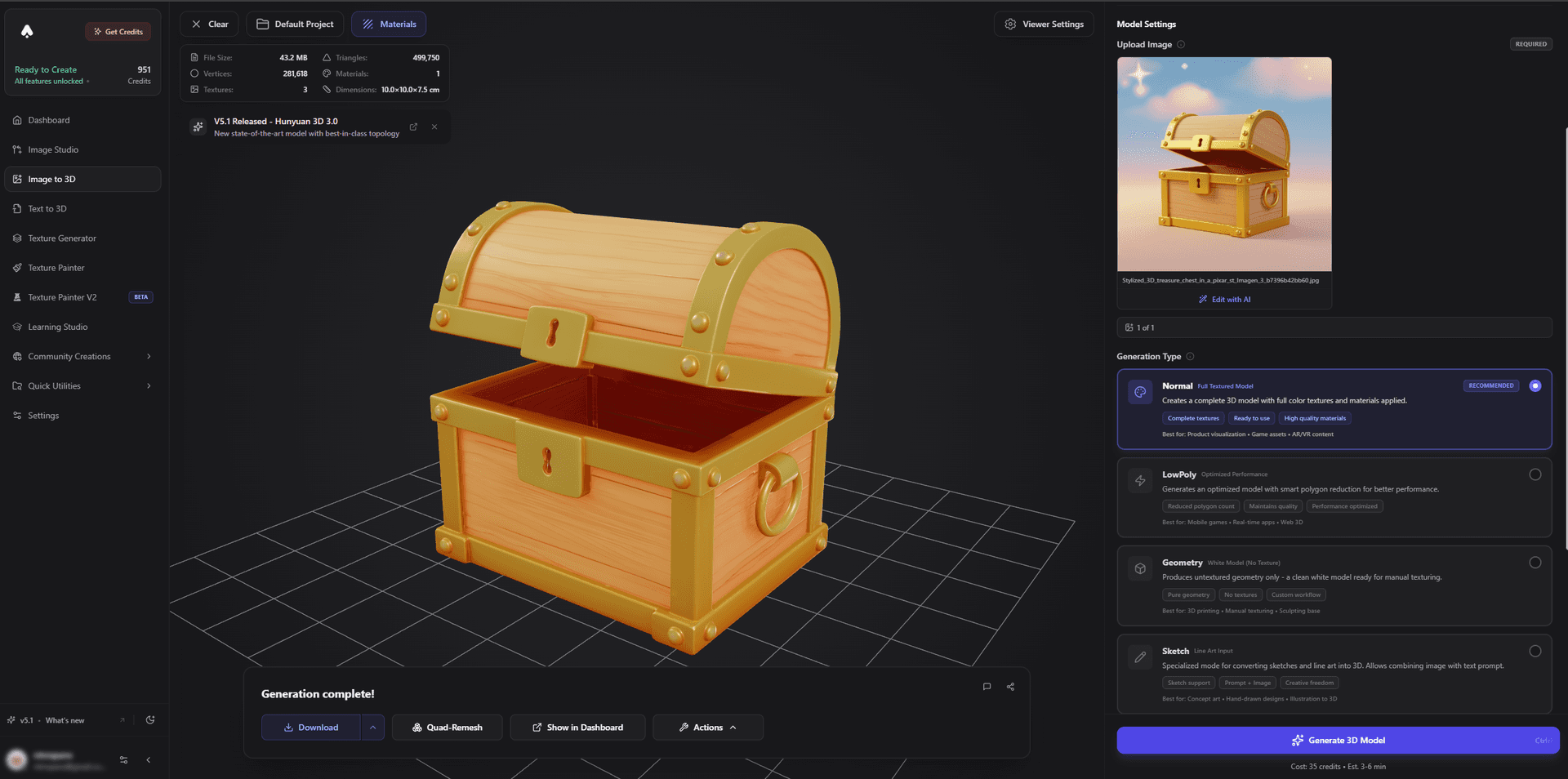
A common headache with AI prints - holes, thin walls, and non-manifold edges - is handled inside the app. The remesh and cleanup tools rebuild messy geometry into a printable solid, so you spend less time in Meshmixer or Blender fixing files.
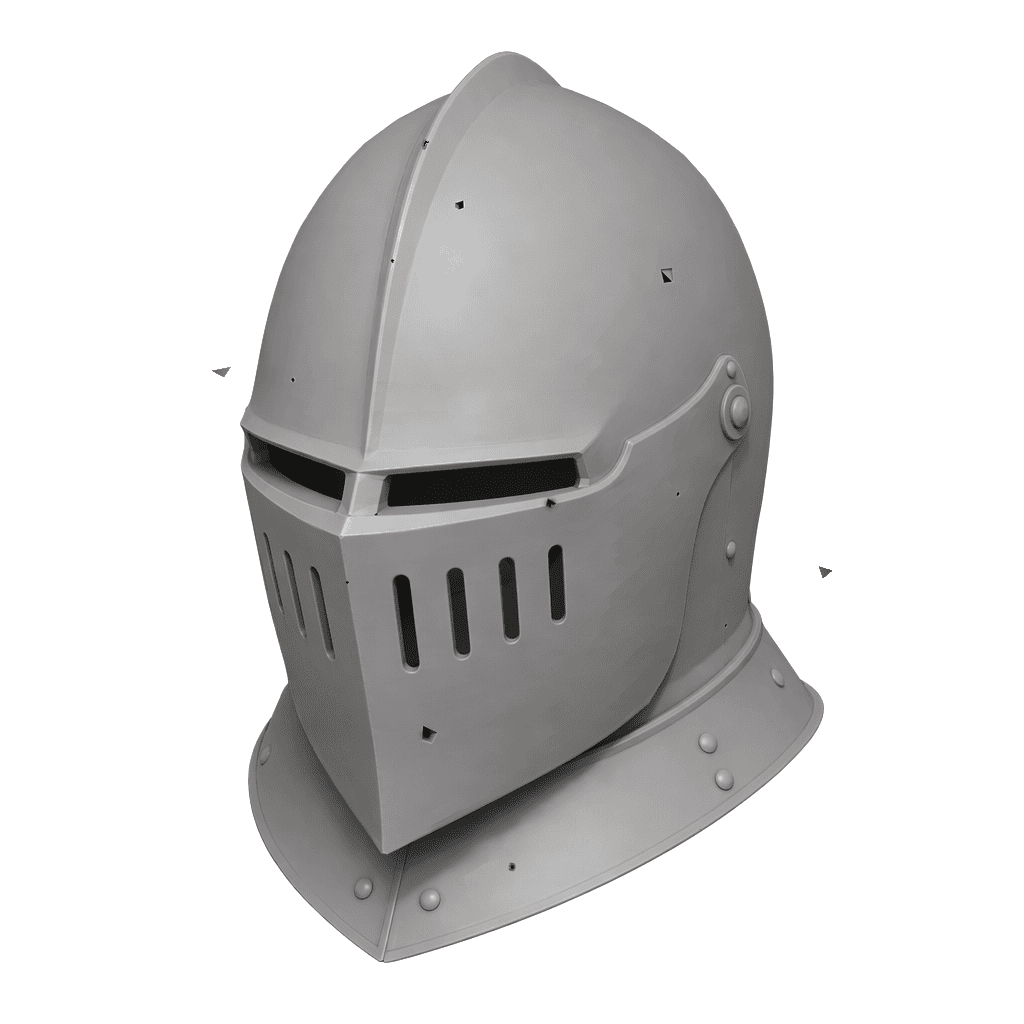
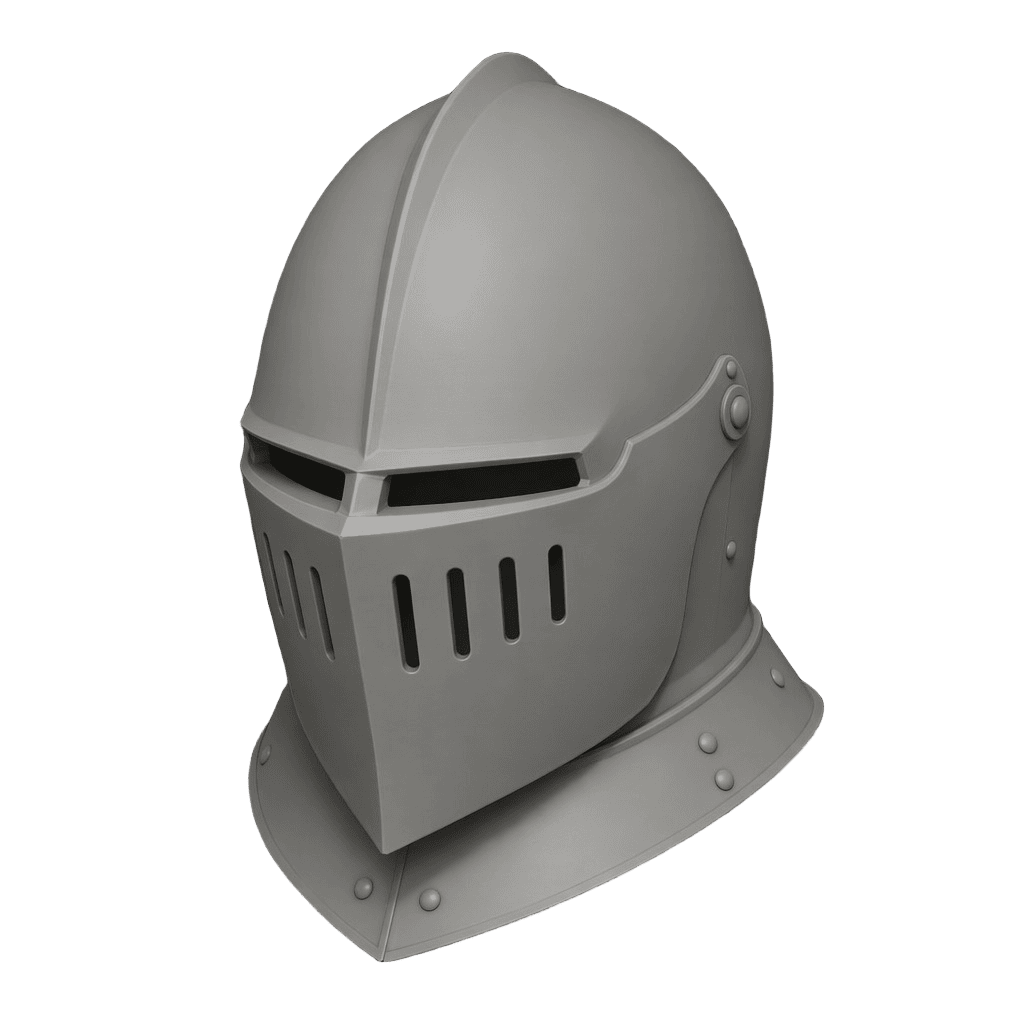
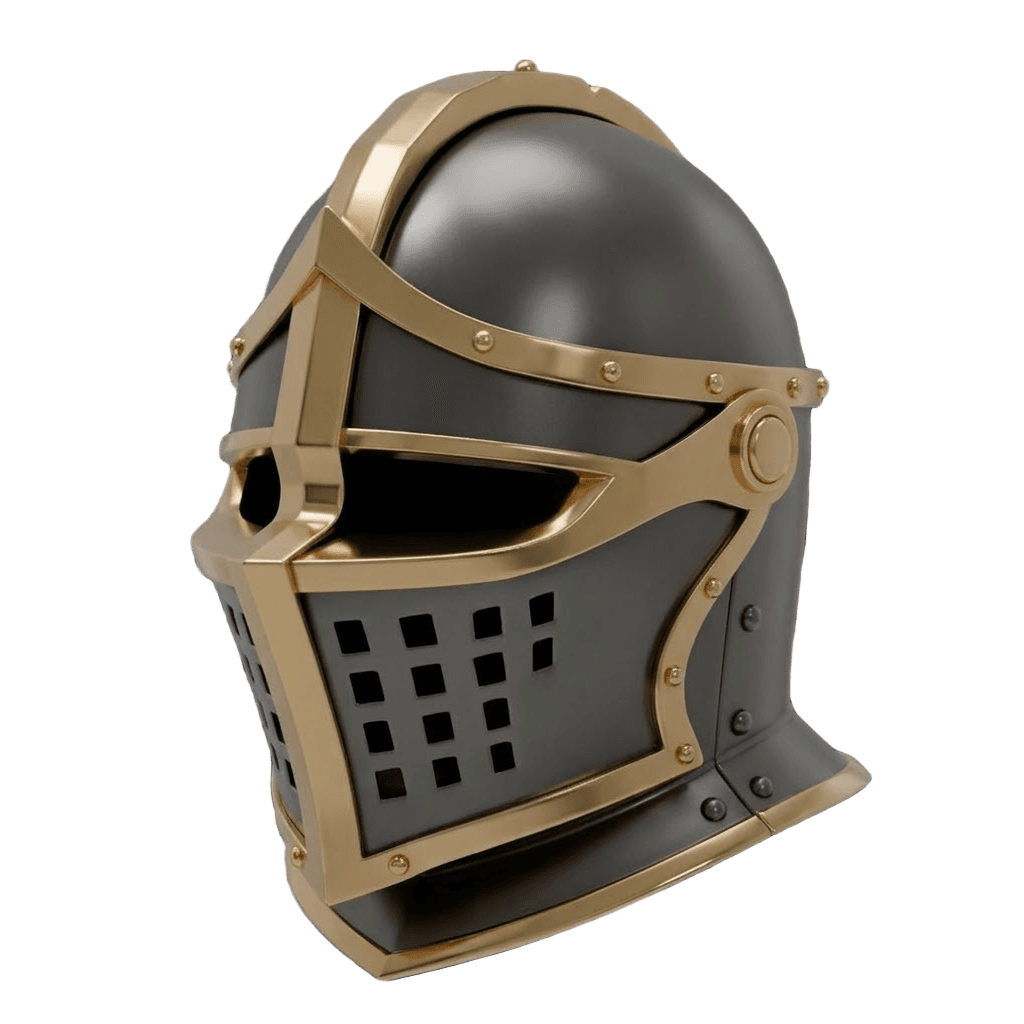
Best for: Makers who print a mix of figurines, props, miniatures, and functional parts and want one tool that covers generation, cleanup, and export.
Pros:
- Multiple AI engines in one place - pick the best one per object
- Built-in quad remesh and mesh cleanup for watertight output
- Text-to-3D and image-to-3D, plus AI texturing if you also want a digital version
- Exports STL, OBJ, GLB, FBX; dedicated guides for 3D printing, Bambu Lab, and PrusaSlicer
- Free tier, affordable paid plans, and a one-time credit option
Cons:
- The sheer number of engines and tools means a short learning curve to find your favorite workflow
- No direct slicer handoff - you download the STL and slice it yourself
2. Meshy - Best Single-Tool Print Readiness
Meshy has invested heavily in the printing use case and it shows. It produces a high slicer pass rate on character and figurine models, supports STL and 3MF export, and offers a direct path into Bambu Studio. If you want one tool that gets you to a printable file with minimal fuss, Meshy is an excellent pick.
Best for: Creators who want a polished, print-ready file straight out of the generator.
Pros: High watertight success rate, 3MF export, strong Blender/Unity/Unreal plugins, generous free tier.
Cons: Single-engine output, so when a model misses you re-roll rather than switching engines; fine detail varies by prompt.
3. Hitem3D - Best for Ultra-Detailed Miniatures (Now Inside 3D AI Studio)
Hitem3D is built around one idea: maximum mesh resolution. Its 1536³ reconstruction with up to 2 million faces captures the cloth folds and rivets that matter for resin printing tiny miniatures - and since mid-2026, Hitem3D 2.1 is available as a built-in engine on 3D AI Studio, so you no longer need a separate subscription to use it. Its model-split technology (with printable ball and dovetail joints) powers the platform's segmentation tool too.
Best for: Resin miniature printers and collectors who need the finest possible surface detail.
Pros: Class-leading 1536³ resolution, print-first watertight meshes, strong image and multi-view reconstruction, split-with-joints workflow.
Cons: Image-to-3D only (no text prompts), dense output needs remeshing for game or real-time use - both solved by pairing it with the other engines and tools in the same studio.
4. Tripo - Fastest for Simple, Clean Prints
Tripo is the speed champion, often producing a usable mesh in seconds. Its topology tends to be clean, and built-in auto-repair proactively closes holes and fixes non-manifold geometry - which means simple shapes and game-style characters frequently print without manual cleanup.
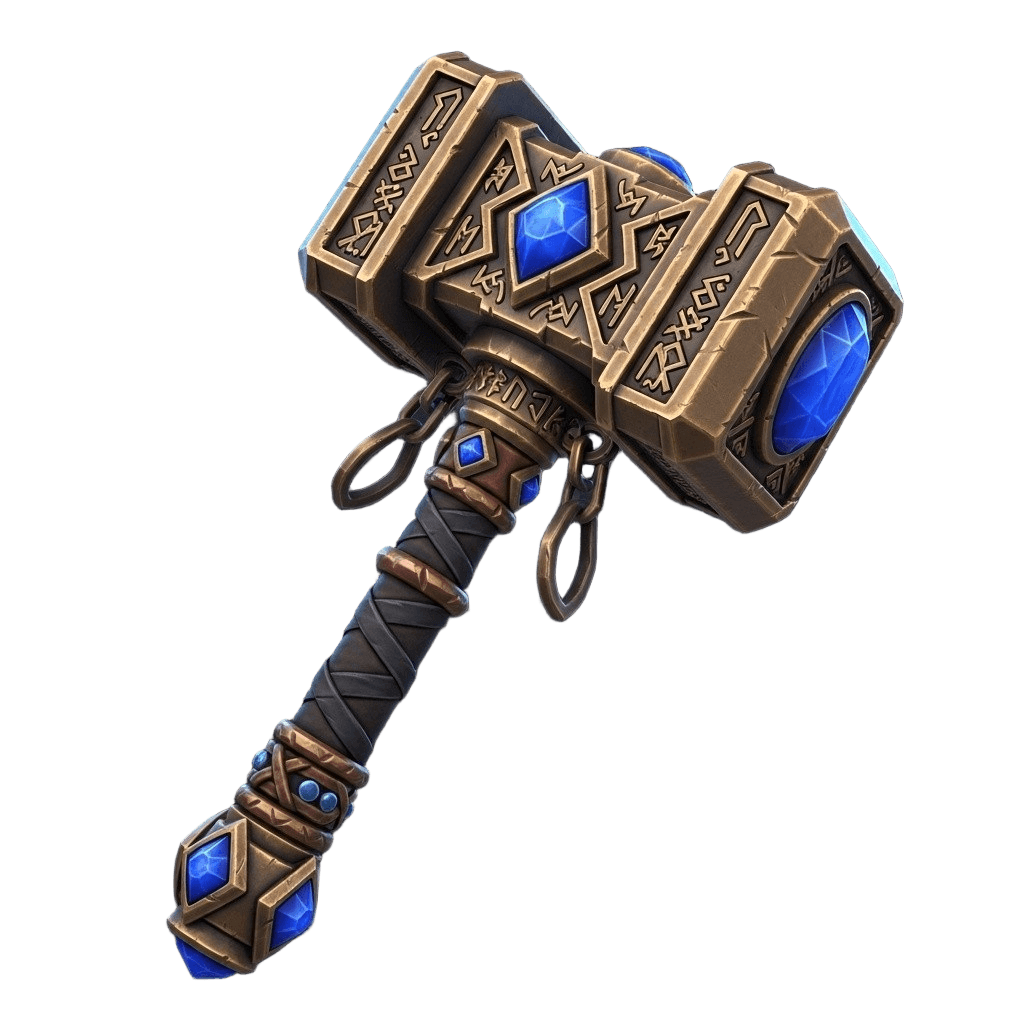
Best for: Rapid prototyping and straightforward prints where iteration speed matters.
Pros: Very fast, clean quad-friendly topology, auto-repair before export, affordable.
Cons: Very fine detail can need refinement; texturing is lighter than the photoreal specialists.
5. Rodin (Hyper3D) - Best Detail, but Plan to Repair
Rodin produces some of the most photorealistic, richly detailed models in the category. The catch for printing is that its meshes are optimized for rendering, not slicing - so you should expect to repair non-manifold edges or thin walls before a clean print, often in Blender or a repair tool.
Best for: Hero pieces and display models where surface fidelity is the priority.
Pros: Outstanding detail and PBR textures, excellent for digital showcases.
Cons: Frequently needs mesh repair before printing, which adds time per model.
6. Open Models (Hunyuan3D, Trellis) - Best Free / Self-Hosted
If you have the technical appetite, open models like Hunyuan3D and Trellis 2 are free and can run locally, giving you image-to-3D quality with no per-model cost. The trade-off is setup and hardware. The easiest way to get their quality without the headache is through a platform that already runs them for you - which is exactly how 3D AI Studio exposes Hunyuan3D and Trellis.
How to Go From Prompt or Photo to a Printed Model
Here is the workflow we recommend for the most reliable prints:
- Start with an image when accuracy matters. Upload a clear photo or concept image with one main subject and a plain background to image-to-3D. Use text-to-3D when you are inventing something new.
- Generate and compare. Produce a couple of variations and pick the cleanest silhouette. If one engine misses, try another.
- Remesh and clean up. Run a quad remesh to get even topology and a watertight solid. This is the step that prevents most slicer errors.
- Check scale and wall thickness. Resize to your real print dimensions and make sure thin features are thick enough to survive printing.
- Export STL or OBJ. Bring the file into your slicer - Bambu Studio, PrusaSlicer, Cura, or Lychee.
- Slice, support, and print. Add supports where needed and run a small test print for detailed minis before committing to a long job.
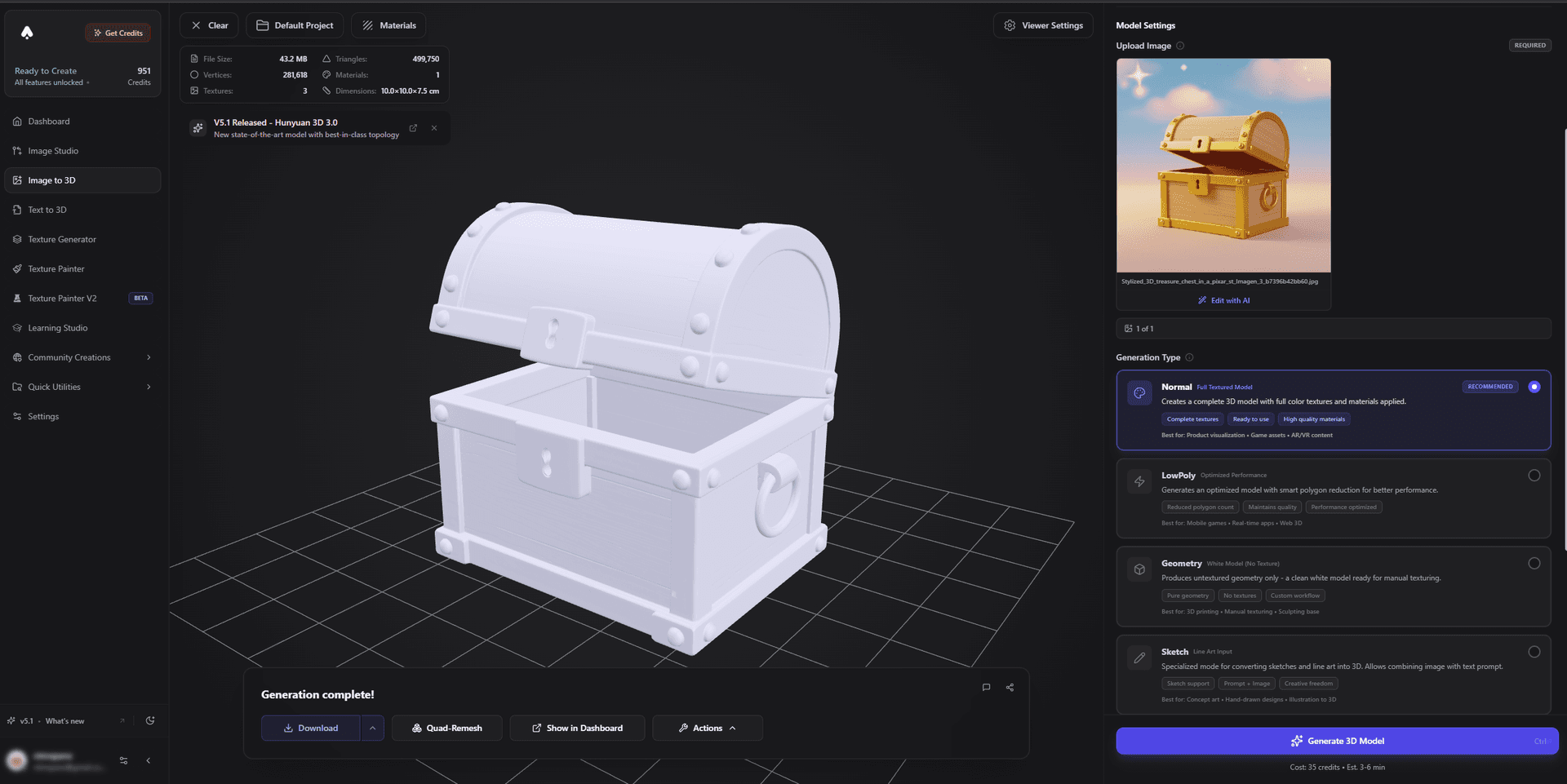
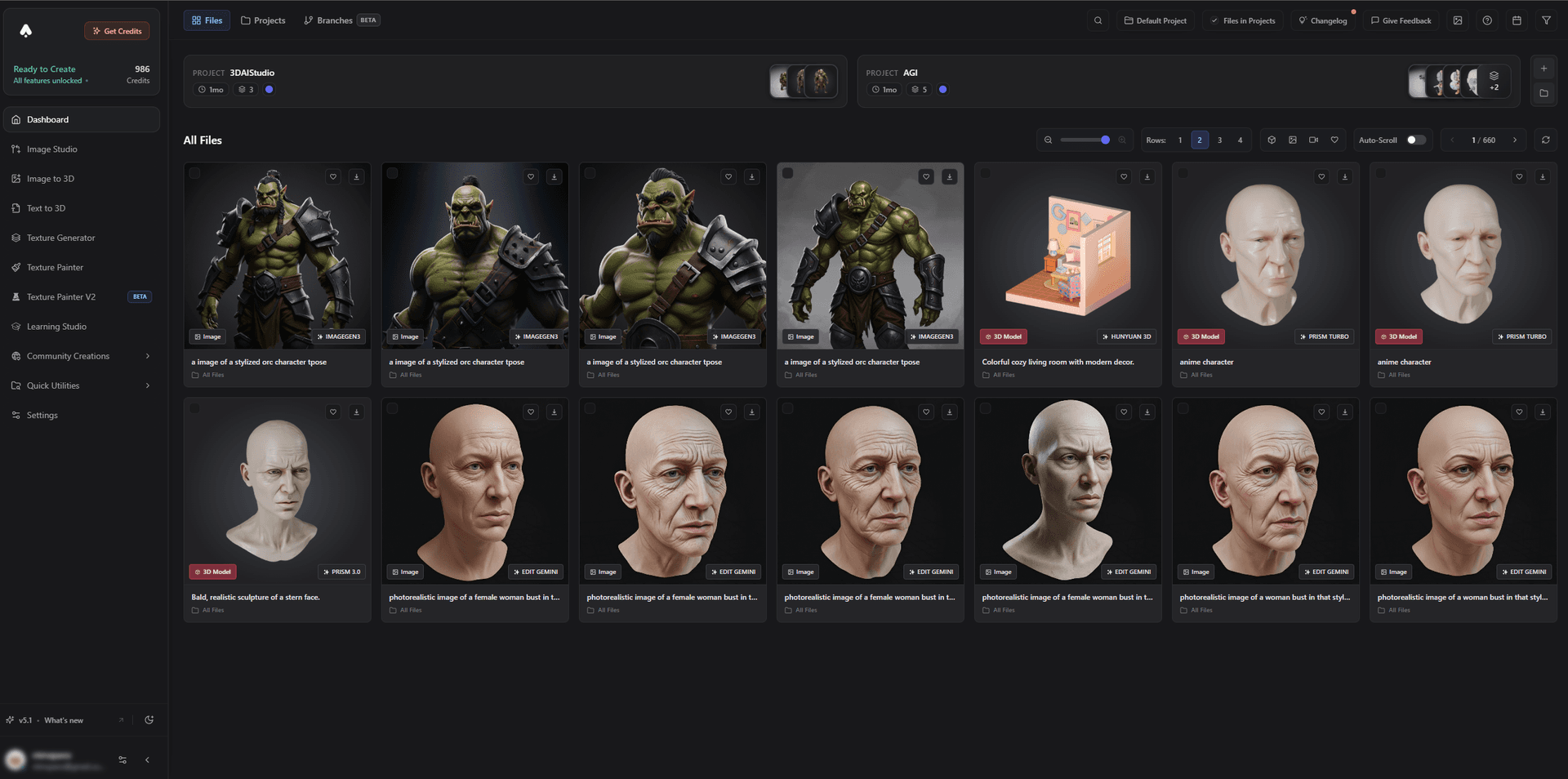
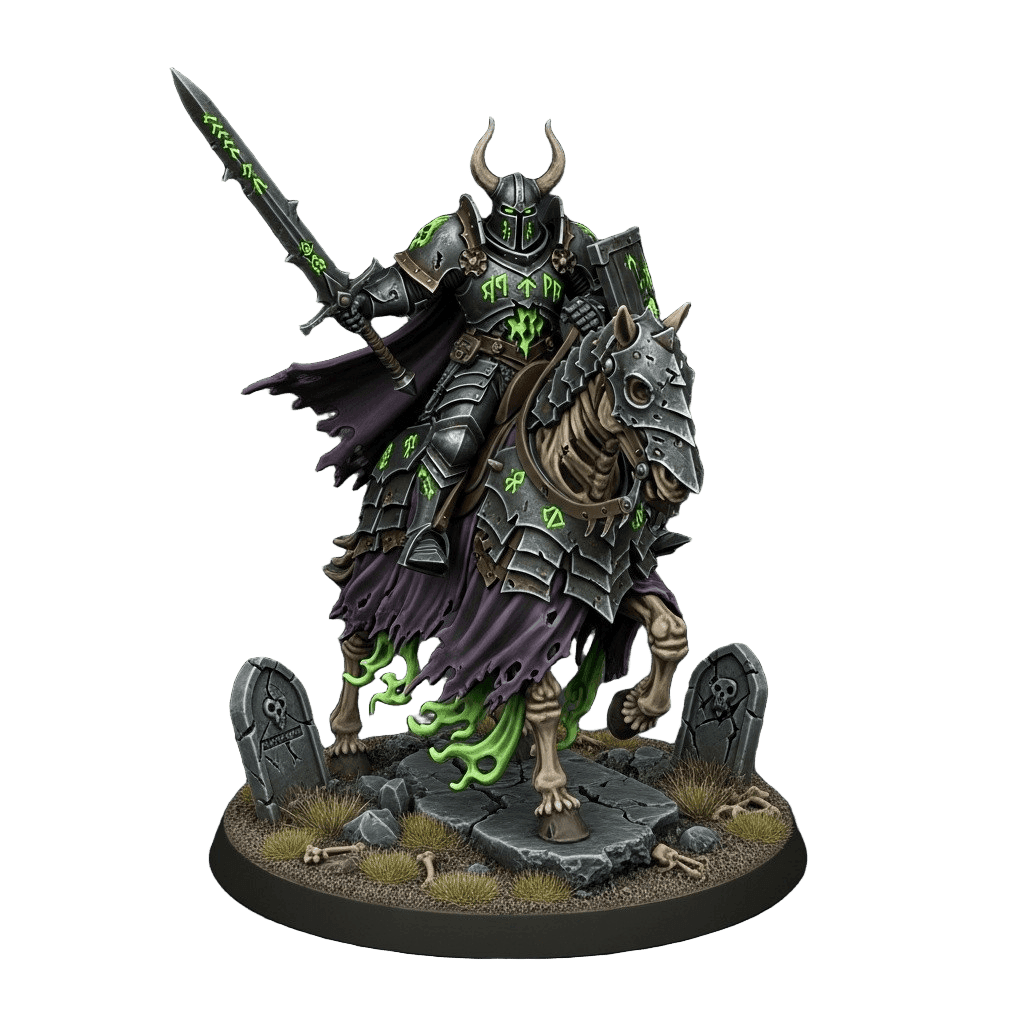
Pro tip: Printing miniatures or tabletop terrain? Start from our dedicated guides for tabletop minis and Warhammer-style models. Printing functional parts? Prioritize clean topology and accurate scale over surface detail.
Figurines, Miniatures, and Functional Parts
- Figurines and collectibles: Image-to-3D from a photo, then remesh. Great for printing a 3D version of a character, pet, or person. See how to create a 3D-printed figurine of yourself.
- Tabletop miniatures: Favor high-detail engines and resin printing. Test print at final size to check fine features.
- Functional parts and prototypes: Clean topology and exact dimensions beat surface detail. Remesh, then verify scale in the slicer.
The Bottom Line
If you want a single tool that takes you all the way from idea to a watertight STL - and lets you switch engines (including Hitem3D 2.1 for ultra-fine miniatures), remesh, split into printable parts, and texture without exporting between apps - 3D AI Studio is the best AI tool for 3D printing in 2026. Meshy is the strongest specialized pick for print-readiness, and Tripo is the speed king for simpler prints.
Ready to print your first AI model? Try image-to-3D in 3D AI Studio, then read our deep dives on converting images to STL and preparing a 3D model for printing.

Generate 3D models with AI
Easily generate custom 3d models in seconds. Try it now and see your creativity come to life effortlessly!
FAQ
What is the best AI tool for 3D printing in 2026?
3D AI Studio is the best all-in-one choice for 3D printing because it lets you generate from text or an image, switch between multiple AI engines (Hitem3D, Rodin, Tripo, Hunyuan3D, Trellis), then quad-remesh and clean the mesh and export STL or OBJ in one place. It now includes Hitem3D 2.1 - the leading ultra-detail engine for miniatures - natively, and Meshy remains the strongest single-tool option for print-readiness.
Can you 3D print AI-generated models?
Yes. AI-generated models export as STL or OBJ and open in any slicer such as Bambu Studio, PrusaSlicer, Cura, or Lychee. The main thing to check is that the mesh is watertight (manifold). Most modern AI tools produce printable geometry, and a quick repair or remesh step fixes holes and non-manifold edges before slicing.
Do AI 3D models need repair before printing?
Sometimes. Highly detailed or photoreal models can have thin walls, floating parts, or non-manifold edges. A remesh or auto-repair pass closes holes and rebuilds clean topology so the slicer accepts the file. Tools with built-in remeshing and repair, like 3D AI Studio, reduce or remove this manual step.
Which AI tool is best for 3D printing miniatures?
3D AI Studio is the best choice for miniatures - it now includes Hitem3D 2.1, the highest-resolution engine for ultra-fine resin minis (1536³, up to 2M faces), plus remeshing to a clean watertight STL and a split tool with printable joints. The same platform covers games and digital use with its other engines.
Is text-to-3D or image-to-3D better for 3D printing?
Image-to-3D is usually more accurate for printing a specific object, since the AI reconstructs the exact silhouette from your photo or concept art. Text-to-3D is best for quickly inventing new objects from a description. Many 3D-printing workflows start with an image for control and use text only for ideation.
How much do AI 3D printing tools cost?
Most have free tiers with monthly credits. Paid plans typically range from about $12 to $30 per month. 3D AI Studio offers a free tier plus affordable paid plans and a one-time credit option, and bundles multiple engines, texturing, and remeshing into one subscription instead of separate tools.