
Google Gemini Image Generation via API - What You Can Build
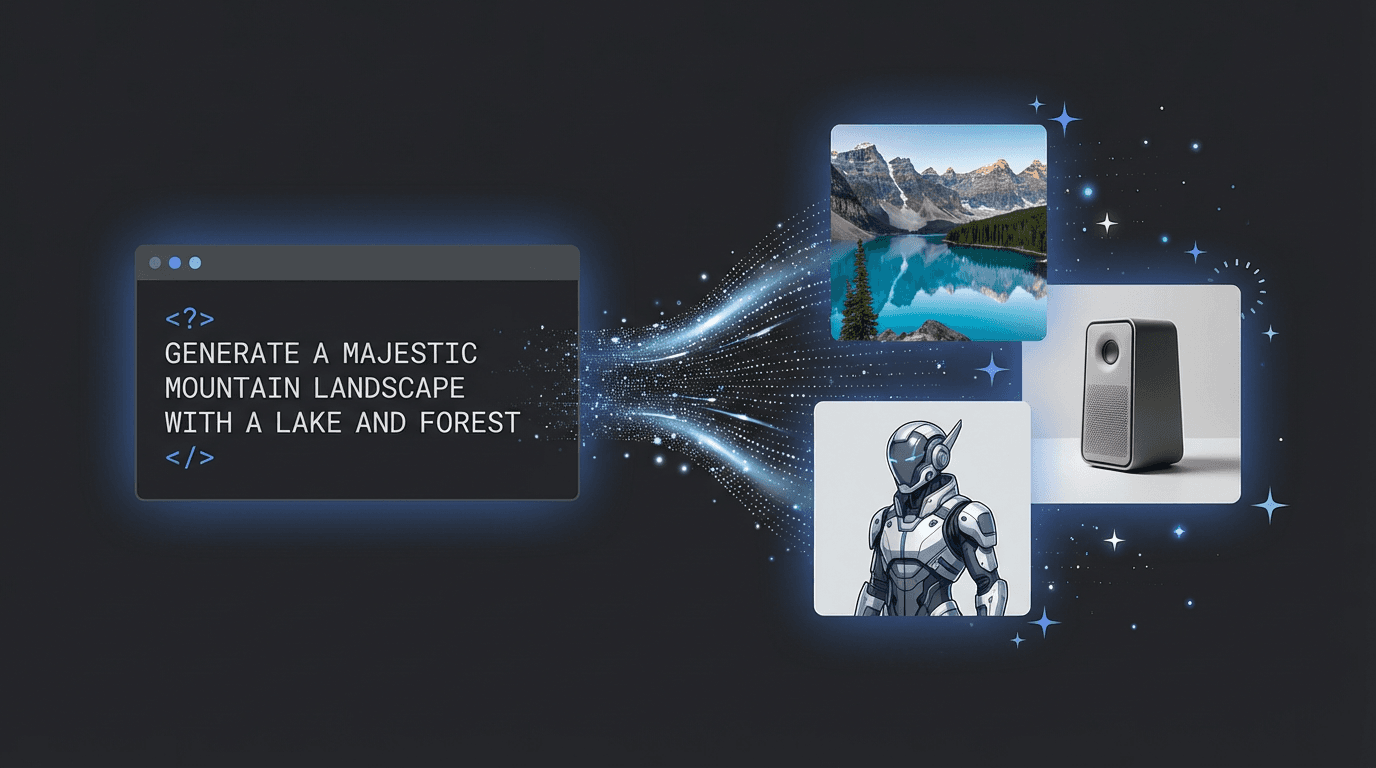
Google's Gemini models can generate and edit images from text, but accessing them directly through Google's API has limitations: availability restrictions, complex authentication, regional constraints, and pricing that doesn't always make sense for production applications.
Through the 3D AI Studio API, you get access to three Gemini models plus ByteDance's Seedream through a single REST endpoint with simple Bearer token authentication, pay-per-request credits, and no regional restrictions. One API key, four image models, one credit wallet.
This post covers what each model can do, how they compare, and what you can build with them.
The Four Models
Gemini 3 Pro
Google's most capable image model. Produces the highest quality output with the most accurate prompt following. Best for marketing assets, product shots, and any application where image quality is the top priority.
Generation: Create images from text prompts with precise control over composition, style, and detail. Supports aspect ratios from 1:1 to 21:9 and resolutions from 1K to 4K. Up to 4 images per request.
Editing: Modify existing images with natural language instructions. Upload up to 14 source images for multi-reference editing. This enables workflows like style transfer, combining elements from multiple images, or making targeted changes to specific parts of an image.
Cost: 50 credits per image at 1K/2K, 80 credits at 4K. Speed: 40-90 seconds per image. Best for: When quality matters most. Marketing materials, hero images, product visualization.
Gemini 3.1 Flash
The recommended model for most production applications. Balances quality, speed, and cost. Produces excellent results at a fraction of the Pro price, with faster generation times.
Generation: Same capabilities as Pro with even more aspect ratio options (15 total, including extreme ratios like 1:8 and 8:1). Supports 512px to 4K resolution. Up to 4 images per request.
Editing: Same multi-image editing capabilities. Up to 14 source images.
Cost: 10 credits (512px), 15 credits (1K), 20 credits (2K), 25 credits (4K). Speed: 30-60 seconds per image. Best for: Production workloads. The sweet spot of quality and cost.
Gemini 2.5 Flash
The most cost-effective option. Ideal for high-volume applications where you need thousands of images at the lowest possible cost. Quality is still good, but a step below 3.1 Flash.
Generation: Text-to-image with standard aspect ratios. Single resolution tier. Up to 4 images per request.
Editing: Multi-image editing with up to 14 source images.
Cost: 5 credits per image. Flat rate, no resolution tiers. Speed: 30-60 seconds per image. Best for: High volume, prototyping, batch processing, budget-sensitive applications.
Seedream V5 Lite
ByteDance's image generation model, included alongside the Gemini models. Strong at stylized and artistic content. Supports higher batch sizes (up to 6 images per request) and includes a seed parameter for reproducible results.
Generation: Text-to-image with 8 size presets (square, portrait, landscape, auto-scaling up to 3K). Reproducible generation with seed parameter. Built-in safety checker.
Editing: Edit images with up to 10 source image references.
Cost: 10 credits per image. Flat rate. Speed: 20-40 seconds per image. Fastest of the four. Best for: Artistic content, stylized imagery, batch generation where speed matters, reproducible outputs.
How They Compare
| Feature | Gemini 3 Pro | Gemini 3.1 Flash | Gemini 2.5 Flash | Seedream V5 Lite |
|---|---|---|---|---|
| Quality | Highest | High | Good | High (stylized) |
| Speed | 40-90s | 30-60s | 30-60s | 20-40s |
| Cheapest | 50 credits | 10 credits | 5 credits | 10 credits |
| Max resolution | 4K | 4K | Single tier | 3K |
| Max images/request | 4 | 4 | 4 | 6 |
| Max edit sources | 14 | 14 | 14 | 10 |
| Aspect ratios | 11 | 15 | 11 | 8 presets |
| Seed control | No | No | No | Yes |
Our recommendation: Start with Gemini 3.1 Flash. It's the best balance of quality, speed, and cost. Use Gemini 3 Pro when you need the absolute best quality (hero images, marketing). Use 2.5 Flash for high-volume batch processing. Use Seedream when you want stylized content or need reproducible results.
What You Can Build
Product Image Generation
Generate product photos from text descriptions. Useful for product launches where you need visuals before the physical product exists, or for generating variations (different colors, angles, environments) from a single description.
Start with Gemini 3.1 Flash for fast iteration, then regenerate final assets with Gemini 3 Pro for maximum quality.
Image-to-3D Pipeline
This is where image generation becomes especially powerful in combination with 3D generation. Generate a reference image with precise visual control, then convert it to a 3D model.
The workflow: use the image API to create the exact visual you want (iterating is cheap at 5-15 credits per image), then send the best image to Hunyuan 3D or TRELLIS.2 for 3D conversion. This gives you much more control over the final 3D model compared to going directly from text to 3D.
AI Image Editing at Scale
Edit existing images using natural language. Some examples of what the editing endpoints can do:
- "Remove the background and place this product on a white surface"
- "Change the color of the shirt from blue to red"
- "Add a sunset sky behind this building"
- "Make this photo look like a watercolor painting"
- "Combine the style of the first image with the composition of the second image" (multi-reference editing)
For e-commerce, this means automated background removal, color variant generation, and lifestyle scene creation from product photos.
Texture References for 3D Models
Generate texture reference images, then apply them to 3D models using the texturing API. Describe the material you want ("weathered copper with green patina", "hand-painted ceramic"), generate a reference image, then use it to texture your 3D model. This gives you visual control over the texturing process.
Content Automation
Marketing teams can build automated content pipelines: generate social media images, ad creatives, blog illustrations, and newsletter visuals from text descriptions. With the API, you can generate dozens of variations and pick the best ones, or A/B test different visual approaches programmatically.
The Seedream model is particularly useful here because of its seed parameter. Generate an image you like, save the seed, then create variations with slight prompt changes while maintaining visual consistency.
Batch Processing
At 5 credits per image with Gemini 2.5 Flash, you can generate thousands of images cost-effectively. Use cases include:
- Generating product catalog images for large inventories
- Creating training data for computer vision models
- Building image datasets for research
- Generating variations of marketing assets for A/B testing
Accessing the API
All four models are available through the 3D AI Studio Image Generation API with:
- Simple Bearer token authentication (no OAuth, no API key rotation complexity)
- Pay-per-request credits (no monthly commitments, no unused capacity)
- Credits that last 365 days
- Failed generations are not charged
- 3 requests per minute default rate limit (custom limits available)
The API documentation has complete endpoint references with parameters, response formats, and examples for all four models.
To get started: create an API key, pick a model, and send a request. You can be generating images in under 5 minutes.

Generate 3D models with AI
Easily generate custom 3d models in seconds. Try it now and see your creativity come to life effortlessly!