
Best AI Tools for Godot in 2026
Quick answer: The best AI tool for Godot in 2026 is 3D AI Studio for custom assets - generate from text or images, remesh to a clean low polycount, texture, and export GLB, which is Godot's recommended 3D format and imports natively. Pair it with Meshy or Tripo for fast generation and an AI code assistant for GDScript.
Godot is the open-source engine indie developers love - lightweight, free, and friendly to small teams. Its one constant need is content: props, characters, and textures. AI now generates them in minutes, and because Godot is GLB-first, AI output imports more cleanly than into most engines. This guide compares the best AI tools for a Godot workflow.
- Best for custom assets: 3D AI Studio - generate, remesh, texture, export GLB.
- Best fast generators: Meshy and Tripo.
- Best for textures and sprites: AI image generators.
- Best for GDScript: AI code assistants.
- Why Godot is easy: GLB/glTF is its native 3D format, so imports just work.
Best AI Tools for Godot at a Glance
| Tool | Job | Import path | Best for |
|---|---|---|---|
| 3D AI Studio | Generate + remesh + texture | GLB | Custom optimized assets |
| Meshy | Asset generation | GLB/FBX | Quick game assets |
| Tripo | Asset generation | GLB/OBJ | Fast low-poly props |
| AI image generators | Textures, sprites, UI | Image import | 2D art and materials |
| AI code assistants | GDScript help | In editor / chat | Gameplay logic |
What Godot Needs From AI Assets
- GLB export - Godot's preferred, no-conversion 3D format.
- Low polycounts - Godot runs great on modest hardware and web; keep meshes lean.
- Clean topology - for characters and anything that animates.
- Optimized textures - sized for desktop, mobile, or web export.
- Indie-friendly cost - free and affordable tools that fit small budgets.
Pro tip: Export to GLB for Godot whenever you can. It bundles meshes, materials, and textures into one file that Godot imports natively, which avoids the material reassignment headaches common with other formats.
1. 3D AI Studio - Best for Custom Godot Assets
3D AI Studio is the best fit for Godot because it outputs exactly what the engine wants. Generate props, characters, and environments from text or images, remesh to a clean low polycount, texture, and export GLB straight into your Godot project. See the Godot guide.
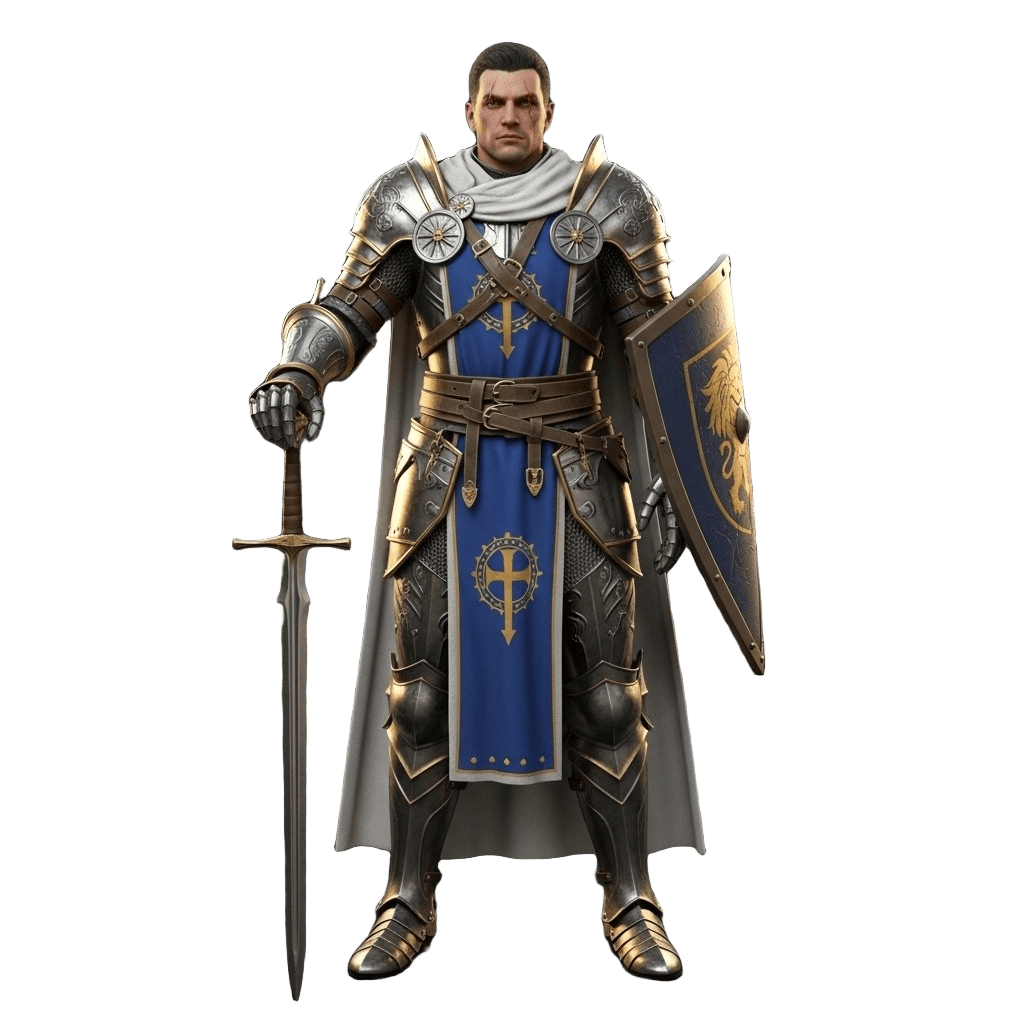
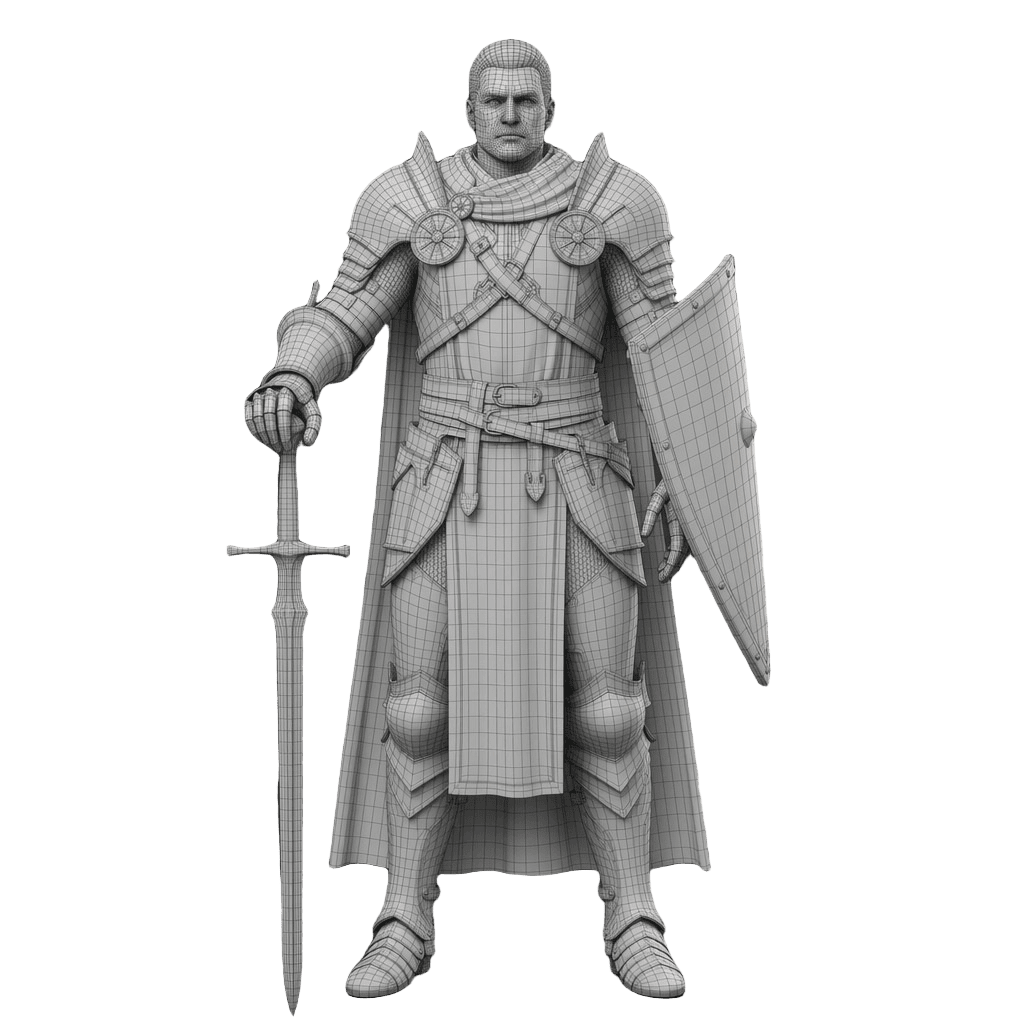
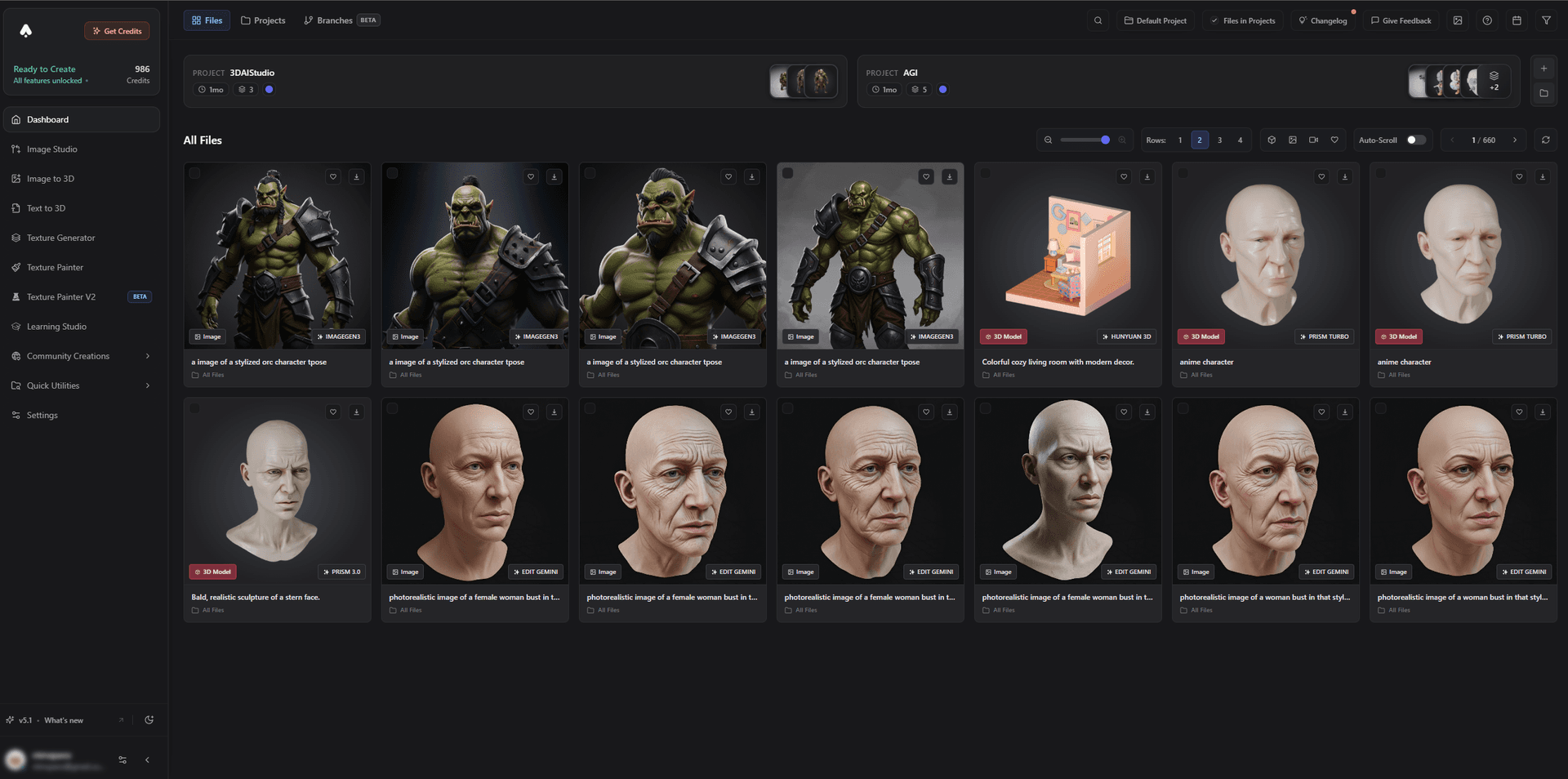
It is ideal for the lean, stylized assets that suit Godot projects, and rigged characters import and animate via Godot's AnimationPlayer.
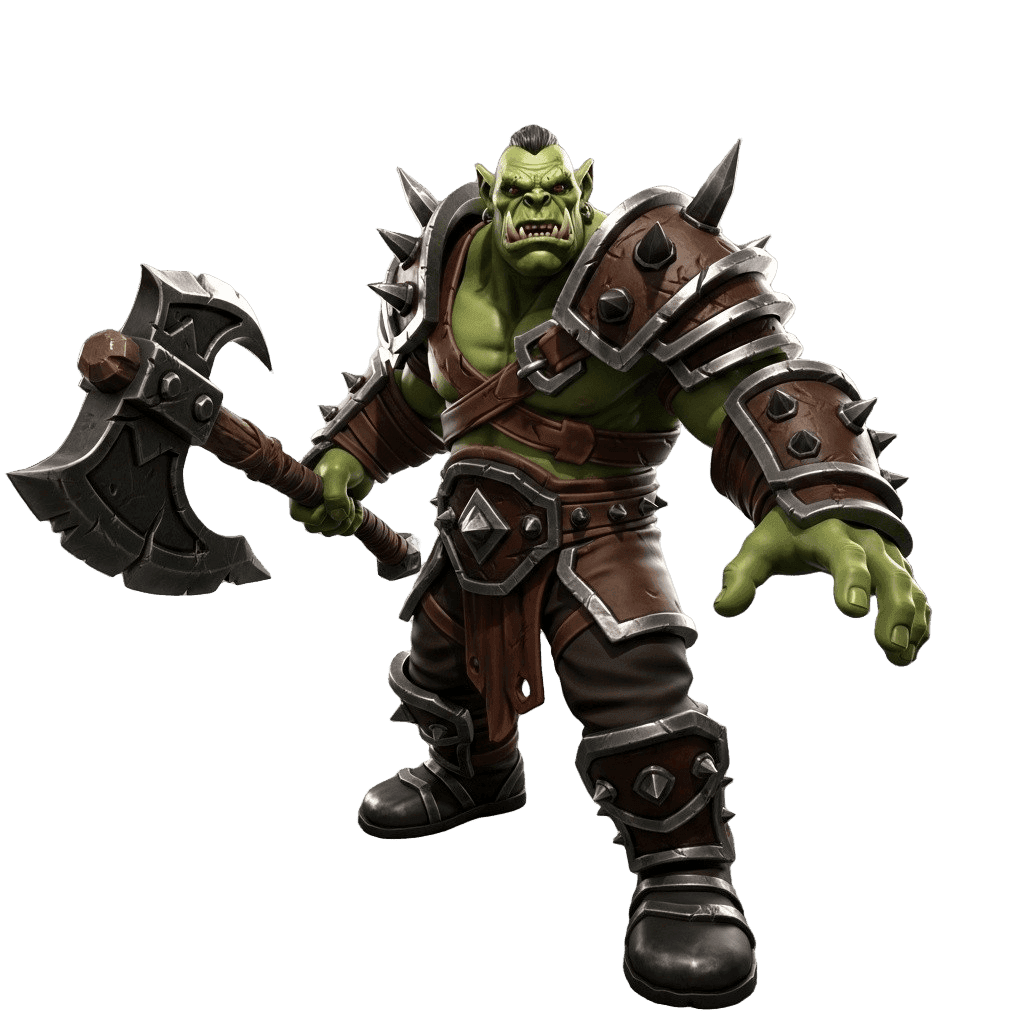
Best for: Indie Godot devs who need custom, optimized GLB assets.
Pros:
- Text/image to 3D with remesh and polycount control
- Native GLB export plus texturing; works great with Godot 4
- Rigged characters and a game-dev model; low-poly focus
- Free tier and affordable plans for small teams
Cons:
- You still set up materials and collision in Godot after import
2. Meshy - Best Fast Asset Generation
Meshy generates textured assets and exports GLB/FBX, making it a quick way to populate a Godot scene with characters and props.
Best for: Quickly generating Godot-ready assets.
Pros: Fast, textured output, GLB export, generous free tier.
Cons: Single-engine generation; optimize polycount for web/mobile.
3. Tripo - Best Fast Low-Poly Props
Tripo produces clean-topology props in seconds, perfect for blockouts and filling Godot scenes during prototyping.
Best for: Rapid simple props.
Pros: Very fast, clean meshes, affordable.
Cons: Detail trails premium engines.
4. AI Image Generators - Best for Textures, Sprites, and UI
Godot is also a great 2D engine, and AI image tools generate sprites, textures, tilesets, and UI art that drop straight into your project.
Best for: 2D art, textures, and UI for Godot.
Pros: Fast, cheap, endless variations.
Cons: 2D only; meshes come from a 3D generator.
5. AI Code Assistants - Best for GDScript
AI coding assistants help write and explain GDScript - movement, state machines, and gameplay systems - lowering the barrier for solo developers.
Best for: Writing and learning GDScript faster.
Pros: Speeds up gameplay logic, great for learning.
Cons: Output needs testing against your Godot version and scenes.
How to Get an AI Asset Into Godot
- Generate. Create the asset with image-to-3D or text-to-3D.
- Remesh to budget. Remesh to a low polycount for smooth desktop, mobile, or web performance.
- Texture. Apply PBR materials and size textures for your export target.
- Export GLB. Godot's native format - no conversion needed.
- Import to Godot. Drop the GLB in, set up materials and collision shapes.
- Rig and animate. Import rigged characters and drive them with AnimationPlayer.
Pro tip: Godot shines on web and mobile, where every megabyte counts. Keep polycounts low, reuse materials, and compress textures - lean GLB assets keep load times fast and exports small.
The Bottom Line
For Godot in 2026, 3D AI Studio is the best AI tool for custom assets because it exports clean, low-poly GLB models that import natively into Godot 4. Add Meshy or Tripo for fast generation, AI image tools for sprites and textures, and an AI code assistant for GDScript, and you have a complete, indie-friendly Godot pipeline.
Start by generating a Godot asset, read the Godot guide, and see our indie game development guide.

Generate 3D models with AI
Easily generate custom 3d models in seconds. Try it now and see your creativity come to life effortlessly!
FAQ
What is the best AI tool for Godot in 2026?
3D AI Studio is the best for custom Godot assets because it generates from text or images, remeshes to a clean low polycount, textures, and exports GLB - Godot's recommended 3D format - so models import natively. Meshy and Tripo are good fast generators, and AI code assistants help with GDScript.
Can I import AI-generated models into Godot?
Yes, and Godot makes it easy because GLB/glTF is its preferred 3D format. Export your AI model as GLB and Godot imports it with materials and meshes intact. Remesh to a sane polycount first for smooth performance, especially for web and mobile exports.
Does Godot have built-in AI tools?
Godot does not ship a first-party generative AI suite like some engines, but the open-source community has AI assistants for GDScript and AI-assisted plugins. For assets, you pair Godot with an external generator like 3D AI Studio and import the GLB results.
What 3D format is best for Godot?
GLB (binary glTF) is the recommended format for Godot 3D assets - it bundles meshes, materials, and textures in one file and imports cleanly. 3D AI Studio exports GLB directly, so generated models drop into a Godot project without conversion.
Are AI assets good enough for a Godot game?
For props, environments, and many characters, yes - especially after a remesh for clean topology and a polycount that suits your target platform. AI is excellent for indie Godot projects, prototyping, and filling asset libraries affordably.
Can AI help me write GDScript?
Yes. AI coding assistants can generate and explain GDScript, helping with movement, state machines, and gameplay logic. Always test the output in your project, since AI can produce code that needs adjusting for your Godot version and scene setup.