
How to Build an Automated 3D Printing Business with AI
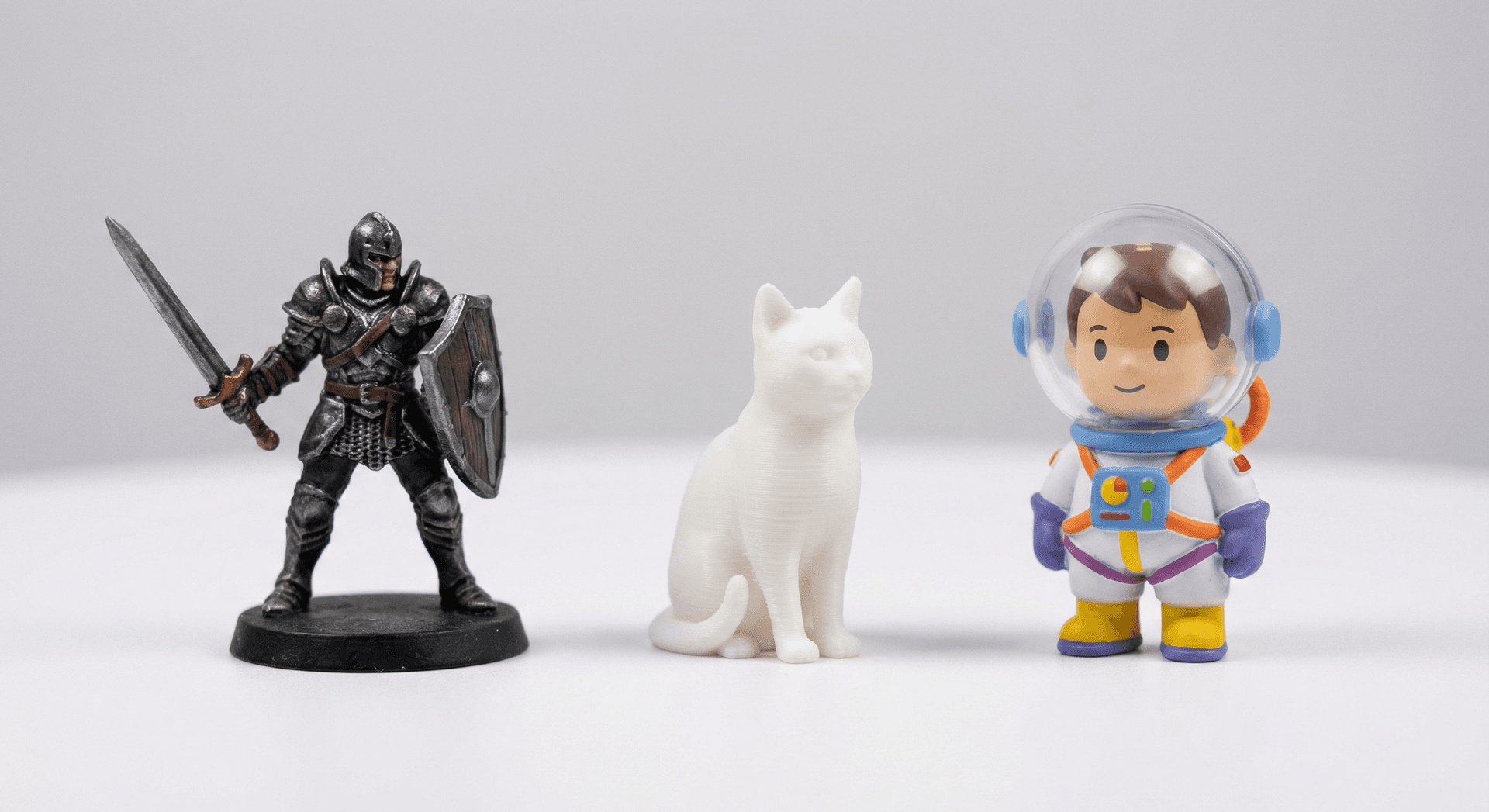
The custom figurine and print-on-demand 3D printing market is growing fast. Customers want personalized miniatures of themselves, their pets, their favorite characters. The problem has always been the bottleneck: turning a customer's photo into a print-ready 3D model takes a skilled 3D artist hours of work.
Not anymore. With the 3D AI Studio API, you can automate the entire pipeline - from a customer uploading a photo to a print-ready STL file - in under 10 minutes with zero manual work.
This guide walks through the architecture, the API calls, the costs, and how to scale it into a real business.
The Business Model
Here's what a typical customer flow looks like:
- Customer uploads a photo on your website (Shopify, Etsy, or custom)
- Your backend sends the photo to the API
- The API generates a 3D figurine, repairs it, hollows it, scales it, and exports STL
- You download the STL and send it to your printer
- Ship the finished figurine
The entire pipeline from photo to print-ready file costs roughly $1.50-2.50 in API credits and takes 5-10 minutes. Compare that to paying a 3D artist $50-200 per model.
The API Pipeline
Step 1: Photo to 3D Figurine (One API Call)
The miniature figurine flow is a pre-built pipeline that handles the entire generation process. Upload a photo, choose a style, get back a textured 3D model.
import requests
import base64

BASE_URL = "https://api.3daistudio.com"
headers = {
    "Authorization": "Bearer YOUR_API_KEY",
    "Content-Type": "application/json"
}

def create_figurine(photo_path, preset="miniature_human_full_body", edition="default"):
    with open(photo_path, "rb") as f:
        image_b64 = base64.b64encode(f.read()).decode("utf-8")

    response = requests.post(
        f"{BASE_URL}/v1/flow/miniature/",
        headers=headers,
        json={
            "image": f"data:image/jpeg;base64,{image_b64}",
            "preset": preset,
            "edition": edition,
        }
    )
    response.raise_for_status()
    return response.json()["task_id"]
8 style presets available:
| Preset | Description | Use Case |
|---|---|---|
miniature_human_full_body | Stylized full-body miniature | Cute figurines, gifts |
miniature_human_bust | Stylized bust (head + shoulders) | Desk ornaments |
miniature_animal | Stylized animal miniature | Pet figurines |
miniature_object | Stylized object | Product miniatures |
realistic_human_full_body | Realistic full-body figurine | Collectibles |
realistic_human_bust | Realistic bust | Portrait busts |
realistic_animal | Realistic animal figurine | Pet portraits |
realistic_object | Realistic object figurine | Product replicas |
The default edition (300 credits, 5-8 minutes) produces higher quality. The fast edition (200 credits, 3-5 minutes) is good for previews or high-volume processing.
Output: The API returns a styled image (JPEG), a GLB model, and an OBJ ZIP - all from a single API call.
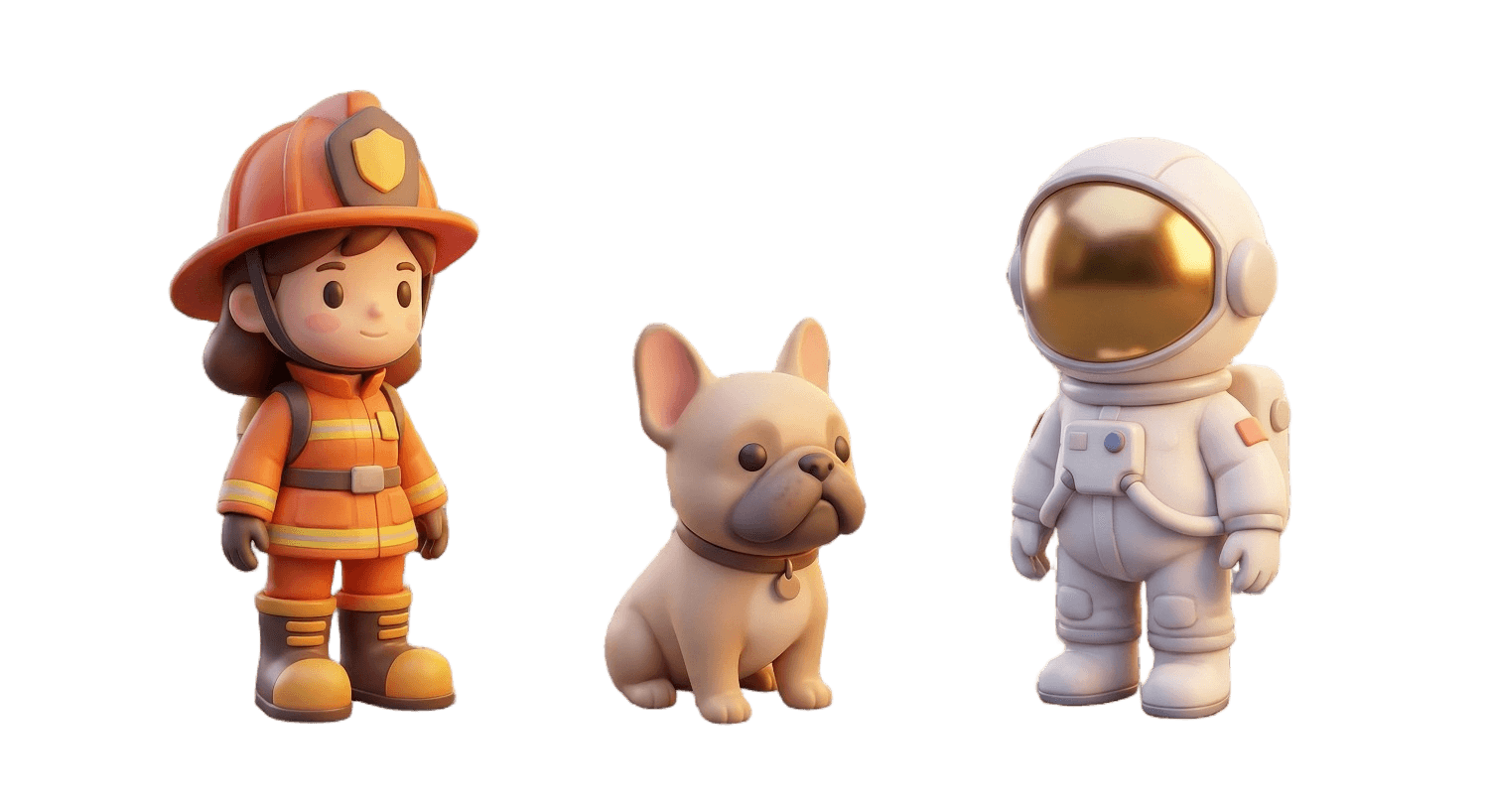
Step 2: Repair and Print-Prep
AI-generated models need preparation for printing. The mesh repair endpoint handles everything:
def prep_for_printing(model_url, height_mm=80):
    response = requests.post(
        f"{BASE_URL}/v1/tools/repair/",
        headers=headers,
        json={
            "model_url": model_url,
            "output_format": "stl",
            "hollow": True,
            "wall_thickness": 2.0,
            "target_height": height_mm,
            "unit": "mm",
            "topology": "tris",
            "quality": "max",
        }
    )
    response.raise_for_status()
    return response.json()["task_id"]
This single call:
- Fixes non-manifold edges, holes, and intersecting faces
- Hollows the model with 2mm wall thickness (saves 60-80% material)
- Scales to exactly 80mm tall
- Converts to STL
- Optimizes topology for printing
Cost: 90 credits (60 base + 30 for hollowing). Time: 35-80 seconds.
Step 3: Polling and Download
import time

def poll(task_id, interval=10):
    while True:
        r = requests.get(f"{BASE_URL}/v1/generation-request/{task_id}/status/", headers=headers)
        data = r.json()
        if data["status"] == "FINISHED":
            return data["results"]
        if data["status"] == "FAILED":
            raise Exception(f"Generation failed")
        time.sleep(interval)

def download(url, path):
    with open(path, "wb") as f:
        f.write(requests.get(url).content)
Complete Order Processing Script
def process_order(photo_path, order_id, preset="miniature_human_full_body", height_mm=80):
    """Process a customer order: photo -> print-ready STL."""

    print(f"[Order {order_id}] Generating figurine...")
    task_id = create_figurine(photo_path, preset=preset)
    results = poll(task_id, interval=10)

    # Get the GLB model URL from results
    model_url = None
    for result in results:
        if result.get("asset_type") == "3D_MODEL":
            model_url = result["asset"]
            break

    if not model_url:
        raise Exception("No 3D model in results")

    print(f"[Order {order_id}] Prepping for print ({height_mm}mm)...")
    task_id = prep_for_printing(model_url, height_mm=height_mm)
    results = poll(task_id, interval=5)

    # Download the print-ready STL
    stl_url = results[0]["asset"]
    output_path = f"orders/{order_id}.stl"
    download(stl_url, output_path)

    print(f"[Order {order_id}] Done! -> {output_path}")
    return output_path
The Cost Breakdown
Here's what each figurine costs in API credits:
| Step | Credits | Time |
|---|---|---|
| Miniature flow (default quality) | 300 | 5-8 min |
| Mesh repair + hollowing + scaling | 90 | 35-80 sec |
| Total | 390 | ~6-9 min |
With the fast edition:
| Step | Credits | Time |
|---|---|---|
| Miniature flow (fast) | 200 | 3-5 min |
| Mesh repair + hollowing + scaling | 90 | 35-80 sec |
| Total | 290 | ~4-6 min |
At current credit prices, that's roughly $1.50-2.50 per figurine in API costs. Add material ($1-3 for resin/filament), shipping ($3-5), and packaging ($1-2), and you're looking at $6-12 total cost per figurine that you can sell for $30-80+.
Integrating with Your Store
Shopify / WooCommerce
The basic integration pattern:
- Customer uploads photo and selects style/size on your product page
- Webhook fires on order creation
- Your backend processes the order with the script above
- STL downloads to your print queue
- Mark order as "printing" in your store
Scaling with Batch Processing
The API's default rate limit is 3 requests per minute. For a figurine business processing dozens of orders per day, you'll want to:
- Queue orders and process them sequentially
- Use the
fastedition for initial previews sent to the customer for approval - Use the
defaultedition for the final print-ready file after approval - Contact jan@3daistudio.com for custom rate limits if you need higher throughput
Customer Preview Flow
A smart workflow sends the customer a preview before printing:
- Process with
fastedition (200 credits, 3-5 min) - Use the render endpoint to generate a turntable preview (20 credits)
- Send the preview to the customer for approval
- On approval, process with
defaultedition for final quality - Print and ship
The preview costs 220 credits and gives the customer a chance to approve before you commit to the full 390-credit generation + printing costs.
What You Can Build
Custom Figurine Shop
The most obvious application. Customers upload a selfie, choose miniature or realistic style, pick a size. You deliver a personalized 3D printed figurine.
Pet Portrait Service
Pet owners love custom figurines of their animals. Use the miniature_animal or realistic_animal presets. Market on Instagram and TikTok with before/after content.
Tabletop Gaming Characters
D&D and tabletop RPG players want custom miniatures of their characters. Take character art or cosplay photos as input. Use miniature_human_full_body preset.
Corporate Gifts
Branded figurines for events, anniversaries, or team gifts. Bulk orders with consistent styling.
Wedding Cake Toppers
Couples send photos, you deliver custom cake toppers. High margins, seasonal demand spikes.
Getting Started
- Create an API account and get your API key
- Start with the miniature flow - process a few test photos
- Set up a simple storefront (Shopify is the fastest)
- Connect the API to your order webhook
- Start with the
fastedition for customer previews - Scale up with custom rate limits when volume grows
The 3D Printing API landing page has more details on the full pipeline, and the complete API documentation covers every endpoint and parameter.
For custom integrations, volume pricing, or printer-specific presets, reach out to jan@3daistudio.com.

Generate 3D models with AI
Easily generate custom 3d models in seconds. Try it now and see your creativity come to life effortlessly!