
Try ByteDance's Seed3D 1.0 Online - No Setup, No Waitlist
Seed3D 1.0 is ByteDance's image-to-3D foundation model, normally accessed through enterprise cloud APIs. On 3D AI Studio you can run it in your browser - upload one image, pick PBR or RGB materials, and get a textured 3D model alongside Hunyuan, Prism, and the rest of our model lineup.



1
Input Image
Single-view reconstruction
8-12 min
Generation Time
Per model
3
Output Modes
PBR, RGB, or both
30
Credits
Per generation
What Seed3D 1.0 brings to 3D AI Studio
ByteDance's research model, wrapped in a one-click web workflow
Simulation-Focused Research
ByteDance describes Seed3D 1.0 as a foundation model for simulation-ready assets, developed by its Seed team with an emphasis on embodied AI and physics simulation use cases.
Single Image to 3D
Upload one photo or rendered image and Seed3D reconstructs full 3D geometry and textures from that single view. No multi-angle capture needed.
PBR Materials
Generate physically-based materials with metallic, roughness, and normal maps that respond realistically to lighting in Unity, Unreal, and Blender.
PBR, RGB, or Both
Choose PBR for modern engines, a basic RGB diffuse texture for simple rendering, or generate both as two separate models from one run.
Automatic Titling
Seed3D generations get an automatically written prompt-style title, so your asset library stays searchable without manual naming.
No Setup Required
Seed3D normally requires enterprise cloud API access. Here it runs entirely in the browser next to Hunyuan, Prism, Hitem3D, and Meshy 6 - switch models with one click.
PBR vs RGB output, visually
Seed3D's output choice comes down to this: RGB is one color texture, PBR adds the material maps that make surfaces react to light. Here is what those maps contain.
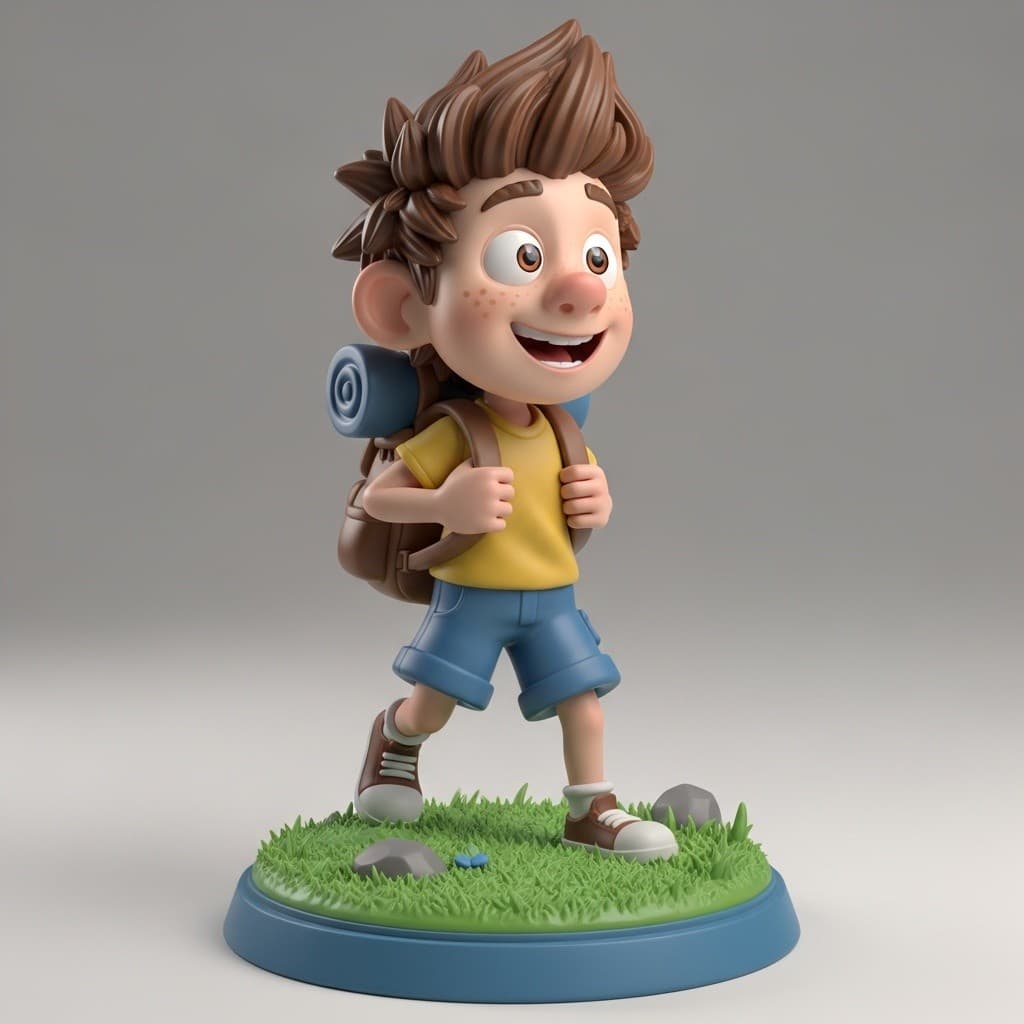
Full render (all maps)
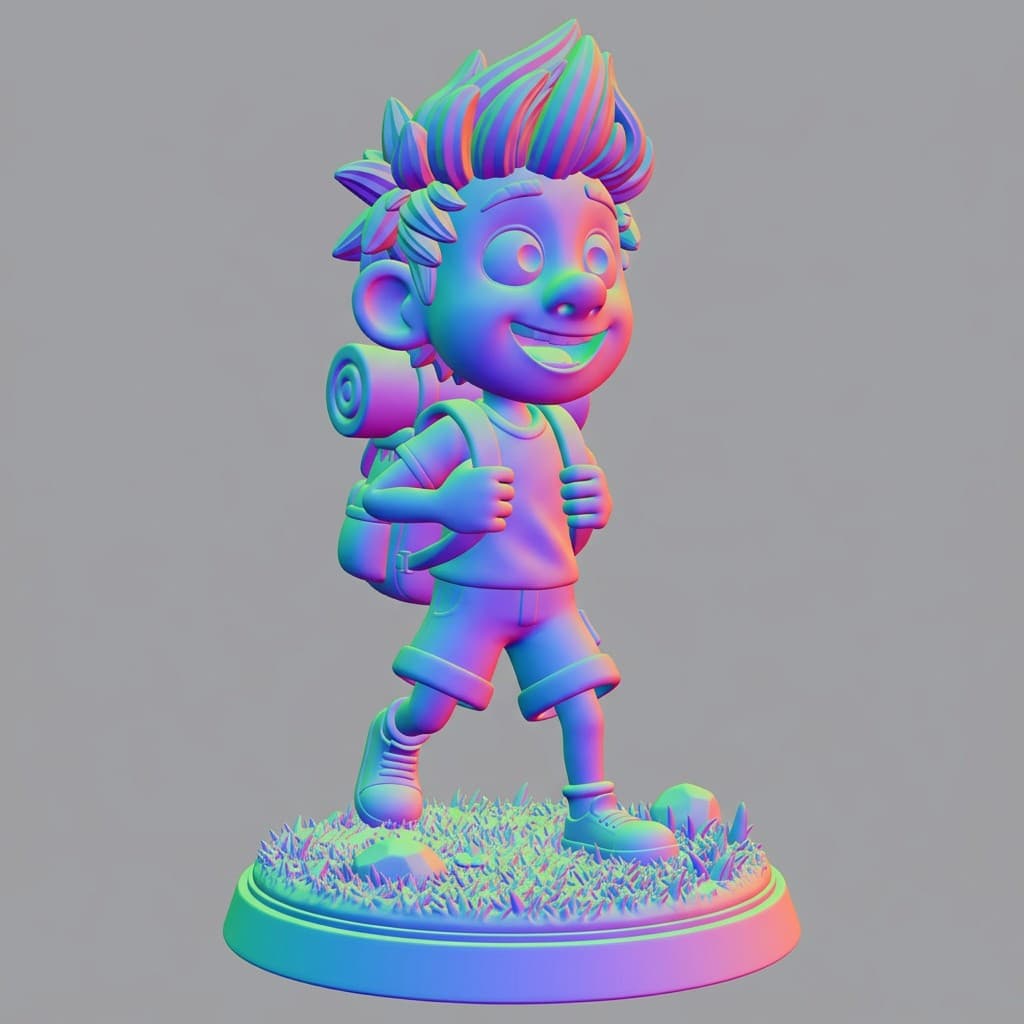
Normal map - surface detail
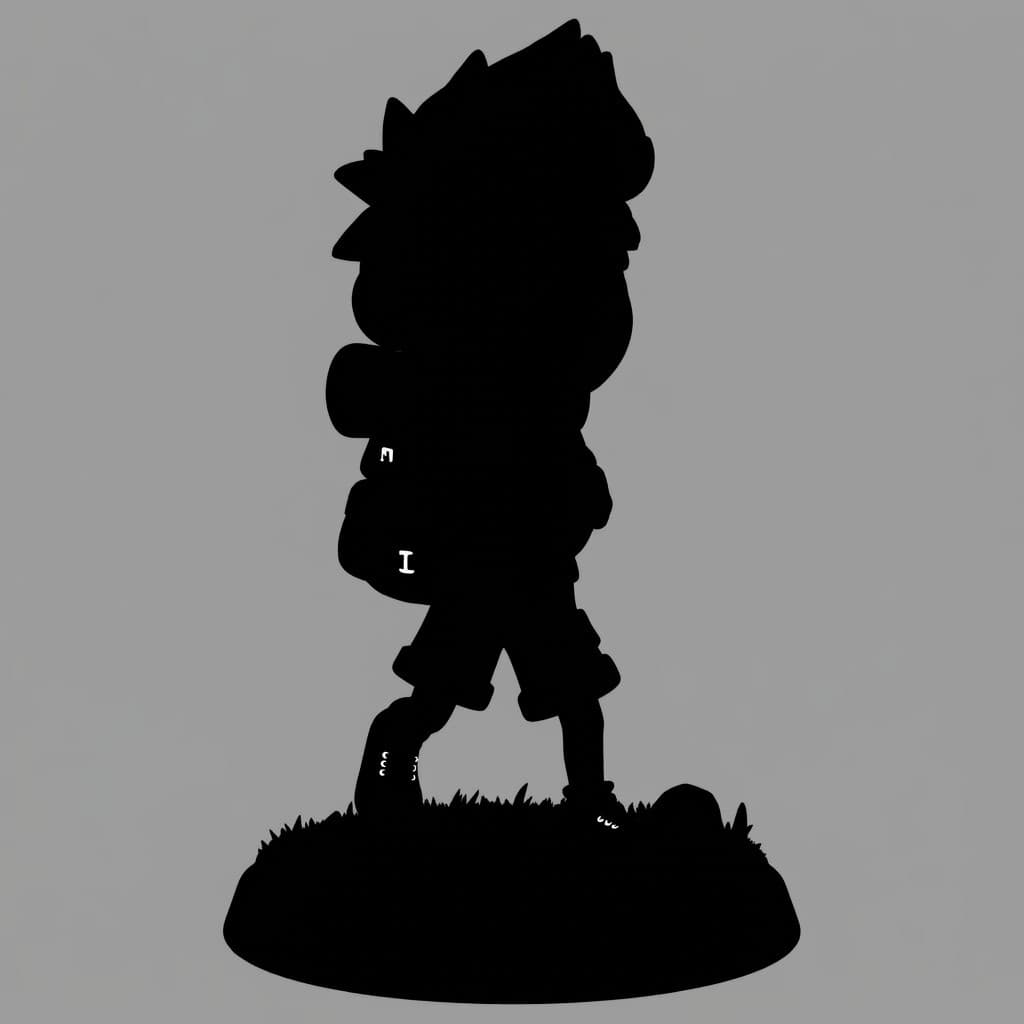
Metallic map - what reflects
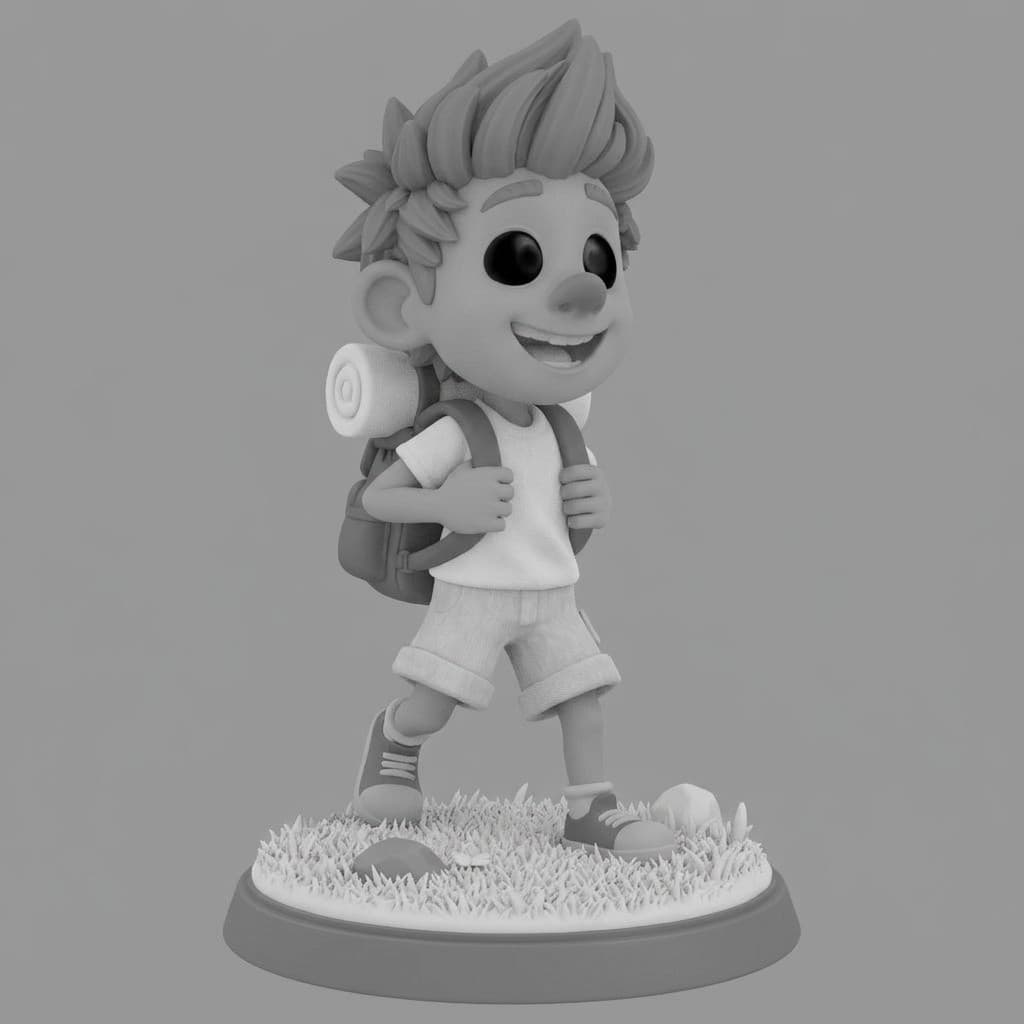
Roughness map - how sharply
Pick PBR when the model goes into Unity, Unreal, or Blender with realistic lighting. Pick RGB for simple viewers, web embeds, or when you only need the shape and color. Pick Both and Seed3D generates two separate models in one run - the only engine in the studio that does.
Material map breakdown from the studio's PBR pipeline, shown for illustration.
How to use Seed3D 1.0 on 3D AI Studio
From a single image to a downloadable 3D model in four steps
Upload Your Image
One clear, well-lit image is all Seed3D needs. Centered objects on plain backgrounds give the best reconstruction.
Pick Output Type
Choose PBR for metallic, roughness, and normal maps, RGB for a basic diffuse texture, or Both for two separate models.
Generate
Seed3D 1.0 reconstructs geometry and textures in about 8 to 12 minutes. A descriptive title is written for you automatically.
Preview & Export
Inspect the model in the 3D viewer, run repair or remesh tools if needed, then export GLB, OBJ, FBX, STL, or USDZ.
What to expect (honestly)
Seed3D 1.0 is running in beta on 3D AI Studio, and we want you to know what that means before you spend credits. It is an experimental model: on some inputs it produces excellent geometry and textures, and on others it can produce mesh artifacts or inconsistent geometry. Results vary more from image to image than with our production models. We recommend it for technically experienced users who are comfortable inspecting meshes and running cleanup tools.
That said, it is genuinely worth trying. ByteDance's approach to single-image reconstruction is interesting, the PBR/RGB/Both output option is unique in our lineup, and at 30 credits it is one of the more affordable high-quality-tier models in the studio. If a generation does not come out clean, the built-in repair and remesh tools can often save it - or you can rerun the same image with a different model in one click.
Need dependable results for production?
Single-object subjects from the studio pipeline - Seed3D's target territory
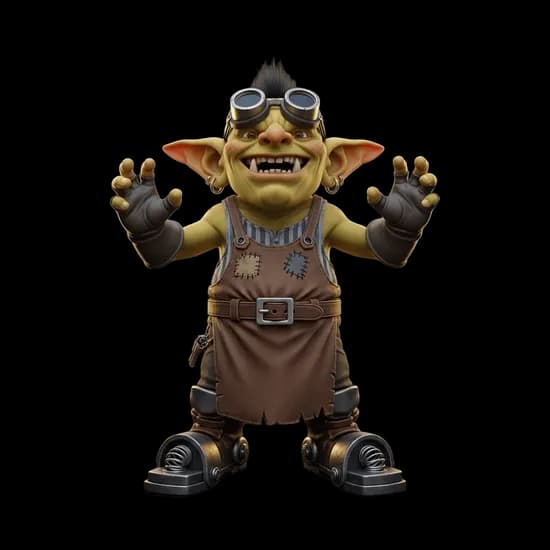
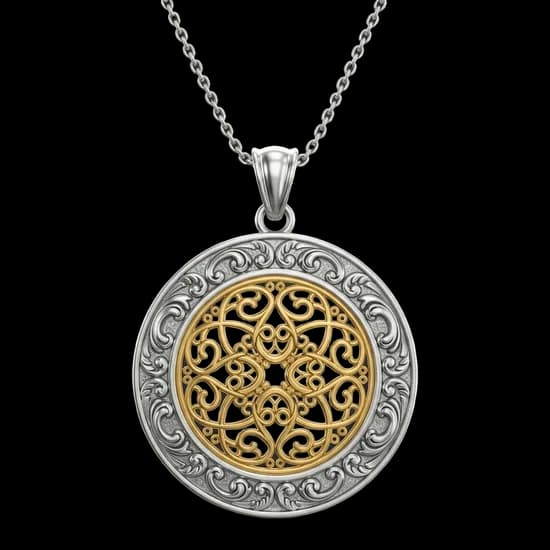
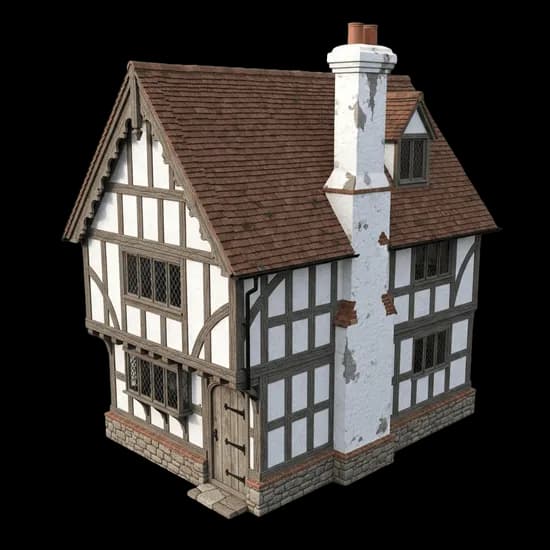
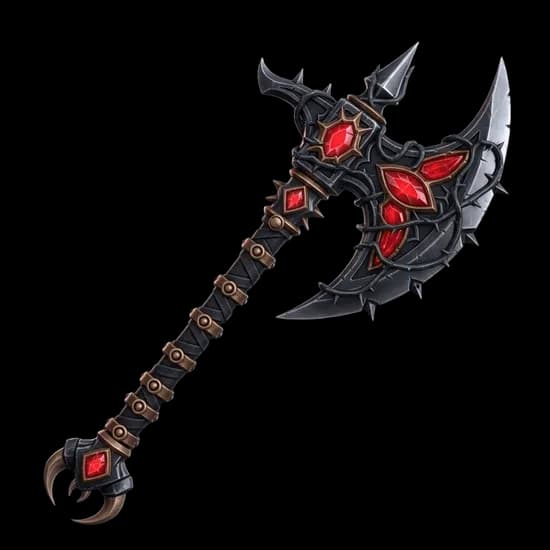
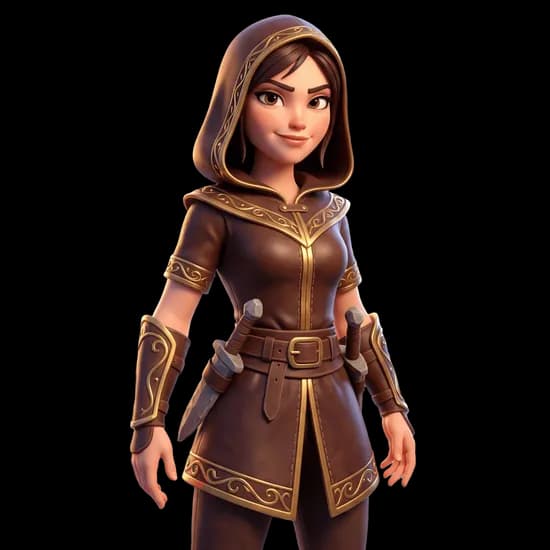
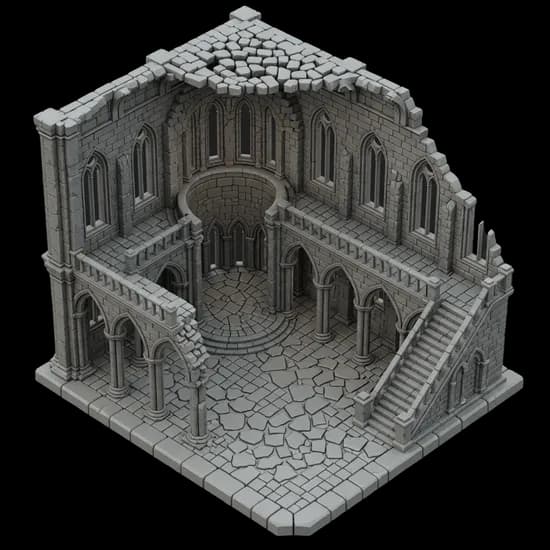
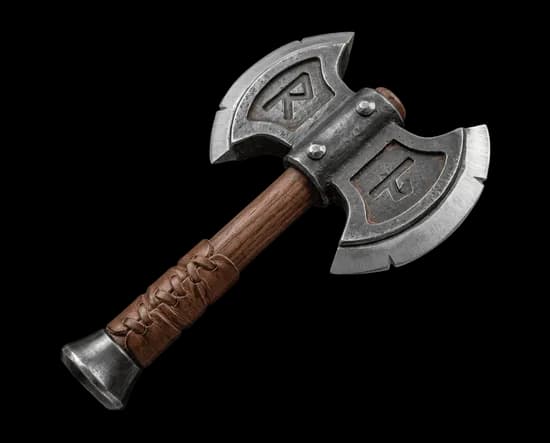
The subjects single-image models handle best
Seed3D works from one photo, so it shines on single, centered objects - props, products, characters, and detailed small items.
Seed3D 1.0 vs Hunyuan3D 3.1 vs Prism 3.1
All three models are available on 3D AI Studio. Choose the best fit for your project.
| Feature | Seed3D 1.0 | Hunyuan3D 3.1 | Prism 3.1 |
|---|---|---|---|
| Input | Single image | Text, image, multi-view | Image, multi-view |
| Speed | 8-12 min | 3-4 min | 3-5 min |
| Materials | PBR, RGB, or both | PBR | PBR |
| Reliability | Experimental (beta) | Production-ready | Production-ready |
| Credits | 30 | 40 | 35 |
| Auto Titling | Yes | No | No |
| Best For | Exploring ByteDance's model, mixed pipelines | 3D printing, clean topology | Product photos, characters |
| Export Formats | GLB, OBJ, FBX, STL, USDZ | GLB, OBJ, FBX, STL, USDZ | GLB, OBJ, FBX, STL, USDZ |
Frequently asked questions
Learn more about the model lineup
Where Seed3D fits, and how to get the most from a multi-engine studio
Need production-grade topology for 3D printing?
Try Hunyuan3D 3.1 - watertight meshes, clean quad topology, and smart UV unwrapping optimized for 3D printing and technical workflows.
Want text-to-3D with watertight meshes?
Try Hunyuan3D 3.1 - text and image to 3D with 4K PBR textures, up to 1.5M polygons, and clean watertight topology.