

Game Logo Generator
Type your game's name and get a title logo
Describe it in one sentence. About 20 s later you download a title logo as PNG, ready to use in your game. No 3D skills needed.
Make title logo
Type your game's name and get a title logo. The prompts and settings are already done for you.
~20 s · 5 genres · 16:9 PNG · free to try
Made with this template
The card in the corner shows what went in.


Each example is an actual run of this template at Standard quality, made from a typed idea.
From idea to file in about 20 s
Type what you want, then wait while the AI runs. Nothing to set up.
- 1Typed“Moonlit Harvest”YouYou describe it
The exact title, spelled the way it should appear
- Image Studio2
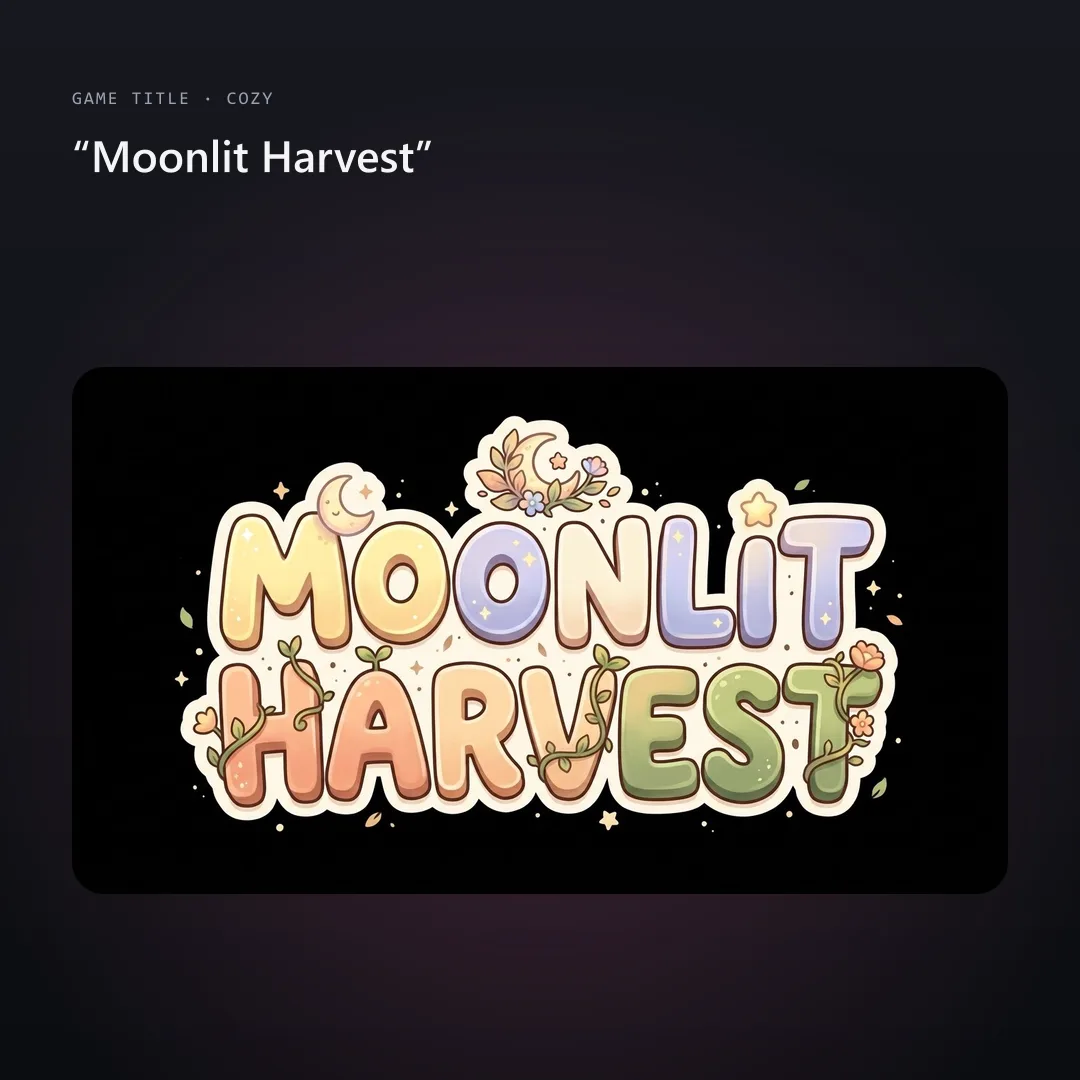 AIAI draws your idea
Image Studio sets your title as bold custom lettering in the genre style you pick, centered on black with room around it for capsules and title screens.
- PNG3YoursYou download the file
As PNG. You can use it however you like.
What people do with the image
You download it as PNG.
Export presets set the format, scale and texture size for each engine.
Fill a level with props before you commit to final art.
Every asset uses the same locked style, so a whole set looks like one game.
GLB opens in Blender if you want to tweak, rig or re-texture it.
How this template works
Image Studio letters your exact title in the look of your genre, adds a small emblem and puts it on a plain background you can remove.
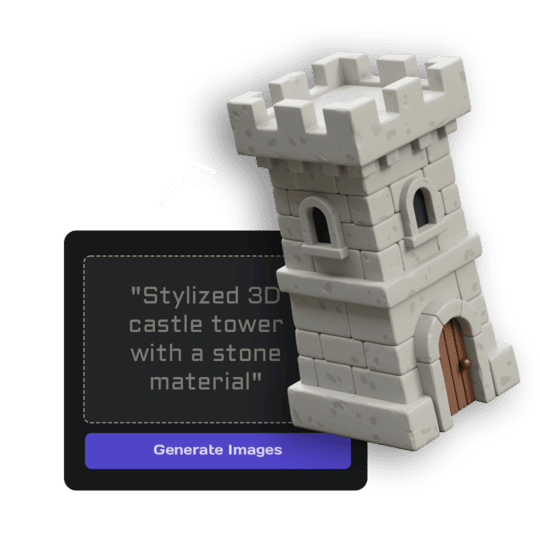 1Open Image StudioStep 1 · Image Studio
Letter the logo
Image Studio sets your title as bold custom lettering in the genre style you pick, centered on black with room around it for capsules and title screens.
Nano Banana 2.1 (text) or GPT Image 2.5 Flare (sketch)
Do it yourself for more control
- Remove the background in Image Studio and place the logo over your key art.
- Try every genre option; one name can feel very different in each.
- Upscale the logo for trailers and press kits.
What is 3D AI Studio?
3D AI Studio is a web app that makes 3D models, images and sounds with AI. It runs in your browser, so there is nothing to install.
A template is a saved recipe. It runs a fixed set of AI tools with settings we've already tested, so all you add is a photo or a sentence.
- Step 1Image Studio
Draws a picture from a sentence or a sketch.
What you need
- One sentenceDescribe it like you'd tell a friend
- 3D software or skillsNot needed. It all happens in the browser
- A free accountSign up with Google or email
Sign up for free and make your first one right away. Downloading the files is part of the paid plans.
epic fantasy RPG logo, carved gold and stone lettering with sharp serifs and a subtle glow, a small sword or rune emblem.
sleek sci-fi logo, chrome and neon blue bevelled lettering with angular futuristic shapes, a small planet or ship emblem.
cozy life-sim logo, soft rounded hand-lettered type in warm pastel colours with a little leaf or flower emblem, friendly and charming.
horror game logo, distressed cracked lettering in blood red and bone white, eerie and unsettling, a small skull or eye emblem.
retro 80s arcade logo, chunky lettering with a sunset gradient, a chrome outline and a starry glow.
The files you get
Use it anywhere: print, web, socials or a game.
How to describe it
- Type the title exactly as it should read; short titles letter best.
- Check the spelling in the result: long or invented words can come out with a typo, so run it again if one slips in.
- Pick the genre that matches your game's art, not just its story.
Good to know: The logo is a PNG image, not a vector file; long titles (over about 25 letters) can come out with spelling slips.
Run this template from Claude, ChatGPT or Cursor
Connect the 3D AI Studio MCP to your AI assistant and paste the brief into the chat. It runs the same steps with the same prompts and settings, shows you the result in the conversation and saves it to your library.
- Connect the MCP once in your account settings. It's included in every paid plan.
- Copy the brief and swap the example in the first line for your own.
- Paste it into a new chat. Your assistant runs every step and shows you each result.
generate_image_nano_2_1get_generationshow_generationUse the 3D AI Studio MCP to run the "Game Title Logo" template (https://www.3daistudio.com/templates/game-logo-generator) for me.
My text: Moonlit Harvest
Genre: Fantasy
Layout: Classic
Follow these steps in order. The prompts and settings are the template's own, so use them word for word and only put my text where it says {MY TEXT}.
1. Letter the logo
Call generate_image_nano_2_1 with aspect_ratio "16:9", resolution "1K", output_format "png" and this prompt:
"""
Game title: "{MY TEXT}". Style: epic fantasy RPG logo, carved gold and stone lettering with sharp serifs and a subtle glow, a small sword or rune emblem. A video game title logo for the title screen and the store page: the game's name as bold, highly legible custom lettering, spelled exactly as given, letter for letter, with no extra words, a small emblem or ornament integrated into the lettering, centered with generous empty margin. No scene, no characters, no tagline, no other text, no watermark. Plain solid black background.
"""
After each generation call, keep polling get_generation with its task_id until it completes, then show me the result with show_generation before you start the next step.Or automate it with the API
The same tools are available through the 3D AI Studio API. Call them from your own code to make hundreds at once, build them into your app or run them in your pipeline.
Game Title Logo: questions & answers
3D AI Studio is a web app that makes 3D models, images and sounds with AI. It runs in your browser, so there is nothing to install. A template is a saved recipe. It runs a fixed set of AI tools with settings we've already tested, so all you add is a photo or a sentence.
Yes. Logos you generate are yours to use on store pages, title screens and trailers.
Yes. Open the logo in Image Studio and remove the black background.
Run it again; every run letters the title from scratch, and short titles are almost always right.
Sign up for free and make your first one right away. Downloading the files is part of the paid plans.
Type your game's name and get a title logo
Similar templates
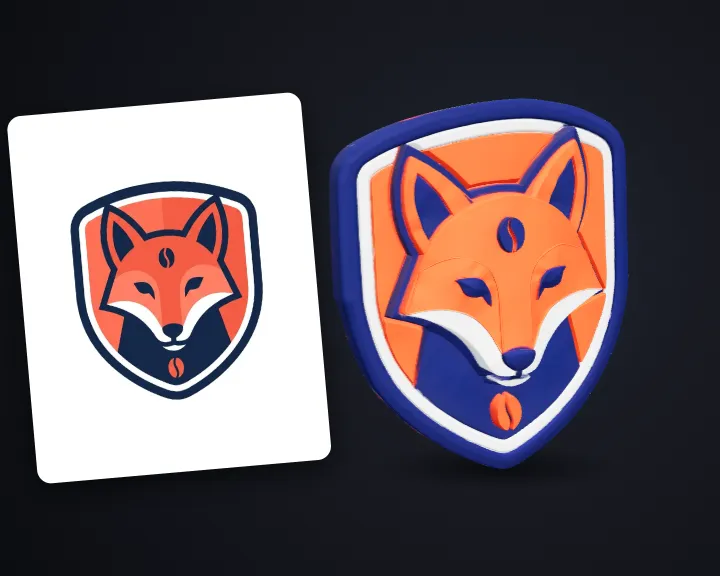 3D LogoTurn your flat logo into a 3D logo
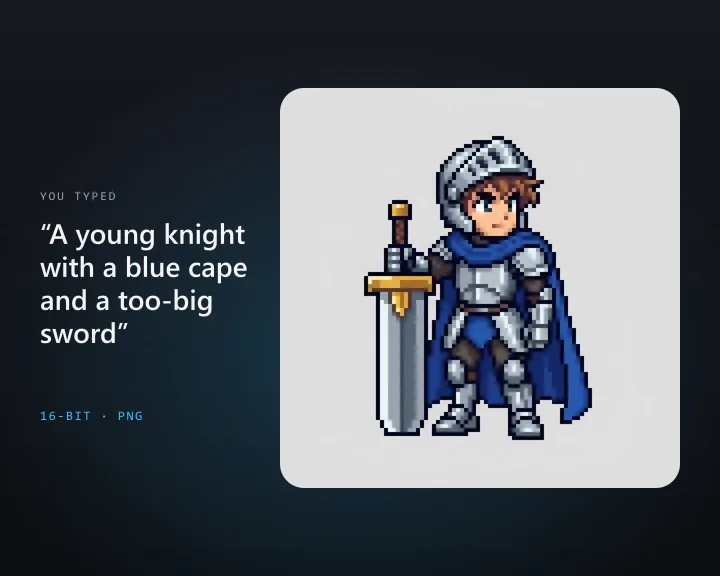 Pixel Art SpriteDescribe a character and get a pixel art game sprite
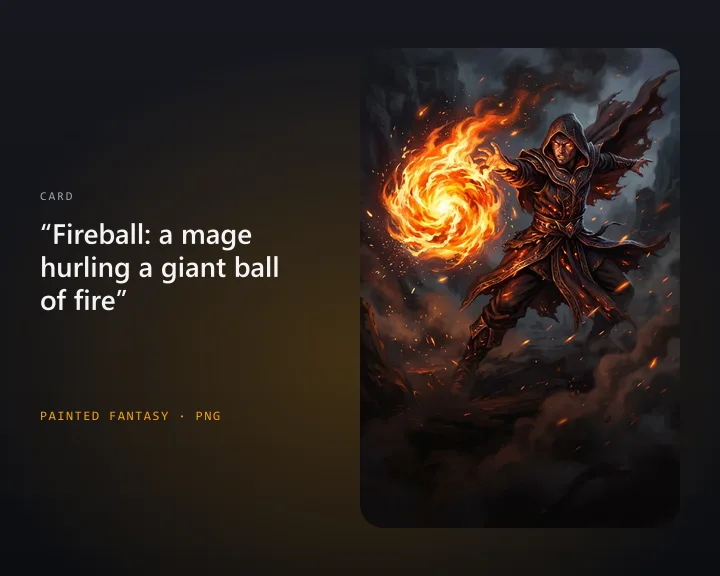 Card Game ArtDescribe a card and get illustration art for your card game
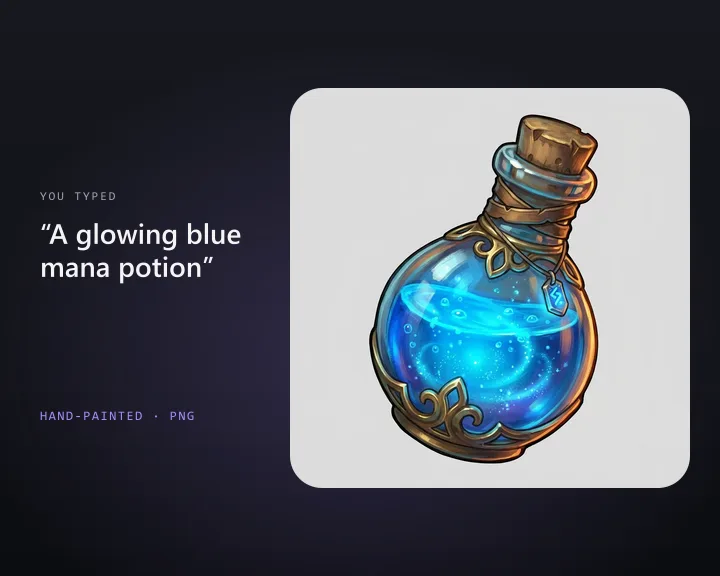 Inventory IconDescribe an item and get a 2D game inventory icon
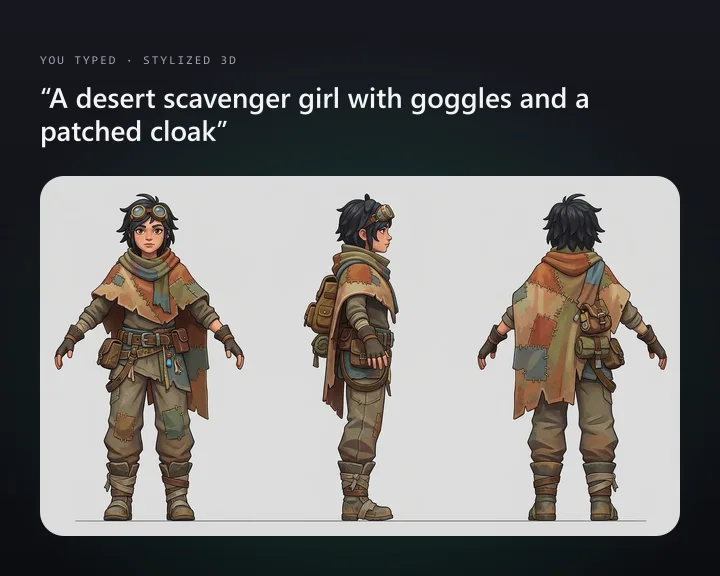 Character Turnaround SheetDescribe a character and get front, side and back views
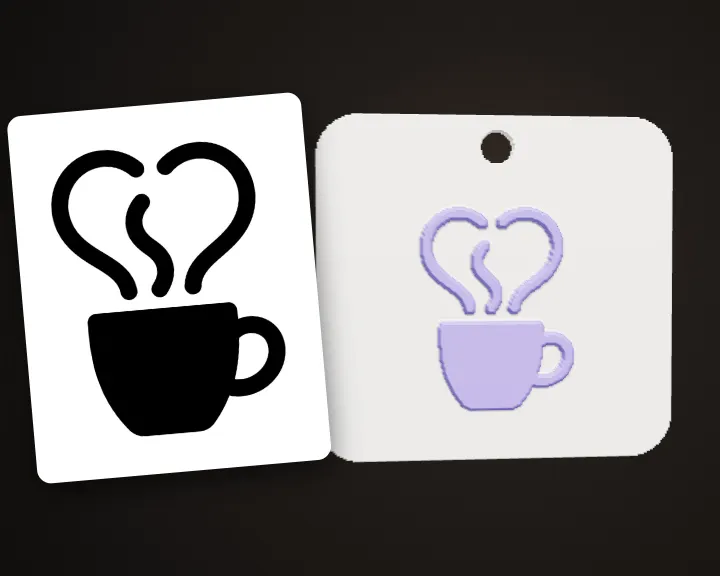 Logo KeychainTurn your logo into a 3D printable keychain
 3D Packaging MockupDescribe your product and get a 3D packaging mockup
 Brand MascotTurn your brand idea into a 3D mascot character