

Custom Keychain Maker
Turn your logo into a 3D printable keychain
Upload your image. About 8 s later you download a 3D printable keychain as STL, ready to print. No 3D skills needed.
Make 3D printable keychain
Turn your logo into a 3D printable keychain. The prompts and settings are already done for you.
Instant · runs in your browser · STL export
Made with this template
The card in the corner shows what went in.


Each example is an actual run of this template at Standard quality, made from a sample image.
From idea to file in about 8 s
Upload your image, then wait while the AI runs. Nothing to set up.
- 1YouYou add an image
A dark logo on a light background (PNG or JPG)
- 3D Relief2
 AIYour picture becomes 3D relief
Dark pixels become the raised 1.2 mm logo on a 2.4 mm plate, and a 4.5 mm ring hole is cut into the top. Use a filament swap at the logo height for a two-colour print.
- STL3YoursYou download the file
As STL. You can use it however you like.
Print it at home or order it
Open the STL in your slicer, or upload it to a print service if you don't have a printer.
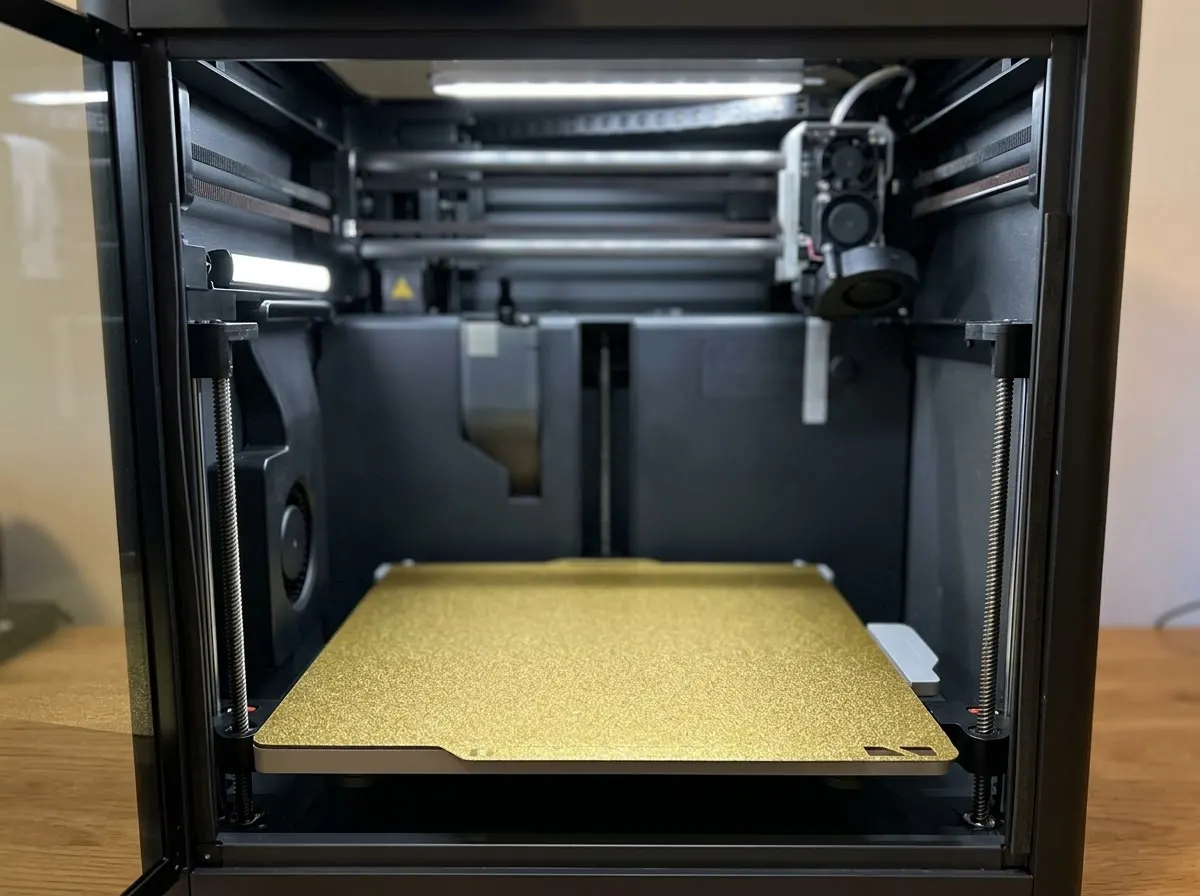


Any FDM or resin printer works. Open the file in your slicer and press print.
Upload the STL to an online print service or a local print shop and get it delivered.
Birthdays, weddings, a thank-you for a teacher. Nobody else will have the same one.
Print in grey and paint it, or print in colour if your printer can.
How this template works
The keychain is a plate with your logo raised on top and a ring hole, built in your browser from the dark shapes of your image.
 1Open SVG to 3DStep 1 · SVG to 3D
Build the keychain
Dark pixels become the raised 1.2 mm logo on a 2.4 mm plate, and a 4.5 mm ring hole is cut into the top. Use a filament swap at the logo height for a two-colour print.
2.4 mm plate · +1.2 mm logo · 4.5 mm hole
Do it yourself for more control
- For crisp vector edges, use SVG to 3D with your SVG logo.
- For lettering, use 3D Text with any font.
- To print in two colours, add a filament change at 2.4 mm in your slicer.
What is 3D AI Studio?
3D AI Studio is a web app that makes 3D models, images and sounds with AI. It runs in your browser, so there is nothing to install.
A template is a saved recipe. It runs a fixed set of AI tools with settings we've already tested, so all you add is a photo or a sentence.
- Step 13D Relief
Turns light and dark into raised 3D shapes, right in your browser.
What you need
- An image or logoA dark logo on a light background (PNG or JPG)
- 3D software or skillsNot needed. It all happens in the browser
- A 3D printerOptional. You can order the print online
It runs in your browser, so you can make and preview it for free. Downloading the STL is part of the paid plans.
The files you get
Open it in a slicer such as Bambu Studio, PrusaSlicer or Cura, then press print.
How to describe it
- Use a simple, bold logo; thin lines under 1 mm won't print well.
- A dark logo on a white background works best.
- Remove text that's too small to read at keychain size.
Good to know: Photos and gradients don't work well; use a flat logo or icon.
Logo Keychain: questions & answers
3D AI Studio is a web app that makes 3D models, images and sounds with AI. It runs in your browser, so there is nothing to install. A template is a saved recipe. It runs a fixed set of AI tools with settings we've already tested, so all you add is a photo or a sentence.
Yes. Add a colour change at the top of the base (2.4 mm) in your slicer, or use an AMS for multicolour.
No. PNG or JPG works; dark shapes become the raised design. For perfectly sharp edges, SVG to 3D is the better tool.
It runs in your browser, so you can make and preview it for free. Downloading the STL is part of the paid plans.
Turn your logo into a 3D printable keychain
Similar templates
 Lithophane MakerTurn any photo into a printable lithophane
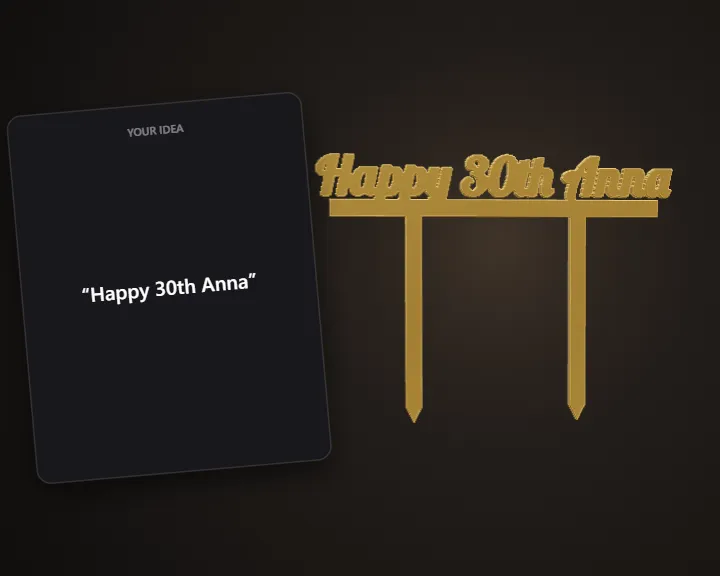 Cake Topper & Name PlaqueTurn any name or phrase into a 3D printable cake topper
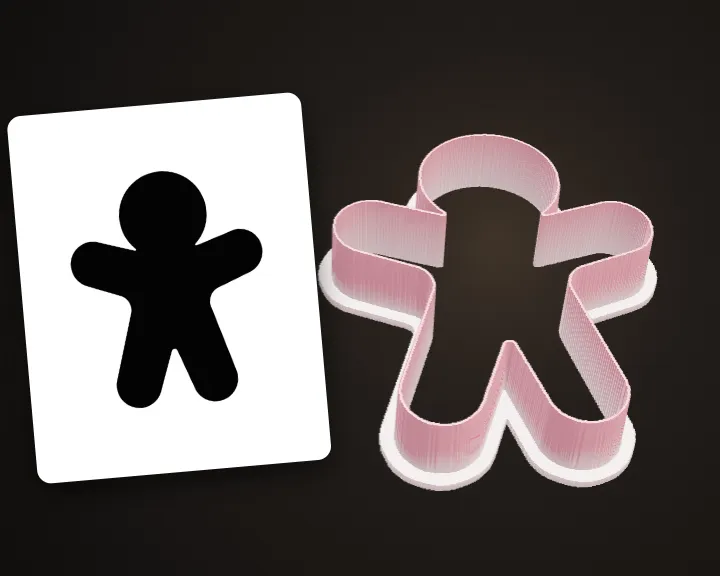 Cookie Cutter MakerTurn any shape or drawing into a cookie cutter
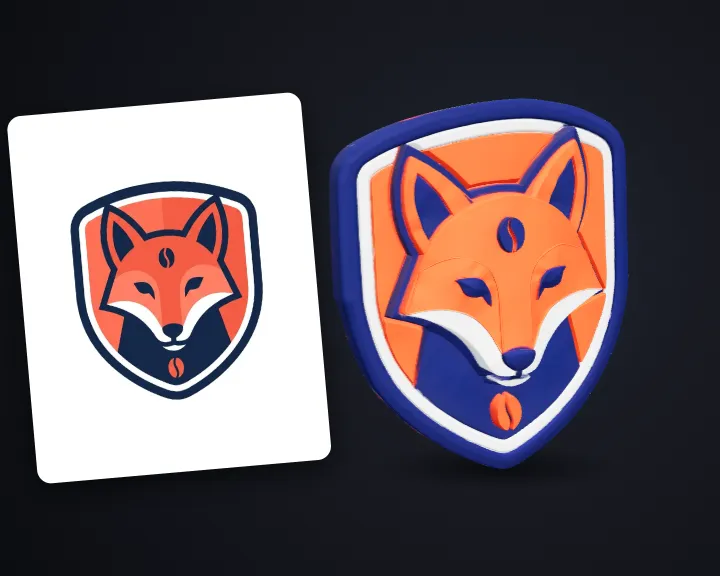 3D LogoTurn your flat logo into a 3D logo
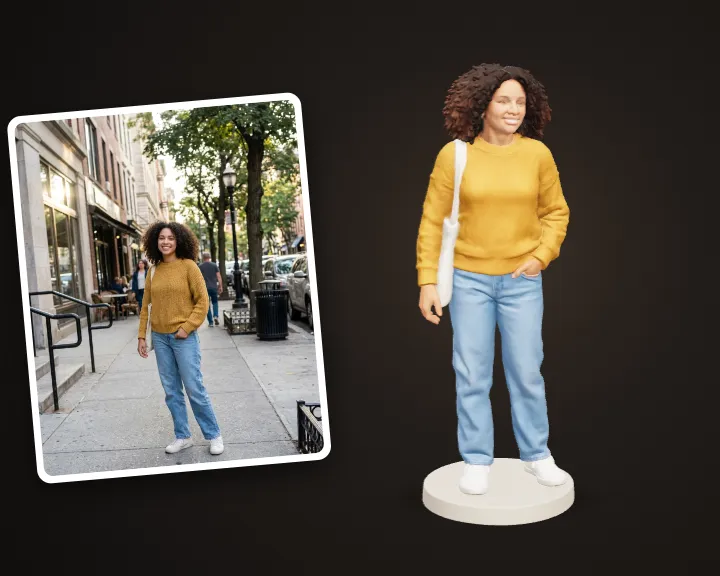 Photo to FigurineTurn your photo into a 3D printable figurine
 Game Title LogoType your game's name and get a title logo
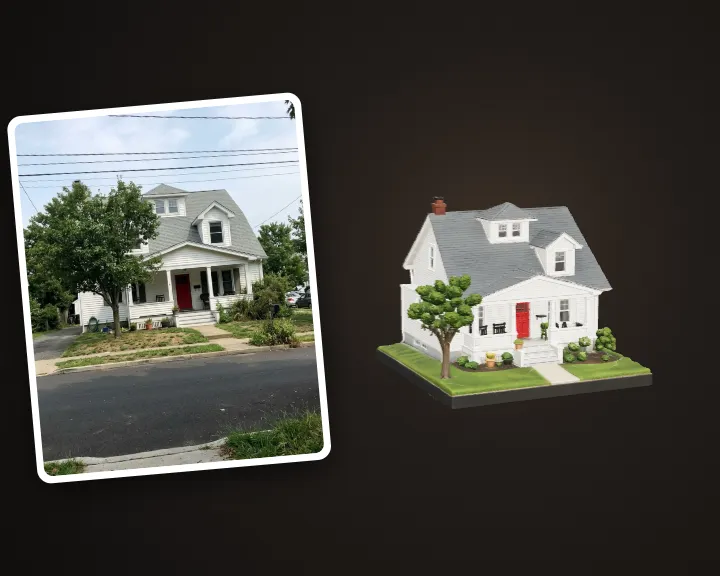 House MiniatureTurn a photo of your home into a printable miniature
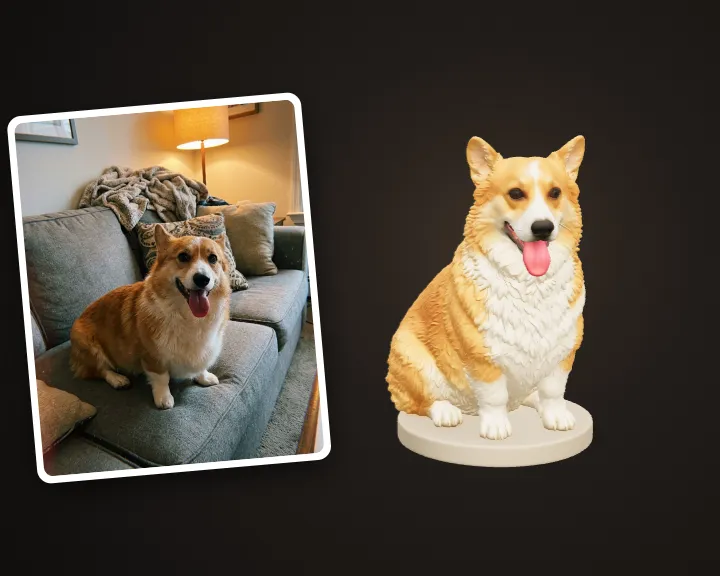 Pet FigurineTurn your pet's photo into a 3D printable figurine