

Pixel Art Sprite Generator
Describe a character and get a pixel art game sprite
Describe it in one sentence. About 20 s later you download a pixel art game sprite as PNG, ready to use in your game. No 3D skills needed.
Make pixel art game sprite
Describe a character and get a pixel art game sprite. The prompts and settings are already done for you.
~20 s · 8-bit, 16-bit or hi-bit · PNG · free to try
Made with this template
The card in the corner shows what went in.


Each example is an actual run of this template at Standard quality, made from a typed idea or a sketch.
From idea to file in about 20 s
Type what you want, then wait while the AI runs. Nothing to set up.
- 1Typed“A young knight with a blue cape and a too-big sword”YouYou describe it
Or upload a sketch of your character
- Image Studio2
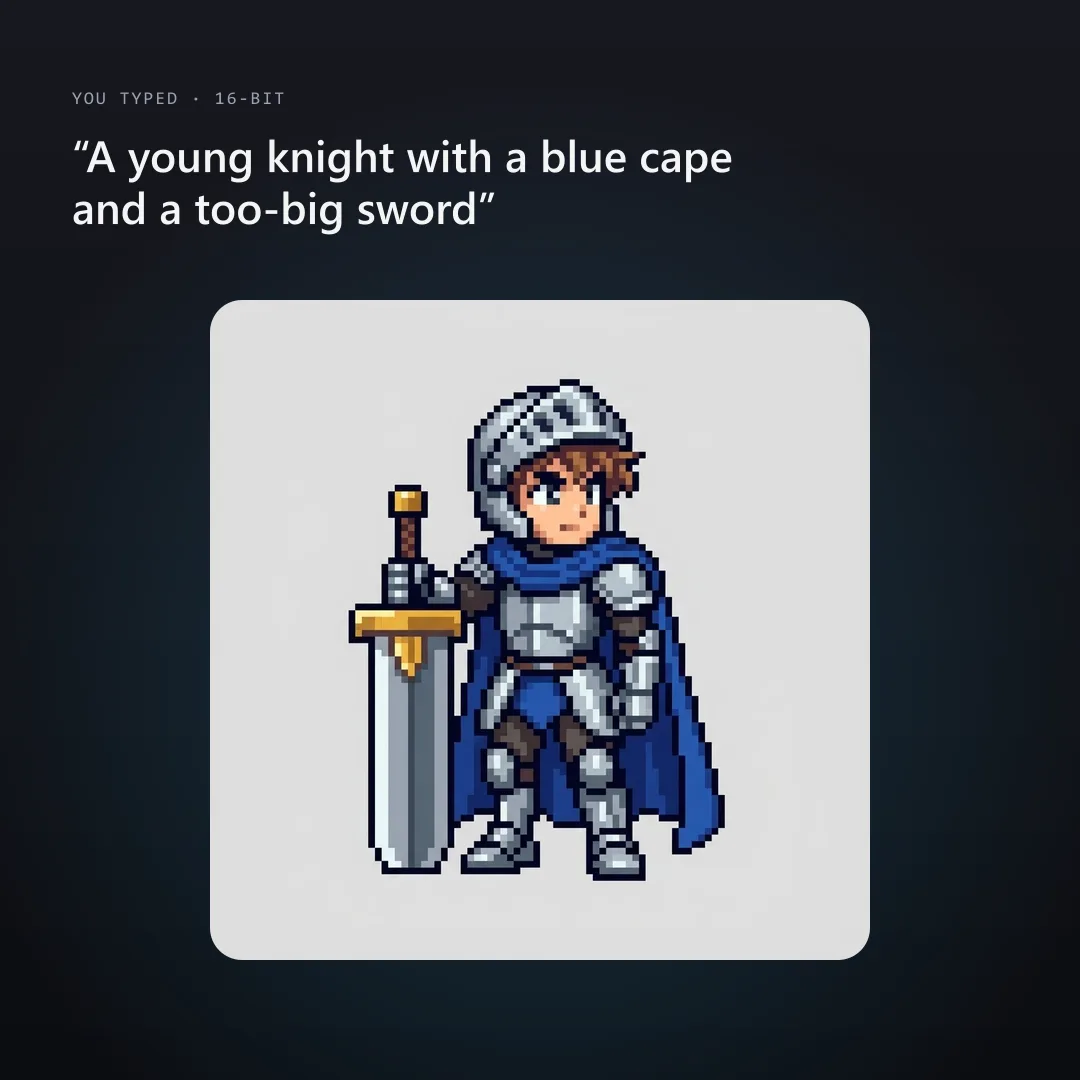 AIAI draws your idea
Image Studio draws one full-body character in an idle pose with hard square pixels, a dark outline and a limited palette, on a flat background that's easy to remove.
- PNG3YoursYou download the file
As PNG. You can use it however you like.
What people do with the image
You download it as PNG.
Export presets set the format, scale and texture size for each engine.
Fill a level with props before you commit to final art.
Every asset uses the same locked style, so a whole set looks like one game.
GLB opens in Blender if you want to tweak, rig or re-texture it.
How this template works
Image Studio draws your character as an idle game sprite in the pixel style you pick. Use the same style for the hero, the shopkeeper and the slime and they'll match.
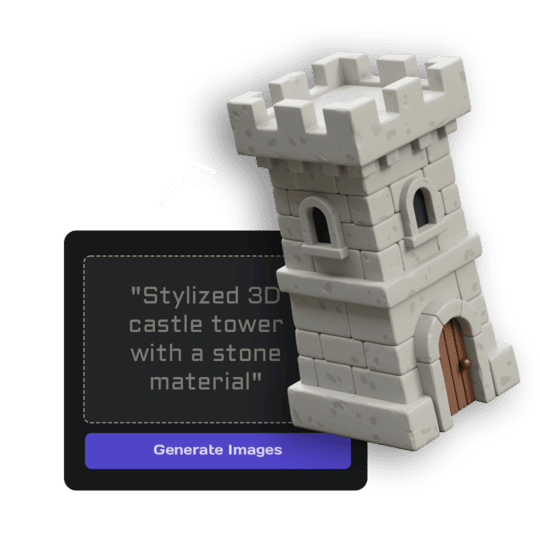 1Open Image StudioStep 1 · Image Studio
Draw the sprite
Image Studio draws one full-body character in an idle pose with hard square pixels, a dark outline and a limited palette, on a flat background that's easy to remove.
Nano Banana 2.1 (text) or GPT Image 2.5 Flare (sketch)
Do it yourself for more control
- Remove the background in Image Studio for a transparent sprite.
- Use the sprite as the reference for walk and attack frames in Aseprite.
- Make the whole cast with the same style option so the palette stays consistent.
What is 3D AI Studio?
3D AI Studio is a web app that makes 3D models, images and sounds with AI. It runs in your browser, so there is nothing to install.
A template is a saved recipe. It runs a fixed set of AI tools with settings we've already tested, so all you add is a photo or a sentence.
- Step 1Image Studio
Draws a picture from a sentence or a sketch.
What you need
- One sentence or a sketchNo prompt skills needed
- 3D software or skillsNot needed. It all happens in the browser
- A free accountSign up with Google or email
Sign up for free and make your first one right away. Downloading the files is part of the paid plans.
16-bit era pixel art, the character about 48 pixels tall, a limited palette of around 16 colours with clean shading ramps.
8-bit era pixel art, the character about 24 pixels tall, a tiny palette of 4 to 6 flat colours, very simple readable shapes.
modern hi-bit pixel art like contemporary indie games, the character about 96 pixels tall, a rich palette with detailed shading and highlights, still hard pixel edges.
The files you get
Use it anywhere: print, web, socials or a game.
How to describe it
- Describe one character with one standout detail: a huge hat, a glowing eye, a pet on the shoulder.
- 8-bit works best for simple silhouettes; hi-bit for detailed heroes.
- A sketch works too; the design and colours are kept.
Good to know: You get one idle frame, not an animated sprite sheet; the pixel grid is approximate, so clean it up in a pixel editor for pixel-perfect assets.
Run this template from Claude, ChatGPT or Cursor
Connect the 3D AI Studio MCP to your AI assistant and paste the brief into the chat. It runs the same steps with the same prompts and settings, shows you the result in the conversation and saves it to your library.
- Connect the MCP once in your account settings. It's included in every paid plan.
- Copy the brief and swap the example in the first line for your own.
- Paste it into a new chat. Your assistant runs every step and shows you each result.
generate_image_nano_2_1upload_imageedit_image_gptget_generationshow_generationUse the 3D AI Studio MCP to run the "Pixel Art Sprite" template (https://www.3daistudio.com/templates/pixel-art-sprite-generator) for me.
My idea: A young knight with a blue cape and a too-big sword
Style: 16-bit
Pose: Idle
Follow these steps in order. The prompts and settings are the template's own, so use them word for word and only put my idea where it says {MY IDEA}.
1. Draw the sprite
Call generate_image_nano_2_1 with aspect_ratio "1:1", resolution "1K", output_format "png" and this prompt:
"""
Character: {MY IDEA}. Style: 16-bit era pixel art, the character about 48 pixels tall, a limited palette of around 16 colours with clean shading ramps. One single full-body game sprite of the character in a neutral idle pose, facing three-quarter front like a classic RPG or platformer sprite, centered with an even margin. Crisp hard-edged square pixels on a clear pixel grid, no anti-aliasing, no blur, no gradients, a clean 1-pixel dark outline around the character. No background scene, no ground, no text, no UI. Plain flat light grey (#E6E6E6) background.
"""
If I want to start from a sketch or reference image instead, call upload_image so I can hand it over, then call edit_image_gpt with the upload in images, quality "low", output_format "png" and this prompt:
"""
Turn the character in the reference image into a pixel art game sprite, keeping its design, outfit and colours. Style: 16-bit era pixel art, the character about 48 pixels tall, a limited palette of around 16 colours with clean shading ramps. One single full-body game sprite of the character in a neutral idle pose, facing three-quarter front like a classic RPG or platformer sprite, centered with an even margin. Crisp hard-edged square pixels on a clear pixel grid, no anti-aliasing, no blur, no gradients, a clean 1-pixel dark outline around the character. No background scene, no ground, no text, no UI. Plain flat light grey (#E6E6E6) background.
"""
After each generation call, keep polling get_generation with its task_id until it completes, then show me the result with show_generation before you start the next step.Or automate it with the API
The same tools are available through the 3D AI Studio API. Call them from your own code to make hundreds at once, build them into your app or run them in your pipeline.
Pixel Art Sprite: questions & answers
3D AI Studio is a web app that makes 3D models, images and sounds with AI. It runs in your browser, so there is nothing to install. A template is a saved recipe. It runs a fixed set of AI tools with settings we've already tested, so all you add is a photo or a sentence.
Yes. Sprites you generate are yours to use in your games.
No, one idle frame per run. Use it as the reference for walk and attack frames in your pixel editor.
Import with point (nearest-neighbour) filtering and no compression, then scale by whole numbers.
Sign up for free and make your first one right away. Downloading the files is part of the paid plans.
Describe a character and get a pixel art game sprite
Similar templates
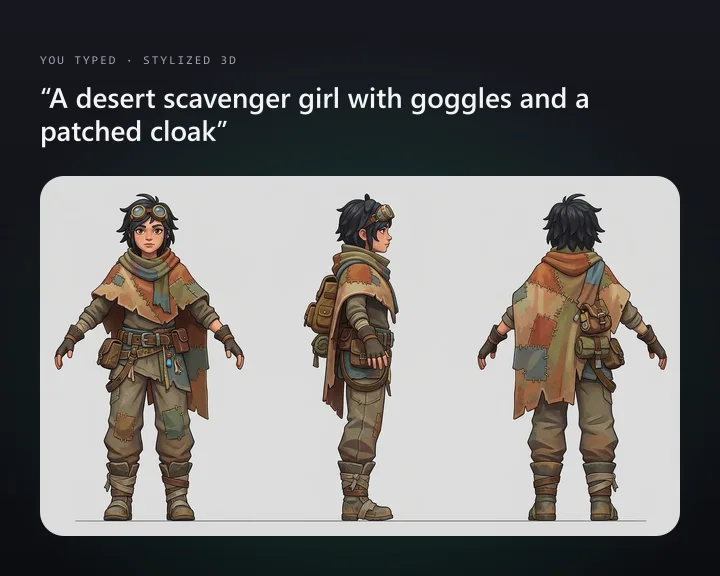 Character Turnaround SheetDescribe a character and get front, side and back views
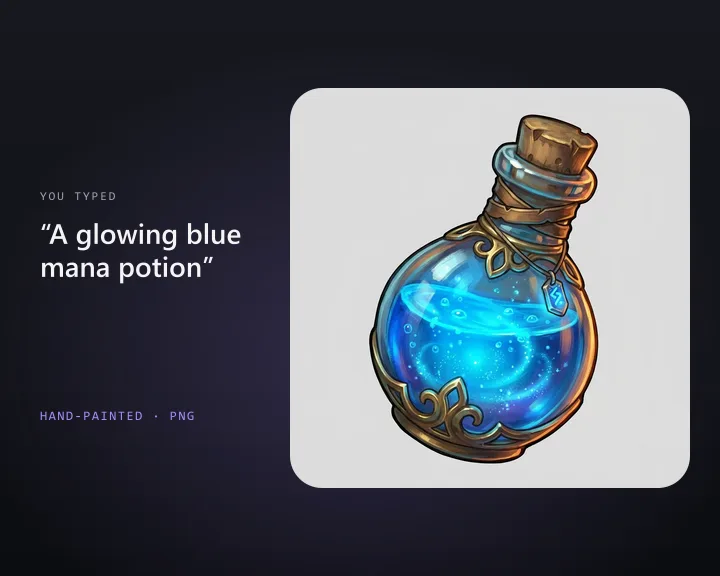 Inventory IconDescribe an item and get a 2D game inventory icon
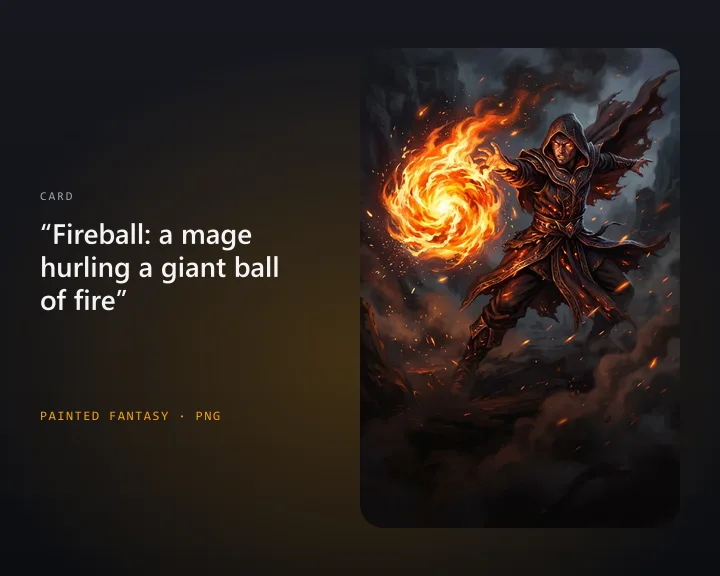 Card Game ArtDescribe a card and get illustration art for your card game
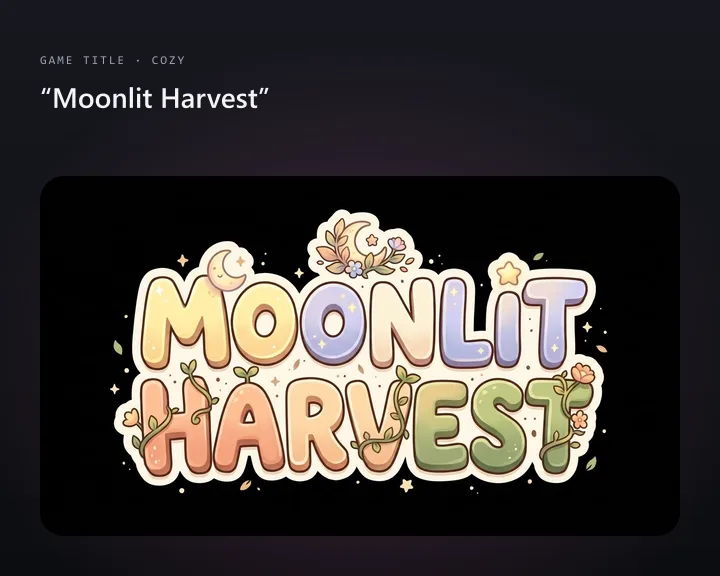 Game Title LogoType your game's name and get a title logo
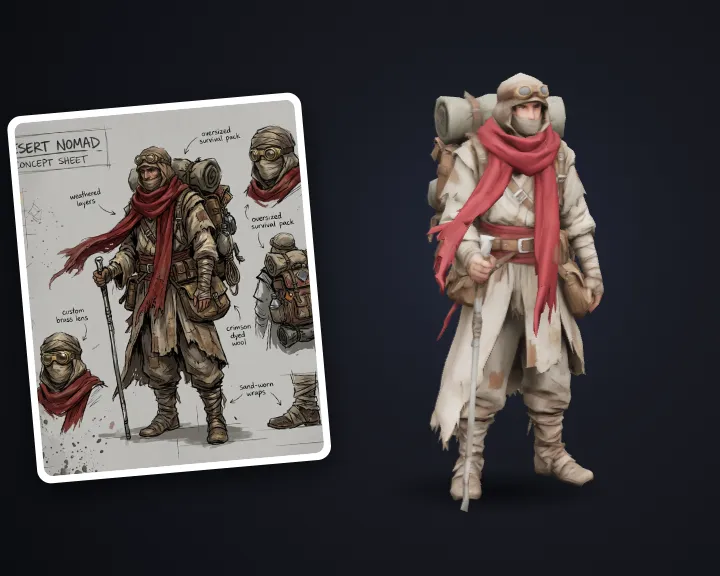 Concept Art to 3DTurn concept art into a clean 3D game model
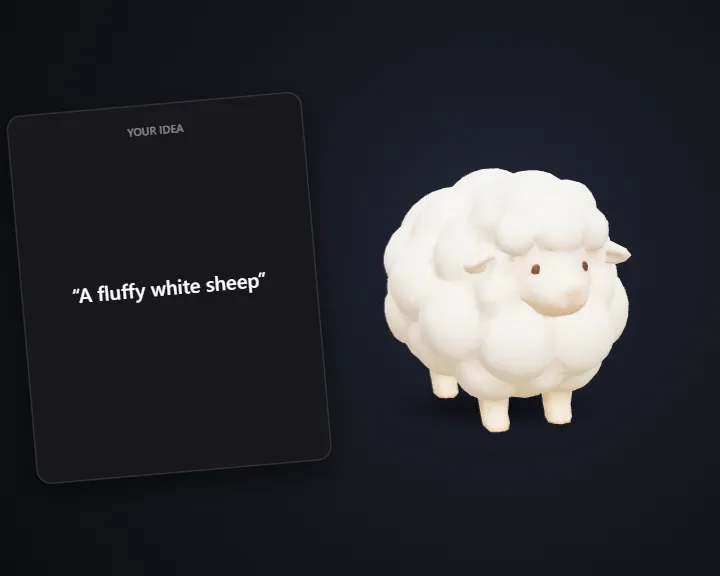 Stylized Animals & CrittersTurn an idea into a stylized 3D animal for your game
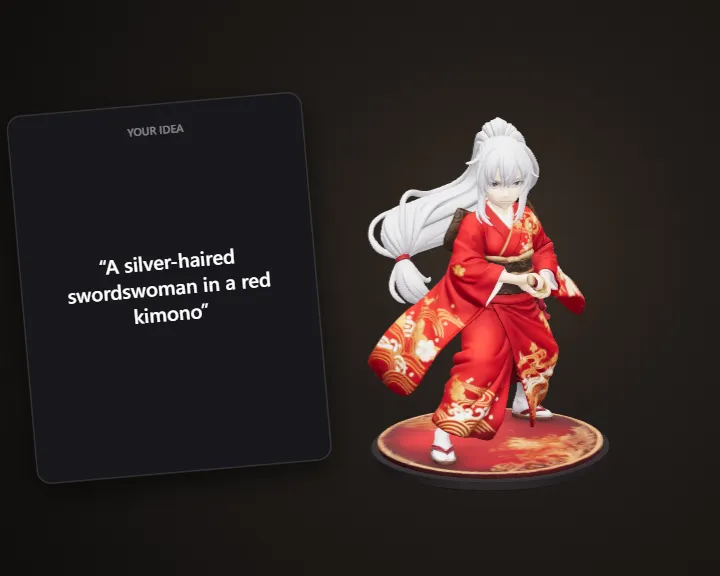 Anime FigureDescribe your character and get a printable anime figure
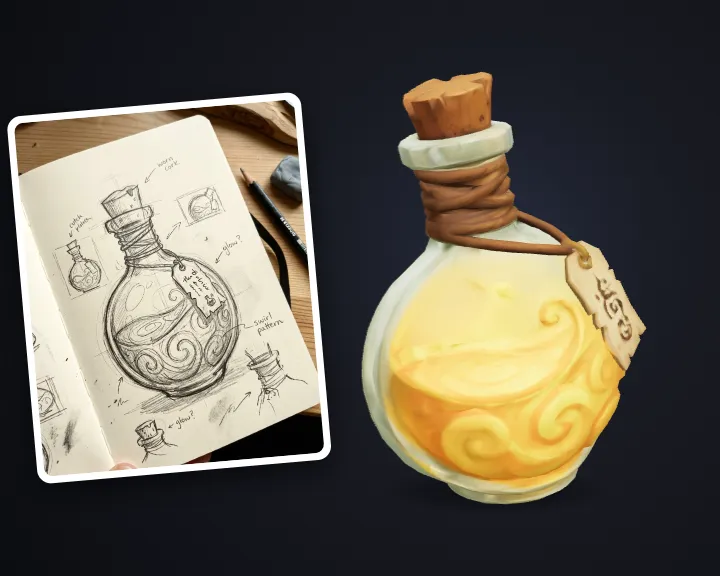 Stylized Hand-Painted PropTurn an idea into a stylized hand-painted game prop