

D&D Token Maker
Turn a character into a round token for online play
Describe your character or upload their art and pick a style and a ring. About 20 seconds later you download a round token as a transparent PNG, ready for Roll20, Foundry or Owlbear Rodeo.
Make round token
Turn a character into a round token for online play. The prompts and settings are already done for you.
~20 s · transparent PNG · ring style of your choice · free to try
Made with this template
The card in the corner shows what went in.


Each example is an actual run of this template at Standard quality, made from a typed idea or a sketch.
From idea to file in about 20 s
Type what you want, then wait while 2 AI steps run. Nothing to set up.
- 1Typed“A tiefling warlock with curled horns and a glowing tome”YouYou describe it
Or upload a photo of yourself or your character art
- Image Studio2
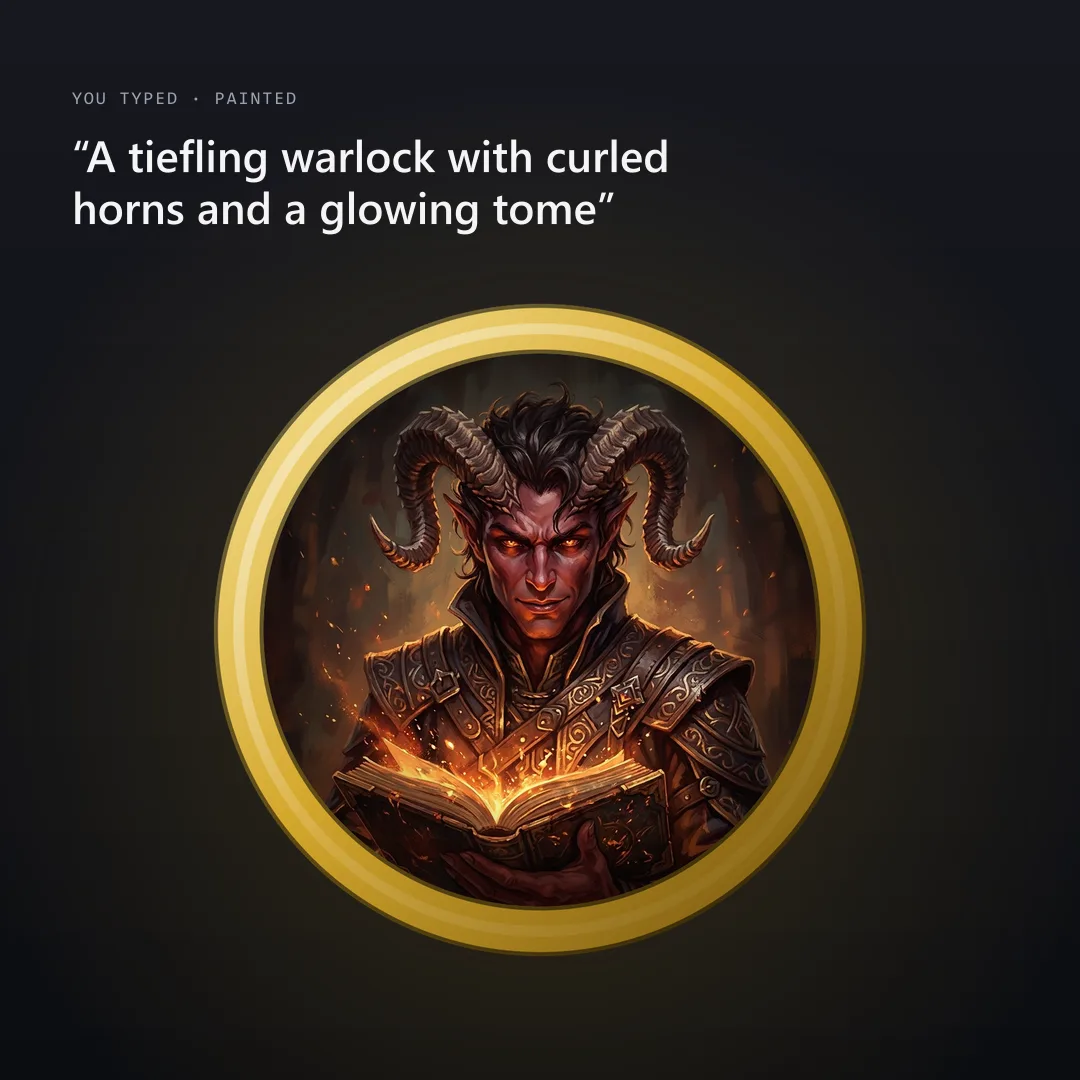 AIAI draws your idea
Image Studio paints your character with the face large in the middle, so nothing important ends up under the ring.
- Image Studio3AIFramed as a round token
Your browser cuts the portrait into a circle, adds the ring you picked and saves a transparent PNG. Changing the ring later is free.
- PNG4YoursYou download the file
As PNG. You can use it however you like.
What people do with the image
You download it as PNG.
Drop the PNG onto Roll20, Foundry VTT or Owlbear Rodeo and it fits one square of the grid.
Print them on sticker paper or card, cut them out and stick them on bases.
One art style for the party, green rings for allies and red rings for enemies.
How this template works
A token is the round picture of your character on a virtual tabletop. Image Studio paints the portrait in the style you pick, then the template frames it with a ring and cuts it out as a transparent PNG.
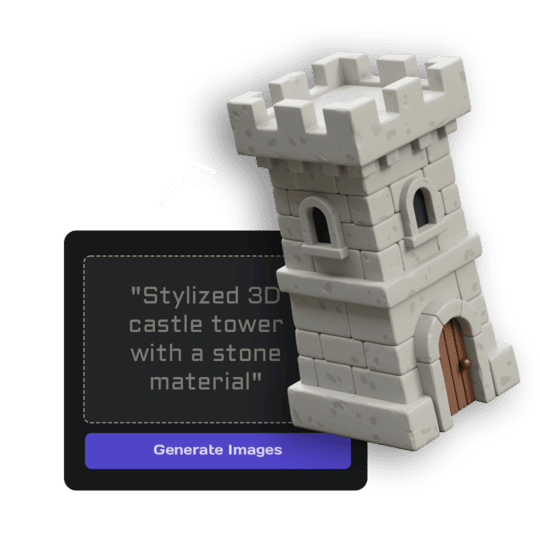 1Open Image StudioStep 1 · Image Studio
Paint the portrait
Image Studio paints your character with the face large in the middle, so nothing important ends up under the ring.
Nano Banana 2.1 (text) or GPT Image 2.5 Flare (sketch) · 1K
- 2Open Image StudioStep 2 · Image Studio
Frame the token
Your browser cuts the portrait into a circle, adds the ring you picked and saves a transparent PNG. Changing the ring later is free.
1024 px transparent PNG · made in your browser
Do it yourself for more control
- Upload the PNG to Roll20, Foundry VTT or Owlbear Rodeo and drop it on the grid.
- Use green rings for the party and red for enemies so everyone reads the map at a glance.
- Turn the same character into a printable miniature with the D&D Character Miniature template.
Every D&D template, with real examples and tips for printing and playing.
What is 3D AI Studio?
3D AI Studio is a web app that makes 3D models, images and sounds with AI. It runs in your browser, so there is nothing to install.
A template is a saved recipe. It runs a fixed set of AI tools with settings we've already tested, so all you add is a photo or a sentence.
- Step 1Image Studio
Cuts the portrait into a circle with a ring and a transparent background, right in your browser.
What you need
- One sentence or a sketchNo prompt skills needed
- 3D software or skillsNot needed. It all happens in the browser
- A free accountSign up with Google or email
Sign up for free and make your first one right away. Downloading the files is part of the paid plans.
Richly painted fantasy portrait like official tabletop RPG art, dramatic warm lighting, painterly brushwork, vivid colours.
Ink and watercolour illustration, confident ink linework with loose watercolour washes on paper-white highlights, like a classic fantasy book illustration.
Dark gritty fantasy portrait, moody low-key lighting, desaturated colours with one strong accent colour, weathered and battle-worn.
Clean anime illustration, crisp line art, cel shading and bright saturated colours.
The files you get
Use it anywhere: print, web, socials or a game.
How to describe it
- Name the creature and one detail: "a goblin archer with a crooked grin".
- Upload your character art to keep its exact look, or a photo to play as yourself.
- Pick Top-down for battle-map tokens seen from above.
Good to know: Tokens are 1024 px PNGs, not vector files; they look sharp at every grid size on screen.
D&D Token Maker: questions & answers
3D AI Studio is a web app that makes 3D models, images and sounds with AI. It runs in your browser, so there is nothing to install. A template is a saved recipe. It runs a fixed set of AI tools with settings we've already tested, so all you add is a photo or a sentence.
Yes. Everything outside the ring is transparent, so the token sits cleanly on any map.
Any that accept PNG tokens: Roll20, Foundry VTT, Owlbear Rodeo, Fantasy Grounds and D&D Beyond Maps.
Yes. Pick another ring and apply it; the portrait stays the same and it costs nothing.
Sign up for free and make your first one right away. Downloading the files is part of the paid plans.
Turn a character into a round token for online play
Similar templates
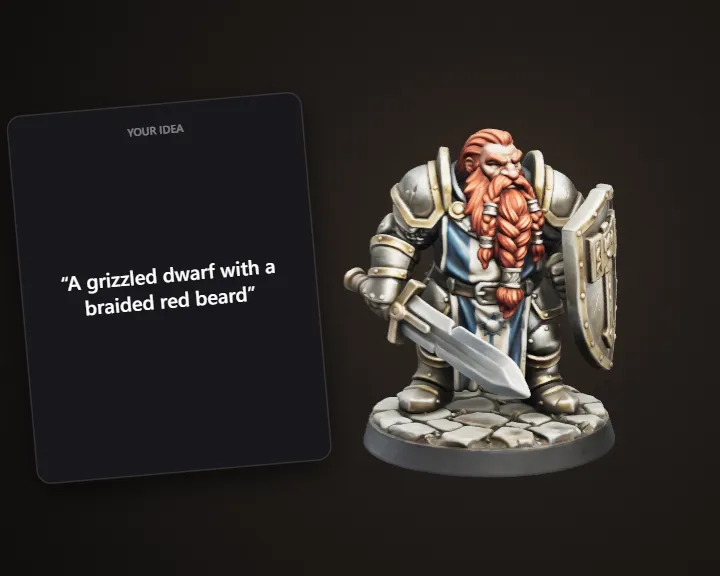 D&D Character MiniatureBuild your D&D character as a printable miniature
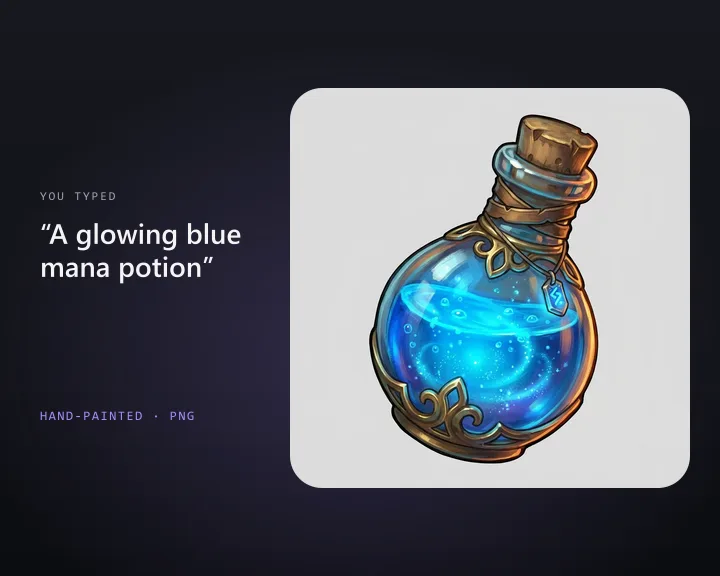 Inventory IconDescribe an item and get a 2D game inventory icon
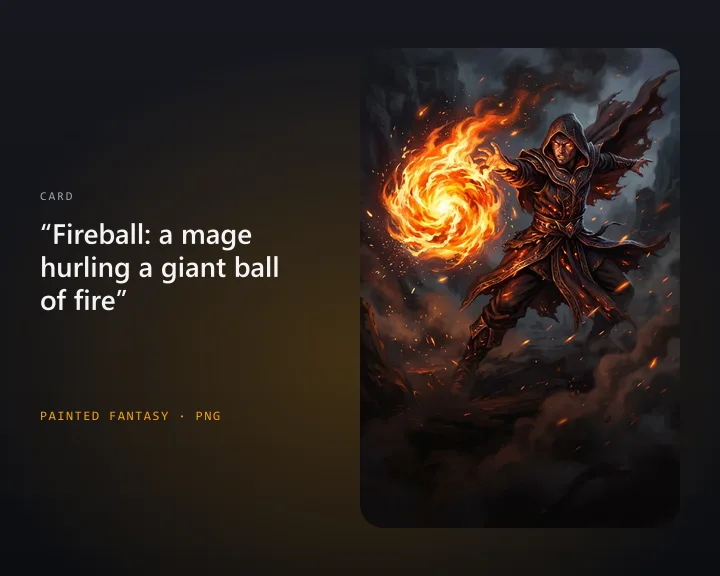 Card Game ArtDescribe a card and get illustration art for your card game
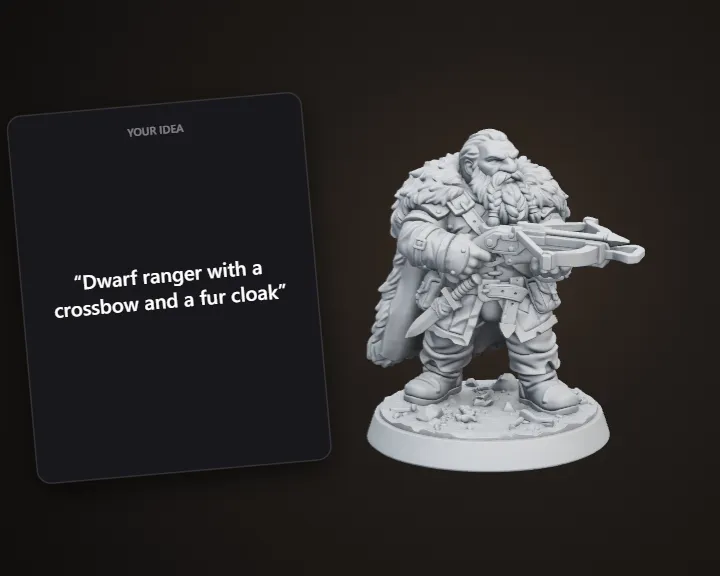 Tabletop MiniatureDescribe a hero and get a printable 32 mm miniature
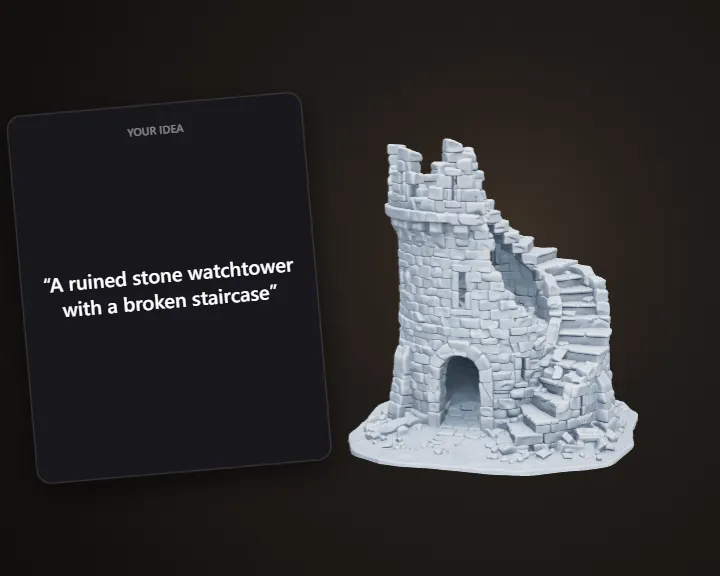 Tabletop TerrainDescribe a scene piece and get printable terrain
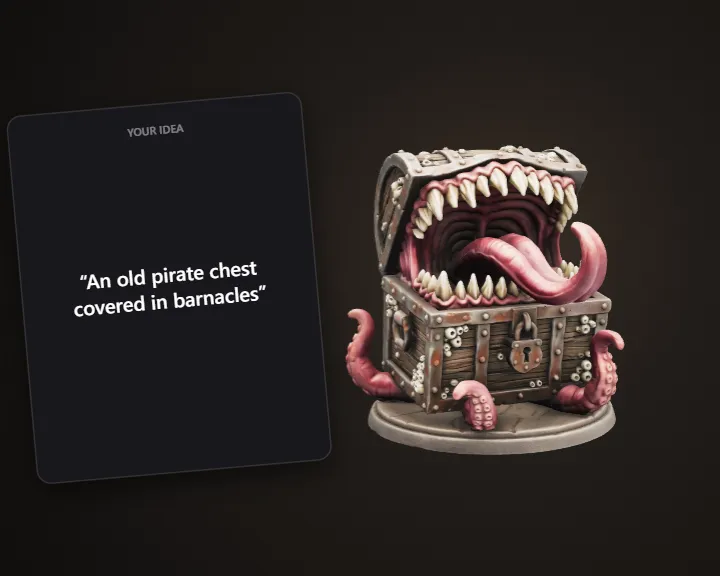 Mimic ChestDescribe a chest and get a printable mimic monster
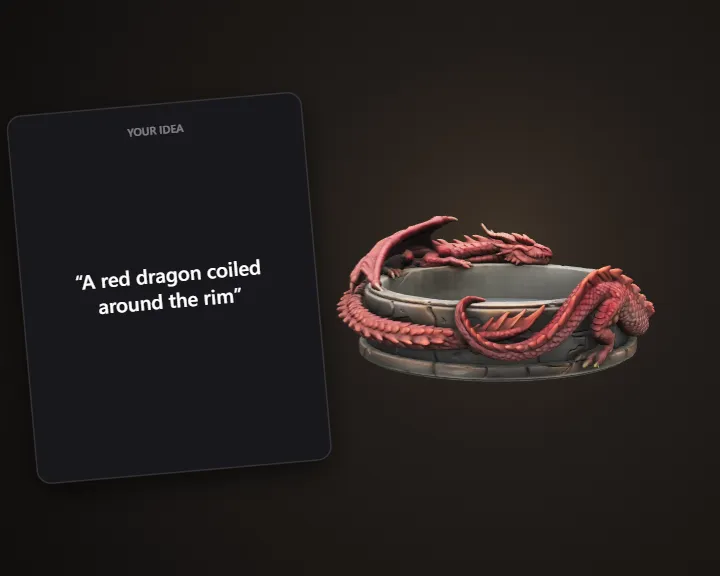 D&D Dice TrayPick a theme and get a 3D printable dice tray
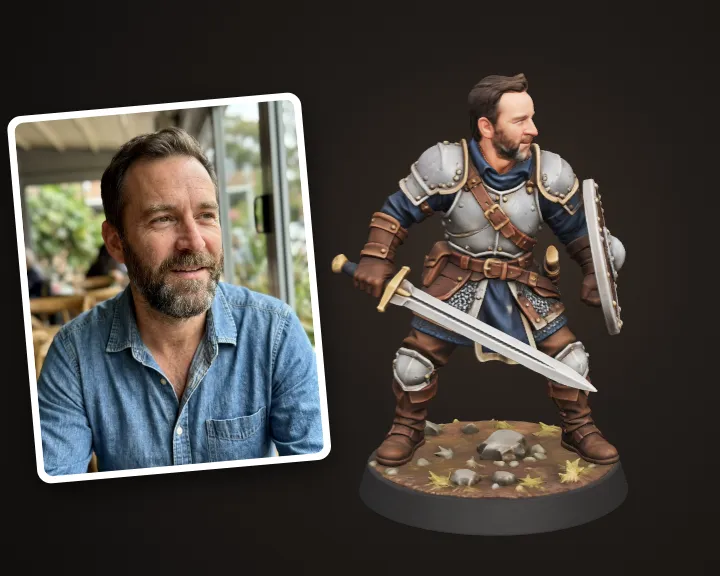 Hero Miniature of YouTurn your photo into a 32 mm tabletop hero miniature