

Monster Miniature Generator
Describe a monster and get a printable tabletop miniature
Describe it in one sentence. About 2–3 min later you download a printable tabletop miniature as STL or 3MF, ready to print. No 3D skills needed.
Make printable tabletop miniature
Describe a monster and get a printable tabletop miniature. The prompts and settings are already done for you.
~2–3 min · sized round base · STL & 3MF · free to try
Made with this template
The card in the corner shows what went in.


Each example is an actual run of this template at Standard quality, made from a typed idea or a sketch.
From idea to file in about 2–3 min
Type what you want, then wait while 2 AI steps run. Nothing to set up.
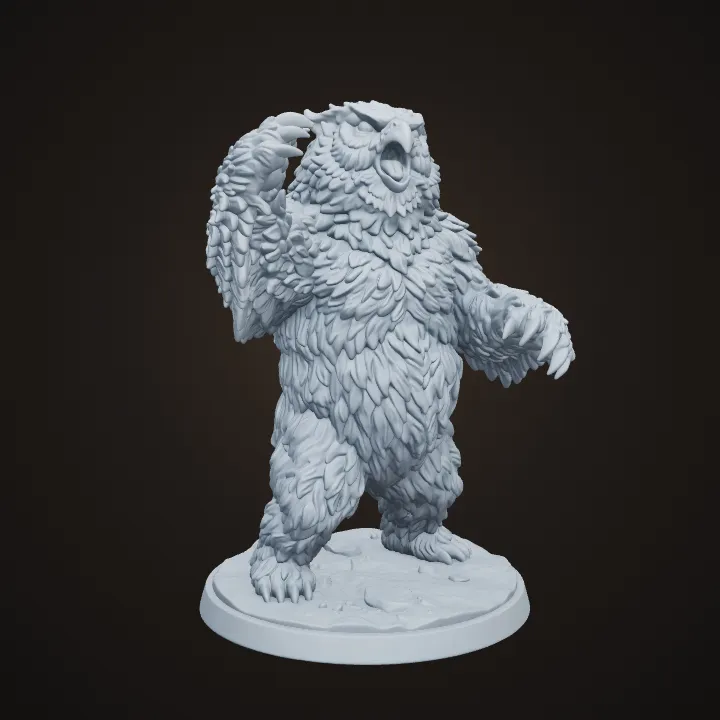
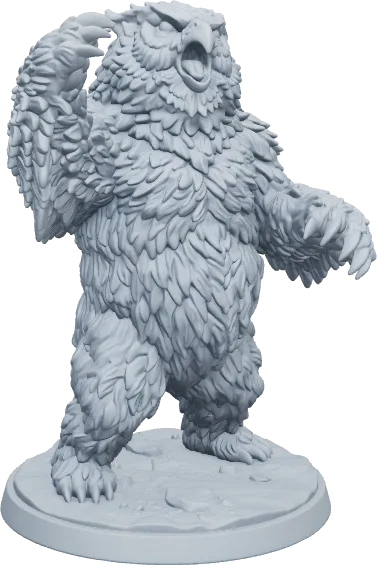
- 1Typed“An owlbear rearing up with shaggy feathers”YouYou describe it
Or upload a sketch of your monster
- Image Studio2
 AIAI draws your idea
Image Studio poses the monster with claws, wings and tails close to the body on a 25, 50 or 75 mm round base, matched to how big the creature is.
- Image to 3D3AIAI builds it in 3D
Image to 3D (Prism 3.1) builds the miniature with Fast textures and Standard mesh quality.
- STL 3MF OBJ4YoursYou download the file
As STL, 3MF or OBJ. You can use it however you like.
Print it at home or order it
Open the STL in your slicer, or upload it to a print service if you don't have a printer.
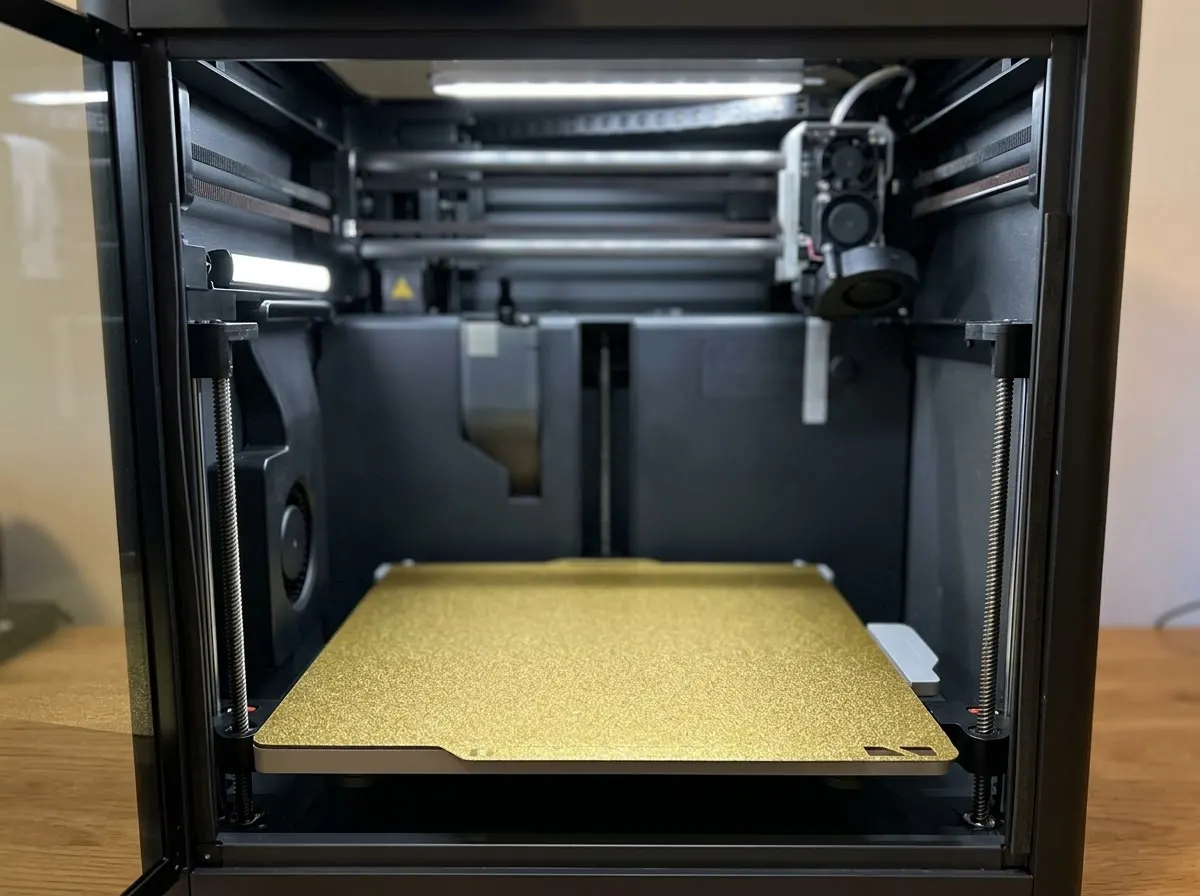
Any FDM or resin printer works. Open the file in your slicer and press print.
Upload the STL to an online print service or a local print shop and get it delivered.
Birthdays, weddings, a thank-you for a teacher. Nobody else will have the same one.
Print in grey and paint it, or print in colour if your printer can.
How this template works
Every session needs a new monster. Image Studio designs yours as a compact miniature on a base that fits its size, then Image to 3D builds it ready for the slicer.
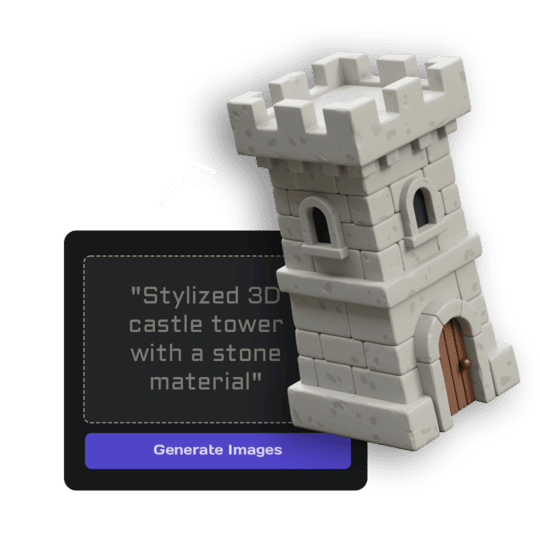 1Open Image StudioStep 1 · Image Studio
Design the monster
Image Studio poses the monster with claws, wings and tails close to the body on a 25, 50 or 75 mm round base, matched to how big the creature is.
Nano Banana 2.1 (text) or GPT Image 2.5 Flare (sketch)
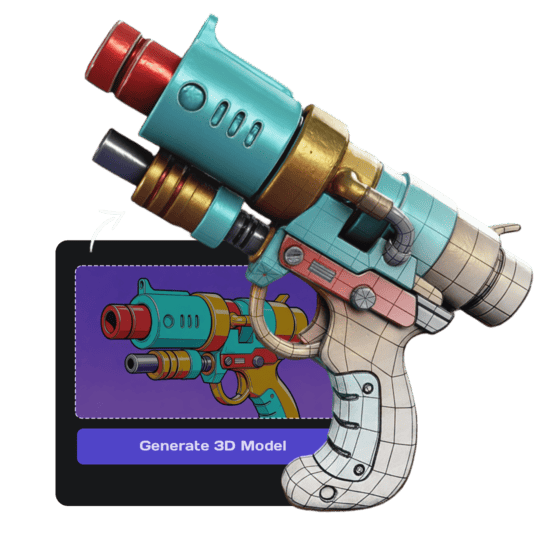 2Open Image to 3DStep 2 · Image to 3D
Build the 3D model
Image to 3D (Prism 3.1) builds the miniature with Fast textures and Standard mesh quality.
Prism 3.1 · Fast textures · Standard mesh
Do it yourself for more control
- Scale it in your slicer so the base matches your grid: 25 mm medium, 50 mm large, 75 mm huge.
- Use Ultra mesh quality and a resin printer for the crispest detail.
- Print a few in grey primer and paint them as a matching encounter.
Miniatures, terrain and props for your table.
What is 3D AI Studio?
3D AI Studio is a web app that makes 3D models, images and sounds with AI. It runs in your browser, so there is nothing to install.
A template is a saved recipe. It runs a fixed set of AI tools with settings we've already tested, so all you add is a photo or a sentence.
- Step 1Image Studio
Draws a picture from a sentence or a sketch.
- Step 2Image to 3D
Turns a single picture into a textured 3D model.
What you need
- One sentence or a sketchNo prompt skills needed
- 3D software or skillsNot needed. It all happens in the browser
- A 3D printerOptional. You can order the print online
- A free accountSign up with Google or email
Sign up for free and make your first one right away. Downloading the files is part of the paid plans.
unpainted, uniform matte grey primer, ready to paint.
painted in rich natural colours like a tabletop-painted miniature, with washes and edge highlights.
The files you get
Open it in a slicer such as Bambu Studio, PrusaSlicer or Cura, then press print.
Best for Bambu Lab and Prusa printers.
Opens in Blender and almost every 3D app.
How to describe it
- Name the creature and one action: "a swamp troll swinging a log".
- Mention its size if it matters: small goblin, huge ogre.
- A sketch works too; the design is kept.
Good to know: Very thin tentacles, whiskers and spikes are thickened so they print; add tiny details by hand after printing.
Run this template from Claude, ChatGPT or Cursor
Connect the 3D AI Studio MCP to your AI assistant and paste the brief into the chat. It runs the same steps with the same prompts and settings, shows you the result in the conversation and saves it to your library.
- Connect the MCP once in your account settings. It's included in every paid plan.
- Copy the brief and swap the example in the first line for your own.
- Paste it into a new chat. Your assistant runs every step and shows you each result.
generate_image_nano_2_1upload_imageedit_image_gptgenerate_prism_3_1convert_modelget_generationshow_generationUse the 3D AI Studio MCP to run the "Monster Miniature" template (https://www.3daistudio.com/templates/monster-miniature-generator) for me.
My idea: An owlbear rearing up with shaggy feathers
Style: Grey primer
Base: Plain
Follow these steps in order. The prompts and settings are the template's own, so use them word for word and only put my idea where it says {MY IDEA}.
1. Design the monster
Call generate_image_nano_2_1 with aspect_ratio "1:1", resolution "1K", output_format "png" and this prompt:
"""
Monster: {MY IDEA}. A single tabletop monster miniature for 28-32 mm scale games: a menacing but compact pose with its limbs and any wings or tail kept close to the body, only the features the description gives (no extra wings, tails, tentacles or heads), standing on a round flat base sized to the creature (25 mm small, 50 mm large, 75 mm huge), crisp sculpted detail suitable for resin printing, no thin fragile spikes. The entire miniature and base visible, centered, three-quarter front view, generous empty margin. Isolated on a seamless pure white (#FFFFFF) background, soft even studio lighting, no shadows on the background, no text. Finish: unpainted, uniform matte grey primer, ready to paint.
"""
If I want to start from a sketch or reference image instead, call upload_image so I can hand it over, then call edit_image_gpt with the upload in images, quality "low", output_format "png" and this prompt:
"""
Turn the creature in the reference image into a tabletop monster miniature, keeping its design and features. A single tabletop monster miniature for 28-32 mm scale games: a menacing but compact pose with its limbs and any wings or tail kept close to the body, only the features the description gives (no extra wings, tails, tentacles or heads), standing on a round flat base sized to the creature (25 mm small, 50 mm large, 75 mm huge), crisp sculpted detail suitable for resin printing, no thin fragile spikes. The entire miniature and base visible, centered, three-quarter front view, generous empty margin. Isolated on a seamless pure white (#FFFFFF) background, soft even studio lighting, no shadows on the background, no text. Finish: unpainted, uniform matte grey primer, ready to paint.
"""
2. Build the 3D model
Call generate_prism_3_1 with the task_id of the image from step 1 in images, texture_model "3.5", texture_quality "fast", geometry_quality "standard", pbr false.
3. Export
Export it for printing: call convert_model on the 3D model with output_format "3mf" (or "stl" if I ask for it), plus max_size and unit "cm" if I gave you a print size.
After each generation call, keep polling get_generation with its task_id until it completes, then show me the result with show_generation before you start the next step.Or automate it with the API
The same tools are available through the 3D AI Studio API. Call them from your own code to make hundreds at once, build them into your app or run them in your pipeline.
Monster Miniature: questions & answers
3D AI Studio is a web app that makes 3D models, images and sounds with AI. It runs in your browser, so there is nothing to install. A template is a saved recipe. It runs a fixed set of AI tools with settings we've already tested, so all you add is a photo or a sentence.
The base is sized to the monster (25, 50 or 75 mm round). Scale the model in your slicer to match your grid exactly.
Yes, at 50 mm or larger. Resin printers show the most detail at true miniature scale.
Yes. Monsters you generate are yours to print, paint and use at the table.
Sign up for free and make your first one right away. Downloading the files is part of the paid plans.
Describe a monster and get a printable tabletop miniature
Similar templates
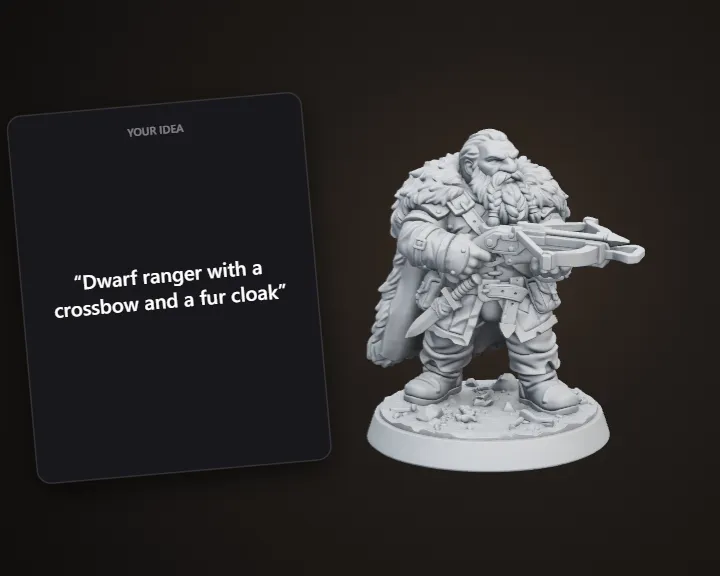 Tabletop MiniatureDescribe a hero and get a printable 32 mm miniature
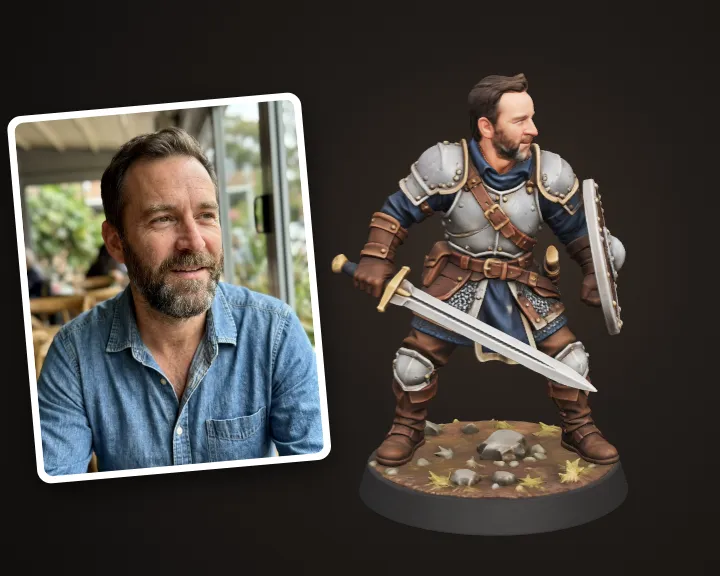 Hero Miniature of YouTurn your photo into a 32 mm tabletop hero miniature
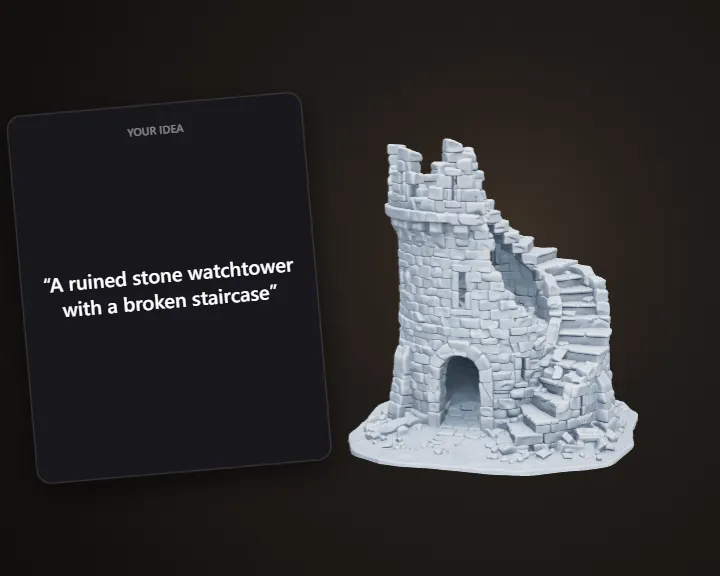 Tabletop TerrainDescribe a scene piece and get printable terrain
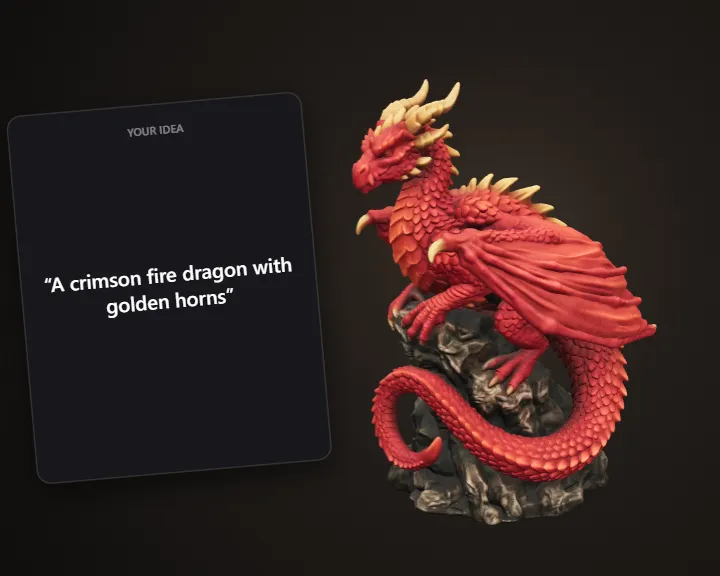 Dragon SculptureDescribe a dragon and get a 3D printable sculpture
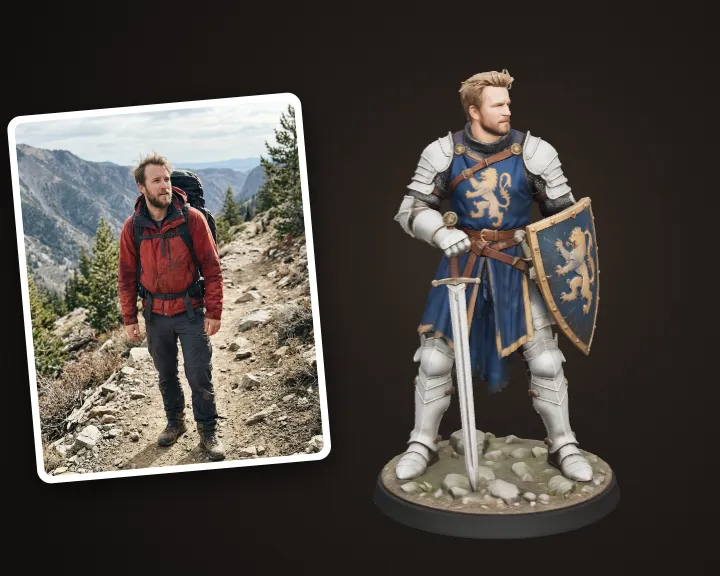 Fantasy Warrior of YouTurn your photo into a fantasy warrior figurine
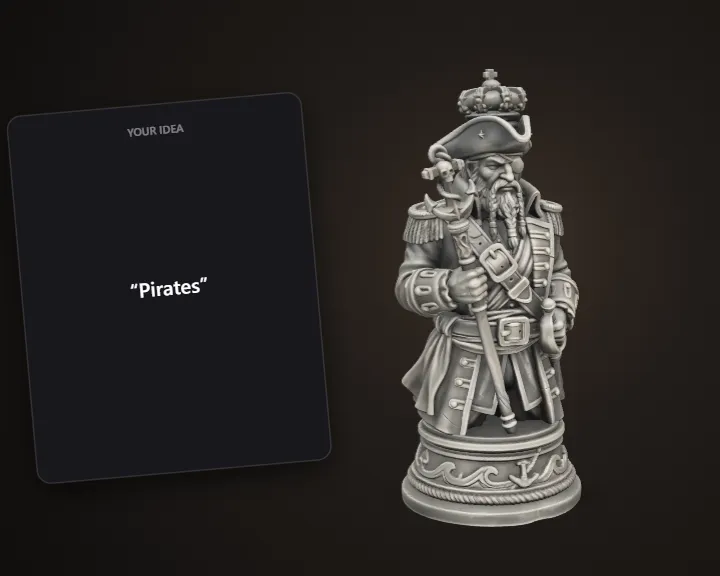 Themed Chess PiecesDescribe a theme and get 3D printable chess pieces
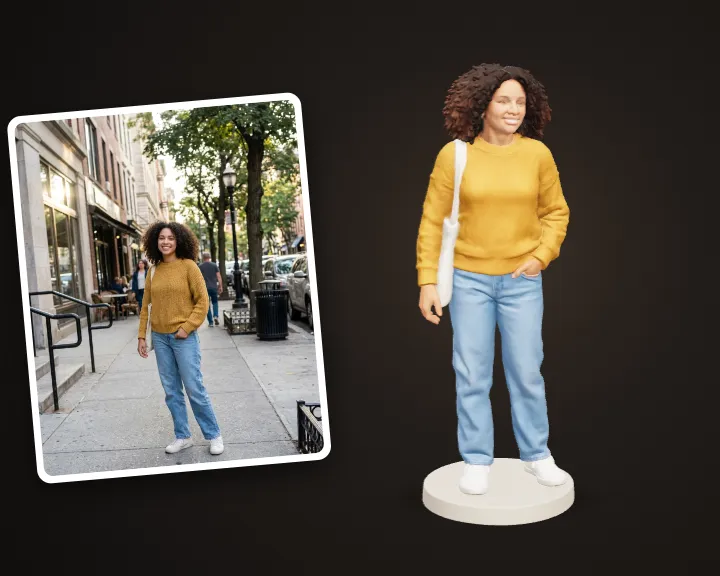 Photo to FigurineTurn your photo into a 3D printable figurine
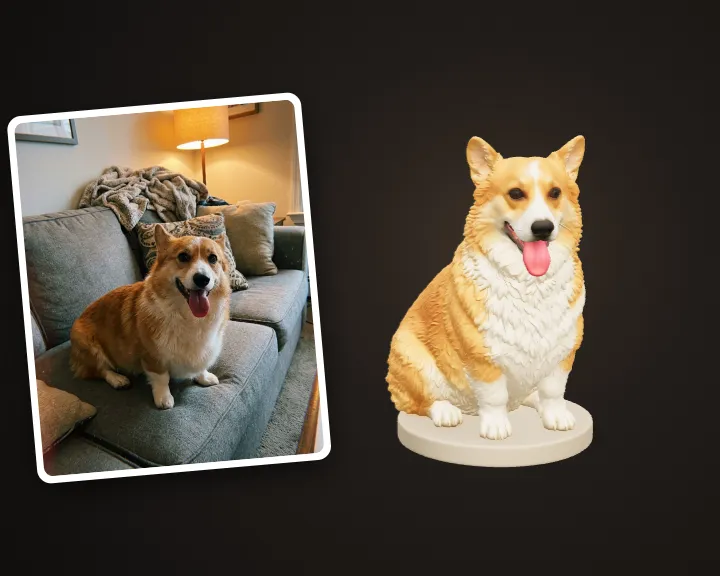 Pet FigurineTurn your pet's photo into a 3D printable figurine