
How to Make Game Assets With Claude Code, Cursor and Codex
Coding agents can now write the game and make the art for it. The trick is giving them the right tools and some rules. This is the setup, a full session from an empty folder to models in the engine, and an honest look at the asset servers you can choose from.
Short answer
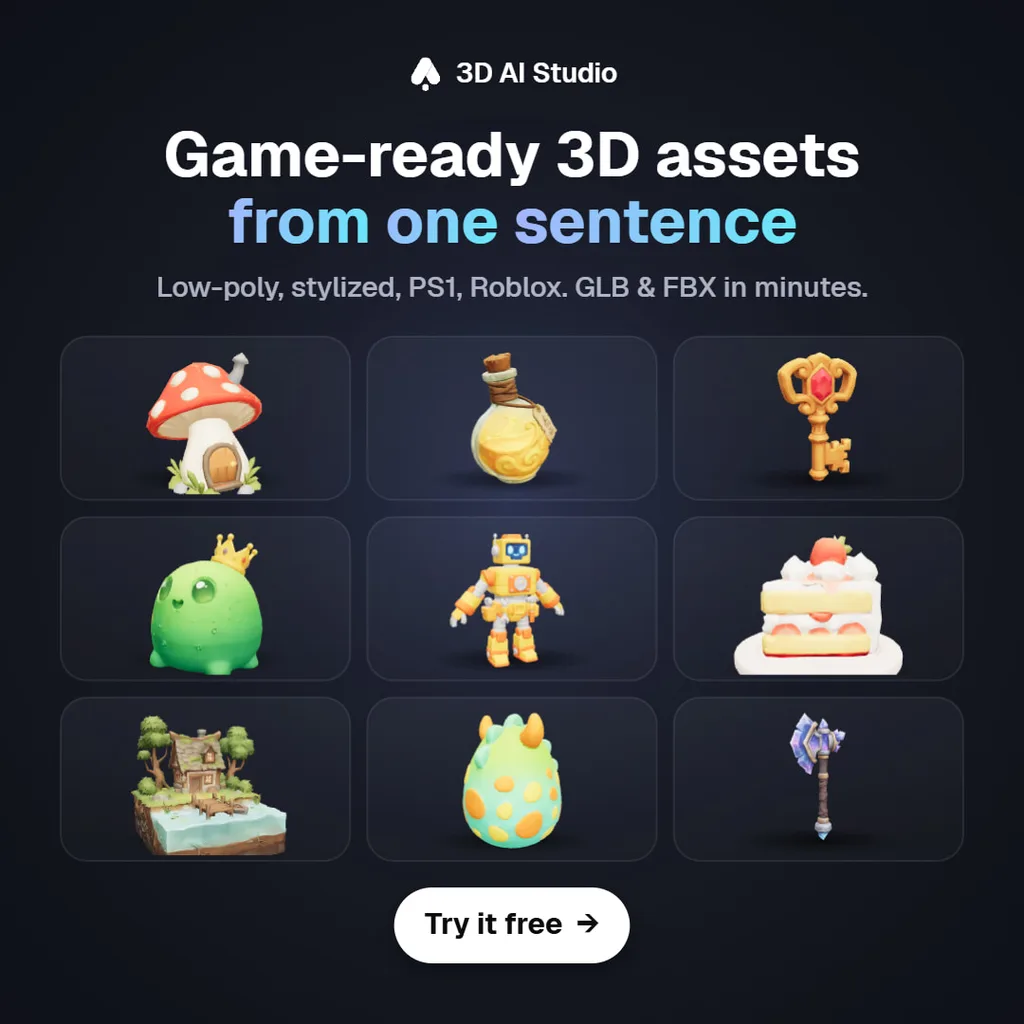
Coding agents make game assets through MCP servers. Connect one server that generates assets and, optionally, one that controls your engine. With 3D AI Studio connected, Claude Code, Cursor or Codex can generate textured 3D models, concept art, icons, PBR materials, sound effects and voice lines, save them into your project and write the code that uses them.
Setup is one command, for example claude mcp add --transport http --scope user 3daistudio https://mcp.3daistudio.com/mcp, with no API key. Keep the style consistent by generating a reference image first and asking for every asset in that style.

What do you need to make game assets with a coding agent?
A coding agent already reads your project, writes code and runs commands. To make art it needs a tool that generates art. That is what an asset MCP server adds. If you also give it your engine's MCP server, it can place what it made in a scene and wire it up.
Step 1
Plan the asset list
The agent reads your design doc and lists what the level needs.
Step 2
Generate
Images first for anything important, then 3D, textures and sound.
Step 3
Use it
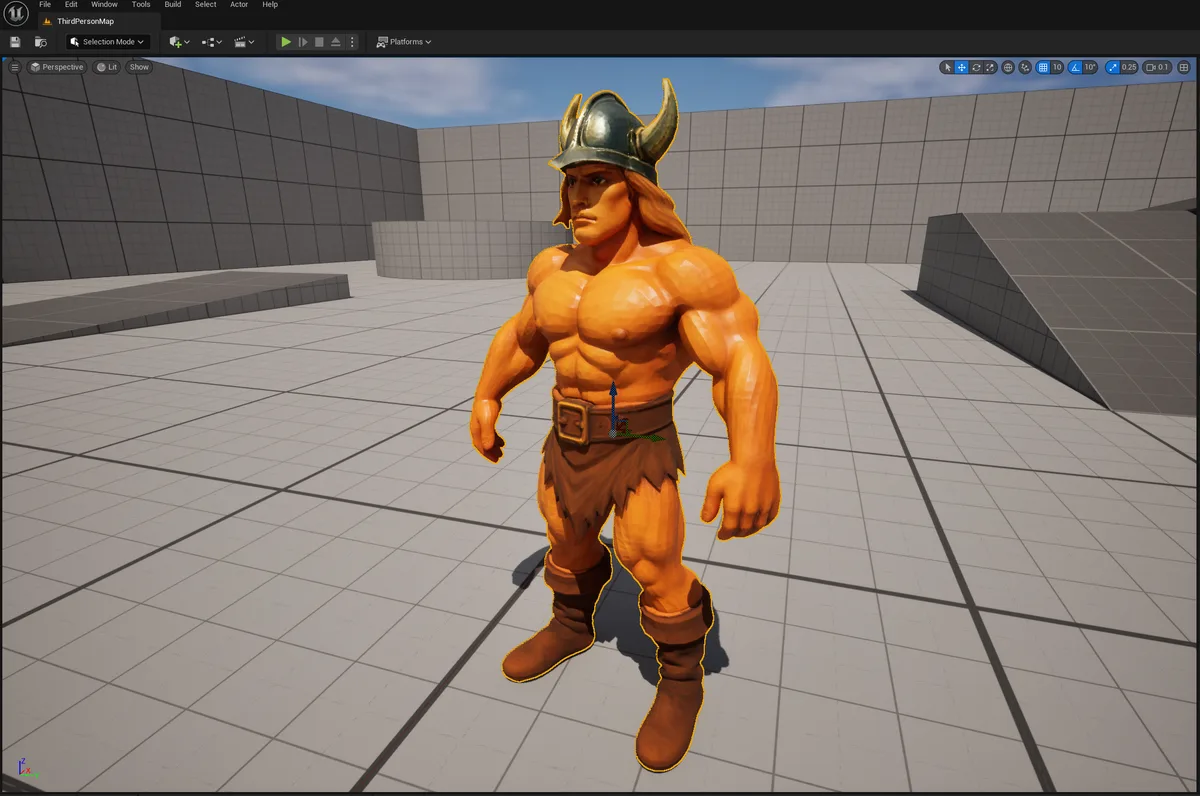
Files land in your project; the agent writes the loading code or places them in the engine.
How do you connect Claude Code, Cursor or Codex?
Add the asset server
One command or one config entry, below. It is a remote server, so nothing is installed and there is no API key.
Add your engine's server (optional)
Unity, Unreal, Godot, Roblox Studio and Blender all have MCP servers that let the agent place assets and write engine code.
Sign in once
The first time the agent uses 3D AI Studio, a browser window opens. Sign in and click Authorize. That is the whole setup.
claude mcp add --transport http --scope user 3daistudio https://mcp.3daistudio.com/mcp
codex mcp add 3daistudio --url https://mcp.3daistudio.com/mcp
{
  "mcpServers": {
    "3daistudio": {
      "url": "https://mcp.3daistudio.com/mcp"
    }
  }
}
For the engine side, see our guides for Unity, Unreal, Godot, Roblox and Blender. If you build for the web with Three.js or Babylon.js, you do not need an engine server at all: the agent writes the loader code itself.
What does a full asset session look like?
Here is a realistic session for a small stylized Three.js game, from an empty assets folder to working models with sound. The tool names are the real ones the 3D AI Studio server exposes.
> read docs/art.md. we need the first level: a well, 3 crates, a lantern, a frog NPC. start with a style reference● 3daistudio · create_project ("Moss Valley")● 3daistudio · generate_image_nano_2_1 (style sheet: well, crate, lantern, frog, chunky low poly)Saved assets/ref/style.png. Does this look right before I make 3D models from it?> yes, go● 3daistudio · edit_image_nano_2_1 × 4 (one front view per object, same style as style.png)● 3daistudio · generate_p2 × 3 (well, crate, lantern · from their front views · quad mesh)● 3daistudio · generate_prism_3_1 (frog NPC · from its front view)└ 4 models ready · assigned to project Moss Valley● 3daistudio · low_poly_model (frog, target 12,000 triangles)● 3daistudio · generate_sound_effect × 2 (wooden crate break, frog croak)Downloaded 4 GLBs to assets/models/ and 2 sounds to assets/sfx/.Added src/level1.ts: places the well and lantern, scatters the crates, and plays crate_break.mp3 on hit.npm run dev is running at localhost:5173. The frog idles by the well.
Three things in that session do most of the work:
- The style reference came first. Every model was generated from the same sheet, so the crate and the frog look like they belong in one game.
- The agent asked before spending. Approving the reference image is cheap; regenerating four models is not. Tell your agent to check with you at that point.
- Budgets were in a file. The agent read
docs/art.md, so it knew the triangle targets and folders without being told each time.
## Art direction (read before generating any asset)
- Style: chunky stylized low poly, bright saturated colours, soft shading
- Style reference: assets/ref/style.png (pass it as a reference image)
- 3D project in 3D AI Studio: "Moss Valley"
- Props: P2, under 3,000 triangles, export GLB to assets/models/props/
- Characters: Prism 3.1 from a front-view reference, under 15,000 triangles
- Textures: 1K unless I say otherwise
- Sounds: short, dry, no music, save to assets/sfx/
Which AI model should make which asset?
You can let the agent decide, and it usually picks well. When you want control, this is the breakdown we use:
| Asset | Use | Why |
|---|---|---|
| Hero characters and creatures | Prism 3.1, or Meshy 7.1 from a reference image | Best overall detail; Meshy adds 4K and 8K textures |
| Props and pickups | P2 | Low poly game topology, optional quad mesh |
| Modular environment pieces | Hunyuan 3.1 | Clean, even meshes at a flat price, PBR included |
| Concept art and icons | Nano Banana 2.1 or GPT Image 2.5 | Nano Banana for consistent sets, GPT Image for text |
| Floor, wall and rock textures | generate_material | Tileable PBR maps: color, normal, roughness, metalness, height |
| Footsteps, hits, UI sounds, NPC lines | generate_sound_effect, generate_speech | Audio files saved next to your models |
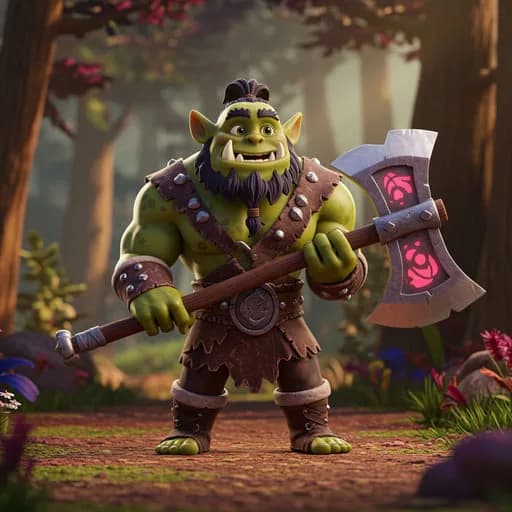
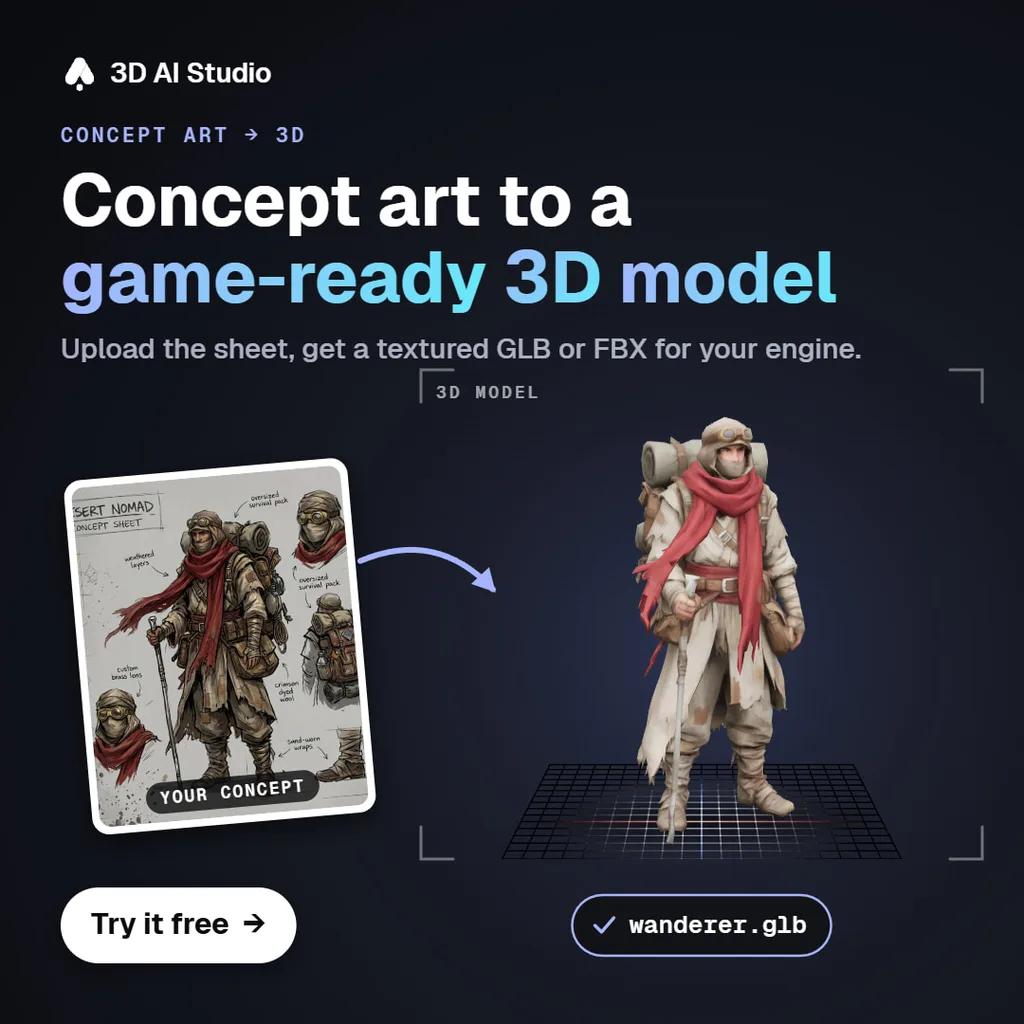
Below are real results: concept image in, game asset out. Drag a model around, or switch to clay to judge the mesh without its texture.
How do you keep AI game assets in one consistent style?
This is where most AI-made games fall down: every asset is fine and none of them match. A few habits fix it.
- Make one style sheet image with several objects on it and get it right before any 3D. Reference it in every later request.
- Use one 3D model per asset type. Mixing models for props gives you mixed topology and texture styles.
- Write the rules down (style words, budgets, folders) in the file your agent reads at the start of each session.
- Keep a 3D AI Studio project per game. The agent can list what is already in it before making a near-duplicate.
- Generate in batches of the same kind: all the crates and barrels in one go, all the trees in another.
How do you get the assets into each engine?
| Engine | Ask for | Notes |
|---|---|---|
| Unity | FBX | Imports without extra packages. GLB needs Unity's glTFast package. |
| Unreal Engine | FBX or GLB | glTF imports through Interchange. Add collision after import. |
| Godot | GLB | Godot imports glTF natively; drop the file into the project folder. |
| Roblox | FBX or glTF | Each mesh must stay under 20,000 triangles. Import with the 3D Importer. |
| Three.js / Babylon.js | GLB | The agent can write the GLTFLoader code and drop the file in /public. |
Which MCP server is best for game assets?
Several companies now offer asset servers for coding agents. We make one of them, so read this with that in mind, but the facts below come from each project's own documentation.
| Server | Connection | Key needed | Covers |
|---|---|---|---|
| 3D AI Studio | Remote URL, browser sign-in | No | Several 3D models, images, PBR materials, sound and speech, format conversion |
| Meshy MCP | Local (npx) | Meshy API key, Pro plan or above | Meshy 3D models, remesh, retexture, rigging and animation, 3D printing tools |
| Thrixel | Local (uvx) | Thrixel account | Models made of named, editable parts; publishes web games |
| gamedev.sh | Remote URL | API key, subscription | Sprites, 3D models, a catalog of ready-made icons |
| PicoBerry | Local (npx) | API key after a purchase | 3D, images, remesh, texture, character animation |
| Hyper3D Rodin | Remote URL, browser sign-in | No | Rodin 3D generation for Claude Code |
Where 3D AI Studio is the better pick
Breadth and setup. One remote URL gives you several 3D models, including Meshy 7.1 itself, plus images, materials and audio, and it works the same in Claude Code, Cursor, Codex and the chat apps. There is no key to keep out of your repo, and everything lands in one dashboard.
Where others are ahead
- Rigging and animation inside the agent: Meshy's MCP server can rig humanoid characters and apply preset animations. Our connector does not do that yet.
- Editable part hierarchies: Thrixel builds models out of named parts, which is useful when a door or a wheel has to move on its own.
- 2D sprite games: gamedev.sh focuses on sprites and ships a catalog of ready icons.
Give your coding agent an art department
Connect 3D AI Studio to Claude Code, Cursor or Codex and generate 3D models, concept art, icons, PBR materials and sound effects from the same conversation that writes your game. Free to try, no API key.
Get the 3D AI Studio MCPRead next
- Best MCP servers in 2026
One server per job, for games, web and everything else.
- Can AI generate game-ready 3D models?
Topology, poly counts and textures, honestly assessed.
- Can Claude make 3D models?
Every way to get a model out of Claude, compared.
Frequently asked questions
Can Claude Code make game assets?
Yes, with an MCP server that generates them. Add 3D AI Studio with claude mcp add --transport http --scope user 3daistudio https://mcp.3daistudio.com/mcp and Claude Code can generate 3D models, images, PBR materials, sound effects and voice lines, save them into your project and write the code that loads them.
What is the best MCP server for game assets?
For most projects, 3D AI Studio: one remote server with several 3D models (Prism 3.1, P2, Hunyuan 3.1, Meshy 7.1), image generation and editing, PBR materials, sound effects and speech, and conversion to FBX, GLB, OBJ and more, with no API key. Meshy's MCP is stronger if you need automatic rigging and animation, and Thrixel if you want models made of separately editable parts.
Does this work in Cursor and Codex as well as Claude Code?
Yes. MCP is client agnostic. In Cursor, add the 3D AI Studio URL to mcp.json. In Codex, run codex mcp add 3daistudio --url https://mcp.3daistudio.com/mcp. The same tools and the same account are available in each.
How do I keep AI-generated game assets in one art style?
Generate a style reference image first, then ask for every new asset in the same style as that image. Keep all assets for one game in a single project, use the same 3D model for everything of the same kind, and give the agent fixed budgets, such as triangle counts and texture sizes, in a project note it reads every session.
Can AI-generated 3D models be used in Unity, Unreal and Godot?
Yes. Ask for FBX for Unity and Unreal, GLB for Godot and web engines, and FBX or glTF for Roblox. Generated models come textured with UVs. For mobile or large scenes, ask for a low poly version with a triangle target before you import.
Can the agent rig and animate characters?
Not through 3D AI Studio's MCP connector today. Rigging and animation are available in the 3D AI Studio web app, and Meshy's MCP server offers rigging and preset animations for humanoid characters if you need it inside the agent.
Is there a free way to try this?
Yes. A free 3D AI Studio account can use the connector for Prism 3.1 3D previews and GPT Image 2.5 Flare images with free credits. Everything else, including the other 3D models, format conversion and audio, is on the paid plans.
Tim Karlowitz
Developer & Creative @ Karlowitz Studios
Tim is a creative technologist and developer at Karlowitz Studios in Germany. He specializes in interactive 3D web experiences and automated content pipelines, bringing a rigorous engineering perspective to AI tool evaluation.