
Gemini MCP: How to Connect the Gemini App and Gemini CLI, and Make Real 3D Models
Gemini now speaks MCP in the app and in the terminal, with different rules for each. This covers both setups, who is eligible for the app version, and how to get Gemini to produce a 3D model you can actually download.
Short answer
Gemini supports MCP in two places. In the Gemini app, open Settings, Connected Apps and add a custom app with an MCP server URL; Google currently limits this to US users over 18 with a personal account and Keep Activity on. In Gemini CLI, run gemini mcp add --transport http <name> <url> or edit ~/.gemini/settings.json, then sign in with /mcp auth.
Gemini can show interactive 3D visualisations in the chat, but it cannot export a mesh file by itself. Connect 3D AI Studio and Gemini can generate textured 3D models and hand you GLB, FBX, OBJ, STL, USDZ or 3MF files.
> make a stylized bear for the farm game, then give me a GLB and an STL so I can print one too● 3daistudio · generate_prism_3_1 (stylized cartoon bear, textured)└ model ready● 3daistudio · convert_model (glb)● 3daistudio · convert_model (stl · 60 mm tall)Saved assets/models/bear.glb for the game and prints/bear.stl at 60 mm.The bear is also in your 3D AI Studio dashboard if you want other formats.
Where does Gemini support MCP?
The Model Context Protocol lets an assistant use tools from other services. Google added it to Gemini in two very different products, and the setup is different in each:
- The Gemini app (gemini.google.com and the mobile apps) calls them custom Connected Apps. You add a remote server by URL.
- Gemini CLI, Google's terminal agent, reads servers from a settings file and supports local servers that run on your machine as well as remote ones.
Google's Antigravity editor supports MCP too, and several engines can configure it for you: Roblox Studio's Quick connect lists Gemini CLI and Antigravity, and Unreal Engine's MCP plugin can write a Gemini config.
How do you add an MCP server to the Gemini app?
Open Connected Apps
On gemini.google.com, open Settings and then Connected Apps. If you do not see it, look under Personal Intelligence.
Add a custom app
Under Custom apps, click Add a custom app (or use the Add a custom app link field) and enter the MCP server URL.
Sign in to the service
For 3D AI Studio, enter https://mcp.3daistudio.com/mcp and complete the sign-in page that opens. There is no API key.
Use it on web or mobile
Custom apps you add on the web also work in the Gemini mobile app. Gemini asks you to confirm write actions before it runs them.
Custom apps
Settings › Connected Apps
Add a custom app link to get started
The server must follow the standard MCP specification
I can do that with 3D AI Studio. It will start a generation on your account. Continue?
Your bear is ready. Download it or open it in 3D AI Studio:
How do you add an MCP server to Gemini CLI?
One command adds a remote server. Gemini CLI finds 3D AI Studio's OAuth settings by itself, so the only other step is one sign-in command.
gemini mcp add --transport http 3daistudio https://mcp.3daistudio.com/mcp

# then, inside Gemini CLI:
/mcp auth 3daistudio
Or add it to the settings file by hand and restart Gemini CLI:
{
  "mcpServers": {
    "3daistudio": {
      "httpUrl": "https://mcp.3daistudio.com/mcp"
    }
  }
}- httpUrl or url: older Gemini CLI versions use
httpUrlfor Streamable HTTP servers andurlfor SSE. Newer versions accepturlwith an optional"type": "http". If one form is rejected, try the other. - OAuth needs a browser. Sign-in opens your browser and returns to a localhost address, so it does not work over SSH without forwarding or in a headless container.
- Restart after changes. Gemini CLI reads its settings at startup.
Can Gemini make 3D models?
Partly, and it is worth being precise. In April 2026 Google added interactive 3D visualisations to the Gemini app: choose the Pro model, ask it to "show me" or "help me visualise" something, and you can rotate a model or play with a simulation. That is great for understanding how something works. It is not a model you can download, print or put in a game.
| Route | What you get | Downloadable mesh | Good for |
|---|---|---|---|
| Interactive 3D in chat (Pro model, "show me...") | A model or simulation you can rotate inside Gemini | No | Understanding a concept |
| Canvas app with code | A small web app that builds simple geometry | Only if the code adds an export | Geometric shapes, prototypes |
| Nano Banana image | A picture of the object | No, it is an image | Concept art and references |
| 3D AI Studio through MCP | A textured 3D mesh | Yes: GLB, FBX, OBJ, STL, USDZ, 3MF | Characters, props, figurines, game assets |
If what you want is a file, the MCP route is the shortest. Gemini stays your interface, 3D AI Studio does the generation, and you get a textured model with UVs in standard formats.
How do you go from a Gemini image to a 3D model?
Gemini is very good at images thanks to Nano Banana, and a good image is the best start for a 3D model. Ask for a clean reference first, then make it 3D.
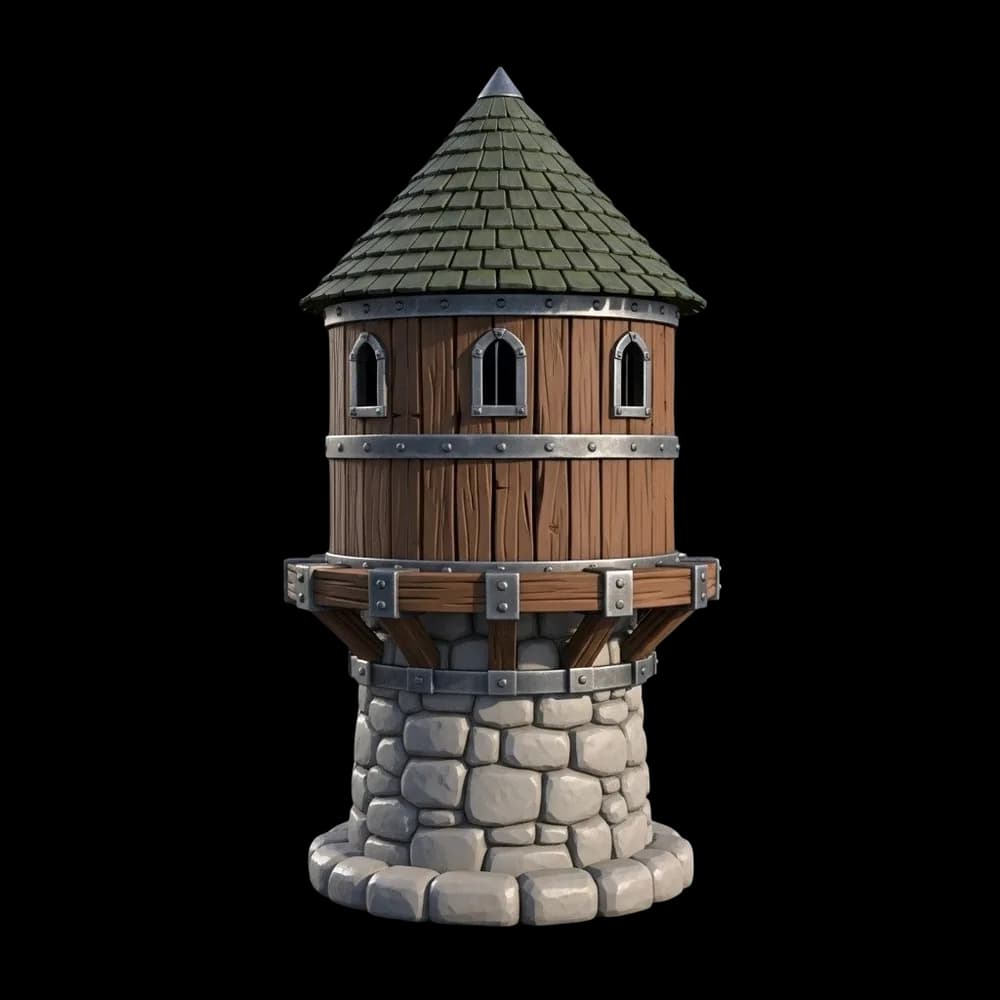
Step 1
Ask for a clean reference
One object, plain background, even light, whole object in frame.
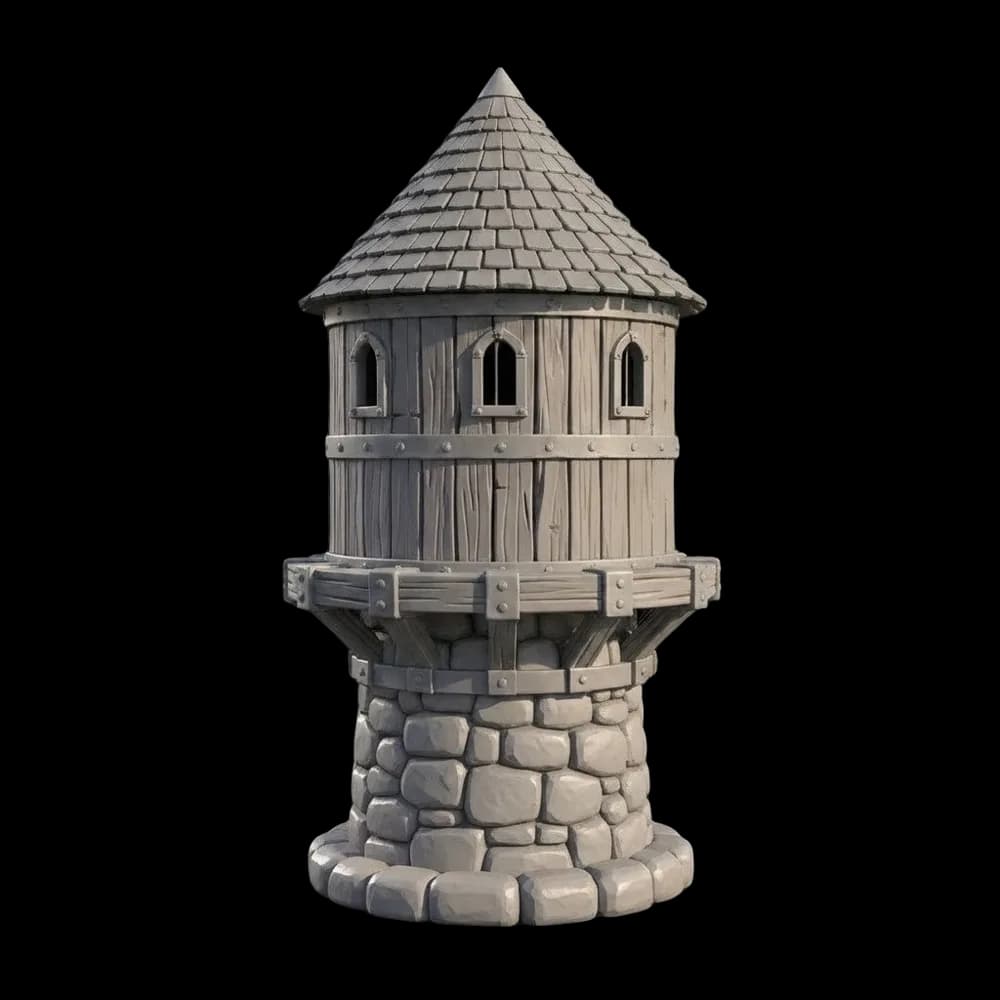
Step 2
Check the shape
A matte clay version shows the form without colour getting in the way.
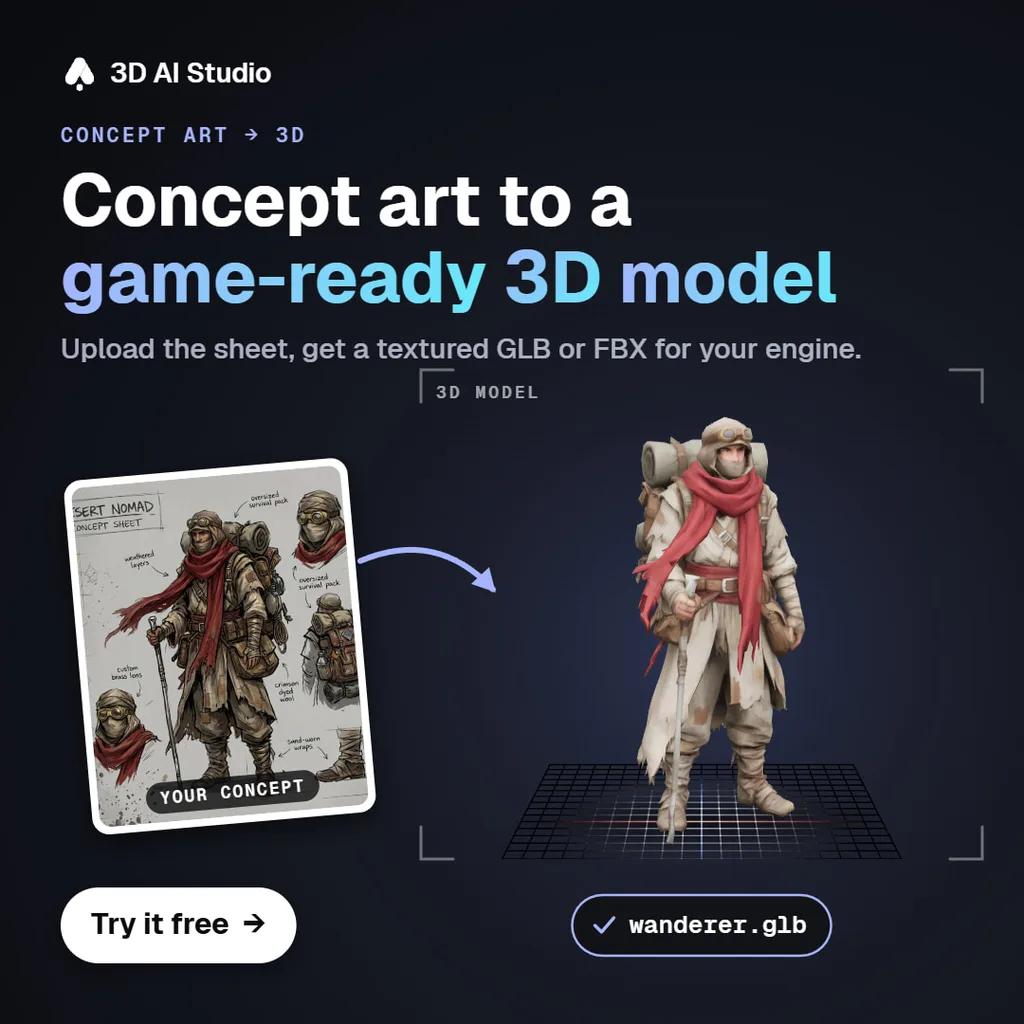
Step 3
Make it 3D
3D AI Studio turns the image into a textured mesh. Shown here with another subject.
Each of these started as a single image and became a textured 3D model. Pick one and drag to rotate it, or switch to clay to see the mesh.
Prompts that work in Gemini
Use 3D AI Studio to make a stylized treasure chest for my game and give me a GLB.

Make an image of a cute robot figurine, front view, plain white background.
Then use 3D AI Studio to turn it into a 3D model and give me an STL 10 cm tall.

Use 3D AI Studio to turn this photo of my dog into a 3D figurine.

Use 3D AI Studio to make a low poly version of my last model, under 5,000 triangles.
Make Gemini output real 3D models
Connect 3D AI Studio to Gemini CLI or the Gemini app and generate textured 3D models from text, photos and Gemini images. GLB, FBX, OBJ, STL, USDZ and 3MF. Free to try, no API key.
Connect 3D AI StudioGemini MCP not working? Common fixes
| Problem | Fix |
|---|---|
| No Connected Apps or Custom apps option | Check the eligibility rules above. Work and school accounts and non-US accounts do not get custom apps yet. |
| Gemini CLI does not see the server | Restart Gemini CLI after editing settings.json, and check the JSON is valid (a missing comma breaks the whole file). |
| Server shows as disconnected or needs auth | Run /mcp auth with the server name and finish the sign-in in your browser. |
| Sign-in fails over SSH | OAuth needs a local browser and a localhost callback. Sign in on a machine with a browser, or use port forwarding. |
| Gemini answers without using the tool | Name the service: "use 3D AI Studio to...". Gemini otherwise tries to answer with its own image or code features. |
Read next
- Nano Banana MCP
Use Gemini's image model inside Claude, Cursor and ChatGPT.
- Can Claude make 3D models?
The same question answered for Claude.
- Can ChatGPT create 3D models?
And for ChatGPT.
Frequently asked questions
Does Gemini support MCP?
Yes, in two places. The Gemini app lets you add a custom app by entering an MCP server URL under Settings, Connected Apps. Gemini CLI reads MCP servers from its settings.json file and supports local servers, remote servers and OAuth sign-in.
Who can add custom MCP apps to the Gemini app?
According to Google's help center, you need to be 18 or older and in the US, signed in with a personal Google account rather than a work or school account, with Keep Activity turned on. Custom apps are English only and work in the Gemini web and mobile apps.
How do I add an MCP server to Gemini CLI?
Run gemini mcp add --transport http <name> <url> or add the server under mcpServers in ~/.gemini/settings.json, then restart Gemini CLI. For servers that use OAuth, run /mcp auth <name> to sign in through your browser.
Can Gemini make 3D models?
Gemini can show interactive 3D visualisations in the chat when you use the Pro model and ask it to show or visualise something, and it can write code for simple 3D scenes. It cannot export a textured mesh file such as GLB or STL on its own. Connect 3D AI Studio through MCP and Gemini can generate textured 3D models and give you GLB, FBX, OBJ, STL, USDZ or 3MF files.
Can Gemini turn an image into a 3D model?
Not by itself. Gemini can make the image with Nano Banana, but turning it into a mesh needs an image to 3D model. With 3D AI Studio connected in Gemini CLI or the Gemini app, you can do both steps in one conversation.
Is Gemini CLI free to use with MCP servers?
Gemini CLI itself has a free tier with usage limits, and MCP support is built in. The servers you connect may have their own costs. 3D AI Studio has a free plan that includes Prism 3.1 3D previews and GPT Image 2.5 images, and it works in Gemini CLI.
Tim Karlowitz
Developer & Creative @ Karlowitz Studios
Tim is a creative technologist and developer at Karlowitz Studios in Germany. He specializes in interactive 3D web experiences and automated content pipelines, bringing a rigorous engineering perspective to AI tool evaluation.