
Can ChatGPT create 3D models? What works and what does not in 2026
Quick answer: ChatGPT cannot create 3D models on its own. It has no 3D generation engine, so it cannot output a mesh, a texture, or a UV layout. It can do three useful things instead: write code that builds simple parametric geometry, generate a reference image you convert separately, and drive a real 3D generator through the Model Context Protocol, such as the 3D model generation MCP from 3D AI Studio, so a finished model comes back inside the conversation.
That last option is new, and it changes the honest answer to this question. Until recently the reply was a flat no with a list of other tools. Now you can stay in ChatGPT and still get a textured mesh, as long as something else is doing the generating.
- ChatGPT alone: no mesh, no textures, no UVs. It writes text and code.
- What it is genuinely good at: parametric CAD scripts, reference images, planning a model before you build it.
- Best method: connect a 3D model generation MCP to ChatGPT, then ask in chat.
- No-setup method: generate the image in ChatGPT, then run it through Image to 3D.
- For 3D printing: OpenSCAD scripts work for simple parts, not for figurines.
What ChatGPT can and cannot do with 3D
ChatGPT is a language model. It predicts text, and images through a separate image model. Neither of those produces geometry. There is no point in the pipeline where a mesh exists.
This matters because a lot of advice online blurs the line between ChatGPT describing a 3D model and ChatGPT making one. Asking it for "a low poly fox" gets you a paragraph about a low poly fox, or a picture of one. Neither is a file you can open in Blender.
| Task | ChatGPT alone | ChatGPT with a connected generator |
|---|---|---|
| Describe or plan a model | Yes | Yes |
| Write an OpenSCAD or Python script | Yes | Yes |
| Generate a reference image | Yes | Yes |
| Produce an actual mesh | No | Yes |
| Produce PBR textures and UVs | No | Yes |
| Export GLB, FBX, STL, OBJ | No | Yes |
| Hit a specific triangle budget | No | Yes |
Method 1: connect a 3D generator to ChatGPT
The Model Context Protocol is an open standard that lets an AI assistant call tools in other software. ChatGPT supports custom MCP connectors, so you can give it access to a 3D generator and then just ask.
In practice the conversation looks like this. You describe what you want, ChatGPT calls the generation tool, and a couple of minutes later the finished model appears in the chat in an interactive viewer you can spin. The file lands in your dashboard at the same time, ready to export as GLB, FBX, STL, or OBJ.
Setup happens once, from Settings under Connectors, with developer mode turned on. You sign in through a normal login screen rather than pasting an API key, so there is no token to store or rotate. The ChatGPT connector setup guide walks through each step.
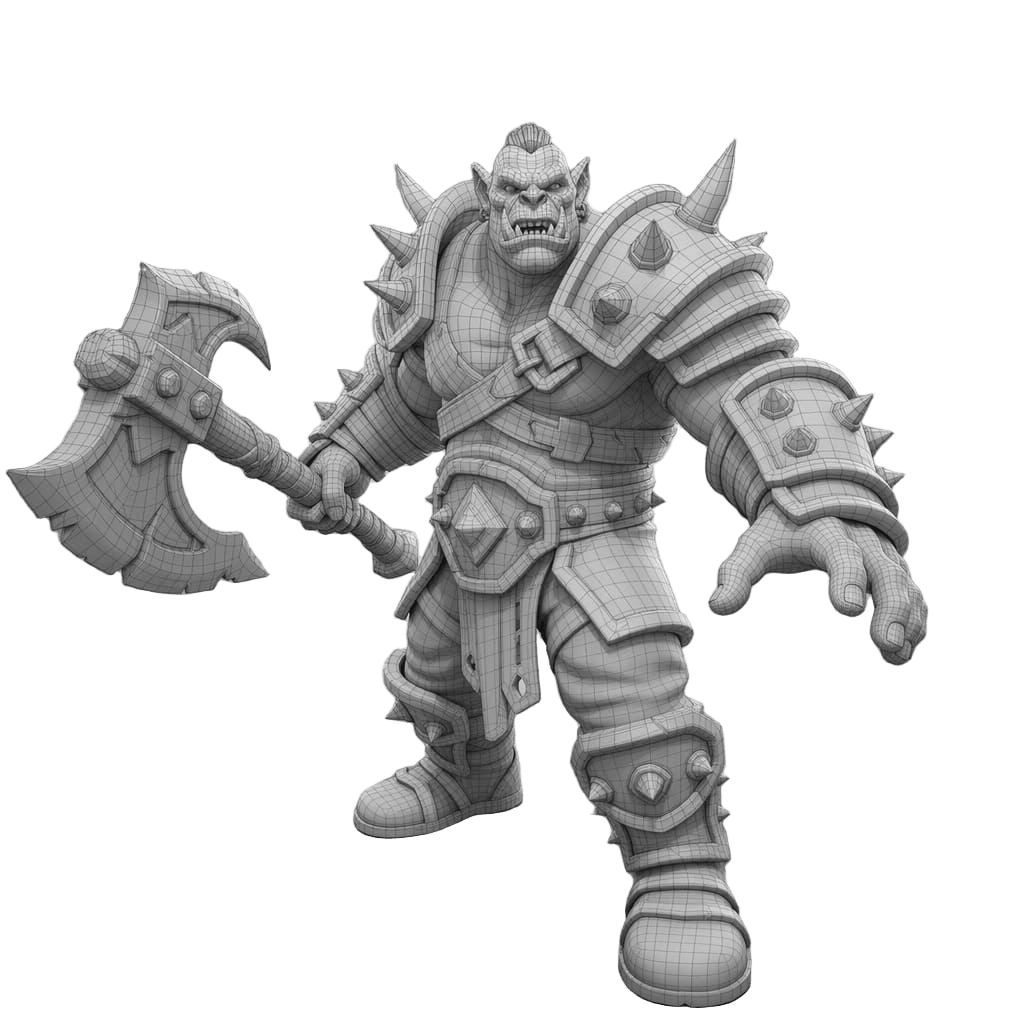
What makes this worth the setup is chaining. Because ChatGPT can call several tools in a row, you can ask it to generate a reference image, convert that image to 3D, then convert the result to STL for printing, without touching a single interface. The 3D AI Studio MCP connector covers text to 3D, image to 3D, image generation and editing, format conversion, and background removal.
The same protocol works in Claude, Cursor, and Claude Code. If you use Blender, it is worth knowing there is a separate Blender MCP server that drives Blender itself rather than generating meshes. The two solve different halves of the job, which we cover in the Blender MCP guide.
Method 2: generate the image in ChatGPT, then convert it
If you would rather not connect anything, the manual route takes about the same amount of time for a single model.
Ask ChatGPT for a clean reference image of your subject. A front-facing view on a plain background converts far better than a dramatic three-quarter shot with heavy shadows, because shadows get baked into the texture and ambiguous silhouettes produce guesswork on the back of the mesh.
Download the image, then upload it to Image to 3D. One image is enough. If you have several angles of the same subject, multi-image input produces a more accurate back side.
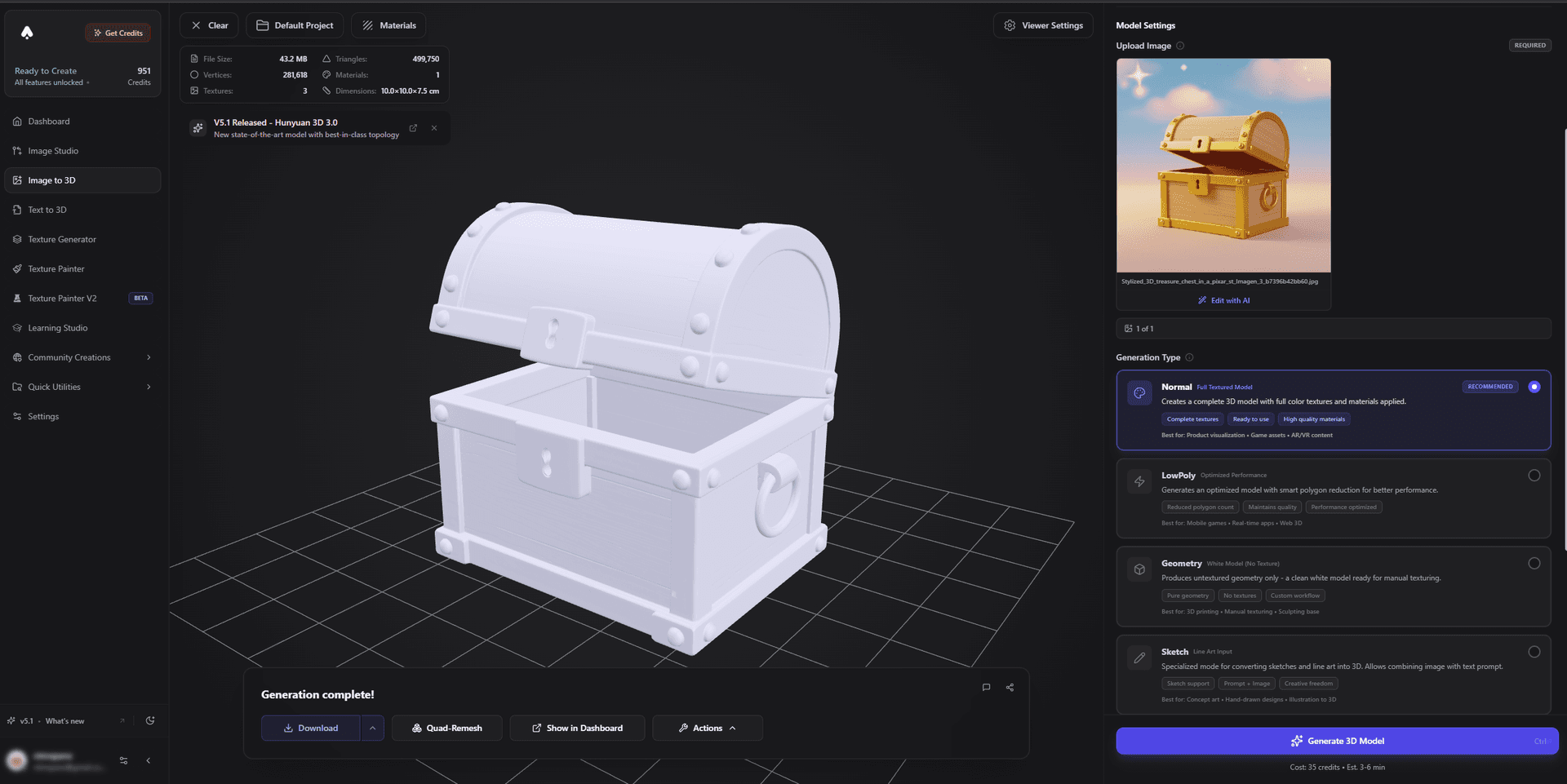
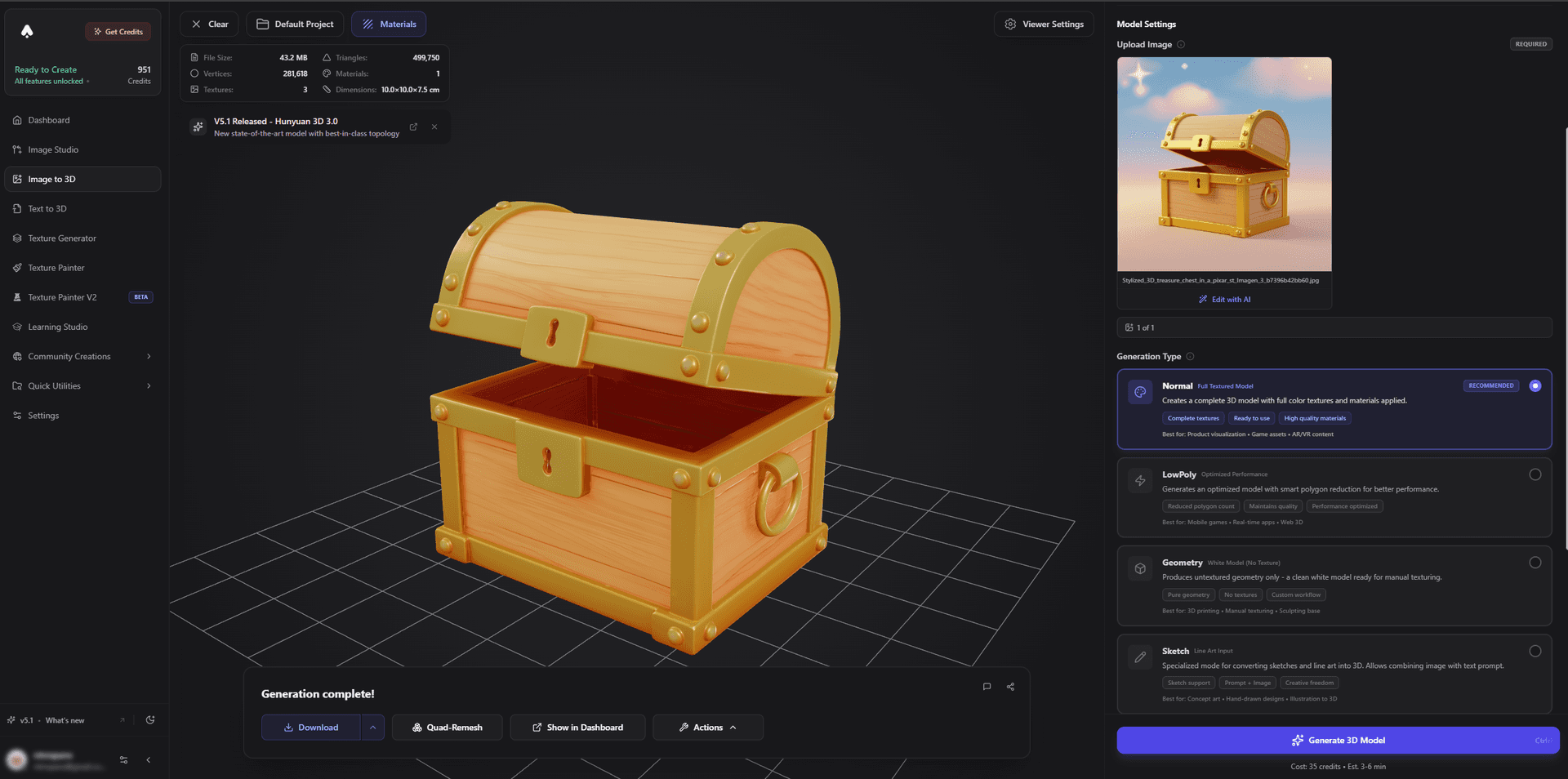
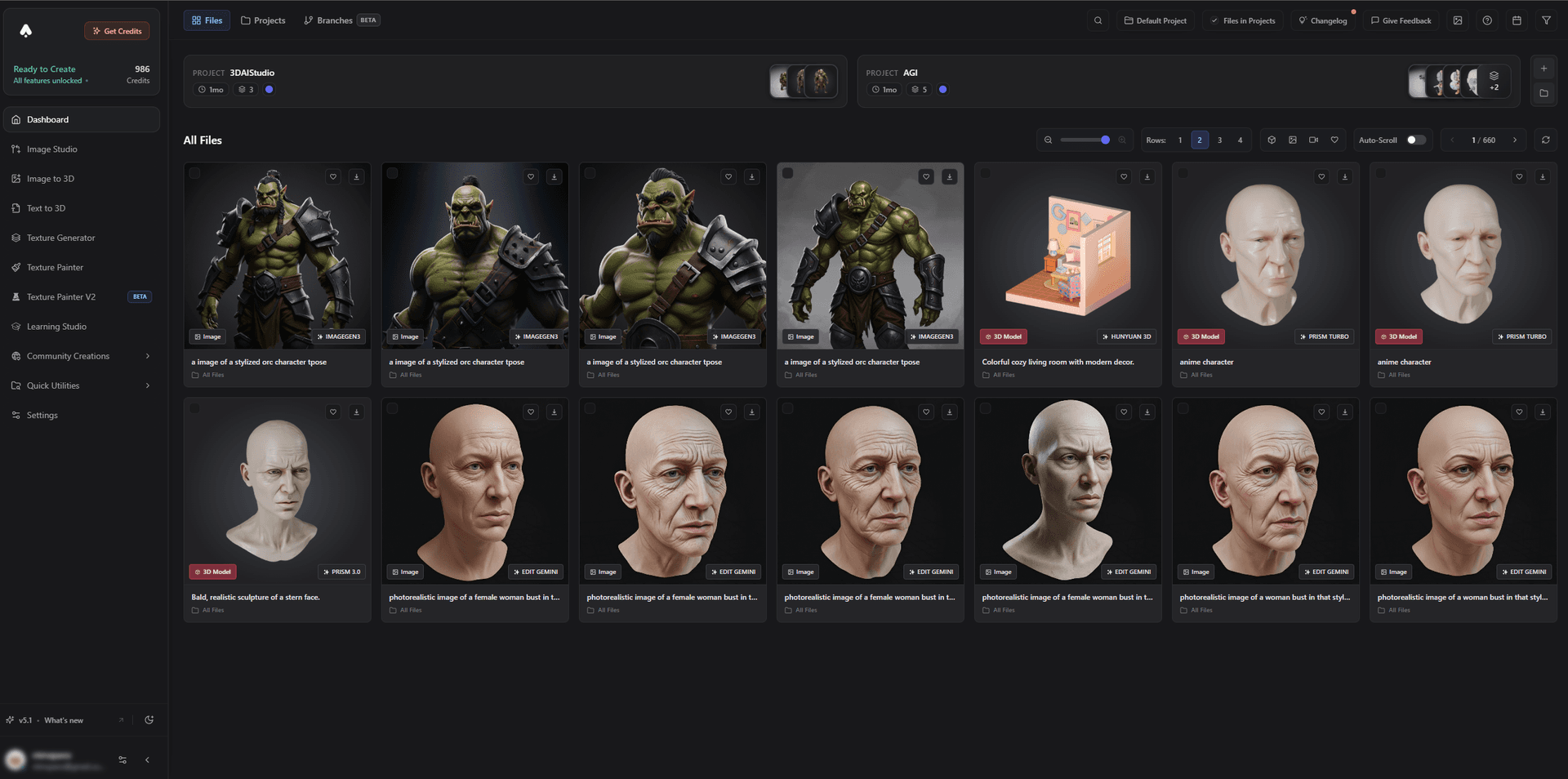
Pro tip: ask ChatGPT to render the subject with even lighting and no background before you download it. Removing a busy background afterwards is extra work, and baked-in shadows are difficult to paint out of a texture later.
If you want the image step to happen in the same place as the 3D step, Image Studio runs GPT Image and Nano Banana directly, so the reference and the model share one library. There is a longer walkthrough of the whole flow in our guide to turning images into 3D models.
Which method should you use
| Connected generator | Manual image to 3D | |
|---|---|---|
| Setup | Once, a few minutes | None |
| Best for | Batches, chained edits, iterating in conversation | A single model now |
| Where results land | Chat and dashboard | Dashboard |
| Works in | ChatGPT, Claude, Cursor | Any browser |
For one model, the manual route is fine. The connector earns its setup when you are iterating, because "make the axe bigger and give me an STL" is one sentence rather than four interface visits.
What about asking ChatGPT to write 3D code?
This is the part people underrate. ChatGPT is genuinely capable at parametric CAD, because that is code, and code is what it does.
Ask it for OpenSCAD or CadQuery and you can get a working script for a wall bracket with specific screw spacing, an enclosure sized to a particular circuit board, or a threaded lid. You run the script, you get an STL, and the result is dimensionally exact in a way a generated mesh is not. For functional printed parts this beats every AI 3D generator, including ours.
It falls apart on organic subjects. A dragon, a character, a creature, or anything sculpted comes out as an assembly of stretched spheres and cylinders, because primitives and boolean operations are the only tools the script has. No amount of prompting fixes it. If your subject has a face, use a generator; if it has dimensions, use a script.
Example images that can work well
These are example inputs, not guaranteed outputs. They show what to look for before you generate: one subject, visible shape, and enough detail for the AI to understand the object.
 example input
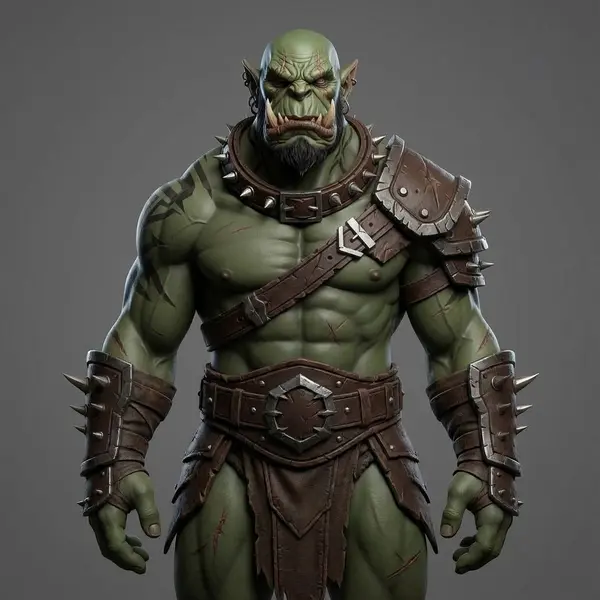
Single character
One main subject, clear body shape, and a simple pose make this easier for the AI to read.
 example input
Object or prop
The whole object is visible, so the AI has a better chance of understanding the silhouette.
 example input
Bust or sculpture
Busts and sculptures often work well because the subject is isolated and depth is visible.
 example input
Vehicle concept
A three-quarter angle shows front and side details, which is usually more useful than a flat front view.
Can OpenAI make 3D models?
OpenAI has published 3D research, but it has never shipped a 3D generator as a product, and none of it is inside ChatGPT.
- Point-E (December 2022) turns a text prompt into a coloured point cloud: a cloud of dots, not a mesh.
- Shap-E (May 2023) goes further and produces shapes that can be exported as textured meshes. The code and weights are open source on GitHub.
Both are research releases. They run quickly, but the results are low in detail next to current dedicated 3D generators, and Shap-E's own model card advises against commercial use. If you want OpenAI's models involved in a 3D workflow today, the practical route is the one above: ChatGPT for the conversation and the reference image, a real 3D generator for the mesh.
If you would rather skip ChatGPT entirely
Nothing about a 3D generator requires an assistant in front of it. Text to 3D takes a written prompt directly, and Image to 3D takes a reference image, both without a conversation in the middle. The assistant is a convenience layer, not a requirement.
If you are comparing options before committing, we maintain an honest rundown of the best free AI 3D model generators and a guide to which model suits which job, since different engines are better at hard-surface props than at characters.
Blender users should read the import and optimise guide before bringing anything in, and the AI for Blender page covers which formats survive the trip.
The short version
ChatGPT still cannot make a 3D model. What changed is that it can now operate something that can, and that is a better answer than the list of alternatives this question used to get.
If you want the conversation to produce geometry, connect a generator. If you want one model without setting anything up, generate the reference image in ChatGPT and convert it. And if you are printing a functional part rather than a figurine, ask for an OpenSCAD script instead, because that is the one case where ChatGPT on its own is the right tool.

Generate 3D models with AI
Easily generate custom 3d models in seconds. Try it now and see your creativity come to life effortlessly!
FAQ
Can ChatGPT make 3D models?
Not on its own. ChatGPT has no 3D generation engine, so it cannot produce a mesh. It can write code that builds simple parametric geometry, and it can generate a reference image. It can also drive a 3D generator through the Model Context Protocol, which lets you ask for a model in chat and get a real textured mesh back with UVs.
Can ChatGPT generate 3D models from images?
Not by itself. ChatGPT can create or edit the image, but turning that image into a mesh needs a dedicated image to 3D model trained on 3D data. You can either connect one to ChatGPT so it happens inside the conversation, or download the image and upload it to an image to 3D tool yourself.
What 3D file formats can ChatGPT produce?
None directly. If you ask for OpenSCAD or Python it can write a script that produces an STL or OBJ when you run it, but ChatGPT is generating text, not geometry. Textured formats such as GLB and FBX come from a 3D generator.
Can ChatGPT make 3D models for 3D printing?
For simple parametric parts, partly. It can write OpenSCAD or CadQuery for something like a bracket or a box with given dimensions, which you run to get an STL. For organic subjects such as a figurine or a creature it cannot produce printable geometry, and you need a 3D generator that exports a watertight mesh.
How do I connect a 3D generator to ChatGPT?
ChatGPT supports custom MCP connectors, added from Settings under Connectors with developer mode enabled. Once you authorise the connector you can ask for models in the conversation, and the results appear in the chat and in your dashboard. There is no API key to create.
Can OpenAI make 3D models?
OpenAI has released two 3D research models, Point-E in 2022 and Shap-E in 2023, as open source code. Neither is a product or part of ChatGPT, and both produce low detail results compared with current 3D generators. To get textured 3D models from an OpenAI conversation, connect ChatGPT to a dedicated 3D generator through MCP.
Is ChatGPT better than a dedicated AI 3D generator?
They do different jobs. ChatGPT is good at describing, planning, and writing code. A 3D generator is trained on 3D data and produces the actual mesh, textures, and UVs. Connecting them gives you the conversation at the front and real geometry behind it.