

AI Texture Generator
Turn a description into a seamless PBR texture set
Describe it in one sentence. About 1 min later you download a seamless PBR texture set as PNG maps, ready to use in your game. No 3D skills needed.
Make seamless PBR texture set
Turn a description into a seamless PBR texture set. The prompts and settings are already done for you.
~1 min · 5 PBR maps · tiles seamlessly · free to try
Made with this template
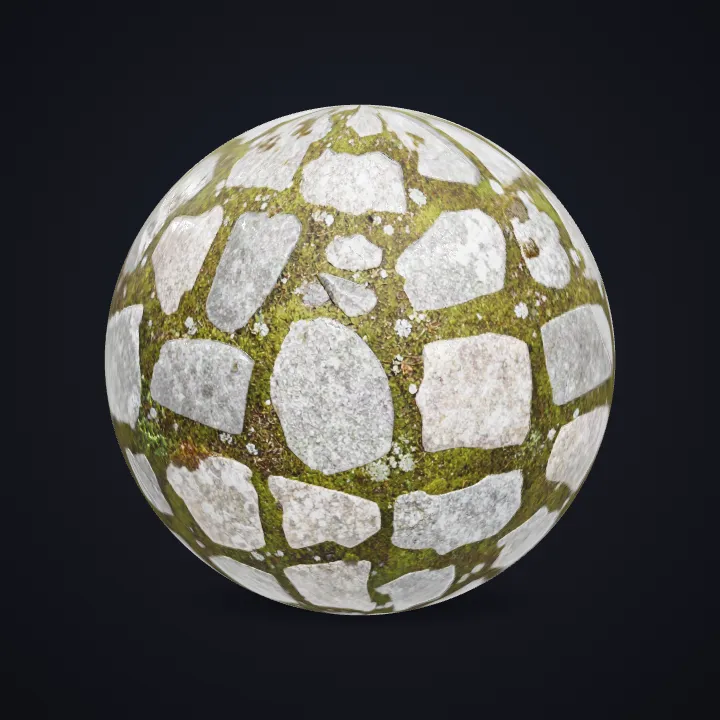
The card in the corner shows what went in.


Each example is an actual run of this template at Standard quality, made from a typed idea.
From idea to file in about 1 min
Type what you want, then wait while the AI runs. Nothing to set up.
- 1Typed“Mossy cobblestone path”YouYou describe it
Material, colour and wear, e.g. "rusty corrugated metal"
- Texture Generator2
 AIAI paints a seamless texture
The Seamless Texture Generator creates a tileable base colour plus normal, roughness, metalness and height maps from your description.
- PNG maps3YoursYou download the file
As PNG maps. You can use it however you like.
Where the texture goes
Load the maps into a material in Blender, Unity, Unreal or Godot.
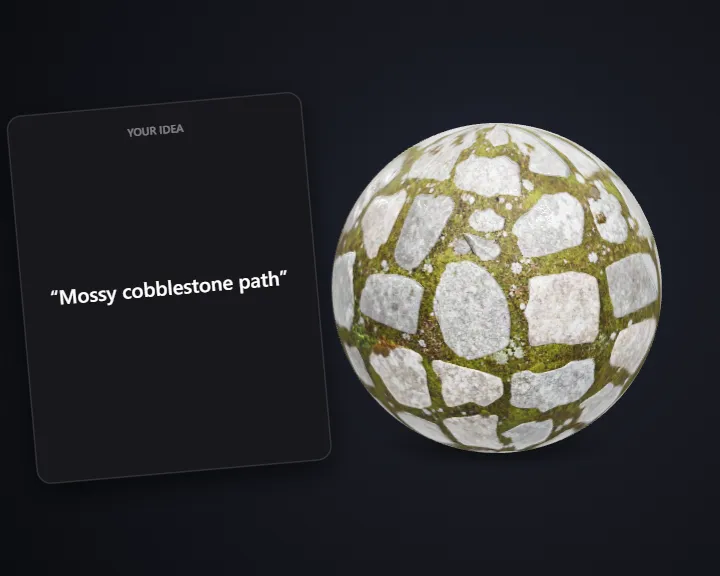
Drop the maps into Blender, Unity or Unreal and the surface reacts to light.
It tiles without edges, so one texture covers a whole floor or wall.
Stone, wood, grass and metal in one consistent look.
How this template works
The material generator makes a tileable base texture from your description and works out the PBR maps from it.
 1Open Seamless Texture GeneratorStep 1 · Seamless Texture Generator
Generate the material
The Seamless Texture Generator creates a tileable base colour plus normal, roughness, metalness and height maps from your description.
Seamless, tiling on both axes · 5 PBR maps
Do it yourself for more control
- Upload a photo of a real surface in the Material Generator to extract its material.
- Use the PBR Map Generator to make maps for an image you already have.
Seamless materials with full PBR maps.
What is 3D AI Studio?
3D AI Studio is a web app that makes 3D models, images and sounds with AI. It runs in your browser, so there is nothing to install.
A template is a saved recipe. It runs a fixed set of AI tools with settings we've already tested, so all you add is a photo or a sentence.
- Step 1Texture Generator
Makes tileable surfaces with the maps a 3D engine needs.
What you need
- One sentenceDescribe it like you'd tell a friend
- 3D software or skillsNot needed. It all happens in the browser
- A free accountSign up with Google or email
Sign up for free and make your first one right away. Downloading the files is part of the paid plans.
The files you get
Plug them into a material in Blender, Unity or Unreal.
How to describe it
- Name the material and its condition: "wet", "cracked", "mossy", "polished".
- Mention colour and scale: "large grey flagstones".
Good to know: Very large-scale patterns (whole buildings) don't suit tileable textures; describe a surface, not a scene.
Run this template from Claude, ChatGPT or Cursor
Connect the 3D AI Studio MCP to your AI assistant and paste the brief into the chat. It runs the same steps with the same prompts and settings, shows you the result in the conversation and saves it to your library.
- Connect the MCP once in your account settings. It's included in every paid plan.
- Copy the brief and swap the example in the first line for your own.
- Paste it into a new chat. Your assistant runs every step and shows you each result.
generate_materialget_generationshow_generationUse the 3D AI Studio MCP to run the "Seamless Material" template (https://www.3daistudio.com/templates/ai-texture-generator) for me.
My idea: Mossy cobblestone path
Condition: As described
Scale: Medium
Follow these steps in order. The prompts and settings are the template's own, so use them word for word and only put my idea where it says {MY IDEA}.
1. Generate the material
Call generate_material with prompt "{MY IDEA}" and tiling_mode "both". Show me the maps when they're ready.
After each generation call, keep polling get_generation with its task_id until it completes, then show me the result with show_generation before you start the next step.Seamless Material: questions & answers
3D AI Studio is a web app that makes 3D models, images and sounds with AI. It runs in your browser, so there is nothing to install. A template is a saved recipe. It runs a fixed set of AI tools with settings we've already tested, so all you add is a photo or a sentence.
Base colour, normal, roughness, metalness and height, all seamless.
Yes, on both axes, so you can repeat them across floors, walls and terrain.
Sign up for free and make your first one right away. Downloading the files is part of the paid plans.
Turn a description into a seamless PBR texture set
Similar templates
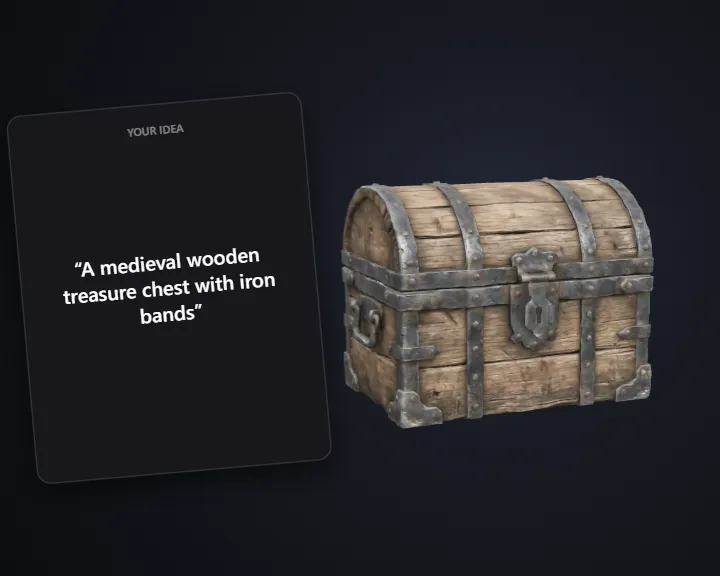 Realistic PropTurn a sketch or idea into a realistic PBR game prop
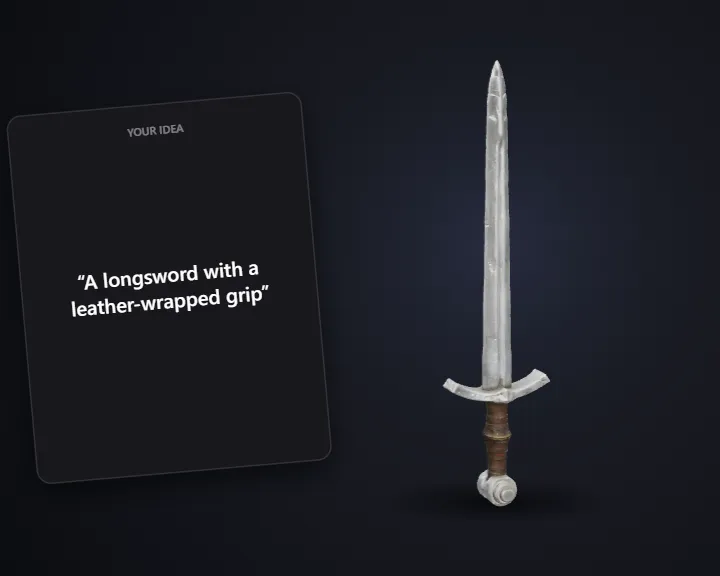 Realistic WeaponTurn a sketch or idea into a realistic 3D game weapon
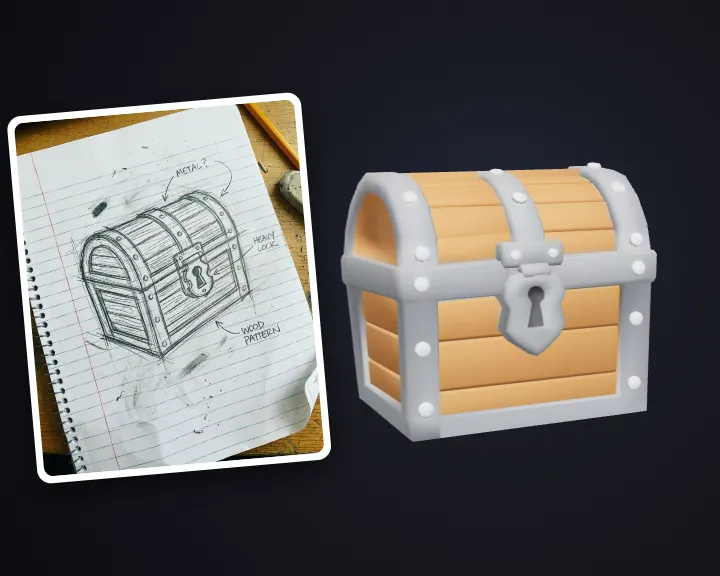 Low-Poly PropTurn a sketch or idea into a low-poly game prop
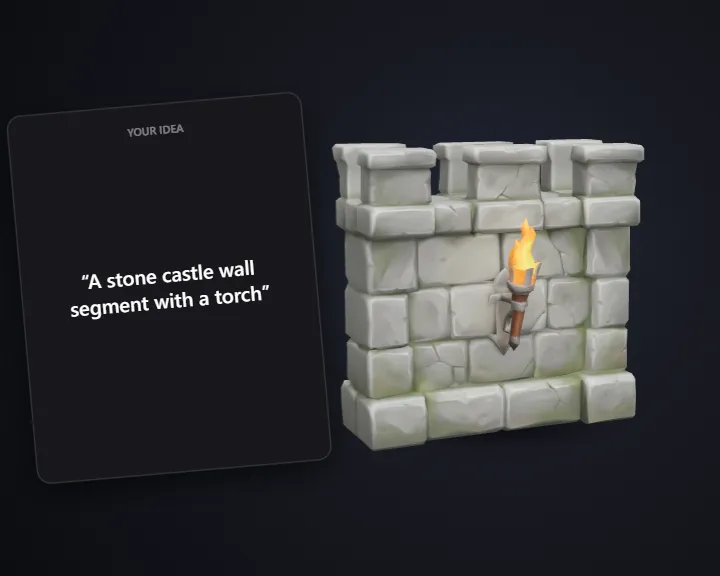 Stylized Modular PieceTurn an idea into a modular level-building piece
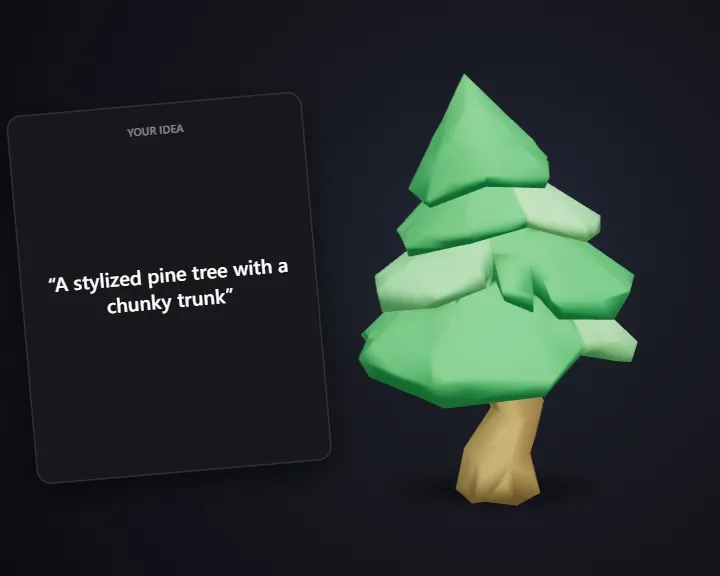 Low-Poly Tree & VegetationTurn an idea into a low-poly 3D tree or plant
 Game Sound EffectsDescribe a sound and get a game-ready sound effect
 NPC Voice LinesType a line and get it voiced by a game character
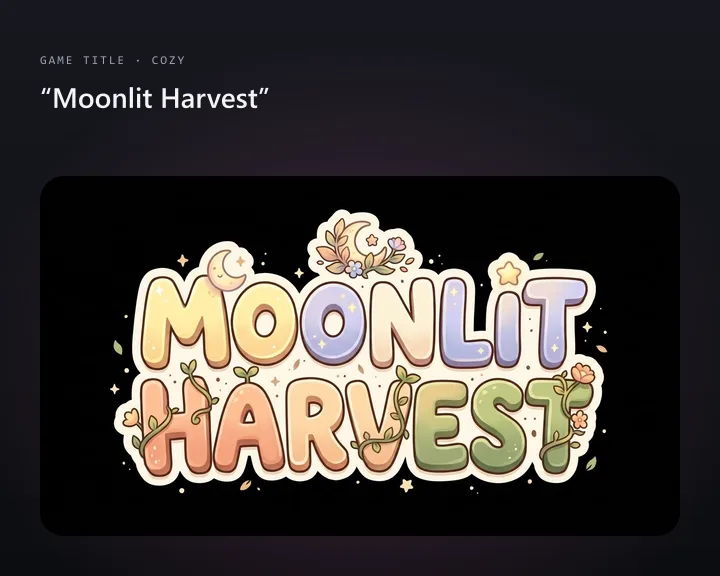 Game Title LogoType your game's name and get a title logo