

Halloween Costume Figurine From a Photo
Turn you or your pet into a Halloween figurine
Upload a normal photo. About 2–3 min later you download a Halloween figurine as STL or 3MF, ready to print. No 3D skills needed.
Try it with your photo
Turn you or your pet into a Halloween figurine. The prompts and settings are already done for you.
~2–3 min · STL & 3MF · print it before the 31st · free to try
Made with this template
The photo in the corner of each one is what went in.


Each example is an actual run of this template at Standard quality, made from a realistic sample photo.
From photos to file in about 2–3 min
Upload a photo, then wait while 2 AI steps run. Nothing to set up.
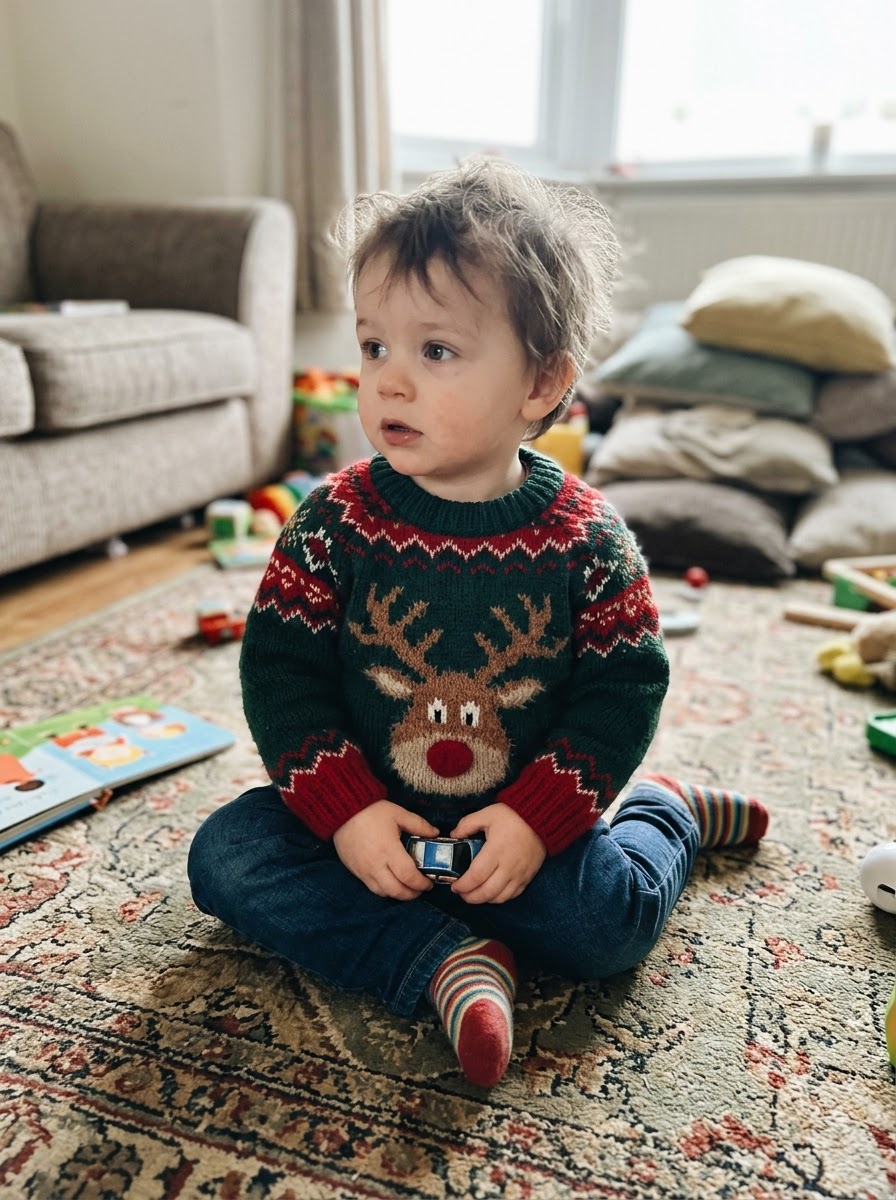 1YouYou add a photo
1–5 photos of the same person or pet
- Image Studio2
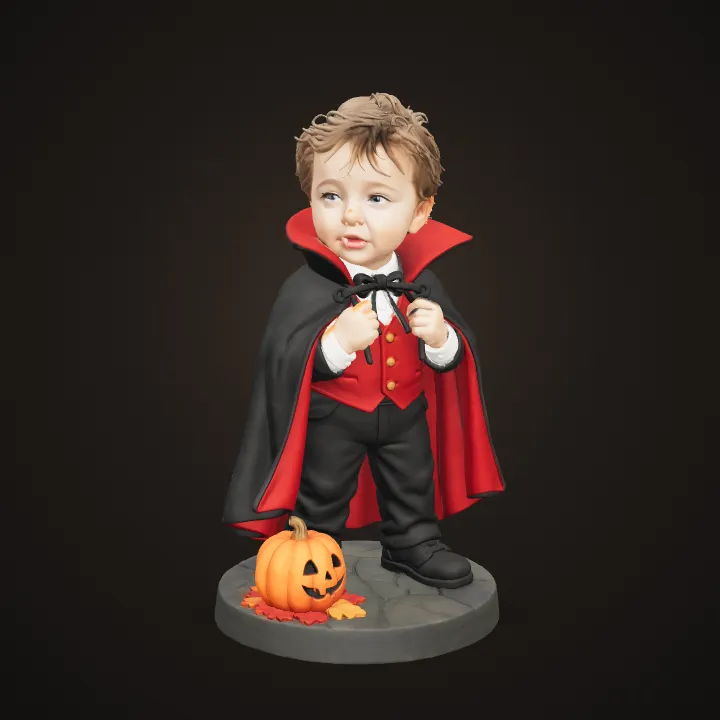 AIAI redraws your picture
Image Studio re-draws you or your pet as a cute vinyl-toy figure in one consistent style, keeps the face and look recognisable, adds the costume and a little pumpkin on the base, and keeps everything chunky enough to print.
- Image to 3D3AIAI builds it in 3D
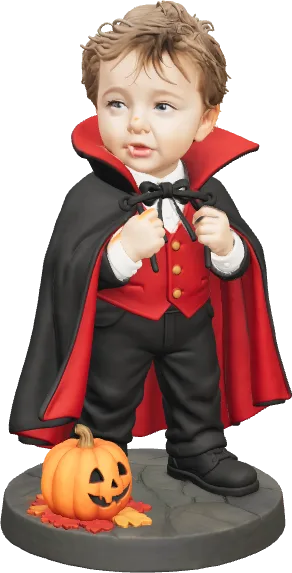
Image to 3D (Prism 3.1) builds the figurine with Fast textures and Standard mesh quality.
- STL 3MF OBJ4YoursYou download the file
As STL, 3MF or OBJ. You can use it however you like.
Print it at home or order it
Open the STL in your slicer, or upload it to a print service if you don't have a printer.
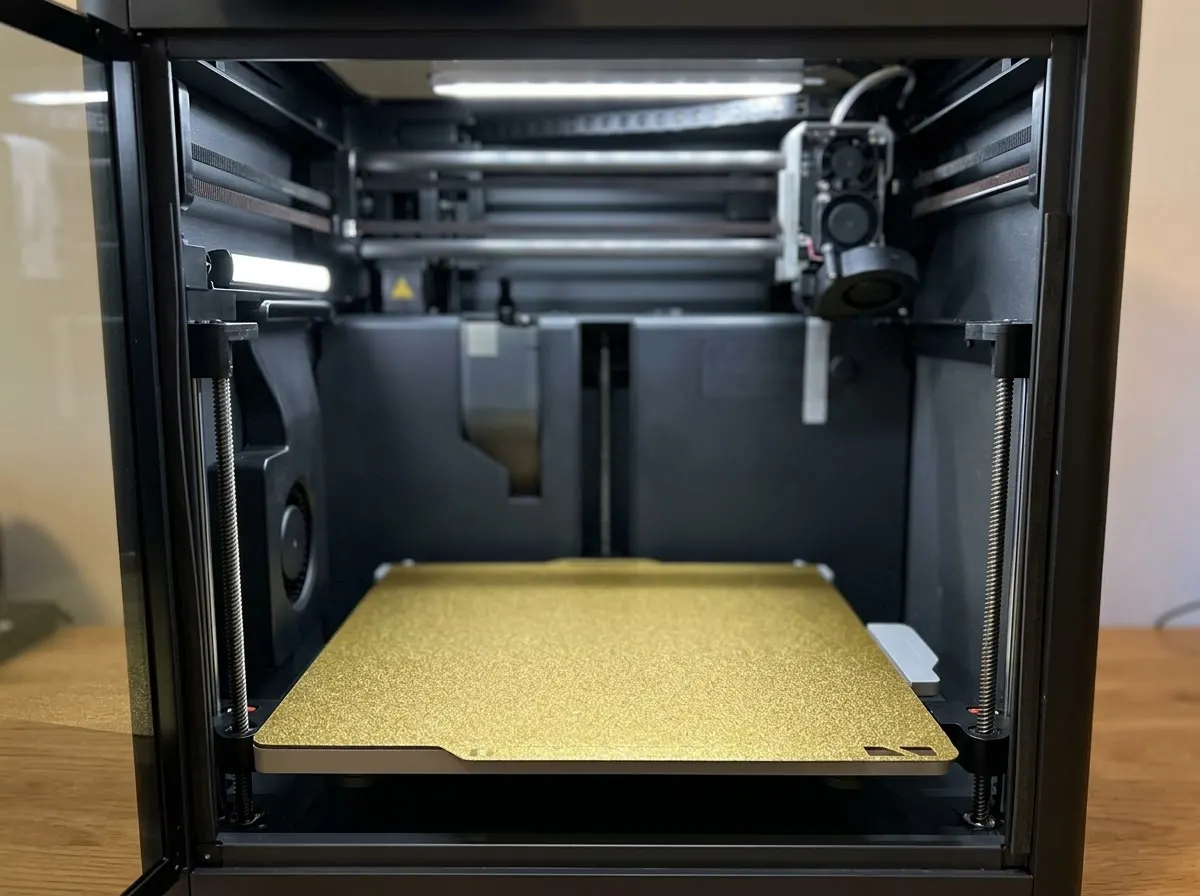
Any FDM or resin printer works. Open the file in your slicer and press print.
Upload the STL to an online print service or a local print shop and get it delivered.
Birthdays, weddings, a thank-you for a teacher. Nobody else will have the same one.
Print in grey and paint it, or print in colour if your printer can.
How this template works
Image Studio dresses you, your kids or your pet in a Halloween costume as a figurine design, then Image to 3D builds the model you print.
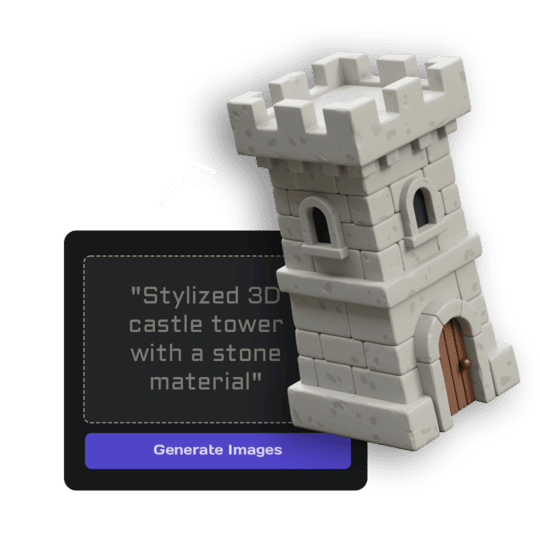 1Open Image StudioStep 1 · Image Studio
Dress up for Halloween
Image Studio re-draws you or your pet as a cute vinyl-toy figure in one consistent style, keeps the face and look recognisable, adds the costume and a little pumpkin on the base, and keeps everything chunky enough to print.
GPT Image 2.5 Flare · low quality
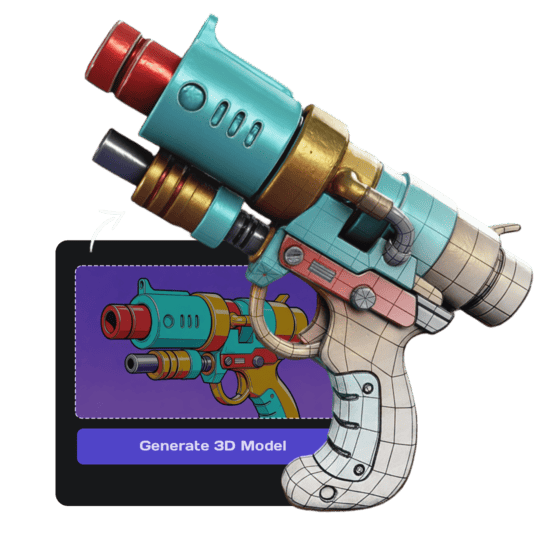 2Open Image to 3DStep 2 · Image to 3D
Build the 3D model
Image to 3D (Prism 3.1) builds the figurine with Fast textures and Standard mesh quality.
Prism 3.1 · Fast textures · Standard mesh
Do it yourself for more control
- Describe your own costume in the Image Studio prompt: a mummy, a ghost, a superhero.
- Print a whole family set with the same costume style for a mantel display.
- Print in glow-in-the-dark filament for an extra spooky look.
What is 3D AI Studio?
3D AI Studio is a web app that makes 3D models, images and sounds with AI. It runs in your browser, so there is nothing to install.
A template is a saved recipe. It runs a fixed set of AI tools with settings we've already tested, so all you add is a photo or a sentence.
- Step 1Image Studio
Edits and redraws pictures with AI image models.
- Step 2Image to 3D
Turns a single picture into a textured 3D model.
What you need
- A photo from your phone1–5 photos of the same person or pet
- 3D software or skillsNot needed. It all happens in the browser
- A 3D printerOptional. You can order the print online
- A free accountSign up with Google or email
Sign up for free and make your first one right away. Downloading the files is part of the paid plans.
a classic vampire with a high-collared black and red cape and tiny friendly fangs.
a witch with a tall pointed hat, a purple cloak and a small broom.
a black skeleton onesie with bones printed on it, face uncovered.
a round orange pumpkin costume with a green stem hat.
The files you get
Open it in a slicer such as Bambu Studio, PrusaSlicer or Cura, then press print.
Best for Bambu Lab and Prusa printers.
Opens in Blender and almost every 3D app.
Which photo to use
A photo like this works- One clearly visible subject works best; crop out other people if you can.
- A full-body photo helps, but a selfie is fine: the pose and body are reconstructed.
- Daylight beats flash: even light keeps colours true.
Good to know: Costumes are interpreted as playful, not gory, so the figurine stays family-friendly.
Run this template from Claude, ChatGPT or Cursor
Connect the 3D AI Studio MCP to your AI assistant and paste the brief into the chat. It runs the same steps with the same prompts and settings, shows you the result in the conversation and saves it to your library.
- Connect the MCP once in your account settings. It's included in every paid plan.
- Copy the brief.
- Paste it into a new chat. Your assistant opens an upload card for your photo, then runs every step.
upload_imageedit_image_gptgenerate_prism_3_1convert_modelget_generationshow_generationUse the 3D AI Studio MCP to run the "Halloween Costume Figurine" template (https://www.3daistudio.com/templates/halloween-costume-figurine) for me. My photo(s): I'll hand them over when you call upload_image. Subject: Person Style: Vampire Extras: Costume only Follow these steps in order. The prompts and settings are the template's own, so use them word for word. 1. Get my photos Call upload_image with purpose "Photo for the Halloween Costume Figurine template" so I can hand them over (images attached in the chat don't reach the MCP). I can upload up to 5 photos of the same subject; use all of them. 2. Dress up for Halloween Call edit_image_gpt with my uploaded photo(s) in images, quality "low", output_format "png" and this prompt: """ The reference photo(s) show one person; that person is the subject. Keep them instantly recognisable through what identifies them: face shape, eyes, eyebrows, nose, mouth and smile, hairstyle and hair colour, skin tone, glasses, beard or freckles, and their outfit with its colours and patterns. Their real body proportions do NOT carry over: head size, body, arms and legs follow the style below exactly, even where that is far from the photo. Do NOT copy the face from the photo: re-create the whole head, face, hair and neck from scratch in exactly the same style, material, level of detail, lighting and colour grading as the rest of the character, as if one artist made the entire character at once. The head sits naturally on the body at the character's proportions, with no photographic skin texture, no photo lighting, no visible seam, edge or colour shift at the neck, and no head that looks pasted on. Their own clothes are replaced by the costume described below; only their face, hair and look carry over. If several photos are provided they all show the same subject from different angles or moments: merge them into ONE consistent figure and pick the clearest features. The photos may be cropped or show only the face or upper body: reconstruct the COMPLETE body anyway, from the top of the head to the feet or paws, including legs, feet, shoes, tail and all limbs, complete and believable at the proportions of the requested style, matching everything visible. Never crop, cut off or hide any part of the body, never show a bust or half figure, and do not leave anything outside the frame. Style: a cute stylized Halloween collectible figure, made like a premium designer vinyl toy. Proportions: about three heads tall, the head about a third of the total height, a compact rounded body, short sturdy arms and legs, small rounded hands and shoes. Face: re-drawn in the toy style, not realistic: large glossy painted eyes with a small white highlight, simple painted eyebrows, a small simple nose, a small friendly smile, smooth even matte skin with no pores, wrinkles, stubble texture or photographic shading. Hair as a few big, soft, sculpted chunks that keep the hairstyle and hair colour; a beard or glasses become simple sculpted shapes. The costume is simplified into clean chunky shapes with only the main folds, in bold, slightly saturated Halloween colours. The same smooth semi-matte vinyl finish on everything, skin and hair included. Costume: a classic vampire with a high-collared black and red cape and tiny friendly fangs. Pose: cheerful standing pose, facing the camera. Transform the subject into a single Halloween figurine wearing the costume described, playful and spooky rather than scary, standing or sitting on a round flat base decorated with a small carved pumpkin. The face stays fully visible. The entire figure visible from head to base with generous empty margin, perfectly centered, frontal full-body view, nothing cropped. Chunky sturdy shapes with no thin fragile parts. Isolated on a seamless pure white (#FFFFFF) background, soft even studio lighting, no shadows on the background, no text. Most important: the whole figure, head and face included, is one cute stylized vinyl toy in exactly the style described above, as one consistent physical object. The face must not look like a photo or a realistic face: it is re-drawn in the same toy style, proportions, finish and colours as the costume, with no photographic part anywhere. """ 3. Build the 3D model Call generate_prism_3_1 with the task_id of the image from step 2 in images, texture_model "3.5", texture_quality "fast", geometry_quality "standard", pbr false. 4. Export Export it for printing: call convert_model on the 3D model with output_format "3mf" (or "stl" if I ask for it), plus max_size and unit "cm" if I gave you a print size. After each generation call, keep polling get_generation with its task_id until it completes, then show me the result with show_generation before you start the next step.
Or automate it with the API
The same tools are available through the 3D AI Studio API. Call them from your own code to make hundreds at once, build them into your app or run them in your pipeline.
Halloween Costume Figurine: questions & answers
3D AI Studio is a web app that makes 3D models, images and sounds with AI. It runs in your browser, so there is nothing to install. A template is a saved recipe. It runs a fixed set of AI tools with settings we've already tested, so all you add is a photo or a sentence.
Yes. Pick Pet; the breed and markings are kept and the costume is fitted to the animal.
Vampire, Witch, Skeleton and Pumpkin, all available to everyone. You can describe any other costume in Image Studio yourself.
8–12 cm is a good size for a shelf or mantel.
Sign up for free and make your first one right away. Downloading the files is part of the paid plans.
Turn you or your pet into a Halloween figurine
Similar templates
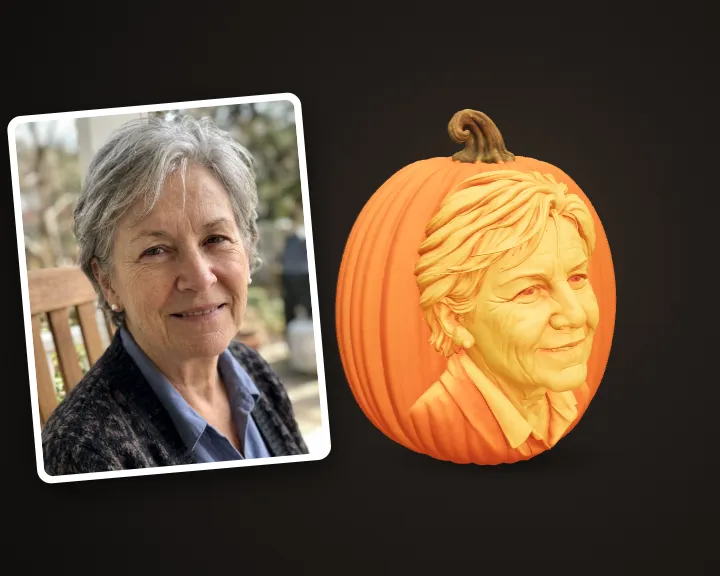 Pumpkin PortraitTurn a face into a carved jack-o'-lantern to print
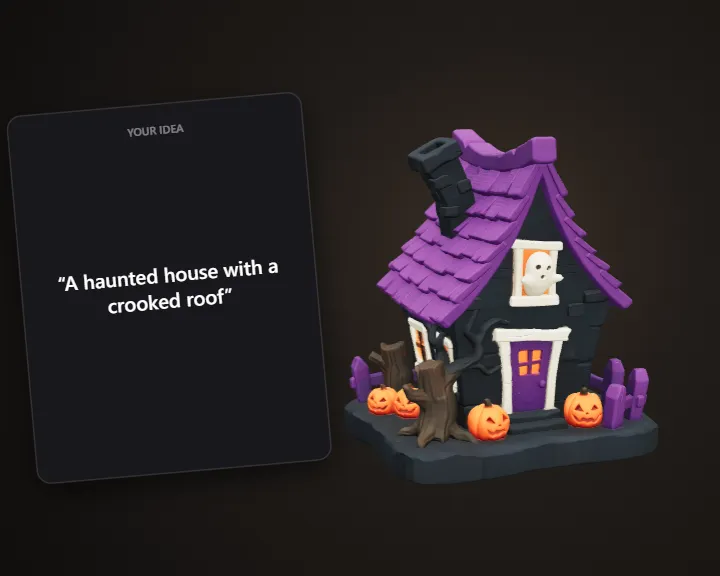 Halloween DecorationDescribe a spooky decoration and get it ready to print
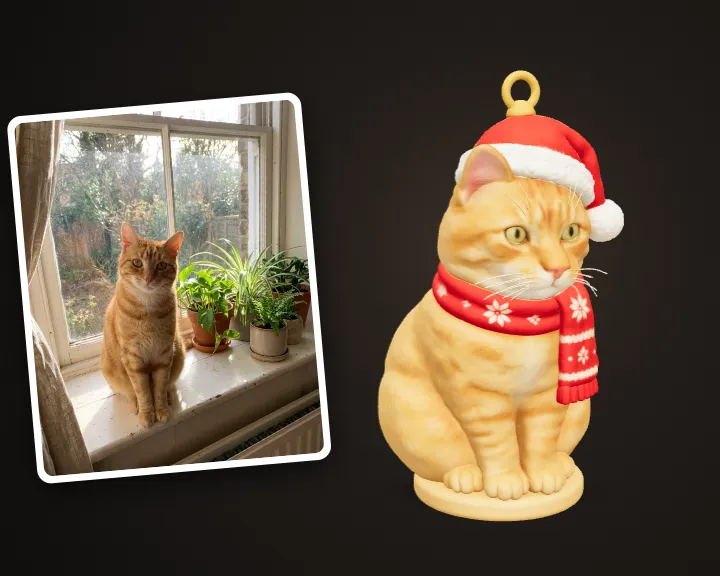 Holiday OrnamentTurn your pet or photo into a hanging tree ornament
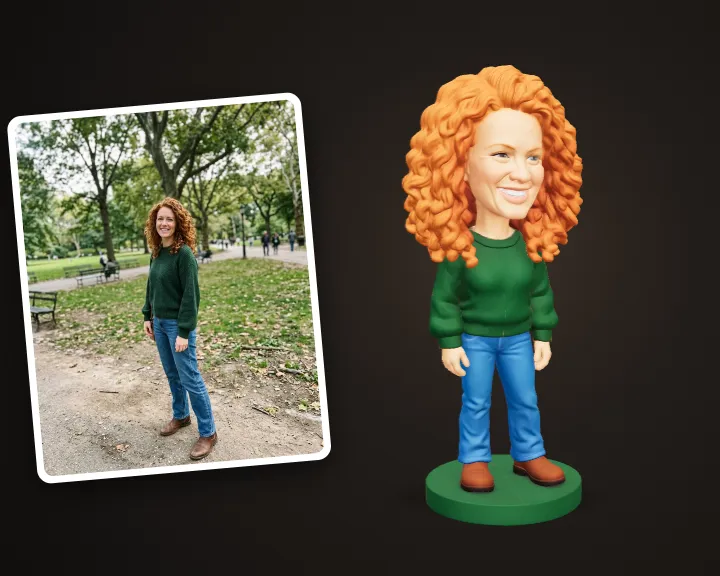 Custom BobbleheadTurn a photo into a 3D printable bobblehead
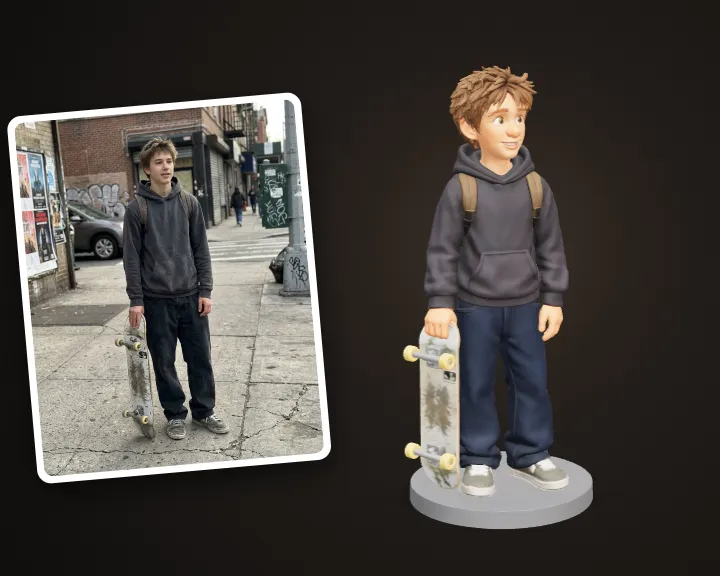 Cartoon Character of YouTurn your photo into an animated-movie style figurine
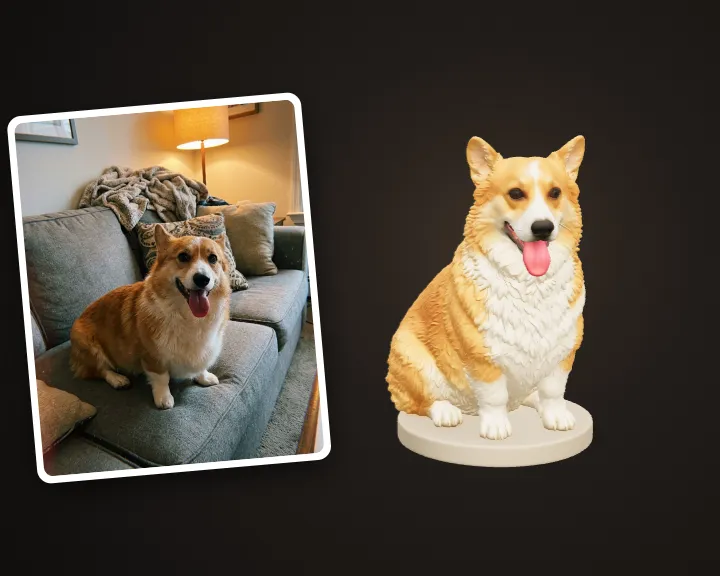 Pet FigurineTurn your pet's photo into a 3D printable figurine
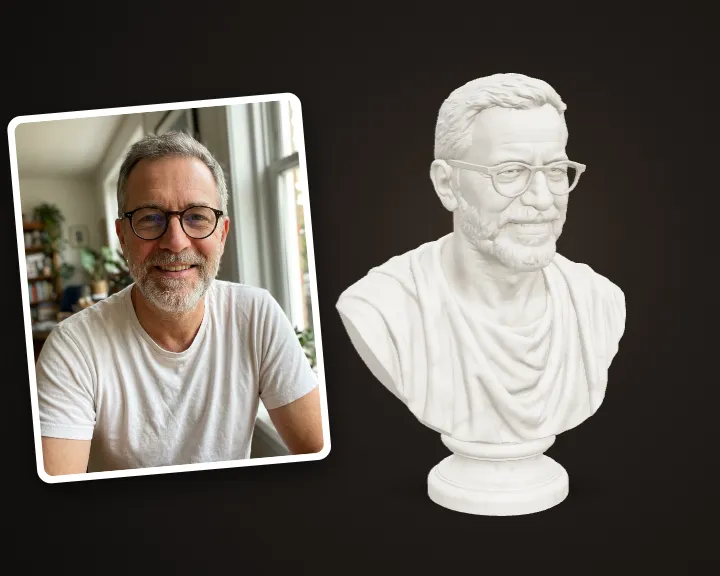 Marble Statue of YouTurn your photo into a classical marble statue
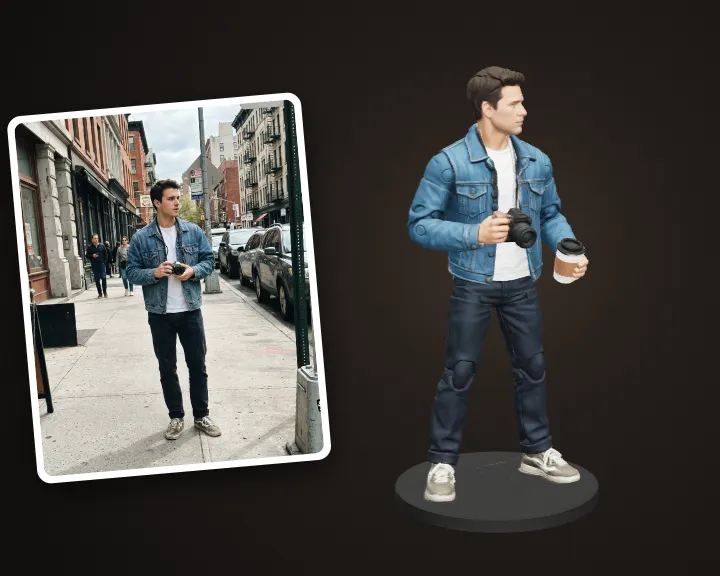 AI Action FigureTurn your photo into a collectible action figure