
10 beste Bild-zu-3D-Tools in 2026
Expertenvergleich der besten KI-gestützten Bild-zu-3D-Konvertierungstools. Wir haben jede Plattform getestet und bewertet, um dir bei der Auswahl des richtigen Tools zu helfen.
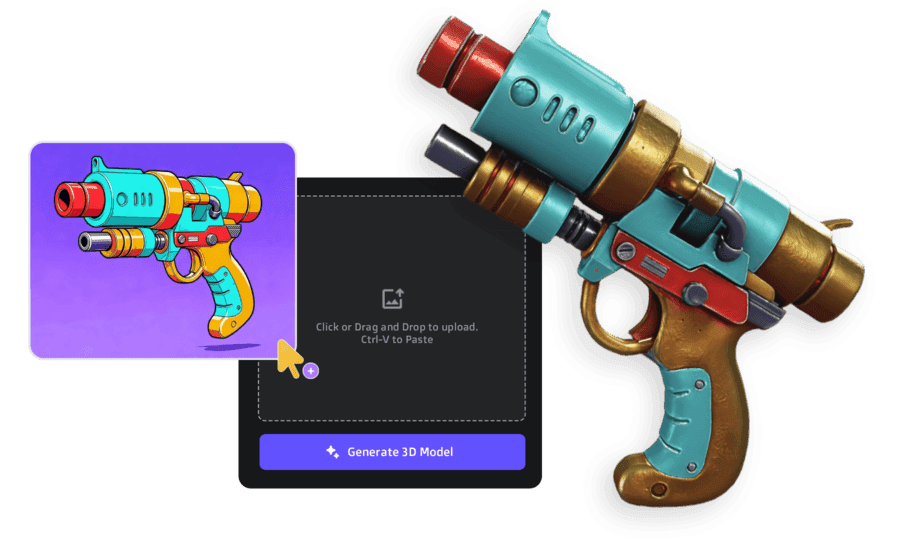
Kurzfassung - Unsere Top-Empfehlungen
After testing all 11 tools, here's the short version: 3D AI Studio is the best overall - it gives you access to every major AI model (Meshy, Rodin, Tripo, Hunyuan, Trellis) under one platform, plus image generation and pipeline tools. Best value by far.
For maximum photorealistic quality with enterprise budgets, Rodin AI leads. For free experimentation, Luma AI is the easiest starting point.
For the full breakdown of each tool with results, pricing, and use cases - keep scrolling.
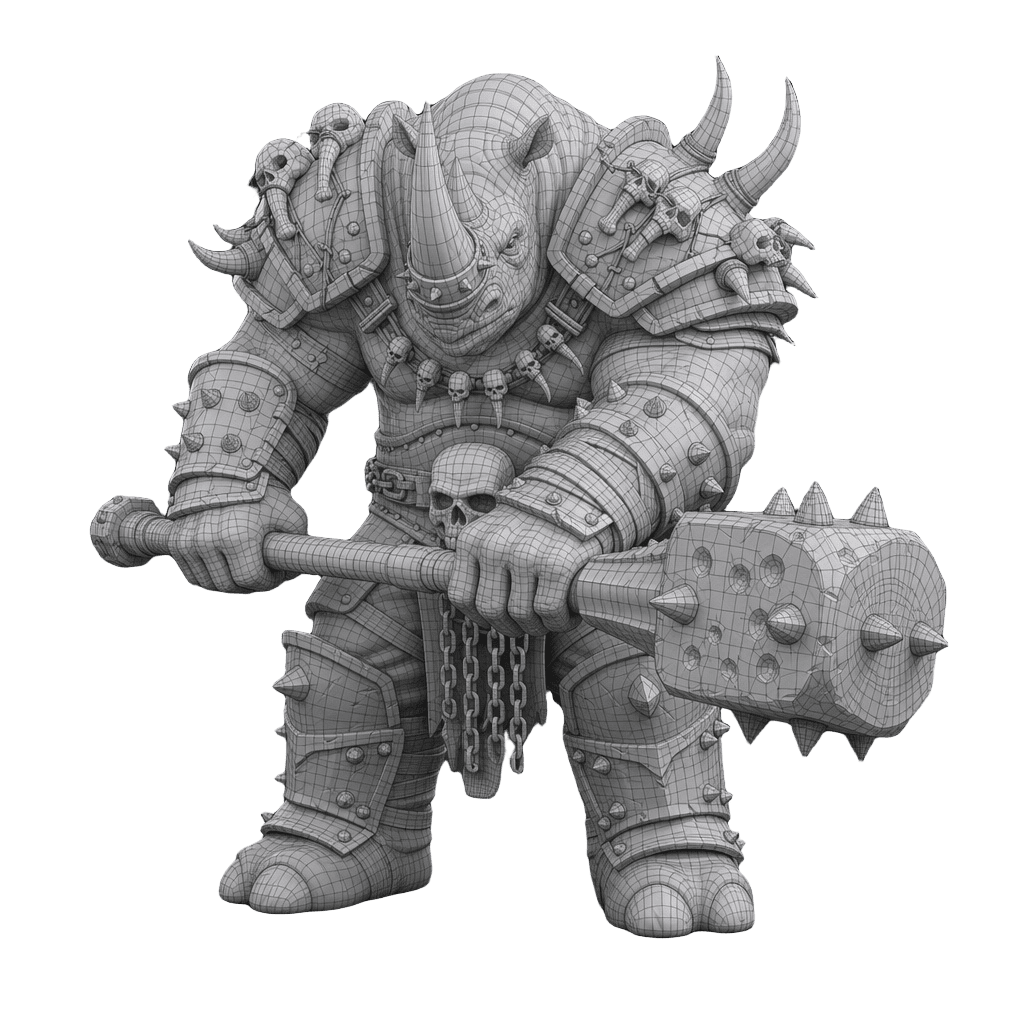
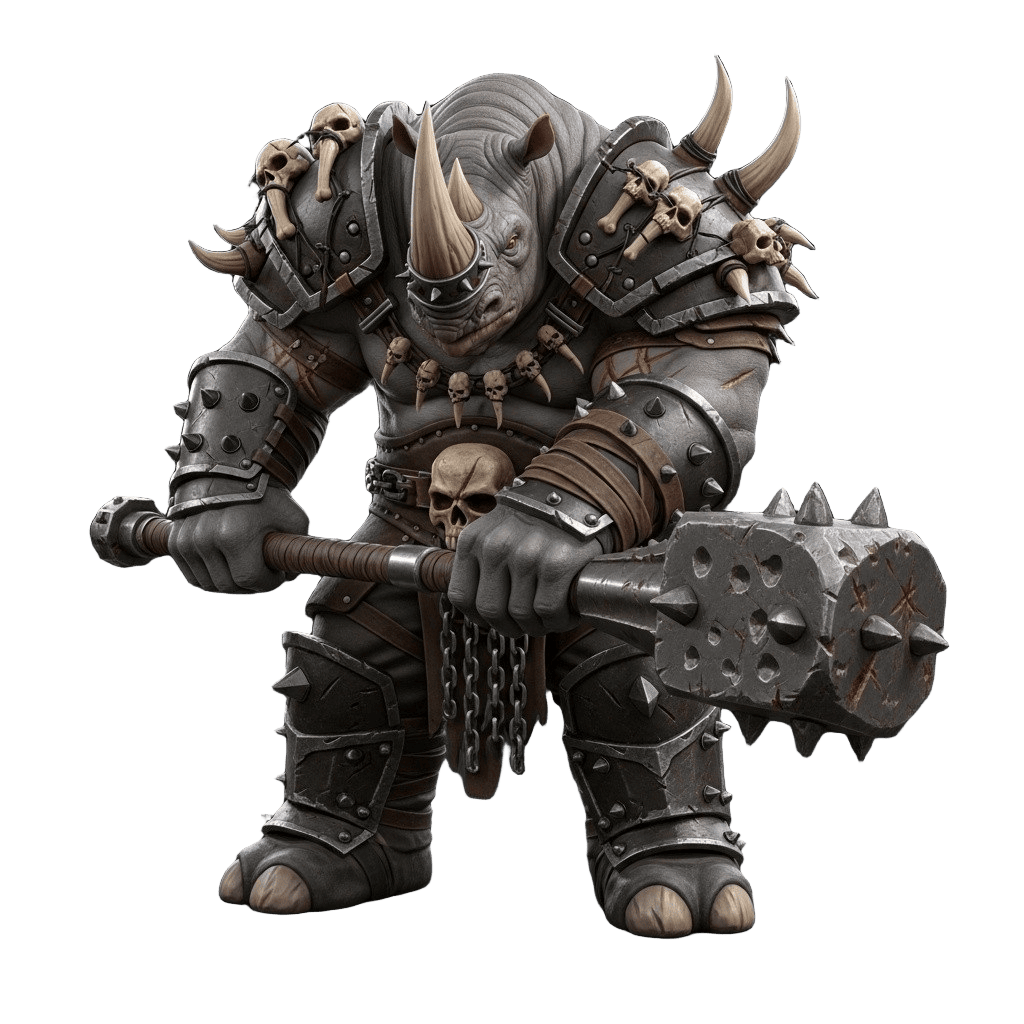
Best 3D AI Generator 2026 - Quick Comparison
I tested all major AI 3D tools with the same input to compare the results. Watch the quick video, then scroll down to rotate and inspect the actual 3D models yourself:
Want a closer look? Below you can spin each model yourself and compare the quality, textures, and geometry up close:
So haben wir getestet
Wir haben jedes Bild-zu-3D-Tool mit denselben 20 Referenzbildern in verschiedenen Kategorien getestet: Produkte, Charaktere, Architektur und organische Objekte. Das haben wir bewertet:
Qualitätsmetriken
- Geometriegenauigkeit und Detailerhaltung
- Texturqualität und PBR-Materialgenauigkeit
- Sauberkeit der Topologie und Polygonanzahl
- Konsistenz aus verschiedenen Blickwinkeln
Praktische Faktoren
- Generierungsgeschwindigkeit und Zuverlässigkeit
- Preise und Credit-Wert
- Benutzerfreundlichkeit und Workflow-Integration
- Ausgabeformate und Exportoptionen
Detaillierte Bewertungen & Rankings
We ranked each image-to-3D tool based on geometry accuracy, texture quality, generation speed, pricing value, and workflow integration. 3D AI Studio leads overall for its multi-model access and bundled pipeline, while Rodin AI delivers the highest raw photorealism and TRELLIS-2 is the best free open-source option.

3D AI Studio
Empfehlung der RedaktionStärken
- Zugang zu ALLEN KI-Modellen
- Komplette kreative Suite
- Bestes Preis-Leistungs-Verhältnis
- Multi-Image-Unterstützung
Schwächen
- Neuere Plattform
Am besten für: Nutzer, die Flexibilität und das beste Preis-Leistungs-Verhältnis wollen

Tripo AI
Stärken
- Very fast generation (20-60s)
- Clean topology output
- Good for hard-surface objects
- Multi-image support
Schwächen
- Quality inconsistent on organic shapes
- Limited post-processing tools
- Smaller community
Am besten für: Fast prototyping and hard-surface model generation on a budget

Hunyuan3D
Stärken
- Two-stage mesh + texture synthesis by Tencent
- Supports image, text, and sketch input
- 10-25 second generation
- Strong geometry with clean topology
Schwächen
- Self-hosted only, requires powerful hardware
- Smaller ecosystem than commercial tools
- No managed cloud service
Am besten für: Technical teams who want a free, self-hosted alternative with solid quality across input types

Meshy
Stärken
- Fotorealistische Qualität
- 4K PBR-Texturen
- Multi-View-Unterstützung
Schwächen
- Sehr teuer
- Keine Bild-/Videogenerierungs-Tools
Am besten für: Unternehmen mit Premium-Budgets

Rodin AI (Hyper)
Stärken
- Gute Qualität
- Etablierte Plugins
- Schnelle Generierung
Schwächen
- Begrenzte Credits
- An ein Modell gebunden
Am besten für: Blender/Unity-Nutzer, die Plugins brauchen
Pixal3D
Stärken
- Pixel-aligned back-projection for reconstruction-level fidelity
- Full PBR output (base color, normal, roughness, metallic)
- Built on TRELLIS.2 backbone with improved performance
- Single and multi-view input supported
Schwächen
- Academic license only - not for commercial use
- Requires powerful GPU for self-hosting
- No managed cloud service
- Not available in the EU
Am besten für: Researchers and developers wanting state-of-the-art fidelity from single images, with pixel-level accuracy approaching 3D reconstruction

TRELLIS-2
Stärken
- 4B-parameter model by Microsoft, MIT licensed
- ~3 second generation at 512³ resolution
- Full PBR materials (albedo, roughness, metallic, normal)
- Multiple export formats: GLB, OBJ, PLY, 3D Gaussians
Schwächen
- Requires beefy GPU for self-hosting
- Gaussian Splatting output harder for traditional pipelines
- No built-in rigging or animation
Am besten für: Developers wanting free, high-fidelity generation with full control over the pipeline

Polycam
Stärken
- LiDAR-based scanning on mobile
- Good for real-world objects
- Web-based viewer
- USDZ export for AR
Schwächen
- Requires physical access to objects
- Slower processing (2-5min)
- Scan quality varies by device
Am besten für: Scanning real-world objects with your phone for AR or archviz
Echte Testbeispiele
Das haben wir auf den Top-Plattformen getestet (mit 3D AI Studio)
Upload any image, get a 3D model in 30-120 seconds
All these features included • Access to ALL AI models • From $19/month
Direkter Vergleich
Compare all 11 image-to-3D tools side by side on price, quality, speed, multi-image support, and export formats. Prices range from free (open-source tools like TRELLIS-2 and Hunyuan3D) to $99/mo (Rodin AI), with generation speeds from 3 seconds to 24 hours.
| Tool | Einstiegspreis | Qualität | Geschwindigkeit | Multi-Image | Ausgabeformate |
|---|---|---|---|---|---|
| 3D AI Studio | $19/mo | Ausgezeichnet | 30-120s | ✔ | GLB, FBX, OBJ, USDZ |
| Rodin AI | $99/mo | Außergewöhnlich | 60-180s | ✔ | GLB, FBX, OBJ |
| Meshy | $19/mo | Gut | 30-90s | ✗ | GLB, FBX, OBJ |
| Tripo AI | $24/mo | Gut | 20-60s | ✔ | GLB, FBX, OBJ |
| TRELLIS-2 | Free (Open Source) | Sehr gut | ~3s | ✗ | GLB, OBJ, PLY |
| Hunyuan3D | Free (Open Source) | Gut | 10-25s | ✗ | GLB, OBJ |
| CSM.ai | $20/mo | Gut | 45-120s | ✗ | GLB, FBX |
| Meta SAM 3D | Free (Research) | Gut | 30-60s | ✗ | GLB, OBJ |
| Luma AI | Free | Befriedigend | 5-10min | ✔ | GLB, USDZ |
| Polycam | $10/mo | Gut | 2-5min | ✔ | GLB, OBJ, PLY |
| Kaedim | $20/mo | Sehr gut | 4-24hrs | ✗ | FBX, OBJ |
Welches Tool für deinen Anwendungsfall?
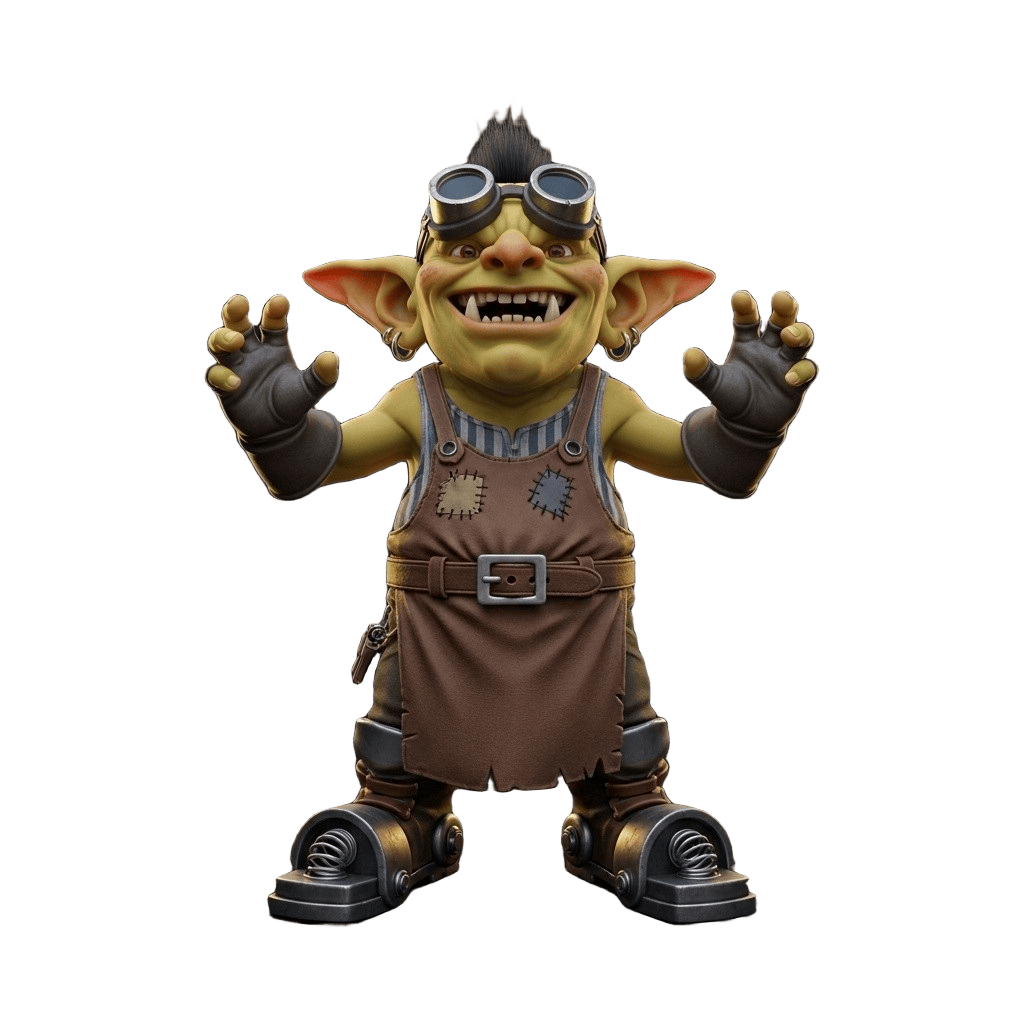
The best image-to-3D tool depends on your specific workflow. For game development, 3D AI Studio's multi-model access lets you pick the right engine per asset type. For architecture, Rodin-quality models are available at a fraction of the direct cost. For hobbyists, free tiers from Luma AI and open-source tools like TRELLIS-2 are the best starting points.
Game Development
Best: 3D AI Studio - multiple AI models, 1000+ credits/month, game-ready exports
Runner-up: Tripo AI for clean topology
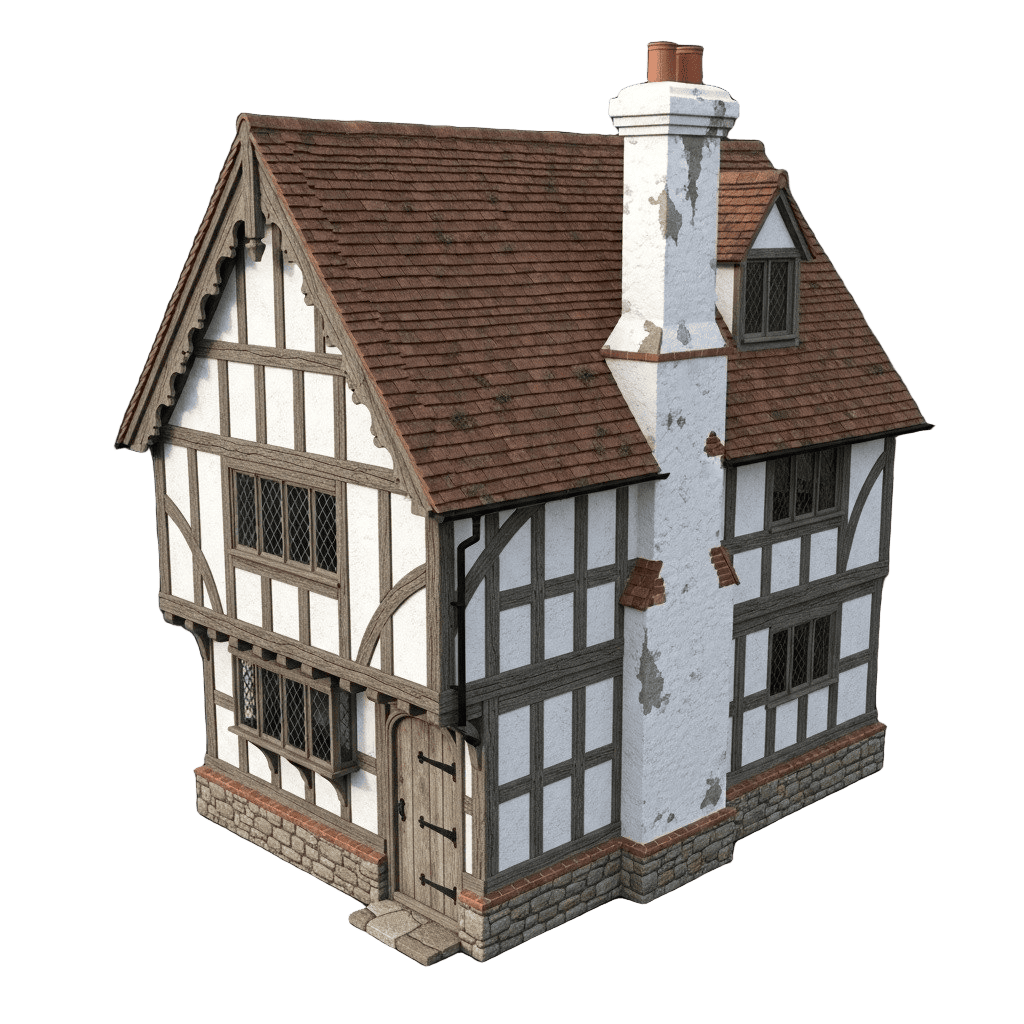
Architecture & Product Viz
Best: 3D AI Studio - Rodin-quality models at $29/mo vs $99/mo direct. Same 4K PBR.
Runner-up: Rodin AI for enterprise SLAs

E-Commerce & Marketing
Best: 3D AI Studio - 3D product models, marketing images, promo videos in one platform.
Runner-up: CSM.ai for product-specific workflows
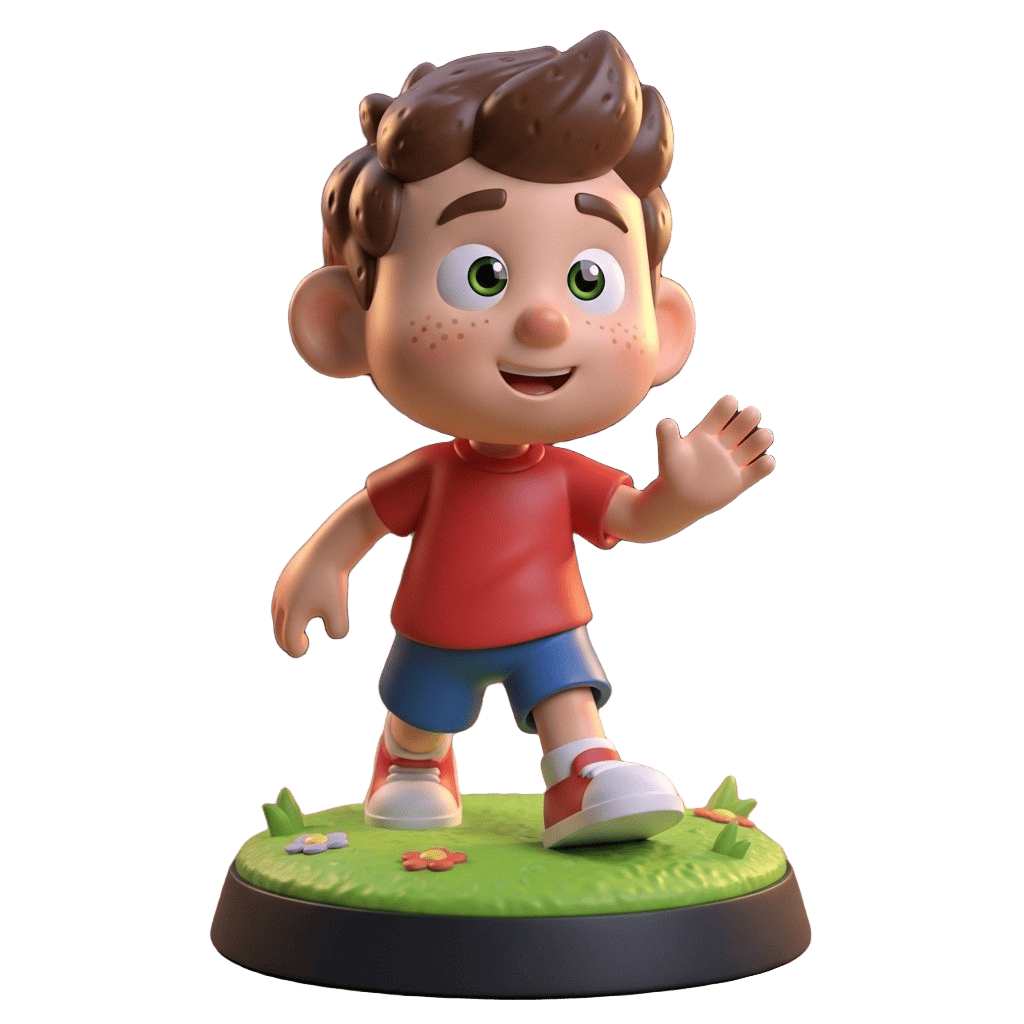
Hobbyists & Learning
Best: Luma AI - free tier for testing and experimentation.
For serious projects, 3D AI Studio's one-time $34 payment offers much better quality
Worauf du bei einem Bild-zu-3D-Tool achten solltest
Geometry Accuracy
Fine details, correct proportions, clean topology
Texture Quality
4K PBR with roughness, metallic, normal maps
Generation Speed
30s (fast) to 10min (slow). Speed matters for iteration.
Cost per Model
Calculate actual cost per generation, not just monthly price
Output Formats
GLB for web, FBX for games, OBJ for Blender, STL for printing
Multi-Model Access
Different models excel at different tasks. Don't get locked in.
How Image to 3D Works
Works the same across most platforms. Here's the general workflow.
Pick an AI tool. We recommend 3D AI Studio for access to all models.
Upload a photo, edit an existing image, or generate one with AI. Clear subject, simple background works best.
Pick an AI model and hit generate. Takes 30 seconds to 2 minutes depending on quality settings.
Pick your format (GLB, FBX, OBJ, STL) and download. Use in games, 3D print, AR, or any 3D software.
Our Verdict

"After testing every tool on this list extensively, the biggest difference in 2026 is multi-model access. No single AI model wins at everything - but having all of them in one place means you always get the best result for each specific task."
- Jan, Author
For most users, 3D AI Studio offers the best combination of quality, speed, and value - with access to every major AI model in one place.
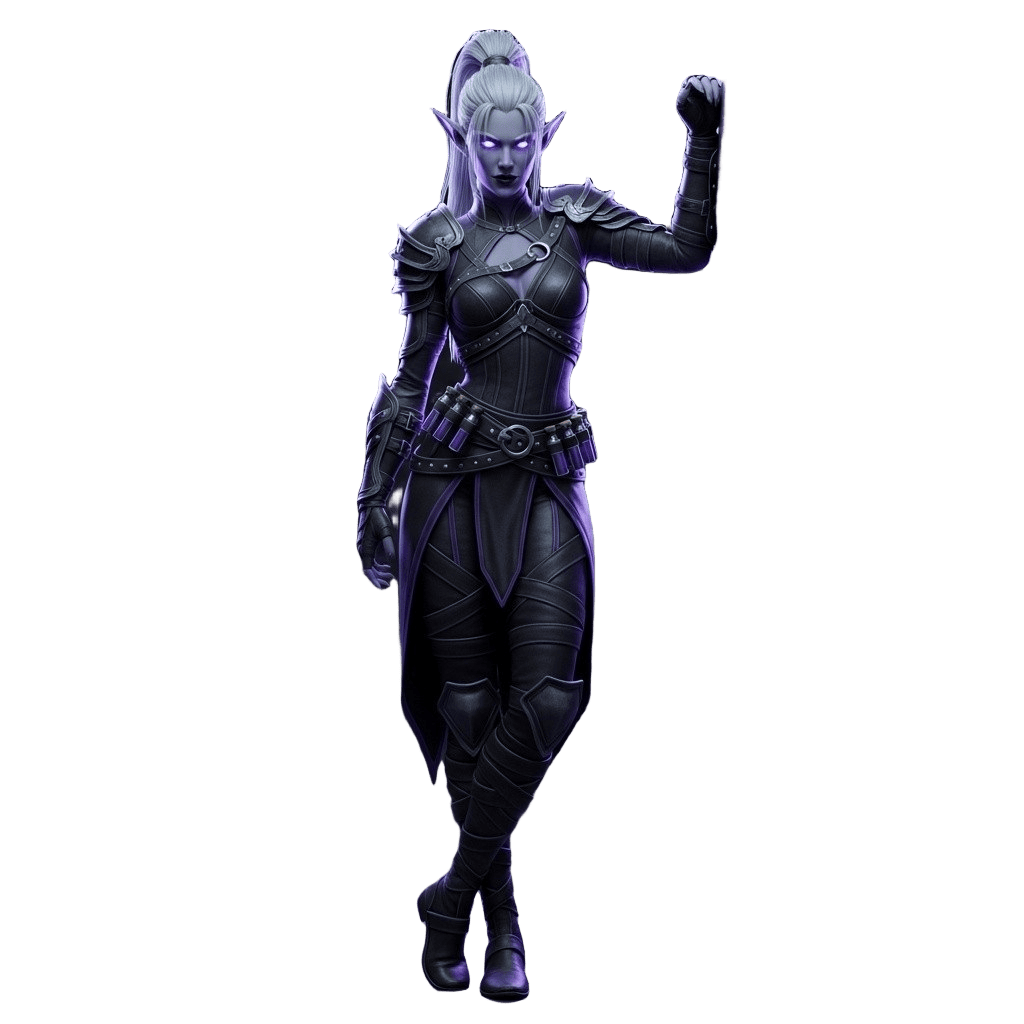
Generated with AI in 45 seconds
Bereit, das Nr. 1 Bild-zu-3D-Tool zu testen?
Erlebe die beste Bild-zu-3D-Konvertierungsqualität mit Zugang zu allen führenden KI-Modellen auf einer Plattform.
Jetzt Bild-zu-3D testenTim's Take
Real experience
"Bild-zu-3D ist mein Standardwerkzeug für Kundenarbeit. Der Kunde schickt eine Skizze, ich schicke 5 Minuten später ein 3D-Modell zurück. Die Kunden halten mich für einen Zauberer. Die Texturprojektion ist dieses Jahr wahnsinnig gut geworden."
Frequently Asked Questions
What's the difference between AI image-to-3D tools and 3D scanning?▼
AI tools generate 3D models from a single image using AI - works with photos, drawings, concept art. 3D scanning apps need you to physically capture dozens of photos of a real object. AI is faster and works with any image. Scanning is better for exact replication of real objects.
Can I really get good results from just one image?▼
Yes. Single-image input produces usable results in 30-120 seconds for most objects. The AI estimates the hidden sides based on what it can see. For maximum accuracy, you can provide multiple angles, but one clear image is enough to start.
Which tool is best for game development?▼
3D AI Studio gives you the most flexibility - use Tripo for clean topology (great for rigging), Meshy for quick props, or Rodin for hero assets. Having access to all models means you can pick the right one per asset type.
Are these models ready for 3D printing?▼
Most AI-generated models need a quick remesh to become watertight for printing. Tools like 3D AI Studio include a one-click remesh tool that fixes this automatically. Export as STL or OBJ for your slicer.
Why is 3D AI Studio ranked #1?▼
It's the only platform giving you access to all major AI models (Meshy, Rodin, Tripo, Hunyuan, Trellis) in one place. Instead of paying $19-99/month for each tool separately, you get everything for $19-29/month. Same quality, more flexibility, better value.
What image works best for conversion?▼
Clear subject, simple background, good lighting. Product photos, clean sketches, and concept art work great. Avoid blurry images, heavy shadows, or scenes with multiple objects.
What export formats are supported?▼
All major formats: GLB for web and AR, FBX for Unity and Unreal, OBJ for Blender, STL for 3D printing, USDZ for Apple AR. Most tools support multiple formats.
How much does it cost per model?▼
Varies by tool. On 3D AI Studio, each generation costs 20 credits (roughly $0.17 per model on the Studio plan). Rodin direct costs $0.50+ per model. Free tools like Trellis and Hunyuan require your own GPU.
Can I use these models commercially?▼
Yes - models generated on 3D AI Studio, Meshy, Tripo, and Rodin are yours to use commercially. Open-source tools like TRELLIS-2 (MIT license) allow commercial use. Pixal3D is academic-only.
What's new in 2026 compared to last year?▼
Quality has improved dramatically. Trellis 2 generates in 3 seconds. Pixal3D achieves near-reconstruction fidelity. Tripo's topology is now game-ready out of the box. And multi-model platforms like 3D AI Studio mean you always get the latest models without switching tools.
Want to learn more? Check out these quick guides:
Tim Karlowitz
Developer & Creative @ Karlowitz Studios
Tim ist ein kreativer Technologe und Entwickler bei Karlowitz Studios in Deutschland. Er ist spezialisiert auf interaktive 3D-Web-Erlebnisse und automatisierte Content-Pipelines und bringt eine rigorose technische Perspektive in die Bewertung von KI-Tools ein.