
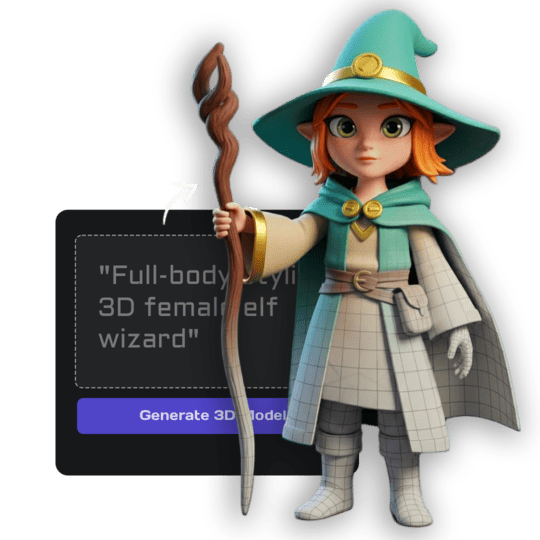
Das kannst du erwarten
Diese beiden Modelle wurden nur aus einem Text-Prompt generiert. Du kannst sie drehen, um das volle Ergebnis zu sehen.
"Stylized anime warrior with red hair, holding a katana, game-ready character"
"Futuristic energy weapon with green glowing elements, sci-fi gun, detailed"
Both generated from text only. No reference images, no modeling skills needed.
Try Text to 3DLieber anschauen als lesen?
Wir haben ein kurzes Walkthrough aufgenommen, das Prompts, Stile und den gesamten Generierungsablauf zeigt.
Wie Text to 3D funktioniert
Du gibst eine Beschreibung ein, die KI erstellt ein vollständiges 3D-Modell mit Geometrie und Texturen. So sieht jeder Schritt aus.
Du beschreibst das Objekt
Schreibe in einfacher Sprache, was du willst. Form, Material, Stil und Details.
KI erstellt das 3D-Mesh
Geometrie wird von Grund auf mit sauberer Topologie generiert, sofort einsatzbereit.
Texturen werden angewendet
Farben, Materialeigenschaften und Oberflächendetails werden automatisch auf das Mesh gemalt.
Exportieren und überall verwenden
Download als GLB, FBX, OBJ oder STL. Nutze es in Spielen, Renderings oder 3D-Druck.
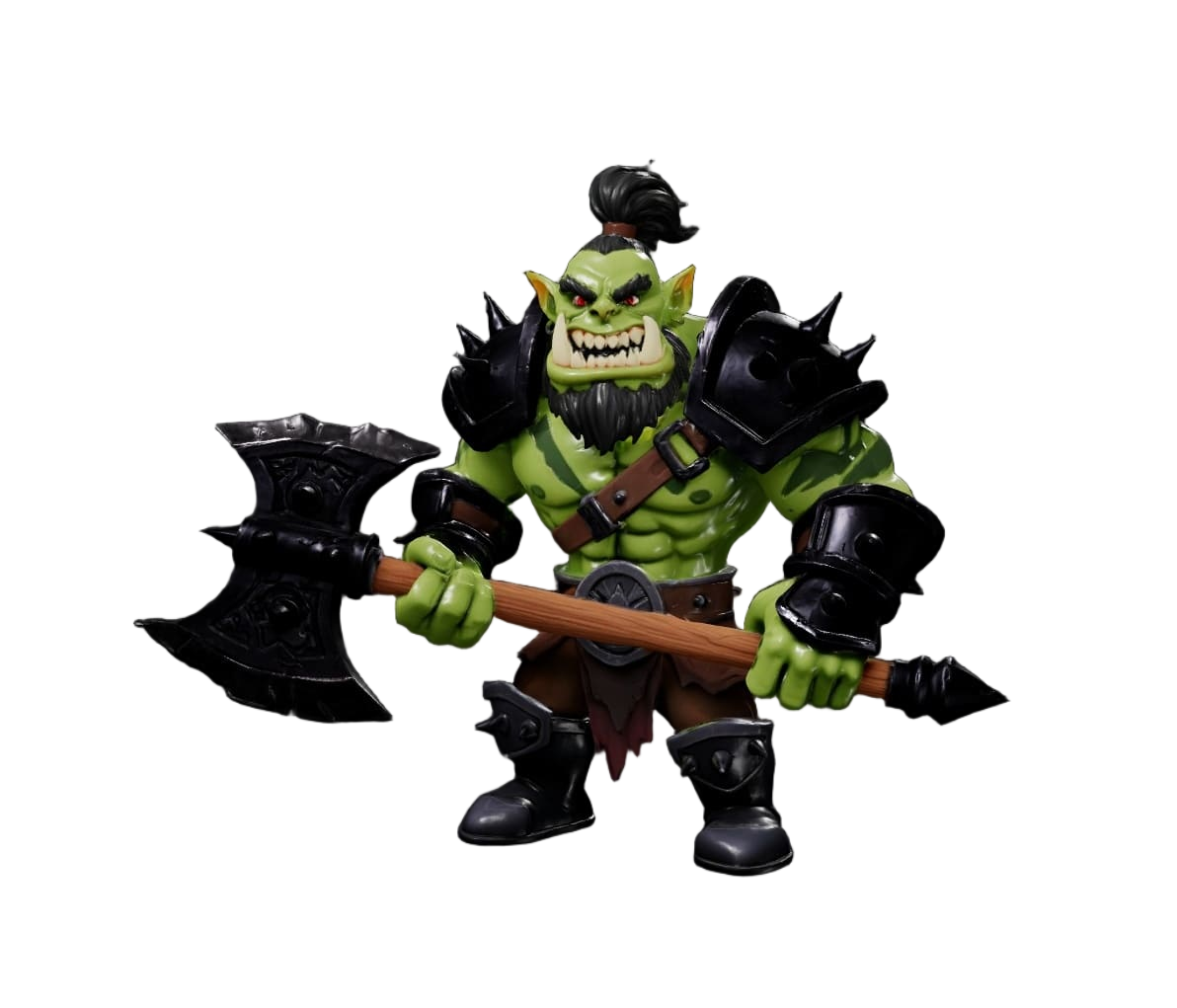
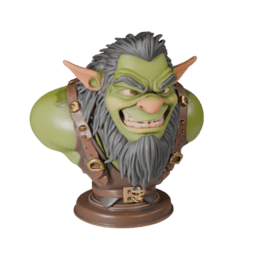
"Orc warrior, heavy armor, battle axe, stylized game character"
Your prompt
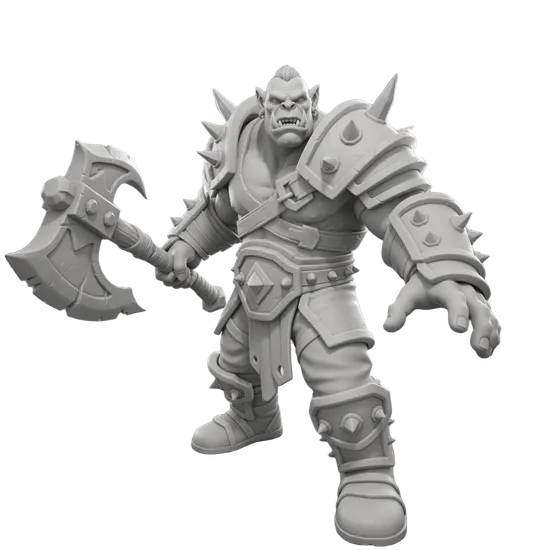
Raw geometry
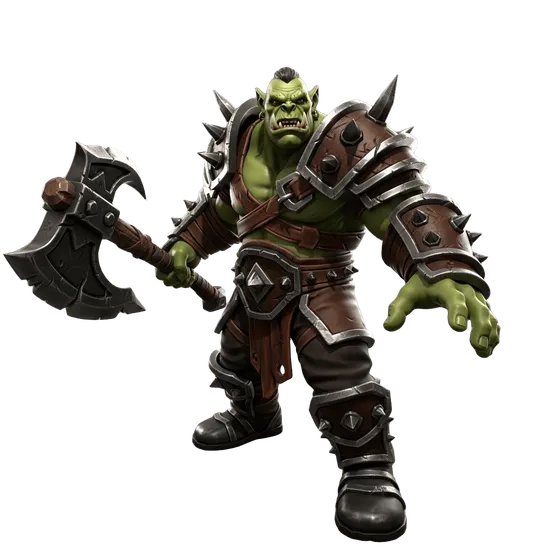
Textures applied
GLB / FBX / OBJ / STL
Export
Vielseitig, schnell und in Premium-Qualität
Unser Text to 3D ermöglicht es dir, mit bemerkenswerter Geschwindigkeit zu brainstormen, Prototypen zu erstellen und zu kreieren.
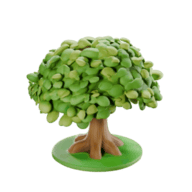
"Cute stylized tree, clumped leaf blobs, round diorama base"
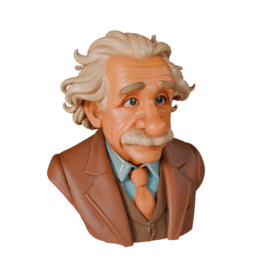
"Cartoon scientist bust, wild white hair and mustache, tweed suit, stylized"
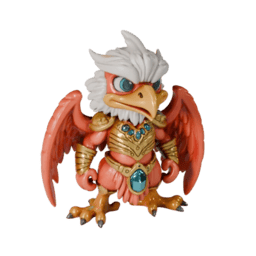
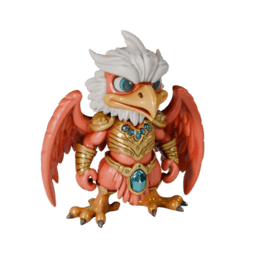
"Chibi griffin warrior, coral wings, white crest, gold armor with blue gems, stylized"
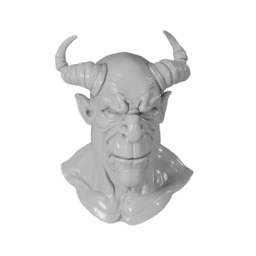
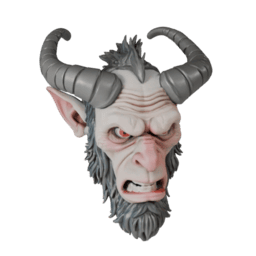
"Demon bust, curled horns, gray resin sculpt, stylized"
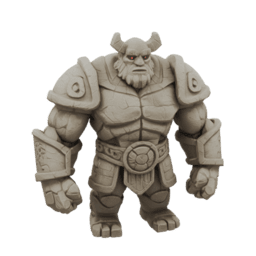
"Stone golem barbarian, chunky proportions, small horns, carved armor, stylized game character"
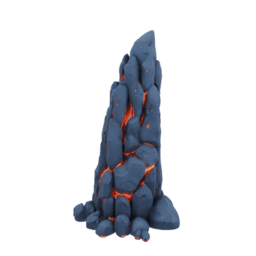
"Lava-cracked rock spire, dark basalt with glowing fissures, low poly environment prop"
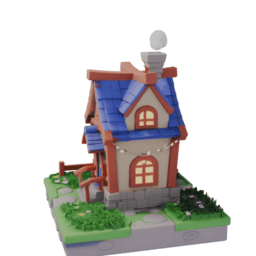
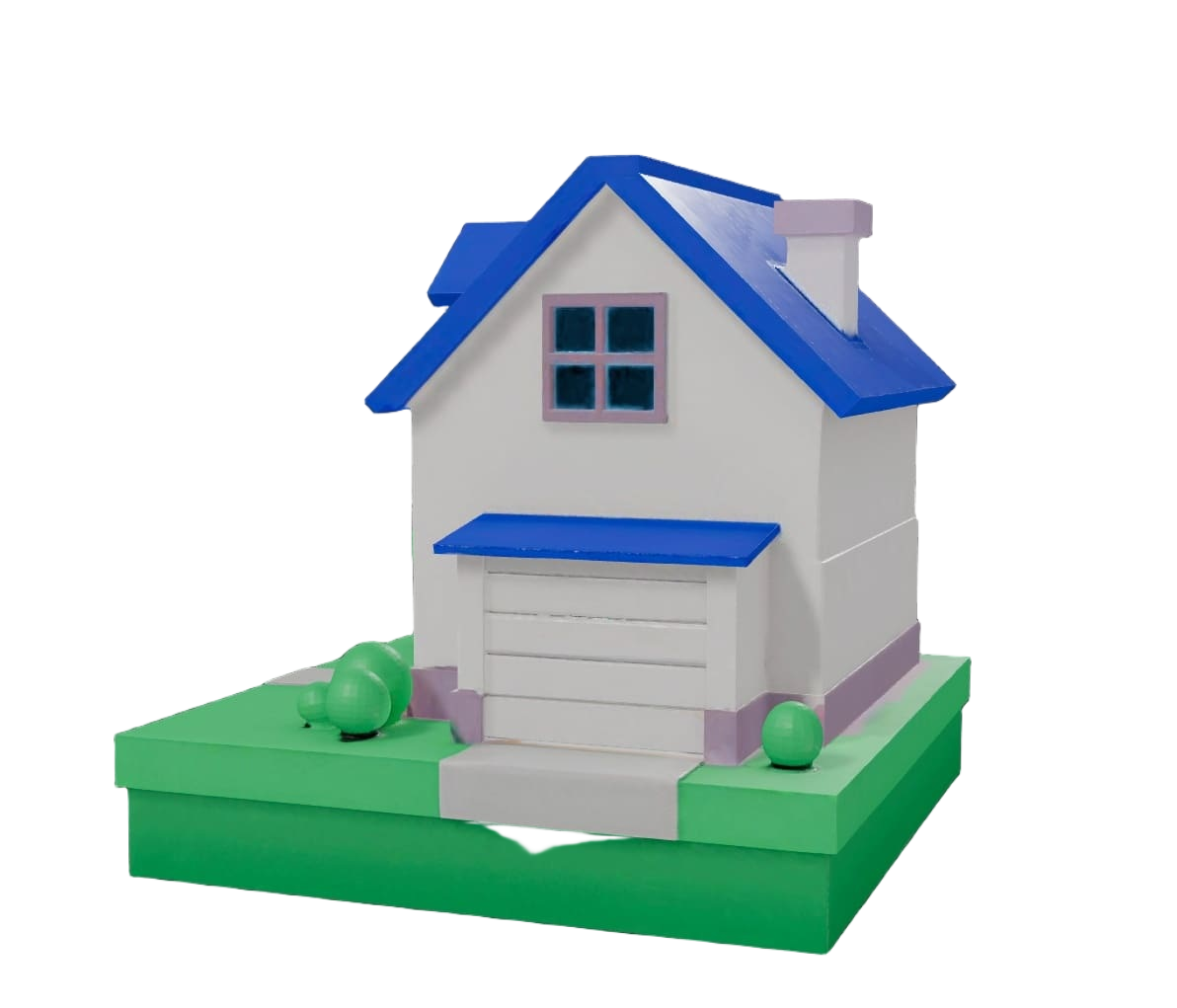
"Cozy cottage diorama, blue tiled roof, glowing windows, cute low poly house"
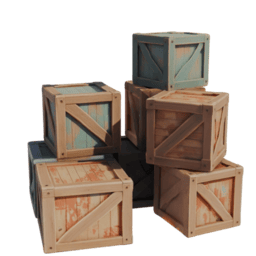
"Stack of weathered wooden crates, high quality low poly game prop"
Profi-Tipp: Erst ein Bild generieren
Text to 3D funktioniert super alleine, aber wenn du mehr Kontrolle willst, kannst du erst ein Bild generieren, es anpassen bis es passt, und dann in 3D umwandeln. Zwei Schritte, aber du bekommst genau das, was du dir vorgestellt hast.
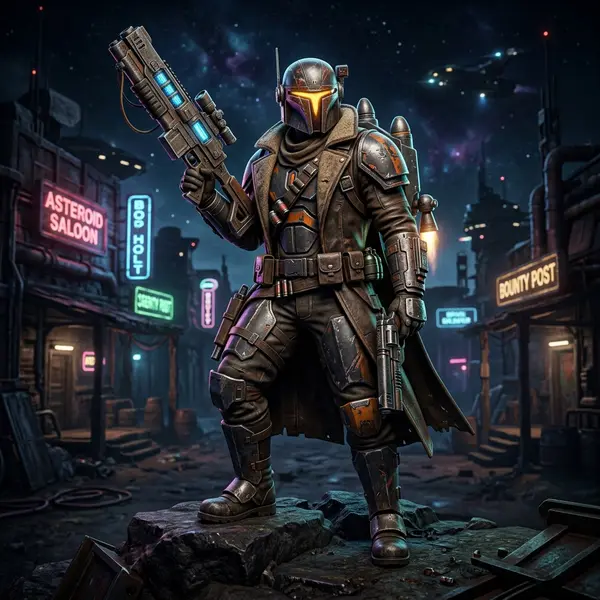
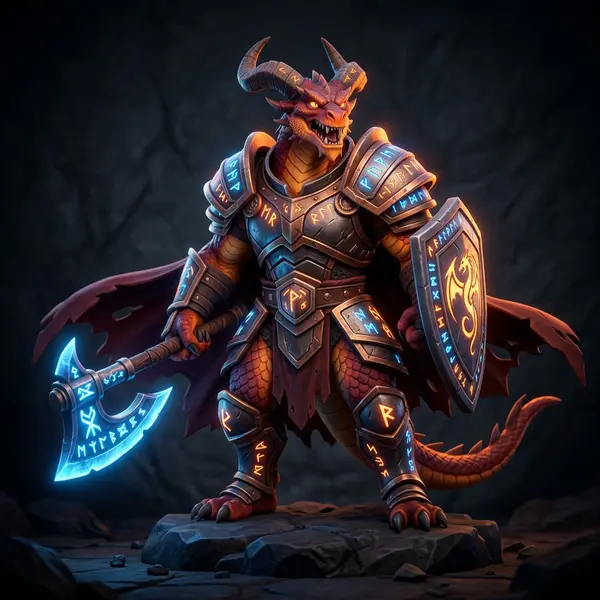
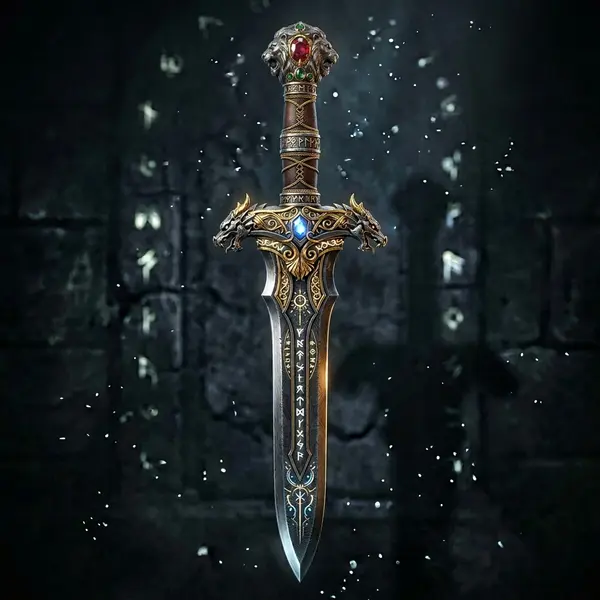
This two-step approach lets you iterate on the image until it looks right, then generate the 3D version with confidence.
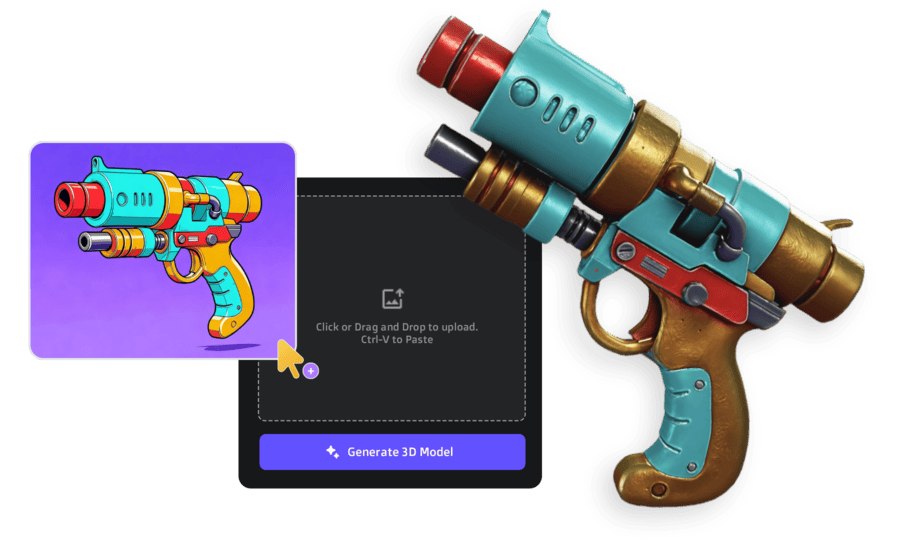
Hast du bereits ein Bild oder eine Skizze?
Wenn du bereits Konzeptzeichnungen, ein Foto oder eine Skizze hast, kannst du das Text-Prompting komplett überspringen und stattdessen Image to 3D nutzen. Gleiche Mesh-Qualität, gleiche Export-Optionen, nur ein anderer Startpunkt.
Du hast auch Kontrolle über das Mesh
Jedes Modell bietet Optionen zur Anpassung der Polygonanzahl und Konvertierung in Quad-Topologie. Nützlich, wenn du für Spiele optimieren oder für Sculpting vorbereiten musst.
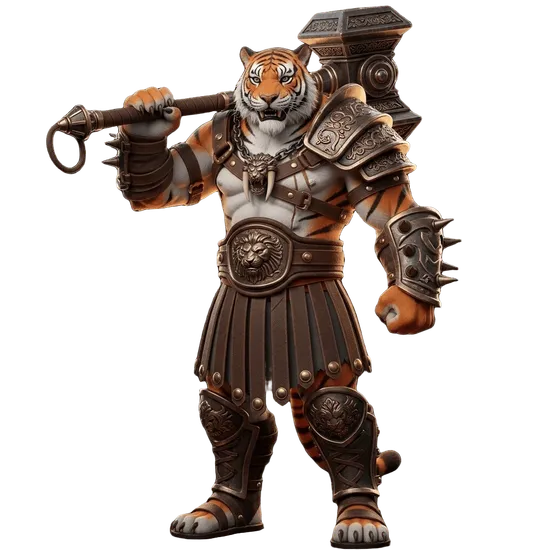
Textured model as generated
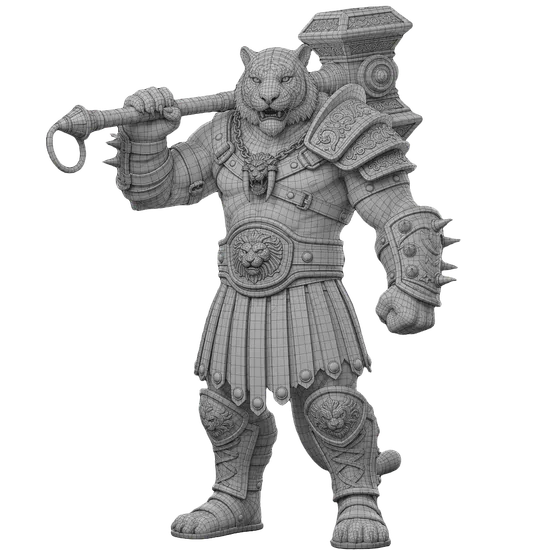
Wireframe after retopology
Adjust poly count
Scale the mesh density up or down depending on your target platform
Quad retopology
Convert triangles to clean quad flow for animation and subdivision
Export-ready
GLB, FBX, OBJ, and STL with proper normals and UVs
Nicht zufrieden mit den Texturen? Bearbeite sie
Wenn eine generierte Textur nicht ganz passt, kannst du bestimmte Bereiche mit unserem KI-Textureditor verfeinern. Male über einen Bereich, beschreibe was du willst, und nur dieser Teil wird aktualisiert.
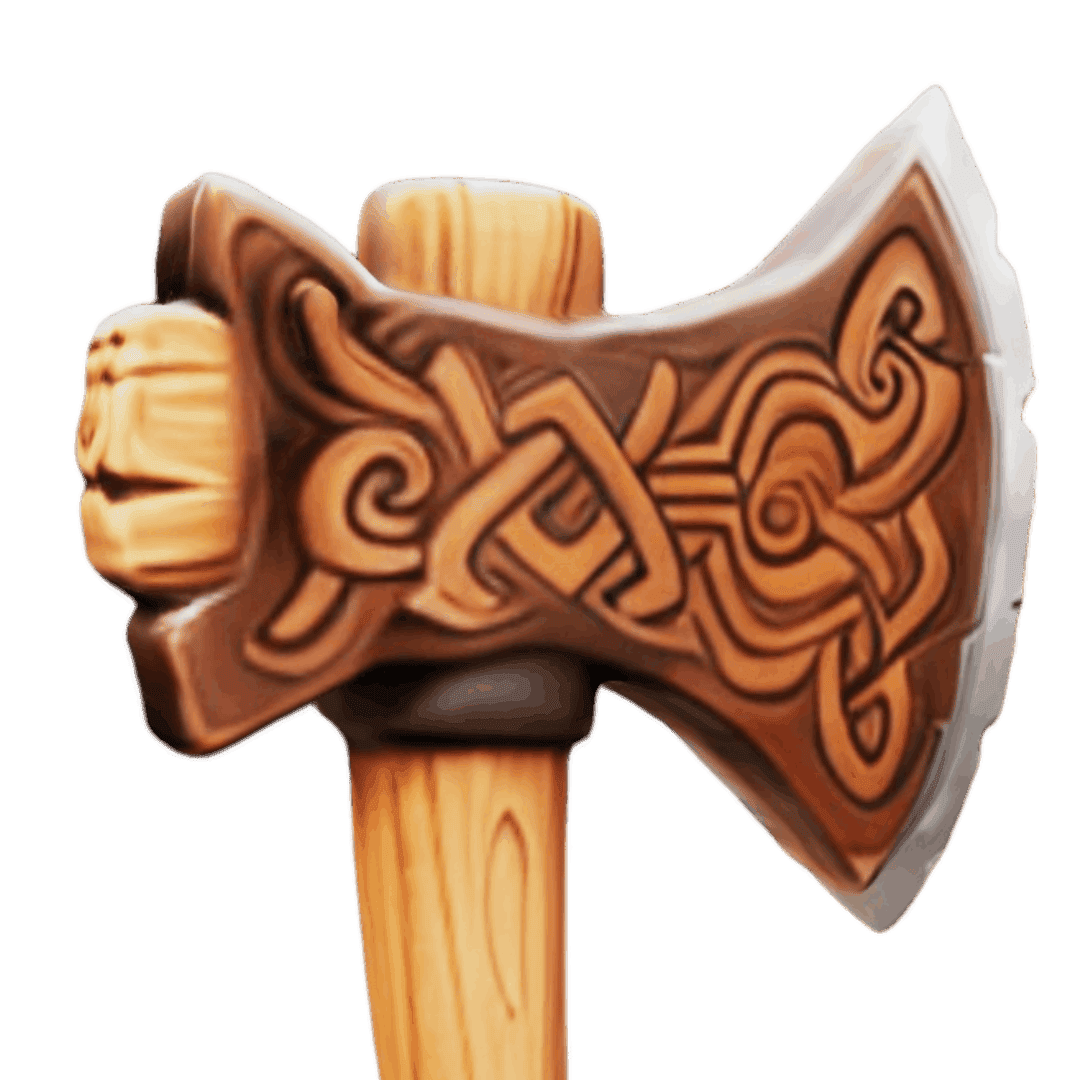
Before
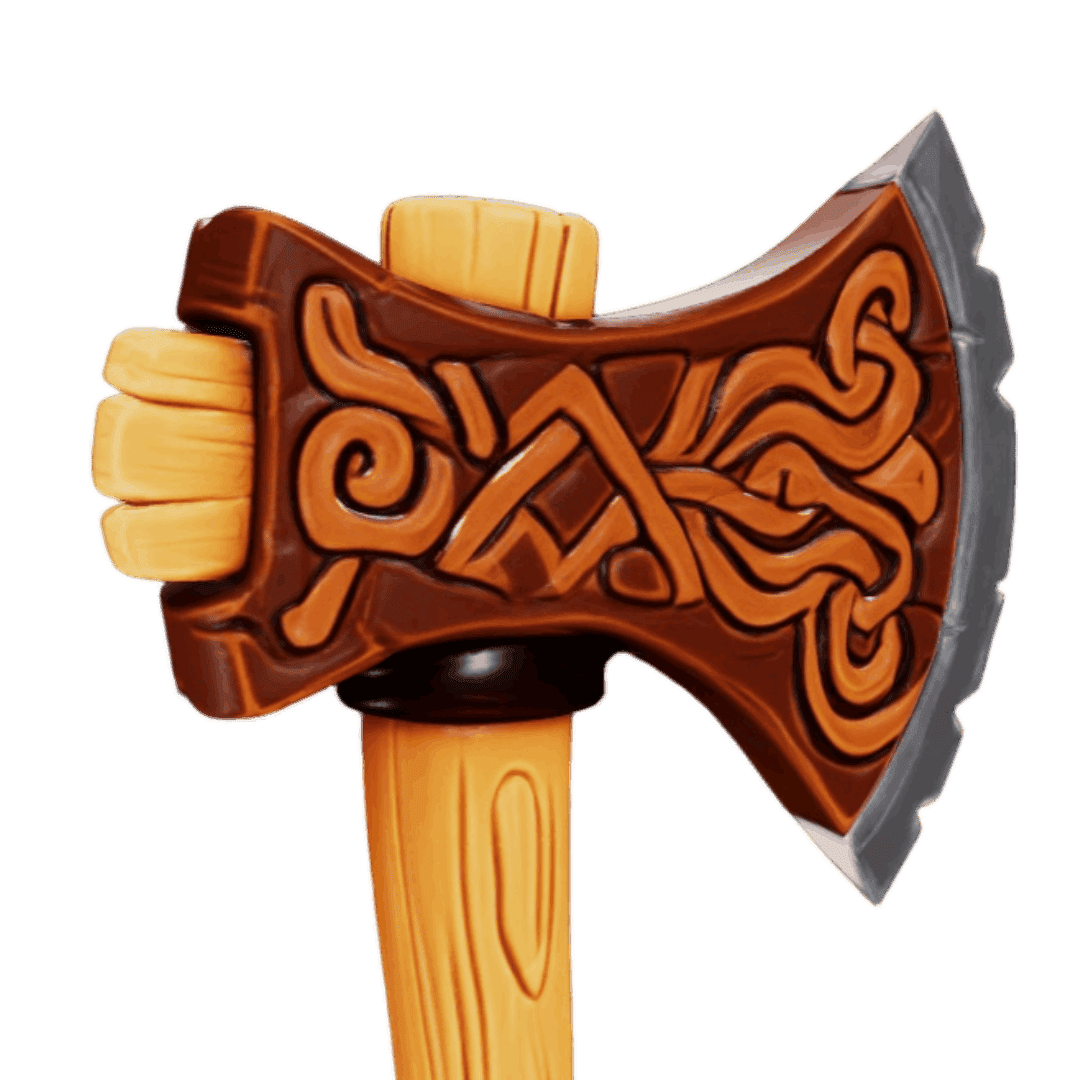
After AI refinement
Modell riggen oder segmentieren?
Sobald dein Modell generiert ist, kannst du es optional in Teile aufteilen oder ein Skelett für Animationen hinzufügen. Beide Tools arbeiten direkt mit deinem generierten Output.
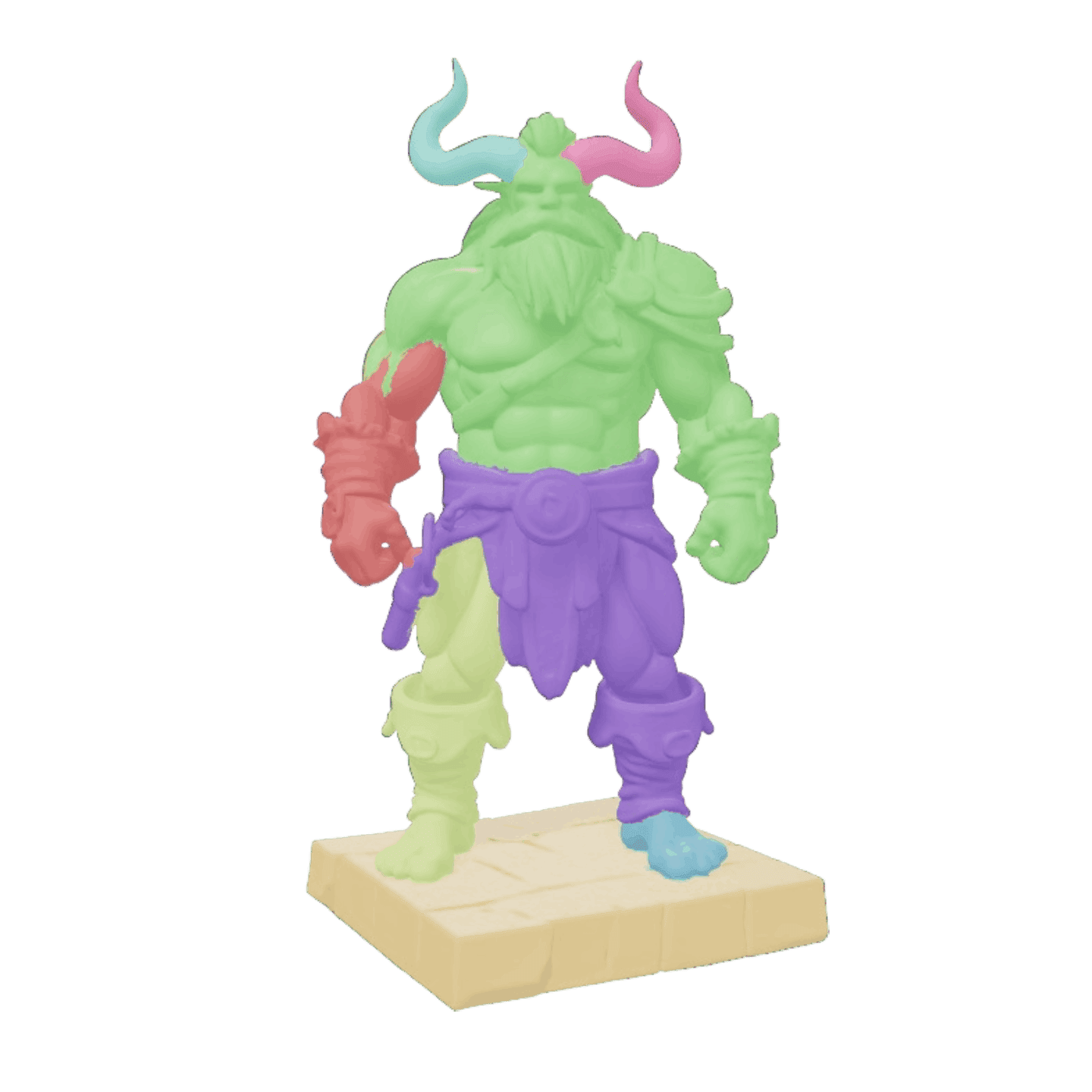
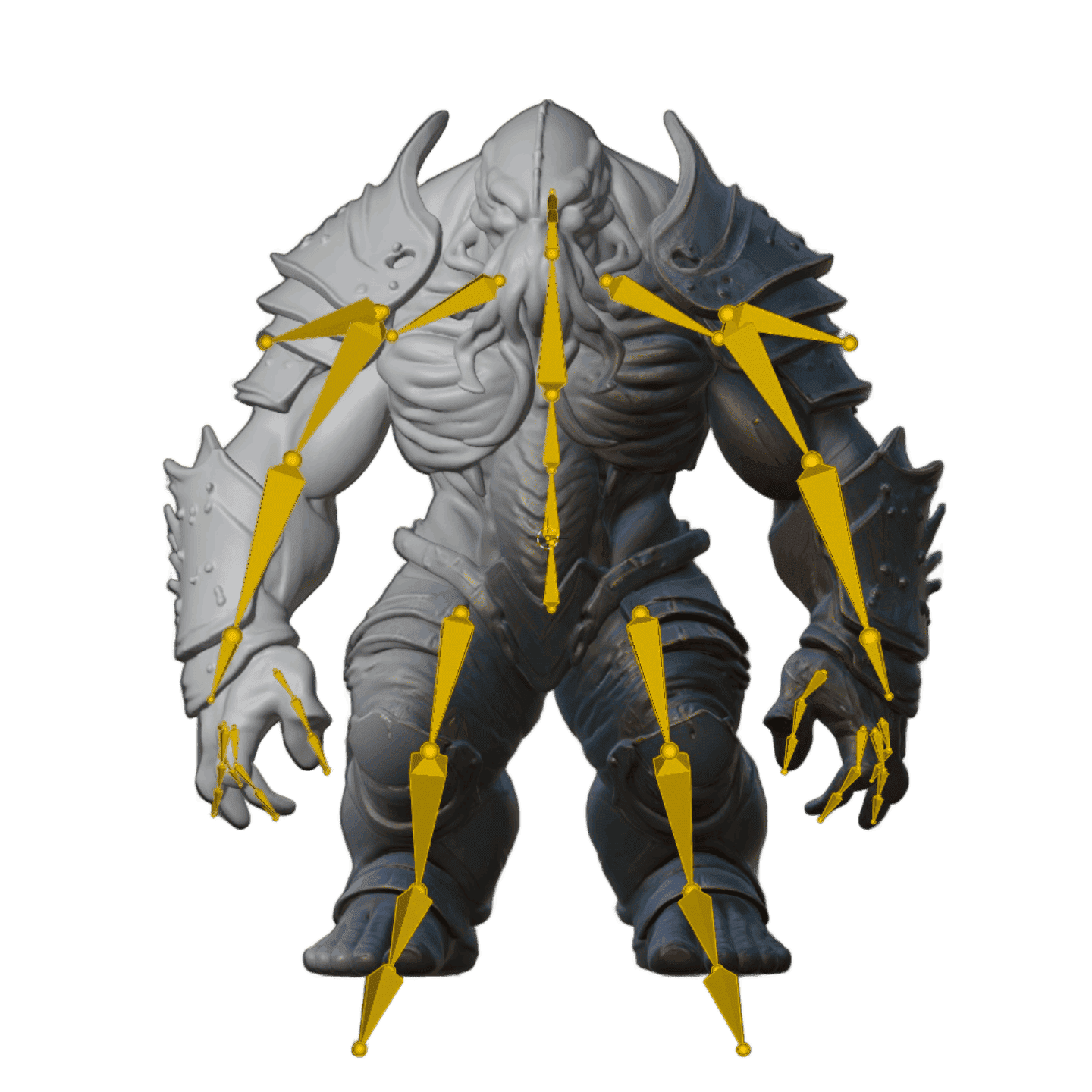
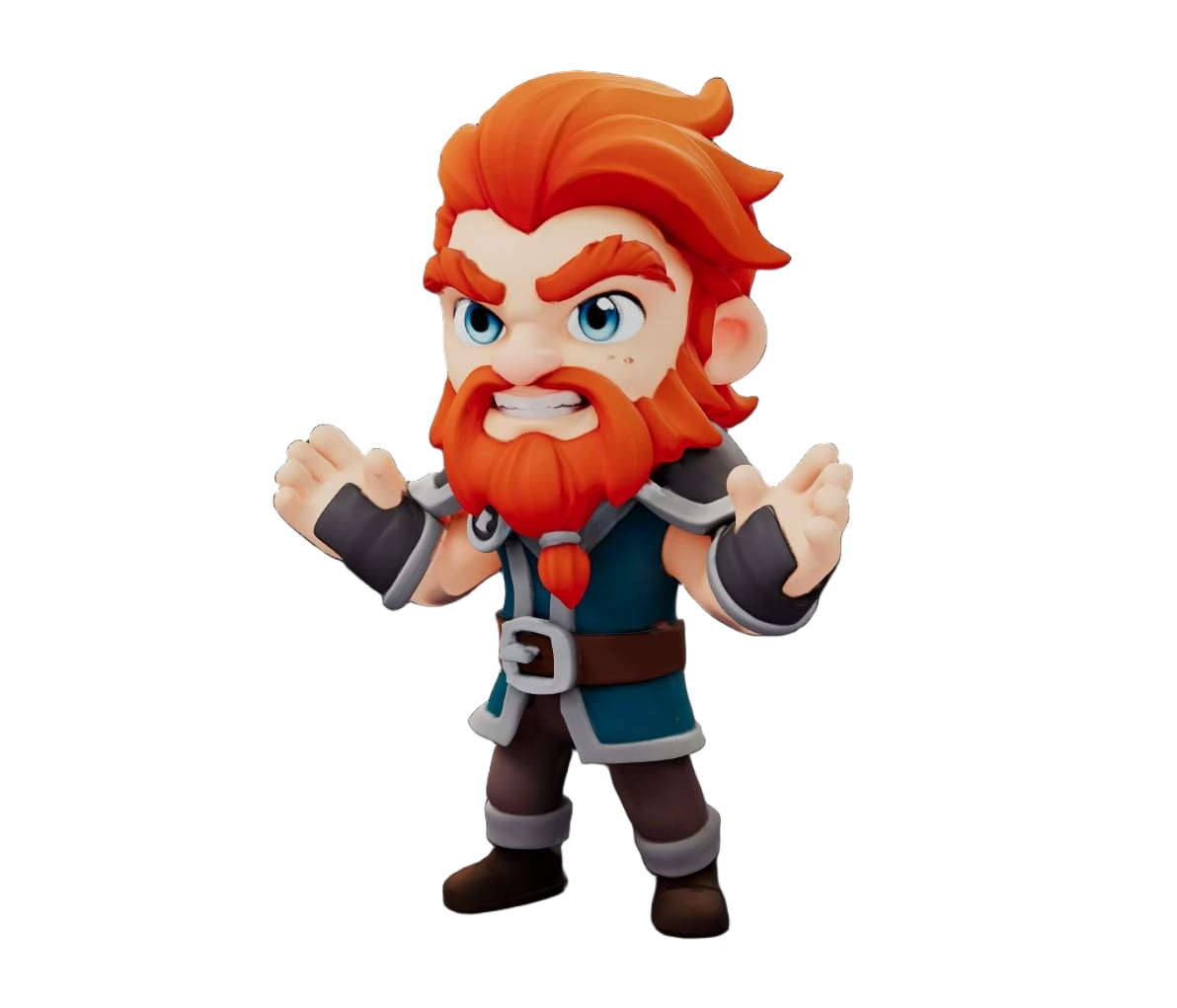
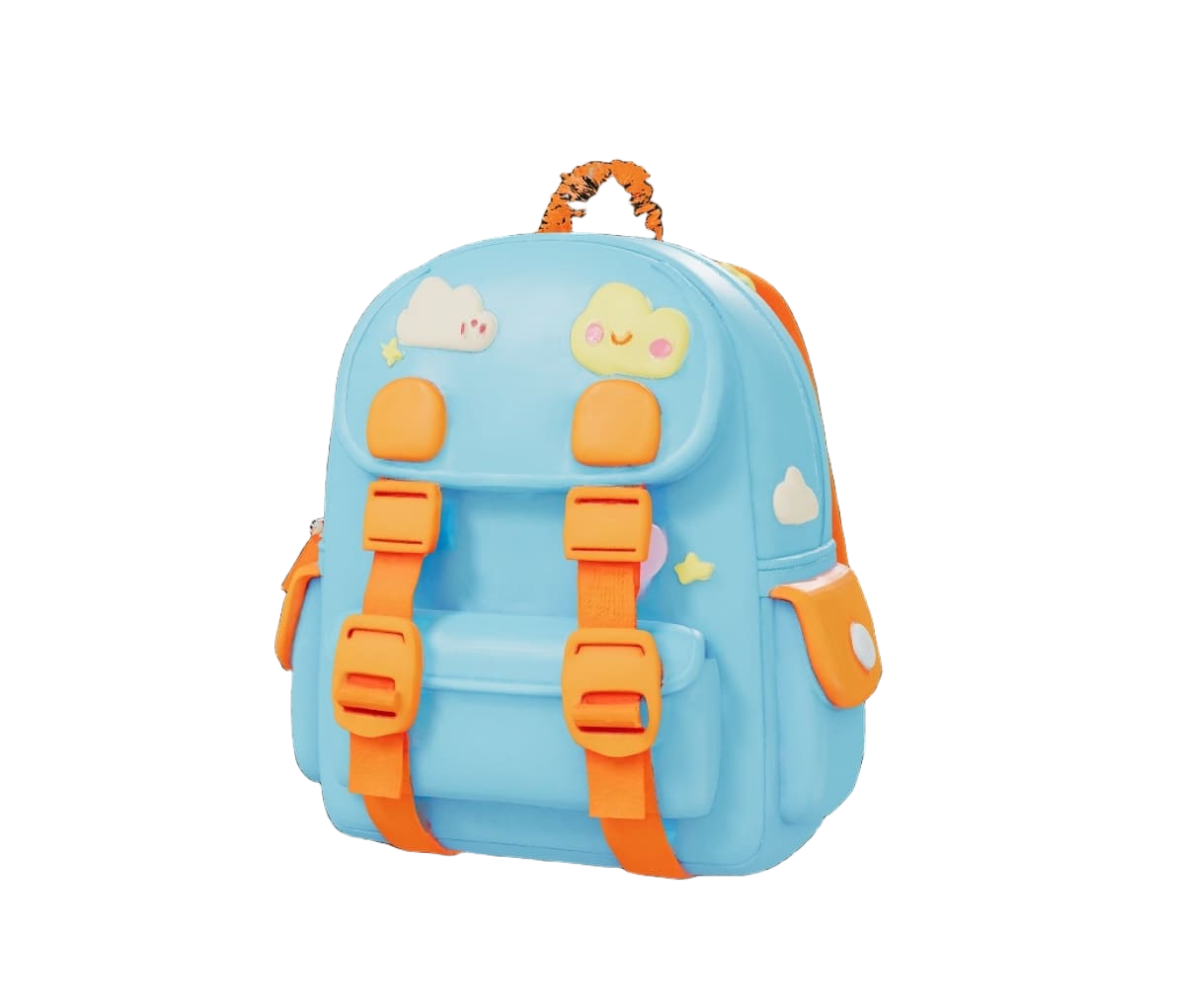
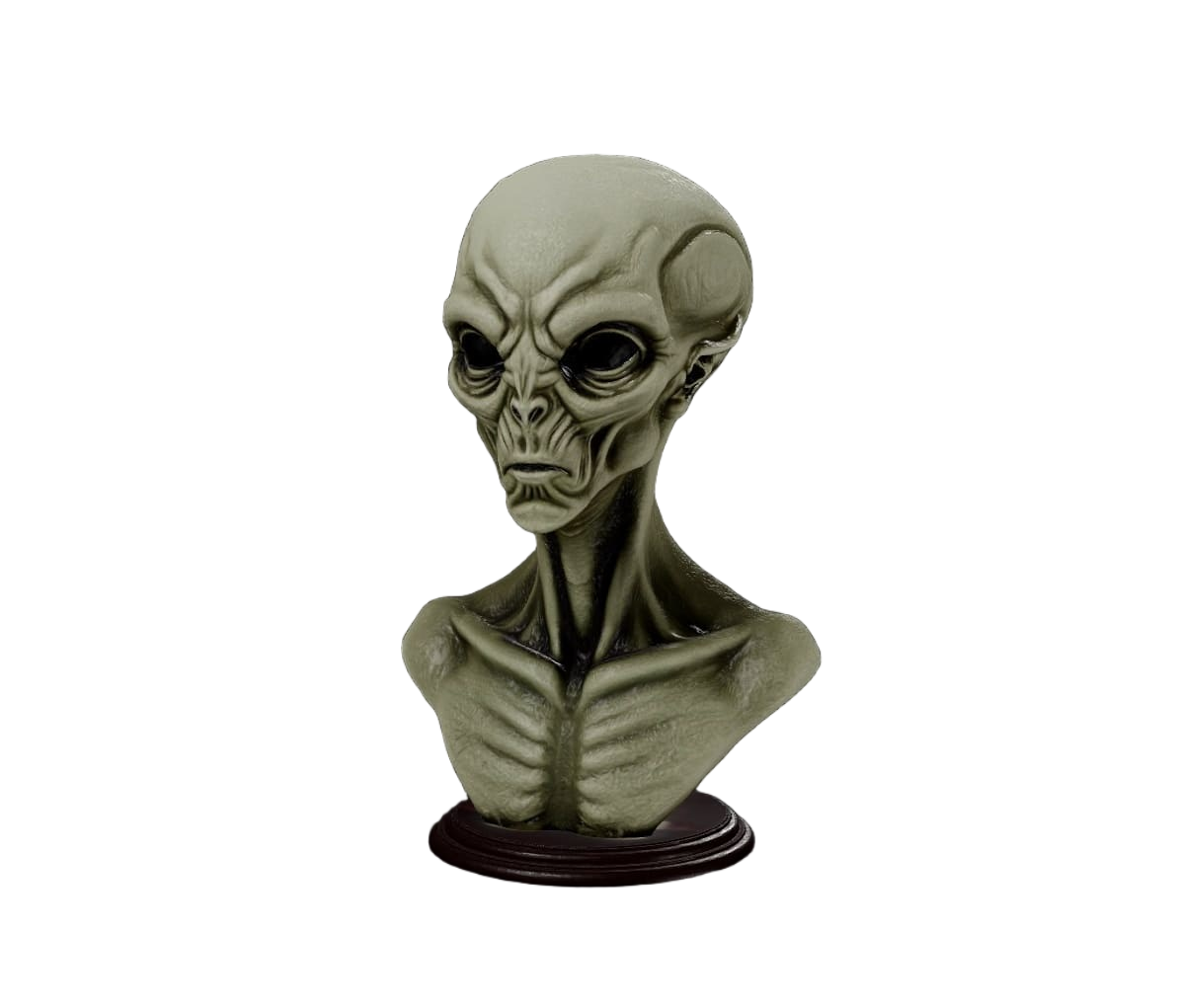
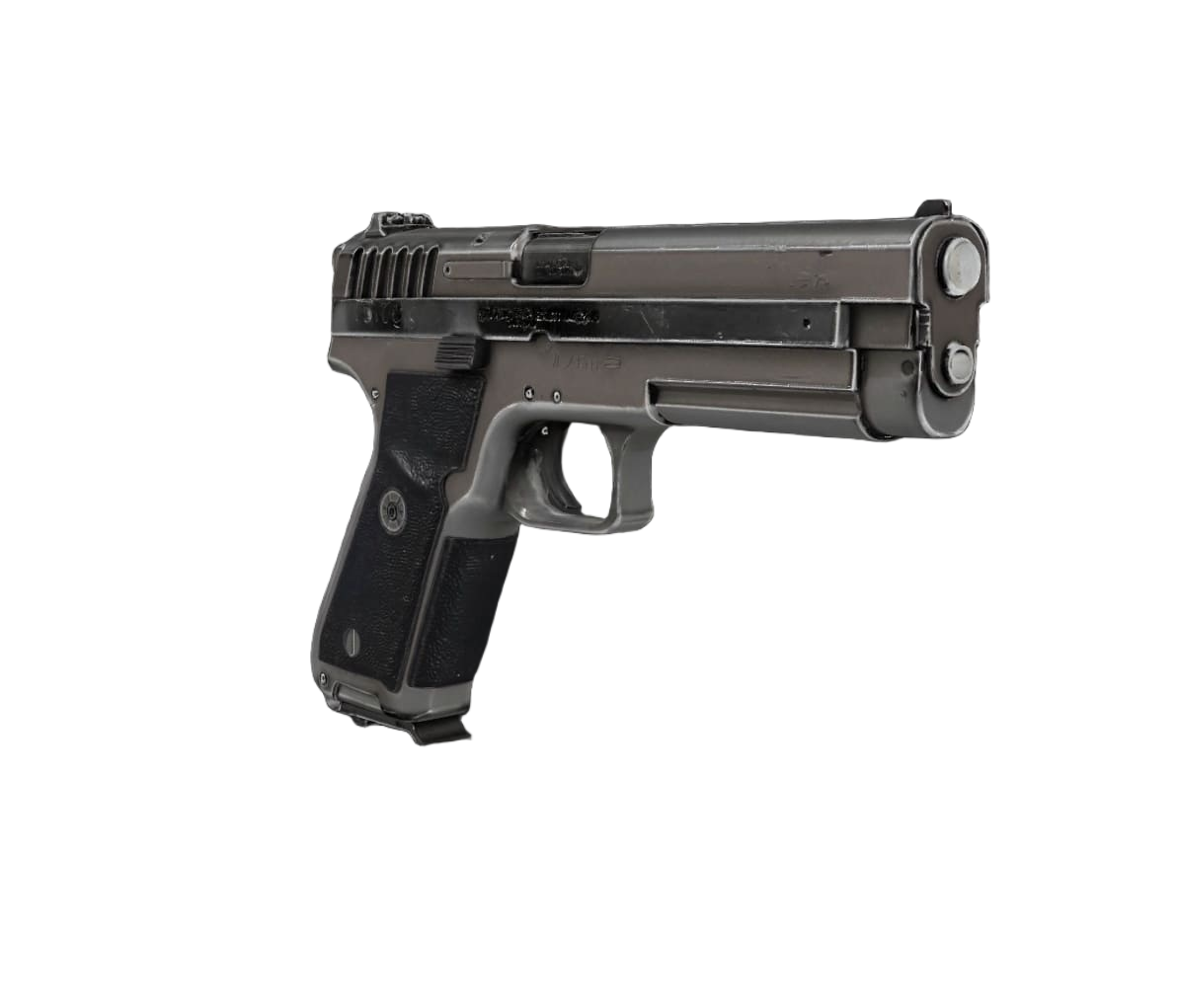
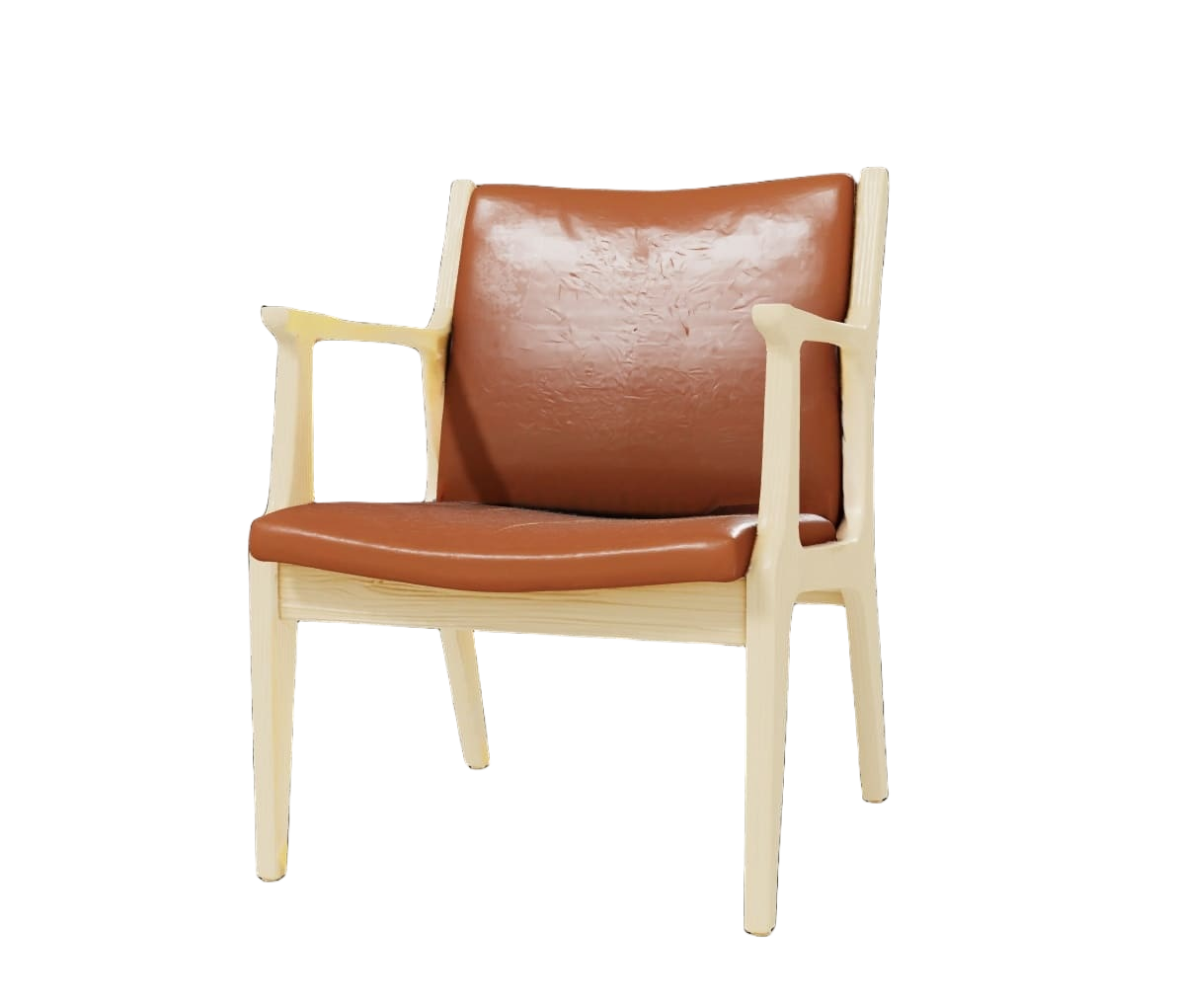
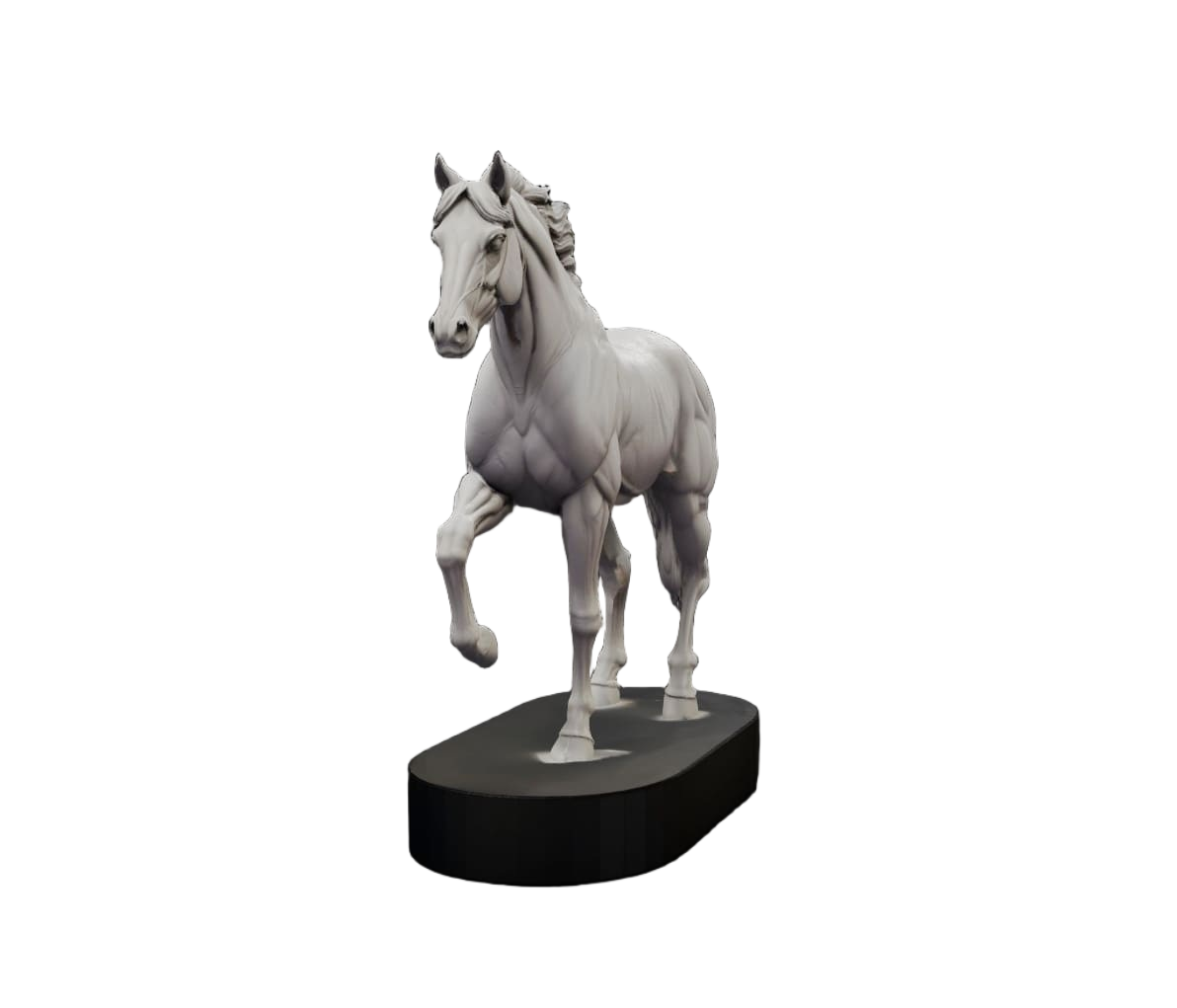
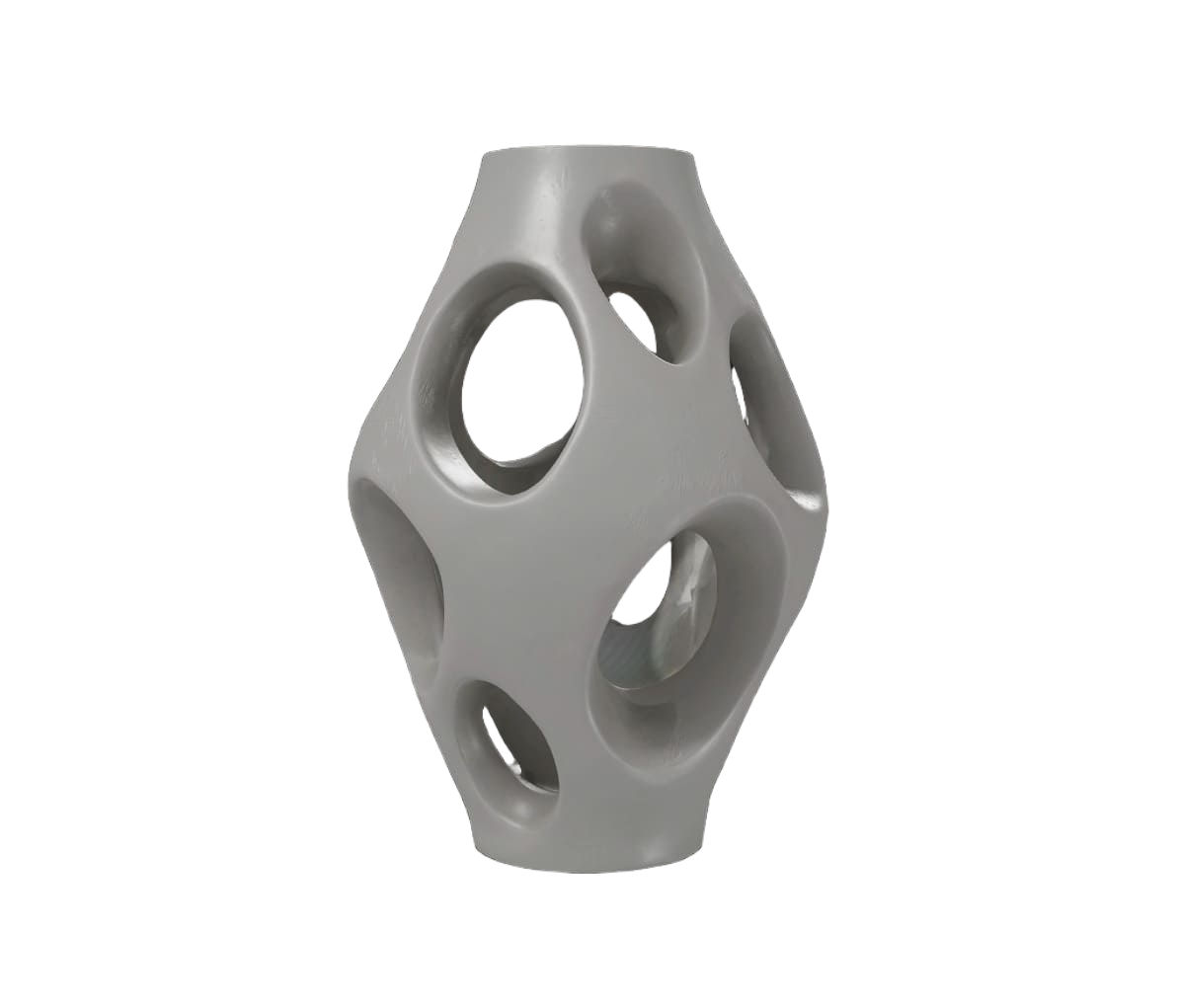
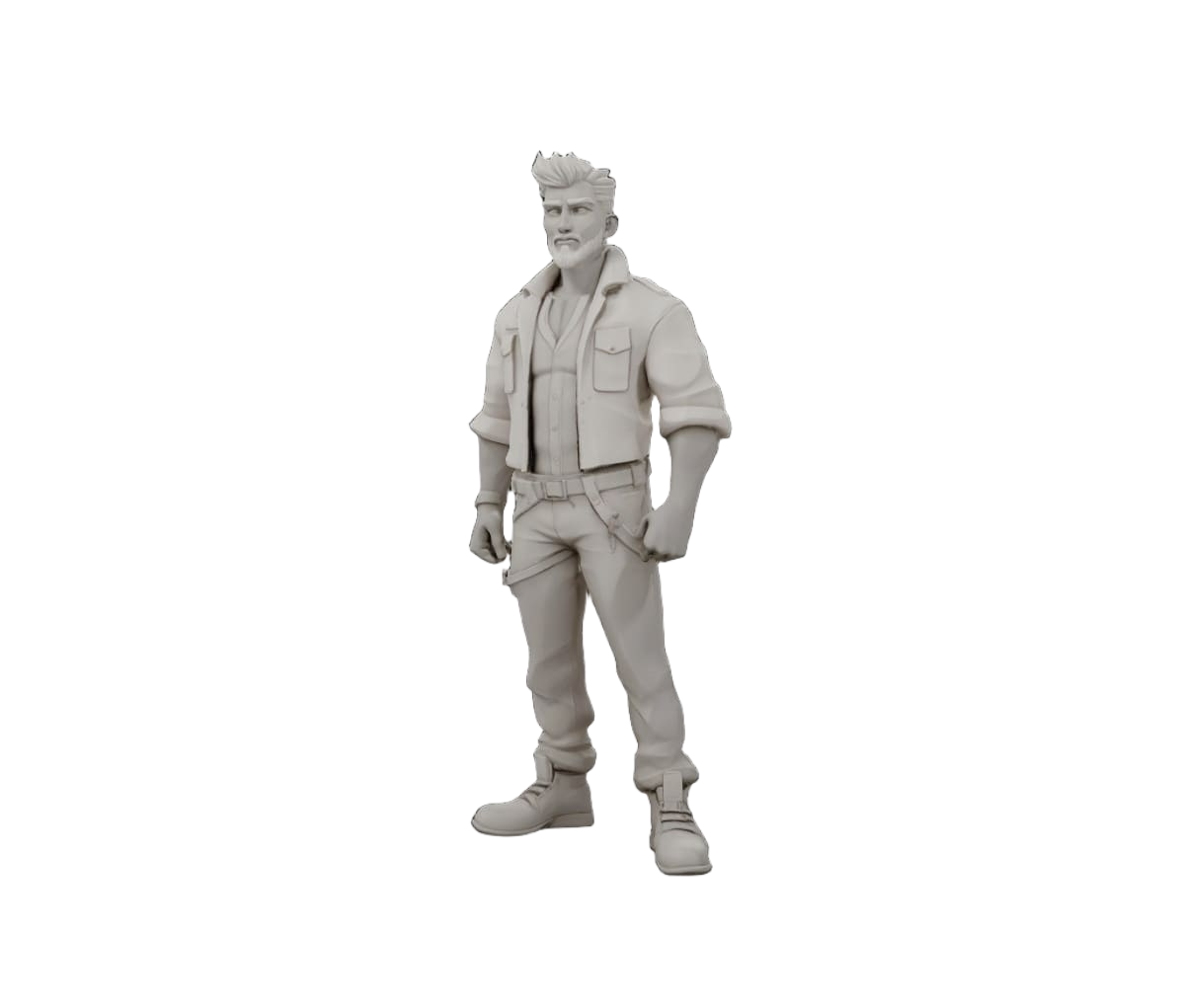
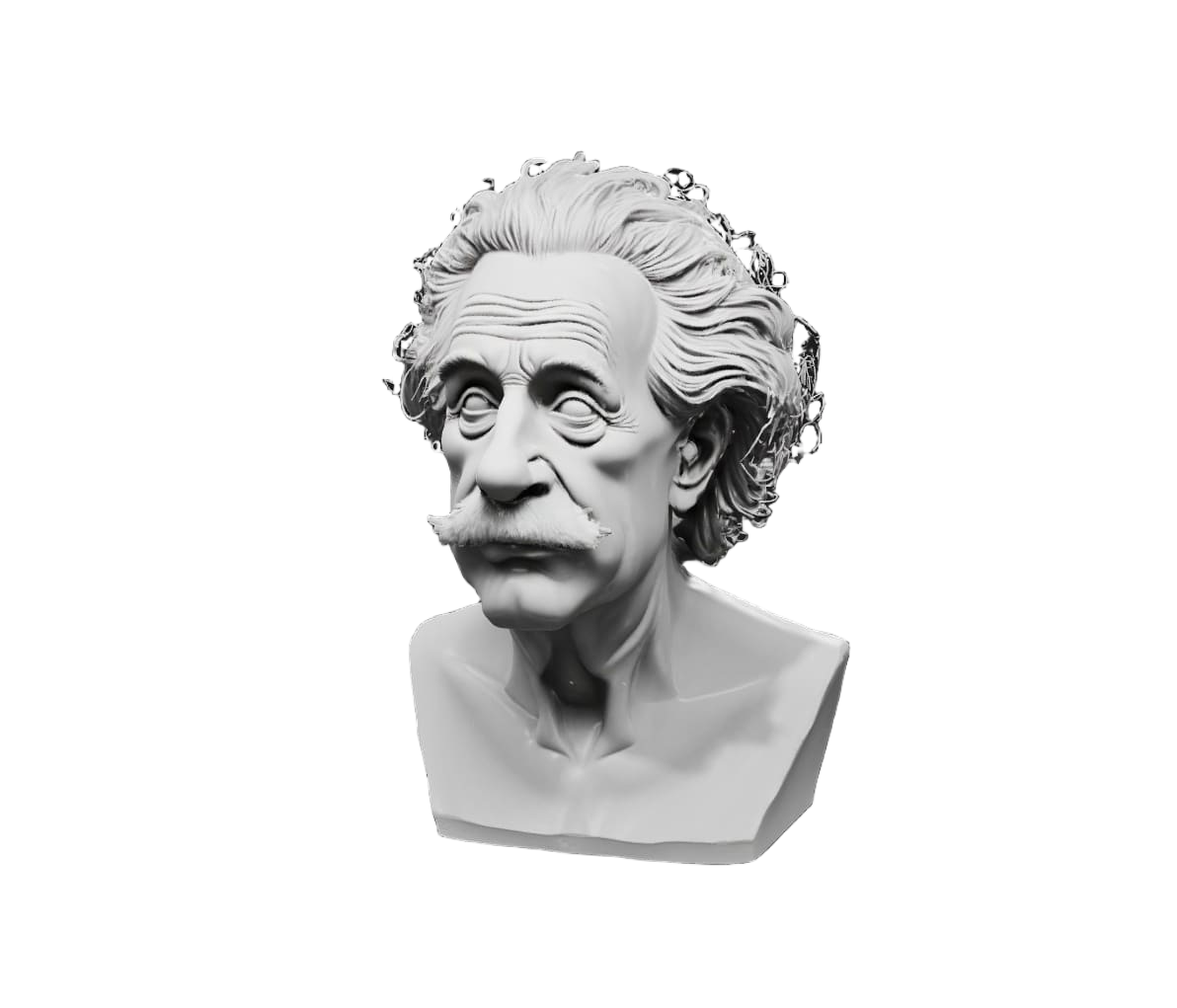
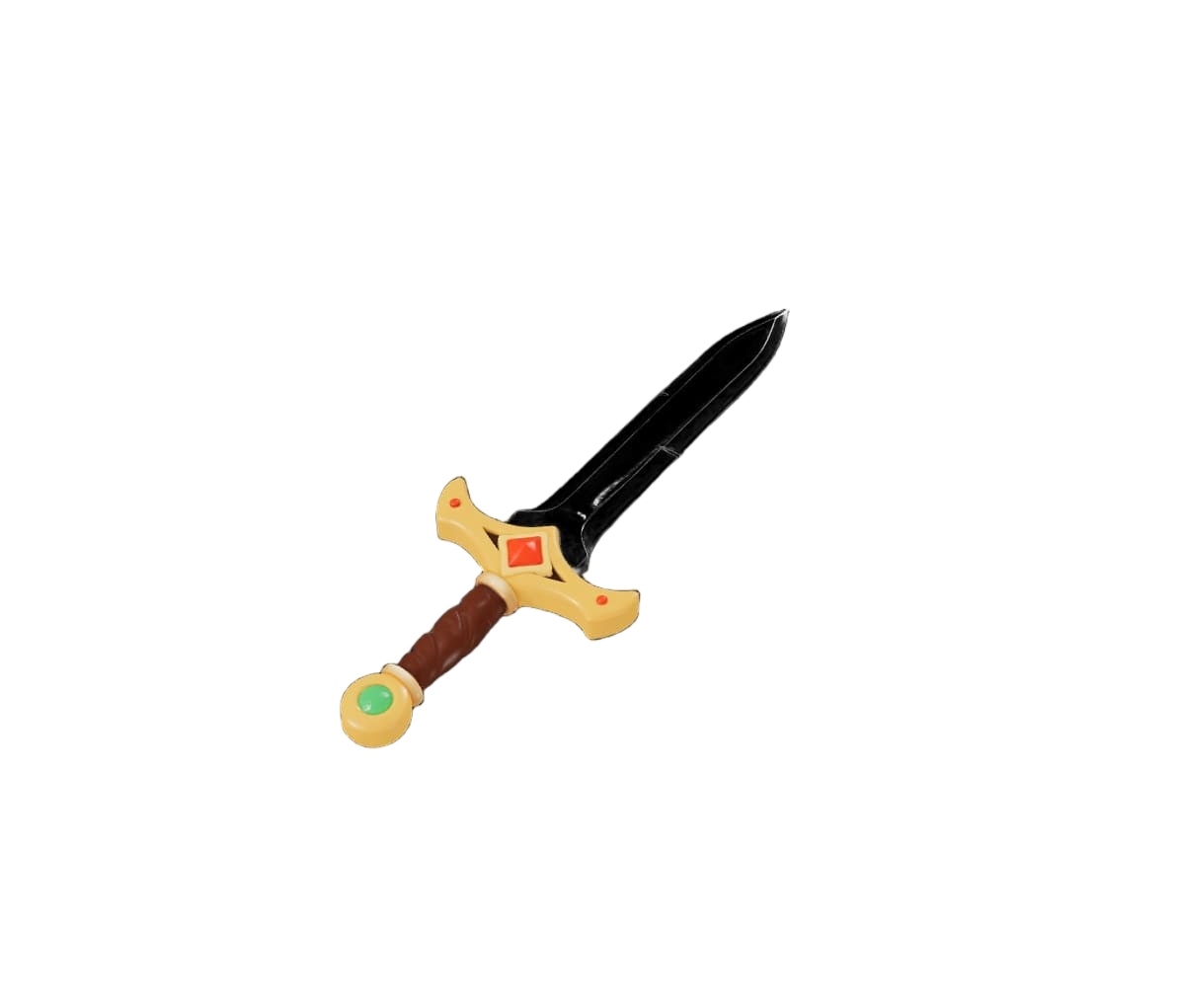
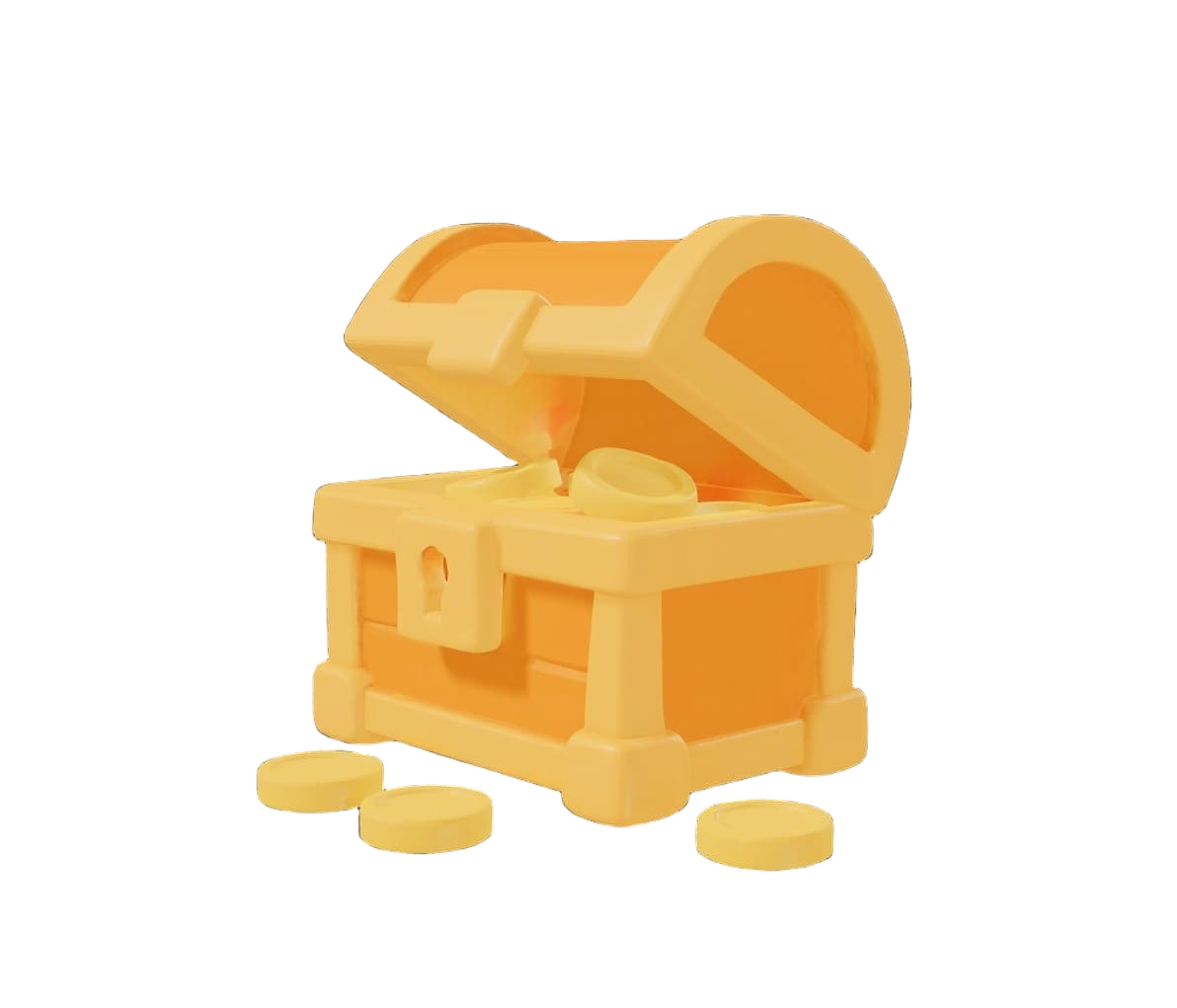
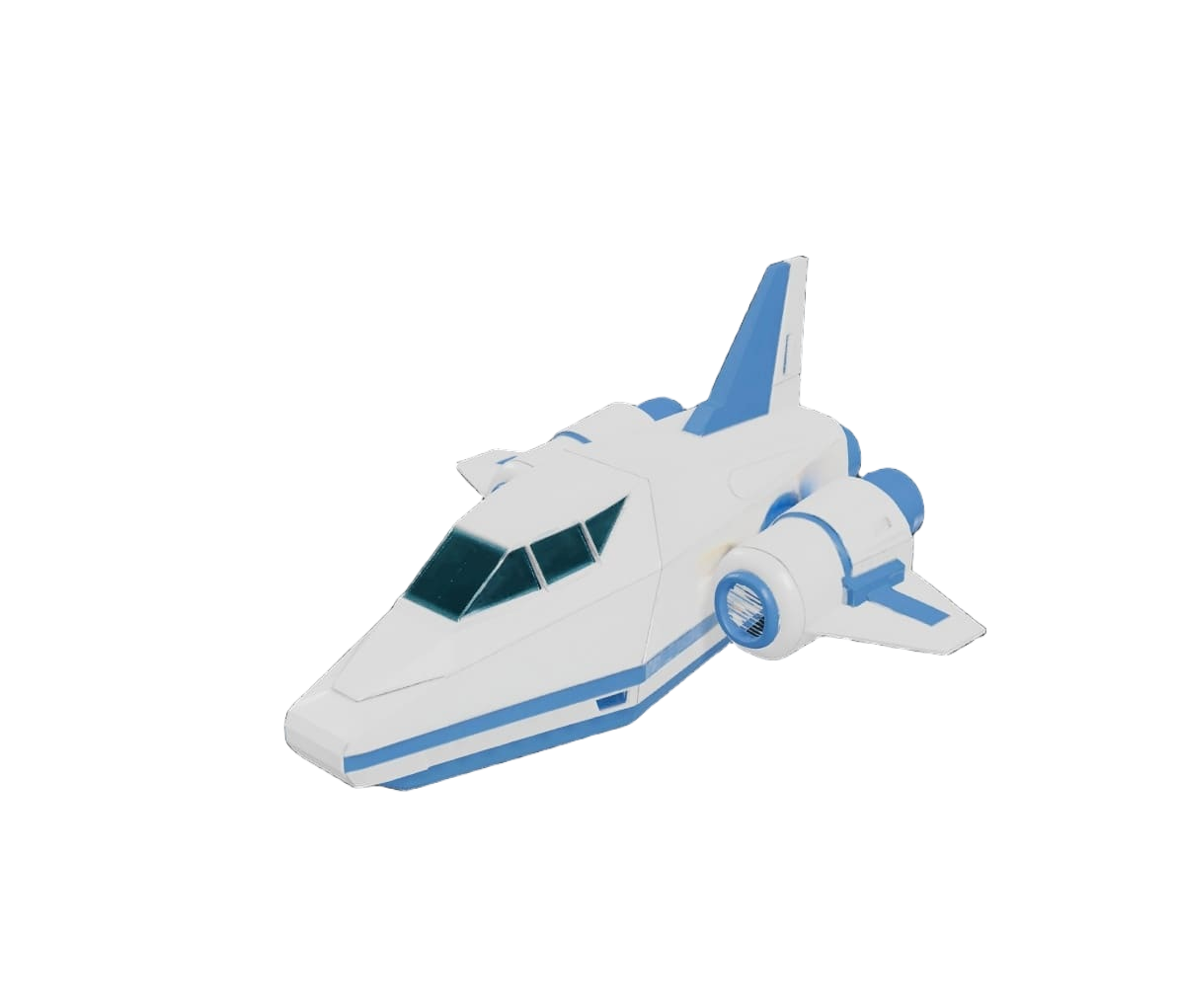
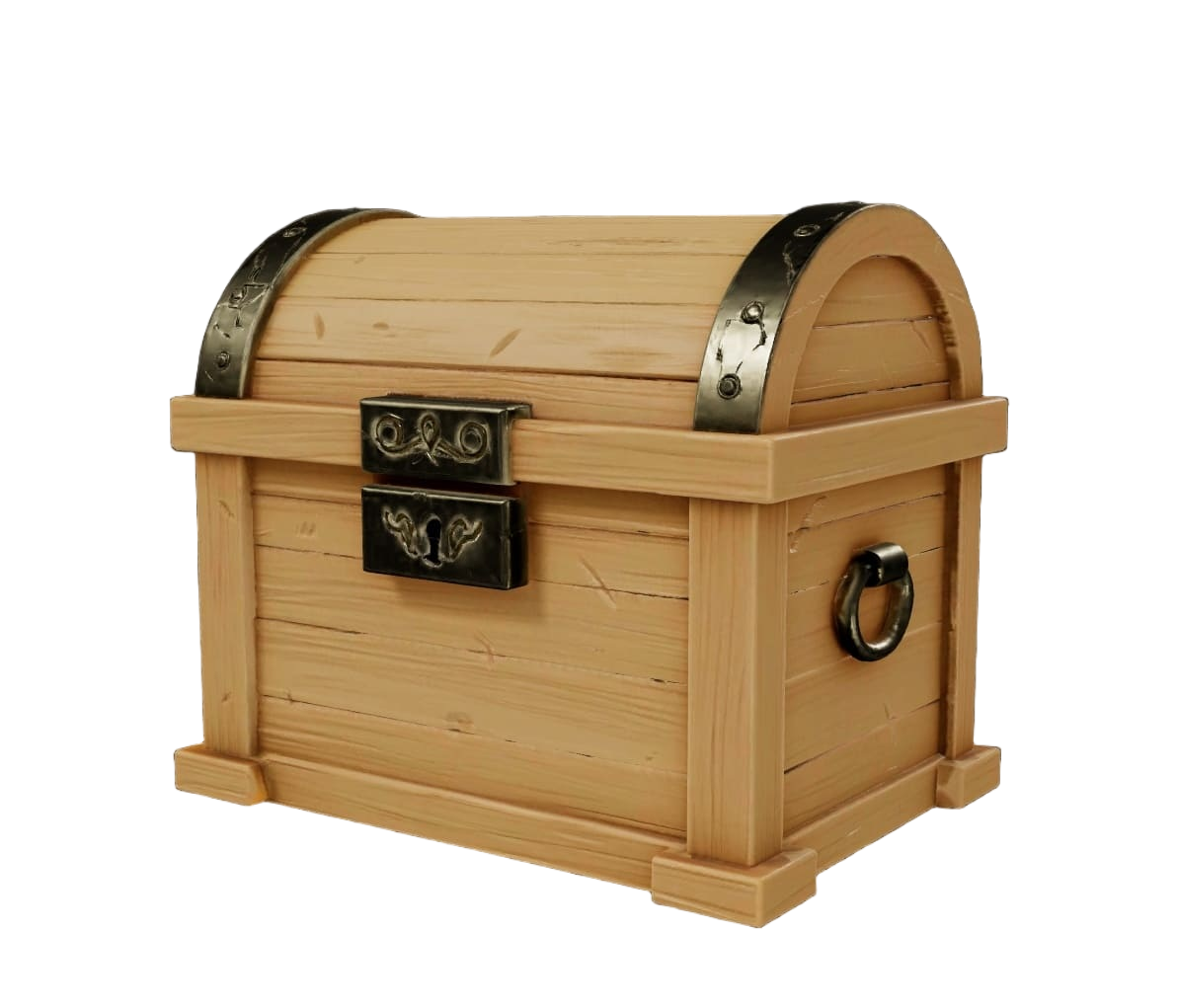
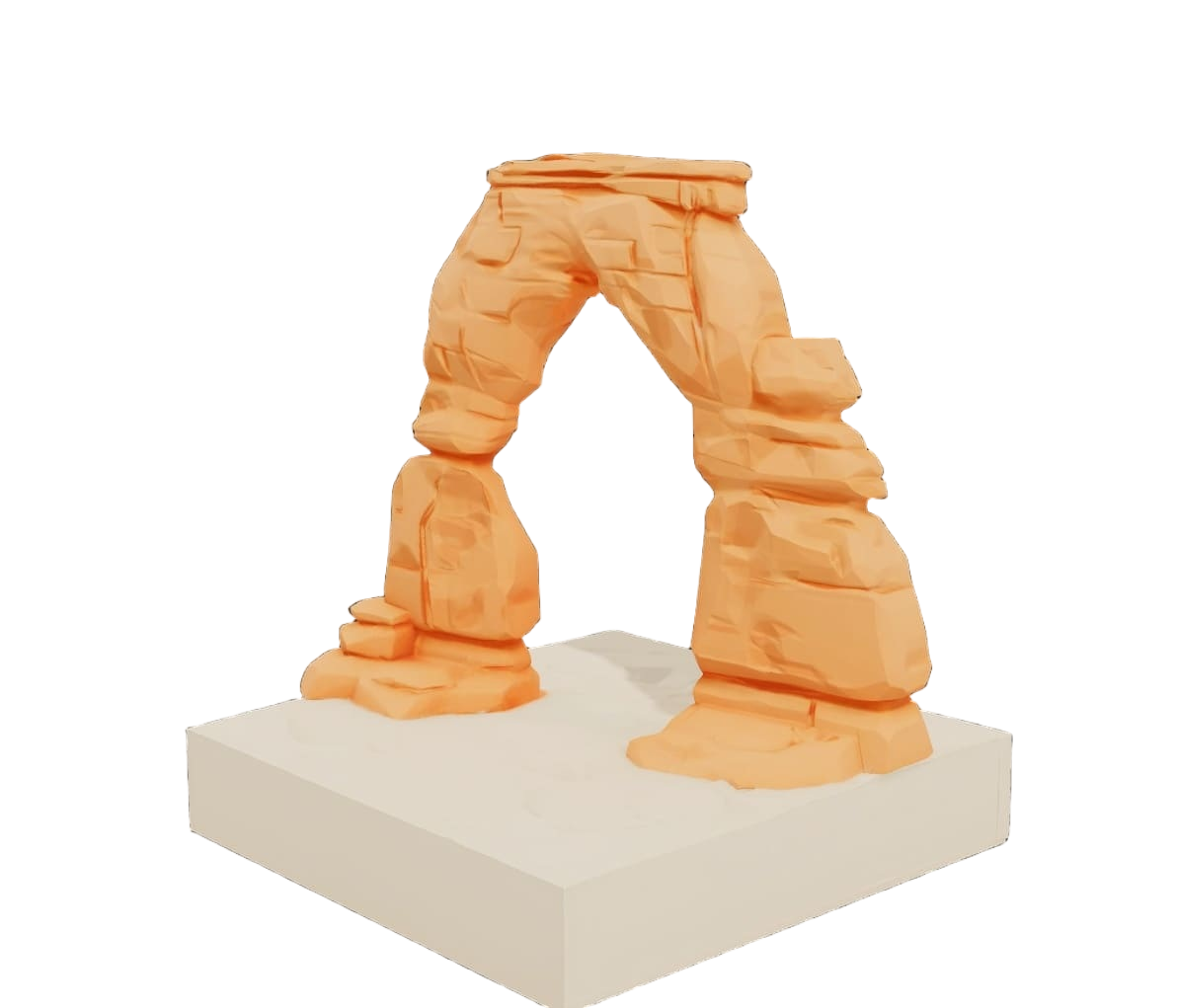
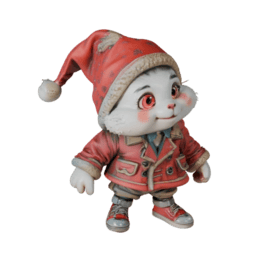
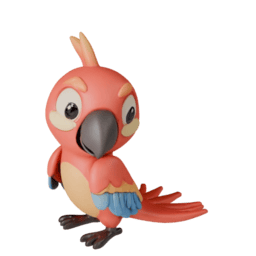
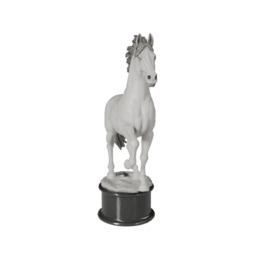
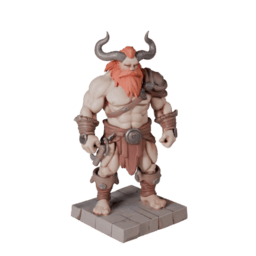
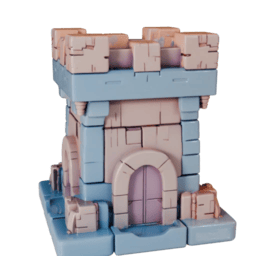
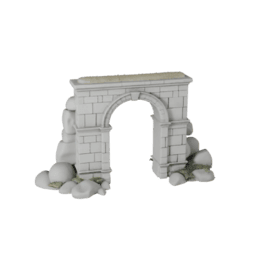
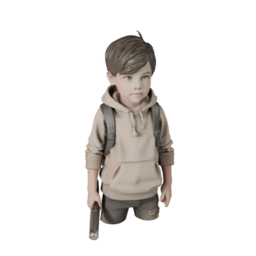
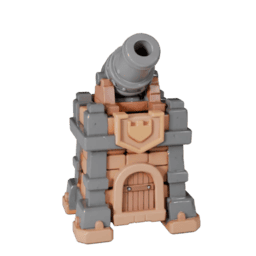
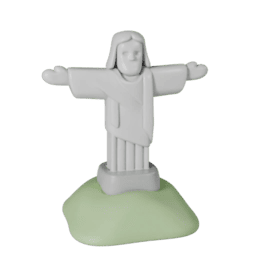
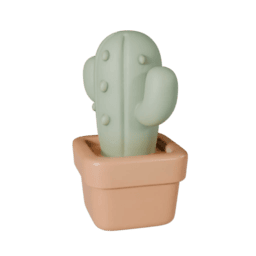
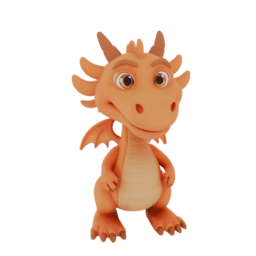
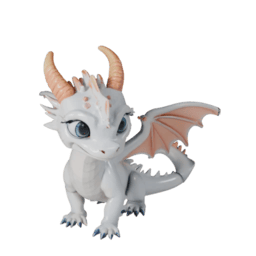
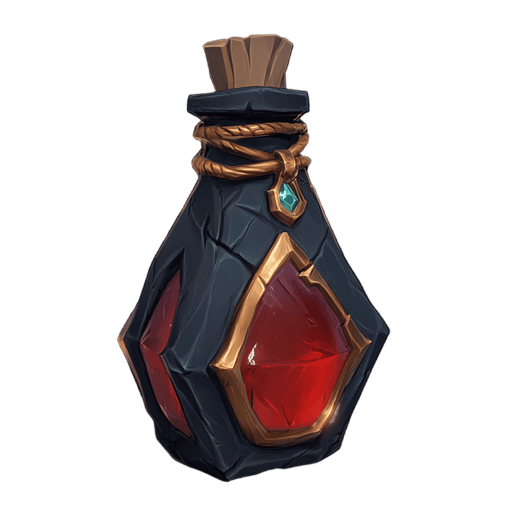
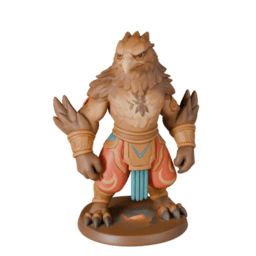
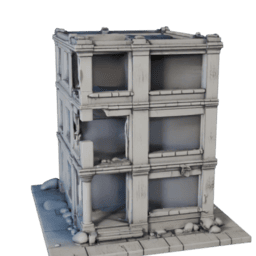
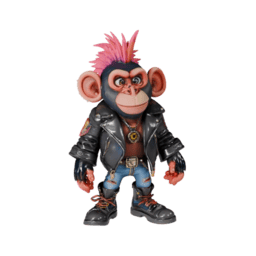
Modelle durchstöbern, die wir aus Text generiert haben
Klicke auf ein Thumbnail, um es in 3D zu öffnen und selbst zu drehen.


Erfahrungsberichte
Von Profis genutzt.
In ihren täglichen Workflows.
What used to take days of back-and-forth with 3D artists now takes minutes. It's exactly what we needed for quick concept visualization and prototyping.
Yariv Newman, Art Director at Pitch Dev Studios
For agencies working with tight deadlines and innovative projects, this tool is invaluable. It's significantly reduced our asset creation costs while allowing us to deliver more creative solutions.
Paul Xue, Founder & CEO at Spacestation Labs

Instead of spending hours designing models or searching through libraries, I can generate print-ready models in minutes.
Philipp Sieben (PixelArtistry), 3D Printing Enthusiast
I've been creating 3D games and applications for over 25 years, and this is a real game-changer. For my web projects using Three.js, I can now get the 3D models I need in minutes instead of hours.
Michael Schlachter, Graphics and Simulation Programmer

PixelArtistry
@philippsieben
Nick St. Pierre
@nickfloats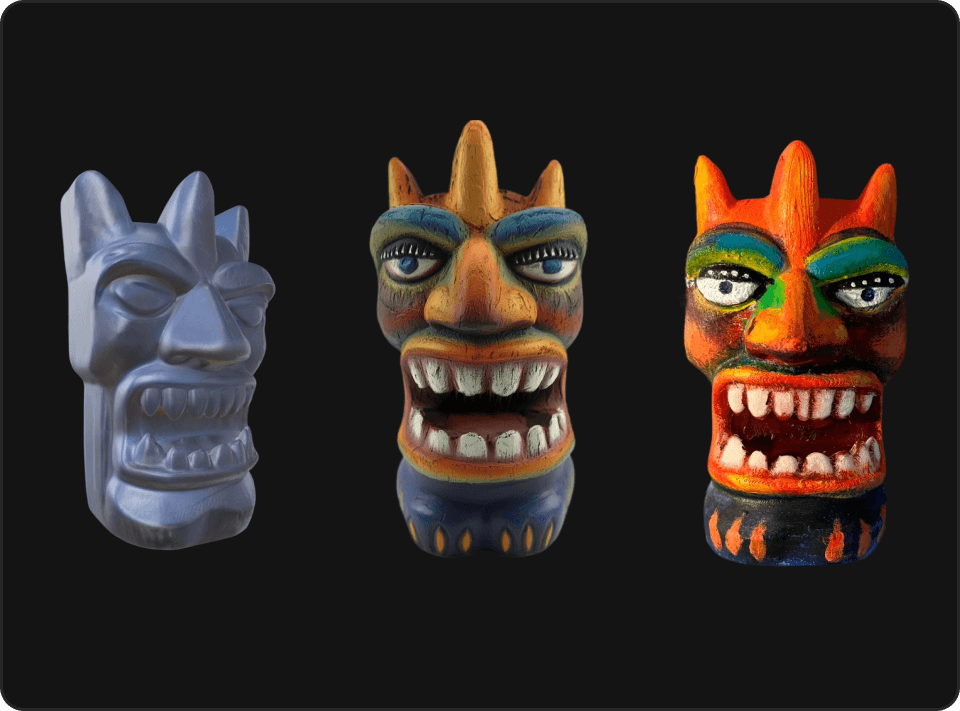

Mr. P
@Itryandlearn3D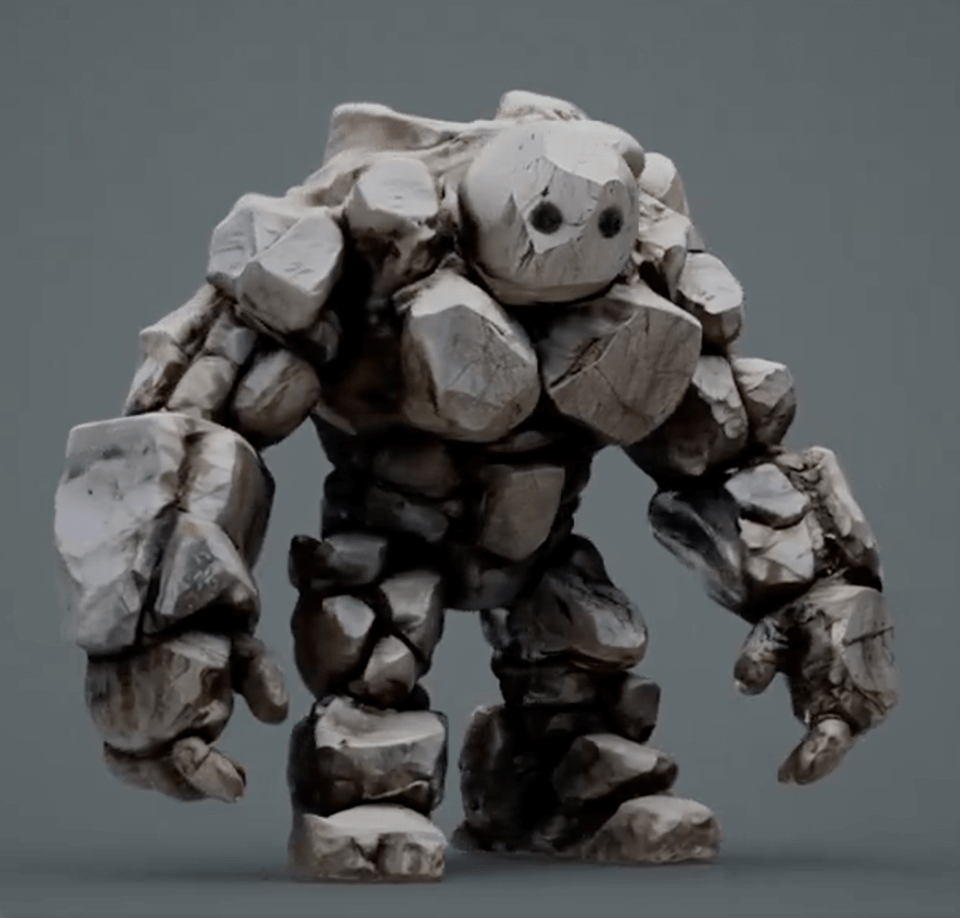

Verwandle deine Worte jetzt in 3D
Tippe eine Beschreibung ein und sieh zu, wie die KI deine Ideen sofort in detaillierte 3D-Modelle verwandelt. Keine Modellierungskenntnisse nötig!