
10 meilleurs outils image vers 3D en 2026
Comparatif d'experts des meilleurs outils de conversion image vers 3D par IA. Nous avons testé et évalué chaque plateforme pour vous aider à choisir le bon outil.
En bref - Nos meilleurs choix
After testing all 11 tools, here's the short version: 3D AI Studio is the best overall - it gives you access to every major AI model (Meshy, Rodin, Tripo, Hunyuan, Trellis) under one platform, plus image generation and pipeline tools. Best value by far.
For maximum photorealistic quality with enterprise budgets, Rodin AI leads. For free experimentation, Luma AI is the easiest starting point.
For the full breakdown of each tool with results, pricing, and use cases - keep scrolling.
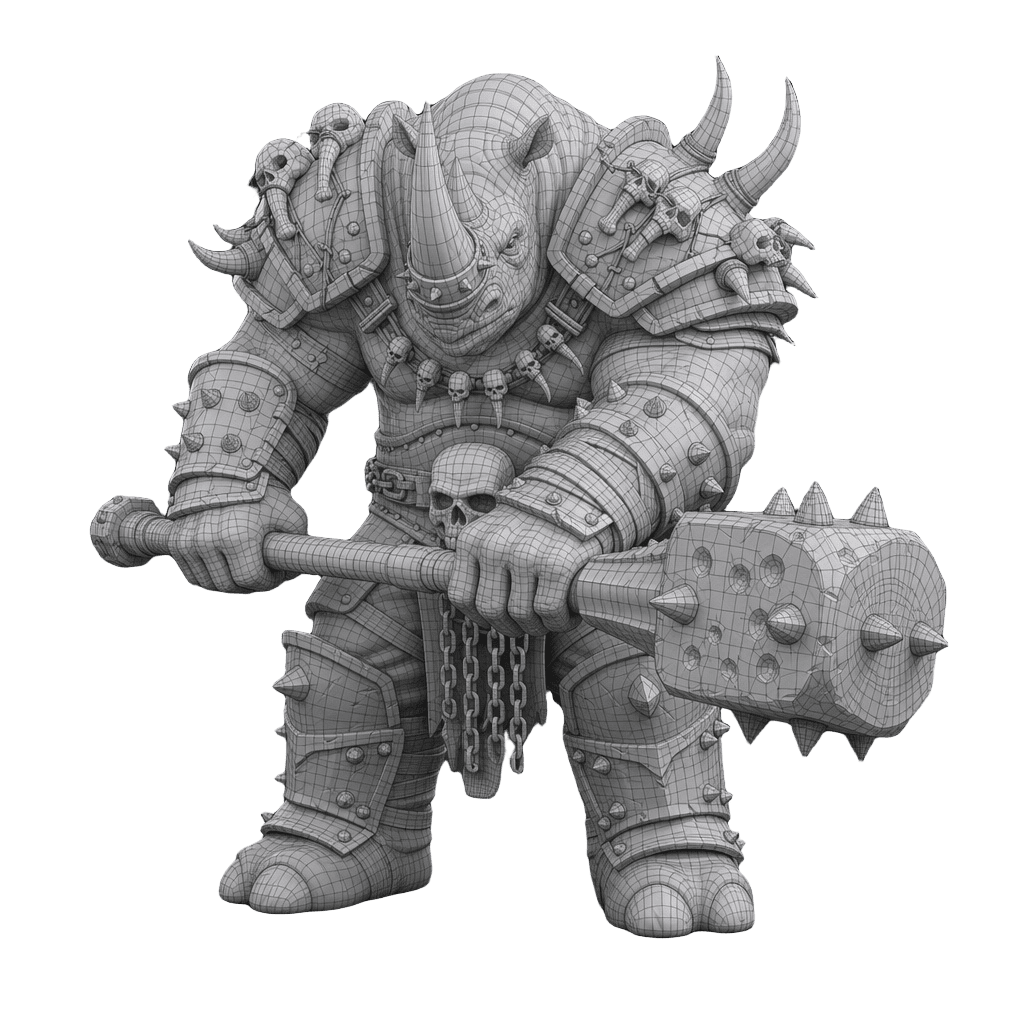
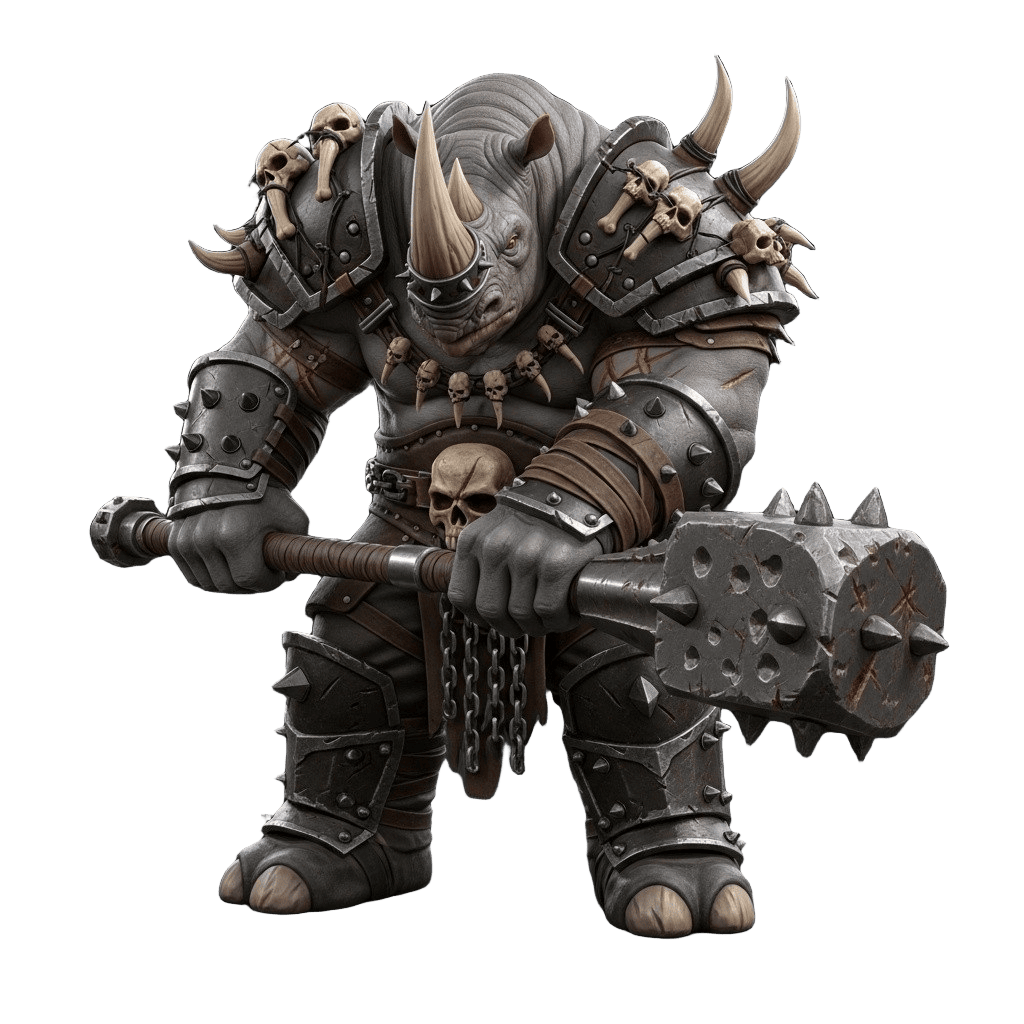
Best 3D AI Generator 2026 - Quick Comparison
I tested all major AI 3D tools with the same input to compare the results. Watch the quick video, then scroll down to rotate and inspect the actual 3D models yourself:
Want a closer look? Below you can spin each model yourself and compare the quality, textures, and geometry up close:
Comment nous avons testé
Nous avons testé chaque outil image vers 3D avec le même ensemble de 20 images de référence dans différentes catégories : produits, personnages, architecture et objets organiques. Voici ce que nous avons évalué :
Métriques de qualité
- Précision géométrique et préservation des détails
- Qualité des textures et précision des matériaux PBR
- Propreté de la topologie et nombre de polygones
- Cohérence multi-angles
Facteurs pratiques
- Vitesse et fiabilité de génération
- Tarification et valeur des crédits
- Facilité d'utilisation et intégration au workflow
- Formats de sortie et options d'exportation
Avis détaillés et classements
We ranked each image-to-3D tool based on geometry accuracy, texture quality, generation speed, pricing value, and workflow integration. 3D AI Studio leads overall for its multi-model access and bundled pipeline, while Rodin AI delivers the highest raw photorealism and TRELLIS-2 is the best free open-source option.

3D AI Studio
Choix de la rédactionPoints forts
- Accès à TOUS les modèles d'IA
- Suite créative complète
- Meilleur rapport qualité-prix
- Support multi-images
Points faibles
- Plateforme plus récente
Idéal pour : Utilisateurs recherchant flexibilité et meilleur rapport qualité-prix

Tripo AI
Points forts
- Very fast generation (20-60s)
- Clean topology output
- Good for hard-surface objects
- Multi-image support
Points faibles
- Quality inconsistent on organic shapes
- Limited post-processing tools
- Smaller community
Idéal pour : Fast prototyping and hard-surface model generation on a budget

Hunyuan3D
Points forts
- Two-stage mesh + texture synthesis by Tencent
- Supports image, text, and sketch input
- 10-25 second generation
- Strong geometry with clean topology
Points faibles
- Self-hosted only, requires powerful hardware
- Smaller ecosystem than commercial tools
- No managed cloud service
Idéal pour : Technical teams who want a free, self-hosted alternative with solid quality across input types

Meshy
Points forts
- Qualité photoréaliste
- Textures PBR 4K
- Support multi-vues
Points faibles
- Très cher
- Pas d'outils de génération d'images/vidéos
Idéal pour : Entreprises avec budgets premium

Rodin AI (Hyper)
Points forts
- Bonne qualité
- Plugins établis
- Génération rapide
Points faibles
- Crédits limités
- Limité à un seul modèle
Idéal pour : Utilisateurs Blender/Unity ayant besoin de plugins
Pixal3D
Points forts
- Pixel-aligned back-projection for reconstruction-level fidelity
- Full PBR output (base color, normal, roughness, metallic)
- Built on TRELLIS.2 backbone with improved performance
- Single and multi-view input supported
Points faibles
- Academic license only - not for commercial use
- Requires powerful GPU for self-hosting
- No managed cloud service
- Not available in the EU
Idéal pour : Researchers and developers wanting state-of-the-art fidelity from single images, with pixel-level accuracy approaching 3D reconstruction

TRELLIS-2
Points forts
- 4B-parameter model by Microsoft, MIT licensed
- ~3 second generation at 512³ resolution
- Full PBR materials (albedo, roughness, metallic, normal)
- Multiple export formats: GLB, OBJ, PLY, 3D Gaussians
Points faibles
- Requires beefy GPU for self-hosting
- Gaussian Splatting output harder for traditional pipelines
- No built-in rigging or animation
Idéal pour : Developers wanting free, high-fidelity generation with full control over the pipeline

Polycam
Points forts
- LiDAR-based scanning on mobile
- Good for real-world objects
- Web-based viewer
- USDZ export for AR
Points faibles
- Requires physical access to objects
- Slower processing (2-5min)
- Scan quality varies by device
Idéal pour : Scanning real-world objects with your phone for AR or archviz
Exemples de tests réels
Voici ce que nous avons testé sur les principales plateformes (avec 3D AI Studio)
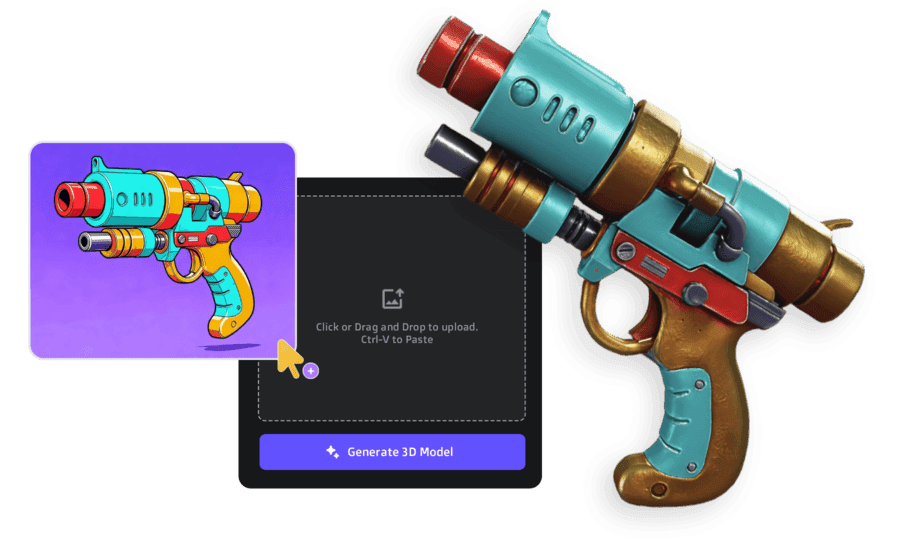
Upload any image, get a 3D model in 30-120 seconds
All these features included • Access to ALL AI models • From $19/month
Comparaison côte à côte
Compare all 11 image-to-3D tools side by side on price, quality, speed, multi-image support, and export formats. Prices range from free (open-source tools like TRELLIS-2 and Hunyuan3D) to $99/mo (Rodin AI), with generation speeds from 3 seconds to 24 hours.
| Outil | Prix de départ | Qualité | Vitesse | Multi-images | Formats de sortie |
|---|---|---|---|---|---|
| 3D AI Studio | $19/mo | Excellent | 30-120s | ✔ | GLB, FBX, OBJ, USDZ |
| Rodin AI | $99/mo | Exceptionnel | 60-180s | ✔ | GLB, FBX, OBJ |
| Meshy | $19/mo | Bon | 30-90s | ✗ | GLB, FBX, OBJ |
| Tripo AI | $24/mo | Bon | 20-60s | ✔ | GLB, FBX, OBJ |
| TRELLIS-2 | Free (Open Source) | Très bon | ~3s | ✗ | GLB, OBJ, PLY |
| Hunyuan3D | Free (Open Source) | Bon | 10-25s | ✗ | GLB, OBJ |
| CSM.ai | $20/mo | Bon | 45-120s | ✗ | GLB, FBX |
| Meta SAM 3D | Free (Research) | Bon | 30-60s | ✗ | GLB, OBJ |
| Luma AI | Free | Correct | 5-10min | ✔ | GLB, USDZ |
| Polycam | $10/mo | Bon | 2-5min | ✔ | GLB, OBJ, PLY |
| Kaedim | $20/mo | Très bon | 4-24hrs | ✗ | FBX, OBJ |
Quel outil pour votre cas d'utilisation ?
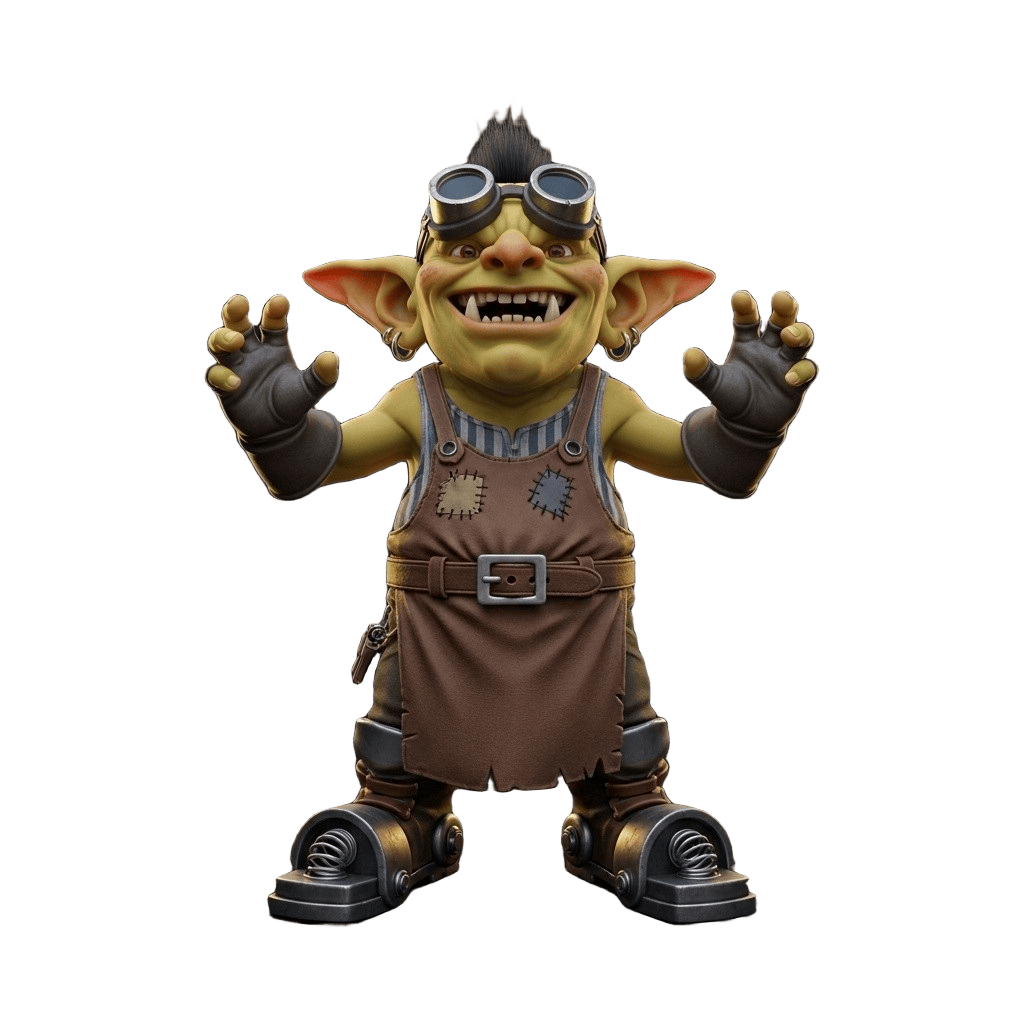
The best image-to-3D tool depends on your specific workflow. For game development, 3D AI Studio's multi-model access lets you pick the right engine per asset type. For architecture, Rodin-quality models are available at a fraction of the direct cost. For hobbyists, free tiers from Luma AI and open-source tools like TRELLIS-2 are the best starting points.
Game Development
Best: 3D AI Studio - multiple AI models, 1000+ credits/month, game-ready exports
Runner-up: Tripo AI for clean topology
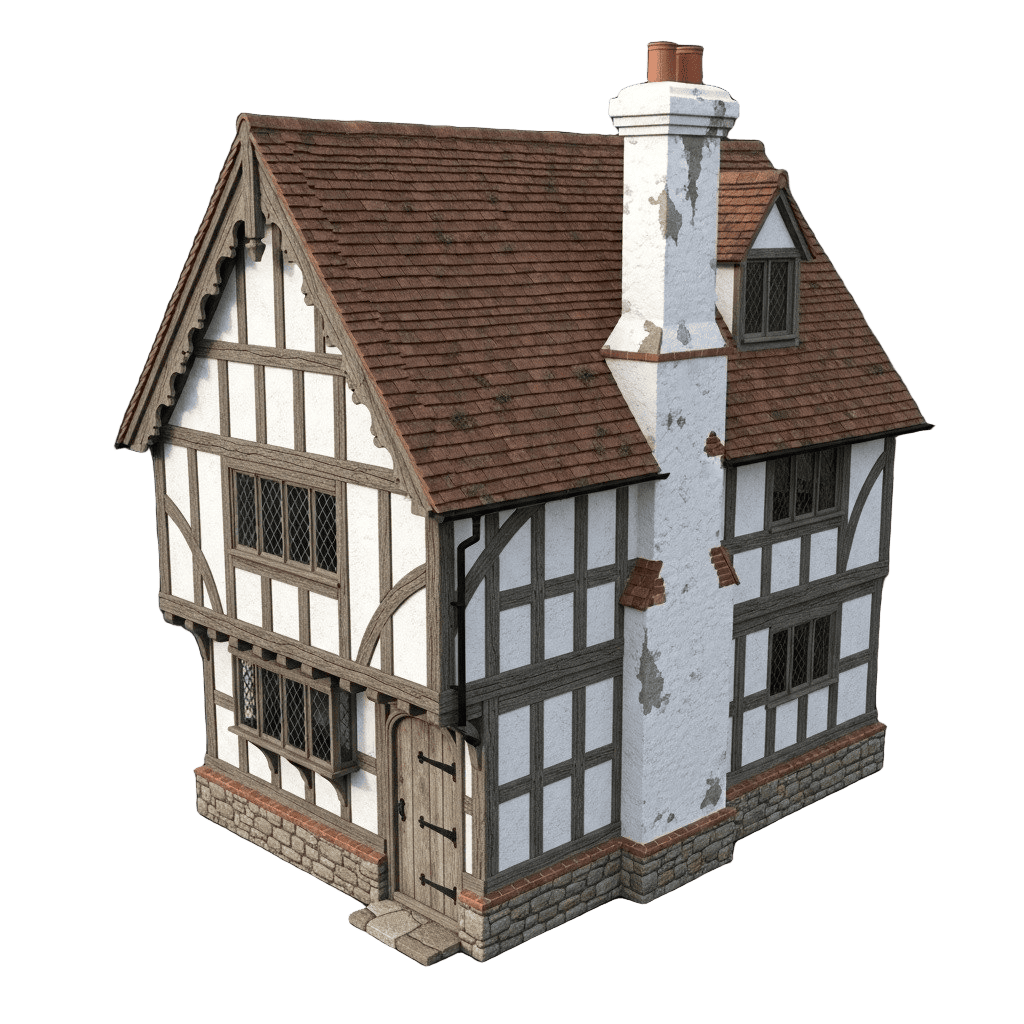
Architecture & Product Viz
Best: 3D AI Studio - Rodin-quality models at $29/mo vs $99/mo direct. Same 4K PBR.
Runner-up: Rodin AI for enterprise SLAs

E-Commerce & Marketing
Best: 3D AI Studio - 3D product models, marketing images, promo videos in one platform.
Runner-up: CSM.ai for product-specific workflows

Hobbyists & Learning
Best: Luma AI - free tier for testing and experimentation.
For serious projects, 3D AI Studio's one-time $34 payment offers much better quality
Que rechercher dans un outil image vers 3D
Geometry Accuracy
Fine details, correct proportions, clean topology
Texture Quality
4K PBR with roughness, metallic, normal maps
Generation Speed
30s (fast) to 10min (slow). Speed matters for iteration.
Cost per Model
Calculate actual cost per generation, not just monthly price
Output Formats
GLB for web, FBX for games, OBJ for Blender, STL for printing
Multi-Model Access
Different models excel at different tasks. Don't get locked in.
How Image to 3D Works
Works the same across most platforms. Here's the general workflow.
Pick an AI tool. We recommend 3D AI Studio for access to all models.
Upload a photo, edit an existing image, or generate one with AI. Clear subject, simple background works best.
Pick an AI model and hit generate. Takes 30 seconds to 2 minutes depending on quality settings.
Pick your format (GLB, FBX, OBJ, STL) and download. Use in games, 3D print, AR, or any 3D software.
Our Verdict

"After testing every tool on this list extensively, the biggest difference in 2026 is multi-model access. No single AI model wins at everything - but having all of them in one place means you always get the best result for each specific task."
- Jan, Author
For most users, 3D AI Studio offers the best combination of quality, speed, and value - with access to every major AI model in one place.
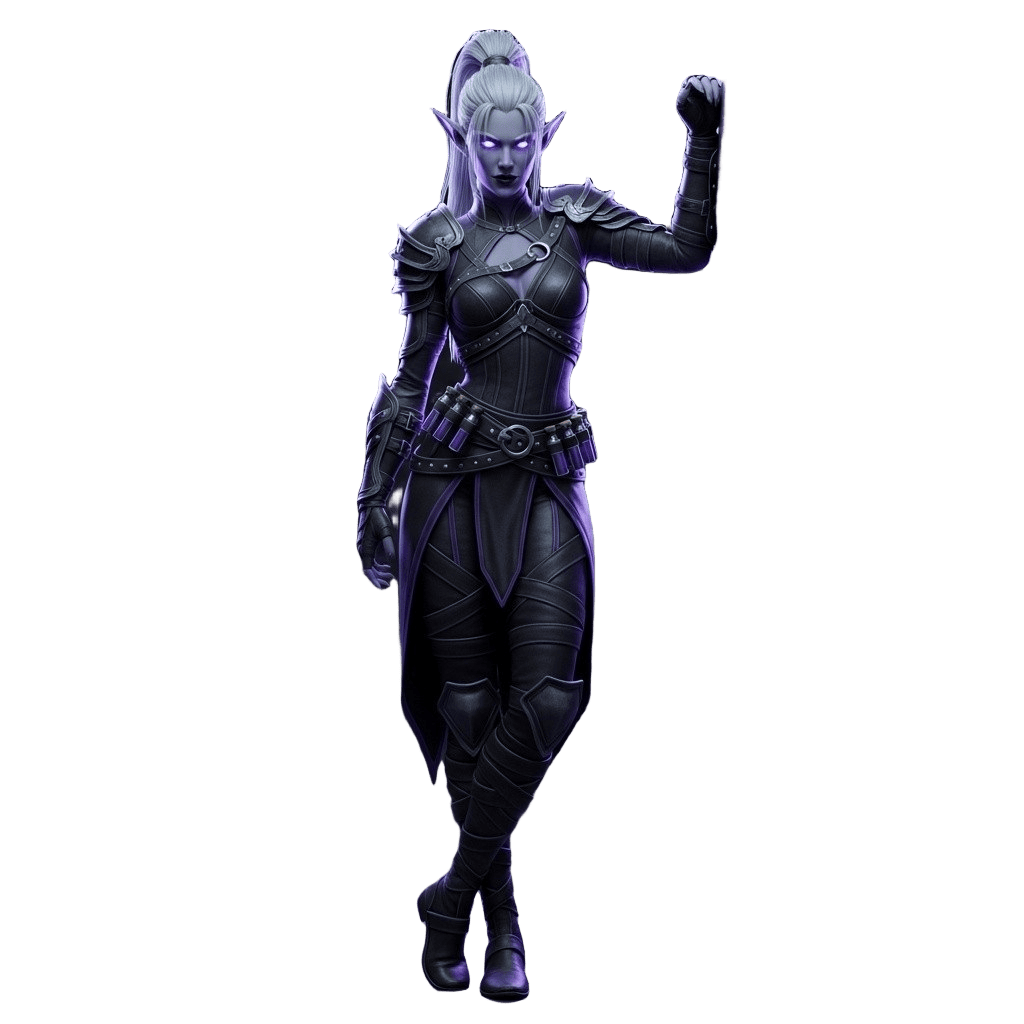
Generated with AI in 45 seconds
Prêt à essayer l'outil n°1 d'image vers 3D ?
Découvrez la meilleure qualité de conversion image vers 3D avec accès à tous les modèles d'IA leaders sur une seule plateforme.
Essayer image vers 3D maintenantTim's Take
Real experience
"L'image vers 3D est mon outil de prédilection pour le travail client. Ils envoient un croquis, je renvoie un modèle 3D 5 minutes après. Les clients pensent que je suis un magicien. La projection de textures s'est incroyablement améliorée cette année."
Frequently Asked Questions
What's the difference between AI image-to-3D tools and 3D scanning?▼
AI tools generate 3D models from a single image using AI - works with photos, drawings, concept art. 3D scanning apps need you to physically capture dozens of photos of a real object. AI is faster and works with any image. Scanning is better for exact replication of real objects.
Can I really get good results from just one image?▼
Yes. Single-image input produces usable results in 30-120 seconds for most objects. The AI estimates the hidden sides based on what it can see. For maximum accuracy, you can provide multiple angles, but one clear image is enough to start.
Which tool is best for game development?▼
3D AI Studio gives you the most flexibility - use Tripo for clean topology (great for rigging), Meshy for quick props, or Rodin for hero assets. Having access to all models means you can pick the right one per asset type.
Are these models ready for 3D printing?▼
Most AI-generated models need a quick remesh to become watertight for printing. Tools like 3D AI Studio include a one-click remesh tool that fixes this automatically. Export as STL or OBJ for your slicer.
Why is 3D AI Studio ranked #1?▼
It's the only platform giving you access to all major AI models (Meshy, Rodin, Tripo, Hunyuan, Trellis) in one place. Instead of paying $19-99/month for each tool separately, you get everything for $19-29/month. Same quality, more flexibility, better value.
What image works best for conversion?▼
Clear subject, simple background, good lighting. Product photos, clean sketches, and concept art work great. Avoid blurry images, heavy shadows, or scenes with multiple objects.
What export formats are supported?▼
All major formats: GLB for web and AR, FBX for Unity and Unreal, OBJ for Blender, STL for 3D printing, USDZ for Apple AR. Most tools support multiple formats.
How much does it cost per model?▼
Varies by tool. On 3D AI Studio, each generation costs 20 credits (roughly $0.17 per model on the Studio plan). Rodin direct costs $0.50+ per model. Free tools like Trellis and Hunyuan require your own GPU.
Can I use these models commercially?▼
Yes - models generated on 3D AI Studio, Meshy, Tripo, and Rodin are yours to use commercially. Open-source tools like TRELLIS-2 (MIT license) allow commercial use. Pixal3D is academic-only.
What's new in 2026 compared to last year?▼
Quality has improved dramatically. Trellis 2 generates in 3 seconds. Pixal3D achieves near-reconstruction fidelity. Tripo's topology is now game-ready out of the box. And multi-model platforms like 3D AI Studio mean you always get the latest models without switching tools.
Want to learn more? Check out these quick guides:
Tim Karlowitz
Developer & Creative @ Karlowitz Studios
Tim est un technologue créatif et développeur chez Karlowitz Studios en Allemagne. Il est spécialisé dans les expériences web 3D interactives et les pipelines de contenu automatisés, apportant une perspective d'ingénierie rigoureuse à l'évaluation des outils d'IA.