Here's what you can expect
These two models were generated from just a text prompt. You can rotate them to see the full result.
"Stylized anime warrior with red hair, holding a katana, game-ready character"
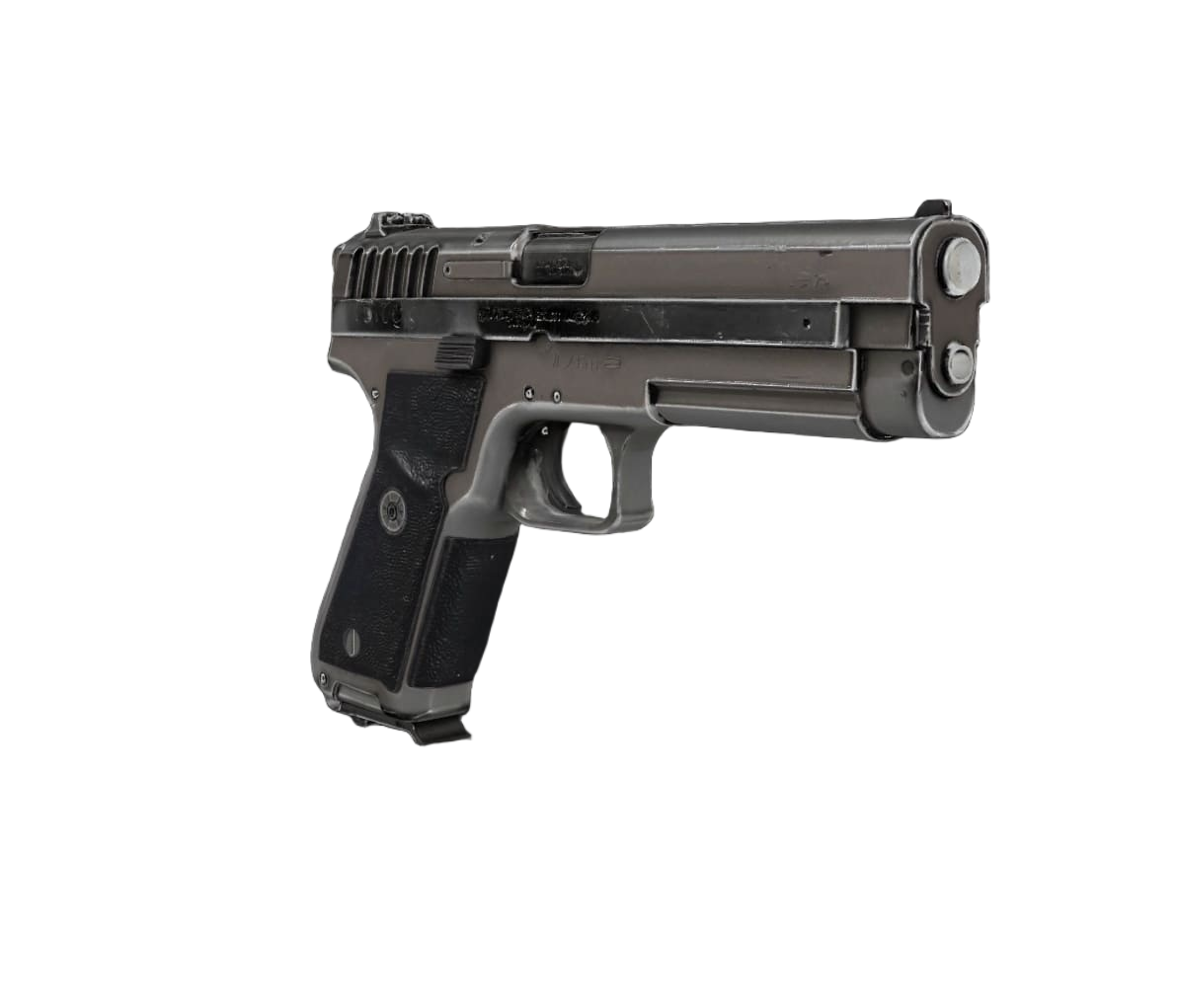
"Futuristic energy weapon with green glowing elements, sci-fi gun, detailed"
Both generated from text only. No reference images, no modeling skills needed.
Try Text to 3DPrefer watching over reading?
We recorded a short walkthrough covering prompts, styles, and the full generation flow.
How text to 3D actually works
You type a description, AI turns it into a full 3D model with geometry and textures. Here's what happens at each stage.
You describe the object
Write what you want in plain language. Shape, material, style, and details.
AI builds the 3D mesh
Geometry is generated from scratch with clean topology, ready for use.
Textures are applied
Colors, materials, and surface detail are painted onto the mesh automatically.
Export and use anywhere
Download as GLB, FBX, OBJ, or STL. Use in games, renders, or 3D printing.
"Orc warrior, heavy armor, battle axe, stylized game character"
Your prompt
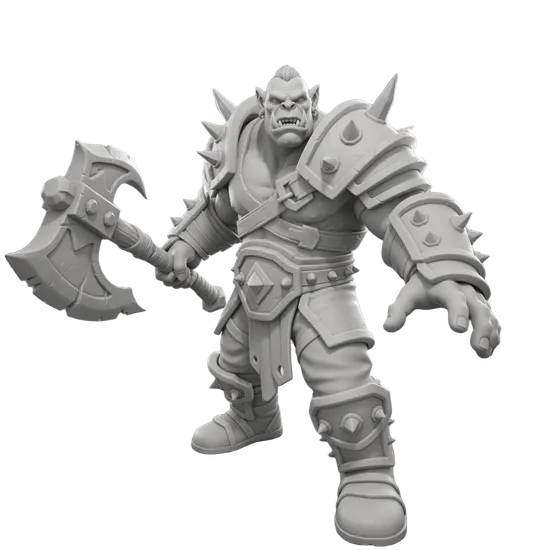
Raw geometry
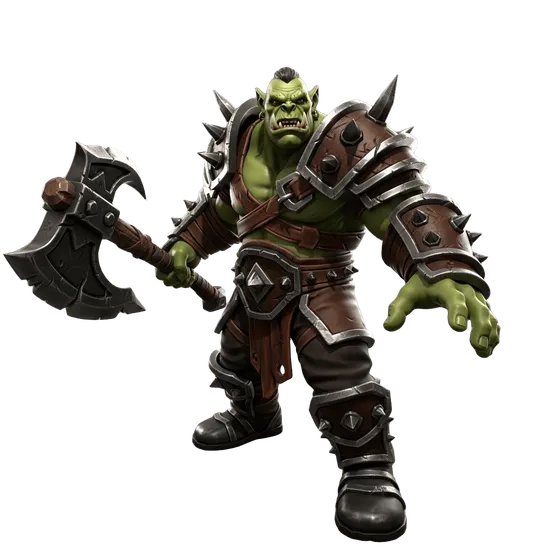
Textures applied
GLB / FBX / OBJ / STL
Export
다재다능, 빠른 속도, 프리미엄 품질
Text to 3D로 브레인스토밍, 프로토타이핑, 창작 작업을 놀라운 속도로 수행할 수 있습니다.
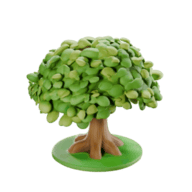
"Cute stylized tree, clumped leaf blobs, round diorama base"
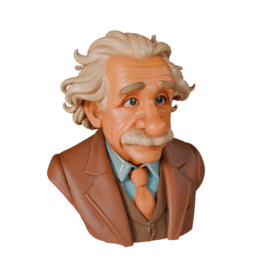
"Cartoon scientist bust, wild white hair and mustache, tweed suit, stylized"
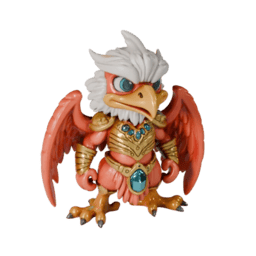
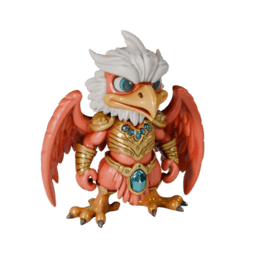
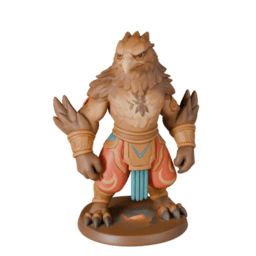
"Chibi griffin warrior, coral wings, white crest, gold armor with blue gems, stylized"
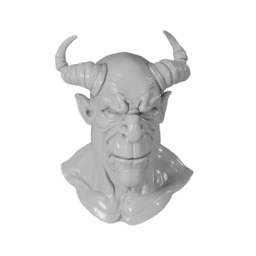
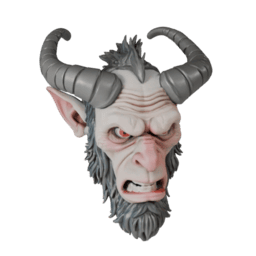
"Demon bust, curled horns, gray resin sculpt, stylized"
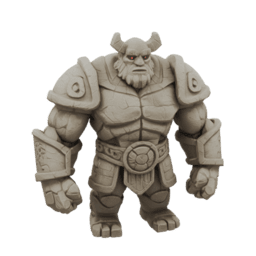
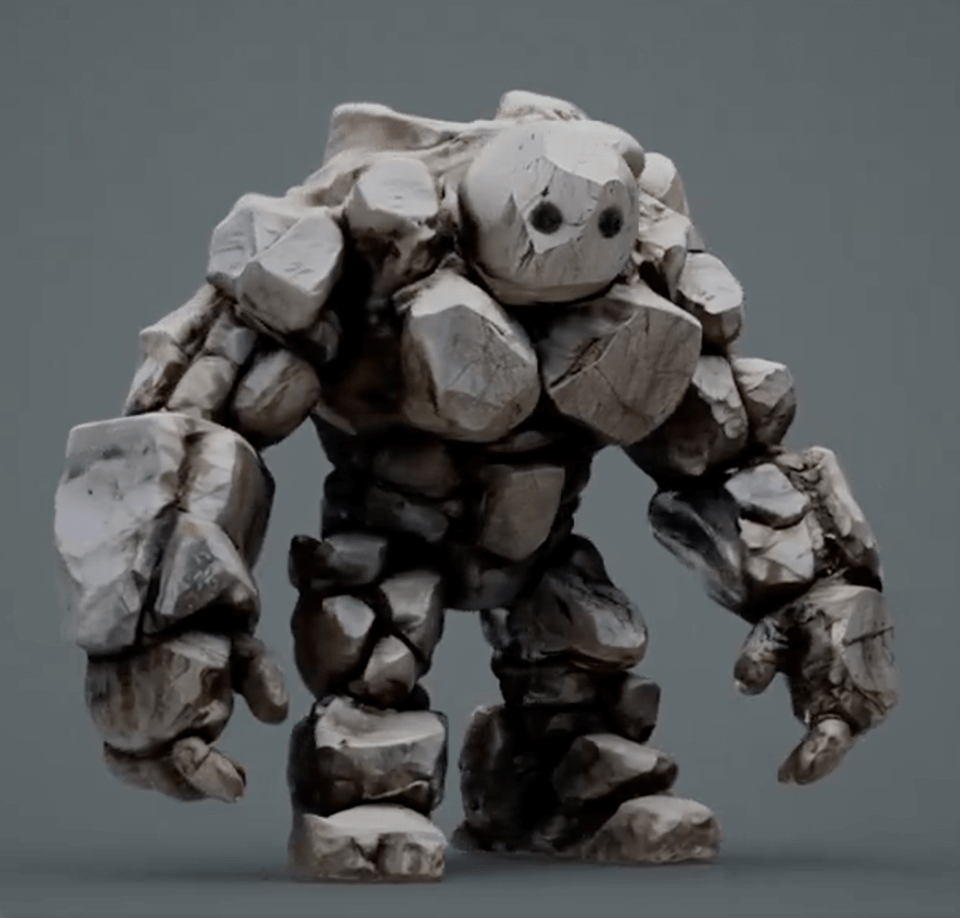
"Stone golem barbarian, chunky proportions, small horns, carved armor, stylized game character"
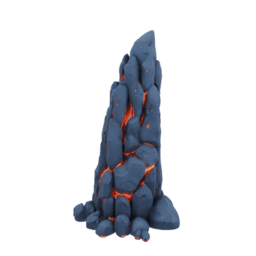
"Lava-cracked rock spire, dark basalt with glowing fissures, low poly environment prop"
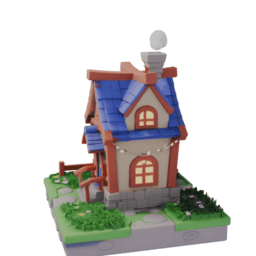
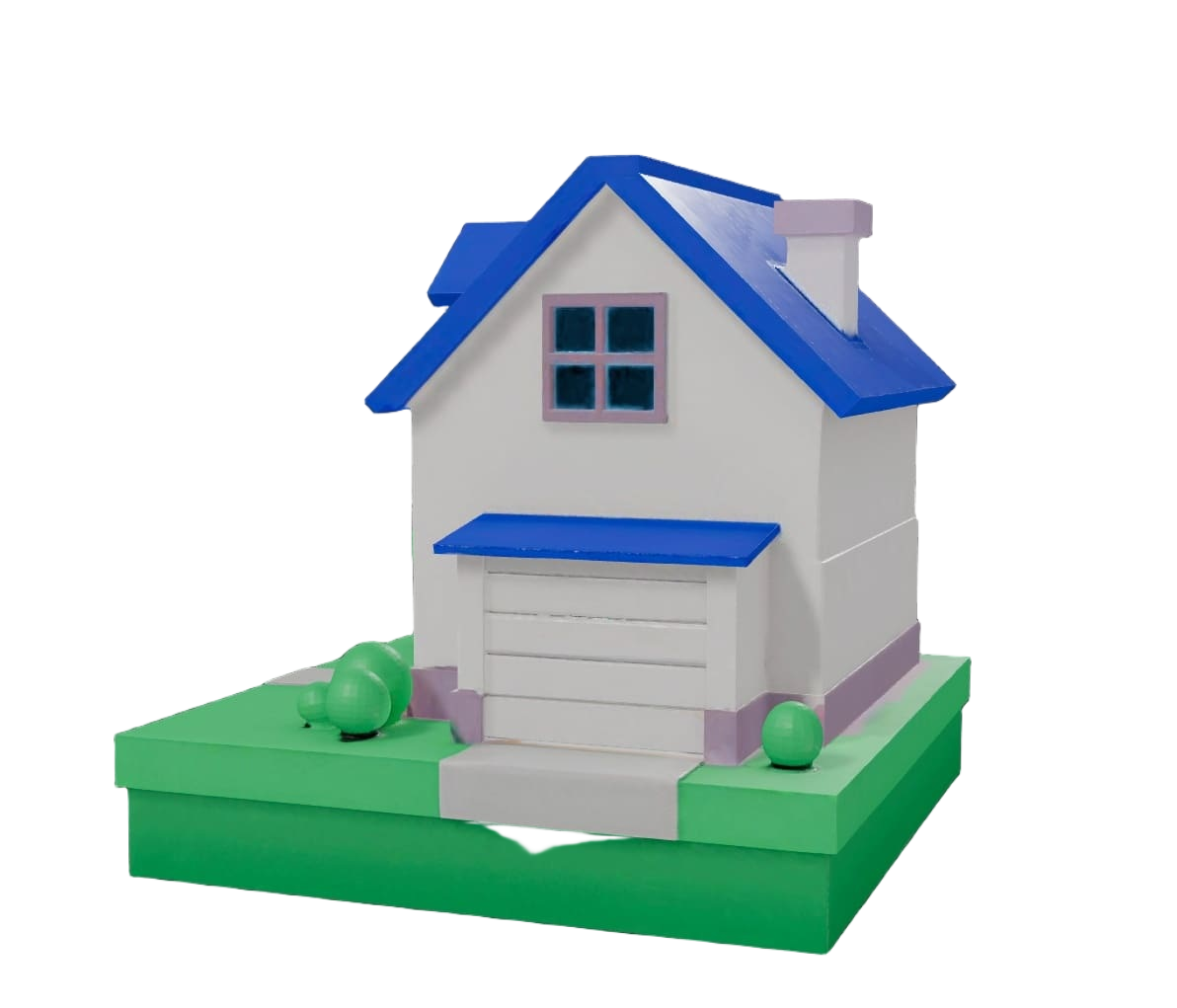
"Cozy cottage diorama, blue tiled roof, glowing windows, cute low poly house"
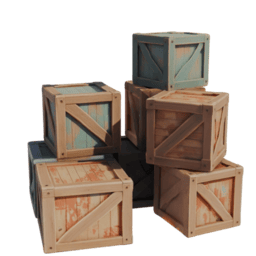
"Stack of weathered wooden crates, high quality low poly game prop"
Pro tip: generate an image first
Text to 3D works great on its own, but if you want more control you can generate an image first, tweak it until it looks right, then convert that to 3D. Two steps, but you get exactly what you pictured.
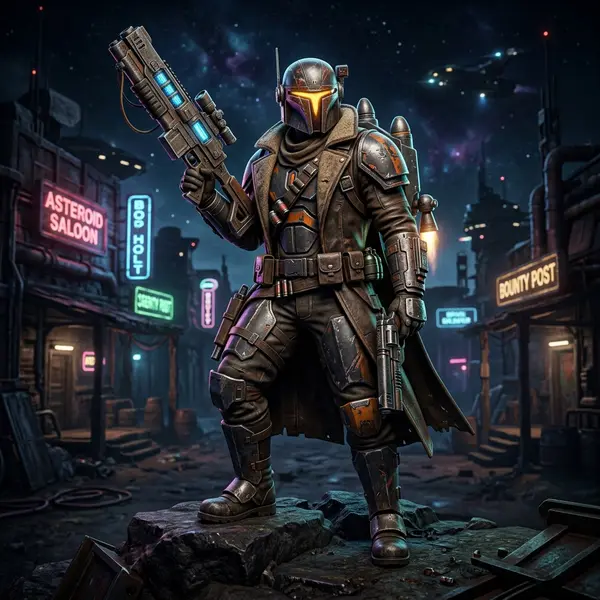
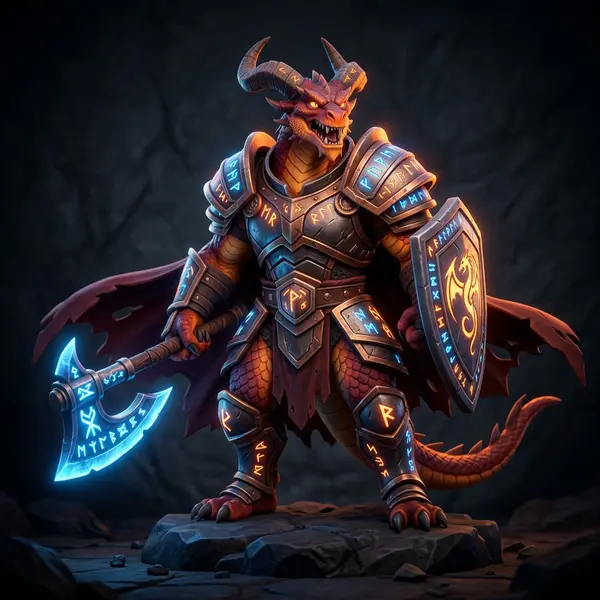
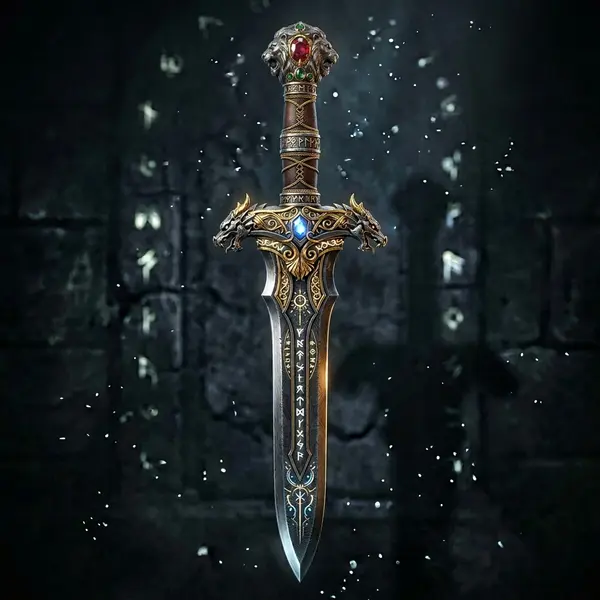
This two-step approach lets you iterate on the image until it looks right, then generate the 3D version with confidence.
Already have an image or sketch?
If you already have concept art, a photo, or a sketch you like, you can skip text prompting entirely and use Image to 3D instead. Same mesh quality, same export options, just a different starting point.
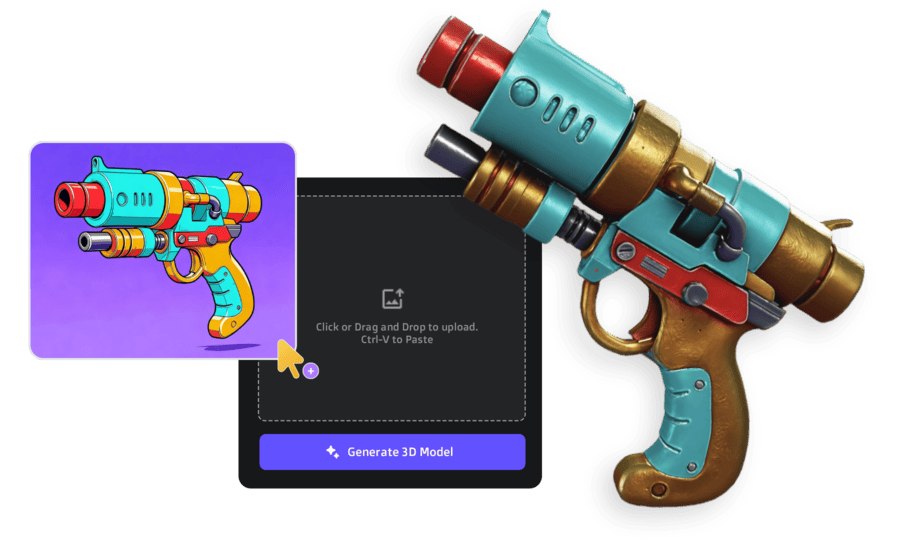
You also get control over the mesh
Every model comes with options to adjust polygon count and convert to quad topology. Useful if you need to optimize for games or prepare for sculpting.
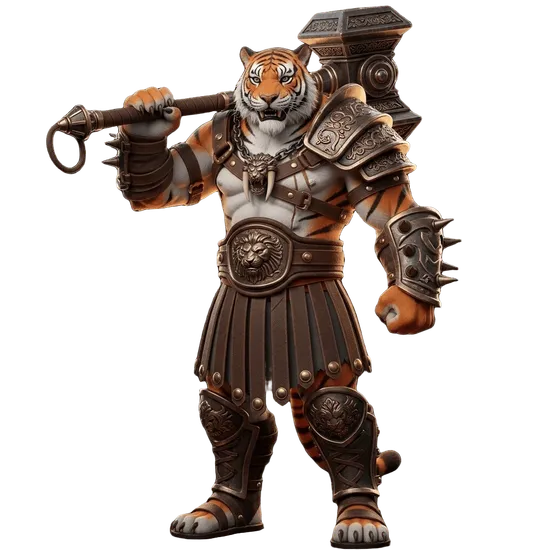
Textured model as generated
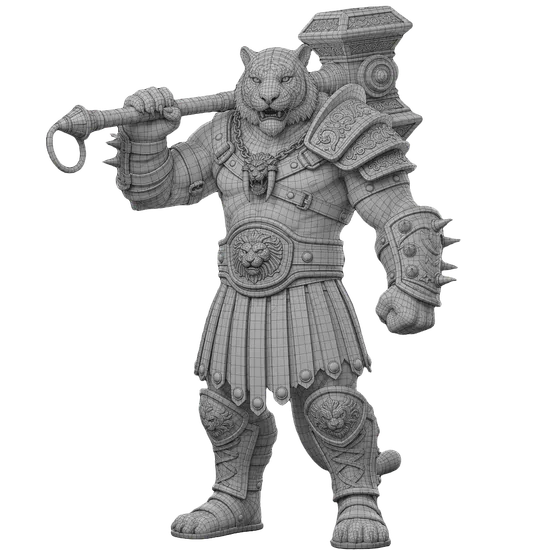
Wireframe after retopology
Adjust poly count
Scale the mesh density up or down depending on your target platform
Quad retopology
Convert triangles to clean quad flow for animation and subdivision
Export-ready
GLB, FBX, OBJ, and STL with proper normals and UVs
Not happy with the textures? Edit them
If a generated texture doesn't look quite right, you can refine specific areas using our AI texture editor. Paint over a region, describe what you want, and it updates just that part.
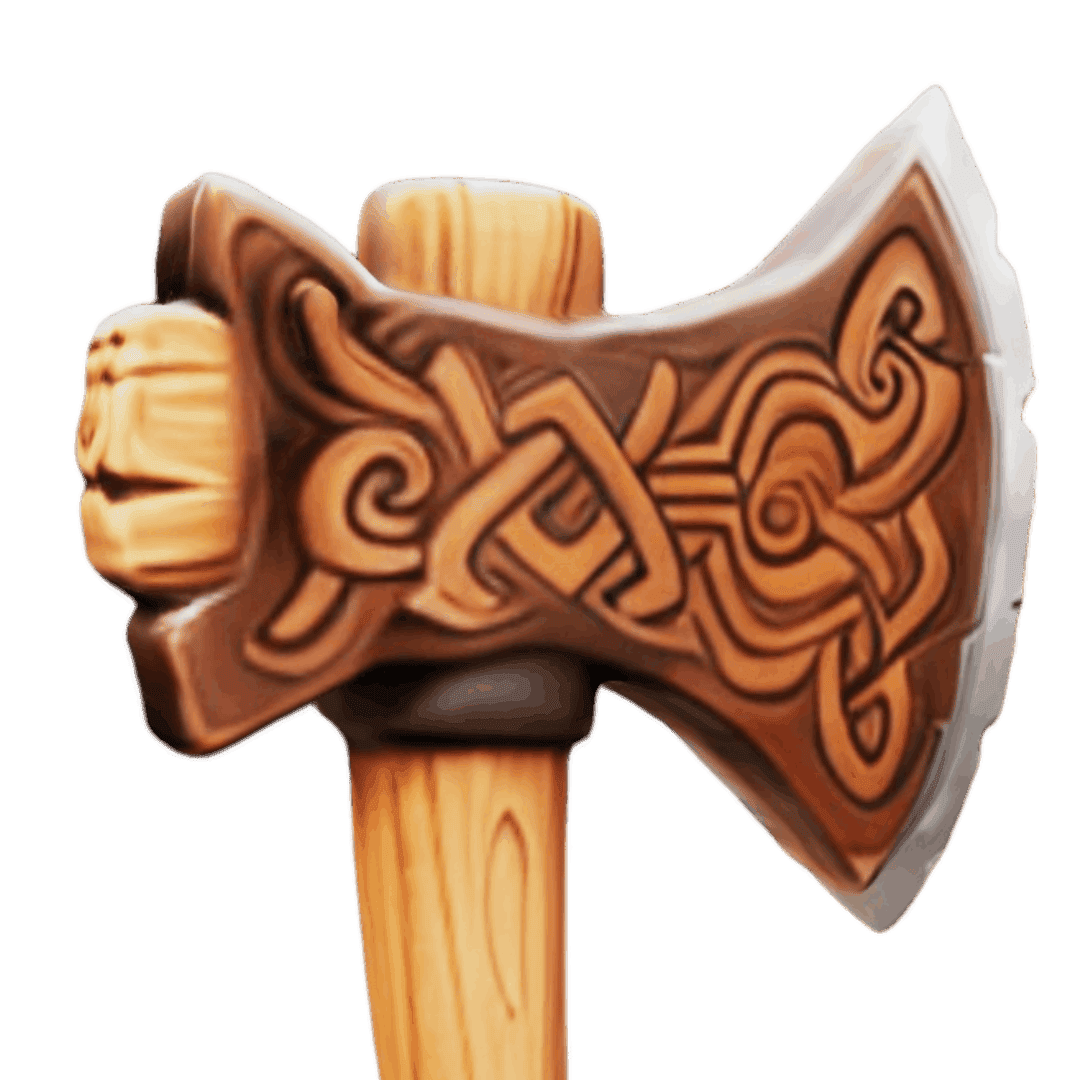
Before
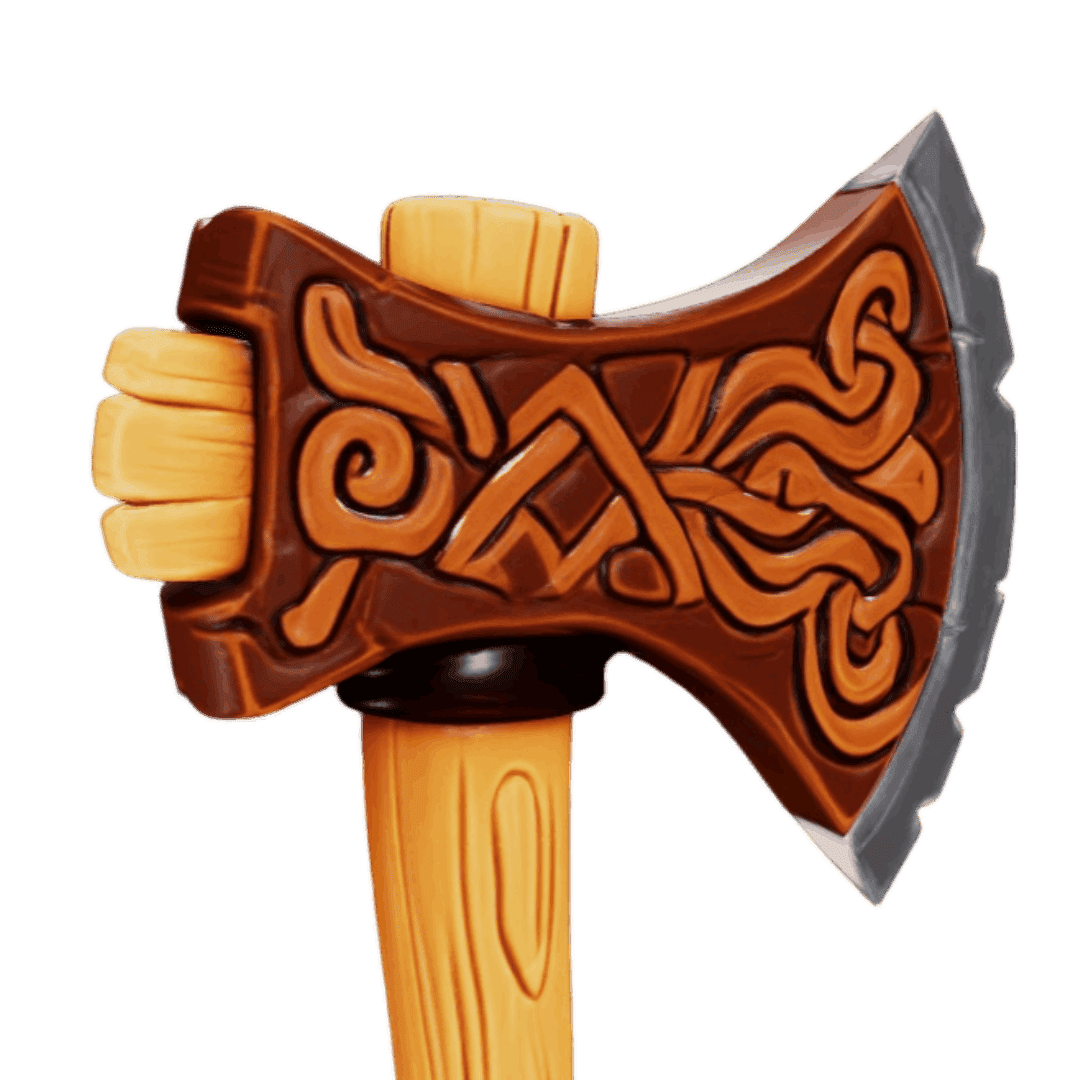
After AI refinement
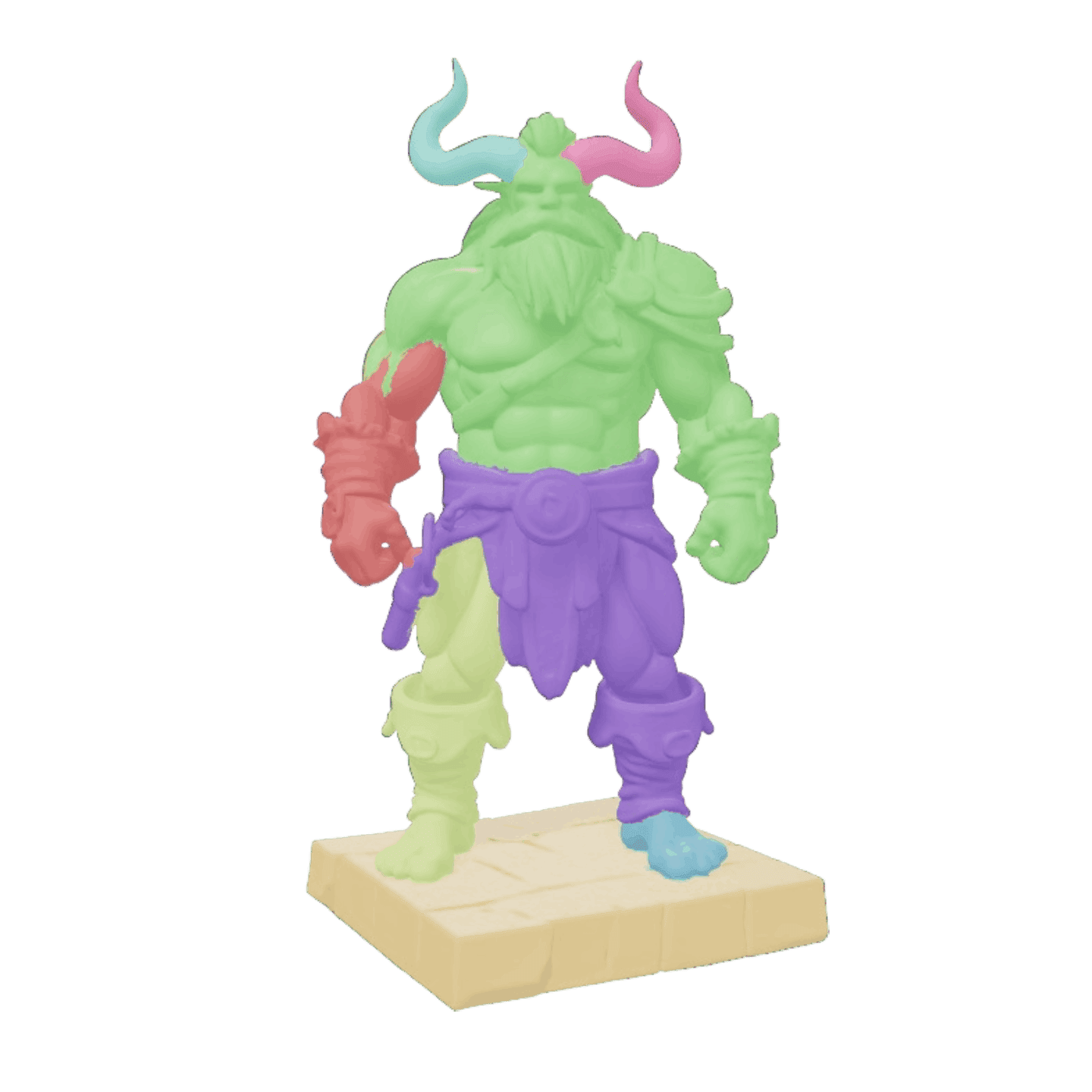
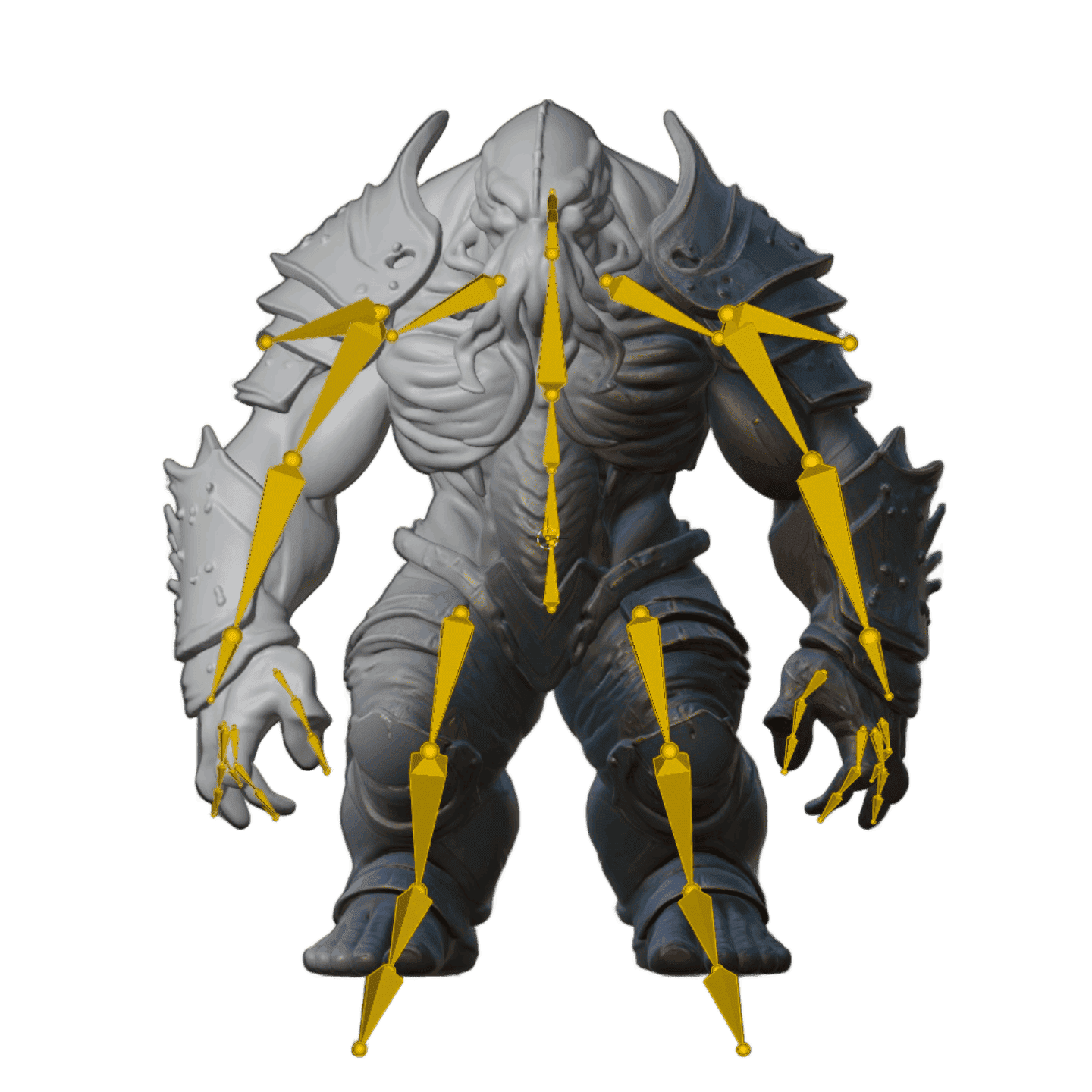
Need to rig or segment your model?
Once your model is generated, you can optionally split it into parts or add a skeleton for animation. Both tools work directly on your generated output.
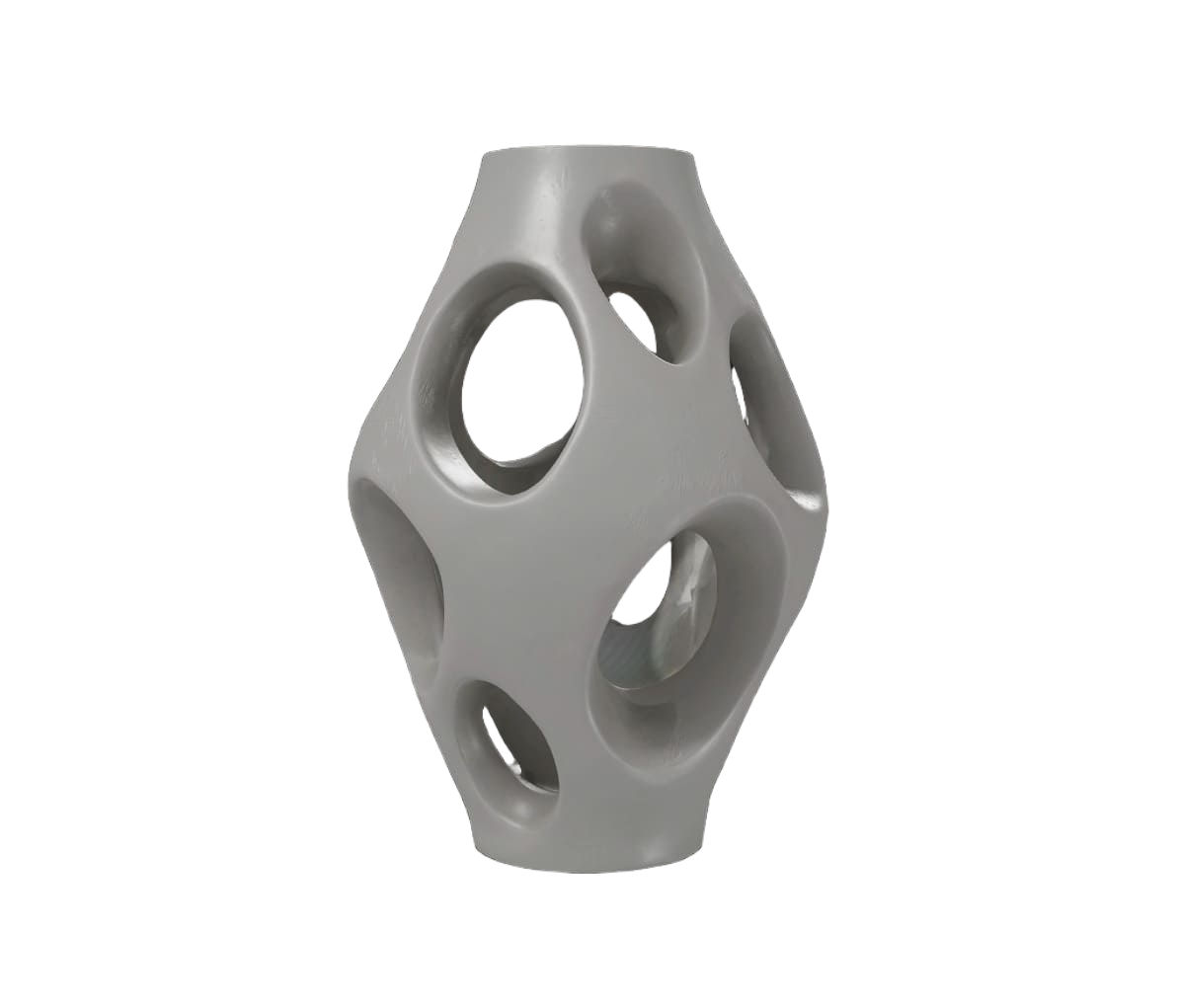
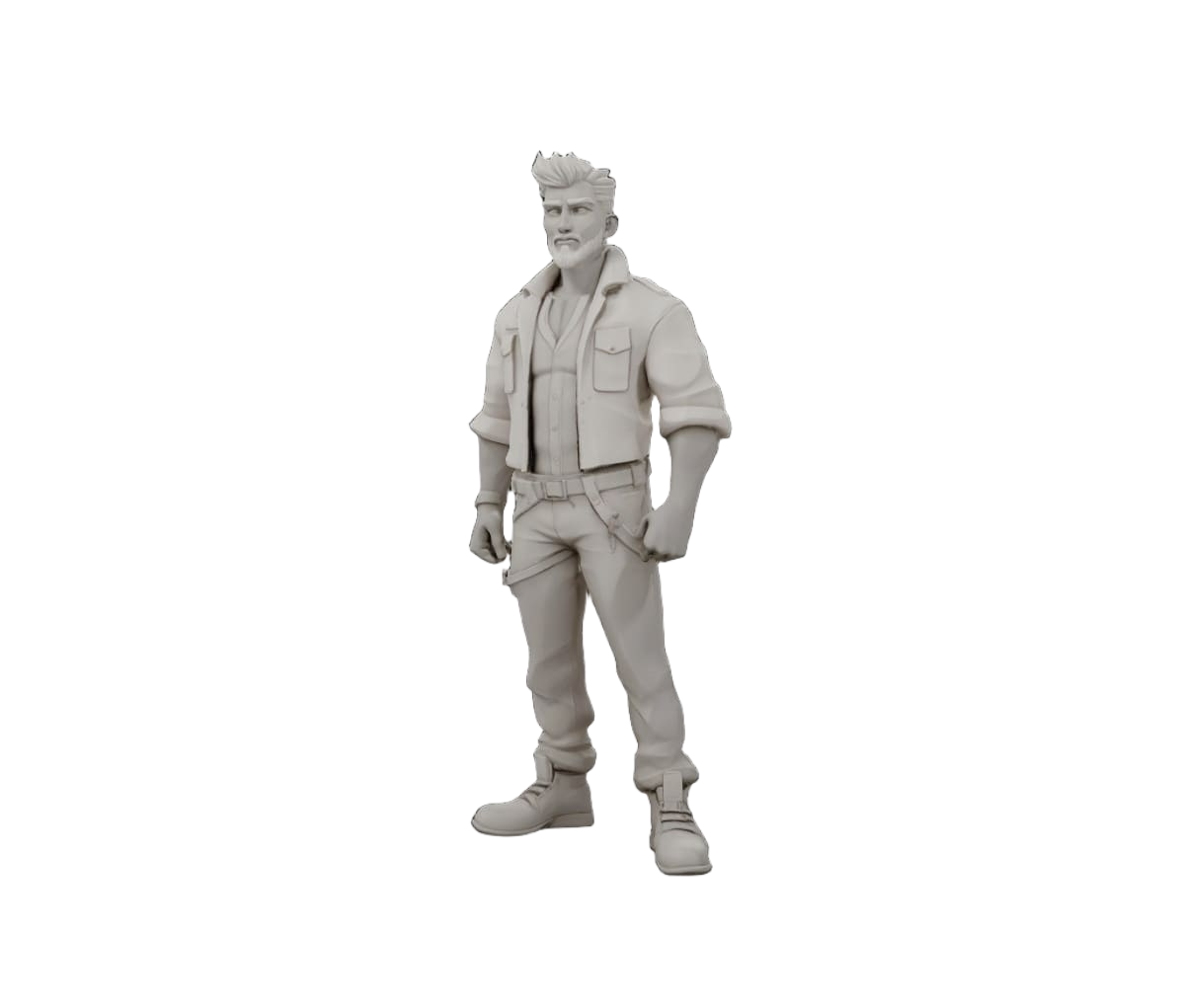
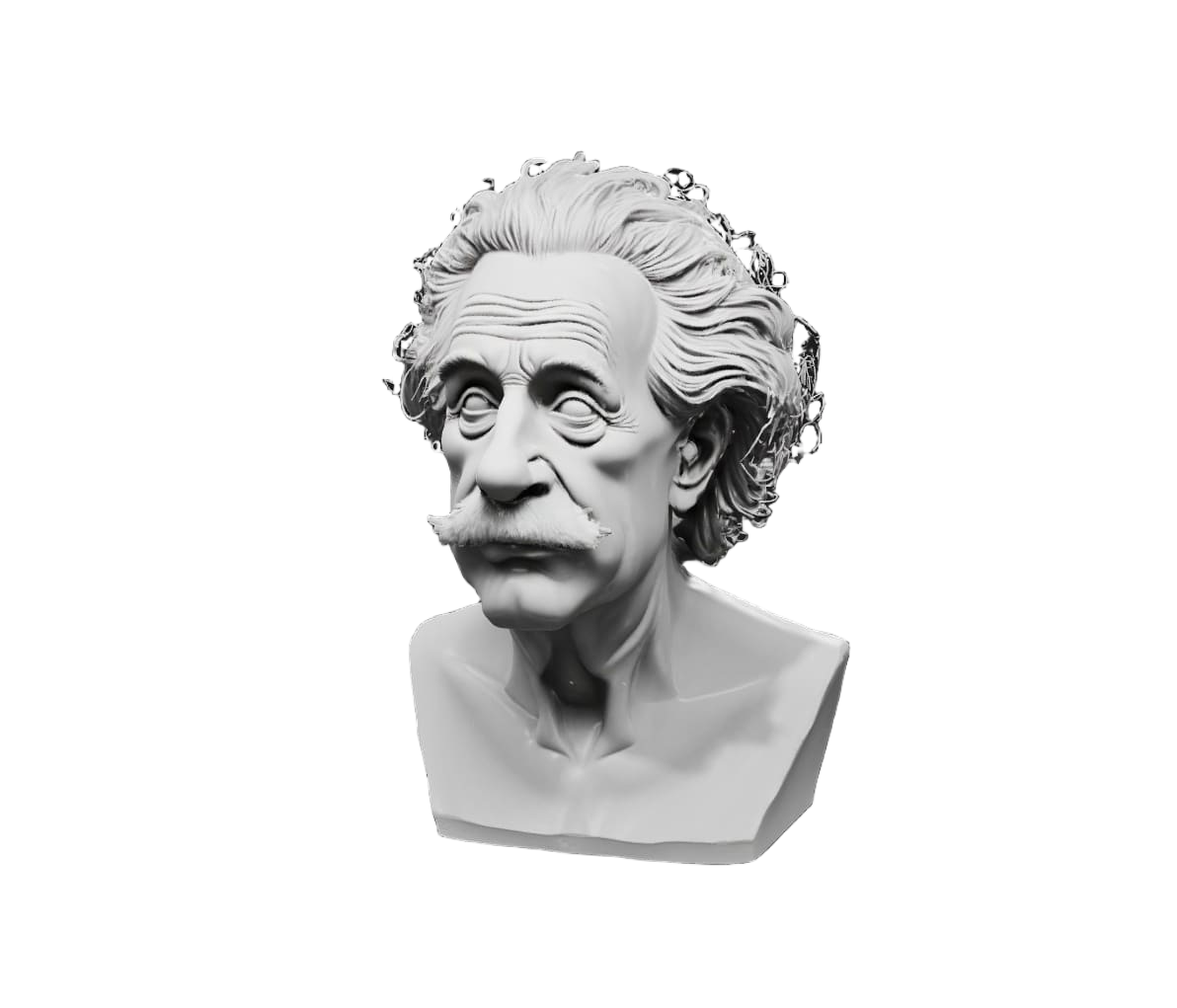
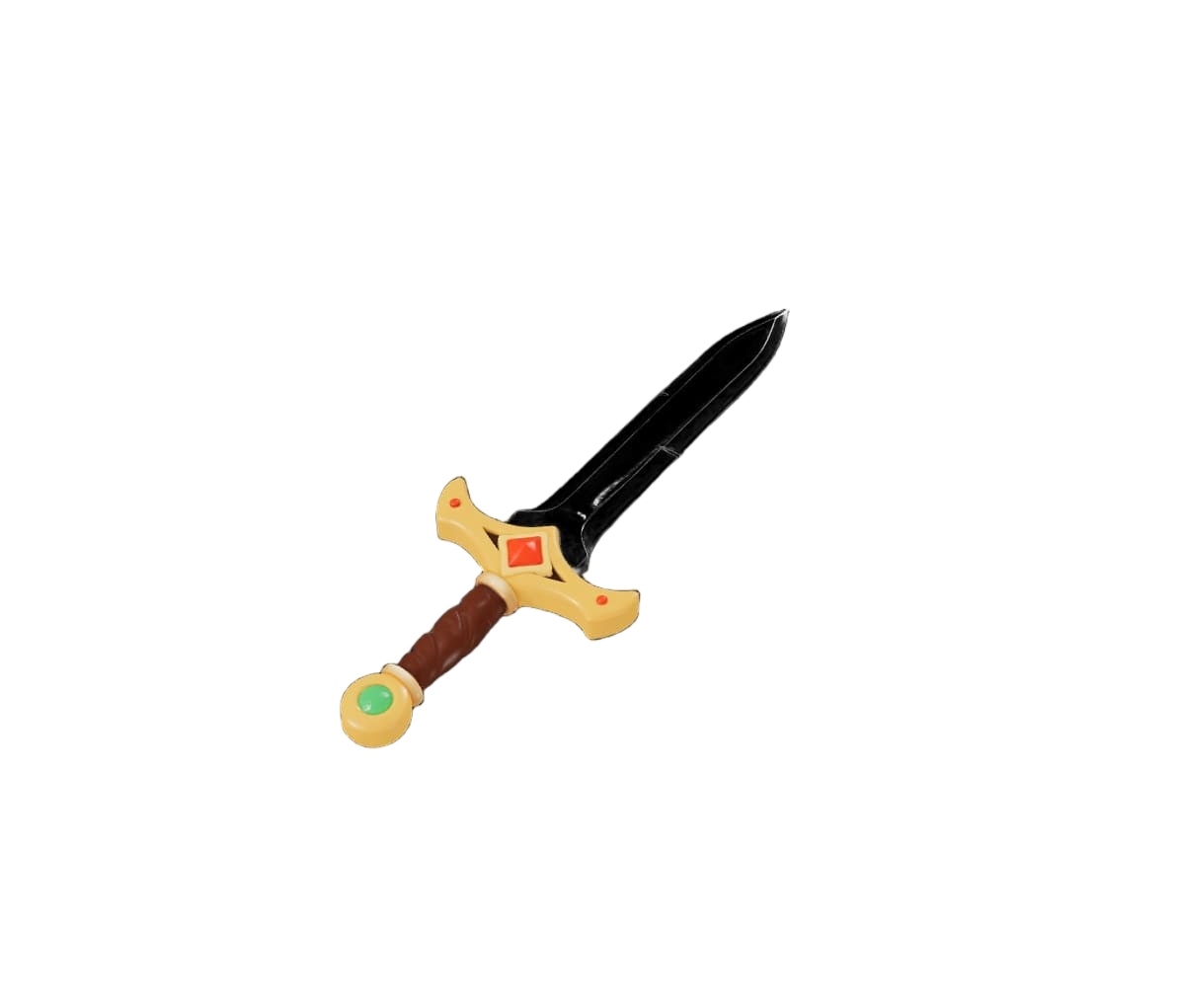


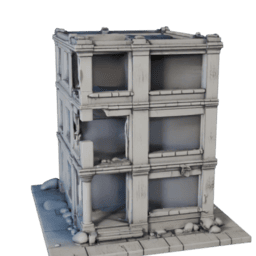
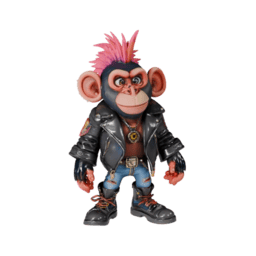
고객 후기
전문가들이 사용합니다.
일상 워크플로우에서 활용 중.
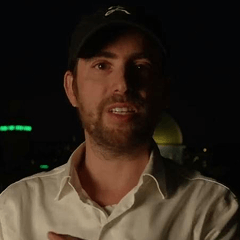
What used to take days of back-and-forth with 3D artists now takes minutes. It's exactly what we needed for quick concept visualization and prototyping.
Yariv Newman, Art Director at Pitch Dev Studios
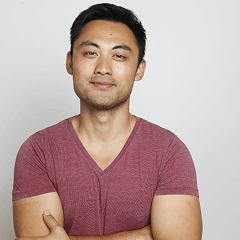
For agencies working with tight deadlines and innovative projects, this tool is invaluable. It's significantly reduced our asset creation costs while allowing us to deliver more creative solutions.
Paul Xue, Founder & CEO at Spacestation Labs

Instead of spending hours designing models or searching through libraries, I can generate print-ready models in minutes.
Philipp Sieben (PixelArtistry), 3D Printing Enthusiast

I've been creating 3D games and applications for over 25 years, and this is a real game-changer. For my web projects using Three.js, I can now get the 3D models I need in minutes instead of hours.
Michael Schlachter, Graphics and Simulation Programmer

PixelArtistry
@philippsieben
Nick St. Pierre
@nickfloats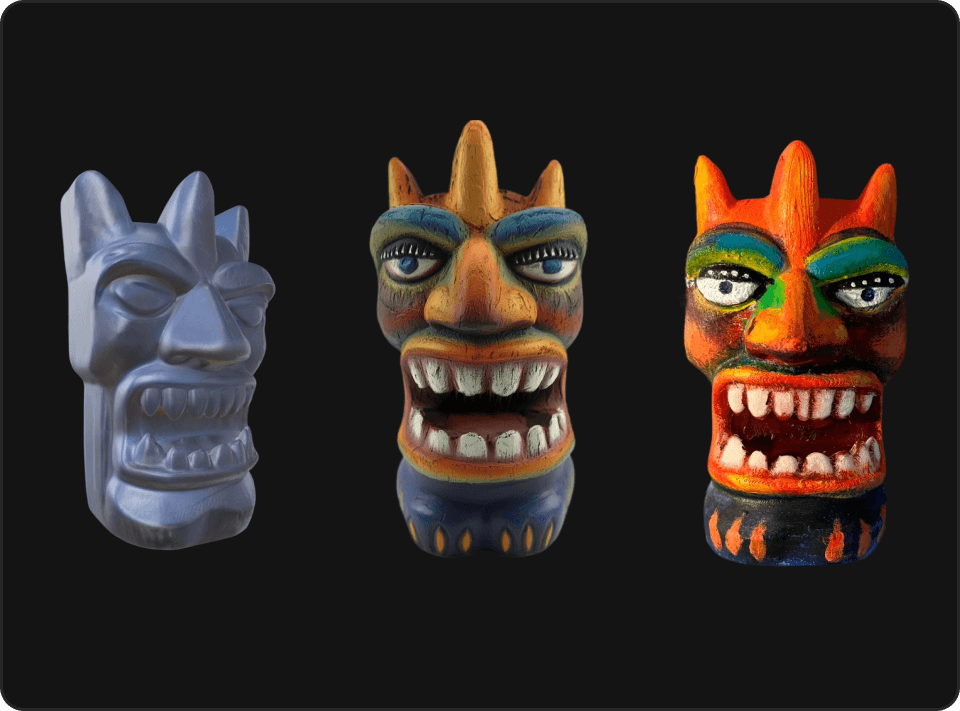

Mr. P
@Itryandlearn3D