
 Roblox 개발자를 위해 설계
게임 에셋을
몇 시간이 아닌 몇 초 만에 생성
AI로 아이디어를 Roblox 호환 3D 모델로 변환합니다. 모델링 경험이 필요 없습니다. 원하는 것을 설명하면 즉시 구현됩니다.
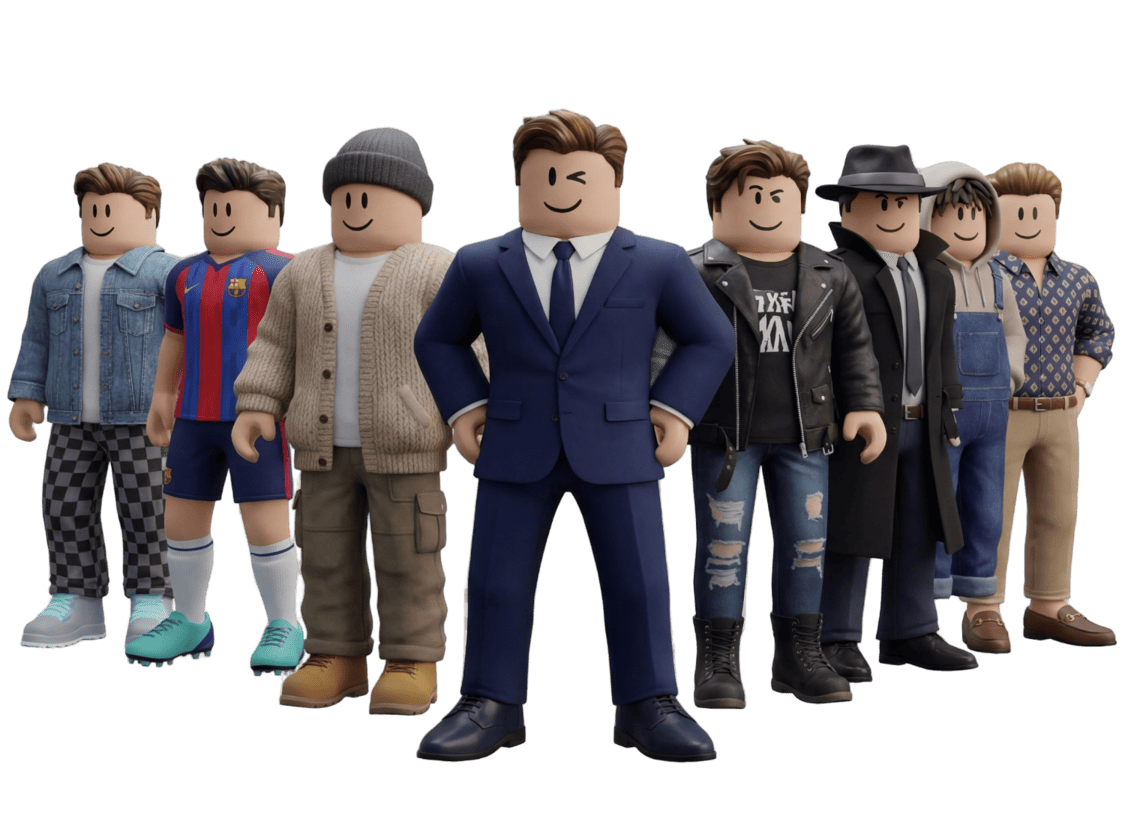
How to Generate 3D Models with AI for Game Development
Here's a quick demo of the full pipeline - generating assets, optimizing them, and importing them directly into your game engine. About 3 minutes:
That's the high-level flow. Below I'll cover the specific settings and export options that work best for Roblox:
Generate Characters & Fitting Assets
Create unique Roblox characters with AI, then generate matching weapons and gear that perfectly fit your character's style.
Step 1 · Prompt
Describe what you want to create
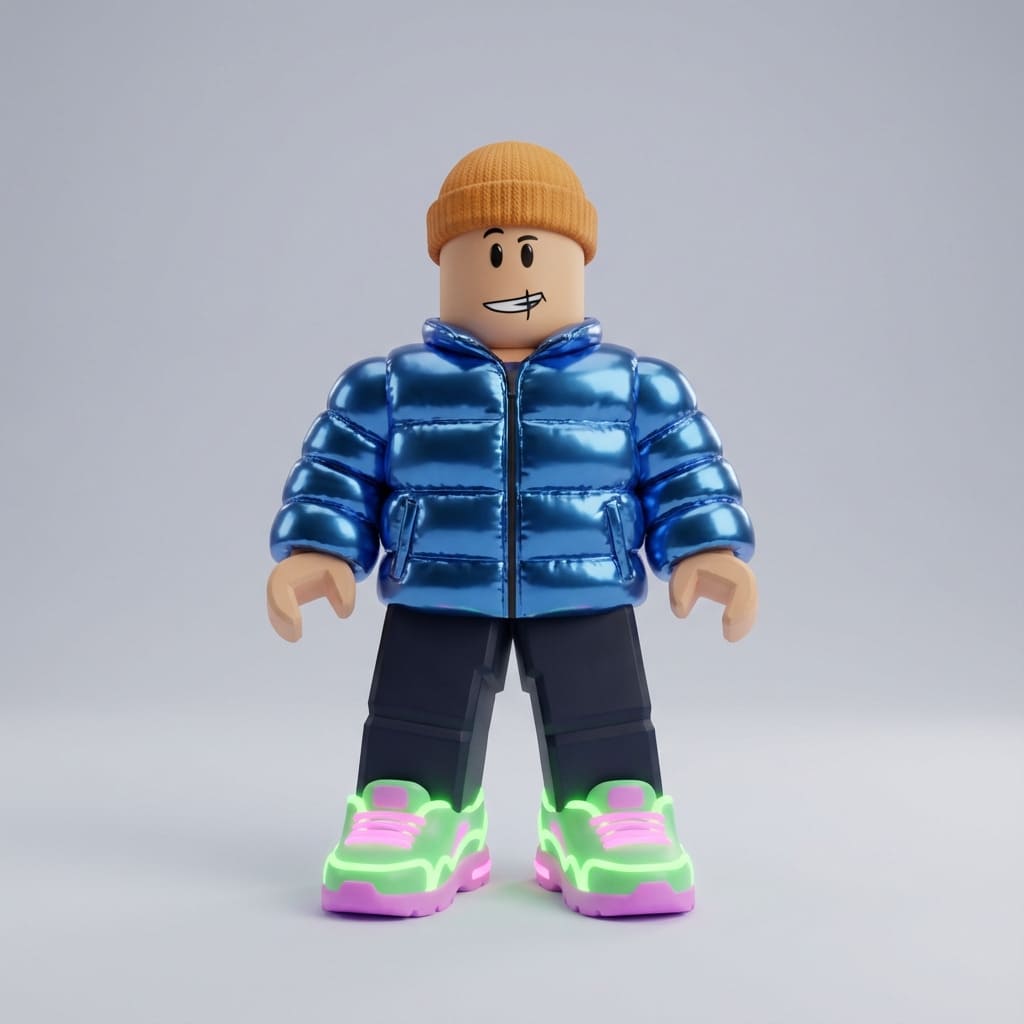
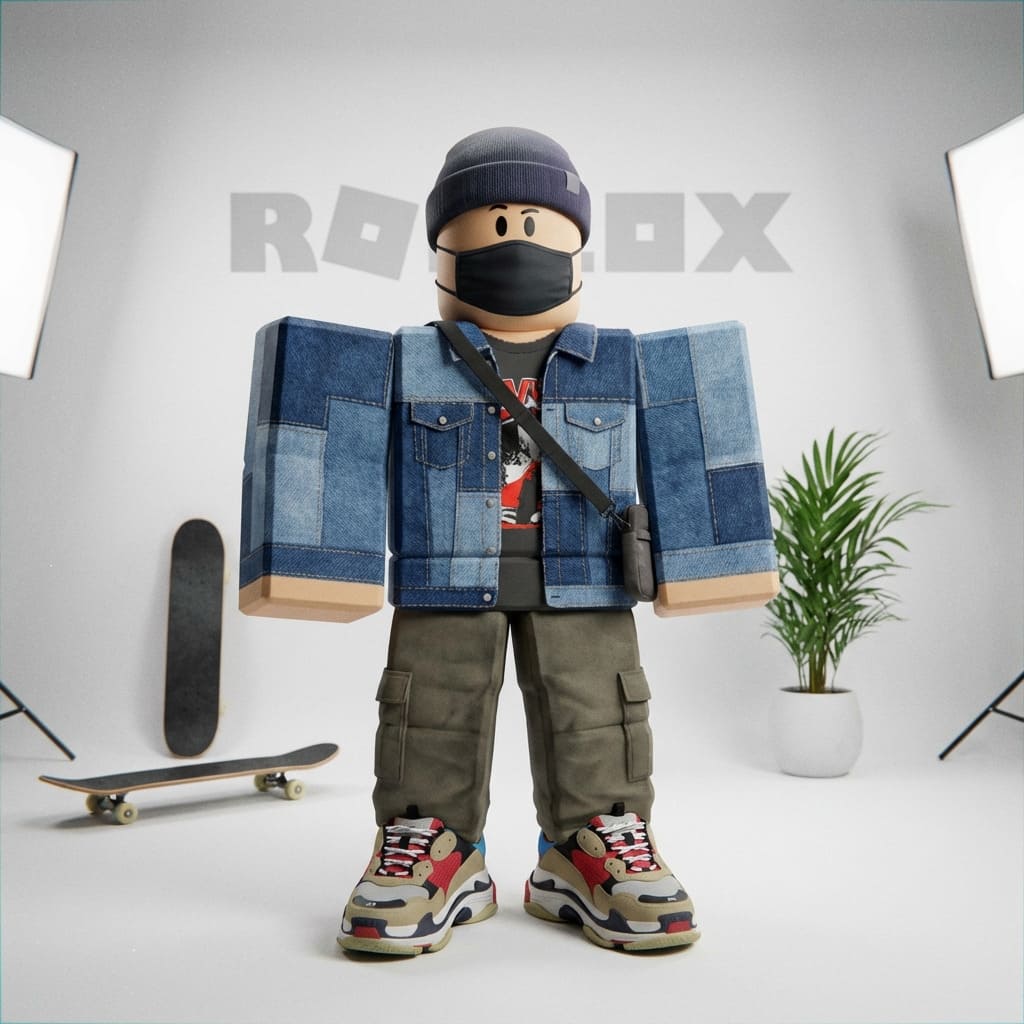
"Create a Roblox character in a trendy outfit"
Step 2 · Generate
AI generates 4 unique variations
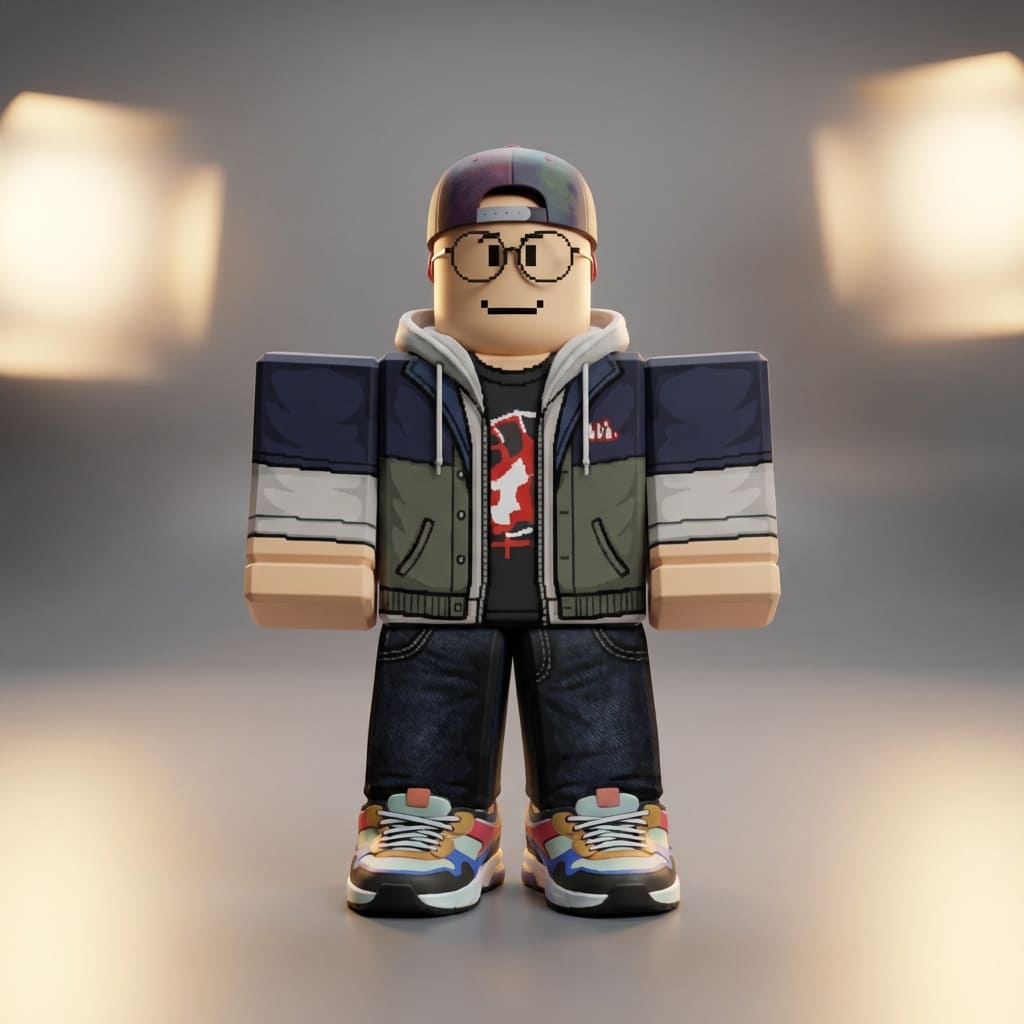
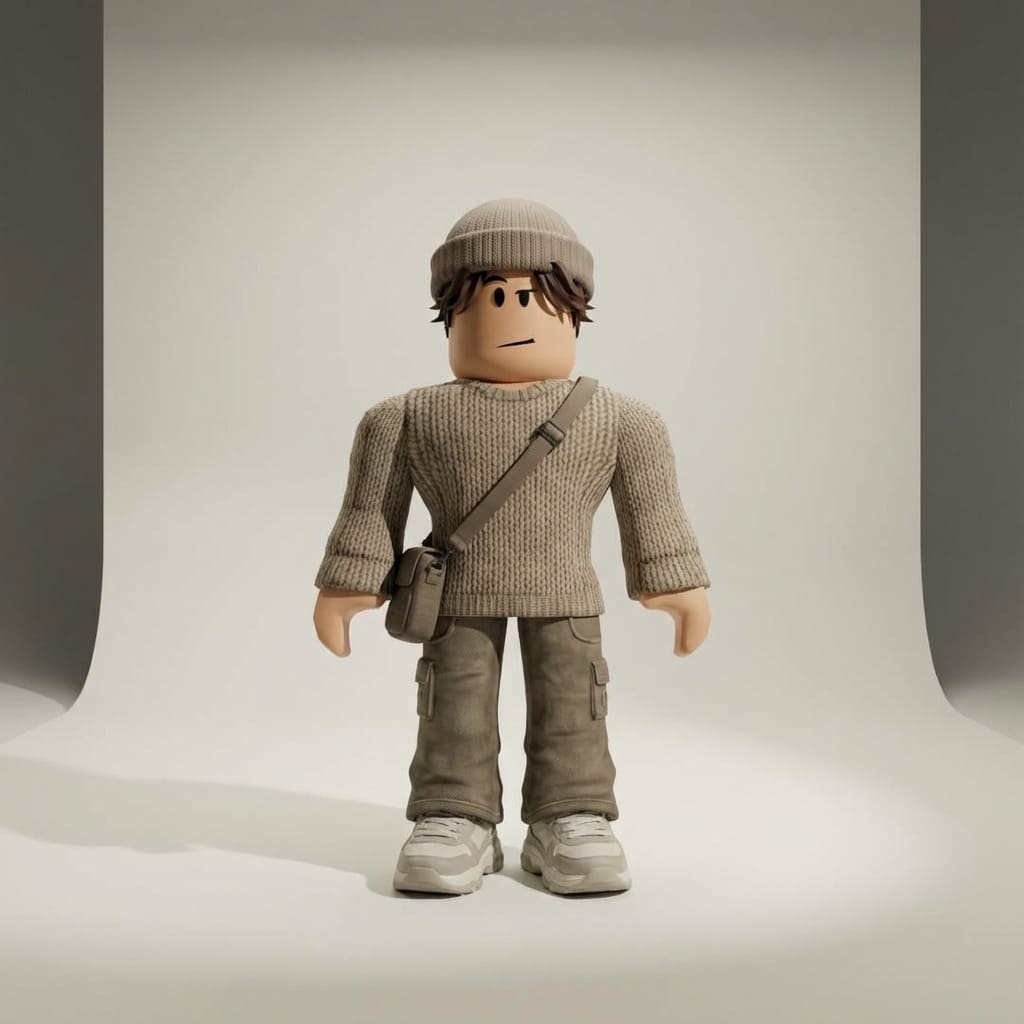
✓ Selected
Step 3 · Enhance
Request a matching asset
"Now generate a fitting weapon for this character"
Step 4 · Result
AI creates a perfectly matching weapon
Trendy Character
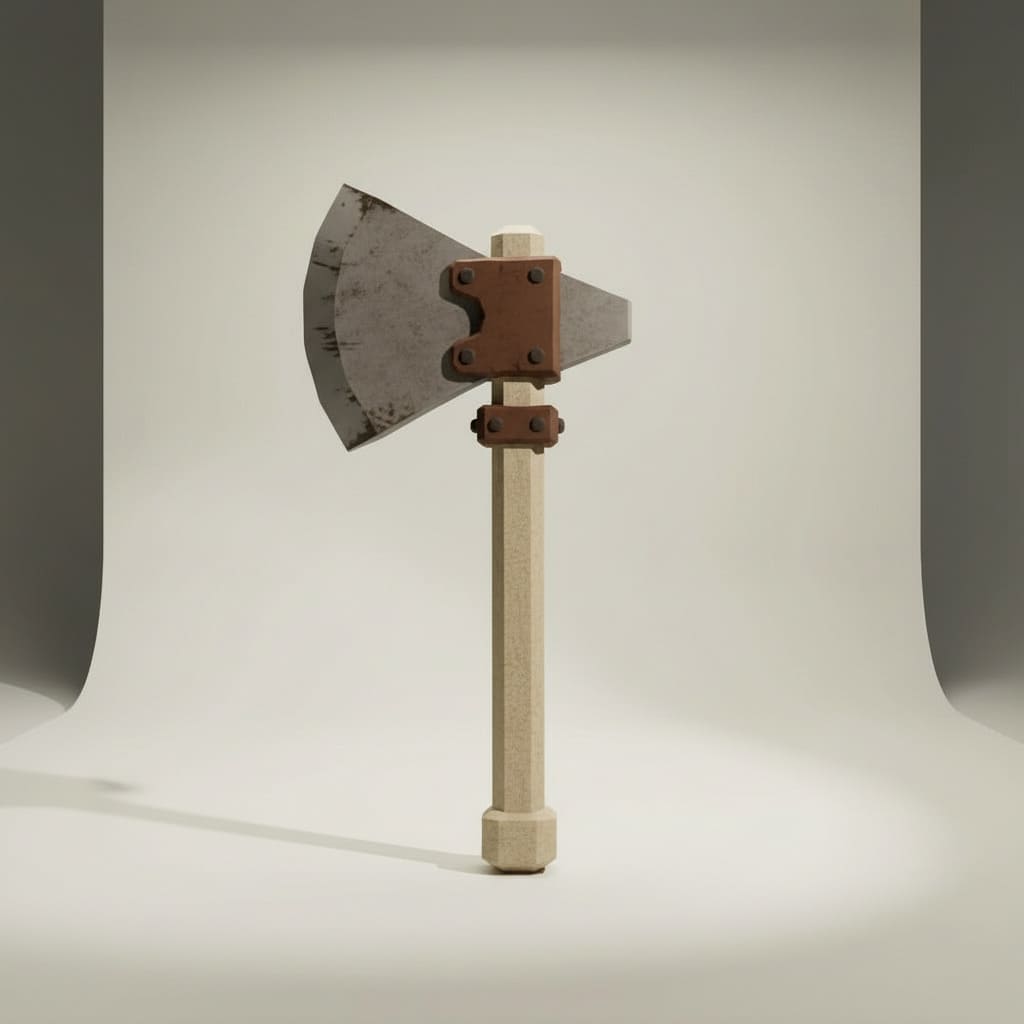
Matching Battle Axe
Step 5 · 3D Conversion
Transform your images into 3D models
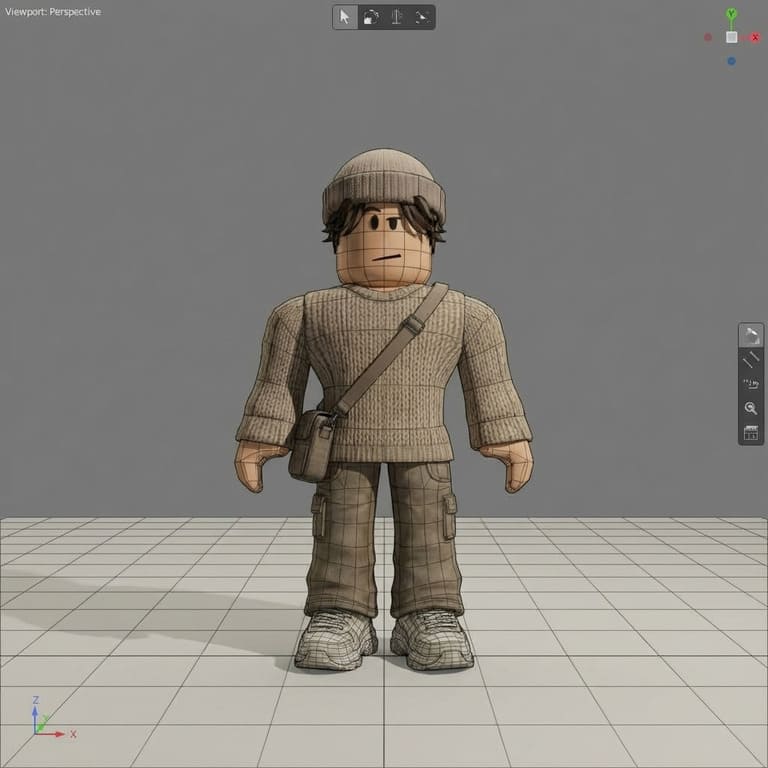
Character 3D Model
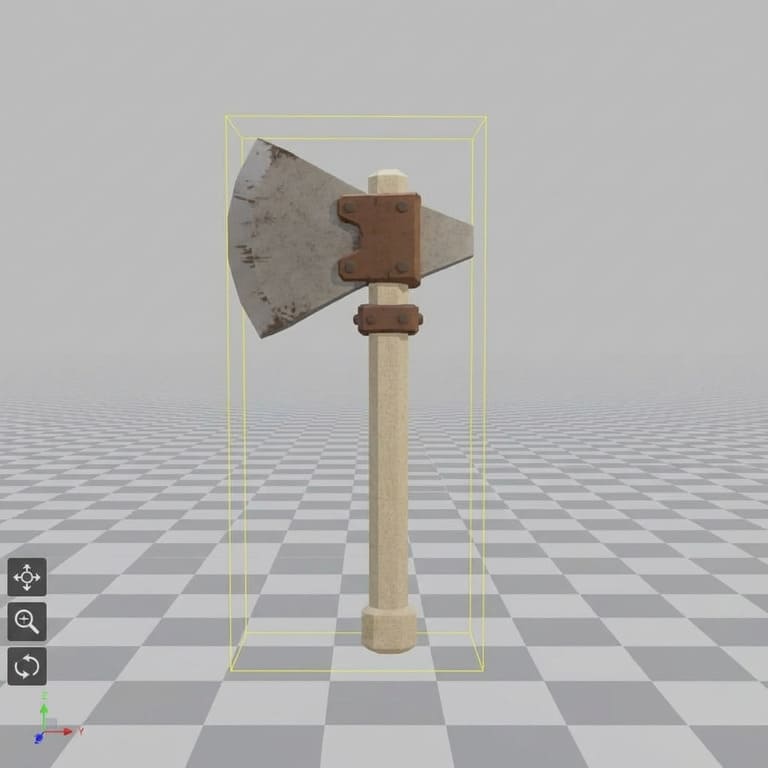
Axe 3D Model
Tools We Used
Copy Our Workflow
All available on 3DAIStudio
Image Generation (On 3DAIStudio)
Use Nano Banana Pro in Image Studio to generate character images and matching weapon assets with consistent style.
Image to 3D Conversion (On 3DAIStudio)
Use Prism 3.0 in Image to 3D to convert your 2D images into high-quality 3D models with accurate geometry.
Roblox-Ready Format (On 3DAIStudio)
Apply Quad Remeshing to optimize mesh topology for clean, game-ready assets that import perfectly into Roblox Studio.
Roblox 개발에 최적
Roblox Studio에 최적화된 게임 대응 3D 에셋을 생성합니다. 무기와 캐릭터부터 환경과 프롭까지, Roblox 게임에 필요한 모든 것을 제작할 수 있습니다.
게임 에셋
게임 메커닉에 대응하는 무기, 도구, 가구, 인터랙티브 오브젝트.
- 무기 및 도구
- 인터랙티브 프롭
- 가구 및 장식
캐릭터 및 NPC
Roblox 세계관에 완벽하게 맞는 유니크한 캐릭터, 아바타, NPC를 생성합니다.
- 플레이어 아바타
- NPC 및 적 캐릭터
- 캐릭터 액세서리
환경
지형, 건물, 환경 에셋으로 몰입감 있는 세계를 구축합니다.
- 건물 및 구조물
- 지형 요소
- 씬 오브젝트
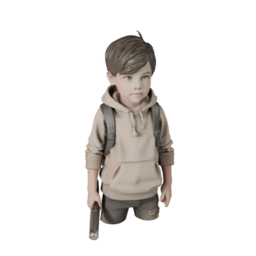
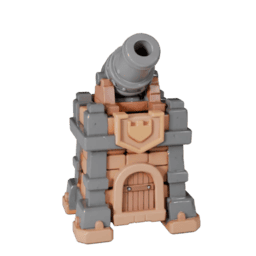
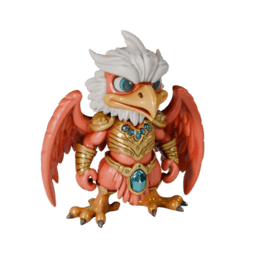
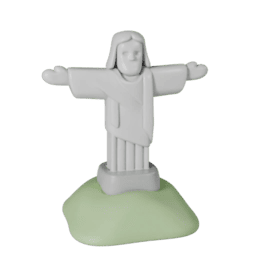
Roblox 호환 3D 에셋
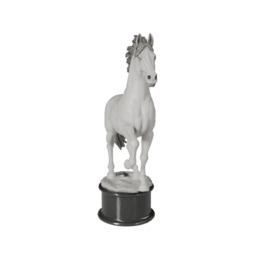
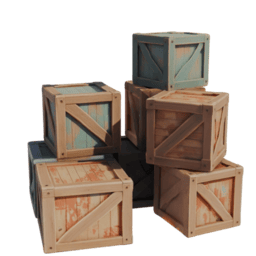
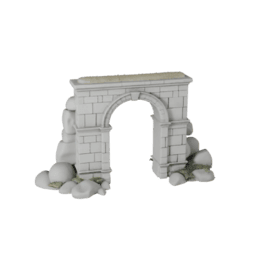
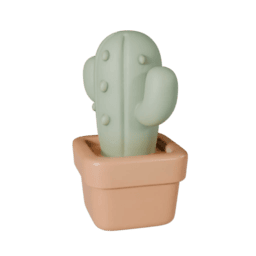
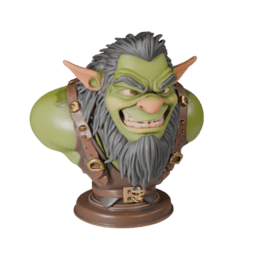
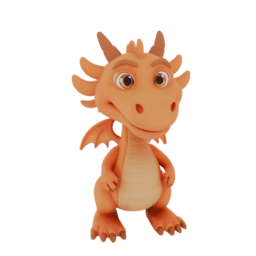
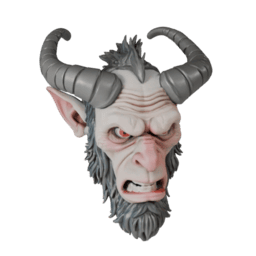
Roblox 게임에 최적인 AI 생성 3D 모델 컬렉션을 확인하세요. 각 에셋은 성능에 최적화되어 Roblox Studio로의 즉시 임포트에 대응합니다.
AI에서 Roblox Studio까지, 단 몇 분
효율적인 워크플로로 AI 생성 에셋을 Roblox 게임에 빠르고 쉽게 도입할 수 있습니다.
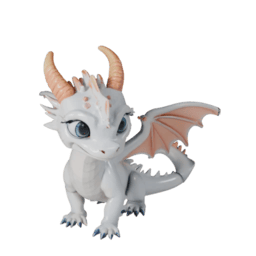
생성
에셋을 설명하거나 이미지를 업로드합니다. AI가 Roblox에 최적화된 3D 모델을 생성합니다.
생성
에셋을 설명하거나 이미지를 업로드합니다. AI가 Roblox에 최적화된 3D 모델을 생성합니다.
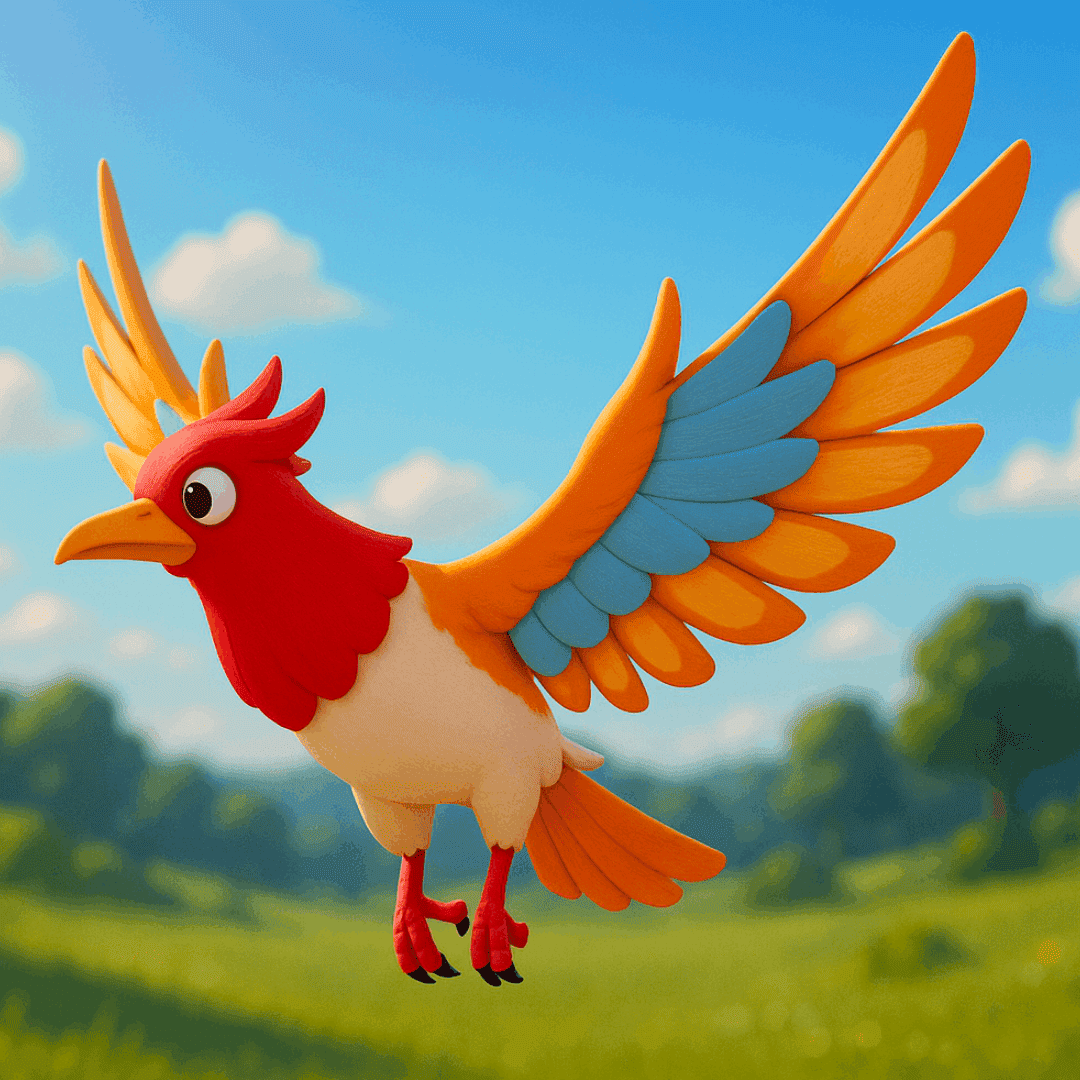
최적화
적절한 폴리곤 수와 텍스처로 Roblox Studio에 맞게 자동 최적화됩니다.
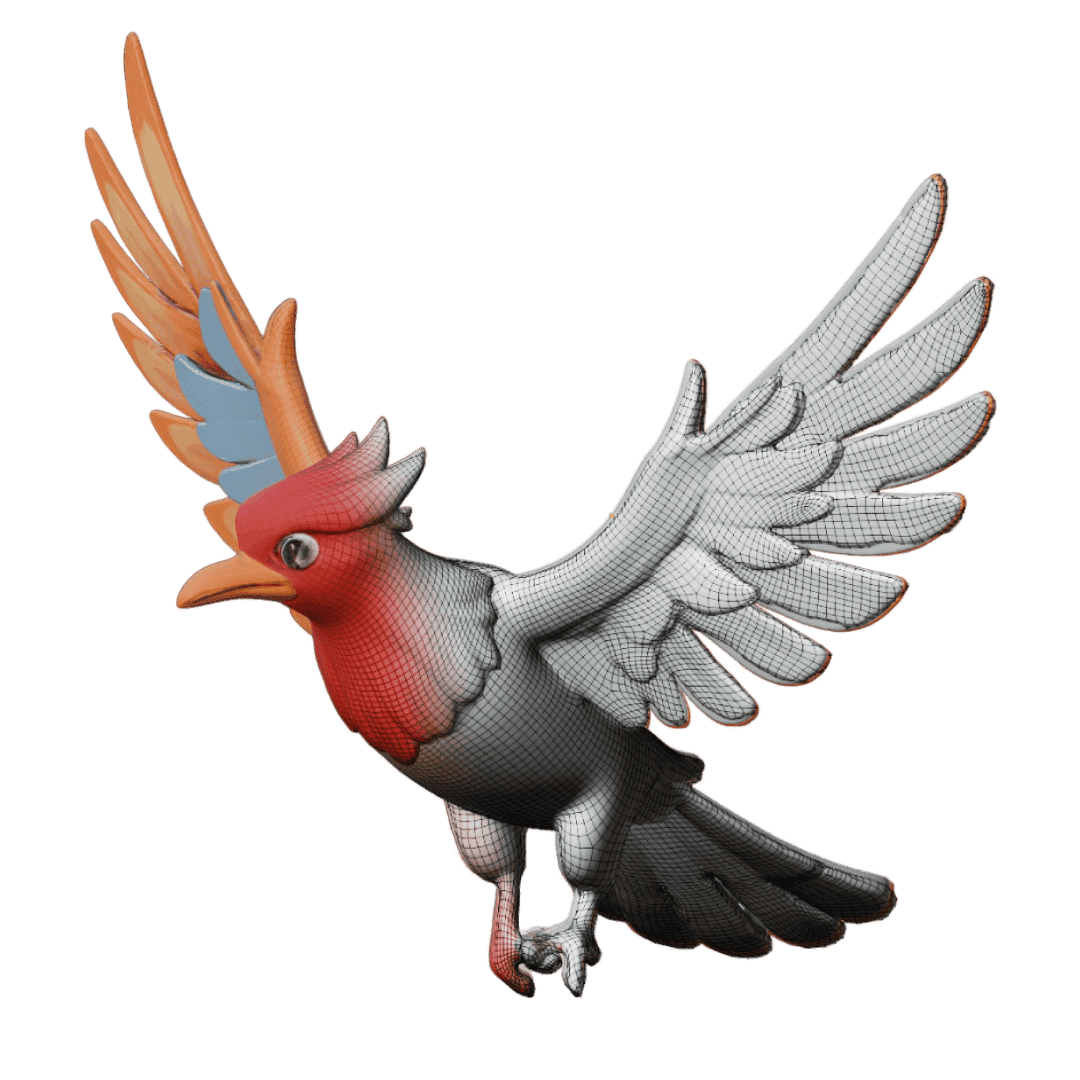
최적화
적절한 폴리곤 수와 텍스처로 Roblox Studio에 맞게 자동 최적화됩니다.
다운로드
Roblox 호환 포맷(.obj, .fbx)으로 내보내기합니다. 즉시 임포트에 대응합니다.
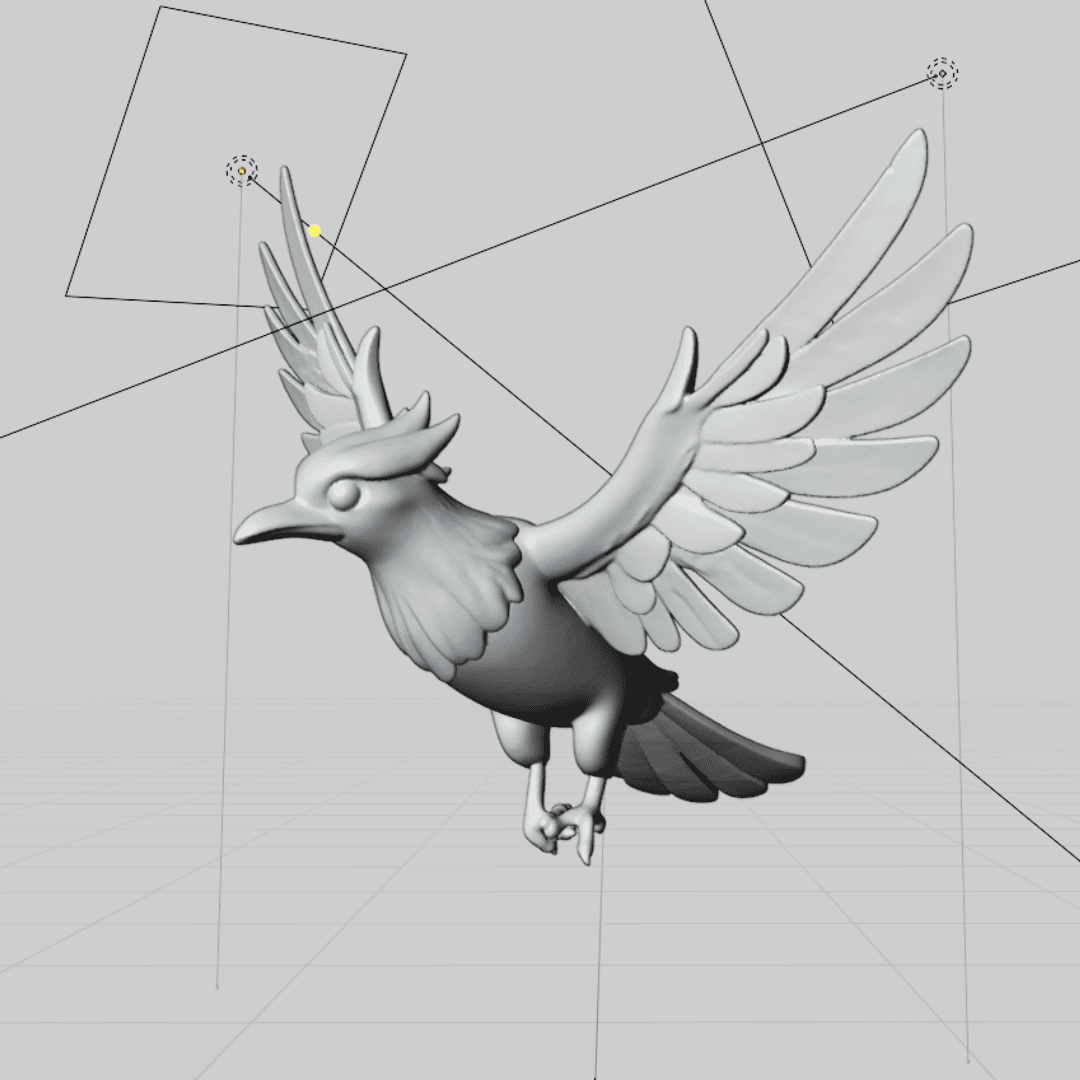
다운로드
Roblox 호환 포맷(.obj, .fbx)으로 내보내기합니다. 즉시 임포트에 대응합니다.
임포트 및 사용
Roblox Studio에 드래그 앤 드롭하여 게임 월드 구축을 시작하세요.
임포트 및 사용
Roblox Studio에 드래그 앤 드롭하여 게임 월드 구축을 시작하세요.
원활한 Roblox Studio 통합
AI 생성 모델은 적절한 스케일링, 머티리얼, 성능을 고려하여 Roblox Studio에 특별히 최적화되어 있습니다.
최적화된 폴리곤 수
Roblox의 성능 요구사항에 맞게 자동 최적화됩니다.
적절한 스케일링
Roblox의 유닛 시스템과 캐릭터 비율에 맞게 사이즈가 설정됩니다.
머티리얼 호환
텍스처와 머티리얼이 Roblox 렌더링 시스템과 원활하게 작동합니다.
성능 대응
Roblox가 지원하는 모바일 및 웹 플랫폼에 최적화되어 있습니다.
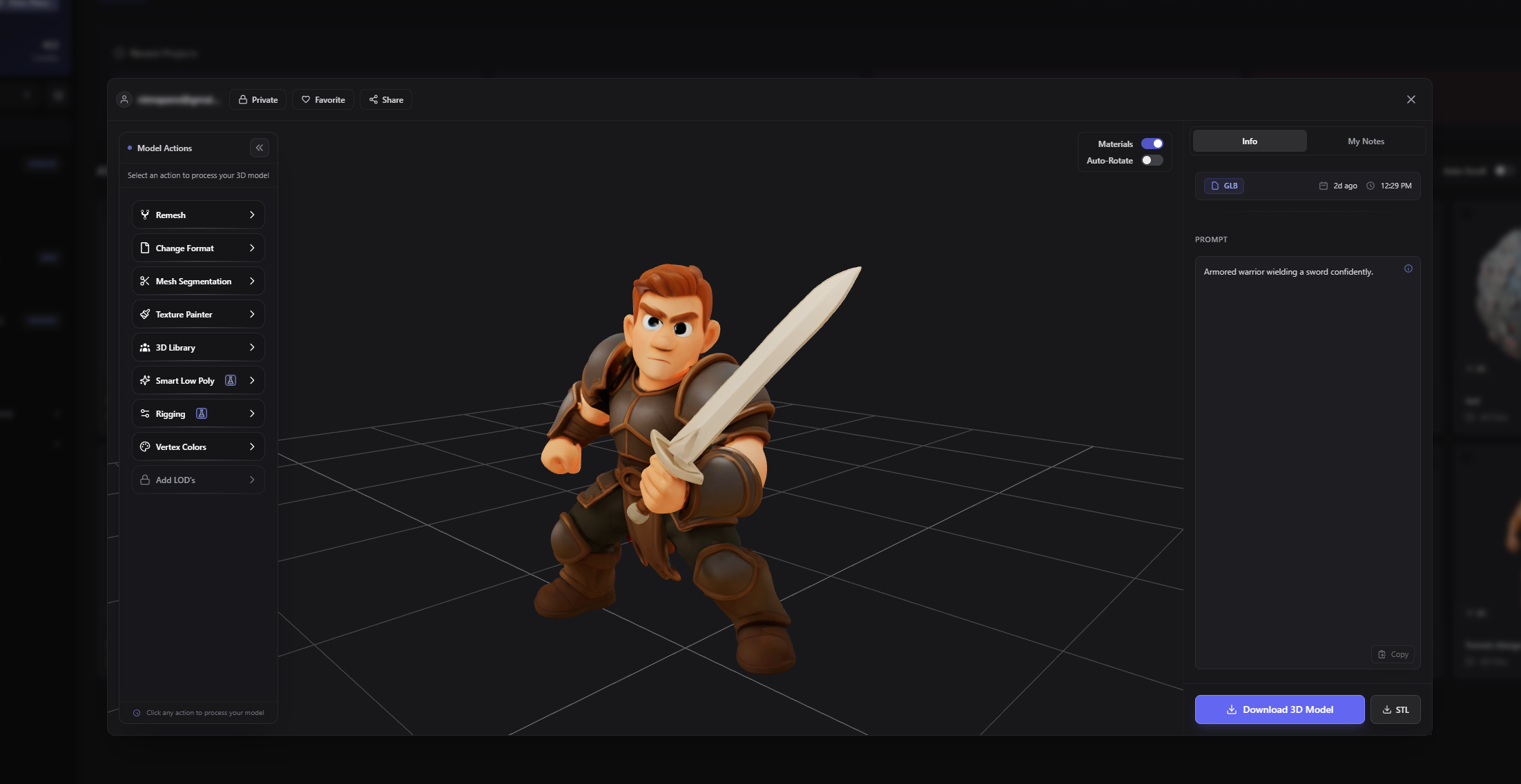
모든 에셋 카테고리 대응
중세 판타지부터 미래 SF까지, 모든 Roblox 게임 장르의 에셋을 제작할 수 있습니다.
Case Study
Real Success Stories from Game Developers
See how indie game studios are accelerating their development workflows and shipping games faster with AI-generated assets.
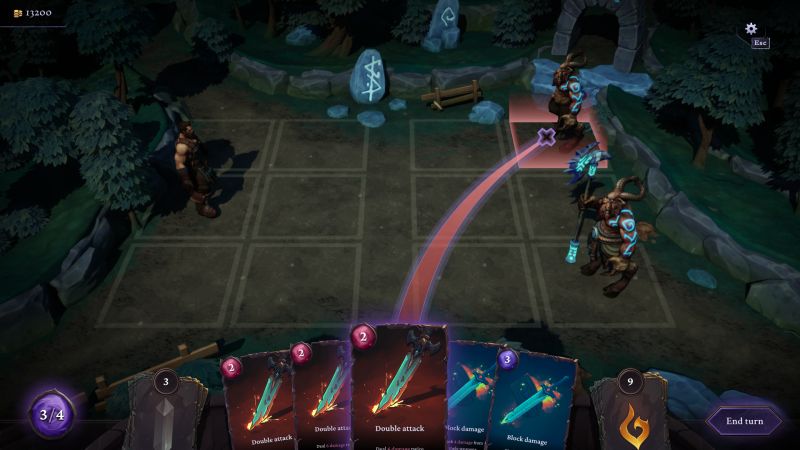
Quick Turn Games
Whispers of Elenrod • 7-11 developers
The Challenge
With over 100 magical artifacts planned and mostly C++ programmers on the team, traditional 3D modeling would take 4-6 hours per prop plus texturing time - an impossible timeline for their small studio.
The Solution
Using 3D AI Studio's Image to 3D workflow, they generate textured GLB files in under 2 minutes, then import directly into Unreal Engine with material adjustments for their painterly art style.
9×
Faster output speed
14h → 1.5h
Time per asset
100+
Artifacts in scope
"During play-tests nobody could tell which props were AI-generated and which were hand-crafted. Junior developers needed less than a day to ship their first production-ready prop."
Sławomir Grabowski
CEO, Quick Turn Games
사용자 후기
Roblox 개발자가 신뢰합니다.
놀라운 게임을 제작 중.

Aaron Verma, Roblox Game Developer
3D AI Studio has revolutionized my Roblox development workflow. I can create custom assets for my games in minutes instead of hours. The quality is amazing and they import perfectly into Roblox Studio.

Tim Chen, Indie Developer
As a solo Roblox developer, I couldn't afford to hire 3D artists. This tool lets me create professional-quality assets that rival AAA Roblox games. My players love the unique content.

Noah Kim, Roblox Studio Creator
The AI understands Roblox's aesthetic perfectly. Every model I generate feels like it belongs in the Roblox universe. It's saved me countless hours and my games look so much better.
Lennon Newman, Game Designer
I've been developing Roblox games for 5 years, and this is the biggest game-changer I've seen. The asset quality is incredible and the Roblox optimization is spot-on.

PixelArtistry
@philippsieben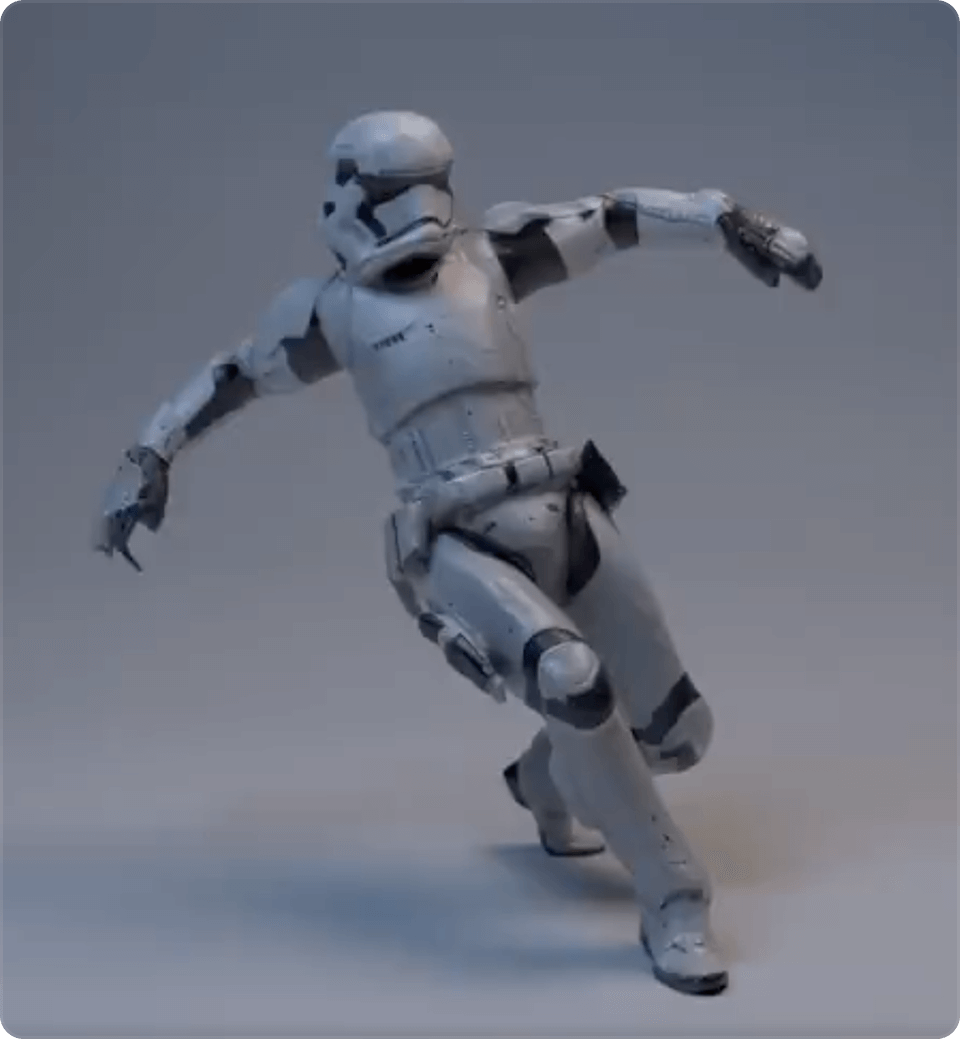
Nick St. Pierre
@nickfloats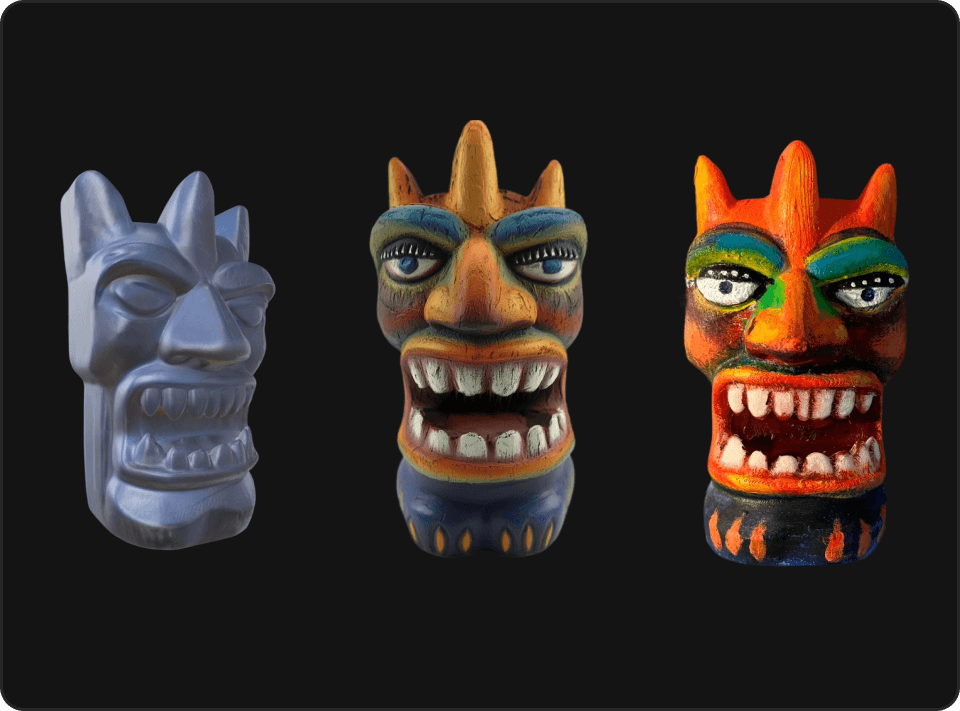

Mr. P
@Itryandlearn3D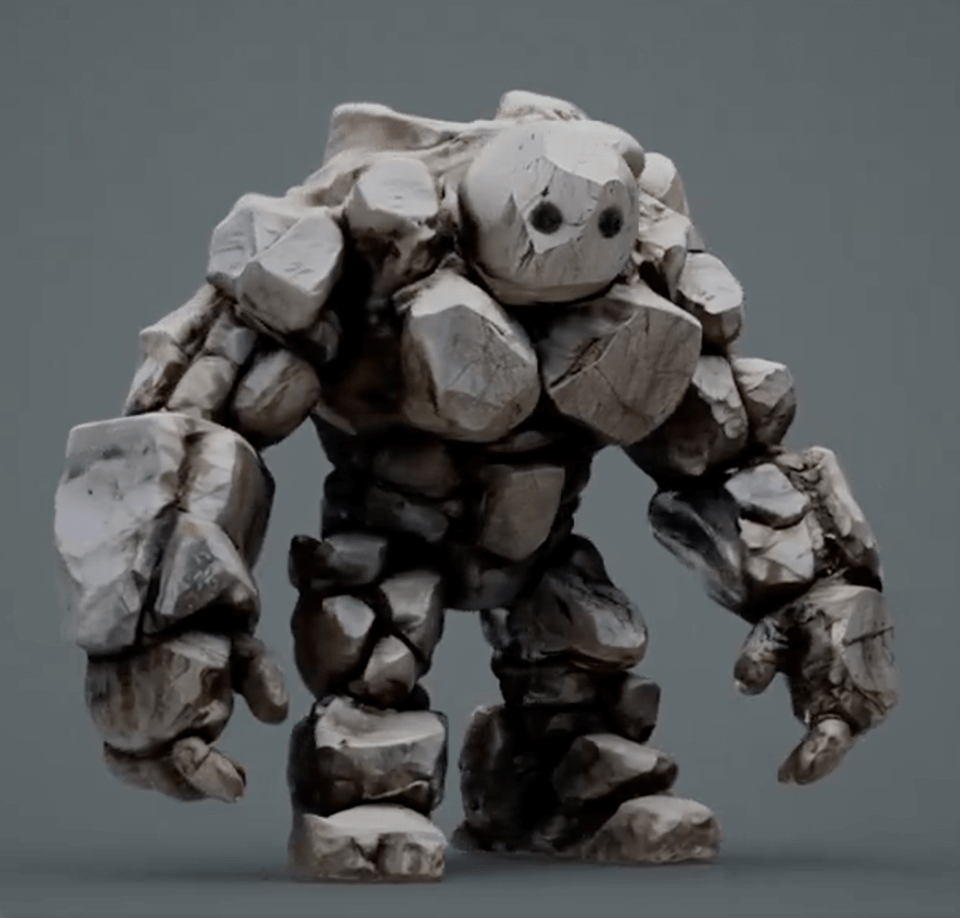


지금 Roblox 게임 개발을 시작하세요
AI로 놀라운 3D 에셋을 제작하는 수천 명의 Roblox 개발자에 합류하세요. 수초 만에 첫 모델을 생성하고 AI가 만드는 차이를 경험하세요.